A:AnswerDefinetely not! We understand that securing personal information is very important and Geeni highly value our customer's security and privacy. You even have your own username and password in your account, so rest assured that only you have access to your Geeni account. If you need further information, please contact us via email at support@merkuryinnovations.com, or call us at +1 (888) 232-3143.
A:AnswerHi! As long as the camera is plugged in the power will last long. If you have any issues moving forward, please let us know as we’re here to help. Feel free to contact our revamped support channels via email at support@mygeeni.com or call us at +1 (888) 232-3143, available from Mon-Sun, 7:00 AM to 12:00 Midnight EST.
A:AnswerWe greatly apologize, Lizzylane. It is not accessible right now, We are aiming to enable that feature to the next App update. Your patience is highly appreciated. If you have any issues moving forward, please let us know as we’re here to help. Feel free to contact our revamped support channels via email at support@mygeeni.com or call us at +1 (888) 232-3143, available from Mon-Sun, 9:00 AM to 9:00 PM EST.
A:AnswerHi, James. Since you do not have an SD card installed on the Camera, all the files will be saved on the phone storage. You may check it on your Photos or Gallery. For more details, please contact us via email at support@mygeeni.com or call us at +1 (888) 232-3143, available from Mon-Sun, 9:00 AM to 9:00 PM EST.
A:AnswerYes, with options to turn on & off, will also send notice to your iPhone or Apple Watch, also take snapshot and save on cloud for you to review later.
A:AnswerHello Ziggy! We do apologize for the inconvenience that you encounter, especially after daylight saving time. The time display on your camera usually depend on the time of your phone settings, please also check the time zone located inside of the Geeni application. Once checked, you can just unplug and re-plug the camera. If the issue persists, please contact us via email at support@mygeeni.com or call us at +1 (888) 232-3143, available from Mon-Sun, 9:00 AM to 9:00 PM EST.
A:AnswerThere is no way for you to turn it off, but you may unplugged it from the wall outlet. if you want to turn it off, Just to set your expectation, when you unplugged it may go offline on the Geeni App when you plug it back. If you have any issues moving forward, please contact us via email at support@mygeeni.com or call us at +1 (888) 232-3143, available from Mon-Sun, 9:00 AM to 9:00 PM EST.
A:AnswerHello, Thank you for bringing this to our attention and we're sorry for the inconvenience. Our recommended Micro SD card that should be used in the camera is a Class 10 and UHS1 and above, such as: 16G- Sandisk Extreme- Kingston 16GB SDHC-I SDCAC/ 32GFbulb- Sandisk Extreme V30- Sandisk Extreme V30 A1/ 64G- Sandisk Extreme V30 A1- Sandisk Extreme Pro V30 A1./128G- Sandisk Extreme V30 A1- Sandisk Extreme Plus V30. We would love to discuss this with you via email at support@mygeeni.com, phone +1 (888) 232-3143, support.mygeeni.com for an online chat from Mon-Sun, 9:00 AM to 9:00 PM EST.
A:AnswerHi Bob! As of the moment, there is no option to deactivate the prompt tone on the camera. This feature will help us identify that we successfully resetted the camera. But I'll go ahead and forward this to our Technical team to check. We value this kind of feedback and suggestion to improve our products and services. For more suggestion, contact us via email at support@mygeeni.com or call us at phone +1 (888) 232-3143. You can also visit our support website at support.mygeeni.com for online chat support. We are available from Mon-Sun, 9:00 AM to 6:00 PM EST.
A:Answeryes, but its NOT worth your time. The camera playback speed is 1:1. Its not even frame by frame. Software is very rudimentary. Looking for better playback cameras.
A:AnswerI have gone back and fourth with the customer service and on 2 seperate tries. I believe it is the camera wifi reseting. It beeps and flashes blue. The flashing blue is setup mode. Customer service was no help at all out of all the times I contacted them. They dont seem to know exactly what I tell them the camera is doing. If they never really understood the problem, it wont be fixed till they do. I still search for a fix but no luck. Trying for past 2 years.
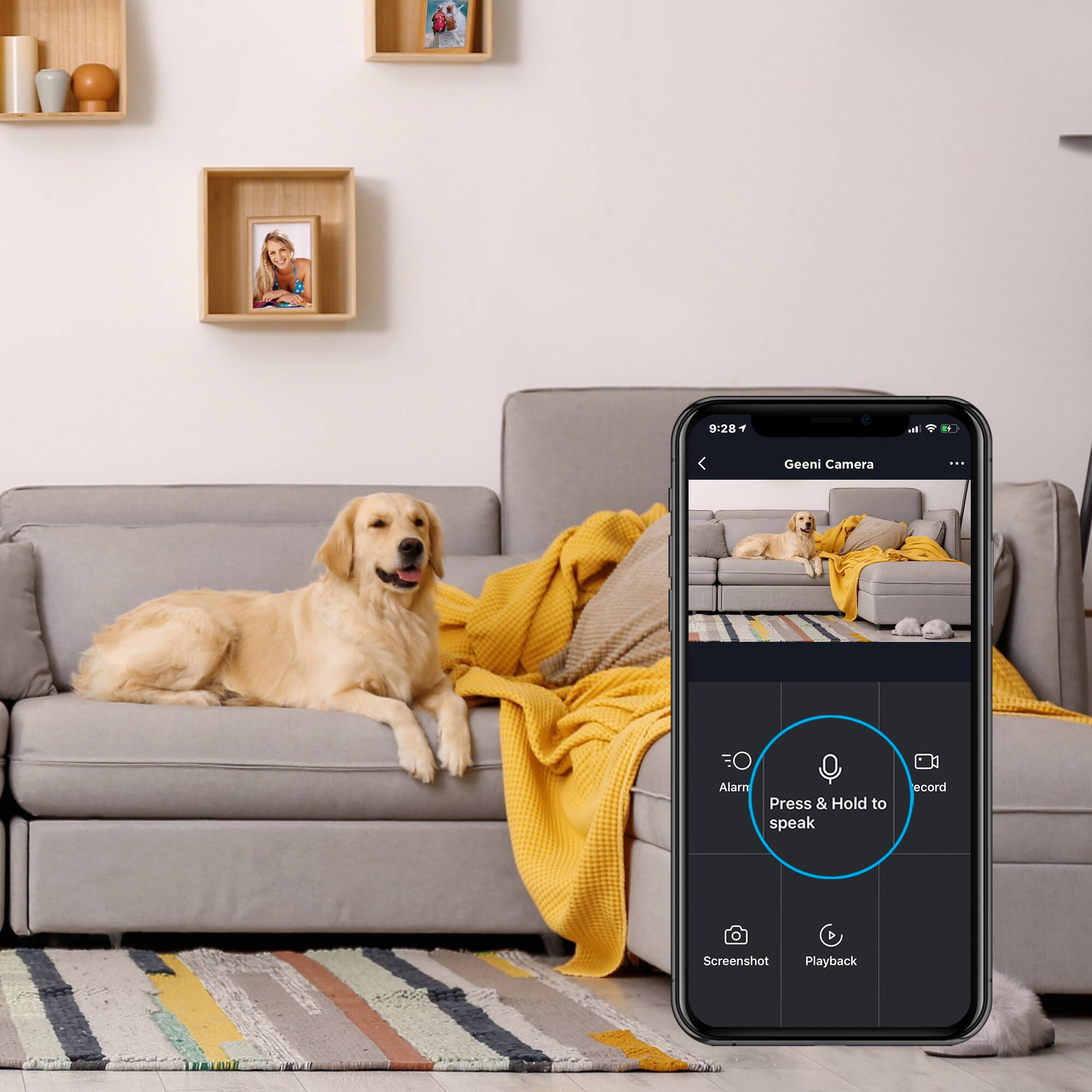
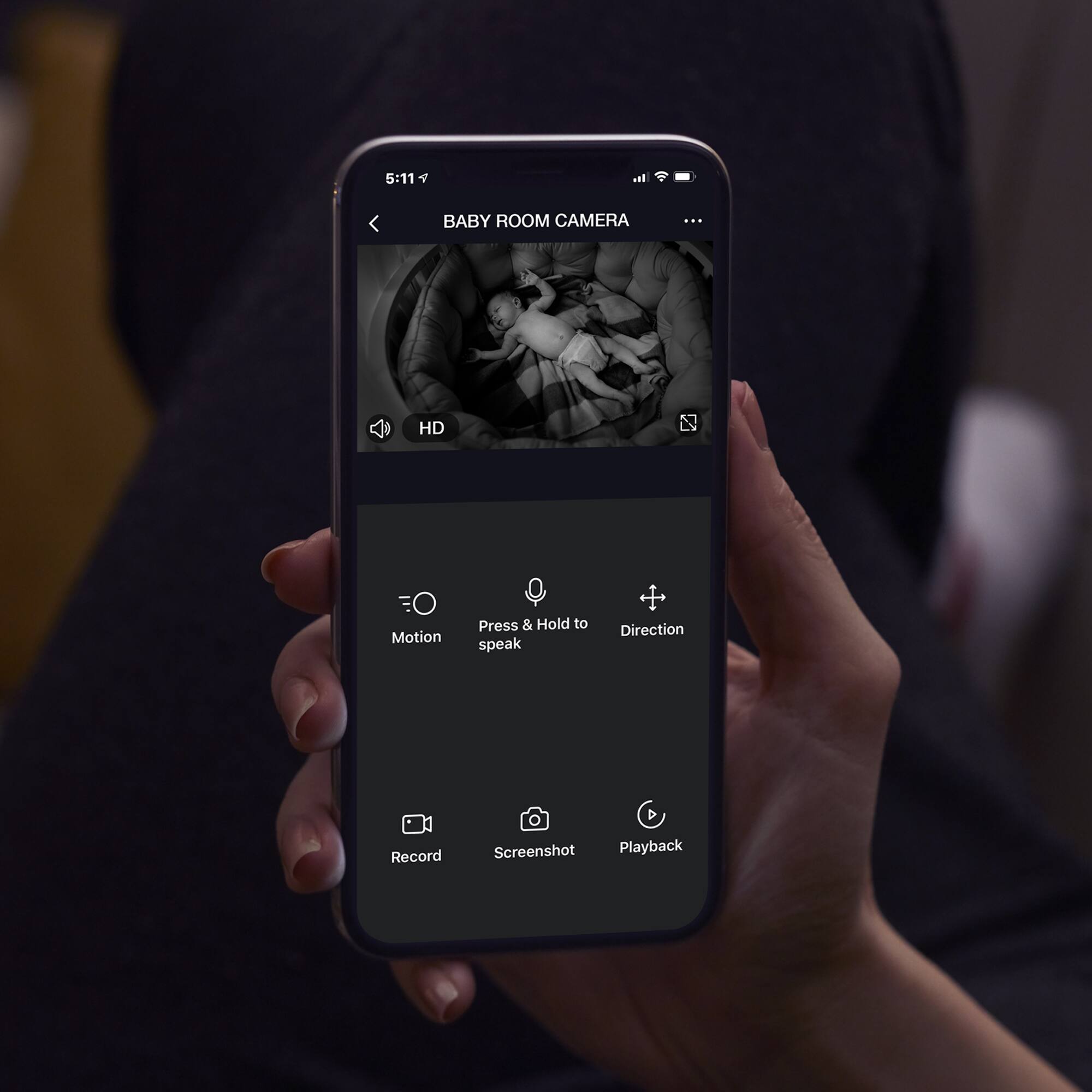
A:AnswerThank you for bringing this to our attention. During set up, you will hear a beep sound and this is to notify you that the device is being reset. Once this device connected successfully to the app, you will not hear any sound coming from the camera unless you press and hold the microphone icon in the Geeni app and talk. For more information, please contact us via email at support@mygeeni.com, phone +1 (888) 232-3143, support.mygeeni.com for online chat support. We are available from Mon-Sun, 9:00 AM to 9:00 PM EST.