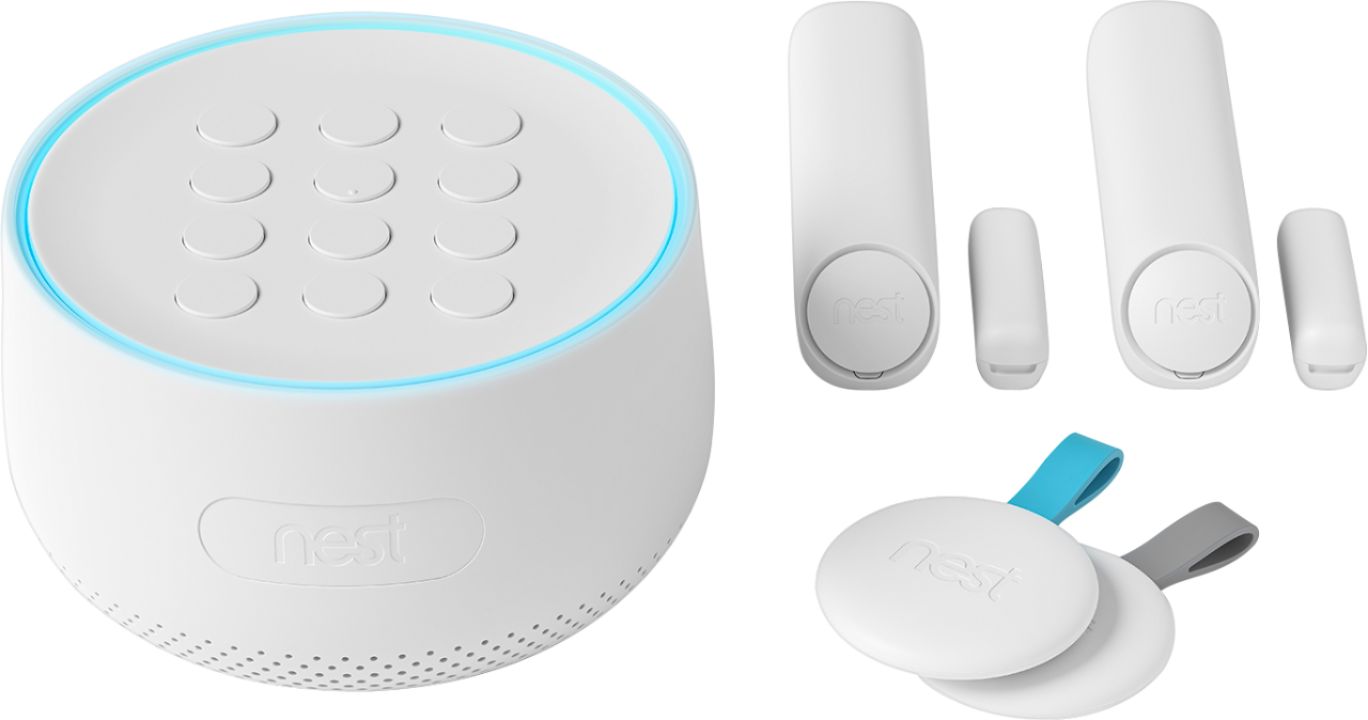
A:AnswerNo, just one system. You can buy additional door sensors and I believe you can link this up to other speakers if you have a smart home but I’m not sure which would be compatible...you definitely would need to leave the main station near whichever door the majority of the guests will be using. For yourself you can always disarm it with the app relatively easily. It pops up when you get home asking if you’d like to disarm before going inside.
A:AnswerThe item doesn’t require a monthly fee however It is not monitored by anyone. You can sign up for monitoring by Brinks security for a monthly fee.
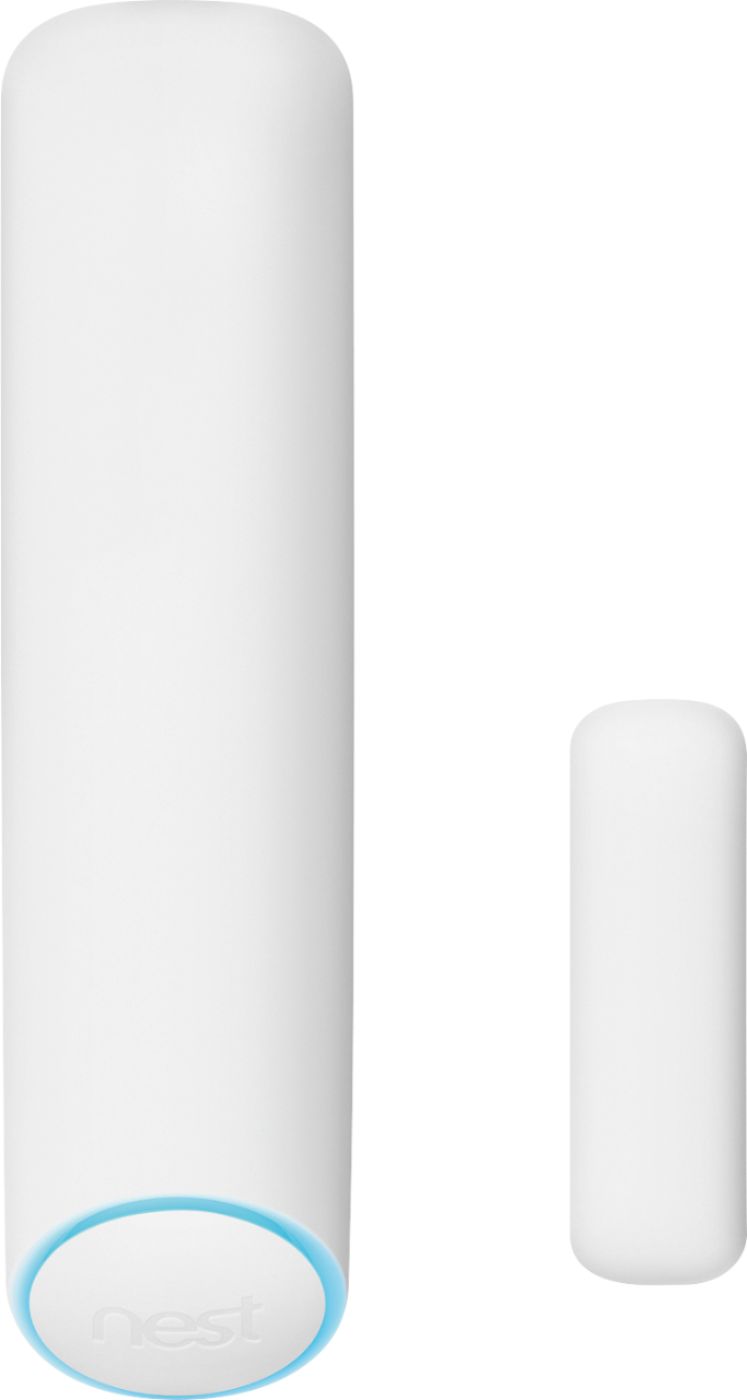
A:AnswerYes, Nest Secure Alarm will work for your office to monitor any windows on doors with the use of Nest Detects included with the alarm system. Nest Secure Alarm just needs a stable Wi-Fi connection to function.
A:AnswerYes, you will receive notifications. When set to Home and Guarding, and a door is opened, the Nest Guard will chime and the light ring will turn yellow, a spoken Heads-up message will inform you of the event and the time left before the alarm sounds. You and everyone who shares access to your home with the Nest app will get a notification on smartphones. Only the Nest Guard and Nest Detect can give audible notifications, and you won't be able to add speakers. For information on how to quietly open a door check here: https://support.google.com/googlenest/answer/9225587
A:AnswerYes, notifications are free. Notifications are sent through the Nest app and not via SMS. Make sure your phone has internet access and notifications are enabled in the Nest app.
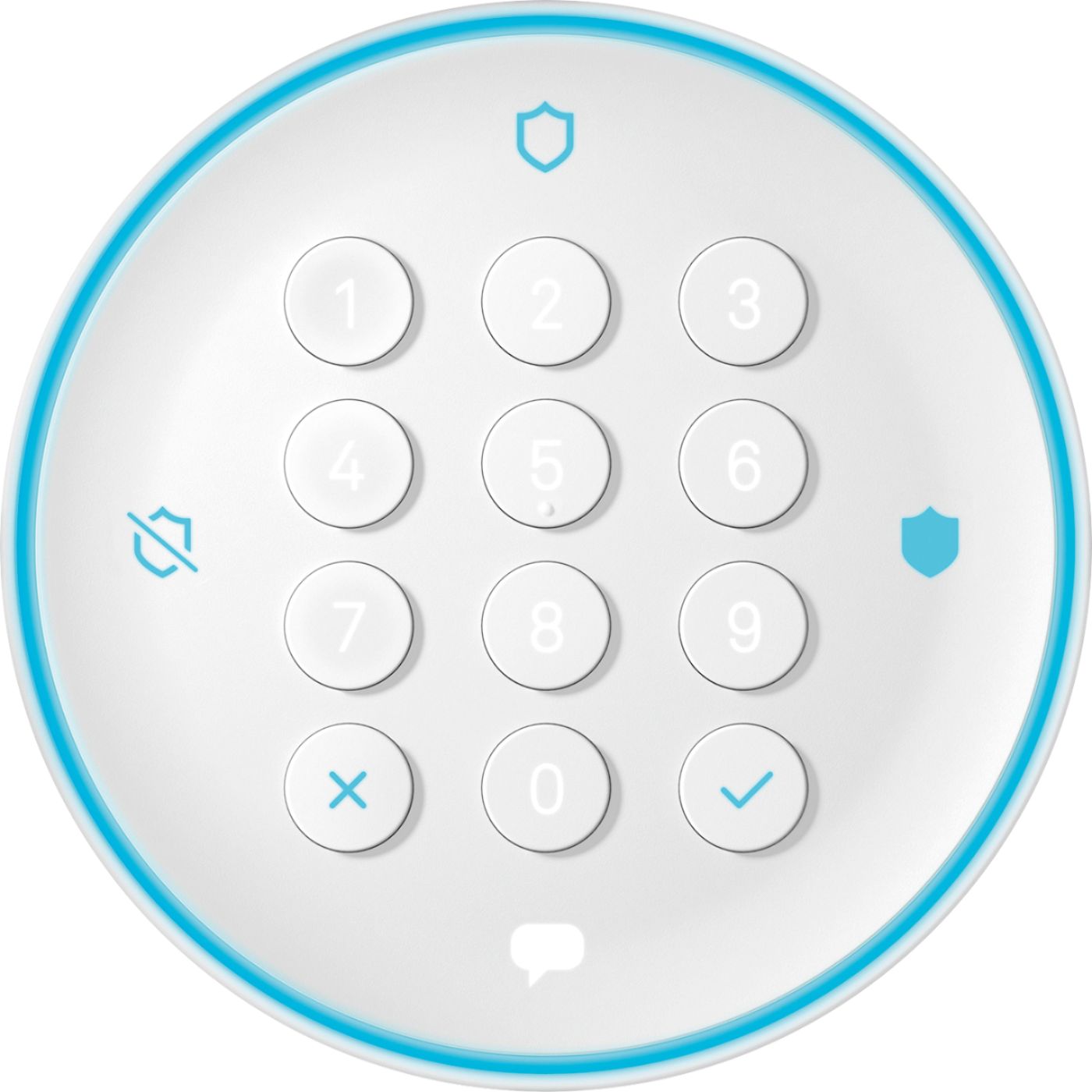
A:AnswerEveryone that uses it can get a numerical password. The numbers only show up when you go to enter the passcode so that’s kinda cool.
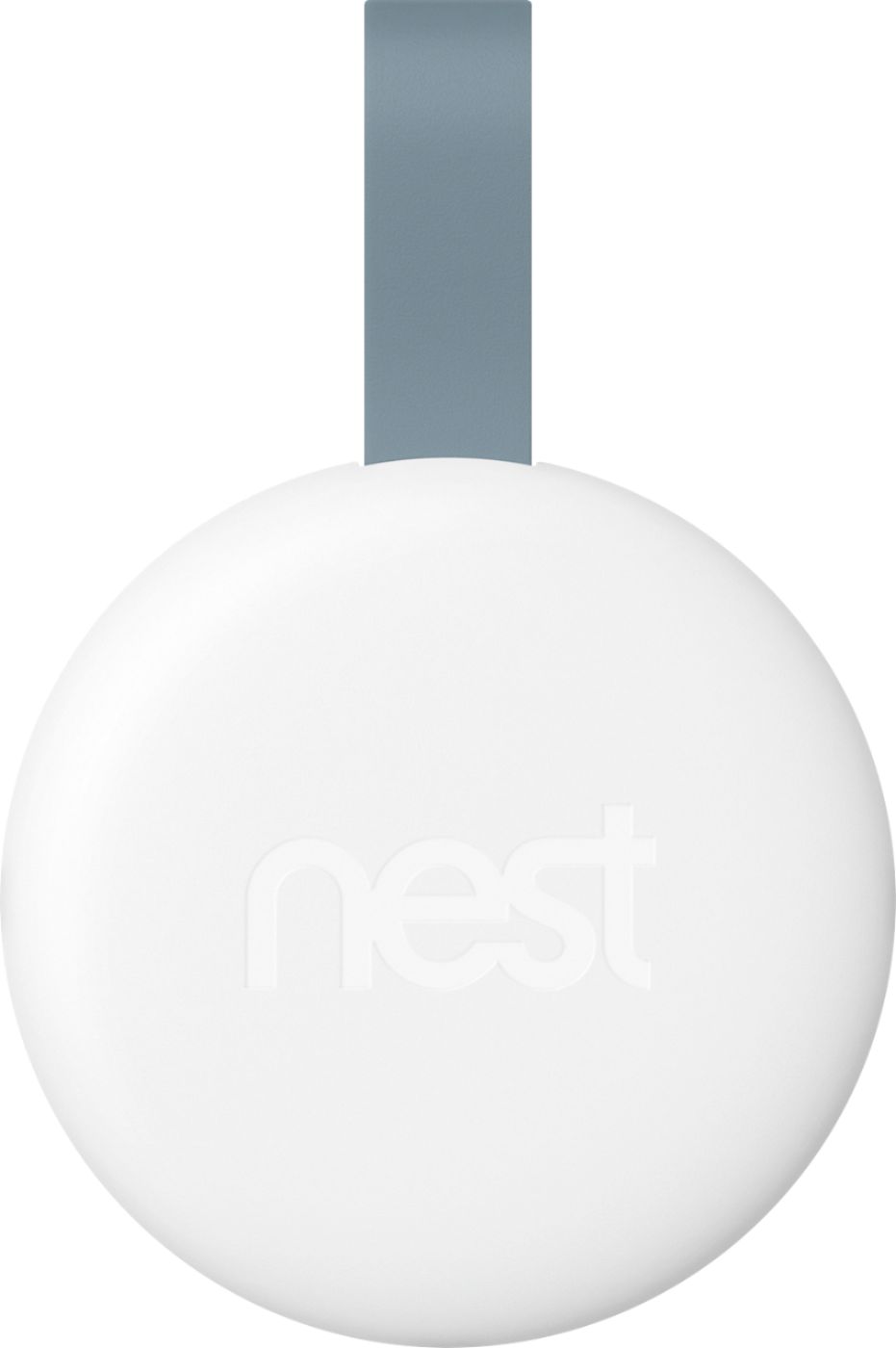
Everything can also be controlled through the app. They also give you two contact disarm key fobs if you don’t want to remember a number. (The nest fobs can be remotely deactivated if lost/stolen)
A:AnswerNest Secure alarm system does not come with a camera to record video. When combined with a Nest camera, it has a feature to trigger recording in an emergency event. If you combine Nest Secure Alarm system with a Nest camera, then you may need a Nest Aware subscription to store the recorded video longer than 3 hours into the past. Nest Secure system can be removed or relocated by replacing the adhesive on the Detect or magnet.
A:AnswerNo, they will not. The only feature that you can set up to work when the alarm sounds is your having your camera automatically turn on and record, even if it was set to the OFF status.
Now if you had multiple Nest Alarm systems, I'm sure they would all trigger together.
Hope this helps!
A:AnswerWhen you say "compatible", I assume you mean: "Will it connect to and use the current sensors?" The answer to that is NO.
Nest uses its own system to connect wirelessly to the Nest sensors that come with the starter kit. You can buy more individually to place throughout your home. The Nest sensors do not require wiring your home to connect them together.
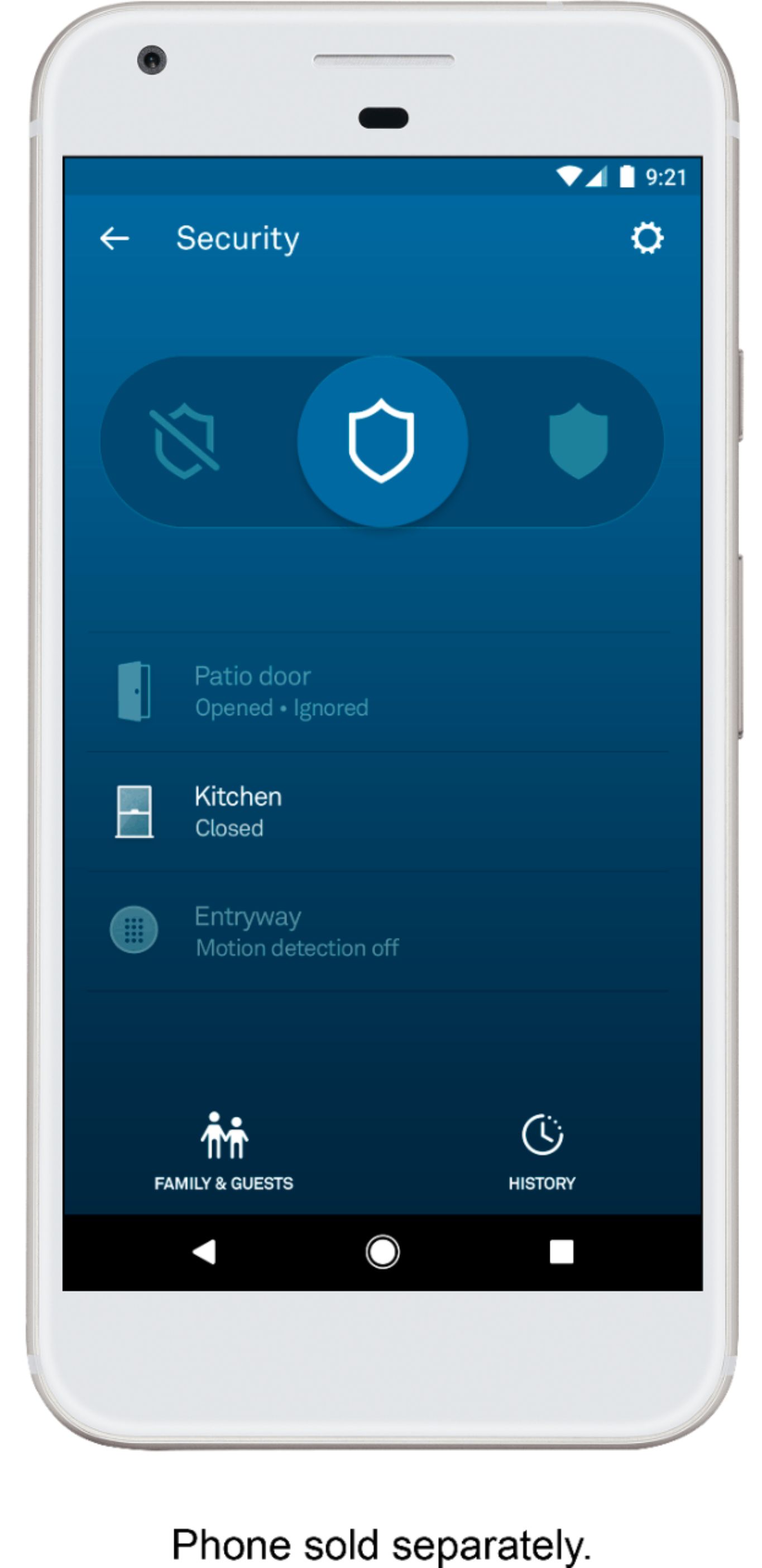
A:AnswerThe door and window sensors are dual protectors in that they may be triggered by the 2 parts of each sensor being separated such as when a conventional door is opened, or a sliding glass door is opened, or a window is opened, and they may be triggered by detecting motion. The latter is a feature that may be turned on or off sensor by sensor. I would turn motion detection off where the cats are active.
A:AnswerOnce your Nest account is integrated with your Google account as they require now, your Google account can connect to your smart lights and control them. Since most Nest products have Google Assistant built into them, you can use Google Assistant to control them with your voice.
If what you're asking is whether you're lights can turn on when the Nest Alarm system is triggered, I do not believe so.
IF it is possible, it would be through Phillips Hue since they have the best integration with Nest. I use LifX smart lights and they do not.
A:AnswerNo plan needed to use as an alarm system. However there are a few options that the system really isn’t work having without them. I ultimately returned them when my free trials ended because there was such little it could do without the ones below:
There’s the $6/mo to do the Nest aware package (but that’s with their camera system.)
The cell coverage plan (for if you’re home wifi goes down). I’m not 100% on this but I think it’s on the scale of $16/mo.