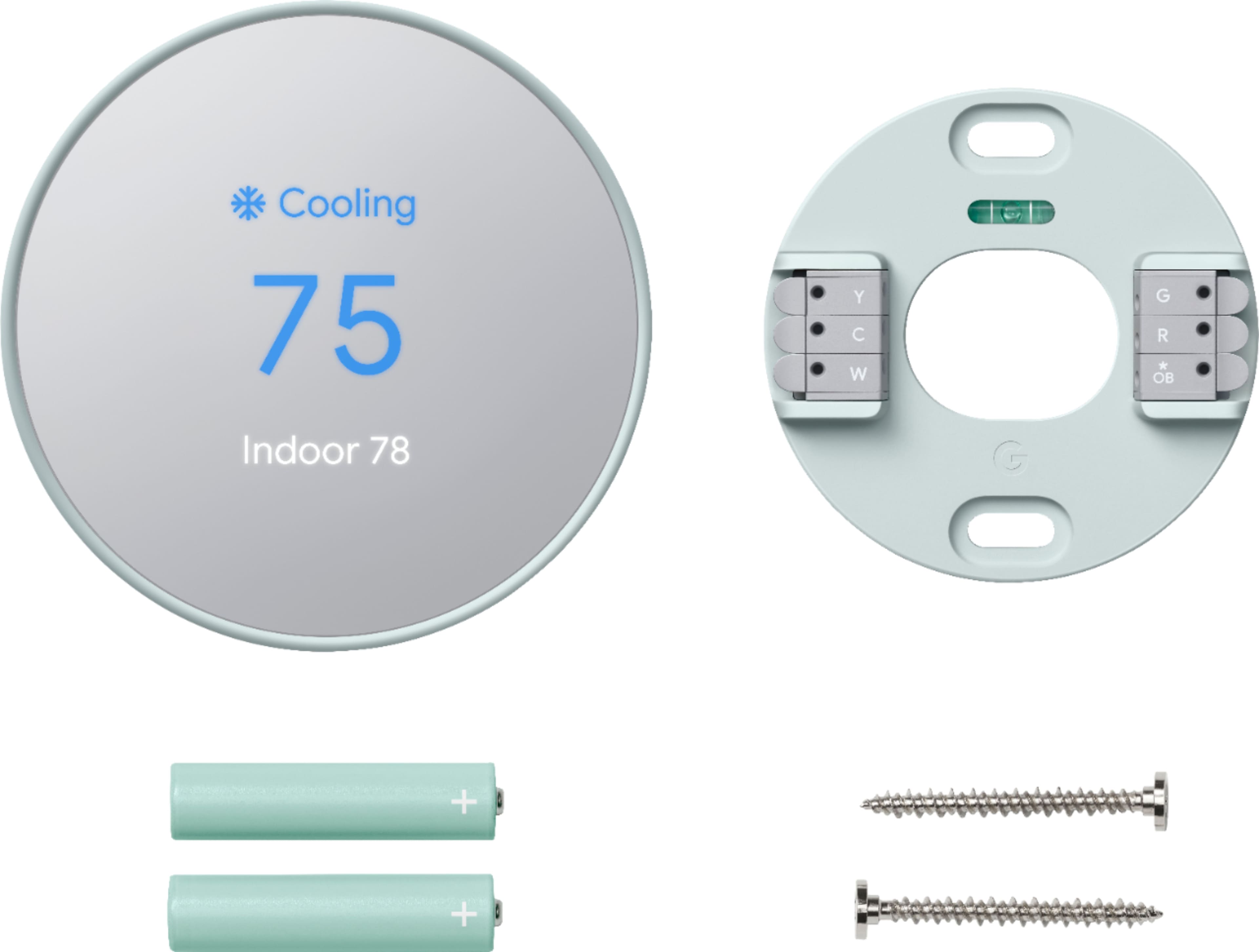
A:AnswerThe C wire supplies the 24V required to run/charge the thermostat. There is some documentation out there that states you can still hook it up to older systems without a C wire but you will have to buy and run a separate transformer wire to put on the C wire line to supply the voltage.
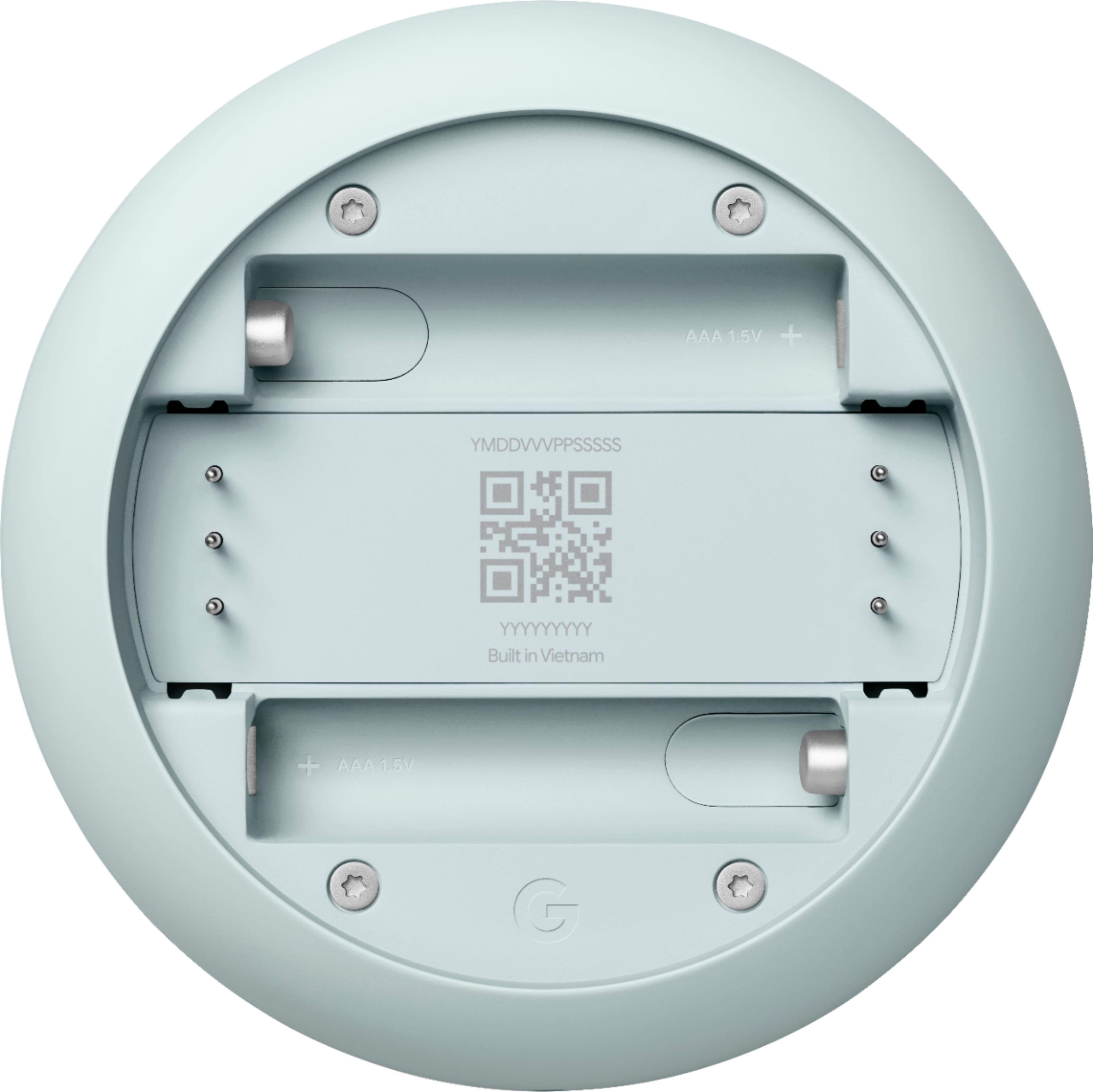
A:AnswerSince the thermostat includes a way to check the battery status (how much charge is left), I doubt they are rechargeable. Maybe you can keep checking the charge to see if it gets improved. Otherwise, I'd ask the Google Support team on their website.
A:AnswerNest Thermostat (2020) which is the latest model. It uses two high-quality 1.5 V AAA Alkaline batteries. Check all Nest thermostats technical specifications here: https://support.google.com/googlenest/answer/9230098
A:AnswerYes you can. If you set the devices up in Google Home, it asks where the device will be located. Therefore if you say to a Google device, "Change living room thermostats to 68 degrees," all thermostats in that area that you have set will change. Not sure if you can do this with Amazon Echo.
A:AnswerCompatible with Alexa? Supposedly, but I have never been able to get Alexa to control my Nest (not Google-Nest) thermostat. Buy a google home mini to use if alexa won't work. About that "c-wire'; My old non-google nest thermostat-E worked without a C wire for several years. I just replaced it with a new google-nest thermostat E a few weeks ago after the wifi transmitter failed, and so far, it is working without the C wire. HOWEVER, I have another residence that I installed the more expensive non-google-nest learning Thermostat and it has never been able to work without the C wire for longer than a week, maybe less. Maybe the newer google-nest branded learning thermostat won't have that problem, but I'm not sure. IF YOU DON'T HAVE A C-WIRE, I STRONGLY SUGGEST YOU BUY A PRODUCT LIKE VENSTAR'S OR HONEYWELL'S "ADD A WIRE" PRODUCT. But I would check your wiring first. I found my furnace had an unused fifth wire in the cable, I just needed to hook it up at both ends.
A:AnswerNest Learning Thermostat is compatible with system fans that have up to three speeds.
Here's a helpful link:
Fan compatibility with Nest thermostats: https://support.google.com/googlenest/answer/9259652
We suggest contacting our support team to guide you with the compatibility. You can reach out to use through this link: https://support.google.com/googlenest/gethelp
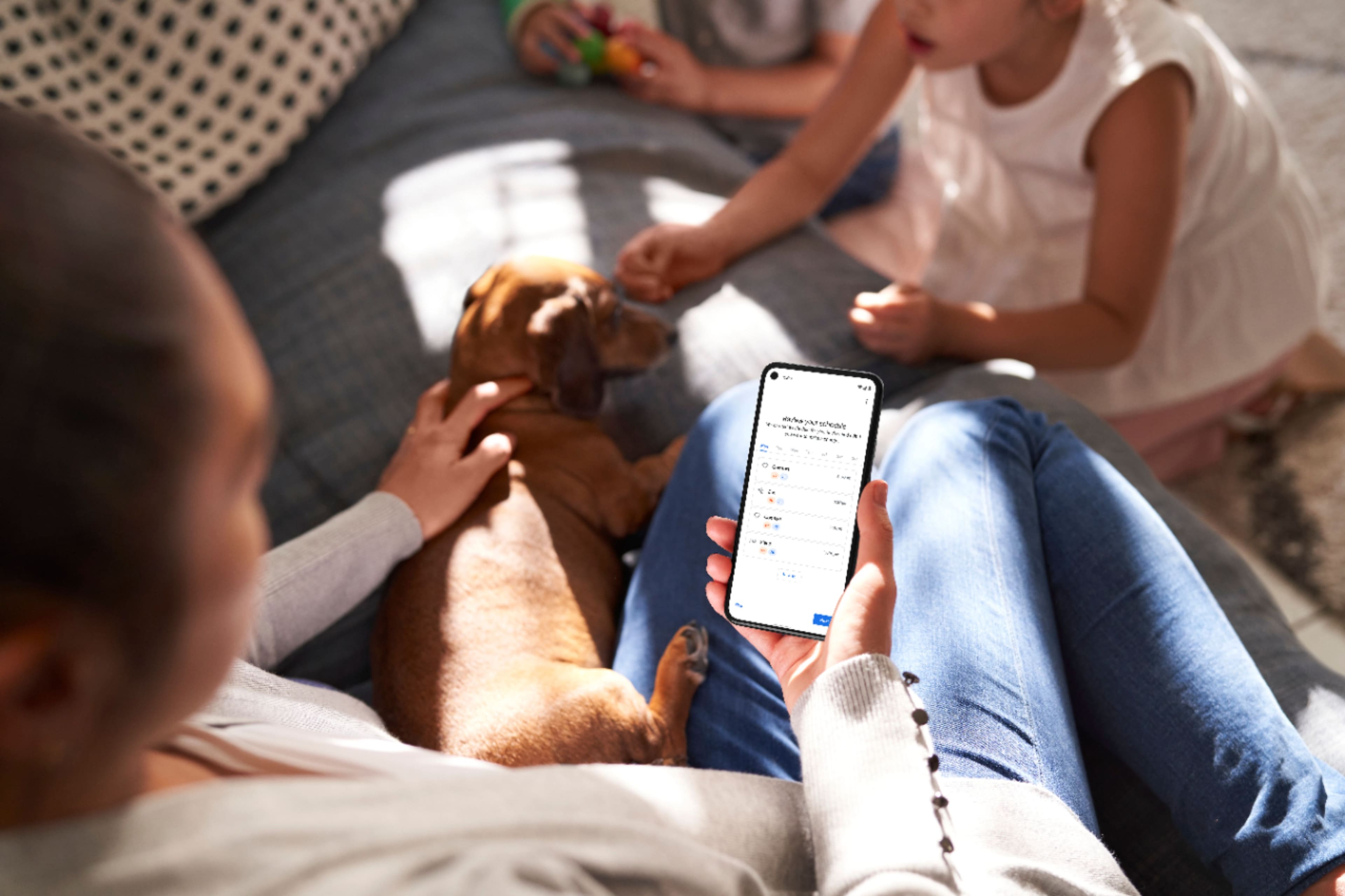
A:AnswerThe Nest Thermostat has 3 temperature preferences that you can edit based on the temperature that you want for these preferences. And, set them in 'Schedule' where you can choose the time and day on when these preferences would take effect. You can add as many preferences as you can fit in a day.
A:AnswerNest Thermostats can usually power itself by using the wires from your heating and cooling system, with the batteries acting as backup power. However, when your heating and cooling wires are not able to deliver the needed power for your Nest thermostat, you may need to connect a common or C wire since it helps deliver enough consistent power to your thermostat. Learn more about Common wire by checking the help article on this link: https://support.google.com/googlenest/answer/9251212
A:AnswerYes it does! I was shocked to find that out, as we have a dehumidifier in the house, and when I passed by it showed the humidity in the house as well with fair accuracy compared to the dehumidifier.
A:AnswerNest Thermostat is a stand-alone device. It doesn't need an "assisting device" to connect to the internet because it has it's own Wi-Fi chip. You can check this link to see Nest Thermostat's tech specs: https://support.google.com/googlenest/answer/9230098
A:AnswerPlease reach out to our support team via Google Nest help page so we can further troubleshoot the humidity sensor issue for your Nest Thermostat here: https://support.google.com/googlenest/gethelp