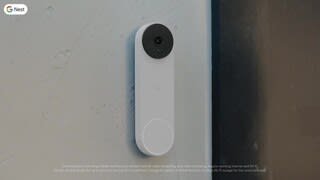
A:AnswerOccasionally home internet can go out for a short length of time. Most times you will not even know it. When it does the doorbell cannot communicate.
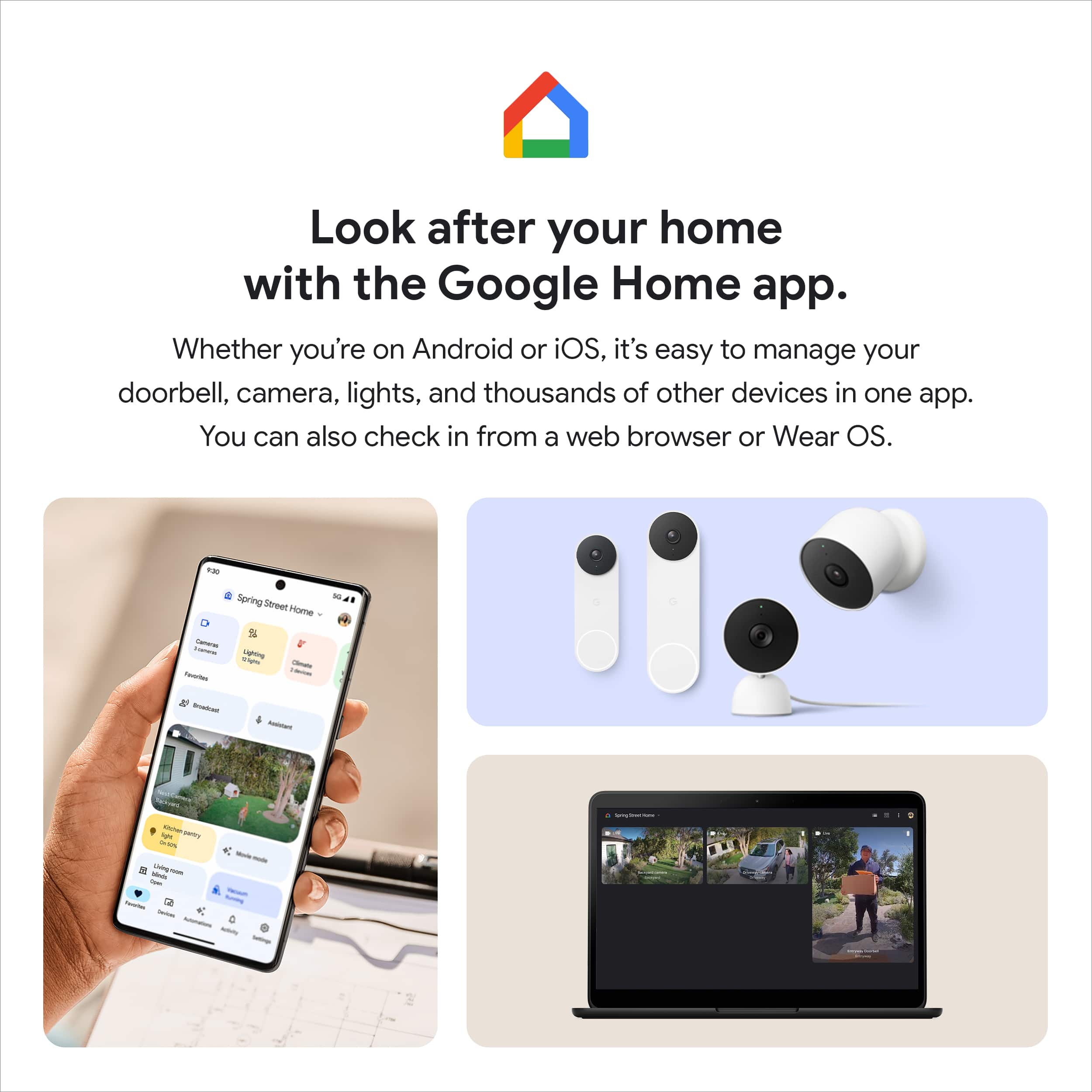
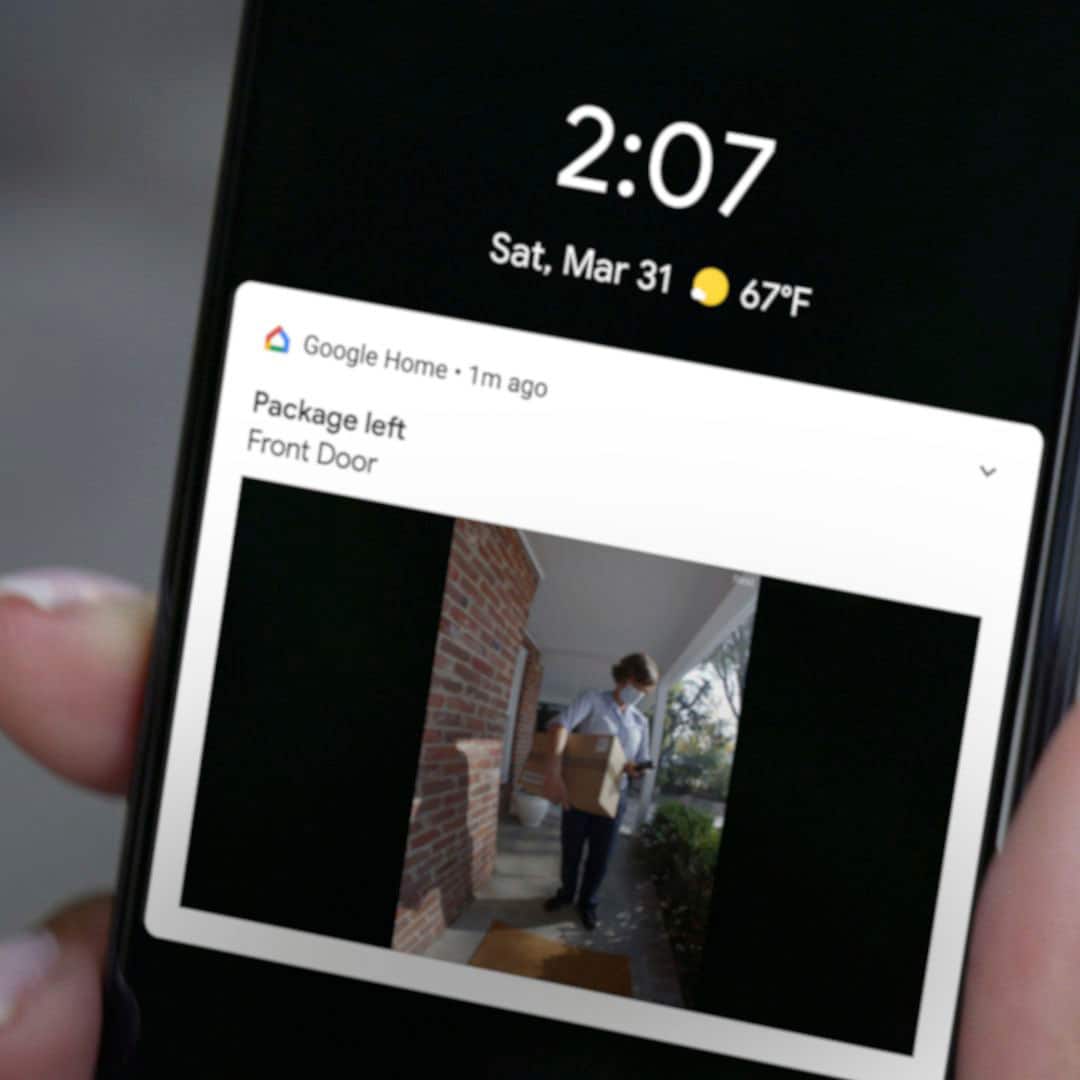
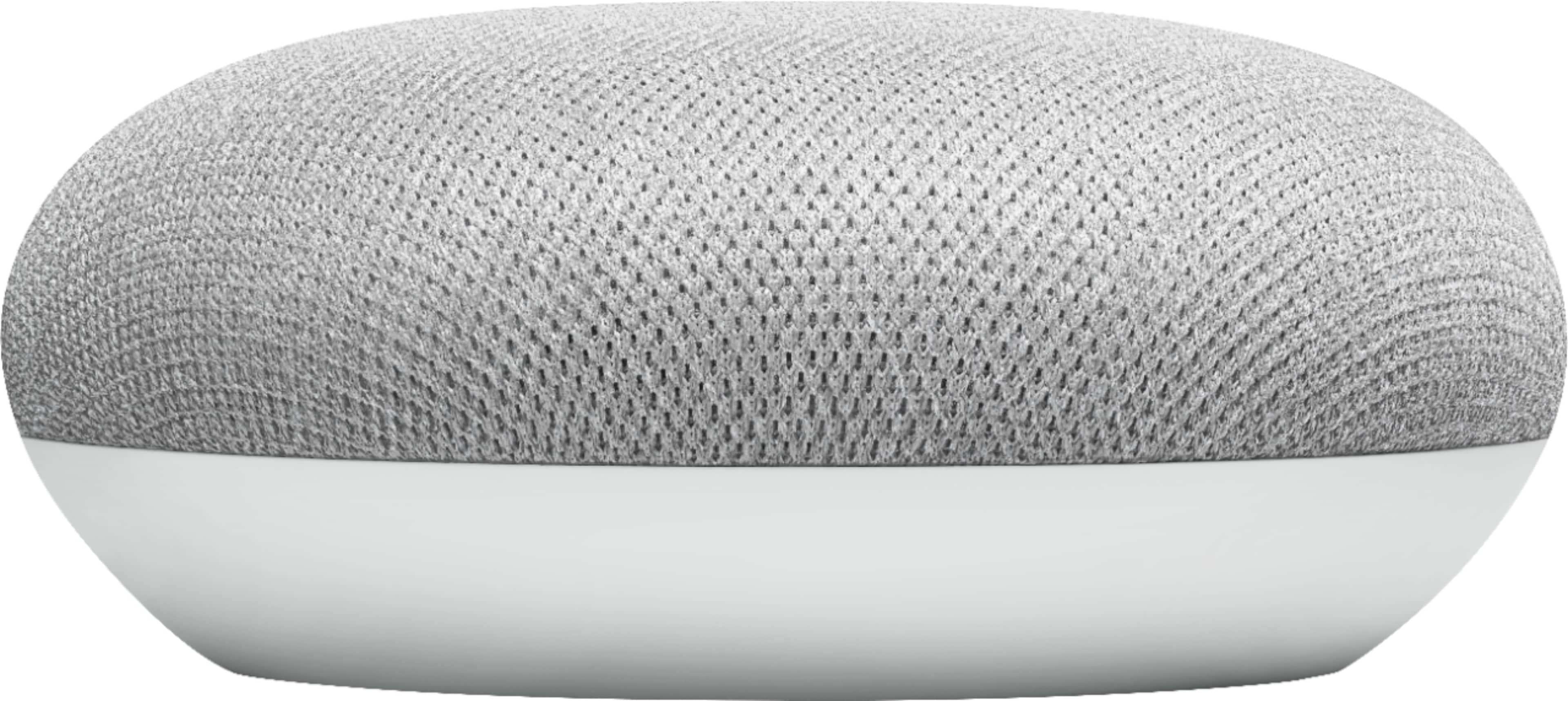
A:AnswerGoogle Home Minis can play the Nest's Doorbell tones through their speakers. I believe you have to set it up to do so in the Google Home App on your phone.
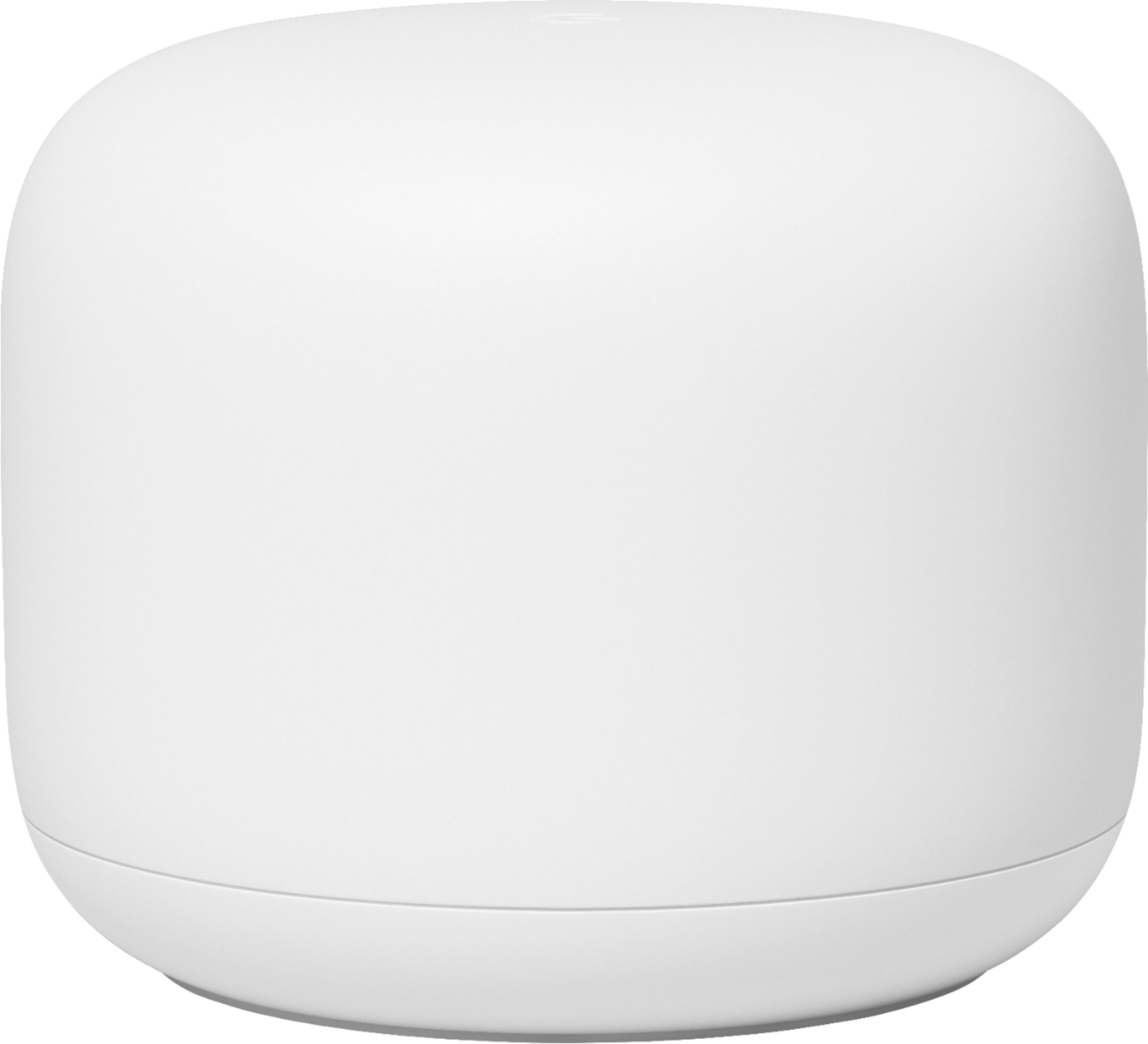
*** Also, make sure your WiFi router isn't overloaded. My Xfinity router/modem can only handle 10 WiFi devices at once, and this is pretty typical of most Cable Providers routers/modems. This will cause random items to drop off your WiFi connection when more than 10 devices are using it.
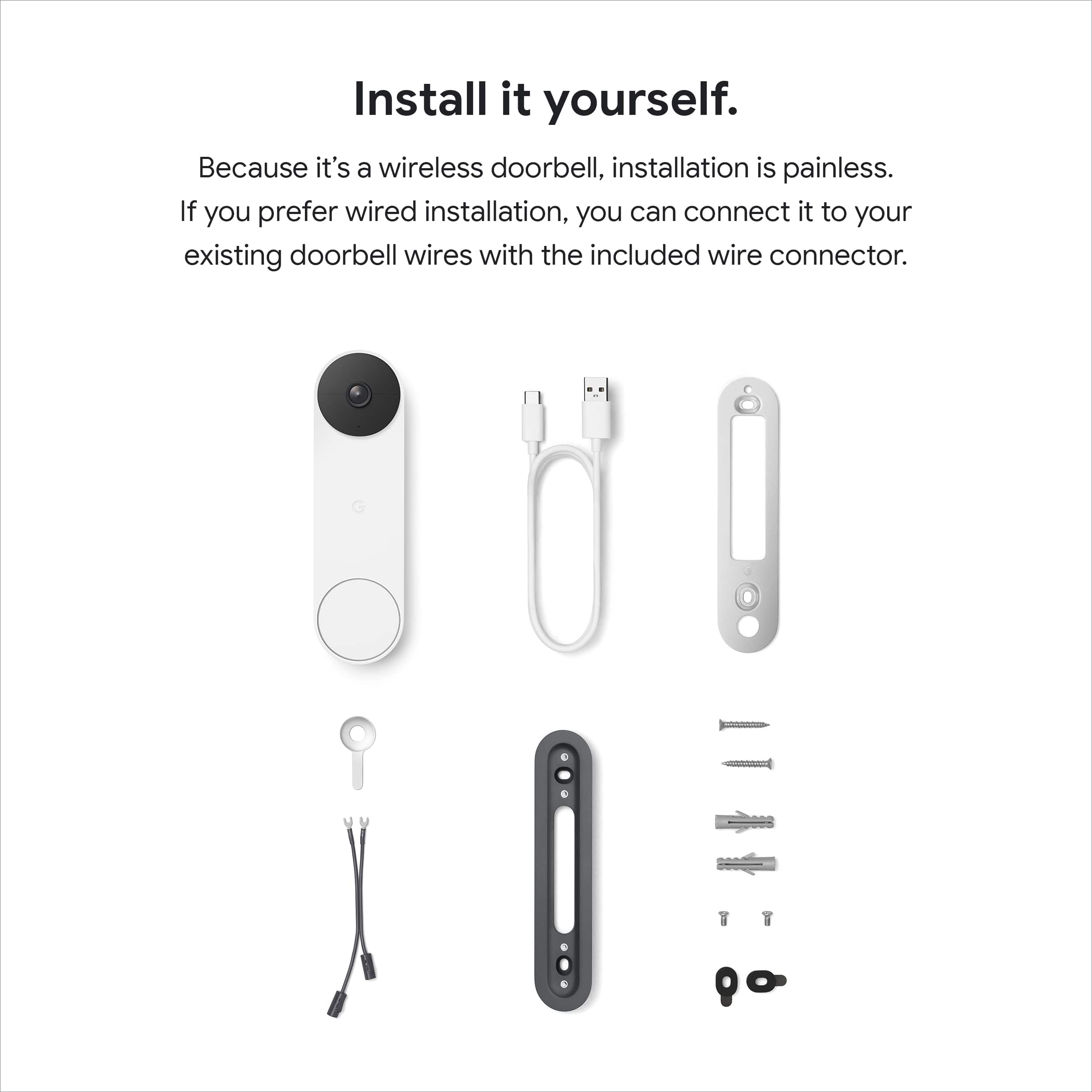
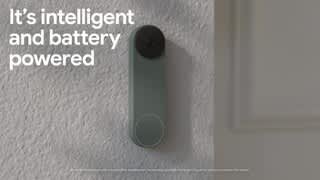
A:AnswerIt has an internal battery and comes with a USB cable for charging. The battery lasts a very long time and has to be charged prior to installing and must be removed to be recharged. However, if you are replacing an existing doorbell that is wired the Google Nest Doorbell Battery can be wired and never again requires charging, which is what I did.