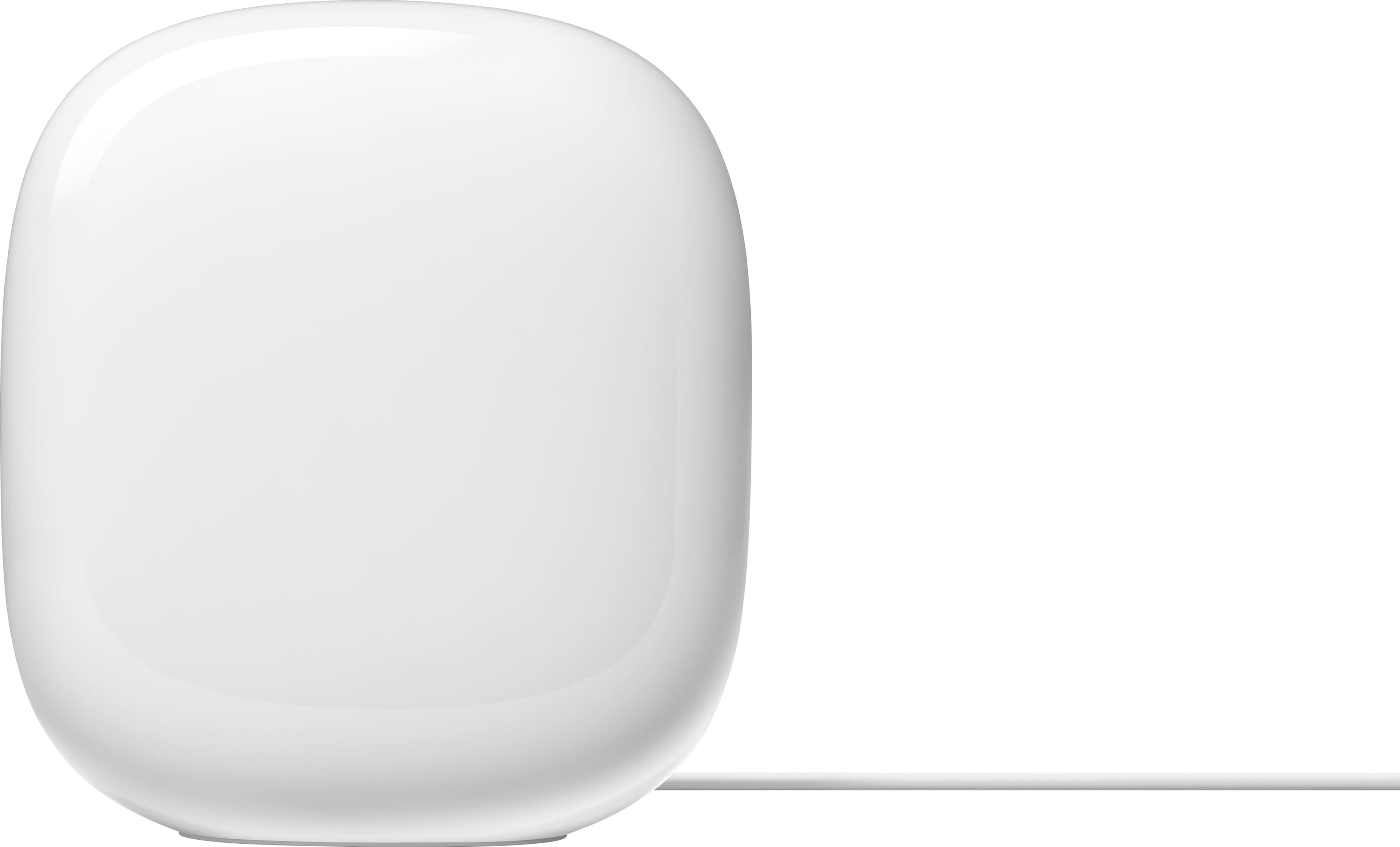
A:AnswerUnfortunately, there is no modem built-in. An external modem will be required for the Nest WiFi Pro. Depending on your ISP you may be able to purchase a third-party modem solution, otherwise this would need to be supplied by your provider.
A:AnswerCorrect. Only one router serves as the actual router, where the other serves much like an extender. The Nest WiFi Pro does support wired backhaul, which would improve speeds while connected to the different nodes throughout your home, so if you can support this feature, I would definitely suggest doing so.
A:AnswerSupposedly you can turn off the wireless radio in the modem/router combo. Depending on your internet service provider (ISP) you shouldn't have to buy a modem. Some ISP's don't charge for a good DOCSIS 3.0 or 3.1 modem.
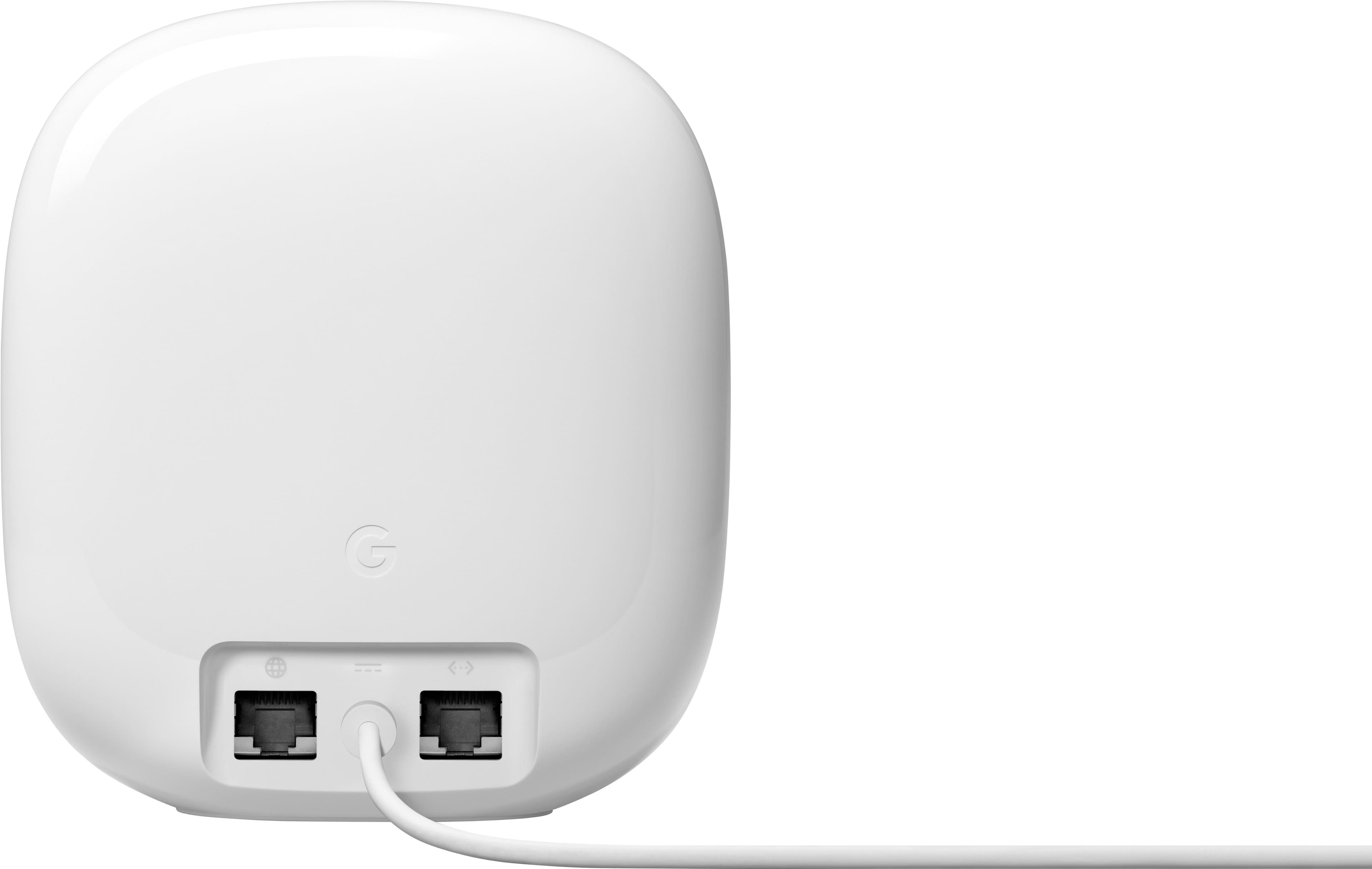
A:AnswerThere are two total Ethernet ports, but one of those is needed for the modem. So in reality you only have one Ethernet port for wiring devices. For me I needed to buy an Ethernet switch to add a few more ports, so I could wire my tv and smart light hub at the same time. Yes it's an extra cost of $30, but routers with more Ethernet ports are far more expensive, larger and unsightly. It's rare to get a good looking router that doesn't look large with many Ethernet ports. You have to make a choice.
A:AnswerOur router never does this. If you're still within your return policy then exchange it. If you can't return/exchange it then get in touch with google. Or if you bought it on a credit card some of them have return protection.
A:AnswerNest WiFi Pro has a gigabit LAN port, so max theoretical speed would be up to a gig. Speeds may improved over the 160mhz band on 6Ghz, but range comes as a sacrifice, as this band is significantly hampered by obstructions.
A:AnswerI have gigabyte in, and I usually get about 800 out from my 3-pack. Even so, my Samsung 4K TV “stutters” occasionally, and I’m not sure whether to blame my internet provider, Google, or Samsung.