A:Answerif you have cable modem service, just buy the latest docsis standard modem from best buy. if you have something like verizon FIOS, hughes net, DSL, then you're better off using whatever the ISP gives you. won't matter much on your internet's performance. certainly won't affect the google wifi mesh system's performance at all. just make sure you disable whatever wifi you already have from your ISP router first, then set google up.
A:AnswerThe google setup works as the router. Just cancel your Wifi part with your provider and just use the modem iteslf. Most places charge for the Wifi part through their modem. I have Mediacom and did this and it works great and it’s way better than their setup. This gives you full power Wifi everywhere it doesn’t drop off between points.
A:AnswerYes, it should. You just use the ethernet port on your router and hook the first puck up and the rest connect wirelessly. You may have to access your router settings if using modem router combo to turn off the wifi radios. I'm using comcast cable internet and this product made a huge difference in internet speeds on WiFi.
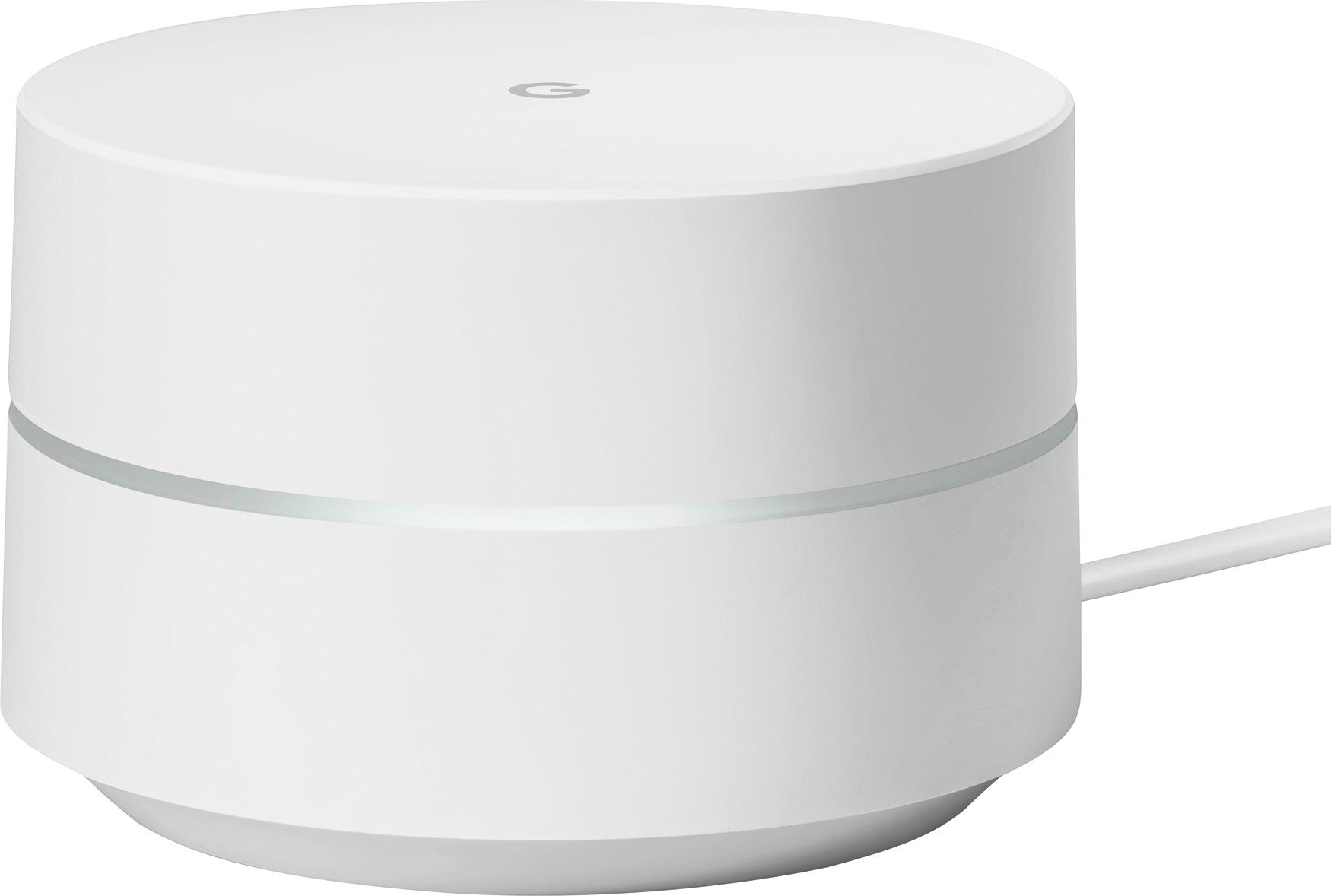
A:AnswerYes. This is a router. It replaces your previous router. It is not a cable modem, but it connects to the modem and routes wifi throughout your home.
A:AnswerI would definitely recommend getting the 3 pack that way you have a stable internet connection and will have full access around your house. And that issue will go away. I mean it also depends on what internet speed u have too and how many devices are coonected on your wifi.
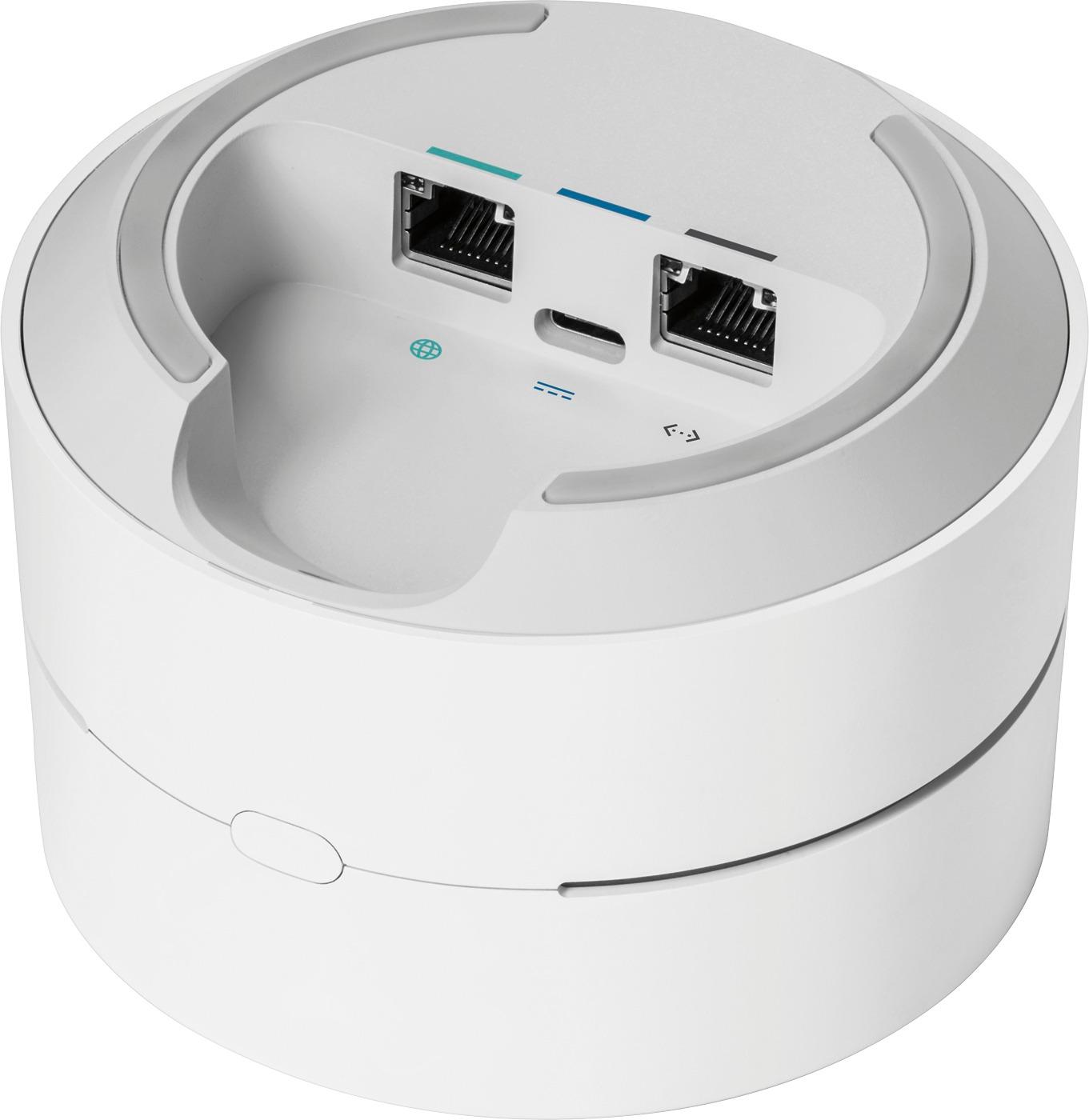
A:Answeryes. the master unit uses one for WAN (internet router) and the other for LAN (your laptop). the other units can use both ports for LAN devices. i use it that way myself and it works great.
A:AnswerThe 3-pack is a starter kit, and would be the minimum you need to set up the mesh network. The single router can be used to extend the network after you've set it up.
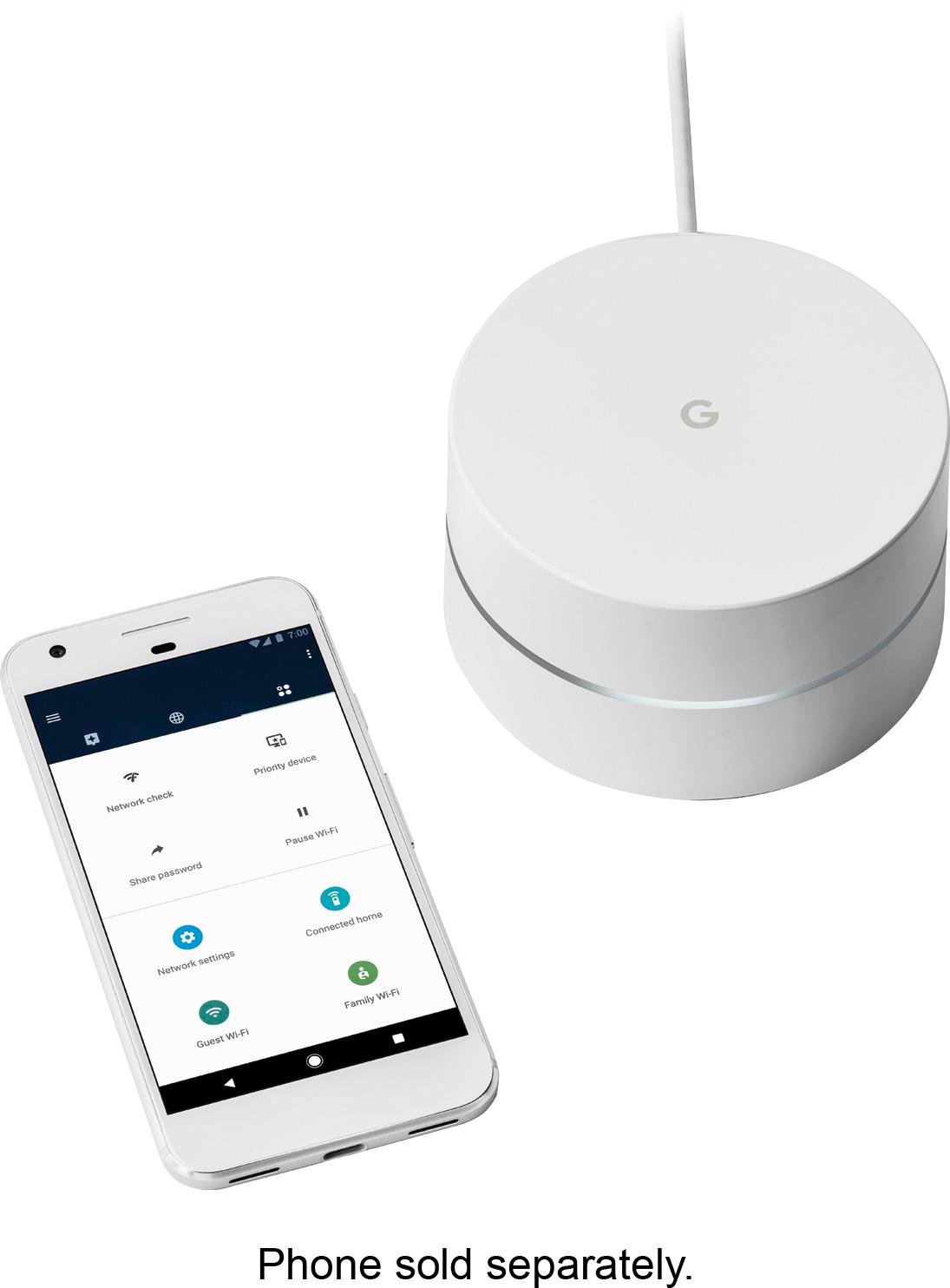
A:AnswerOnce you set up the Google WiFi it will create a new network name and password. You can set up guest passwords as well. No charge for this, it connects to your modem and acts as a secondary router.
A:AnswerI believe you can purchase as many as you want. I don't know what that would do to your ping seeing as you would be going through several routers before making it back to the source but I've heard of people using at least 5. I have 3 and it covers a 2400 Sq ft house and close to an acre of property.