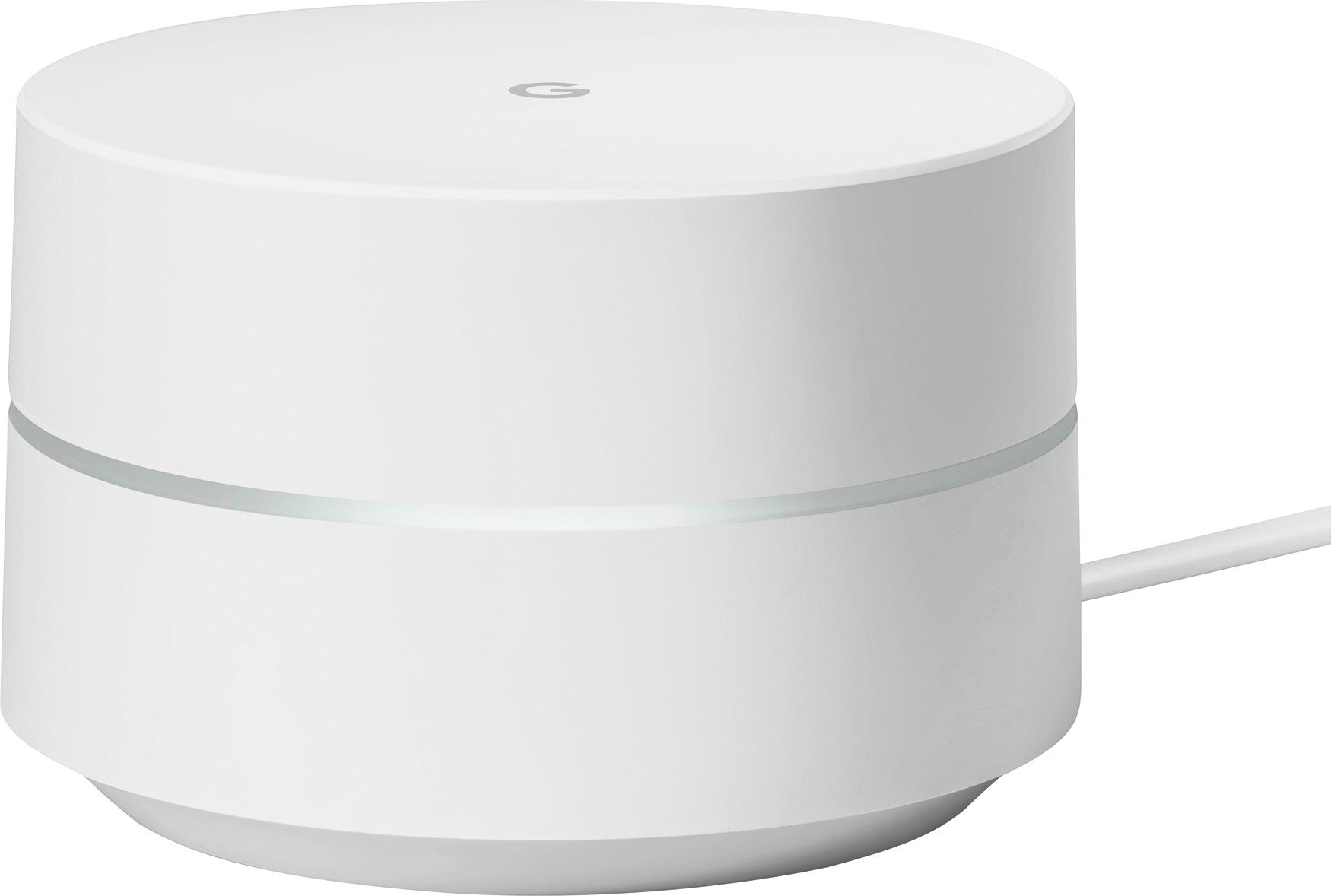
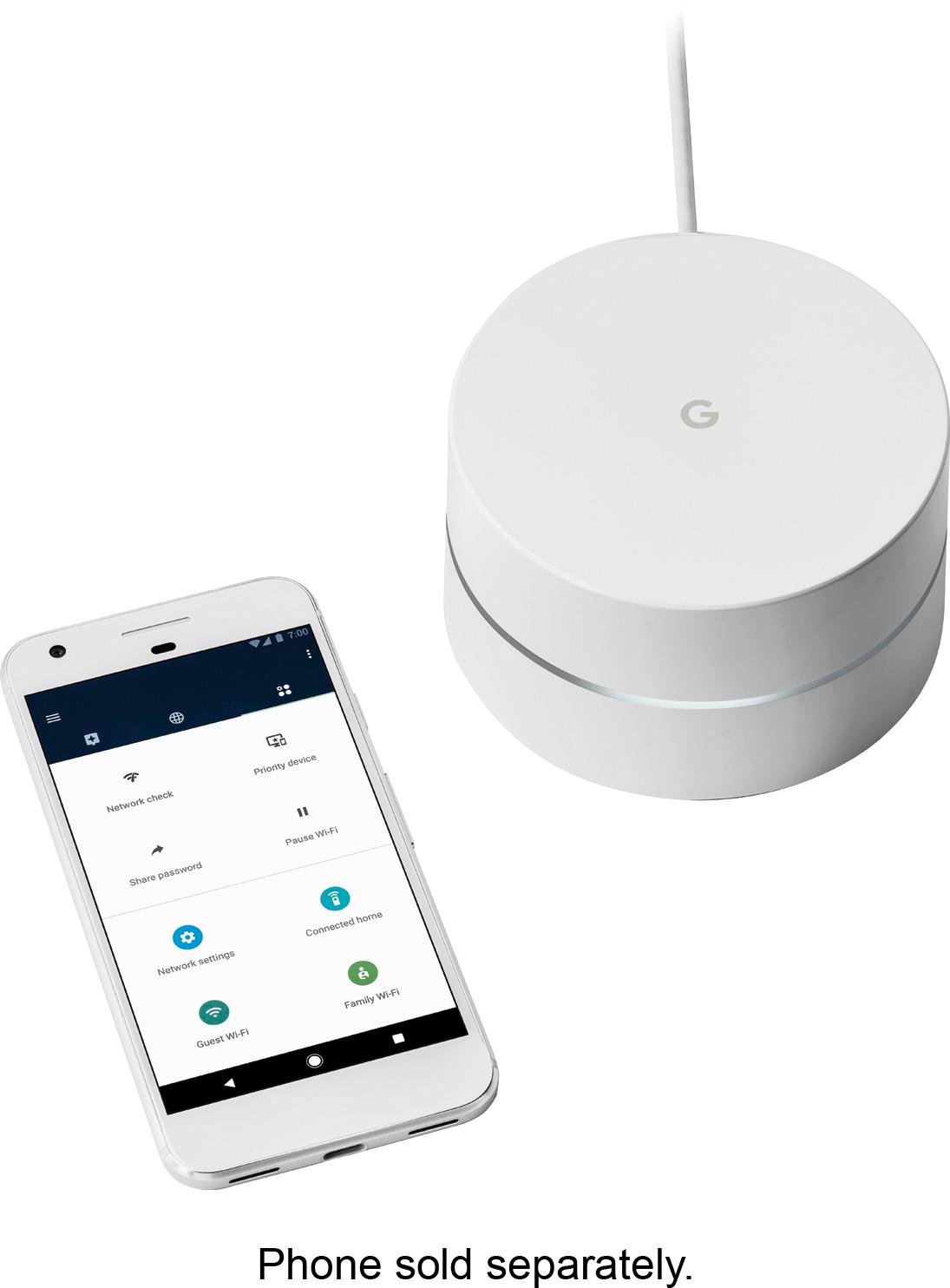
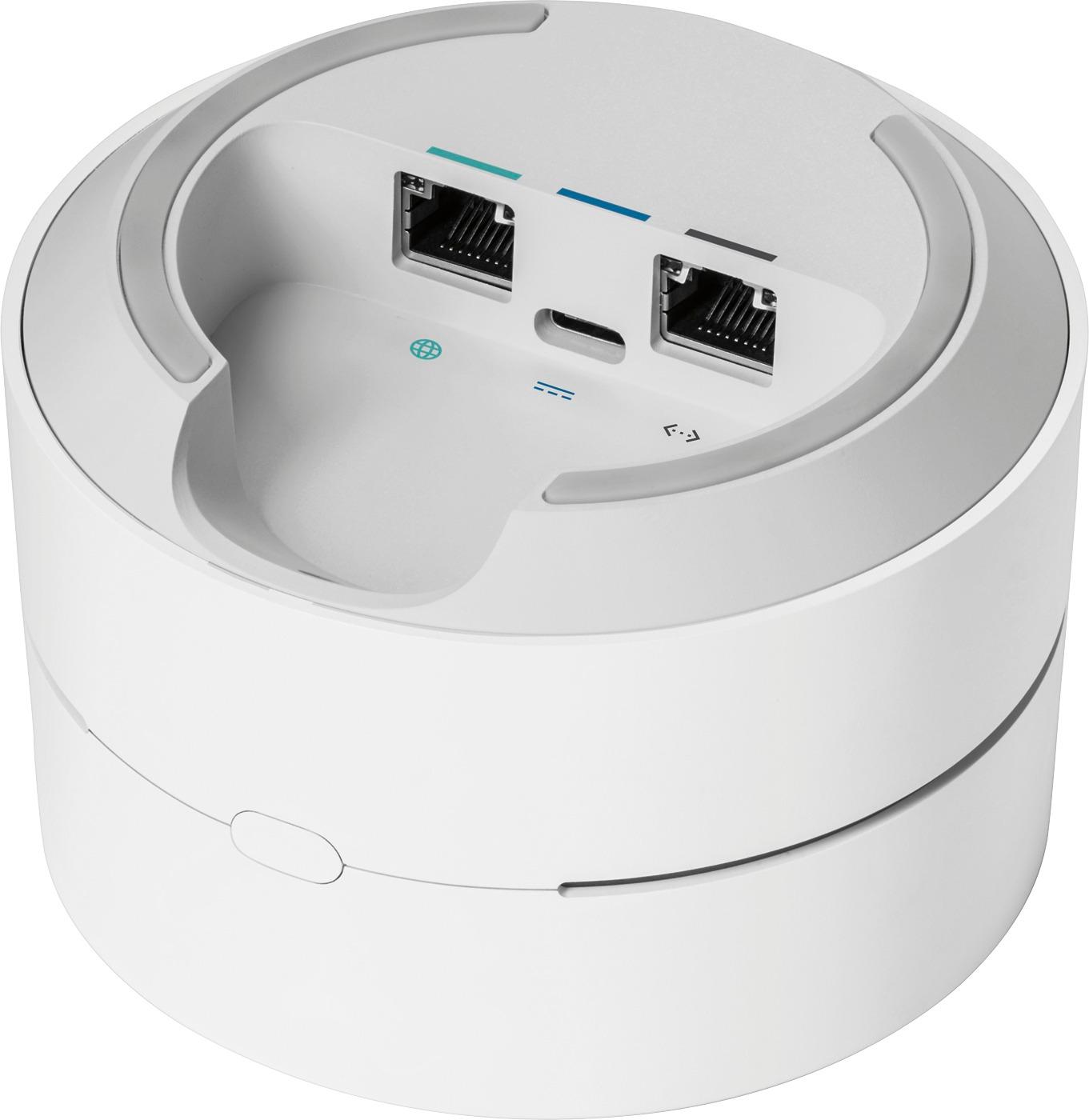
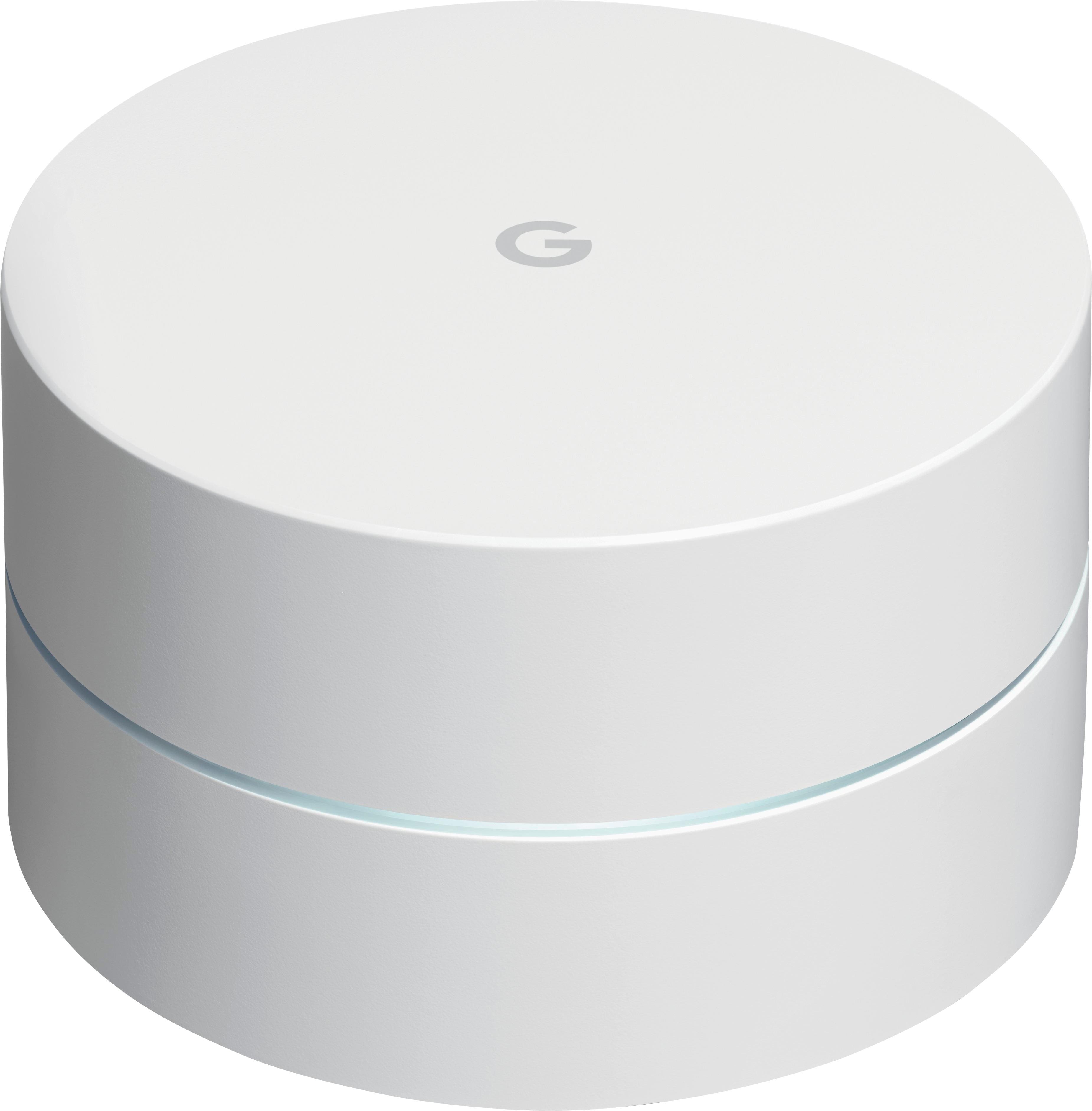
A:AnswerYes but you will have to change your entire WiFi system to Google WiFi. Use one puck at your modem then up to two more pucks to extend the range
A:AnswerYour ISP connection speed is determined by the ISP and the plan your purchased, not by Google Wifi. All Google Wifi does is spread the Internet that connectivity wirelessly within your house. And regardless, any wireless device will be slower that a hard-wired connection.
A:AnswerI think based on your setup this will be a better option. For the router, connect a unit to it to start the coverage. Place 1-2 others throughout your house and then you can connect wirelessly to them, or take advantage of the wired option for certain devices. I too have tired to use TP-Link extenders with limited success, but this setup (I bought the 3 unit system) is working very well, created a whole house coverage, and speeds are huge compared to the past.
A:AnswerBest option here is:
(1) turn off the wifi broadcasting on your cable modem.
(2) plug one if these in directly to your cable modem
(3) place the others in the house
(4) use the Google WiFi app to test the best location of the other "MESH points" within your home
These work very well for what you are trying to do!!
A:AnswerI VPN into work as well. I have only had this device for about a month, but have had no issues. I used to have intermittent dropping on my old Linksys routers, but haven't seen it on this one. One caveat is that I also upgraded my 30mg plan with Time-Warner with a 70mg plan from Spectrum... Same price!
A:AnswerYes you can have 2 different networks running off your modem/router. The Wifi router does have a specific IP range so if you want items on WiFi to access those that are on hard line you may need to reconfigure your network some.
A:AnswerA more simple solution would be to use a password on your wireless network, and not provide that to the tenants. You can, however, see all of the connected devices that are on the wifi network through the google wifi app. Its a handy feature, however, sometimes the names for the devices are a bit tricky to figure out what they are. For instance, my printer shows up as HP5DE409 - if i didn't know that was my printer, I would have thought here was another HP device on the system.
A:AnswerHi, you can get a really good performance for 4K streaming, but be sure that you have a goggle point near the TV, in the same room for example, a mesh connection like 3 point in different rooms can help you but just one in the living room is not going to provide a good signal in your bedroom for a fast streaming, the router is going to switch from 5ghz band (faster) to the 2.4ghz automatically due the distance from the point and the speed come down almost an half.
A:AnswerYes, you can make IP reservations for specific devices. It's all done through the app on your iOS or Android device. The device has to be connected to your router first. Then it won't get reassigned to the new IP address until after it requests a new IP address from the router (I usually reboot the device to move the process along faster).
http://www.jaredbodine.com/google-wifi-unboxing-setup-and-review/