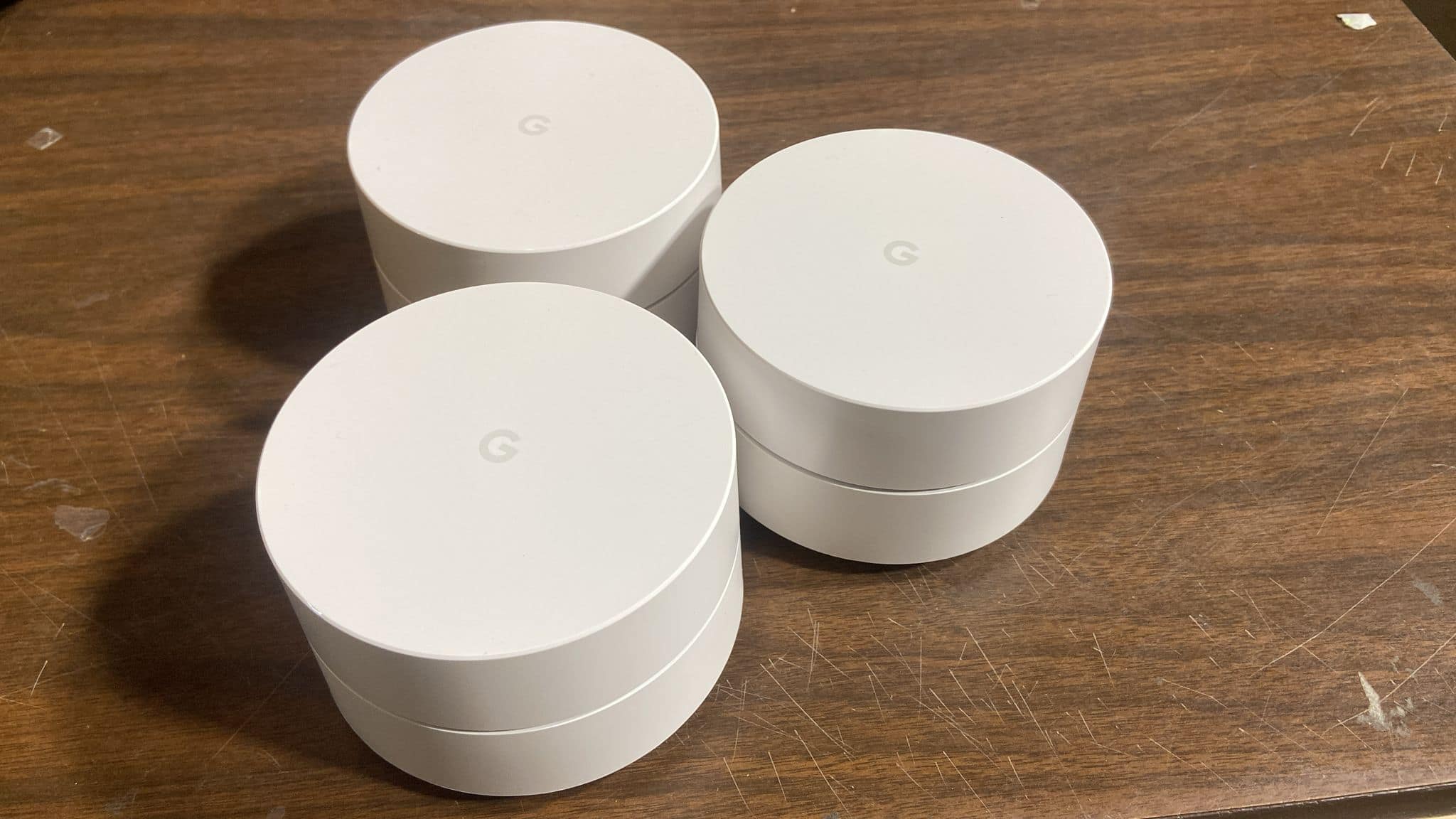
A:AnswerThis is a wifi access point and not internet service. An access point attaches to your internet gateway and provides wifi throughout your home. You would need to obtain internet from an Internet Service Provider (ISP) such as AT&T, Xfinity, etc. Google *was* in the business of providing commercial and consumer internet (Google Fiber) but I believe they have scaled back that effort. See https://fiber.google.com/about/ for more info.
A:AnswerRecommendation is the extenders should be more than 1 room away from each other or definitely not more than 1200 ft away from the main. I’m not sure about the coverage concrete floors. I installed in open areas and within 1200 ft from each other
A:AnswerOnly one needs to be connected via ethernet to your modem. The next one simply needs to be within WiFi range of the first and then the third within WiFi range of the second. They all have the option of being connected via ethernet, however, if you want to do that. During setup, the app will check signals between each point to help you determine if one needs to be moved to a better location or not.
A:AnswerDepends on the speed of your service, router/modem, and cables. We were getting 300+ GB from our unit. You can test the speed from the Google WiFi App,
A:AnswerPlug the Google Wifi into your modem. On your existing router, turn off wifi and dhcp. Plug the router into the second port on the Google Wifi, and it will function like a switch.
A:AnswerNo, this works just like any other wireless router. You still need to subscribe to an ISP via a cable modem or DSL modem. You'll connect this to the WAN port and the primary device will set it all up. You then add your other Wifi points.