A:AnswerYou cannot zoom; however, when you use the GoPro studio software, which is provided for free on the GoPro website, the software does allow you to zoom in/out, slow/speed up footage. The software is very user friendly.
If you have any problems with it, YouTube is loaded with tons of editing guide videos and tutorials.
A:AnswerNone, it records great 1080p 30fps video. I can get around 2 hours and 50 minutes of recording time on mine. Plus, this camera can take a beating depending on how active he is. And it's as simple as it gets when it comes to being user friendly.
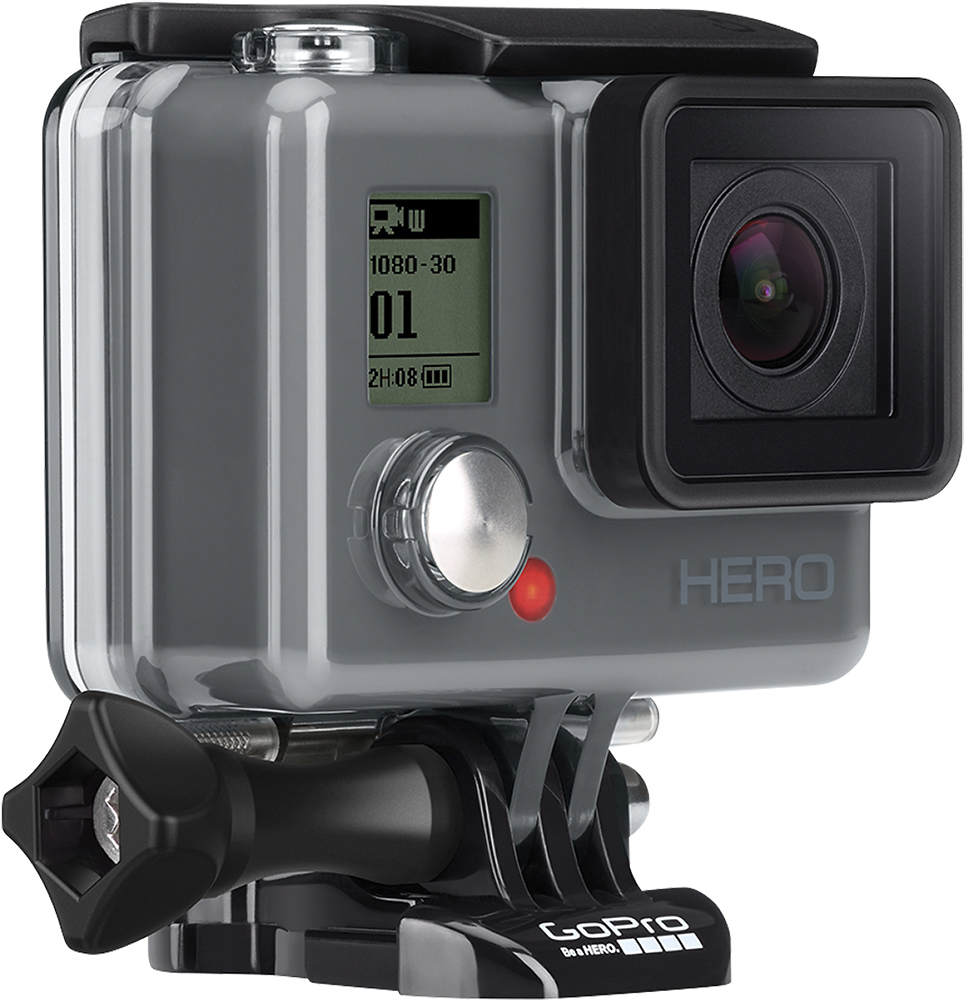
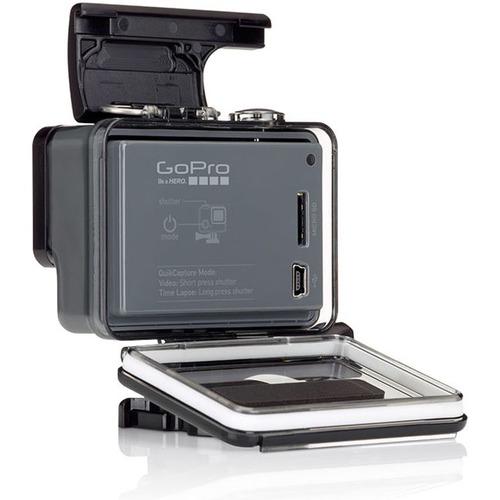
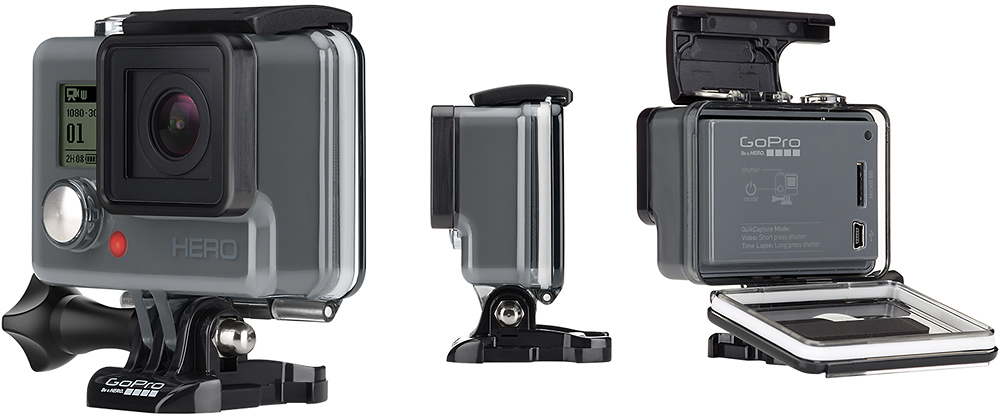
A:AnswerYes. The videos automatically record all audio. There are (2) doors that come with the camera (these doors protect the back of the camera). One is a solid piece that can be used to waterproof the camera. The other has openings that allows the camera to provide better audio quality, but will not be waterproof.
The waterproof door will still record audio, just not with the same quality.
A:AnswerNo. This hero model does not have any live video features. Nor can you see what you are recording. To view recordings you must connect to a computer or pop out the MicroSD card to download the video files for review.
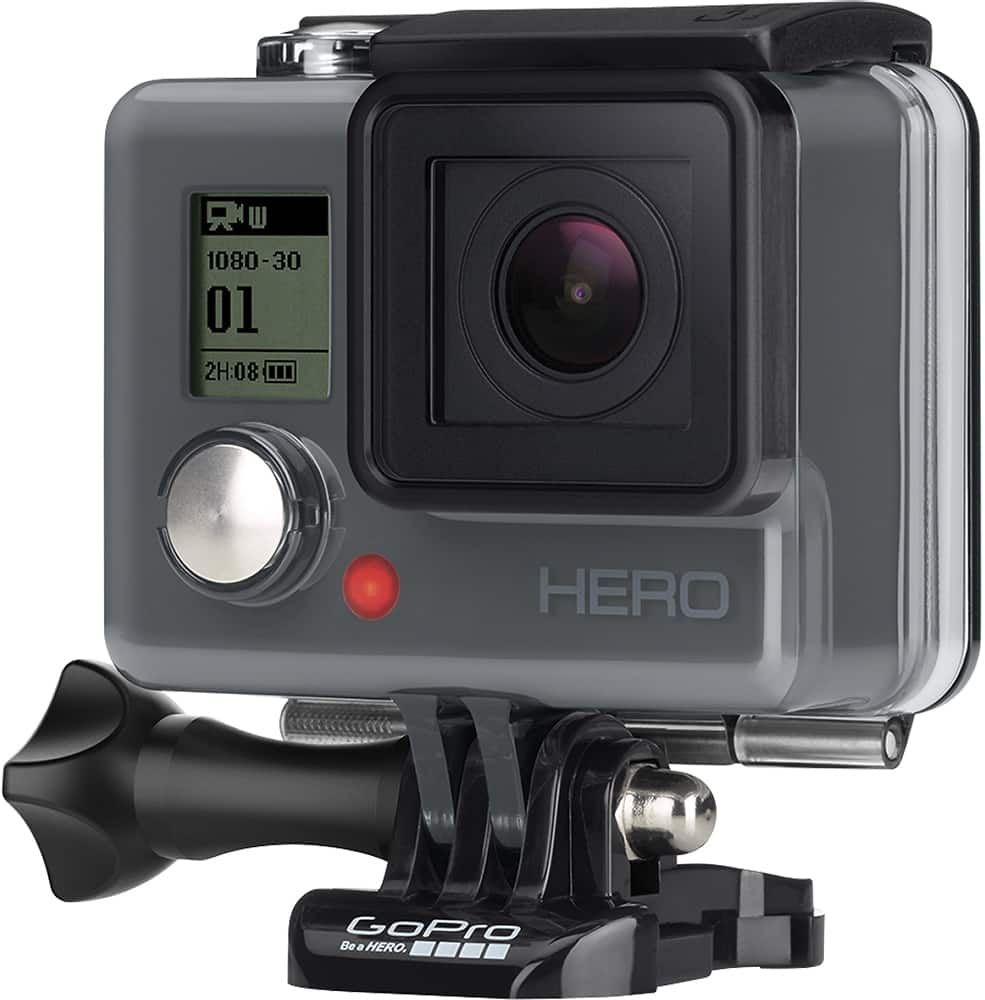
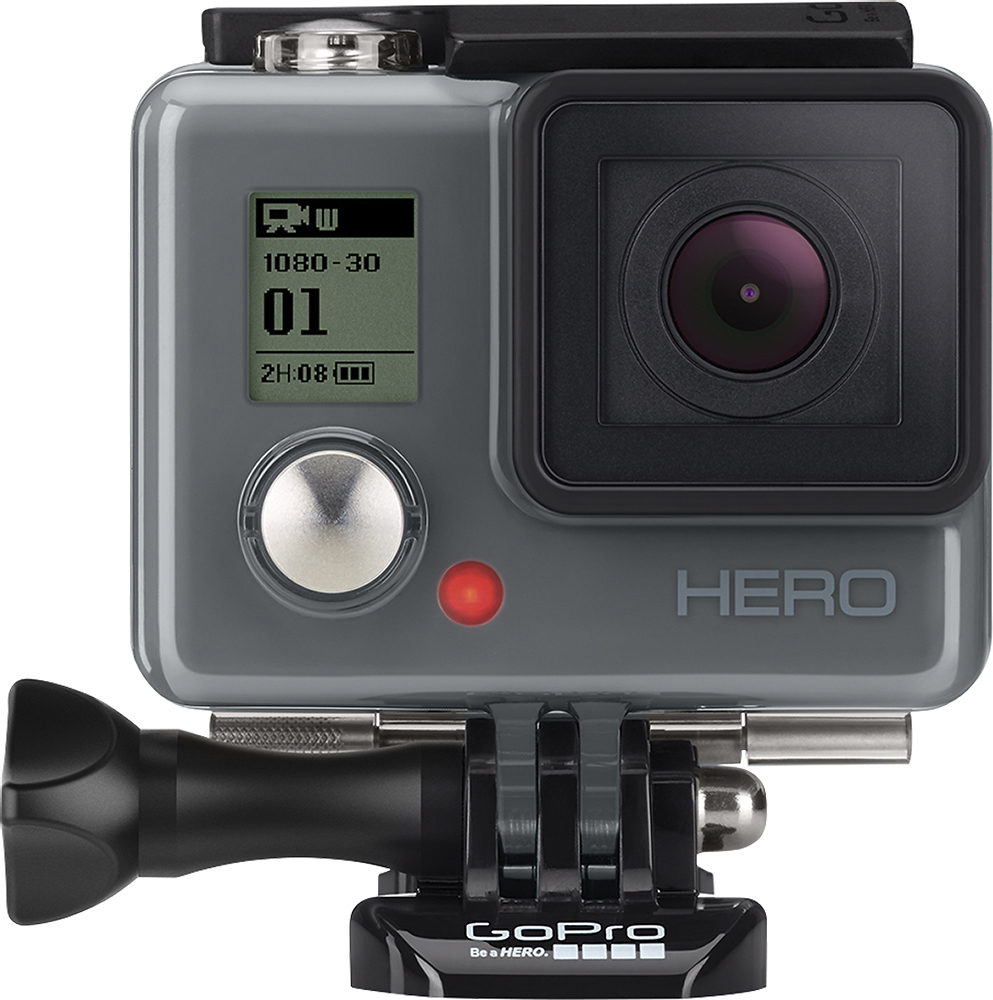
A:AnswerGoPro cameras do not allow you to pause video. You have continuous playback. Pushing the shutter button begins and stops recording for that clip. The next time it is pressed it starts a new clip (when imported you will see the video clips are named differently), also the front of the camera will inform you how much video you have left in hours and minutes and the large number will indicate the clips you have saved so far (i.e. 5) Clips are broken down into 13-20 minute segments when imported
A:AnswerYes. I have it connected to my Mac and have had no issues connecting to the camera and downloading the video data. They even have special software you can download from the GoPro website that allows you to watch and do some editing.
A:AnswerI took the GoPro Hero on a Kayak trip in FL Everglades. I had the GoPro attached to the kayak in front of me and it got wet often from the paddle. Another time while trying to capture some fish underwater, I had the GoPro video taping and then plunged it underwater to get a video of the fish underwater. I did that twice throughout the trip - it worked fine. Even the audio was picked up with the cool gurgle of the water.
A:AnswerNo, you cannot, this unit has an internal non replaceable battery. However with the advertised 2.5 hour run time you may not need to, my initial test have shown that it does run that long. If you do want to charge the unit you could have an external power bank that you would use for charging a cell phone or other electronics and use the included USB style charging cable to charge the camera.
A:AnswerI should think that any car charger that has the right fitting for the GoPro would charge it up. I use the supplied cord and a phone charger plug in to charge it.
A:AnswerI was in the Everglades with no access to the internet - so I opted instead for the GoPro Hero and bought an extra memory card. It worked fine for my needs. I did plan on downloading my images to a library computer while in FL, but the two large capacity memory cards were enough for me.
A:AnswerYes its water proof but not as good a case as the nicer Go pros. I haven’t had it in the water but have had it in the rain flying personal aircraft at USparaglding.