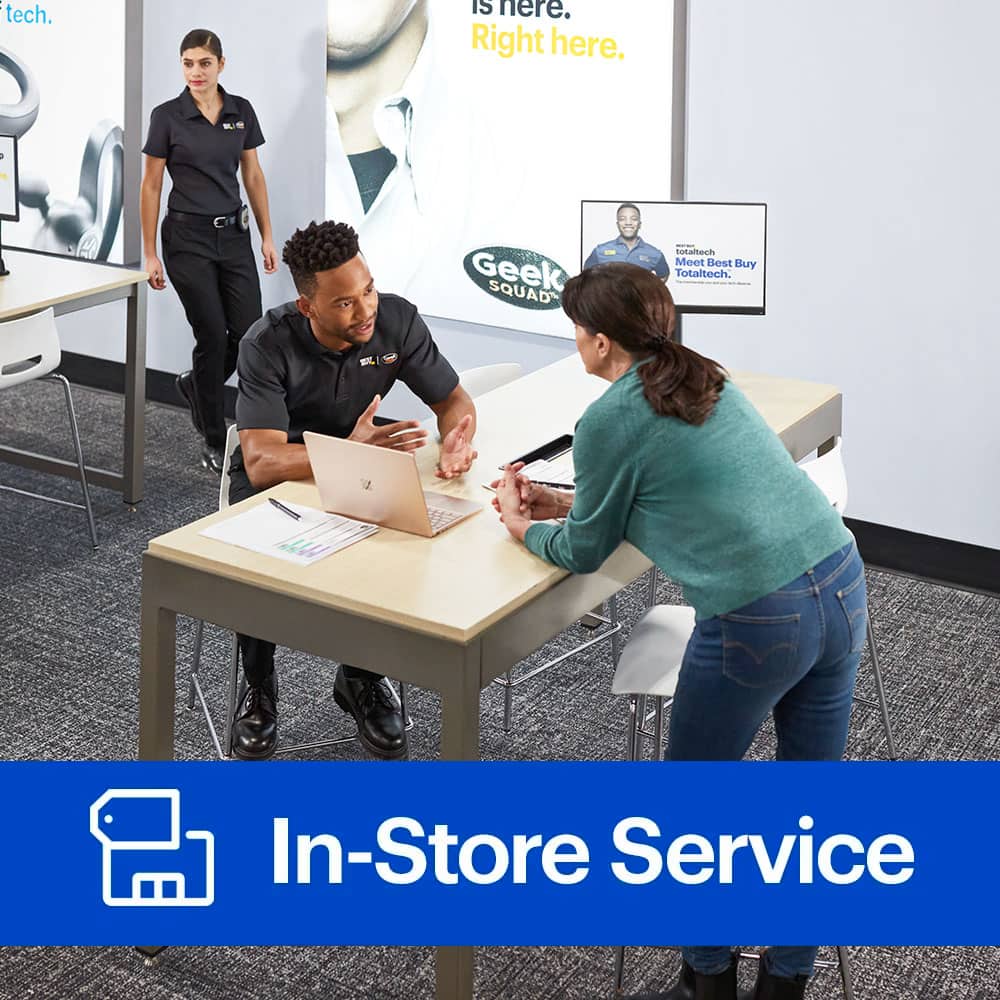
A:AnswerGreat question! We're sure that you want to start enjoying that Oculus Rift as soon as possible. Adding another port may not be possible, but we would love to take a closer look at your PC to see how we can assist. You can visit us online at www.geeksquad.com/schedule to schedule a time to speak with an Agent at the store about this.
A:AnswerUpgrading your storage can be an excellent way to speed up your computer! This does sound like something we may be able to do, but we would want to take a closer look at the details of your computer in-person. You can visit us online at www.geeksquad.com/schedule to schedule a time to speak with an Agent at the store about this.
A:AnswerI appreciate you taking the time to post about your custom PC. I would be reaching out to someone if this were happening to me. I recommend you schedule a reservation with a local Geek Squad agent by clicking the link here: https://www.bestbuy.com/site/services/geek-squad/pcmcat138100050018.c?id=pcmcat138100050018&CMP=fbss, or by calling 1-800-433-5778. They are in the best position to assist you with this.
A:AnswerThank you for writing us regarding your Desktop Computer. I would be reaching out to someone if I had questions as well. I recommend you schedule a reservation with a local Geek Squad agent by clicking the link here: https://www.bestbuy.com/site/services/geek-squad/pcmcat138100050018.c?id=pcmcat138100050018&CMP=fbss, or by calling 1-800-433-5778. They are in the best position to assist you with this, and provide you more detailed information.
A:AnswerWe may be able to do that, but we'd want to check out you the product first. You can visit us online at www.geeksquad.com/schedule to schedule a time to speak with an Agent at the store about this.
A:AnswerYes, this is a service that Geek Squad offers in store. I would recommend connecting with an Agent before updating your graphics card to ensure that the rest of your computer's hardware will support it. You can visit us online at www.geeksquad.com/schedule to schedule a time to speak with an Agent at the store about this.
A:AnswerThe answer to this question would be dependent on the version of office you are using, the version of Windows you are using, and how your Windows user profile was originally set up. I would recommend reconnecting with the Agents at your local store for assistance. You can visit us online at www.geeksquad.com/schedule to schedule a time to speak with an Agent at the store about this.
A:AnswerThat's a great question. We recommend visiting your local Geek Squad for an evaluation of your camera. You can visit us online at www.geeksquad.com/schedule to schedule a time to speak with an Agent at the store about this.
A:AnswerHello, Aaron,
I appreciate you taking the time to post about your water cooler. I recommend you schedule a reservation with a local Geek Squad agent by clicking the link here: https://www.bestbuy.com/site/services/geek-squad/pcmcat138100050018.c?id=pcmcat138100050018&CMP=fbss, or by calling 1-800-433-5778. They are in the best position to assist you with this.
Have a great day!
^Deysha
A:AnswerGreetings, Haliecray!
I appreciate you taking the time to post about your new Radeon HD 7570. I recommend you schedule a reservation with a local Geek Squad agent by clicking the link here: https://www.bestbuy.com/site/services/geek-squad/pcmcat138100050018.c?id=pcmcat138100050018&CMP=fbss, or by calling 1-800-433-5778. They are in the best position to assist you with this.
Have a great day!
^Deysha
A:AnswerThanks for taking the time to share this with our team, and it sounds like you’d like your device up and running as soon as possible. Geek Squad Agents can usually take care of hardware issues and installation for you. You can visit us online at www.geeksquad.com/schedule to schedule a time to speak with an Agent at the store about this.
A:AnswerYou shouldn’t have to provide them the paste to install the cpu. That will be included in the overall price of the hardware install. Now if you have a certain paste you would like them to use you can provide that for them but no matter what there shouldn’t be an extra cost which ever way you go about it.
A:AnswerWe may be able to do that, but we’d want to check out the computer first to be sure. To have a Geek Squad Agent take a look at your computer and explore any possible options, you can visit us online at www.geeksquad.com/schedule to schedule a time to discuss this with an Agent at your local store.
A:AnswerModifying a vehicle is always exciting! While we may be able to perform this work, we would want to check the vehicle out first to be sure. Please visit bby.me/uf6al to set up a free consultation at your local Best Buy.
A:AnswerWe would not be able to do this in one of our stores, but may be able to by shipping it to a service center. Please set up a time to visit us at www.geeksquad.com/schedule to discuss this.
A:AnswerYou should only need one box top from Spectrum, but two channel boxes, one for each tv. Contact the Geek Squad to mount your new 75", provided you have a full service contract with them or paid for a one time service at the time you purchased the tv. After the tv is mounted, call Spectrum to make an appointment for a tech to install a channel box.
A:AnswerWe might be able to do that for you, depending on the specifics of the job. Please head over to www.geeksquad.com/schedule to set up a time to visit us for a free consultation. An Agent will go over your request and let you know what is possible.
A:AnswerWe are here to help, Ghall! For printer installations, we'd actually come out to your house to get it all squared away. To set that up, we just ask that you give us a call at (800) GEEK SQUAD which is (800) 433-5778.
A:AnswerGreat question! The hardware installation would only cover the physical installation of the new drive. Loading an Operating System via a license or data recovery media would be an additional charge. You can visit us online at www.geeksquad.com/schedule to schedule a time to speak with an Agent at the store about this.