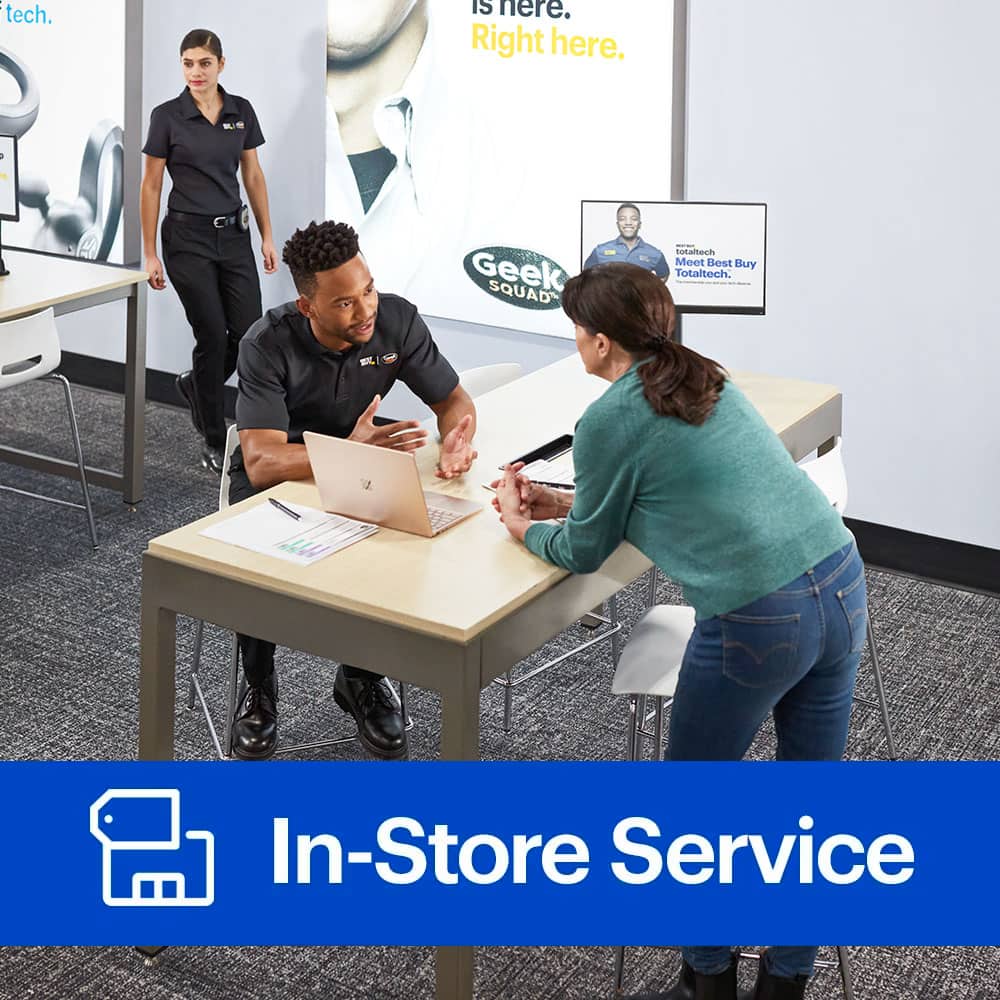
A:AnswerThanks for writing to us about your computer. The Geek Squad can install quite a lot of hardware in your computer. You can visit us at http://www.geeksquad.com/schedule to schedule a time to speak with an Agent regarding this.
A:AnswerOur assortment can vary by location and from what we currently offer online. I’d recommend reviewing the item you have your eye on our website prior to heading to local store to make your purchase. BestBuy.com will share if it’s an item they currently have on hand.
A:AnswerHello, and thank you for the question! I would recommend contacting our Geek Squad support at (800) 433-5778 or speaking with your local Geek Squad team for further inquiries on services provided for your particular unit. Thank you!
A:AnswerBuilding your own PC can be super exciting, and I'm glad you're choosing Geek Squad for the service. In order to give you a more precise idea of what your PC service will entail, we would encourage you to speak with an Agent in store. You can visit us online at www.geeksquad.com/schedule to schedule a time to speak with an Agent at the store about this.
A:AnswerWe recommend making an appointment to have our Geek Squad Agents in-store take a look at your computer and determine it's upgrading eligibility. You can make an appointment by visiting us online here, https://www.bestbuy.com/services/triage/home?CMP=ocss.
A:AnswerI dont think so but for RAM just buy the one for the mother board that you have and turn Power off and install its súper easy then turn back on if you heard a beep means they need to be pushed further in and that's about it I did mine and I been on PC for under a year
A:AnswerHi Ty, You can never go wrong with wanting a better graphics card on your desktop. I recommend making a free consultation at your nearest Geek Squad for assistance. You can make an appointment via our link. www.geeksquad.com/schedule.
A:AnswerThanks for your message to us. While this kind of service isn't something that we normally complete, you may be able to speak with your local store to see if they are able to assist you with this. You can find their information by visiting our site here - https://www.bestbuy.com/site/store-locator.
A:AnswerHi, Darryl. Thanks for stopping by. We appreciate the chance to assist you with that if we can! I'd recommend scheduling a drop-off appointment at one of our Precincts so an Agent could take a closer look. https://www.bestbuy.com/services/triage/home#geeksquad/triage
A:AnswerWe should be able to assist with this, but we'd want to know more before being able to provide a price quote. We recommend speaking with a Geek Squad agent either in-store or over the phone regarding pricing inquiries. For support with this, please give us a call at (800) GEEK-SQUAD or (800) 433-5778.
A:AnswerThanks for taking the time to reach out with such a good question. It’s possible Geek Squad may be able to help, but I would advise you’ll need to consult with an agent at your local store before we can know for sure. You can visit us online at www.geeksquad.com/schedule to schedule a time to speak with an Agent at the store about this.
A:AnswerI actually did this once, but I assembled, performed burn-in, and installed O/S and software myself.
If you feel incapable of assembling the system yourself, Geek Squad might assemble it for you - but at a price.
You may be better off choosing your favorite brand, log on to their website and customize a system that meets your needs.
It may be more expensive that way, but you will get a guarantee (warranty) and all O/S and software will be installed as requested.
A:AnswerHi, Garcia. Thanks for asking about Geek Squad services. In-store, it would be $99 to install the Windows 7 OS, That would include updating it and all the drivers. Additional software installations would add $29.99 per title/suite. I'd suggest making an appointment at https://www.bestbuy.com/services/triage/home?cat=car#geeksquad/triage
If you'd like an Agent to come to you for that, we've also got you covered! Please call us at 1(800) 433-5778 to speak with one about our in-home repair options.
A:AnswerHi, Hae. Thanks for stopping by! I know the feeling of not being able to run at optimal settings, and it's not a good one. It sounds like your laptop may need a diagnosis to see what's causing those issues, especially the overheating and charging concerns. A RAM upgrade alone would likely not have much effect on these symptoms. I'd recommend scheduling a drop off appointment here in this case: https://www.bestbuy.com/services/triage/home?cat=car#geeksquad/triage
A:AnswerTimes may vary depending on the current workload at your local store, as well as how many components would need to be removed to access your RAM slot. You can visit us online at www.geeksquad.com/schedule to schedule a time to speak with an Agent at the store about this.
A:AnswerHey FallenHero-great question! As outlined in the terms and conditions of our Geek Squad Protection plans, either Best Buy or an authorized service provider will need to perform any services on the covered product, in order to remain in compliance with the Geek Squad Protection plan. If you have any other questions regarding these terms and conditions, they can be viewed at www.geeksquad.com/termsconditions.