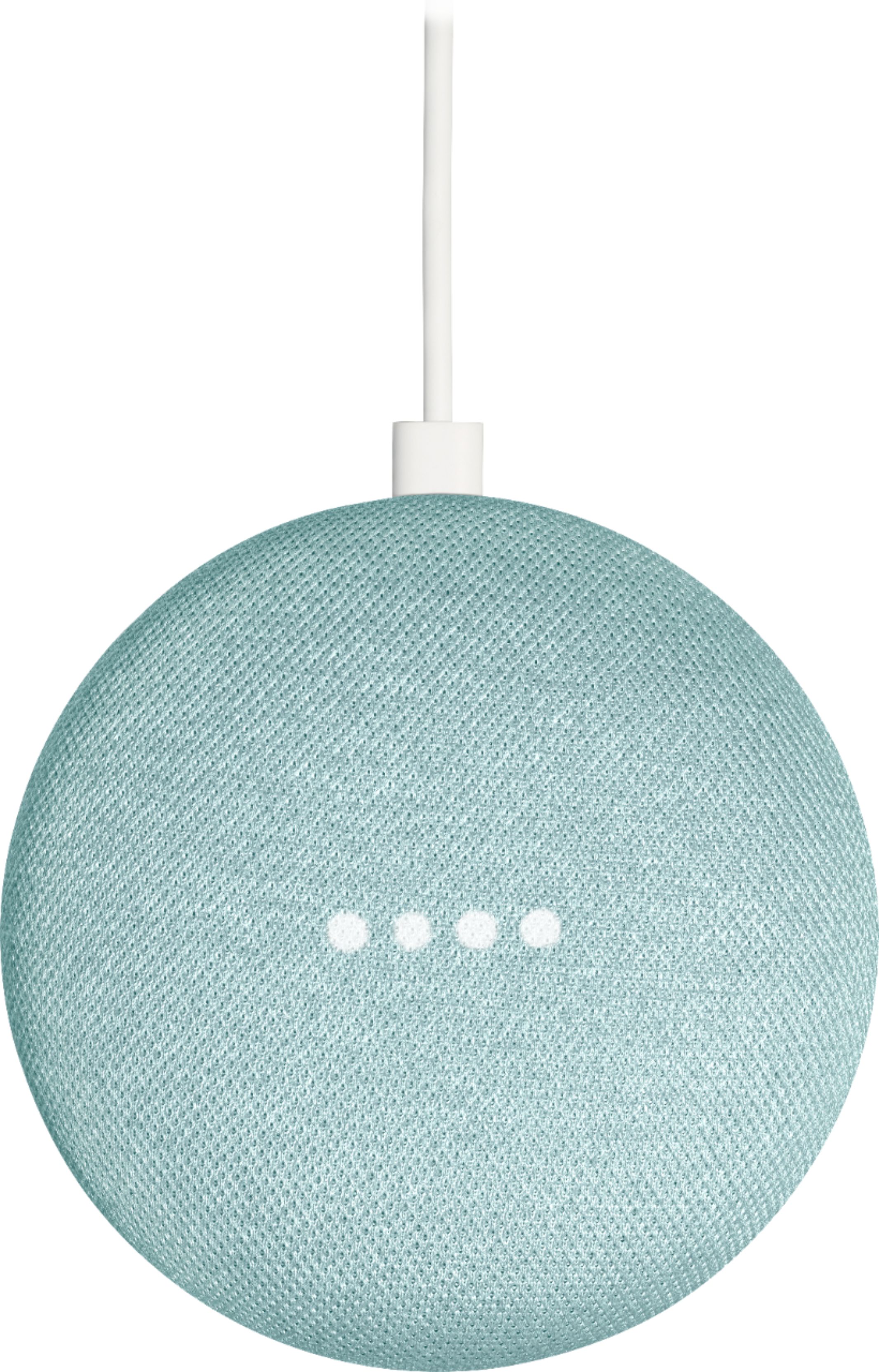
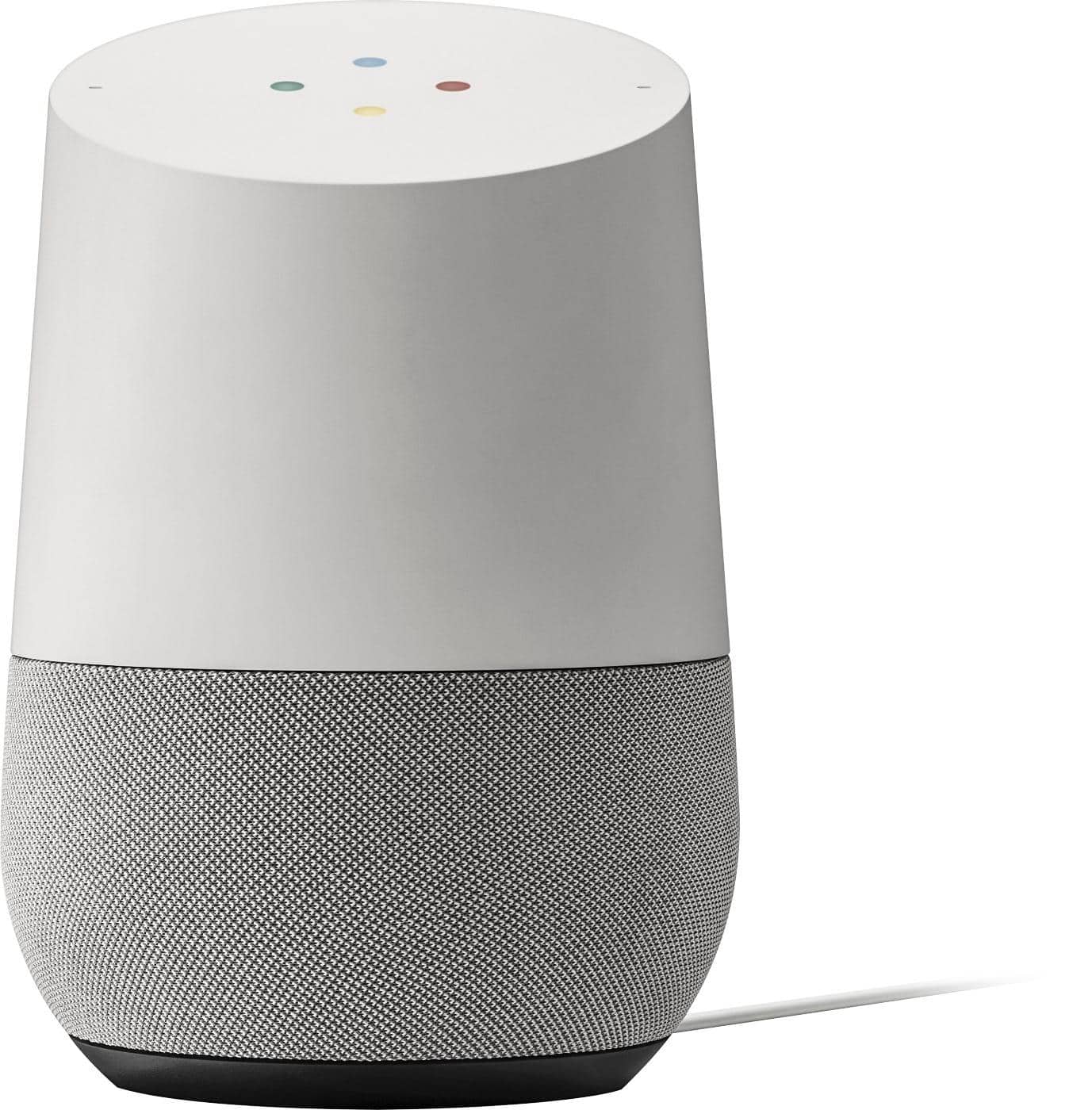
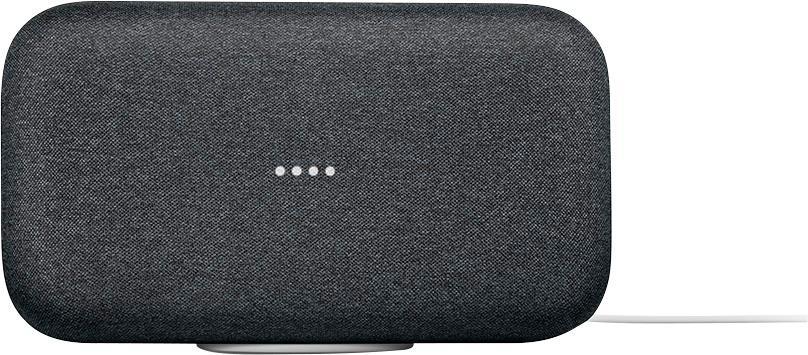
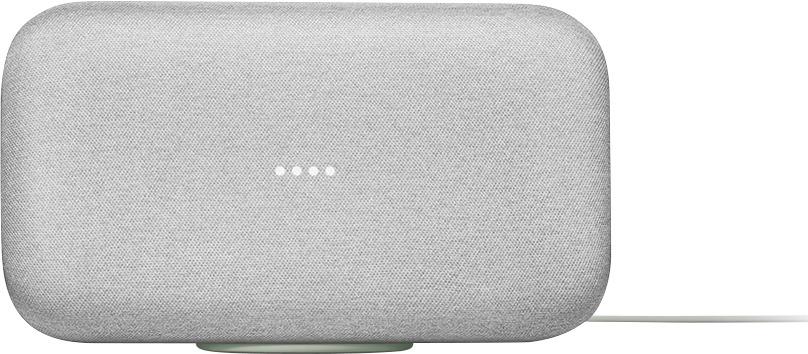
A:AnswerYou do need a google account. You also need to get the Google Home app from the app store to set it up. Google Chrome is just a browser but you need the app to set up the mini.
A:AnswerLanguages you can use
The Google Assistant is available in English (U.S., U.K., Canada, Australia, India, Singapore), French, German, Italian, Japanese, Korean, Swedish, Norwegian, Danish, Dutch and Spanish (Spain).
Change your Google Assistant language
On your phone or tablet, open the Google Home app Google Home app.
Tap Account .
If you don’t see see this option, you might not be signed in to the account linked to your Assistant. To switch accounts, click the triangle to the right of the account name and then choose an account.
Tap More Settings.
Tap ASSISTANT tab and then Languages .
Tap Add a language, then choose a language.
Add an additional Google Assistant language
On your phone or tablet, open the Google Home app Google Home app.
Tap Account .
If you don’t see see this option, you might not be signed in to the account linked to your Assistant. To switch accounts, click the triangle to the right of the account name and then choose an account.
Tap More Settings.
Tap ASSISTANT tab and then Languages.
Tap Add a language, then choose your additional language.
Say “OK, Google” in the first language you chose.
Talk to your Google Assistant in either of your chosen languages. It will recognize the language you’re speaking, and answer in the same language.
Note: Google Assistant can recognize either language, but can’t understand them if they are mixed. For example, “Hey Google, set a timer for drei Minuten” would not be recognized.
A:AnswerYou need to read the product description of the device you want to control. Many work with several smart assistants such as Google assistant, Amazon's Alexa etc. Manufactures generally want their products to work with as many different assistant products as possible. Check with the manufacture's web site for the product and it should tell you what smart services it supports.
A:AnswerYes. Math it does well also general knowledge. Pretty much if you can google it and it pops up on the screen in a box that will be her/his answer
A:AnswerThe Google Home has a better speaker but for just ambience and overall for its size it is really good. Your not buying a stereo but it was great for me from Classical to modern and just picking a song or artist is more convenient than plugging in or blue tooth for my listening needs. If your looking for more speaker power go with the Google Max it is more powerful and can add to your system making a full stereo listening.
A:AnswerYou can assign a Google Mini to a specific room in your home, but when you say "Ok Google" the nearest one will respond. It doesn't know where you are when you ask the question. The way to keep more than one from responding at once is to group them together through the app.
A:AnswerIt's AC only at this point. There's a couple of battery operated once, like the TicHome mini, which is also water resistant, but then of course you have the issue of needing internet for it to work.
A:AnswerI miss that option too. You'd need another google device call Chromecast audio, which in essence can work without the 'mini' but you can still control it from the 'mini'. Note that Chromecast is not a bluetooth device, it will actually need to connect to your wifi and to your speaker using the 3.5mm audio plug. Ah, it will also require a USB power source nearby.
A:AnswerThis is a first generation. New upgrades have not been released as of Jan 2018. Not sure about the next release.
I have google chrome first generation. It works very good even today. Now there are atleast two different advanced google chrome is released. But the first generation is still doing very good. I hope the first generation google mini will do good for a long time.
A:AnswerYes you can move them around without setting up again. They will reconnect to WiFi on their own and be fully functional again. I’d recommend renaming them in the Home app if you plan to or are currently using more than one.