A:AnswerAnything on the Play Store. Keep in mind the controls will be on the screen for most apps, since it is essentially a phone with a keyboard.
Other than that, Chromebooks have extremely limited support. If you want to run APKs, you will need to enter Developer Mode which will almost certainly void your warranty.
A:AnswerHard reboot the device. If it still doesn't work, you can try power washing it (wipes all data) by holding esc+reload key+power at the same time.
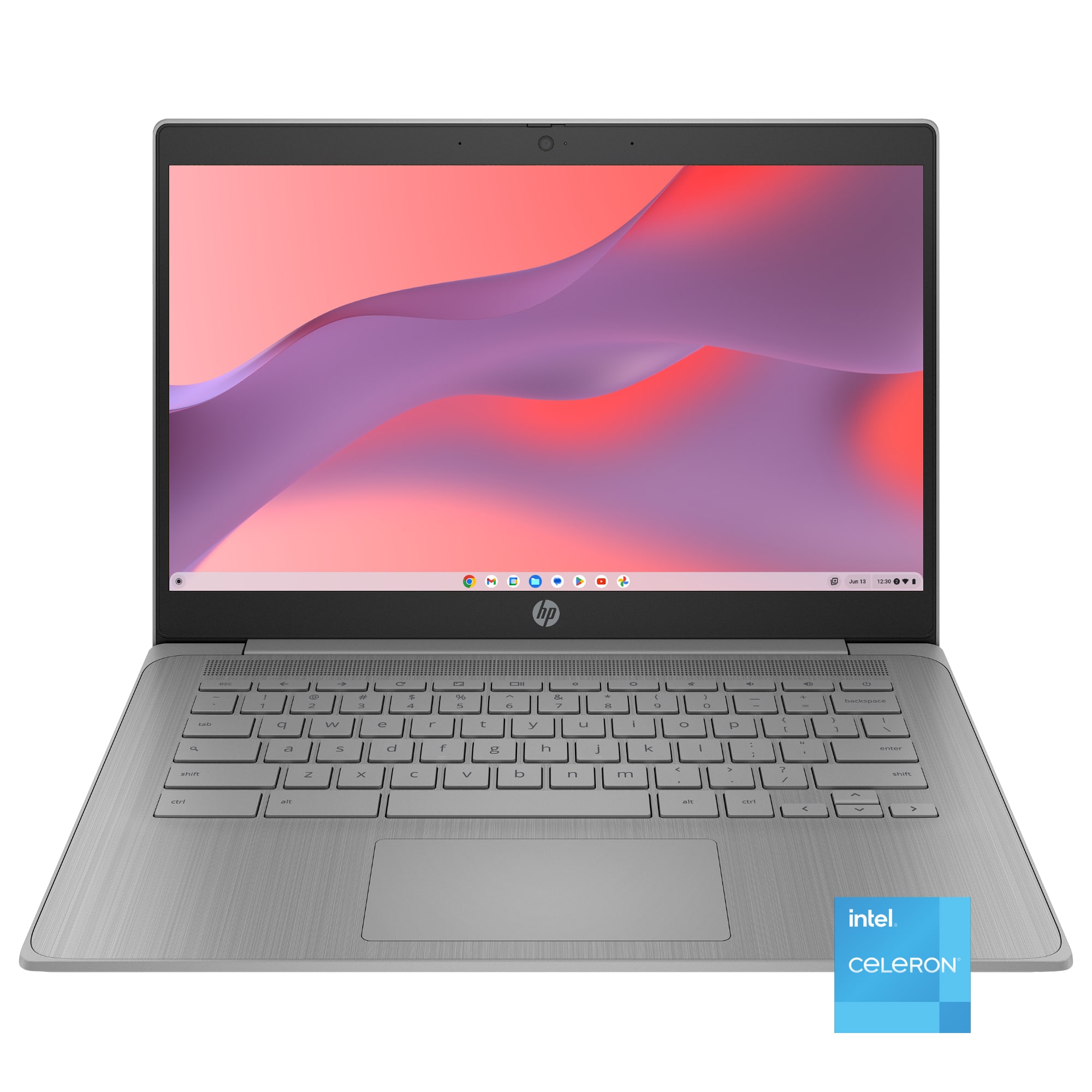
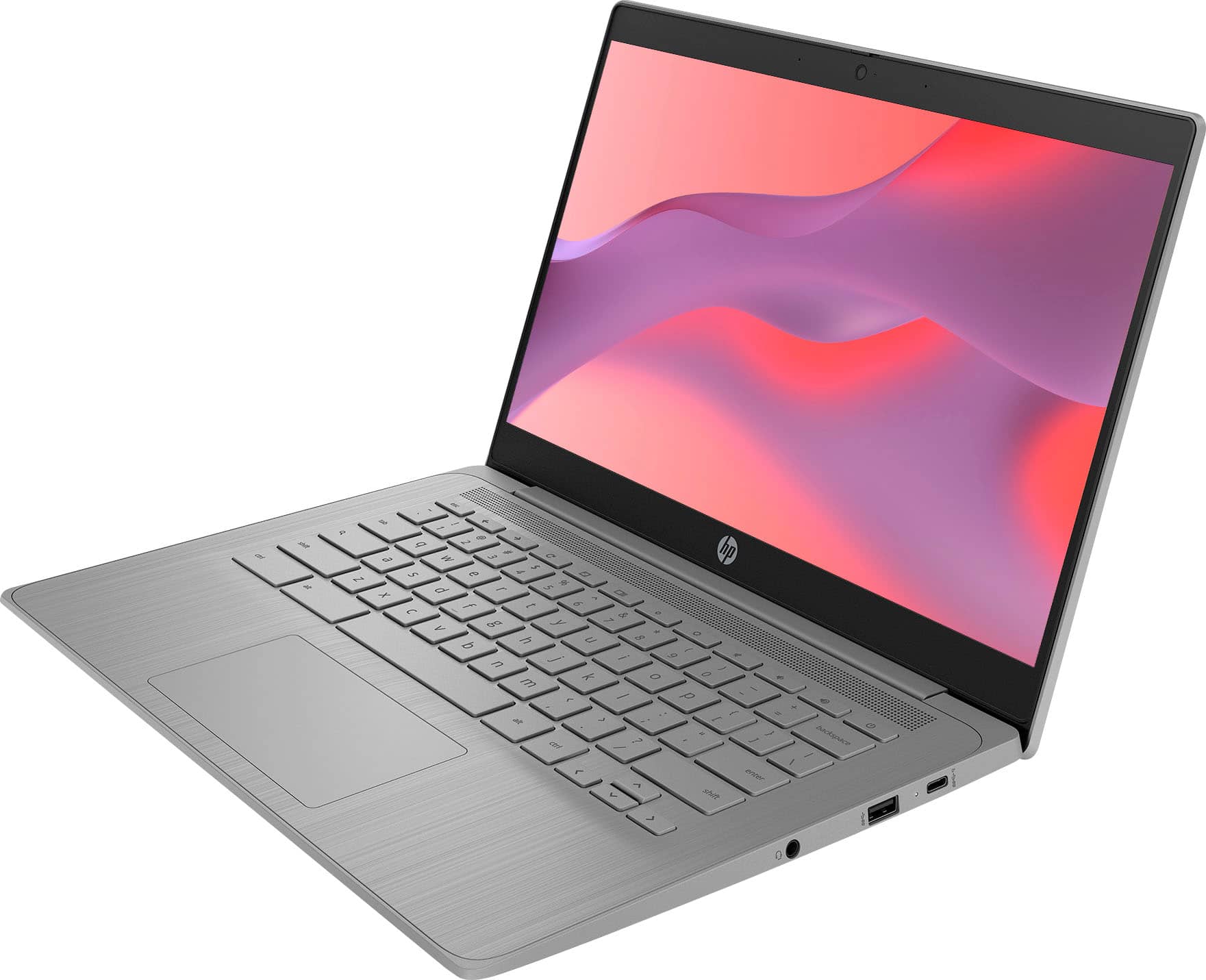
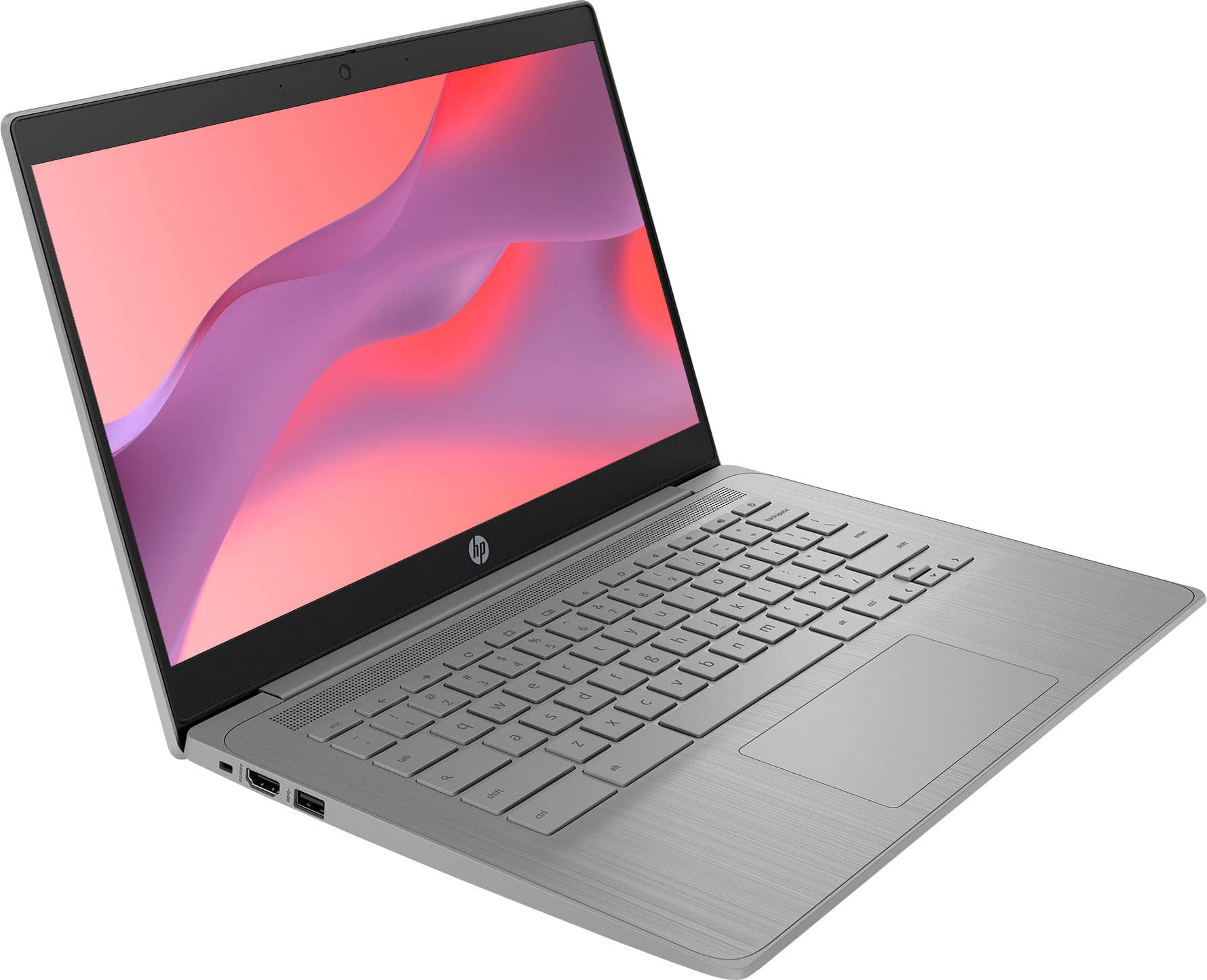
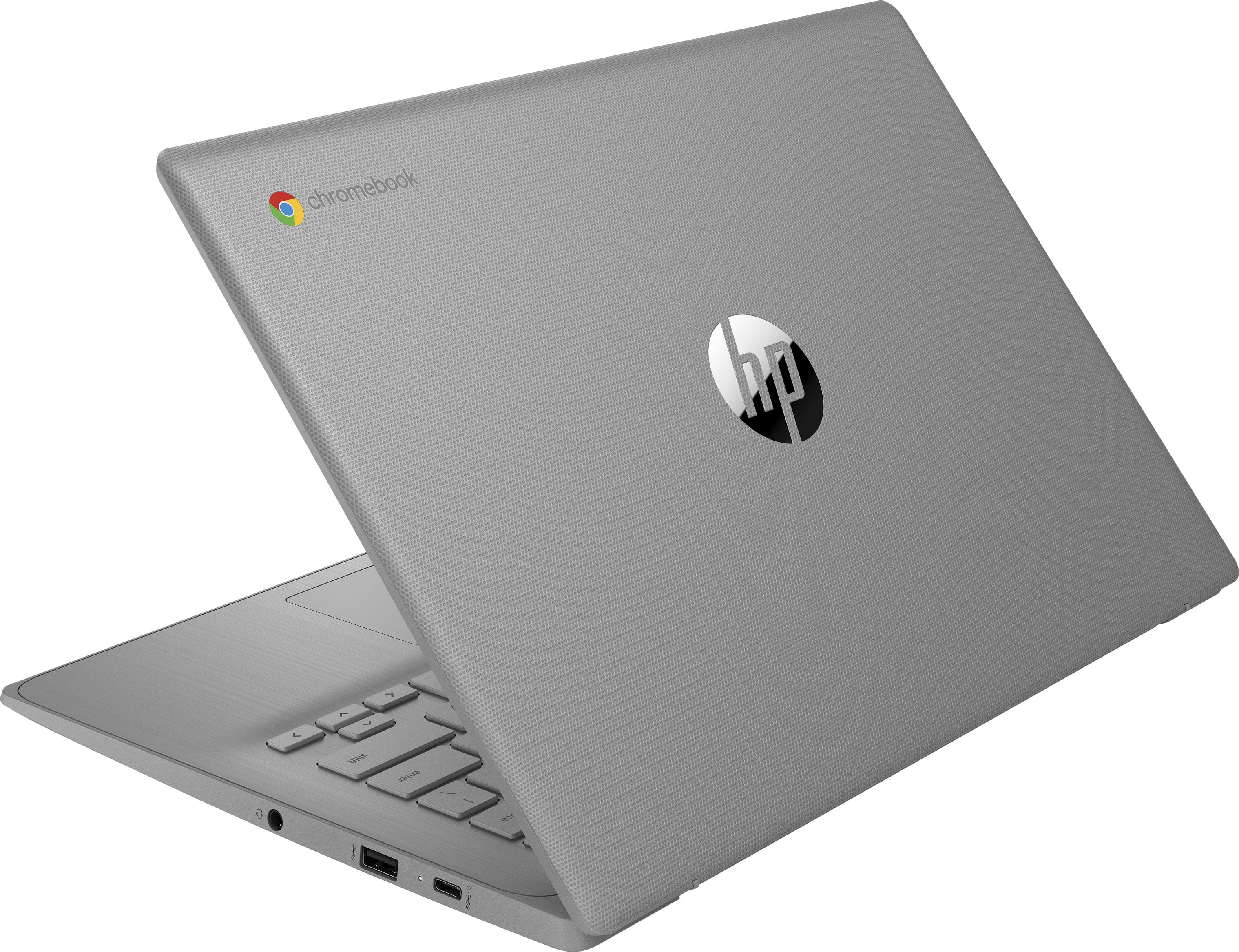
A:AnswerThank you for your question regarding the 14" Chromebook 14a-ne0013dx. It does have access to Google Play which will allow you to play some games. For any software, you would want to check the system requirements from the publisher's website and make sure the device you want to run it on meets the requirements for the setting you would like to use. Updates can change the requirements which can impact what settings you run it on or if you can run it at all. For software that always require online or for sections that are online, your connection type and speed can also affect how well it runs.
A:AnswerIn my attempt to register, HP did not recognize the model number with any device they produce. Might be different for you. Depending on the number you are attempting to use, it can vary between laptop.
A:AnswerThank you for your question regarding the HP - 14" Chromebook Laptop - Intel Celeron 14a-ne0013dx. If you can download the remote play app from Sony or the Xbox app, you may be able to stream them to this unit. For any software, you would want to check the system requirements from the publisher's website and make sure the device you want to run it on meets the requirements for the setting you would like to use. Updates can change the requirements which can impact what settings you run it on or if you can run it at all. For software that always require online or for sections that are online, your connection type and speed can also affect how well it runs.