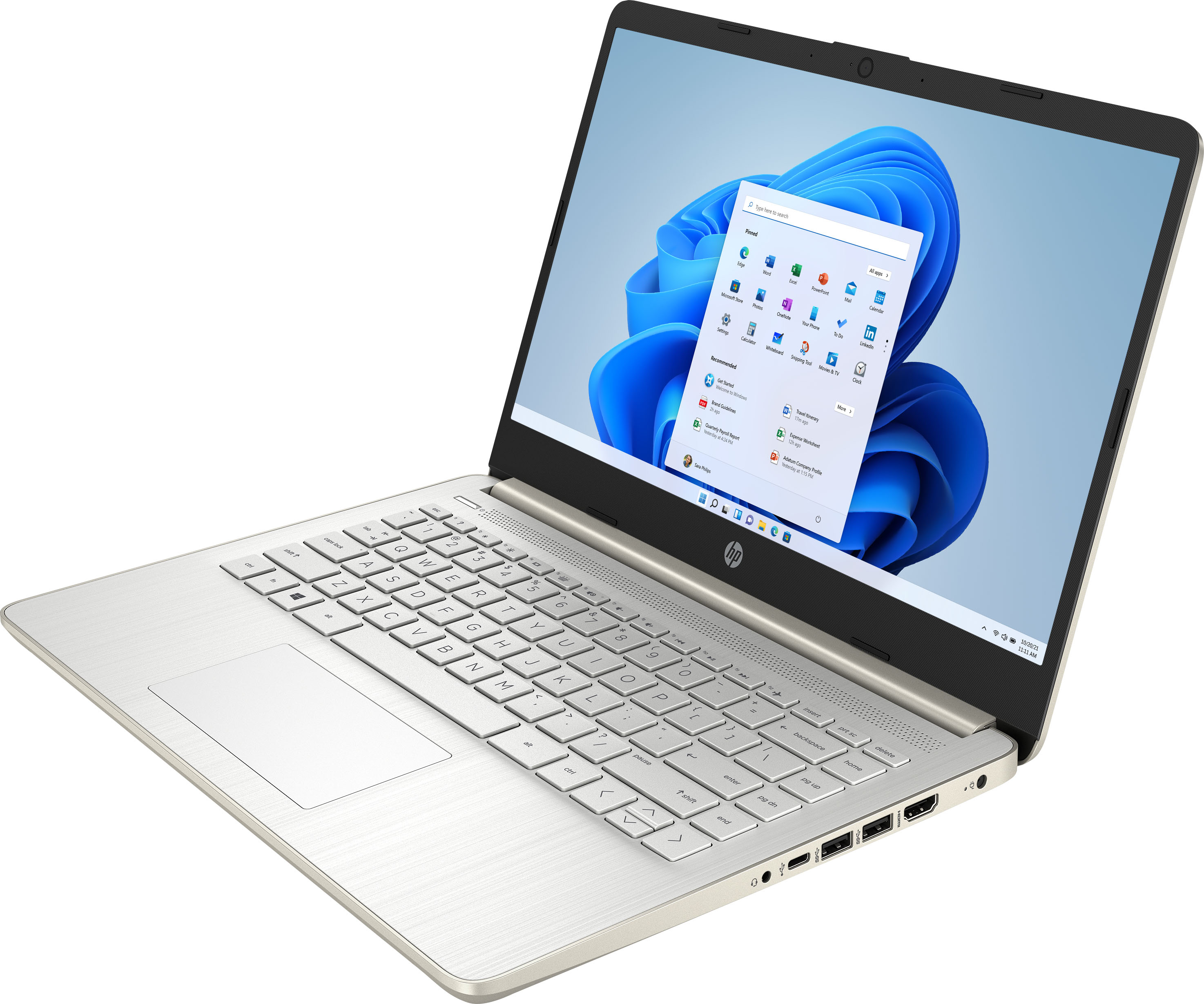
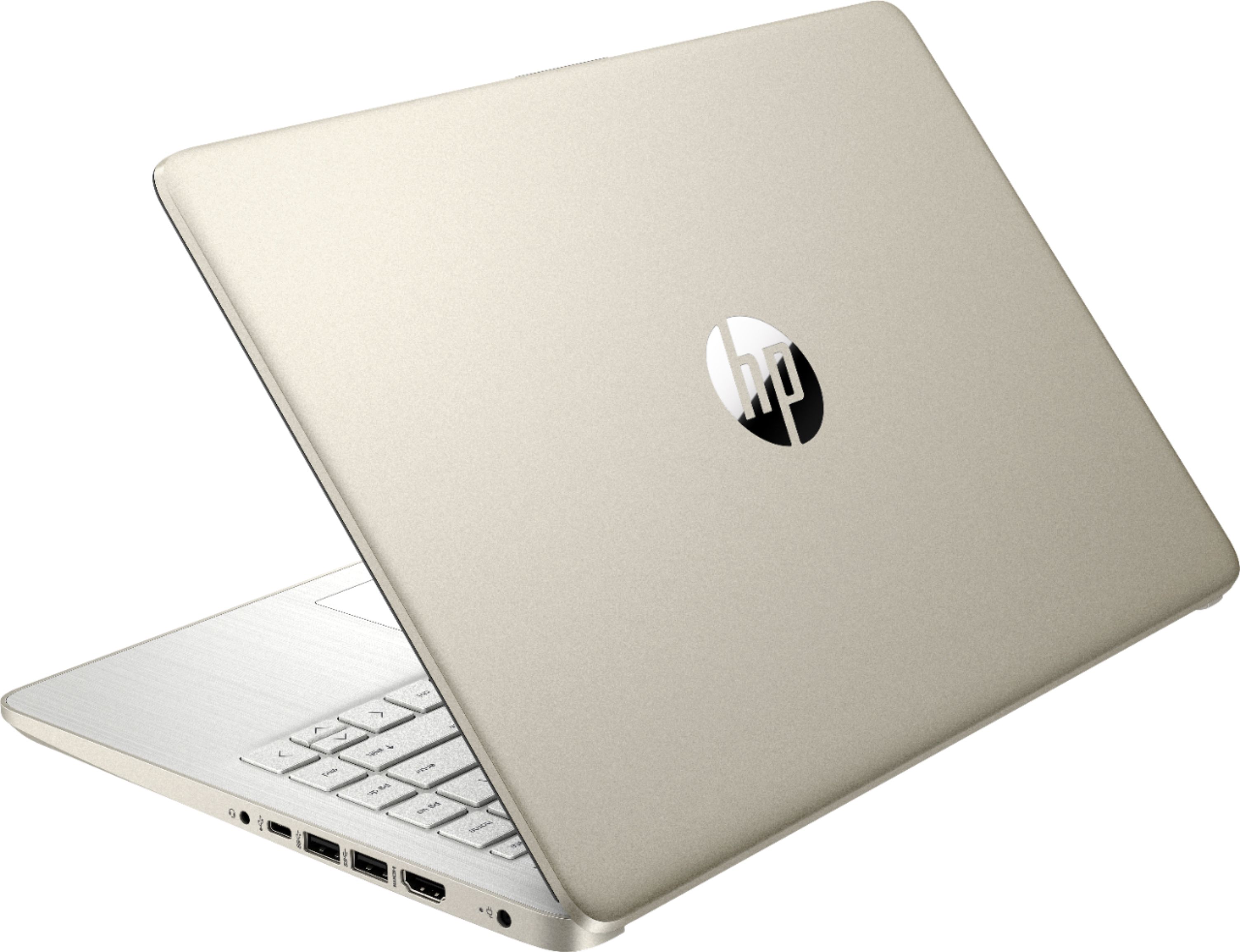
A:AnswerIt depends where "outside America" you're going. If you're talking about someplace like Canada, which uses the same electrical voltage and outlets it will work just fine. In other countries, you may need a "step down" transformer if their line voltage is 220 instead of the 110 it is in the US. You may also need an adapter to handle the different electrical outlets. Once you have those, you should have no problem.
A:AnswerSo long as you are not running numerous overly complex programs simultaneously, it should not have a problem.
You would have to be more specific regarding what your work entails you to use, in terms of the computer, to have an idea of the computing power you would need.
A:AnswerMine came witb microsoft 365 i just went to microstoft office download an fallowed the prompts i like the new version 2022 im assuming its user friendly even i can use it.
A:AnswerYou would want to check the system requirements for the software you would need for the college classes. Updates can change system requirements and that can affect what settings you would use the software on or if you could run it at all. For college use, you might want to consider your future classes and see what sort of programs they tend to use as well so that you are not having to buy another unit when you start a new semester with new classes.
A:AnswerWindows 11 in S mode is a version of Windows 11 that's streamlined for security and performance, while providing a familiar Windows experience. To increase security, it allows only apps from Microsoft Store, and requires Microsoft Edge for safe browsing.
A:AnswerFor any software you will want to check the system requirements from developer's website and make sure that the model matches the spec requirements for the setting you would like to use. Note that updates can change the system requirements and that would affect what settings you might be able to use or if you can use the software at all.
A:AnswerThank you for the question. Yes, but you'll need to install Microsoft Office to a flash drive or connect an external CD drive, and save documents to the flash drive or cloud storage - this laptop has just 64GB of storage onboard. You can also use Microsoft 365 online by simply logging in to your account.
A:AnswerI used this laptop for school and zoom classes. Not much space so for sure you will need to get extra storage. But overall it was easy setup and easy to log in to my classes
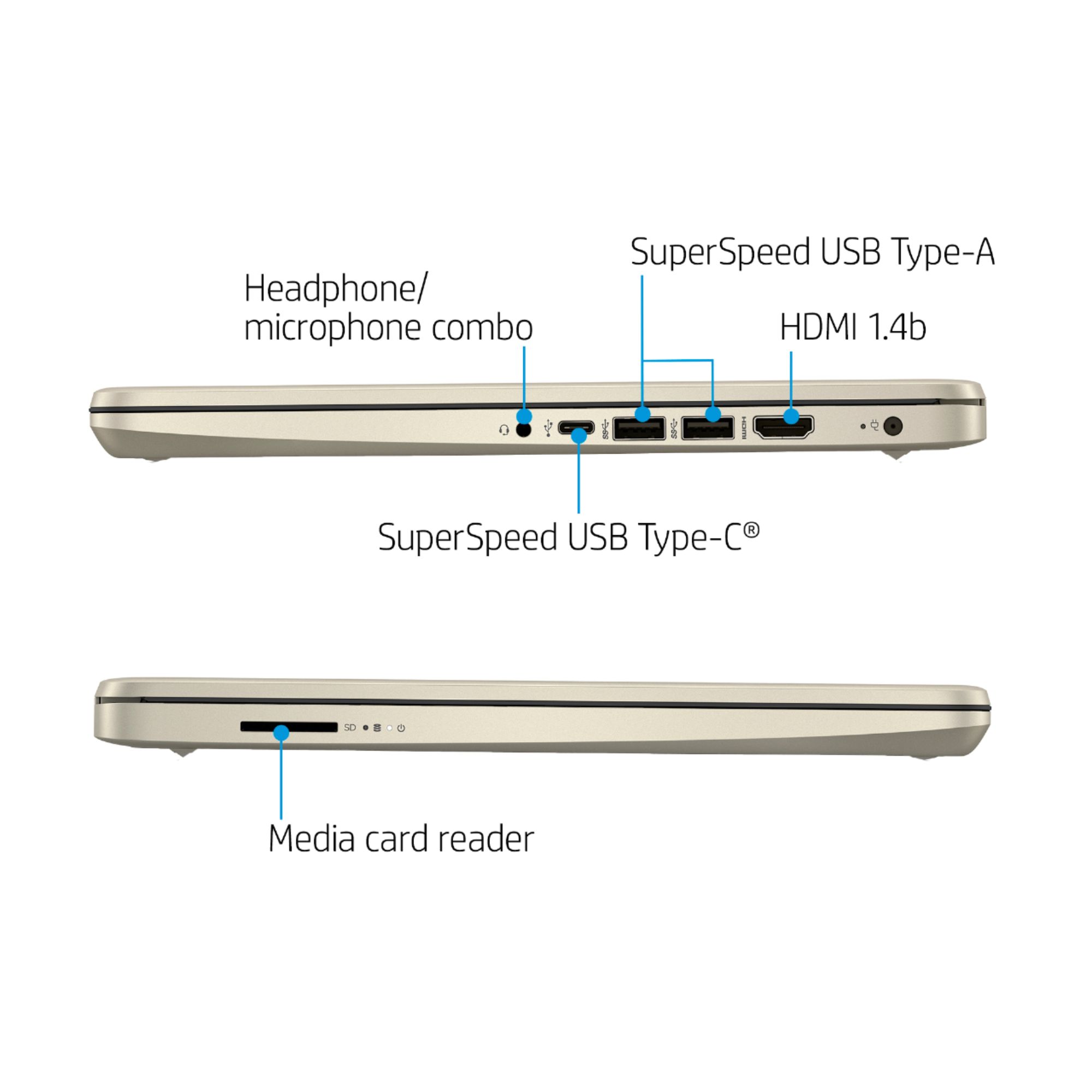
A:AnswerBecause this computer is running Windows in "S Mode" it can only download and run apps that are in the Windows Store. Office 365 can be downloaded from the store and run, but unfortunately, Dragon Naturally Speaking is not available. It doesn't have dual headphone and microphone jacks-it has a single jack for both.