A:AnswerHello, you can go into the clock settings and reset the clock, or you can restore the computer to factory default to see if that solves the problem. In additional you can contact HP Support and they can assist you in troubleshooting or replacing the device if you are within the warranty time. Thank you for being an HP customer!
A:Answeryou should be able to remember bookmarks bar comes with the browser so that depend on google, I had google chrome before and Im sure they use it
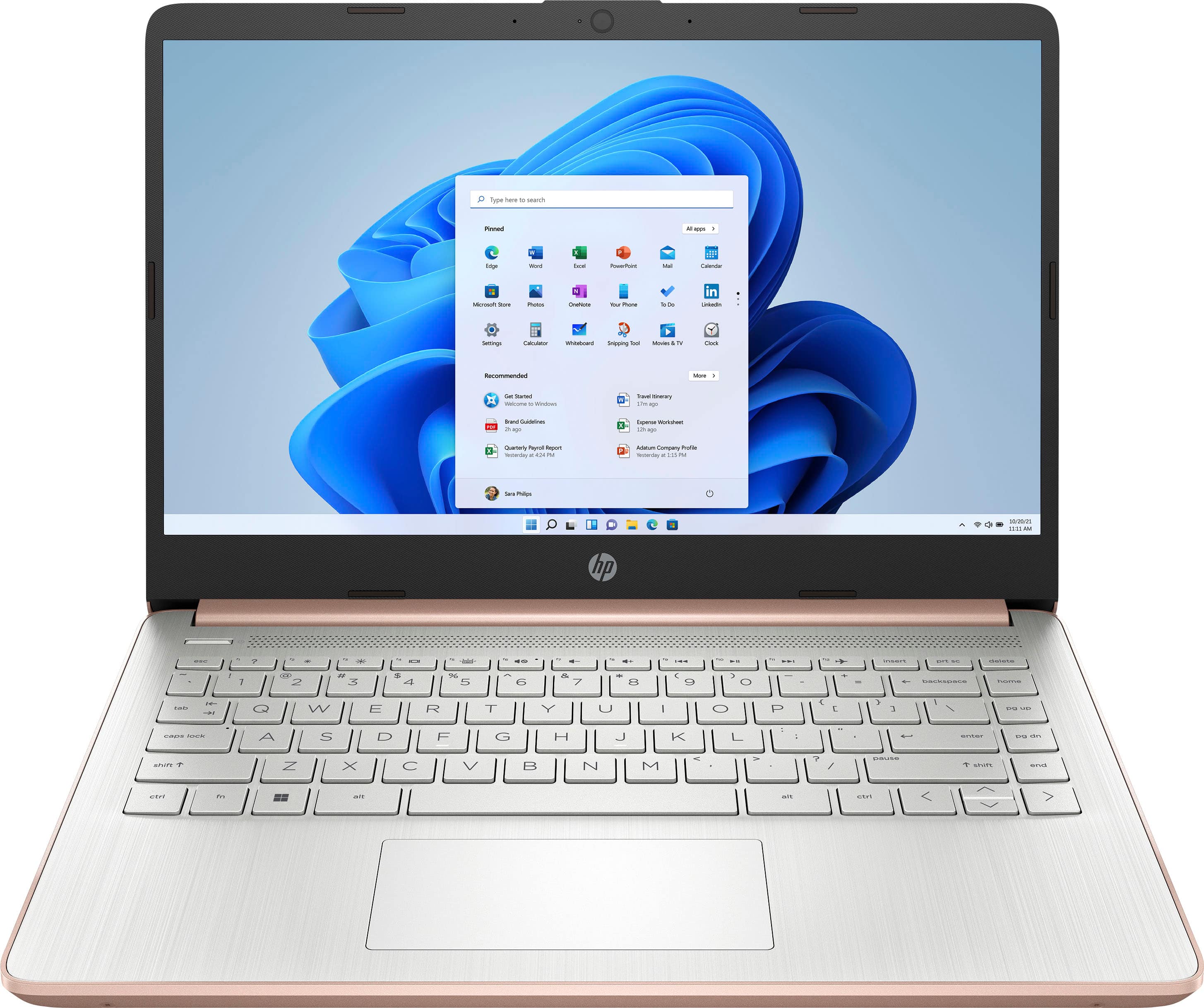
A:AnswerThank you for the question. White keyboards will have dark characters on the keys and dark (blue, black) keyboards have light characters on the keys.
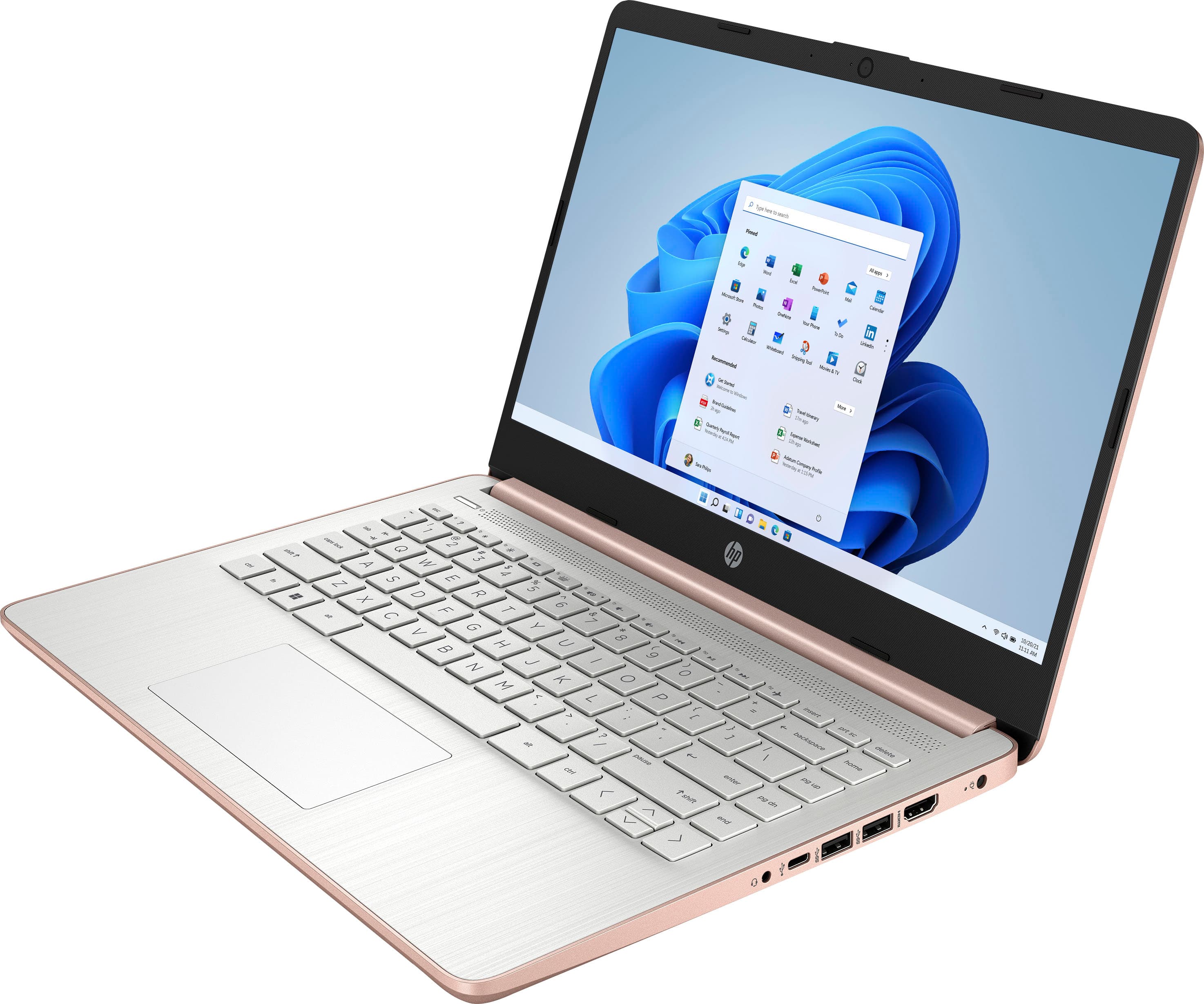
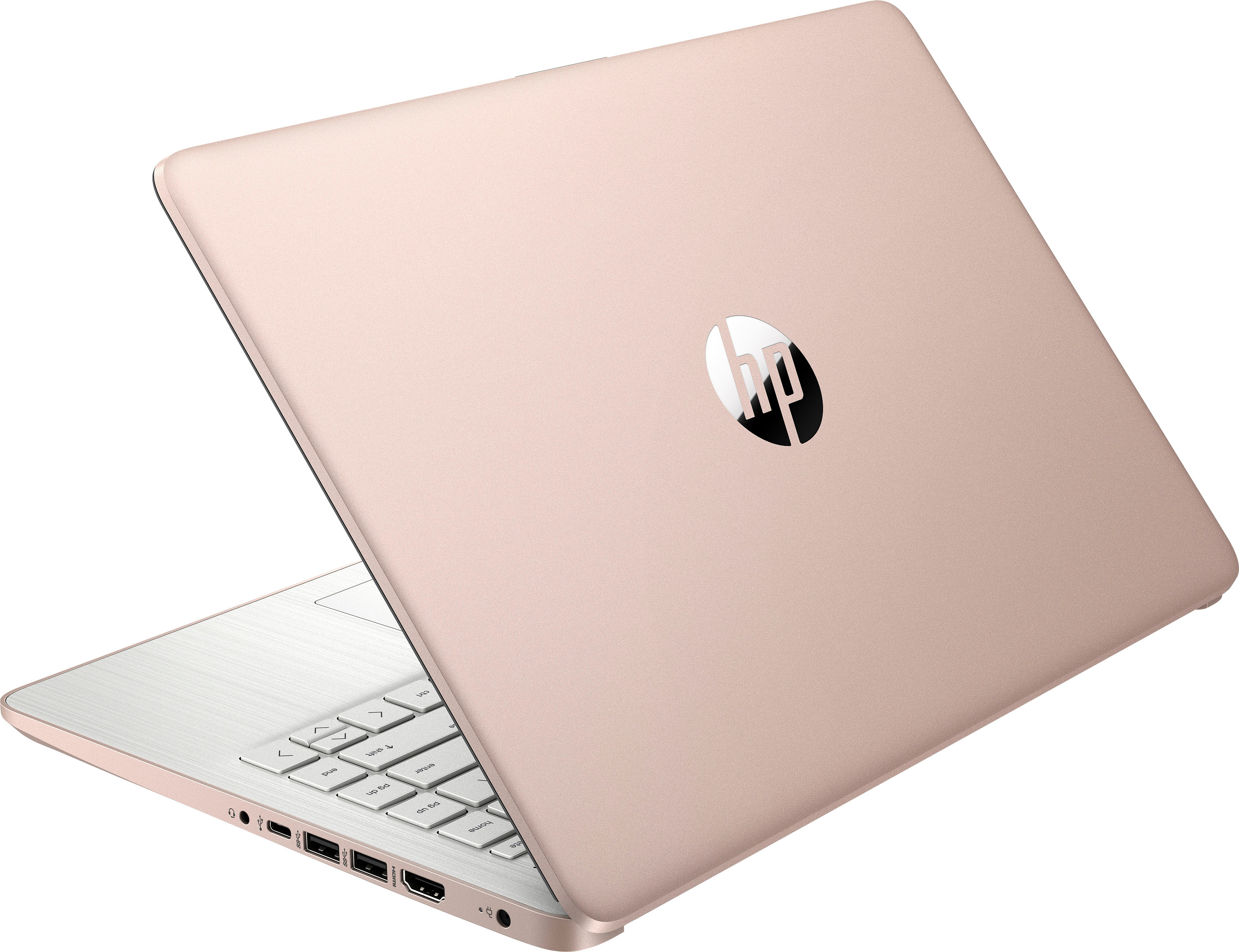
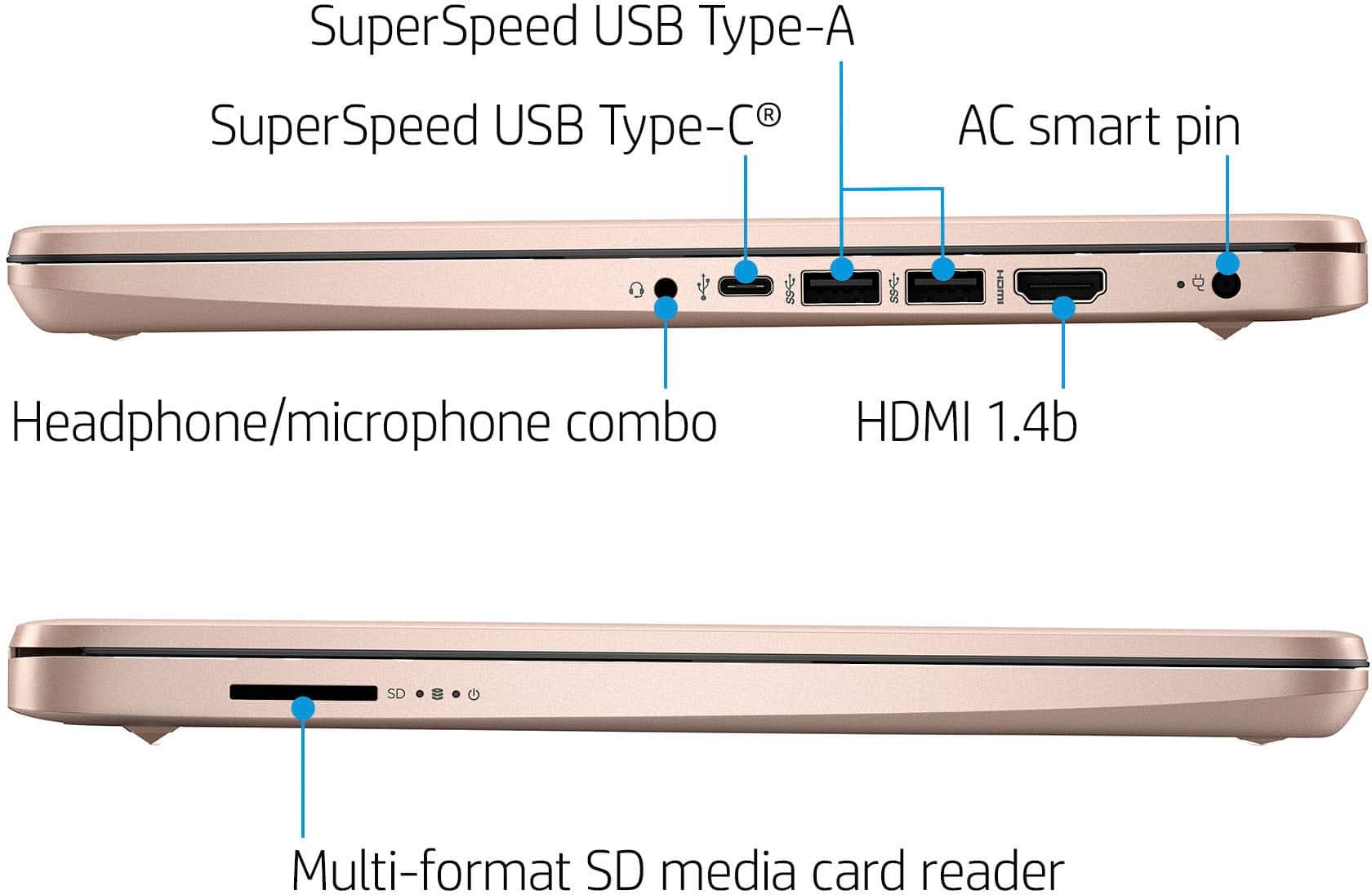
A:AnswerThank you for the question. This laptop does not have an optical drive. You could connect an external CD/DVD drive, however. An example: https://www.bestbuy.com/site/lg-24x-write-24x-rewrite-24x-read-cd-8x-write-dvd-external-usb-2-0-dvd-writer-drive-multi/1970008.p?skuId=1970008
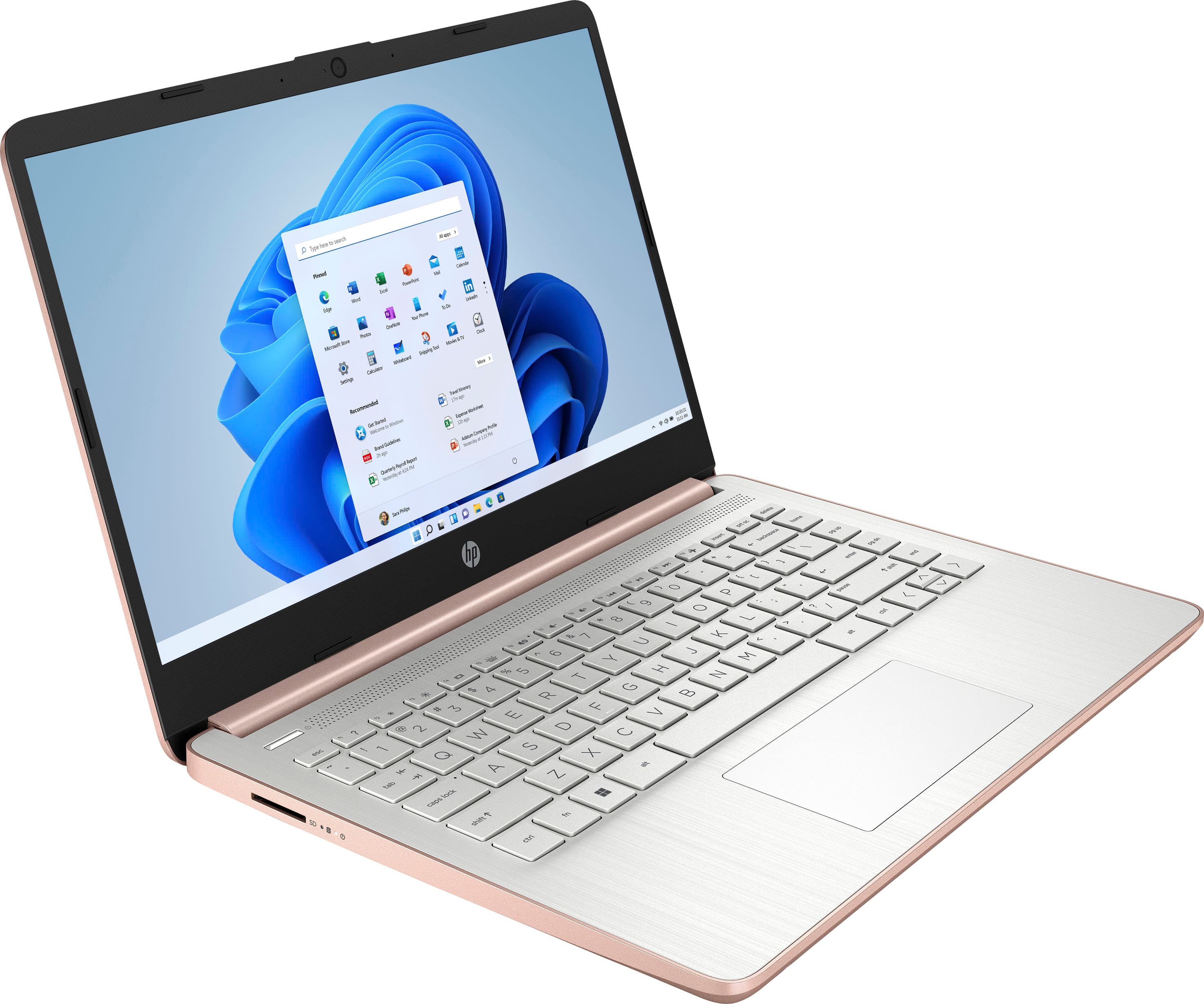
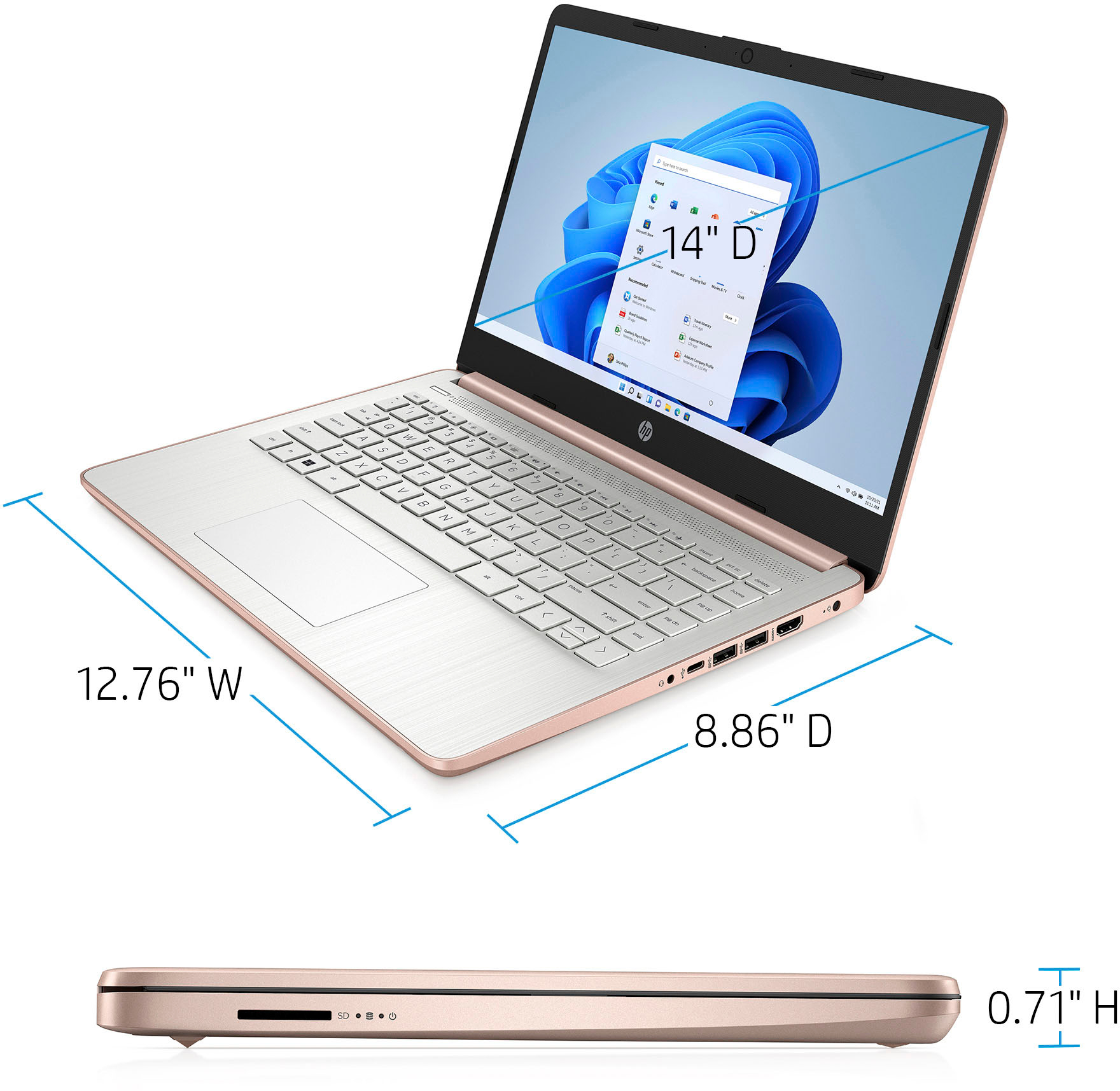
A:AnswerThank you for the questions. The HP 14-dq0001dx is presented with Windows 11 Home in S Mode. It has an Intel Celeron processor, 4GB of memory (RAM) and storage is 64GB eMMC (embedded MultiMediaCard). This laptop has a multi-format SD media card reader to expand storage. You can also attach an external drive via USB.
A:AnswerThank you for the question. This laptop is better suited for student and general household use, perhaps some casual gaming. If gaming is your main concern, most games have minimum system and graphics requirements (RAM, processor speed, discrete graphics, etc.). Please research the requirements of games you'd like to play to ascertain if this laptop will be minimally acceptable or if you'll need more power and better graphics.