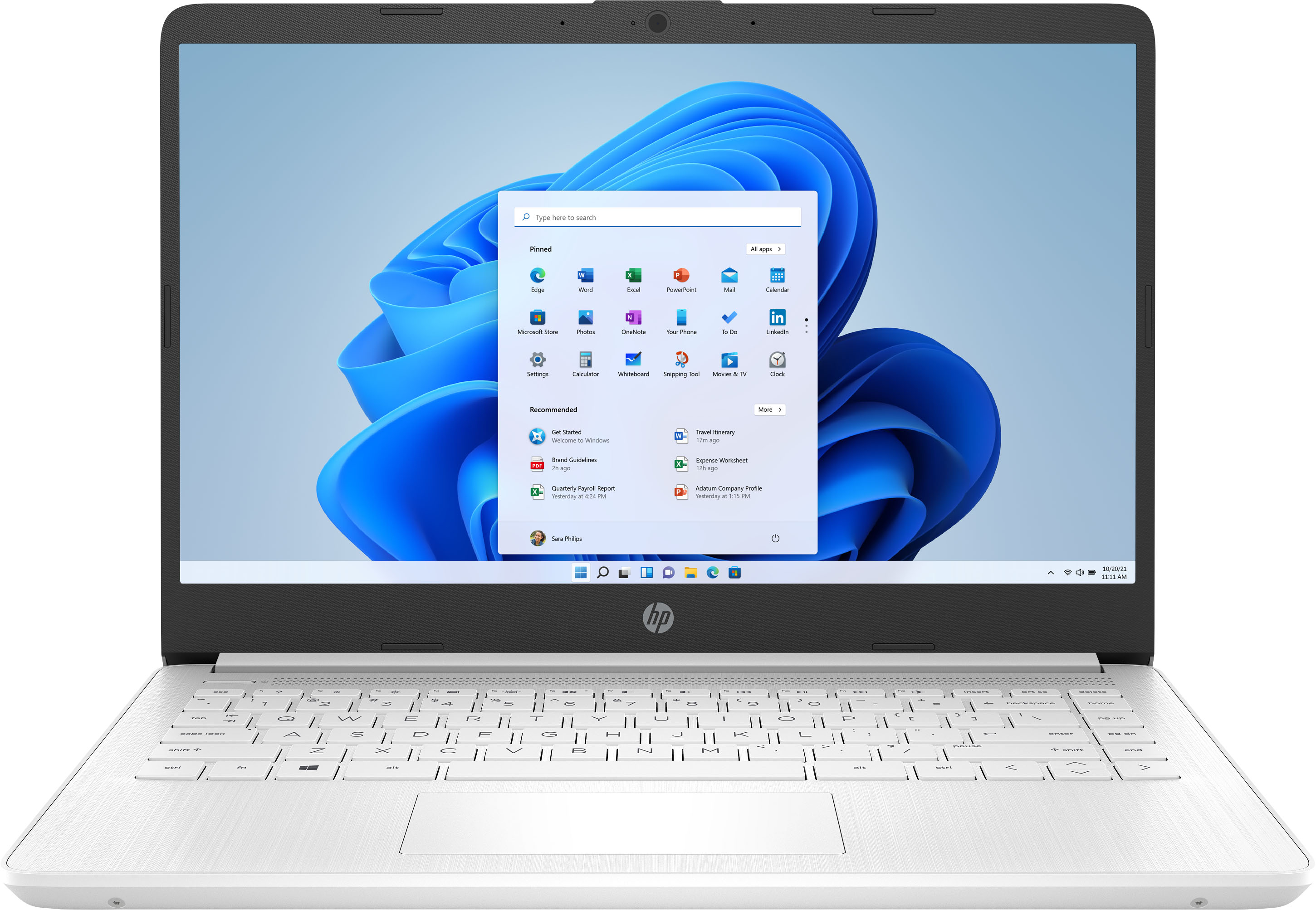
A:AnswerThe computer doesn't have an Ethernet port, however, you can get an Ethernet to USB adapter that takes the cable and connects it to one of the USB ports.
A:AnswerHello. Thanks for your question. No. You need a computer with at least Intel i5 or AMD Ryzen 5 processor or better with 8 GB or 16 GB of RAM and a discrete graphics card with 2 gigabytes or more of video memory to run the Adobe programs. They are big programs that require a lot of processing power to run.
A:AnswerPlease verify:
Service manual for 14-dq0xxx document L58968-1 indicates this series with Celeron processor can be upgraded to 8GB by replacing the 4GB stick. Found on HP website Maintenance and Service C078887333.pdf. Crucial indicates 14-dq0032 is upgradable to 8GB. I haven't opened my 14-dq0032dx so this is based on the referenced documentation.
A:AnswerThe SODIMM slots in this model are not accessible. To confirm any possible upgrade options on this computer's RAM, reach out to your Best Buy Geek Squad!
A:AnswerYes, the RAM can be upgraded up to 32 gigabytes. Because it requires partial disassembly of the computer, you'll want to have the work done by a trained technician. The Geek Squad at your local Best Buy would be an excellent option.
A:AnswerYou can use some external storage options such as HDDs, SSDs, SD and MicroSD card options. As far upgrading the on board eMMC, Chromebooks are usually considered non-upgradeable. You can ask HP Support or Geek Squad about possible options if you were trying to upgrade the main storage on the device. With any external options, make sure that on the product or on the manufacturer's website what the system requirements are.
A:AnswerThank you for the question. The 14-dq0051dx laptop has no user-accessible RAM (memory) slots. In theory, an upgrade could be performed, however, this would involve very strong DIY skills or a trained technician, as the RAM is soldered to the motherboard. The eMMC chip is flash storage, not memory. It cannot be upgraded, but you can use an external flash or disk drive to augment storage.