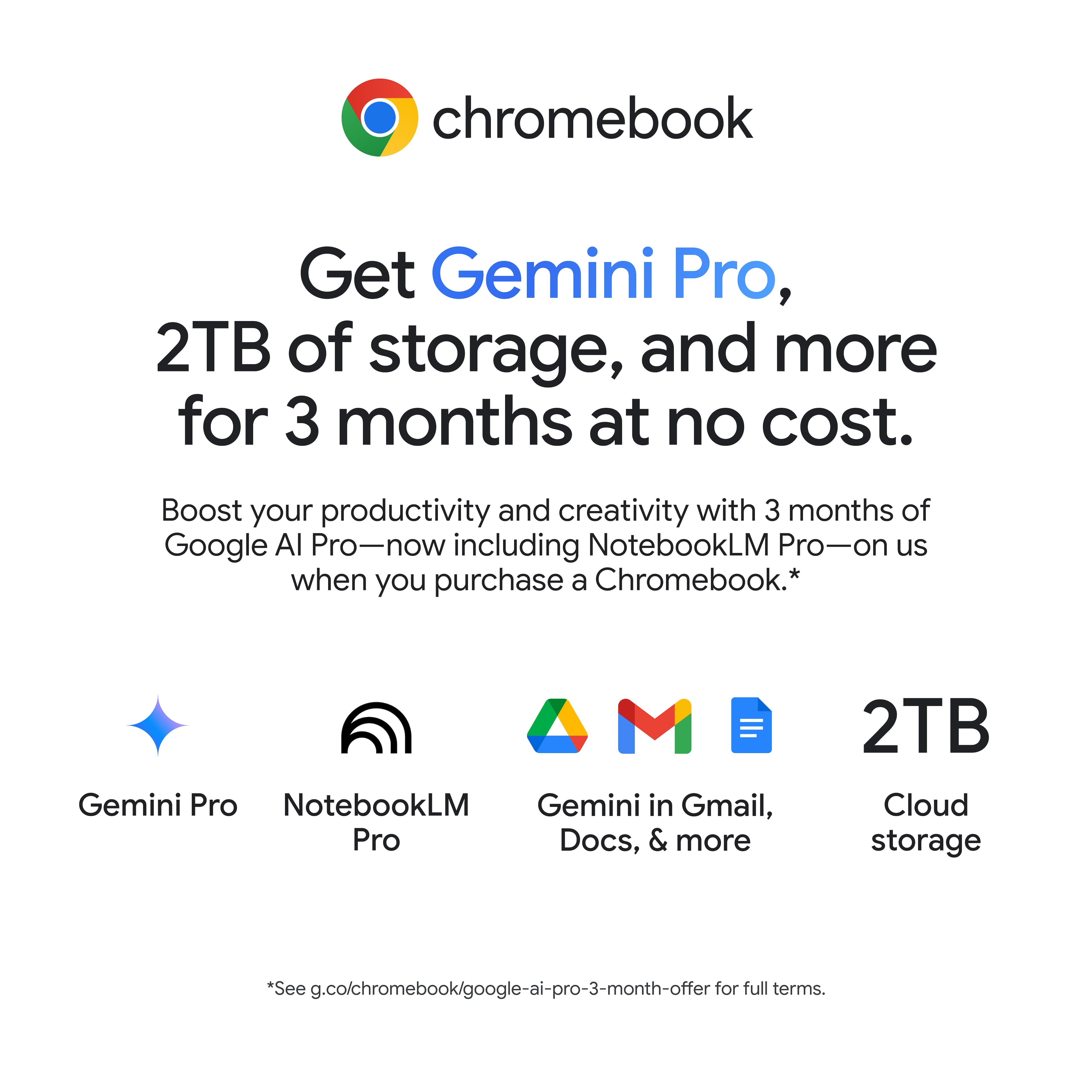
A:AnswerYou have to start paying for the premium membership. I got hooked and they got me! However I use Verizon and it's now one of their perks so I am getting it for a little cheaper now
A:AnswerUnfortunately, we're all HP reps, so we're not that familiar with the Acer PCs. You'll need to contact their support to help with that. If you can give us an idea of what kind of printing you're going to be doing, we can help with that.
A:AnswerYES. During the downloading update process, The Google banner states Chromebooks have a built-in virus protection for malware. I am sure it is basic anti-virus or malware and not the one you get like a full version Anti-Virus like one you have to buy.
A:AnswerNo, because it's a Chromebook it does not have any Microsoft software installed. However, it does have "Google Sheets" which can create and read Microsoft Excel files.
A:AnswerHello Anthony, thank you for your question. You can check the requirements for the software (or hardware) you would like to use by looking up the system requirements for it from the publisher's website. You will want to make sure that the device you want to use it on meets the minimum requirements. Updates and modifications can impact what settings you can run the software on or if you can use the software (or hardware) at all.
A:AnswerThank you for the question. Yes, if you use the online versions of those tax apps, or if they offer an offline version that's compatible with the Chrome operating system.