A:AnswerNot easy but definitely doable. I connected it to my iPhone 8 and Laptop and will be trying to connect it to my Mac soon. As long as you have the app you should be good.
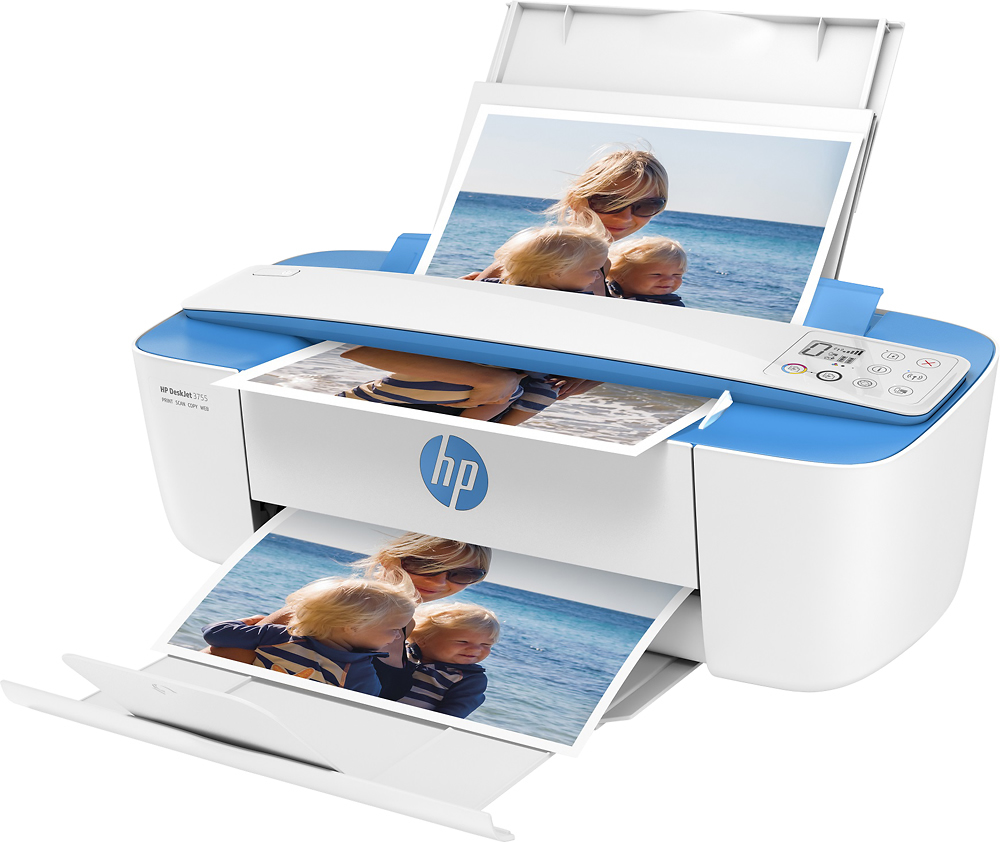
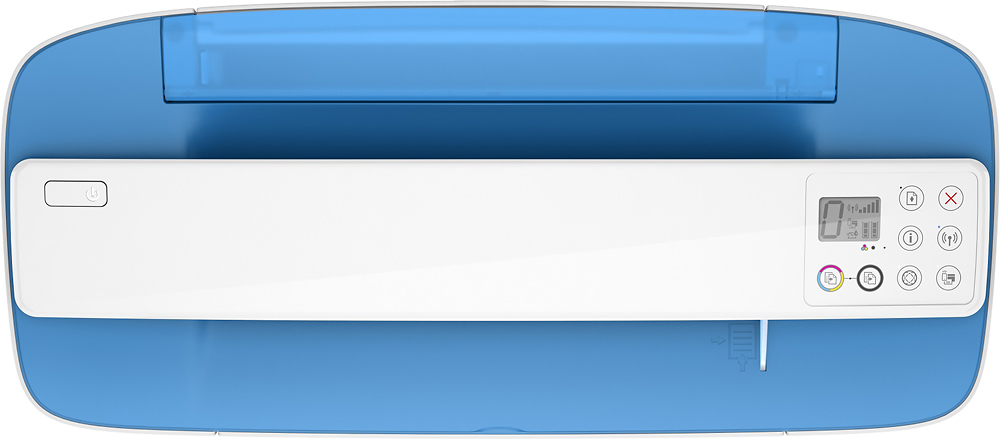
A:AnswerRight below the bar that goes across the width of the printer is a slot. To copy, you need to feed the original document into that slot. As the printer makes the copy, it will pull the document through.
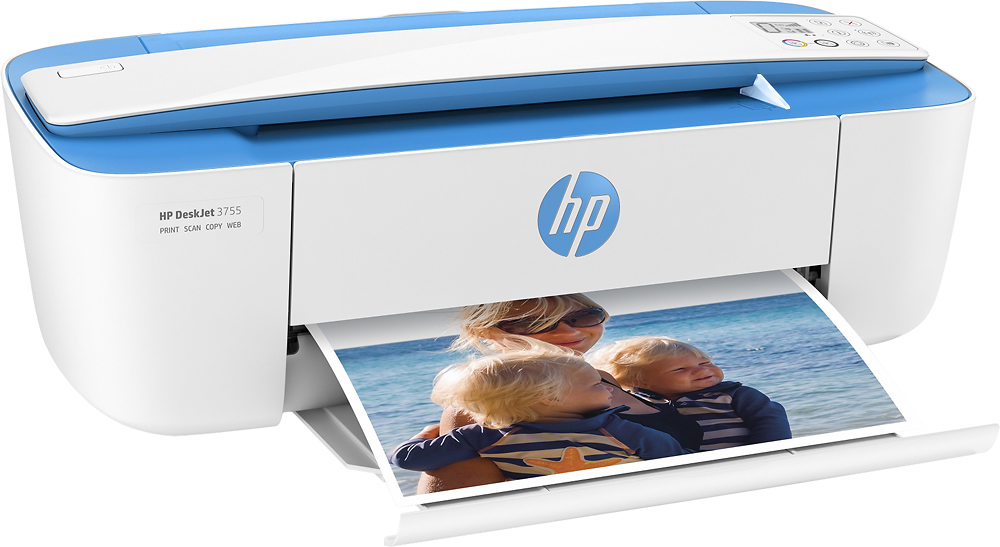
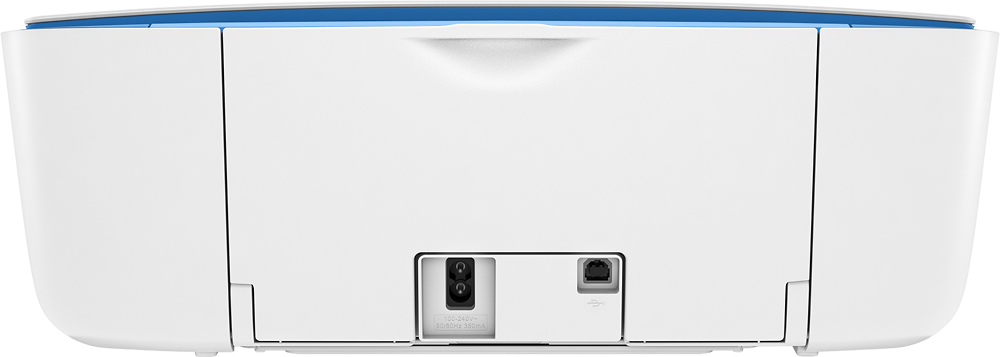
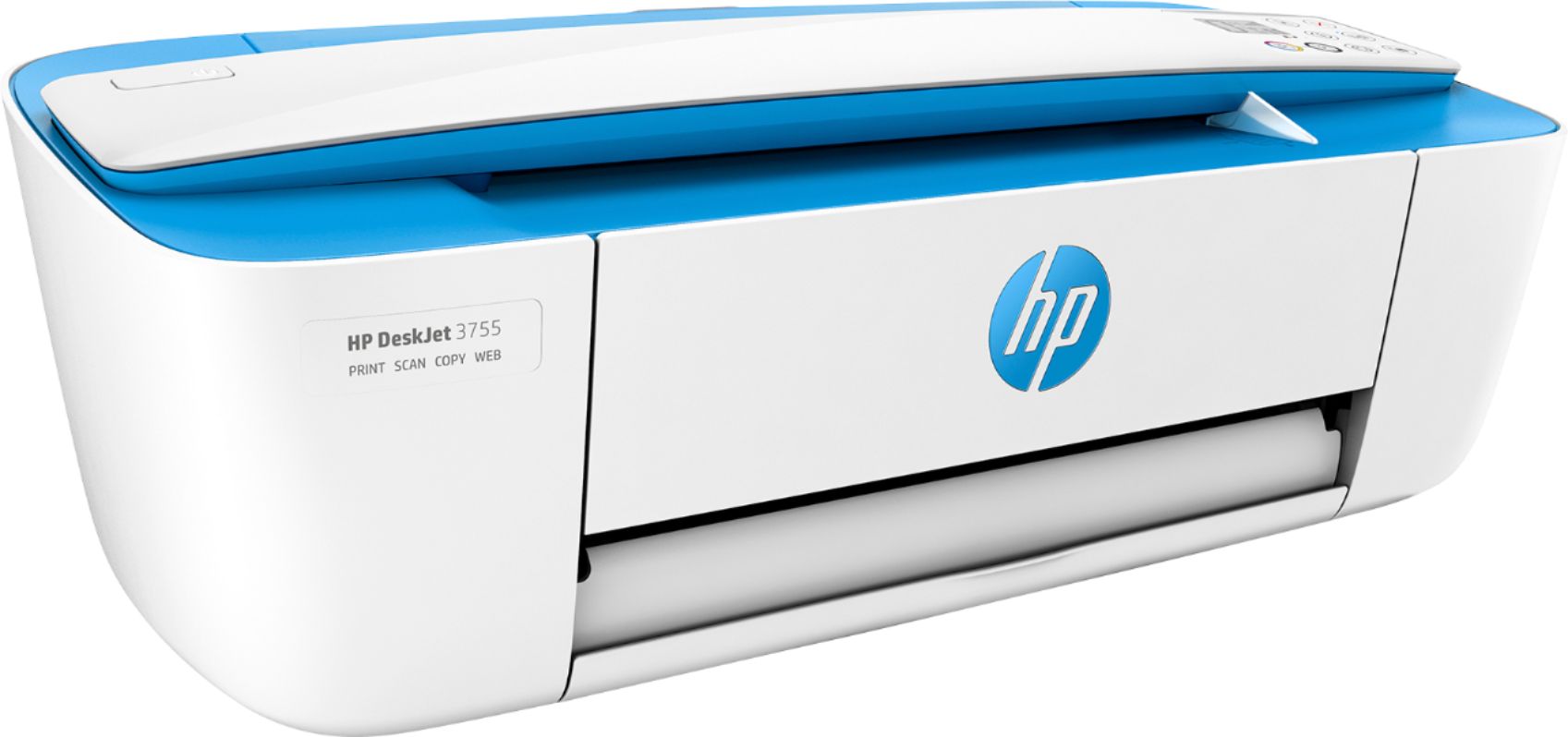
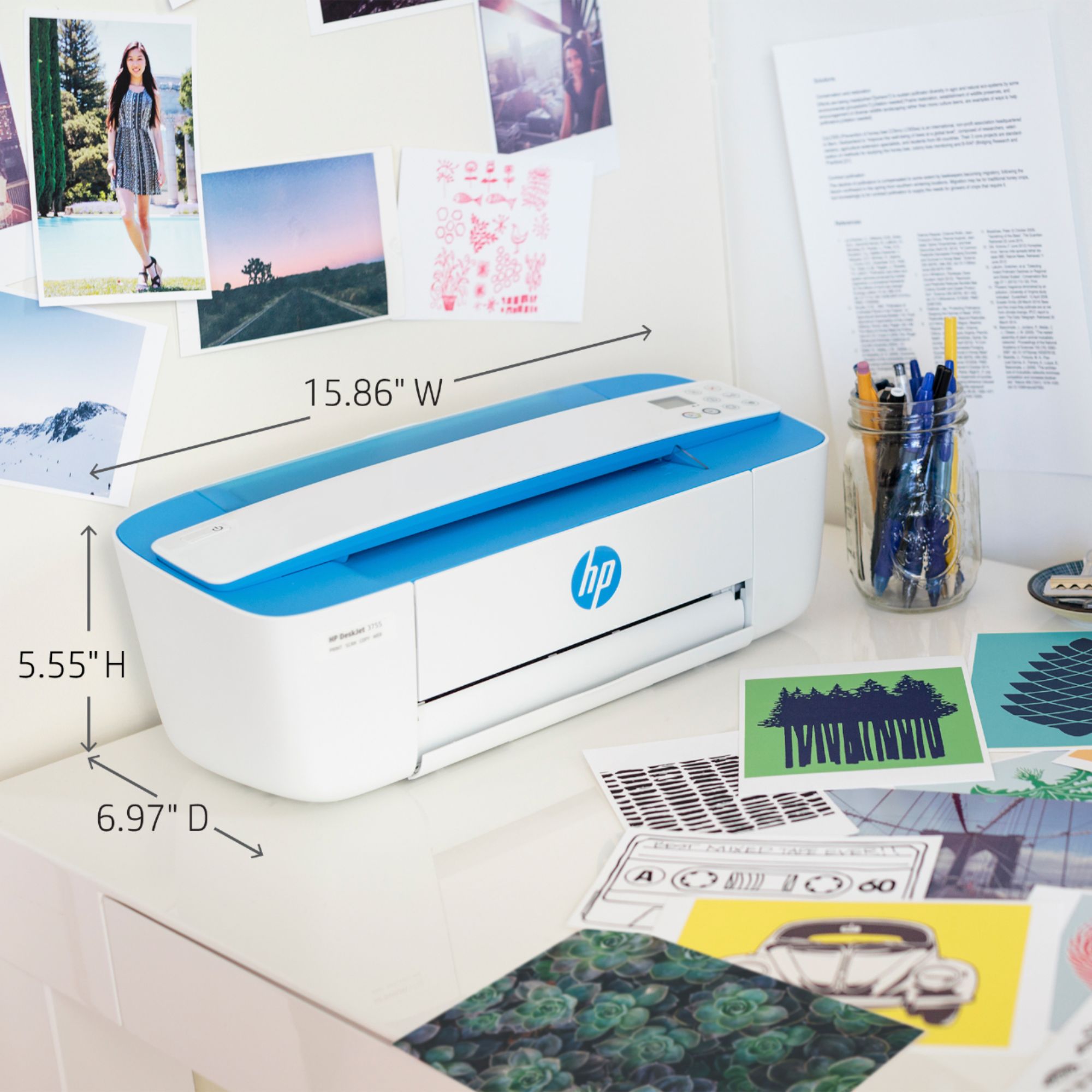
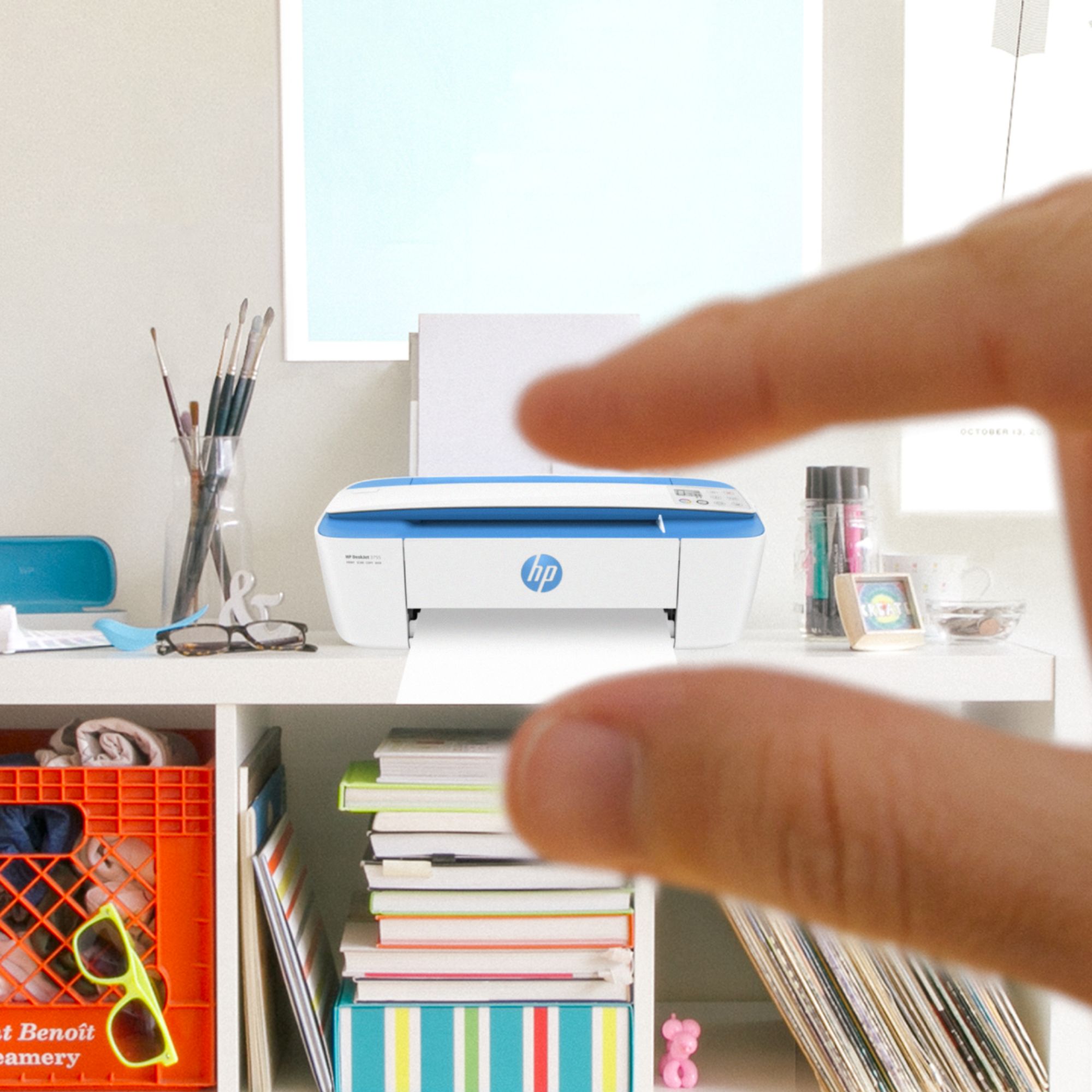
A:AnswerThe dimensions of the HP Deskjet 3755 printer are (W x D x H) 15.86 x 17.75 x 10.39 inches. These are the dimensions without the paper trays extended: (W x D x H) 15.86 x 6.97 x 5.55 inches. The trays can be closed.
A:AnswerYou can print from your iPhone. Just be sure the iPhone phone and the printer are on the same wireless network. We recommend using the HP Smart App: https://support.hp.com/us-en/document/c03561640
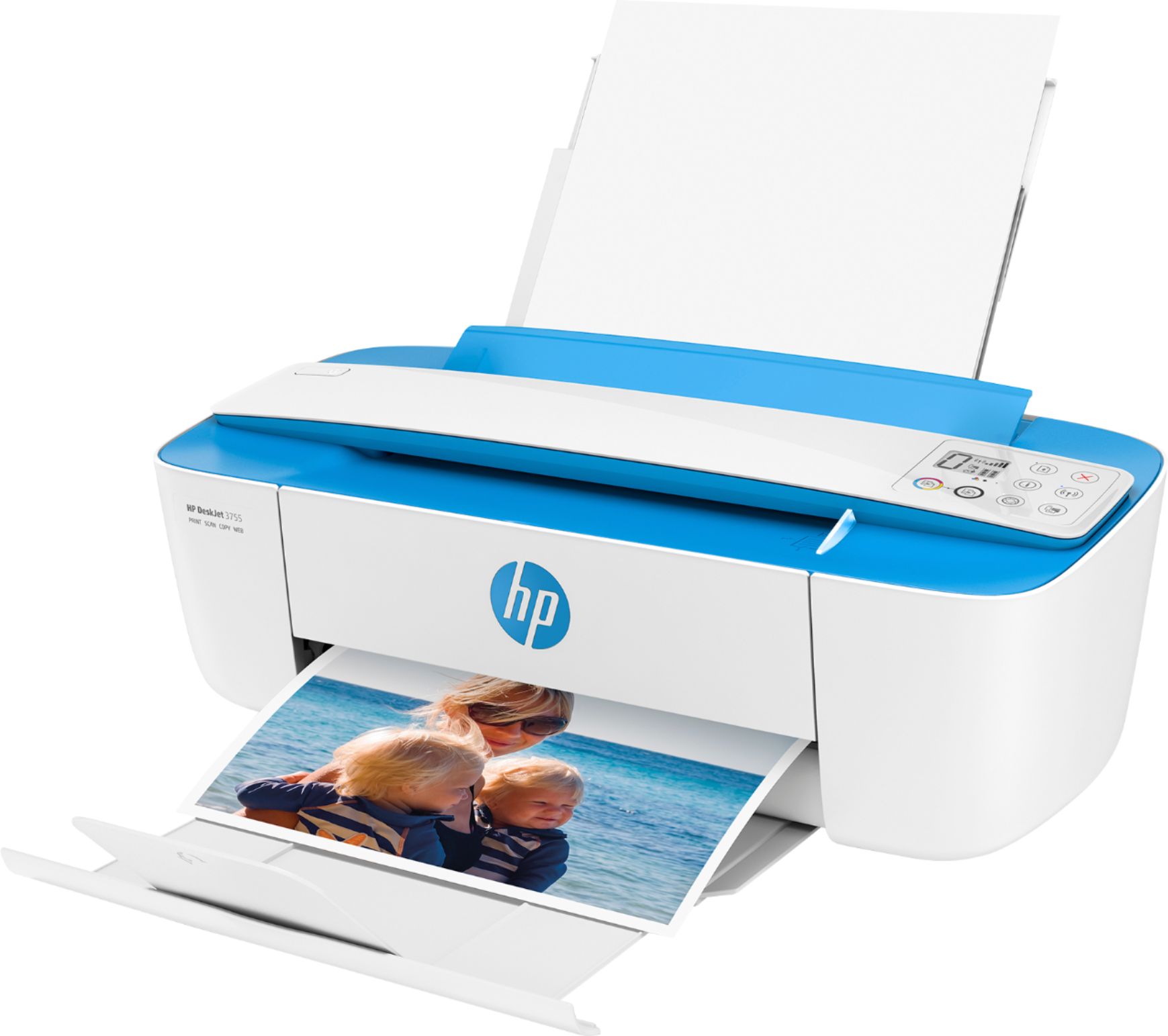
A:AnswerThe issue isn't the printer or the ink-it's the paper. Photo paper is designed specifically to make the colors "pop", and if it's a glossy finished paper, to also have a sheen that makes the photo look good.
A:AnswerYes, you can print from your iPhone and iPad. Just be sure the device and the printer are on the same wireless network. We recommend using the HP Smart App: https://support.hp.com/us-en/document/c03561640
A:AnswerThis printer does not have a fax function. If you want a printer with a fax function, we recommend looking at the HP Envy Photo 7855, Officejet Pro 9015 or 9025 printers.