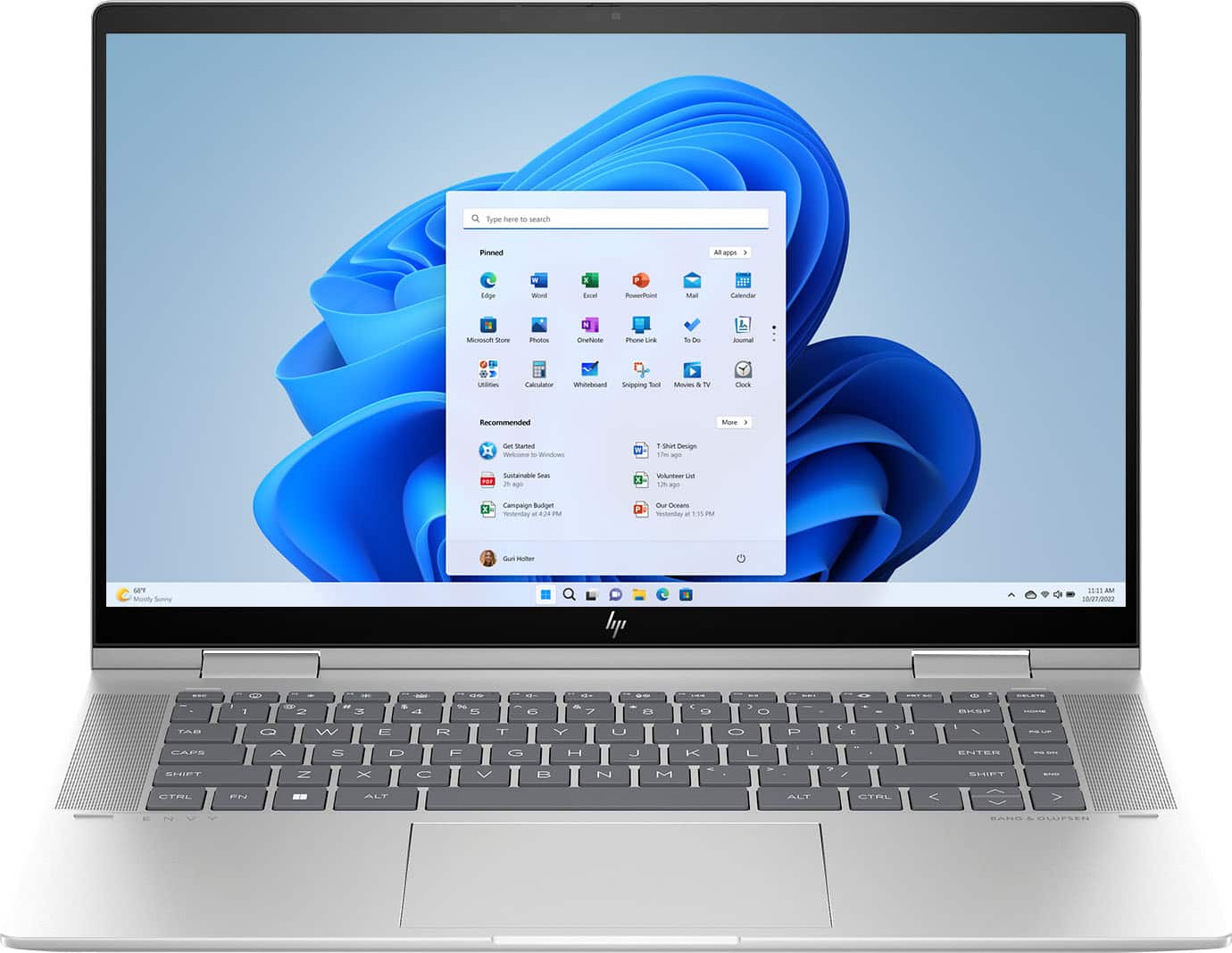
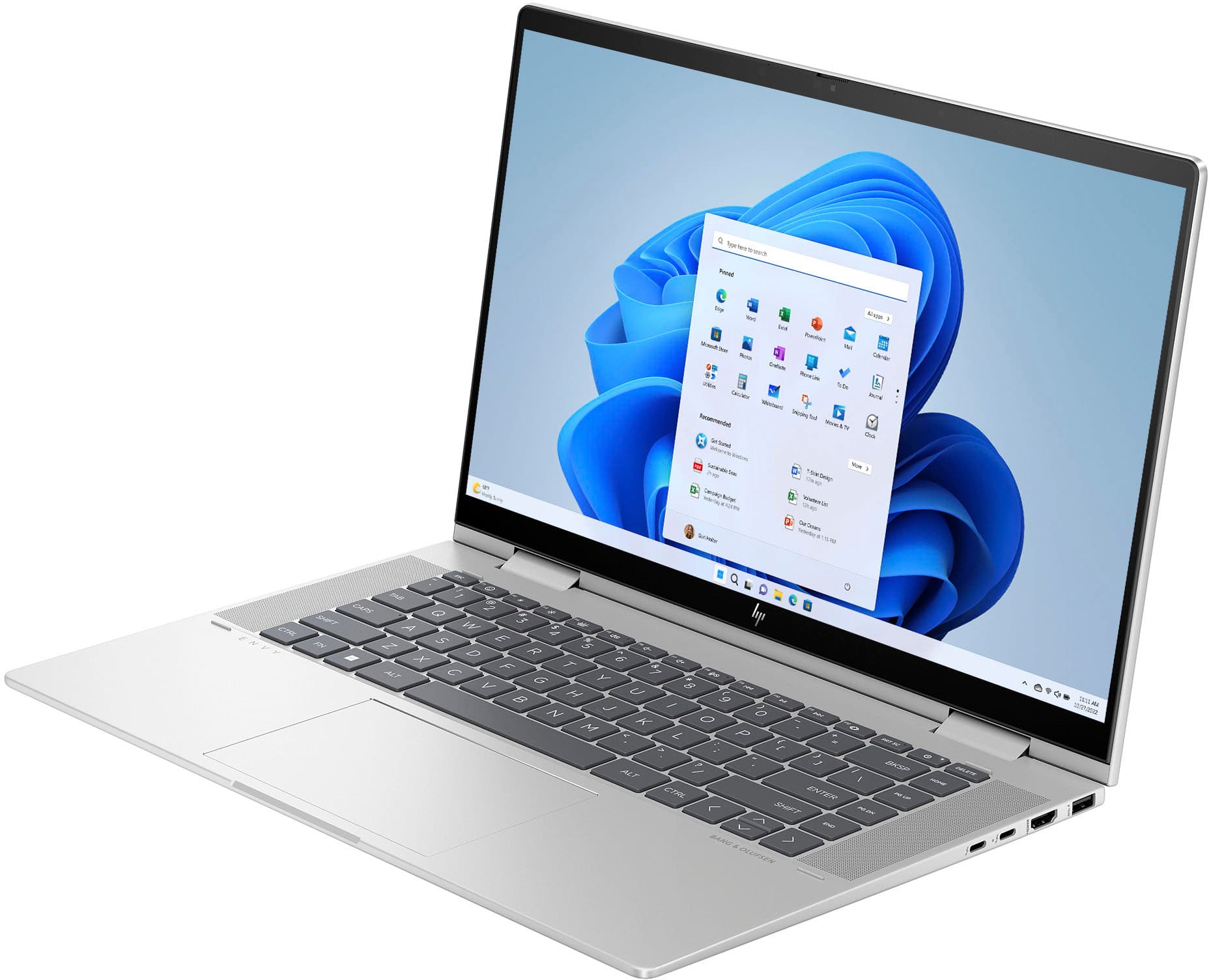
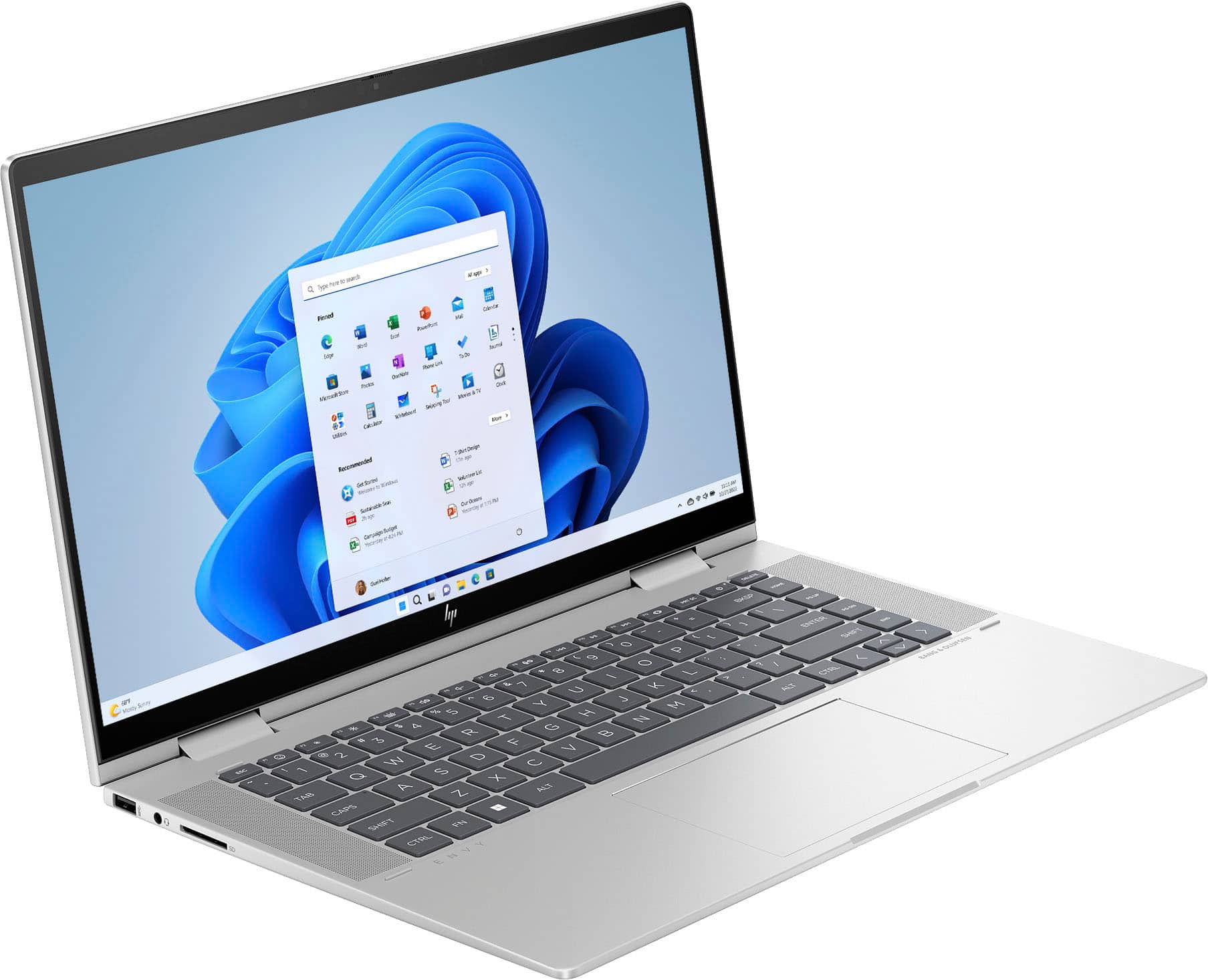
A:AnswerCorrection - i thought this question was for the surface studio i just leaving a review for. The HP envy i purchased is only a month old and so far has been great. Havent had it long enough for opinion on durability.
A:AnswerThank you for the question. Any stylus that is compatible with Microsoft Pen Protocol, including the HP Rechargeable MPP 2.0 Tilt Pen (HP product 3J122AA) will work with the Envy 15-fe0053dx.
A:AnswerThank you for the question. The Envy 15-fe0053dx does not require the use of Microsoft 365. You are free to use the productivity suite mentioned and others.
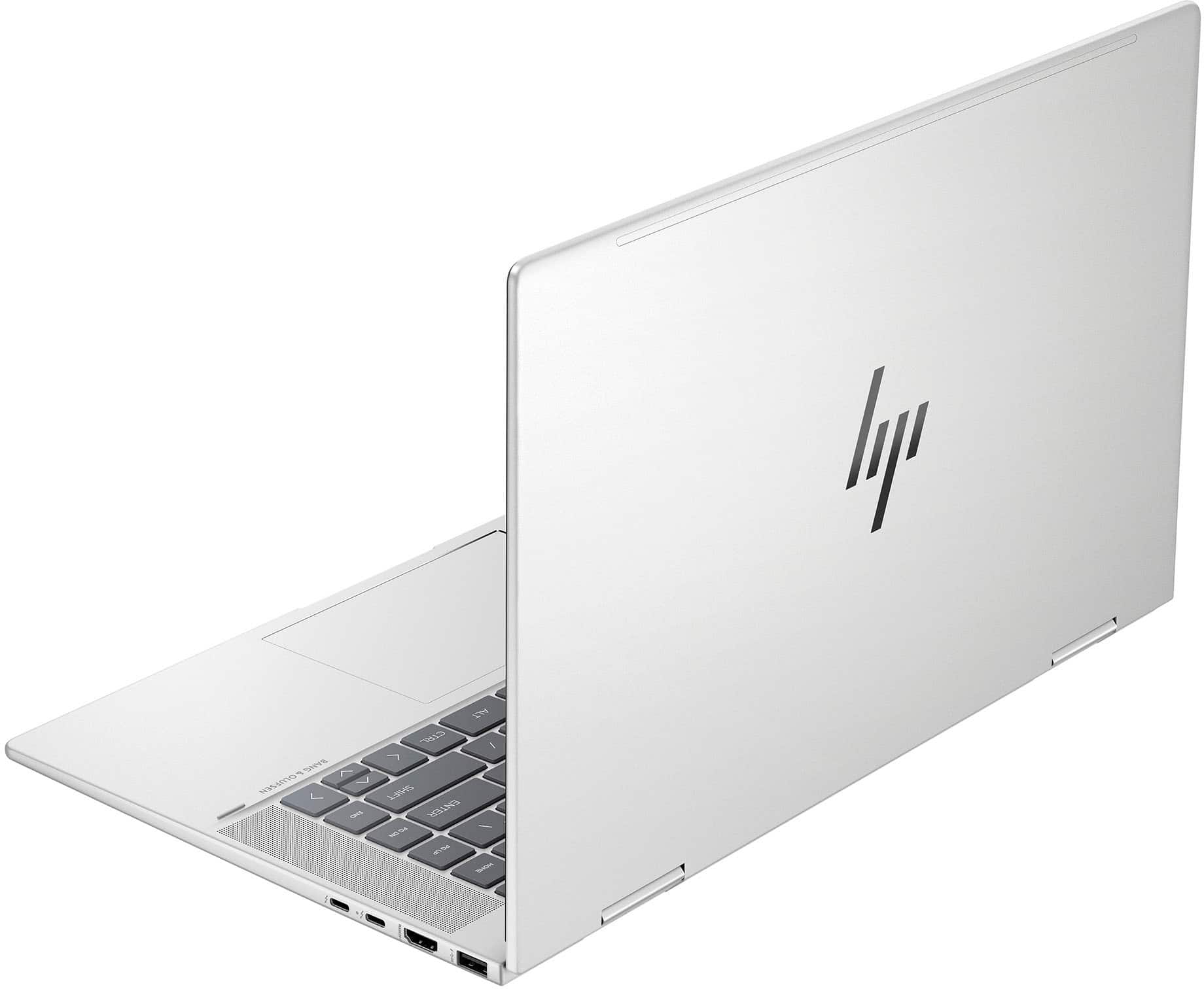
A:AnswerThank you for the question. The Envy 15-fe0053dx has dual speakers flanking the keyboard. You can adjust them in "settings". Note that this laptop also has HP Audio Boost.
A:AnswerWindows 11 has an option to downgrade to Windows 10 under the updates section and you can upgrade back in the same location. Windows 10 support ends October 14, 2025.
A:AnswerThank you for the question. The HP Global Warranty covers HP products at the level of standard warranty offered in the country in which it is used. For example, a product purchased in country "A" and moved to country "B" receives the current warranty coverage provided by country "B" (if that product is marketed or supported in country B).
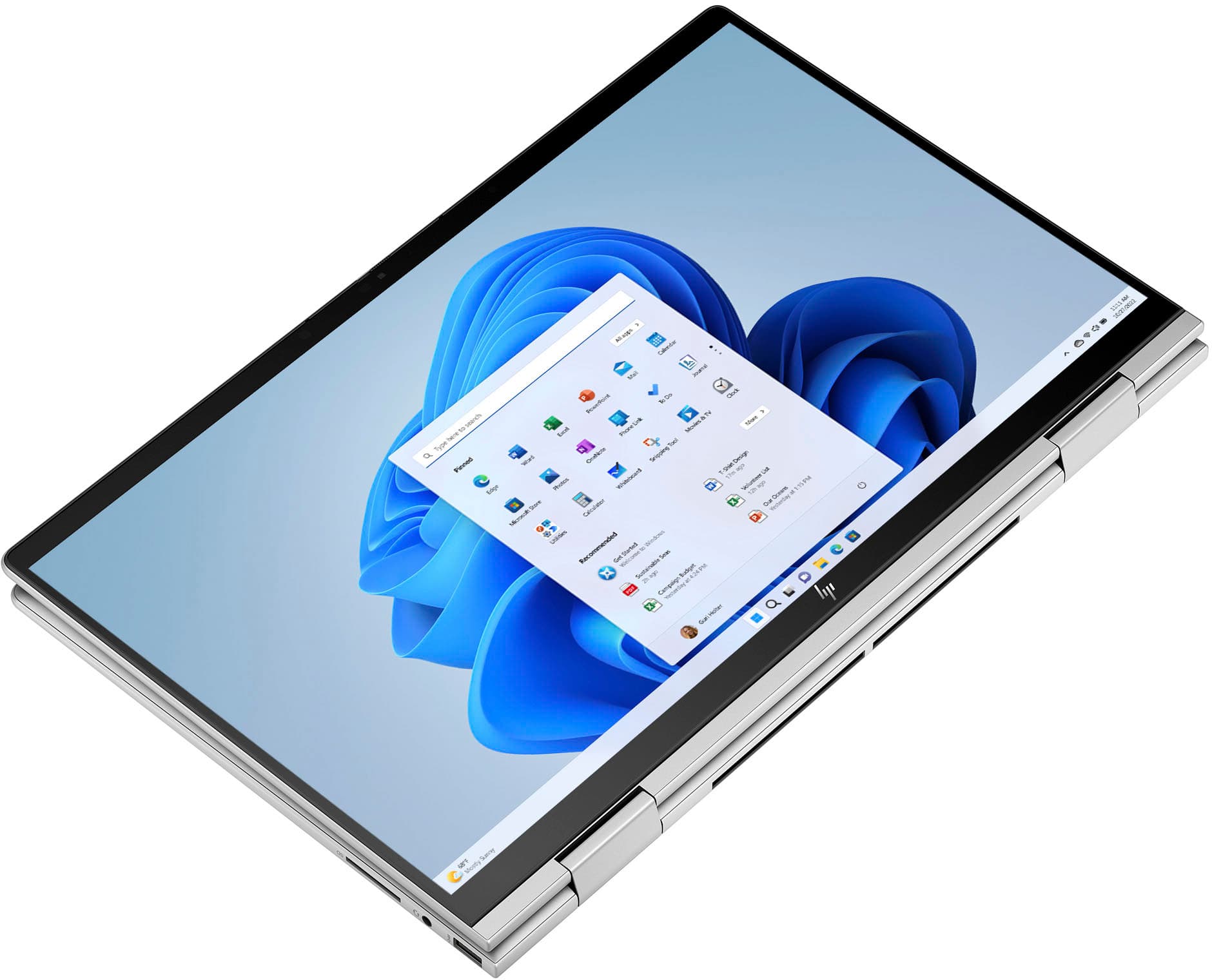
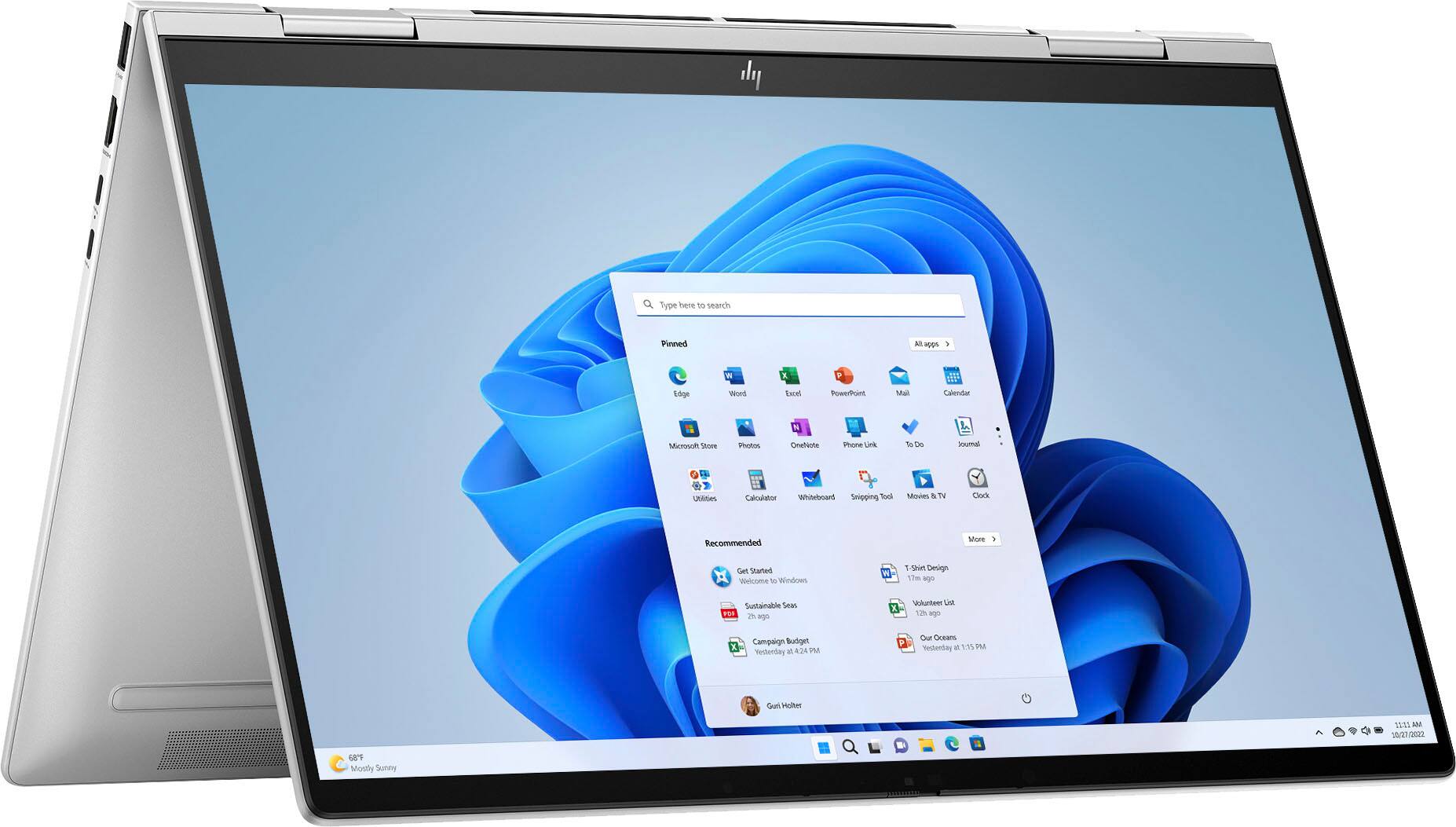
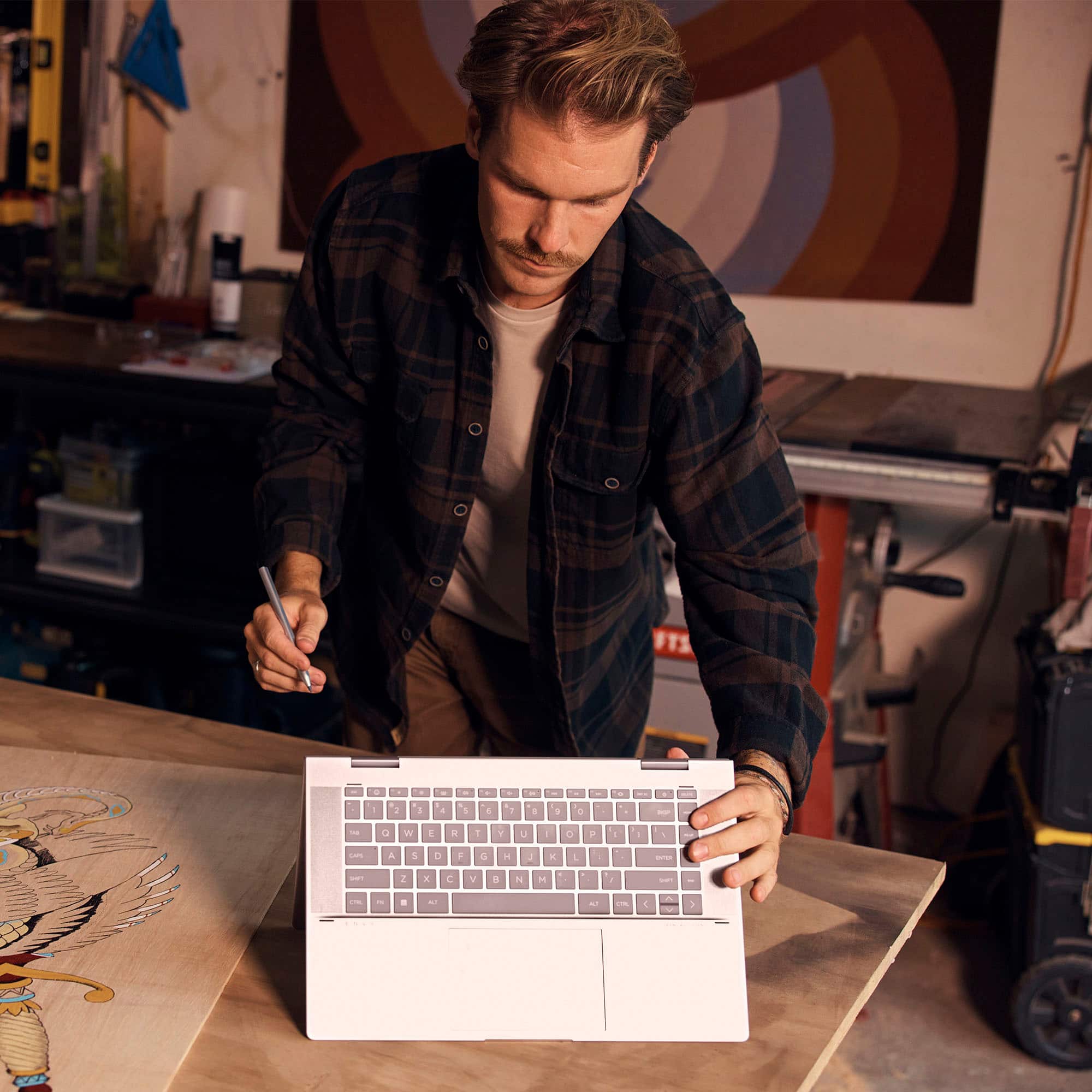
A:AnswerOnce the computer reaches an angle just a little beyond 180 degrees, the keyboard will shut off. You can still type with both the keyboard and screen out flat, but further than that the keyboard presses will not function. You can get covers for the keyboard, and the keyboard itself sits in a bit of an indentation to help protect the keys.