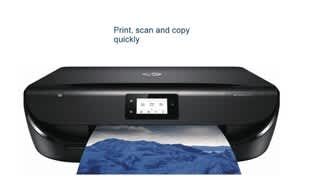
A:AnswerThis printer does not have integrated fax. HP does make printers with integrated fax but they are in the $100+ price range at Best Buy (I forget the model number). This will work for e-fax if you use one of those services and download the fIle to your cell or computer and then print it, or you can scan documents and upload them to be sent through your e-fax service. I don't know about Apple compatibility because I have Android, but you are required to download a specific HP app to install and use this printer. You cannot print or scan anything without going through the app, which is excessive for such a basic printer. I would strongly advise that you consider another printer that does not require an app for everything.
A:AnswerIf you hit the power button twice, On the touch screen it will say it is going into sleep mode and in the lower lefthand corner will be an option to shut down the printer instead. This option only lasts for 5 second s unfortunately.
A:AnswerI am not a computer expert but I cannot imagine why it would not. It works great with my HP which has Windows 10. It also works with my old laptop that had Windows 7.
A:AnswerThis printer is compatible with my Android (Samsung Galaxy S9+). So happy with it. Can not complaint about it price and quality of printing. I recommend it to all.