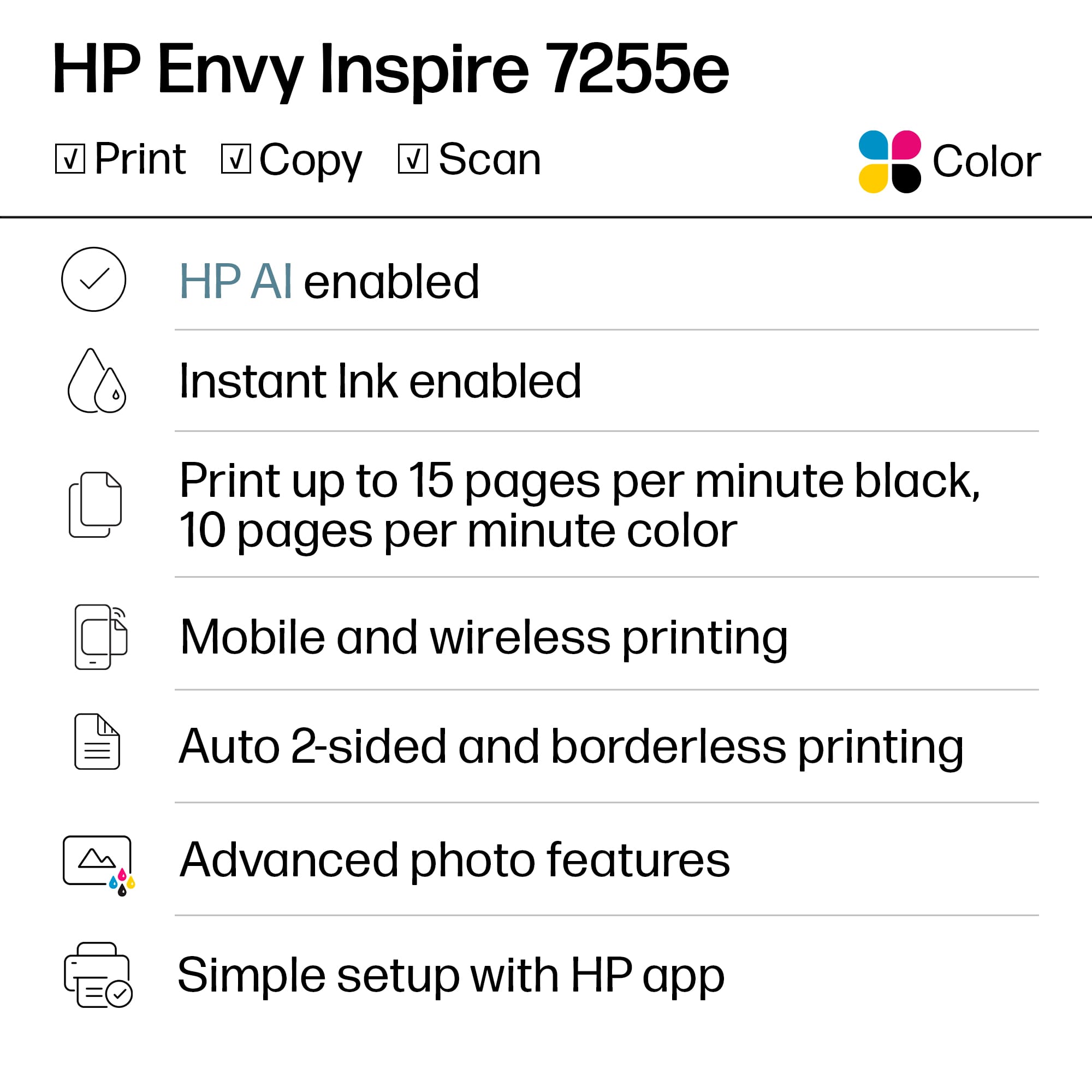
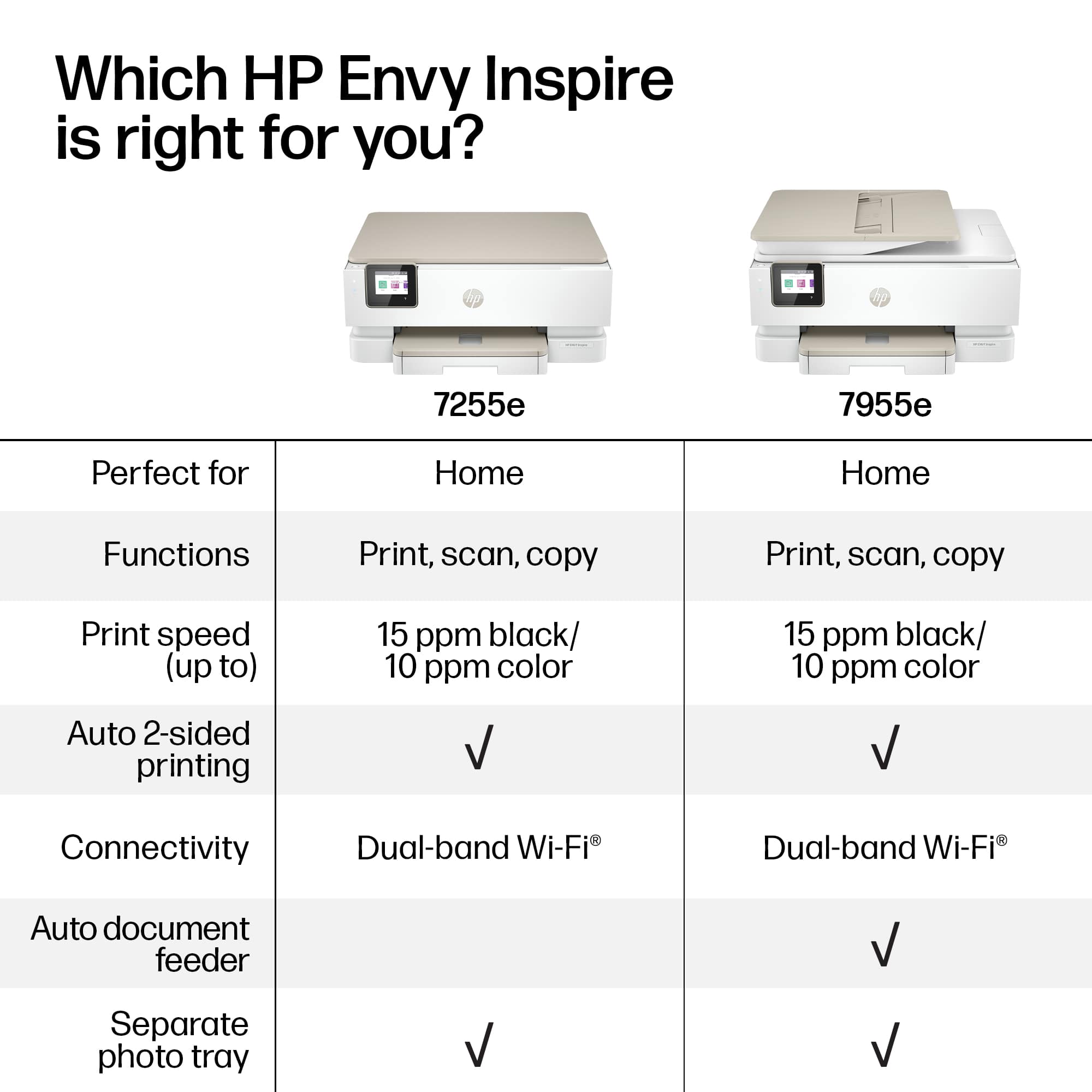
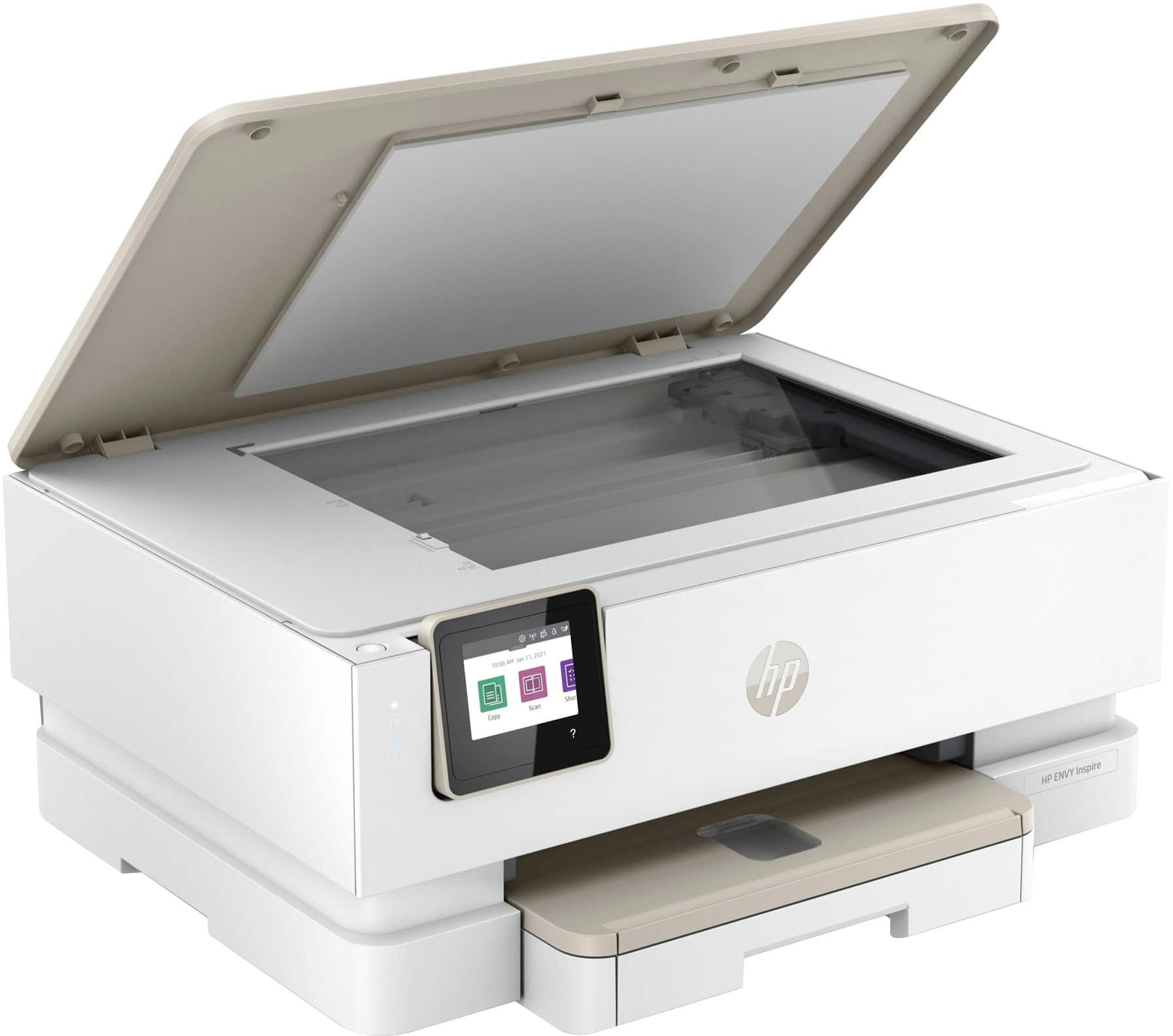
A:AnswerUsually it means multiple functions. Example: prints documents, prints photos, makes copies, can scan documents and save as PDFs, may also include FAX capability, etc. Hope this helps.
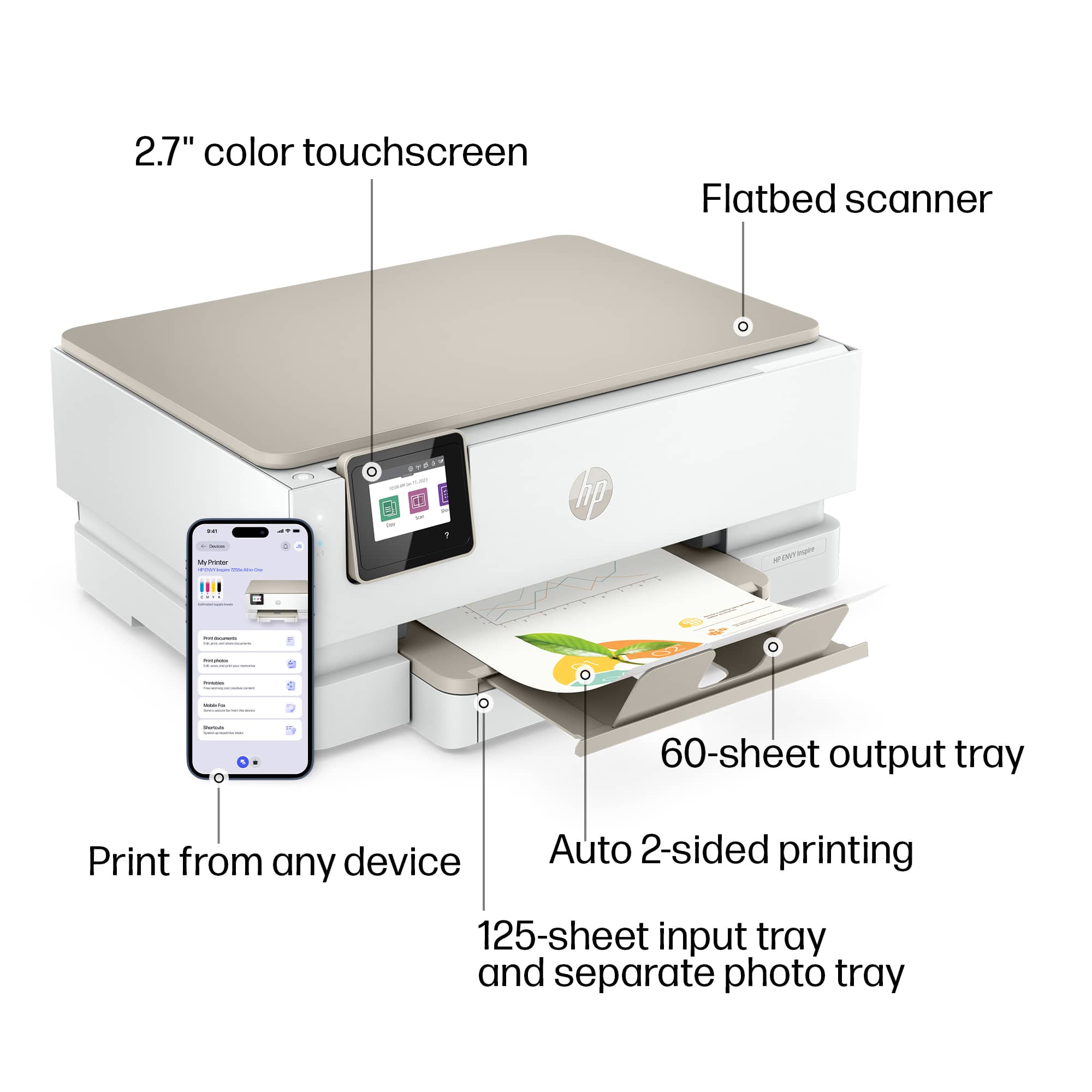
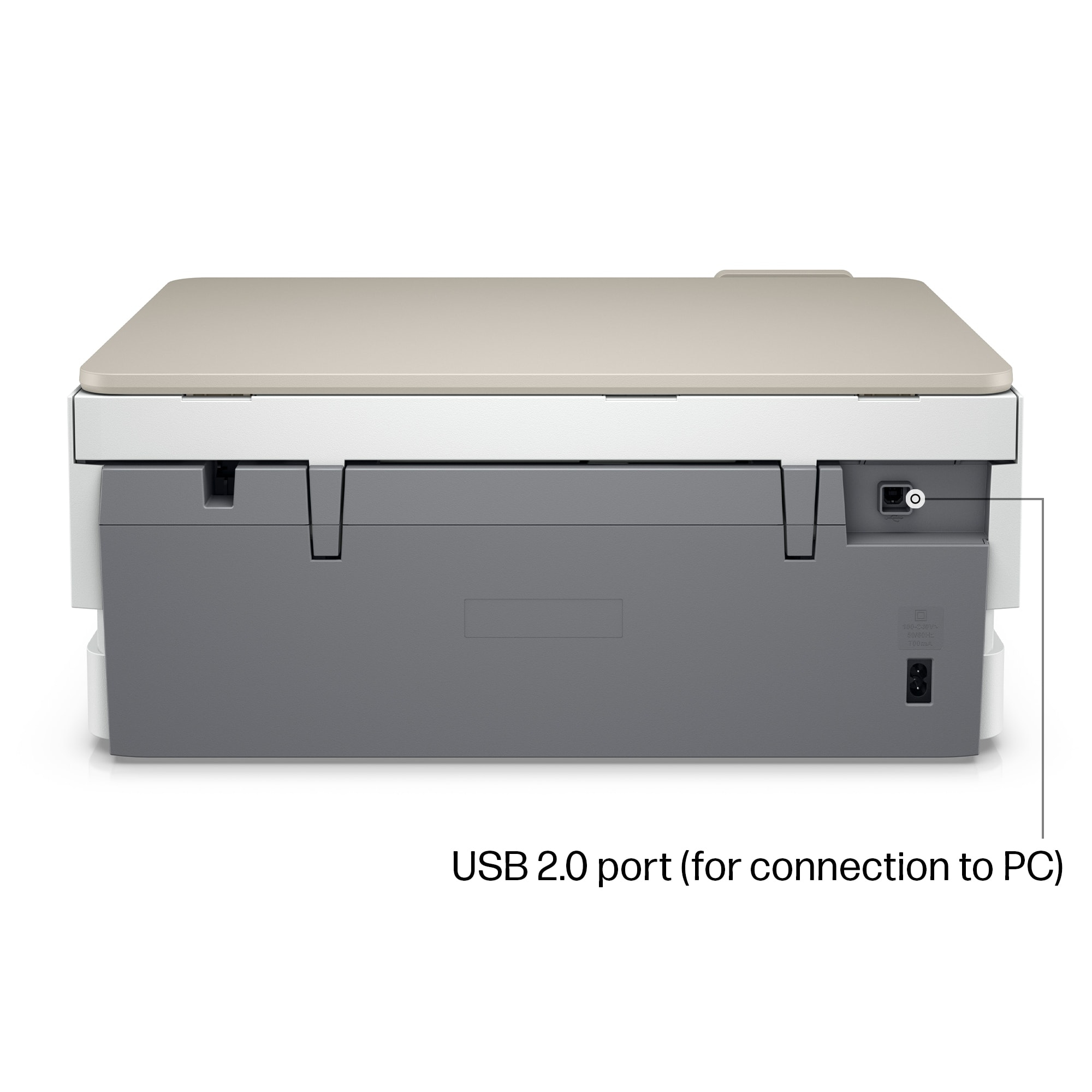
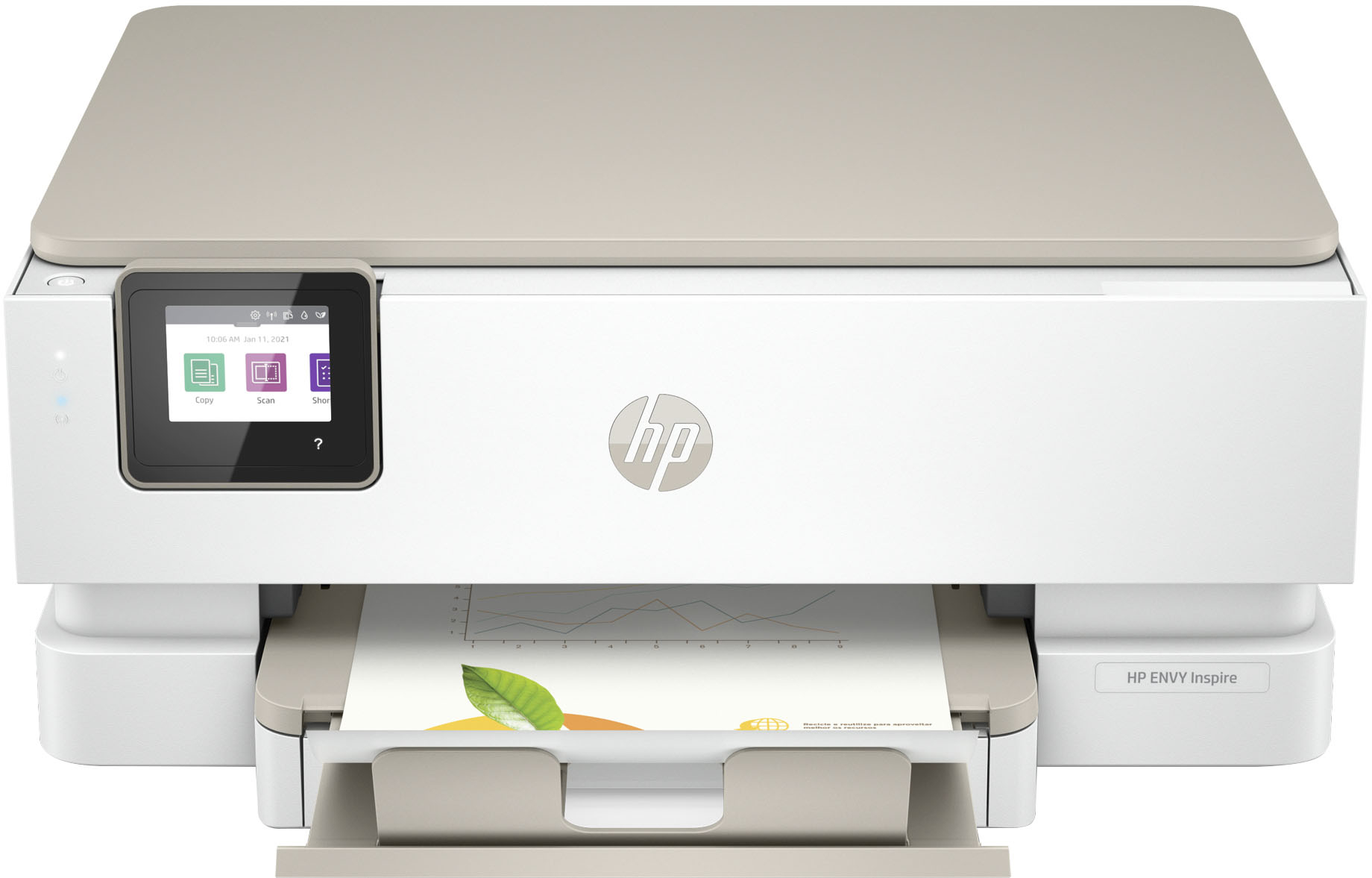
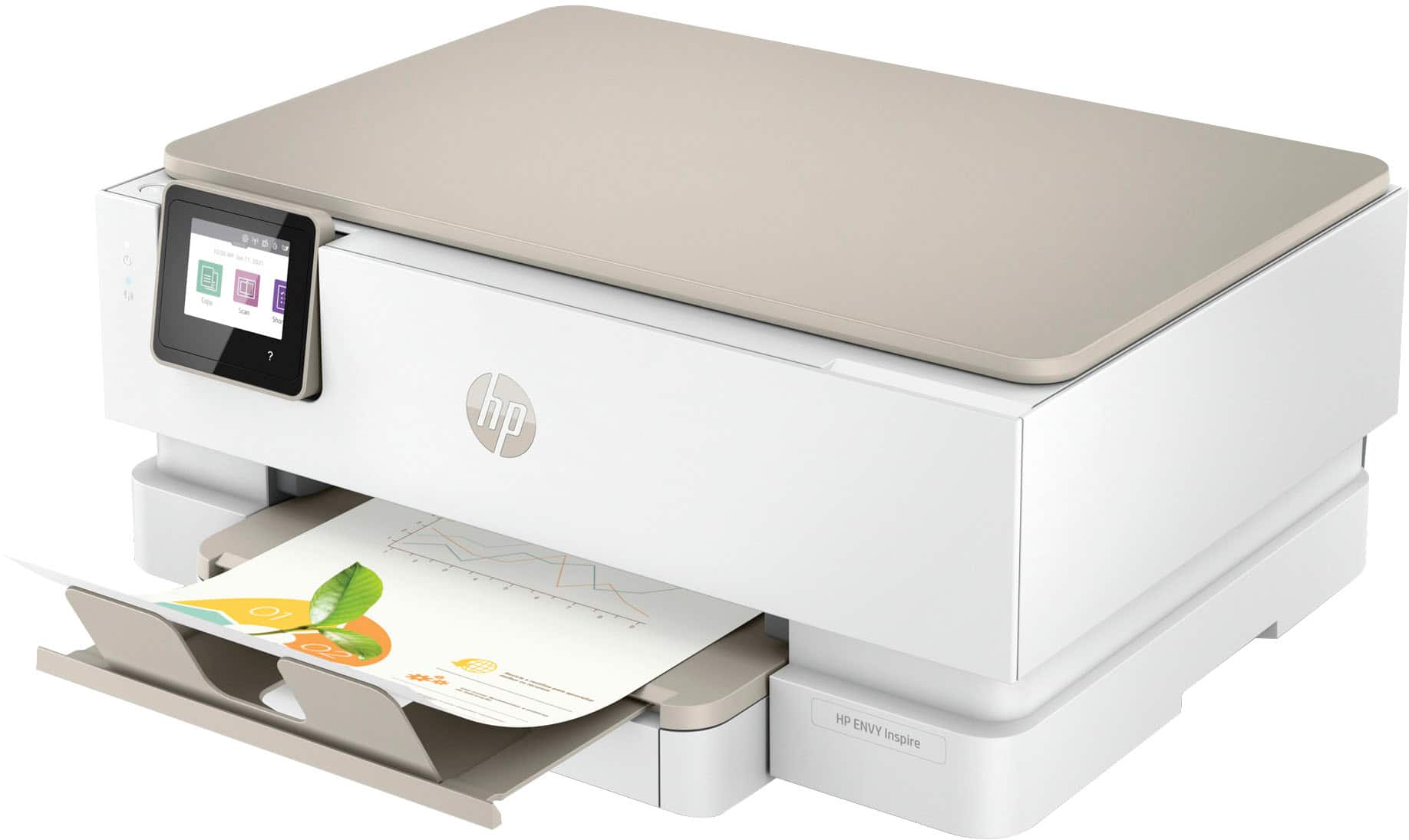
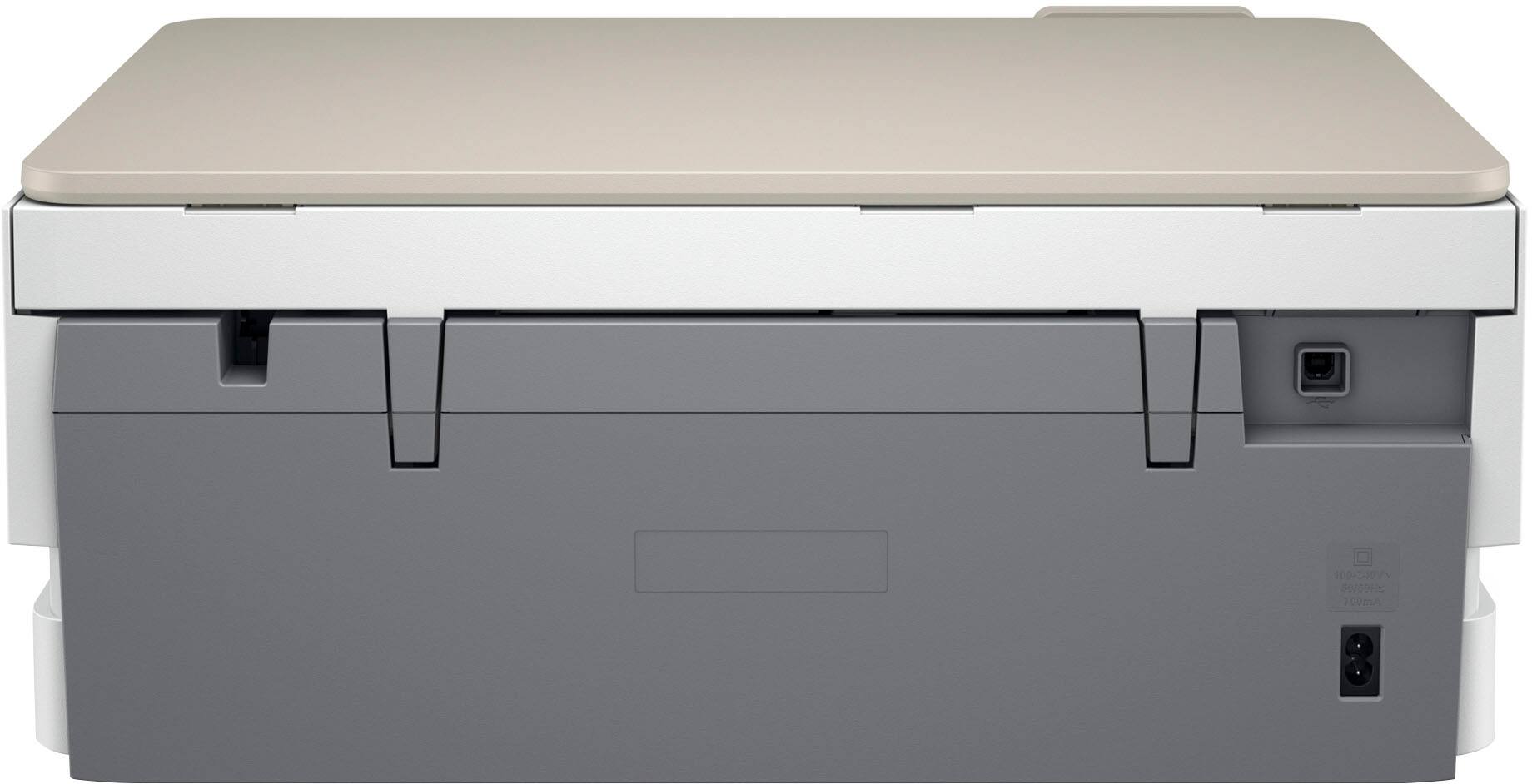
A:AnswerHi, Dragonlady, and thank you for asking the question about connecting the printer to your new computer. The printer should have a USB-B connection on the back (it looks like a roughly square connection. You can use the same cable with a connector (that Best Buy has for $9.99) that will take the end that's not plugged into the printer and adapt it so that it will fit in the USB-C port on the new computer.
A:AnswerThank you for asking about setting the language on the printer. If you scroll through the list of possible languages, you should see something like "inglés" which is the Spanish word for "English".
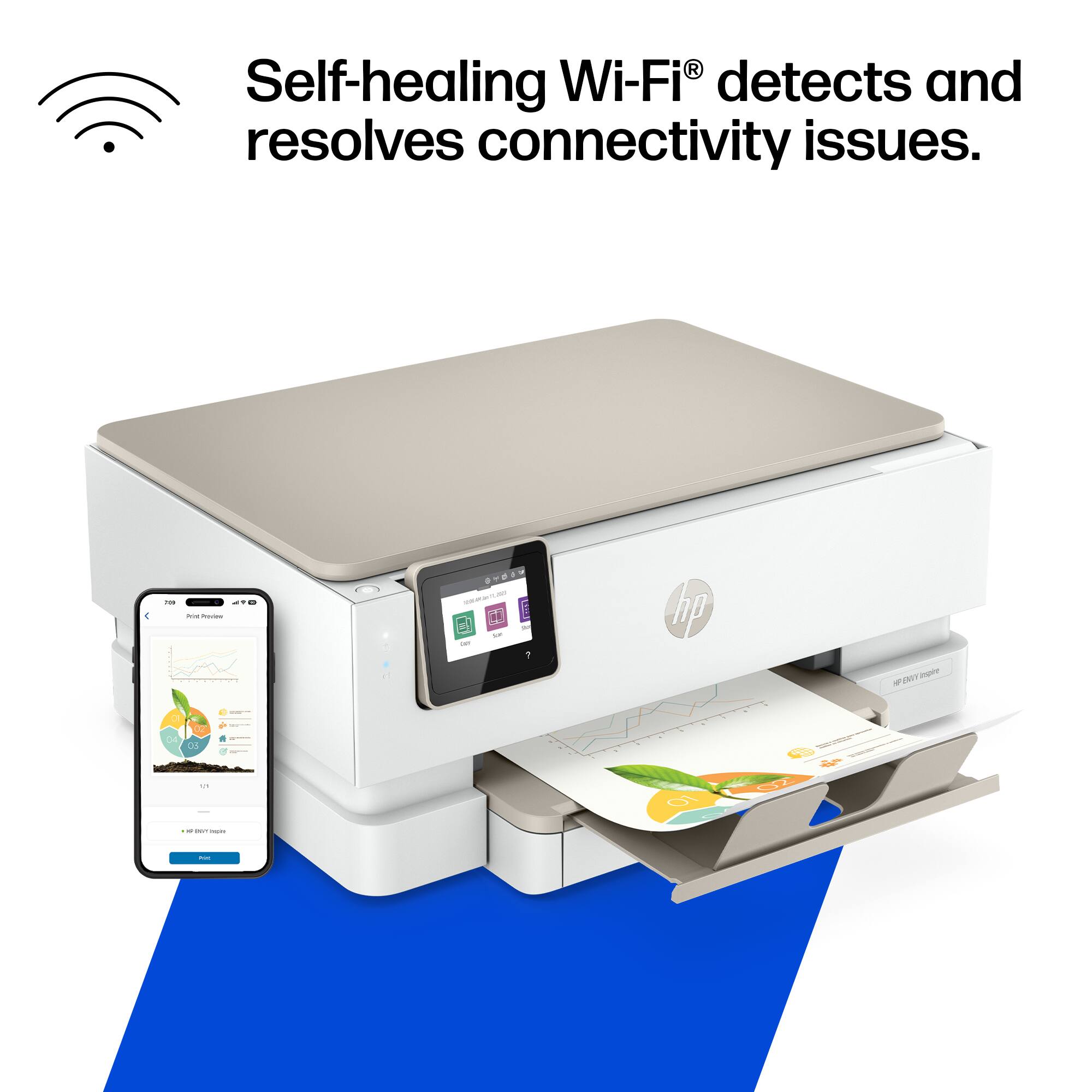
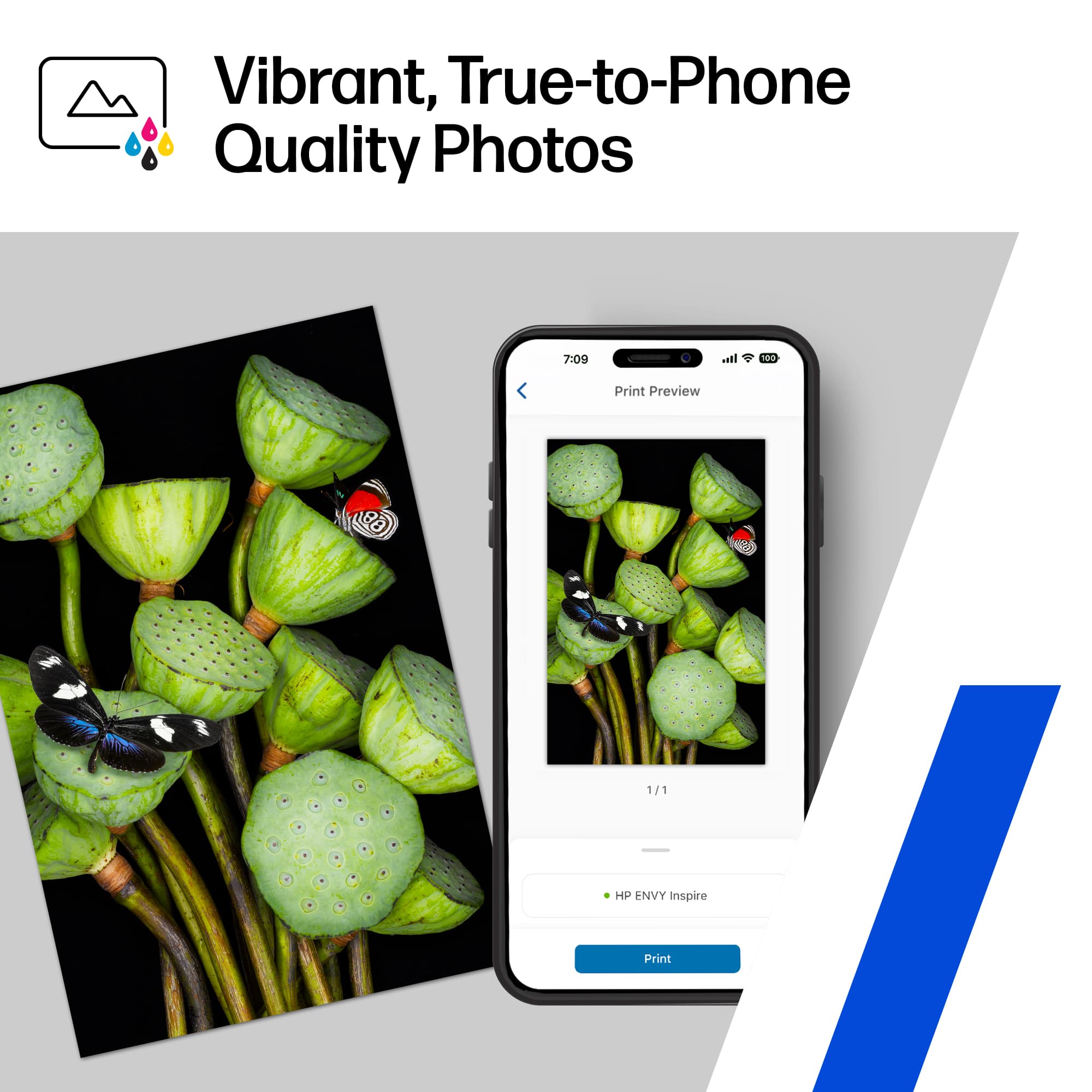
A:AnswerThank you for asking. The Envy Inspire 7255e is compatible with Windows 7, 10, and 11, macOS v10.14 Mojave (or later), and Chrome OS. Mobile printing compatible including Apple AirPrint; Mopria Print Service; Chrome OS; Android, iPhone, and the HP Smart app.
A:AnswerCheck your printer properties to make sure you are not set on B&W only. Otherwise you may want to uninstall/reinstall the printer and/or HP Print Services. If none of these work, contact Best Buy Total Tech. If you are not a member, contact HP.
A:AnswerThank you for the question. The Envy Inspire 7255e is compatible with an iMac. If you choose direct connection instead of Wi-Fi, you'll need a USB-B to USB-A (or USB-B to USB-C) cable to connect to your iMac.