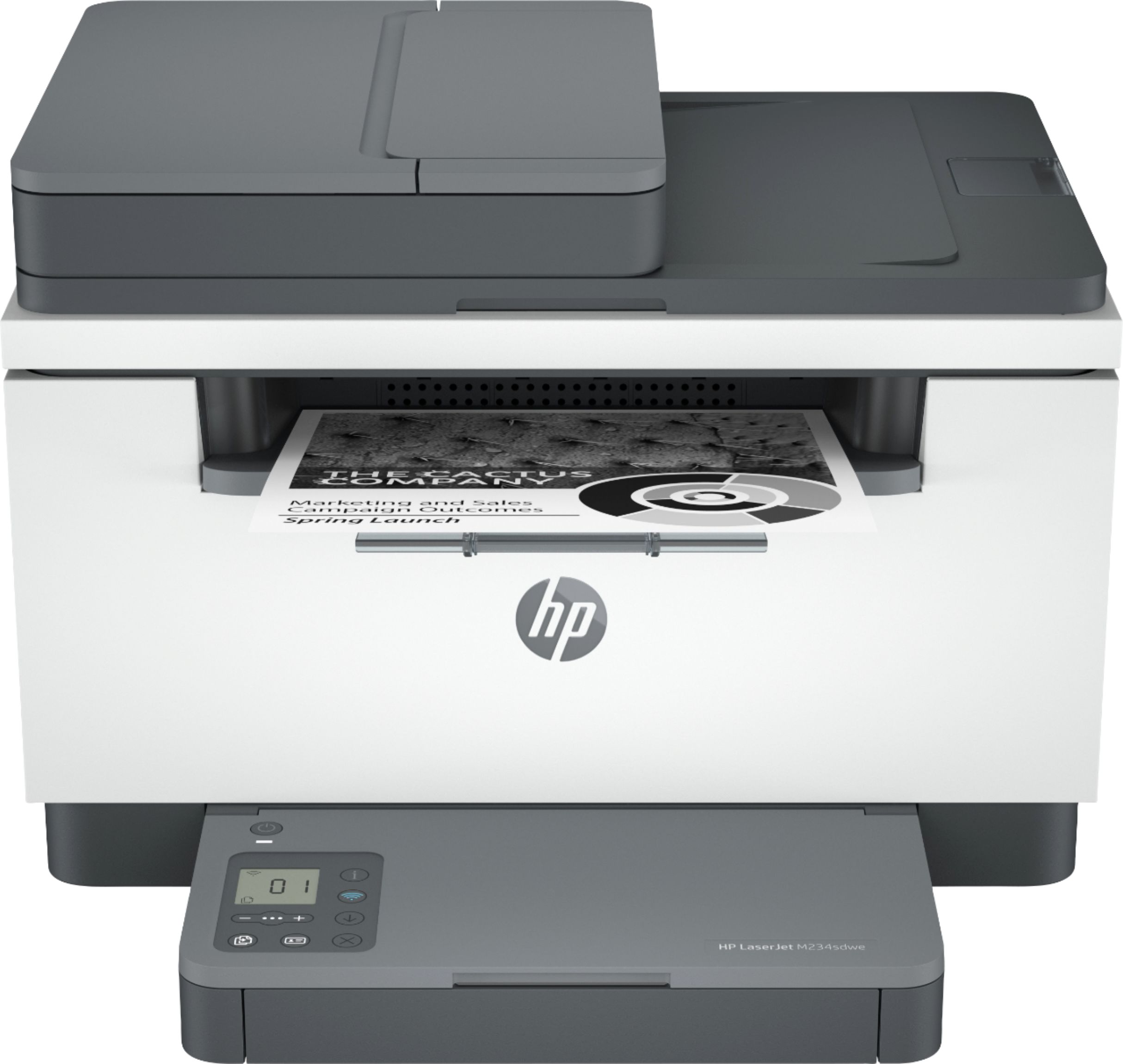
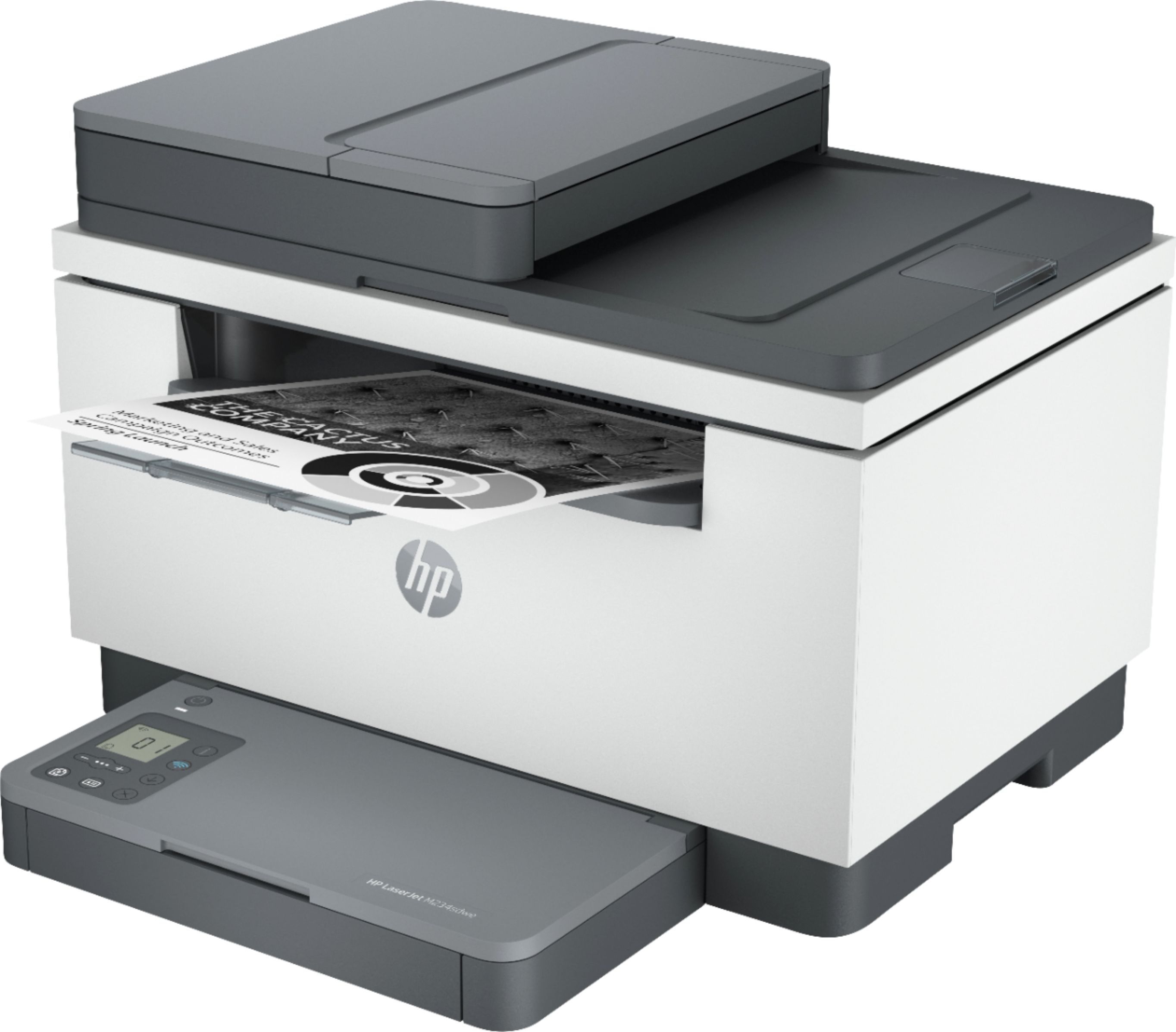
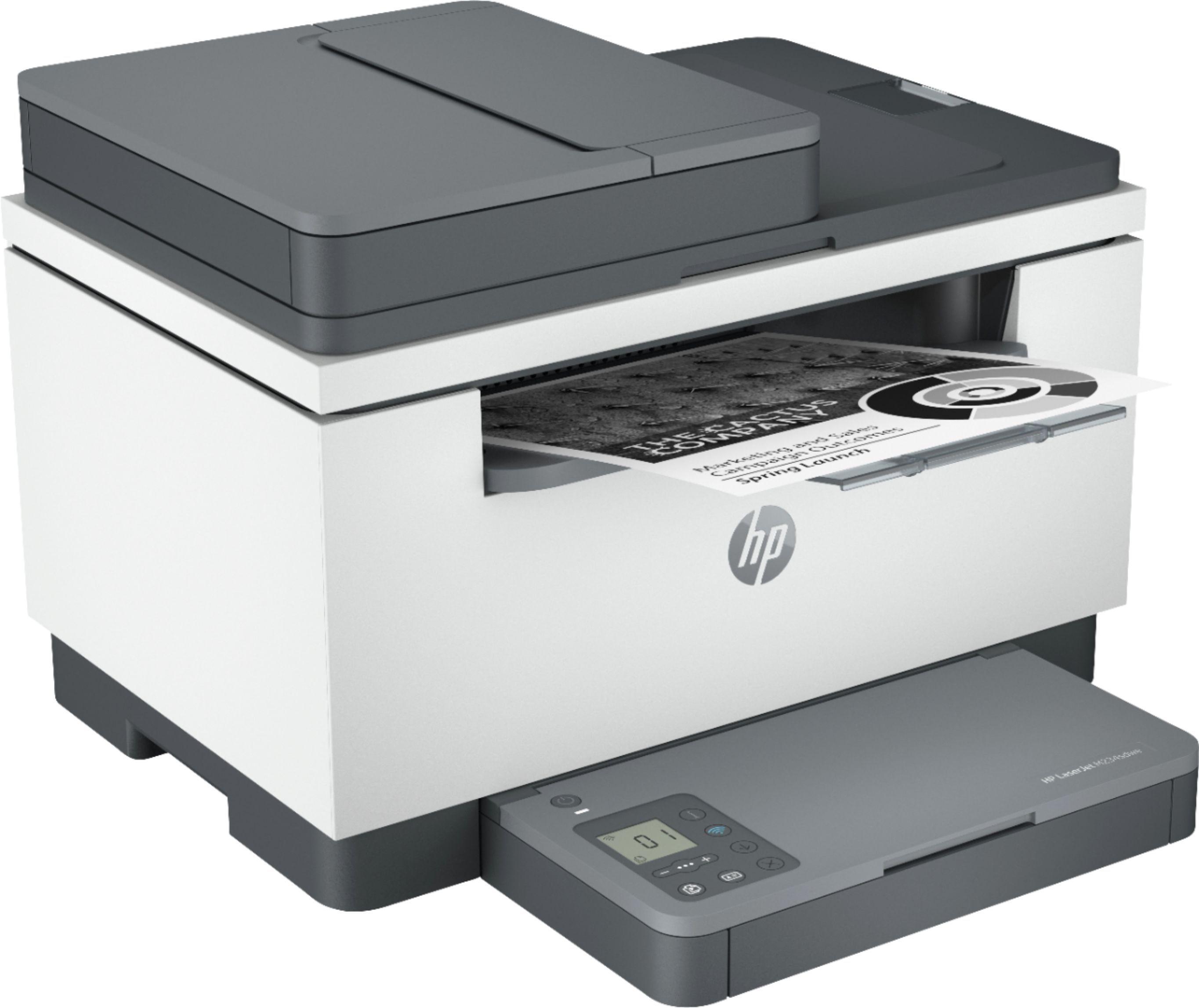
A:AnswerHi, first let me say it is only black ink, which is what I wanted. It does not Fax, yes you can scan more than I sheet at a time through the feeder. I am very pleased with it so far. It comes with toner already in.
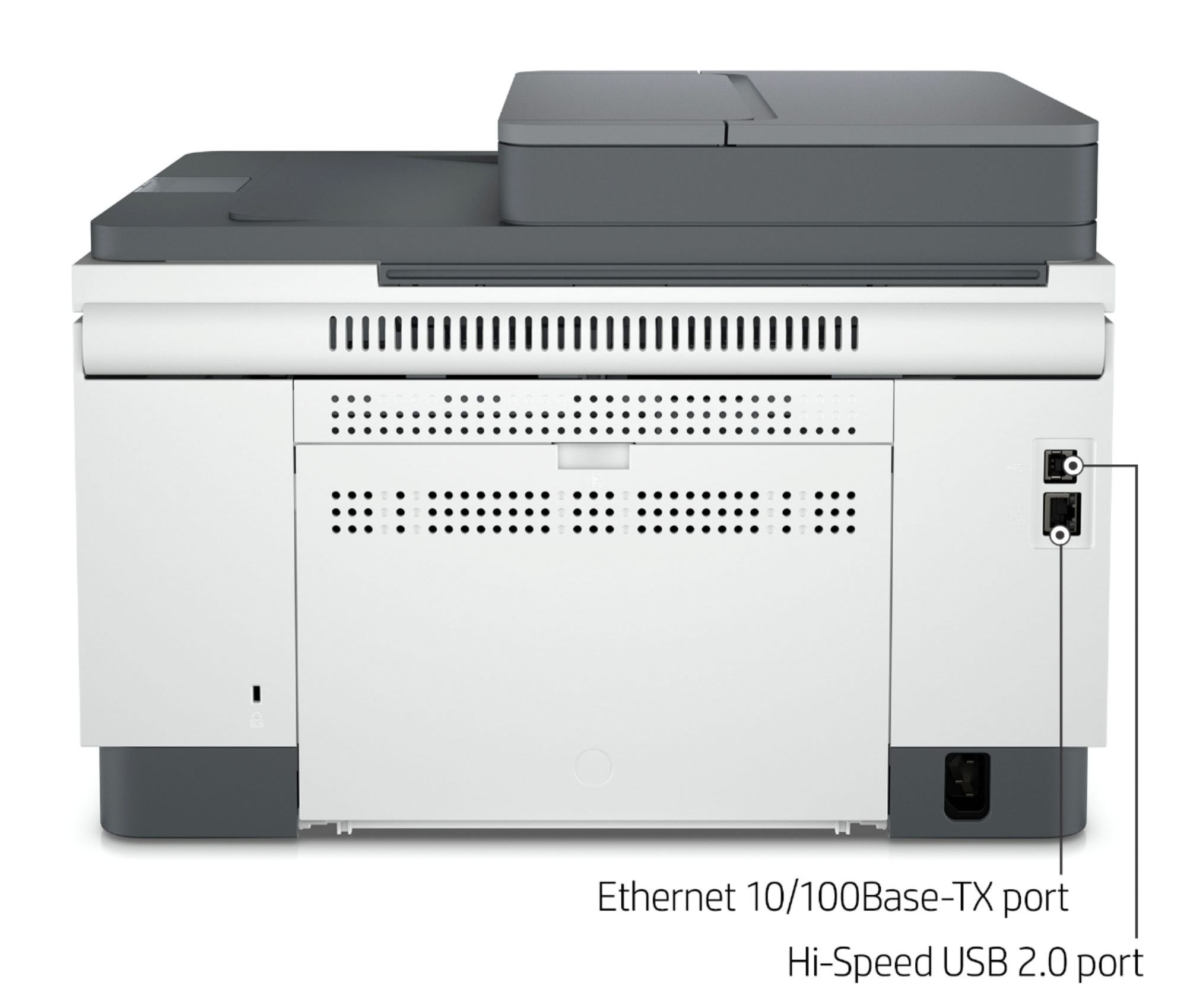
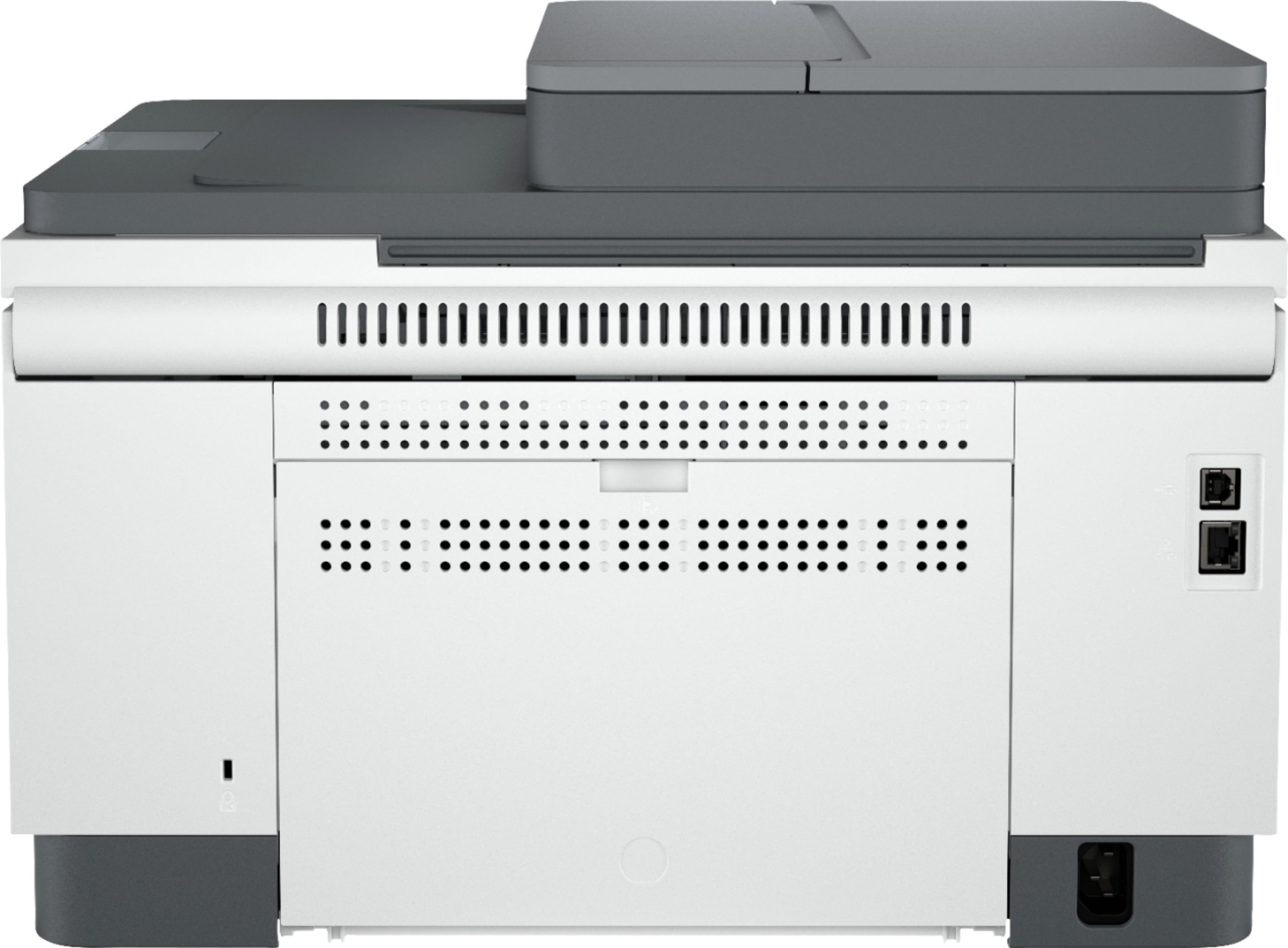
A:AnswerHello, Ronald. Thanks for your question. This HP LaserJet m234sdwe printer does not have a port for a landline. You can use Mobile Fax. Mobile Fax is where you can send faxes through the HP Smart app on your smartphone, tablet, or computer. If you need to send or receive faxes, you can use a service like eFax. Here are more details about the mobile fax: https://www.hpsmart.com/us/en/mobile-fax Here is a video: https://www.youtube.com/watch?v=NvDAYa1nZzw
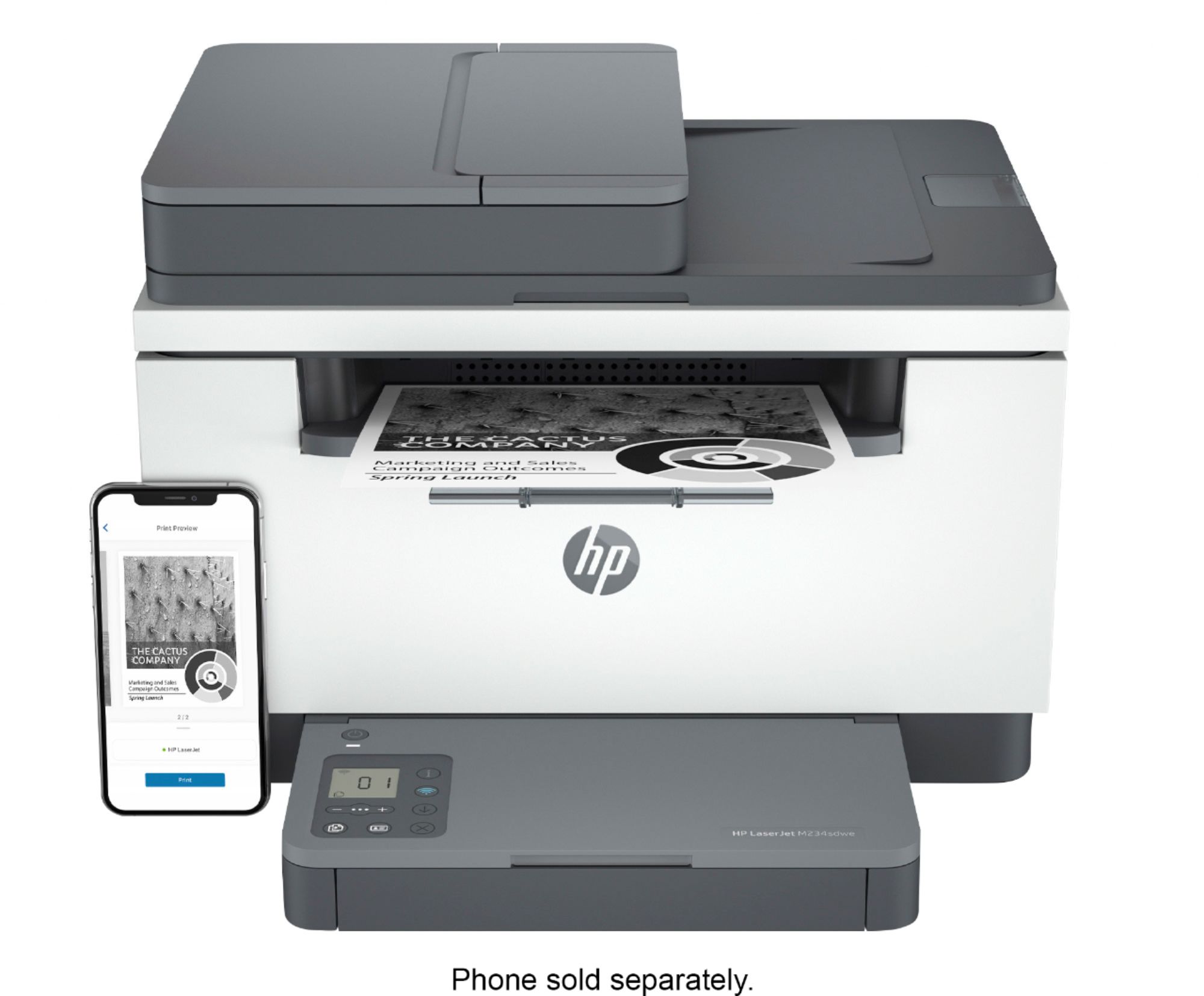
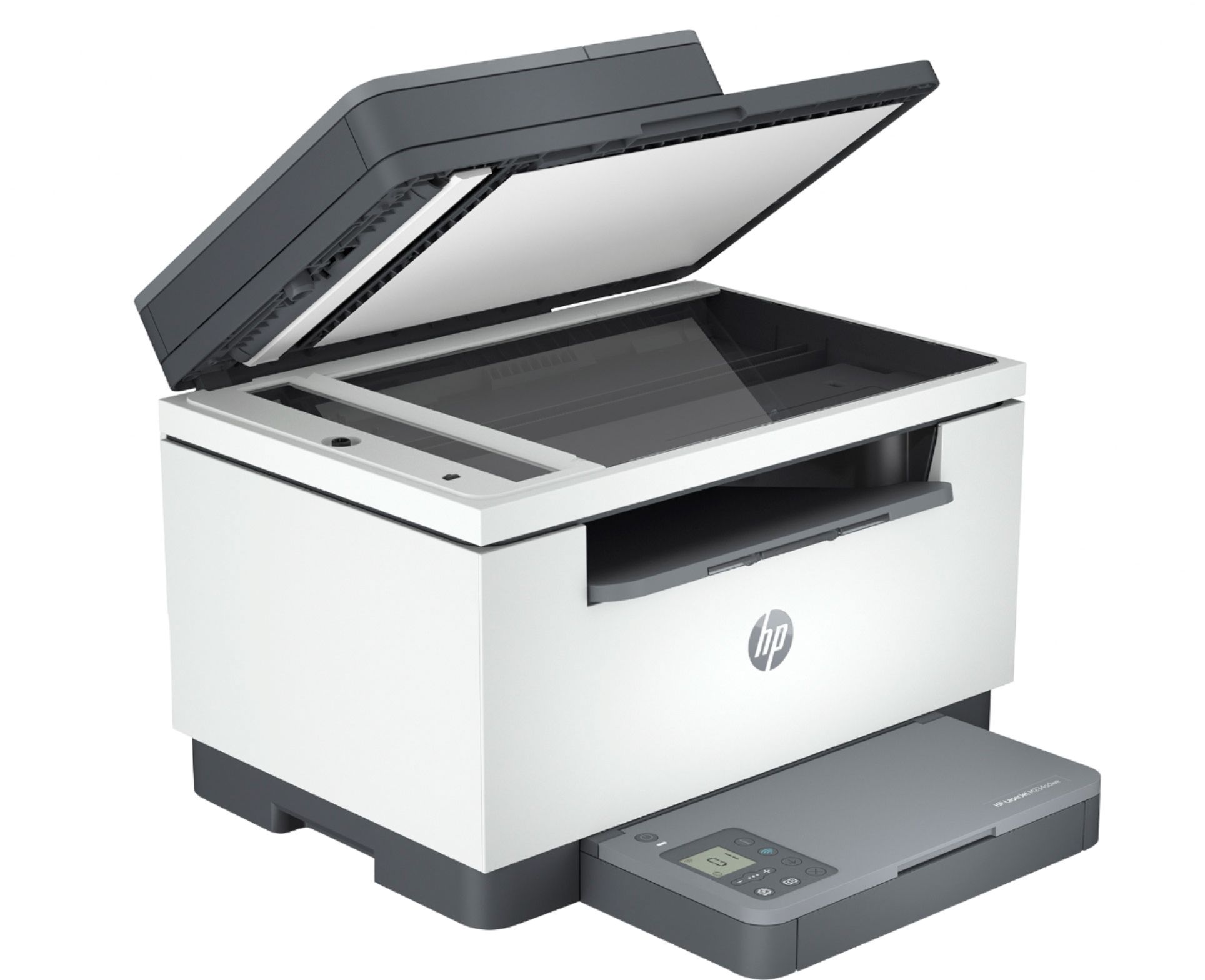
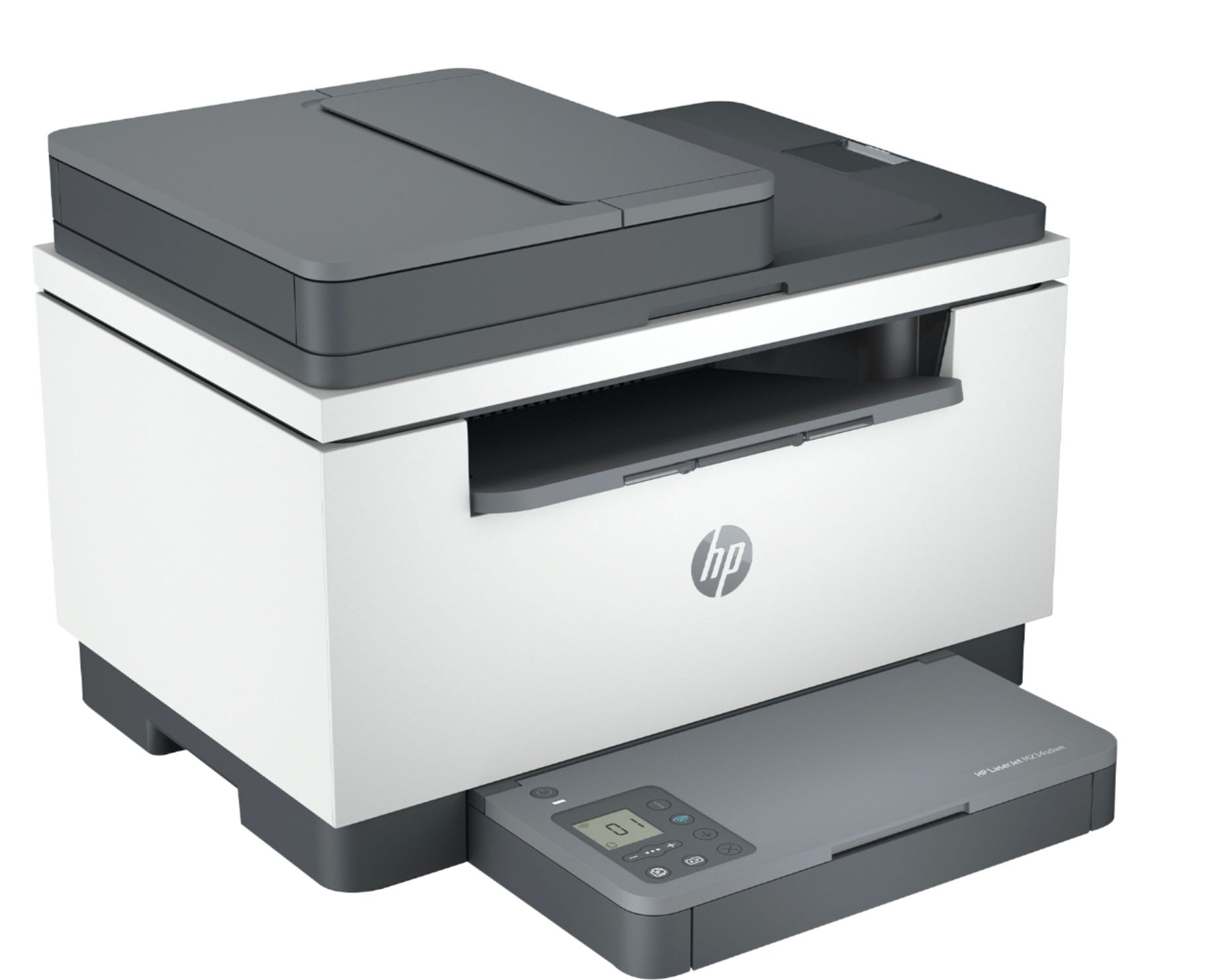
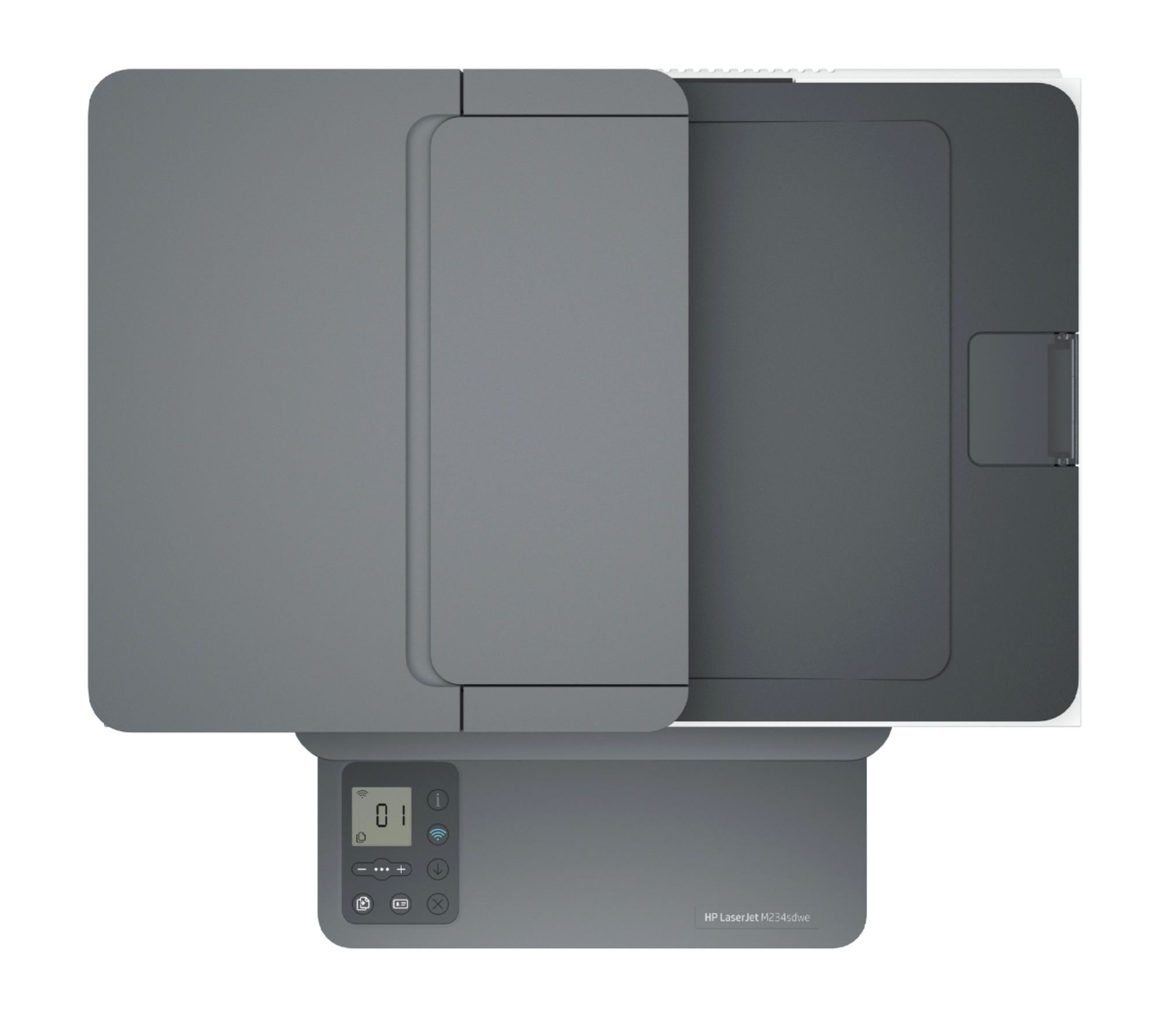
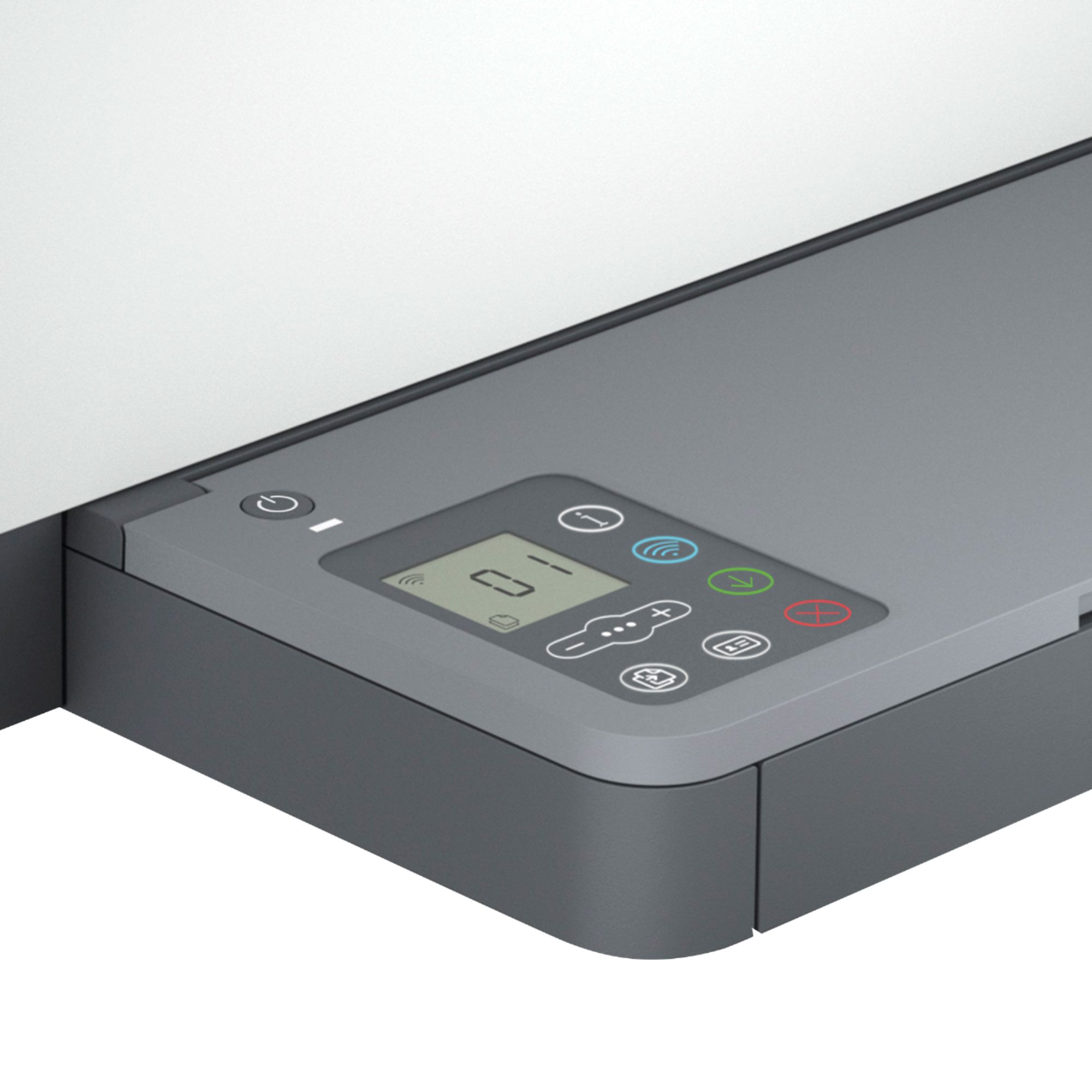
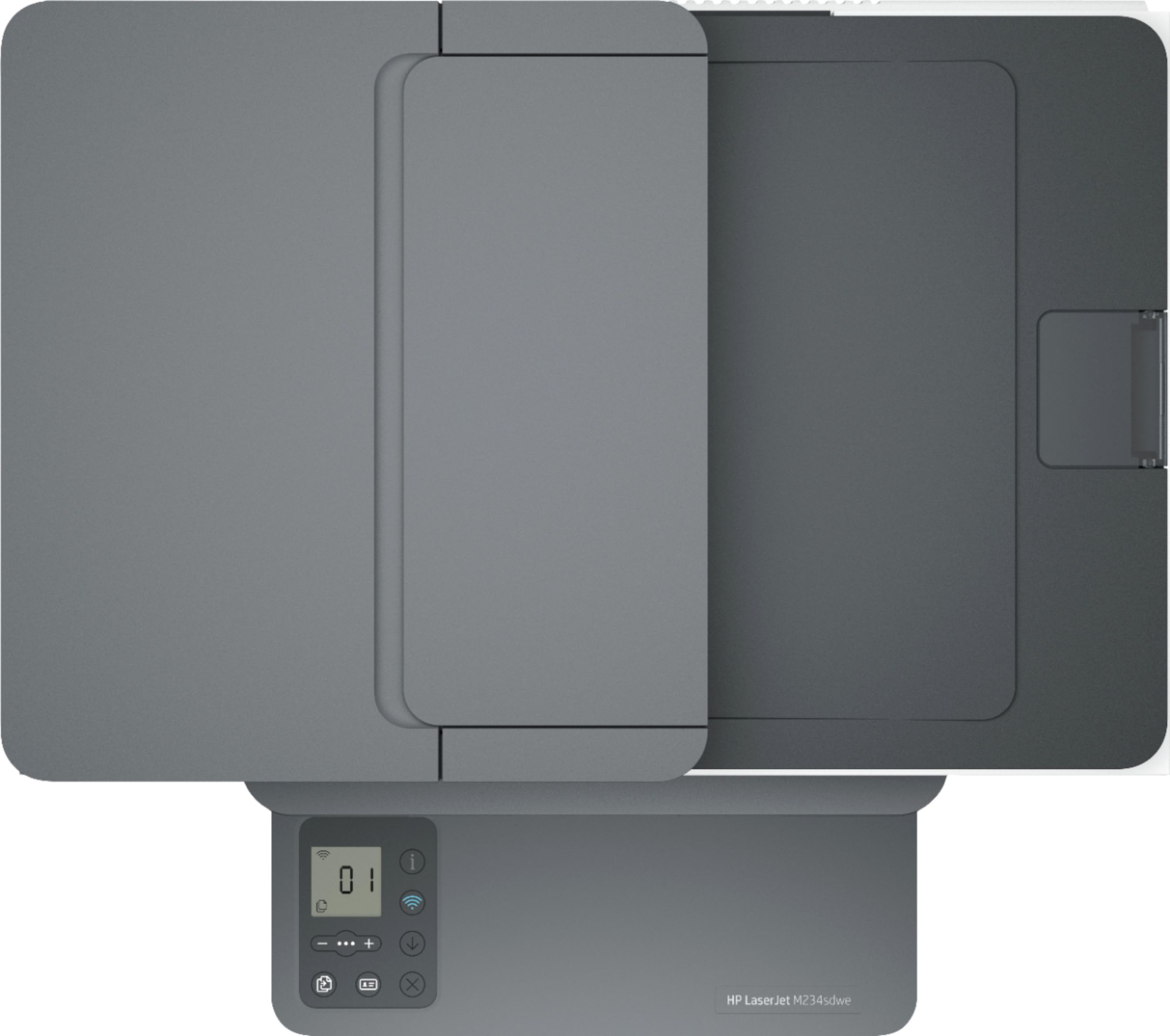
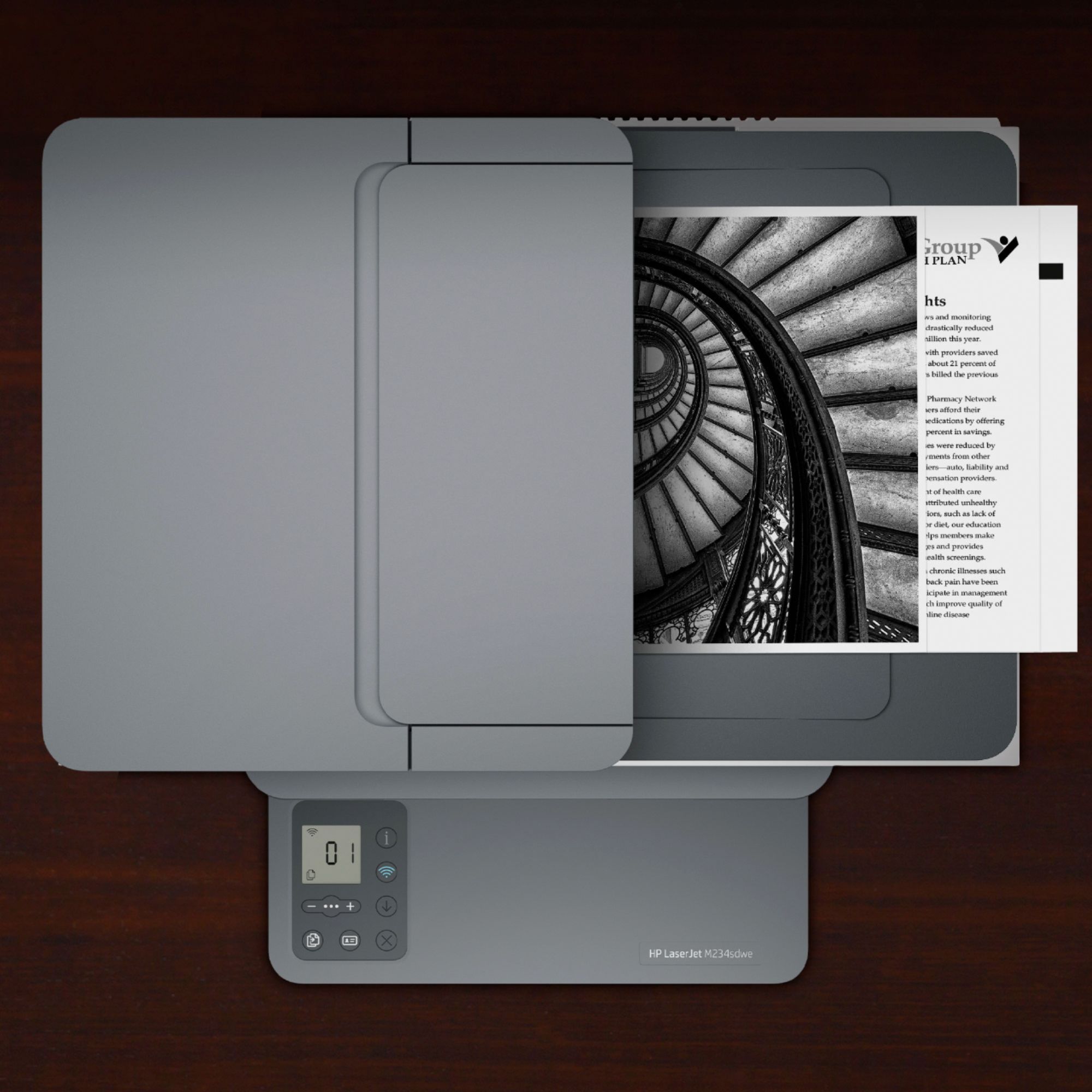
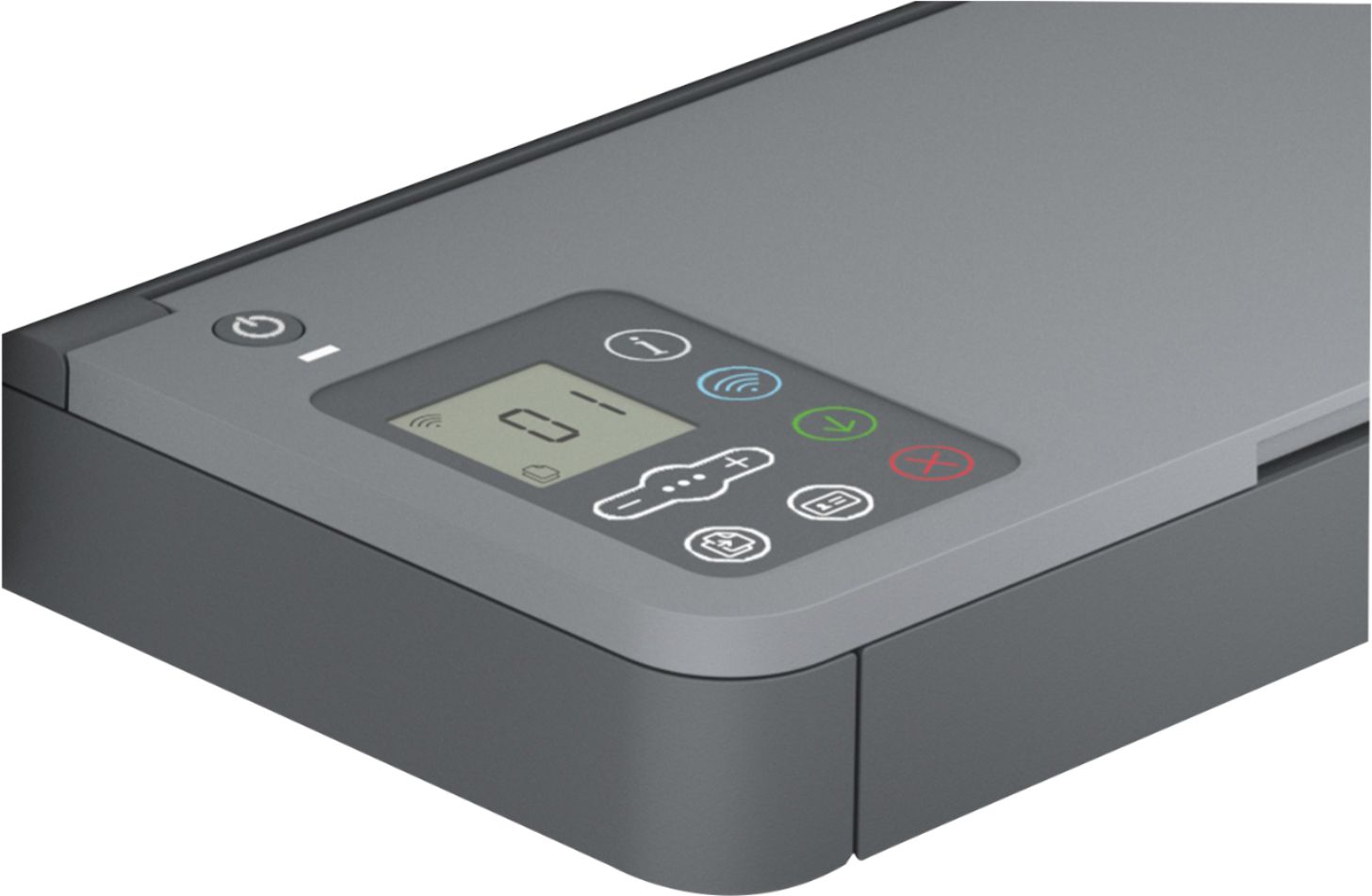
A:AnswerHi Jan, thank you for the question. Best Buy's SKU 6452570 is the HP M234dwe, and SKU 6452568 is the HP M234dwe. The difference between the two monochrome printers is that the -sdwe model has a 40-sheet automatic document feeder that also enables scanning up to 8.5 x 14" (legal) and the dwe does not - you'd need to scan single pages on the scan bed, with a maximum size of 8.5 x 11.7". One other difference is that the -sdwe has a 1.6" Icon LCD display, and the -dwe has a 1.27" Icon LCD display.
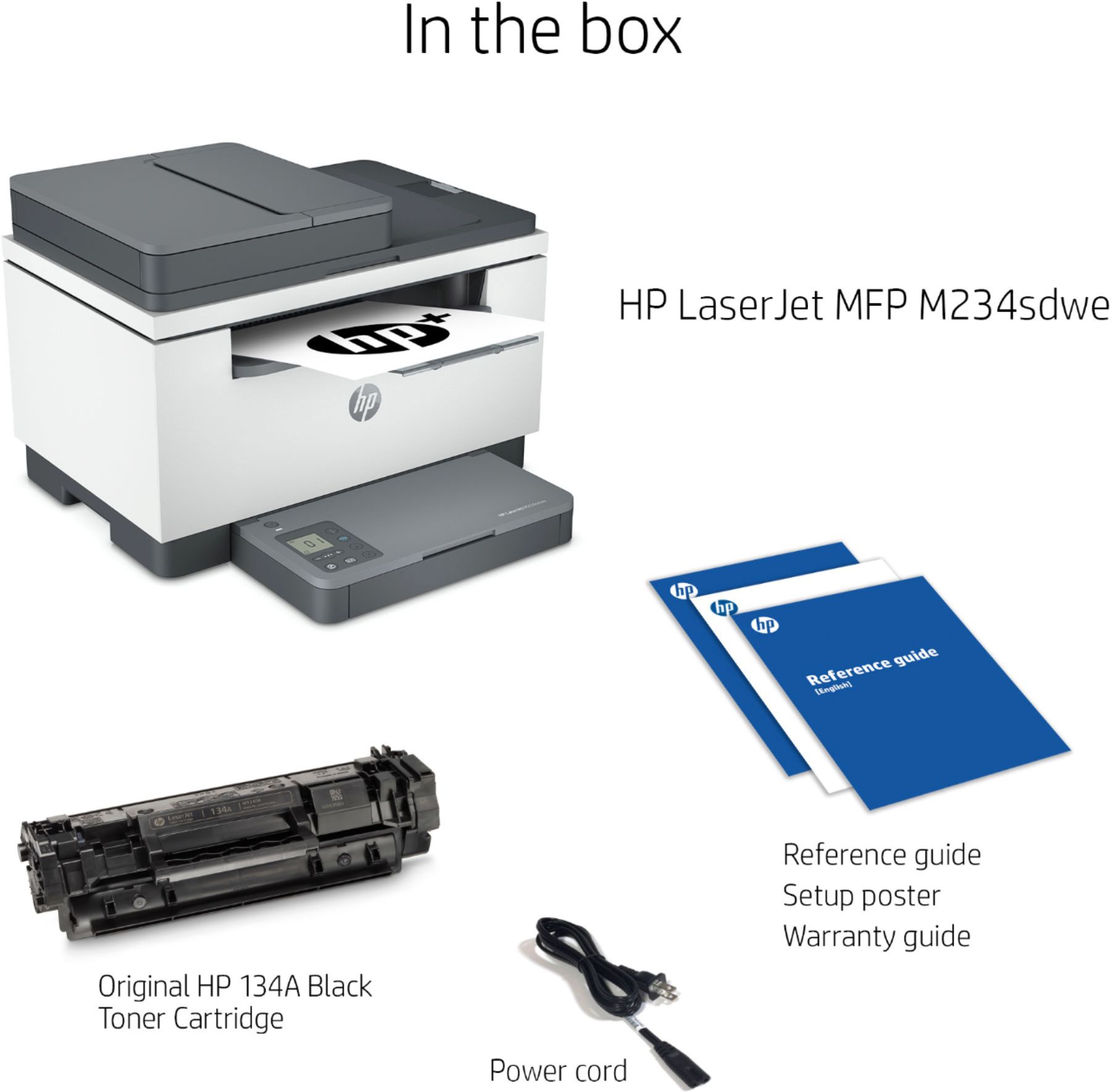
A:AnswerThis printer comes with a setup cartridge in the box, which will yield approximately ~700 monochromatic pages. Compatible cartridges are HP 134A and HP 134X. You are also eligible for six months of free HP Instant Ink when you sign up within 7 days of setup!
A:AnswerPoorly worded question. Should have said, "Do you get the extra year of warranty if you don't use the program for the toner but use an outside vender to purchase HP toner?, ie Best Buy?
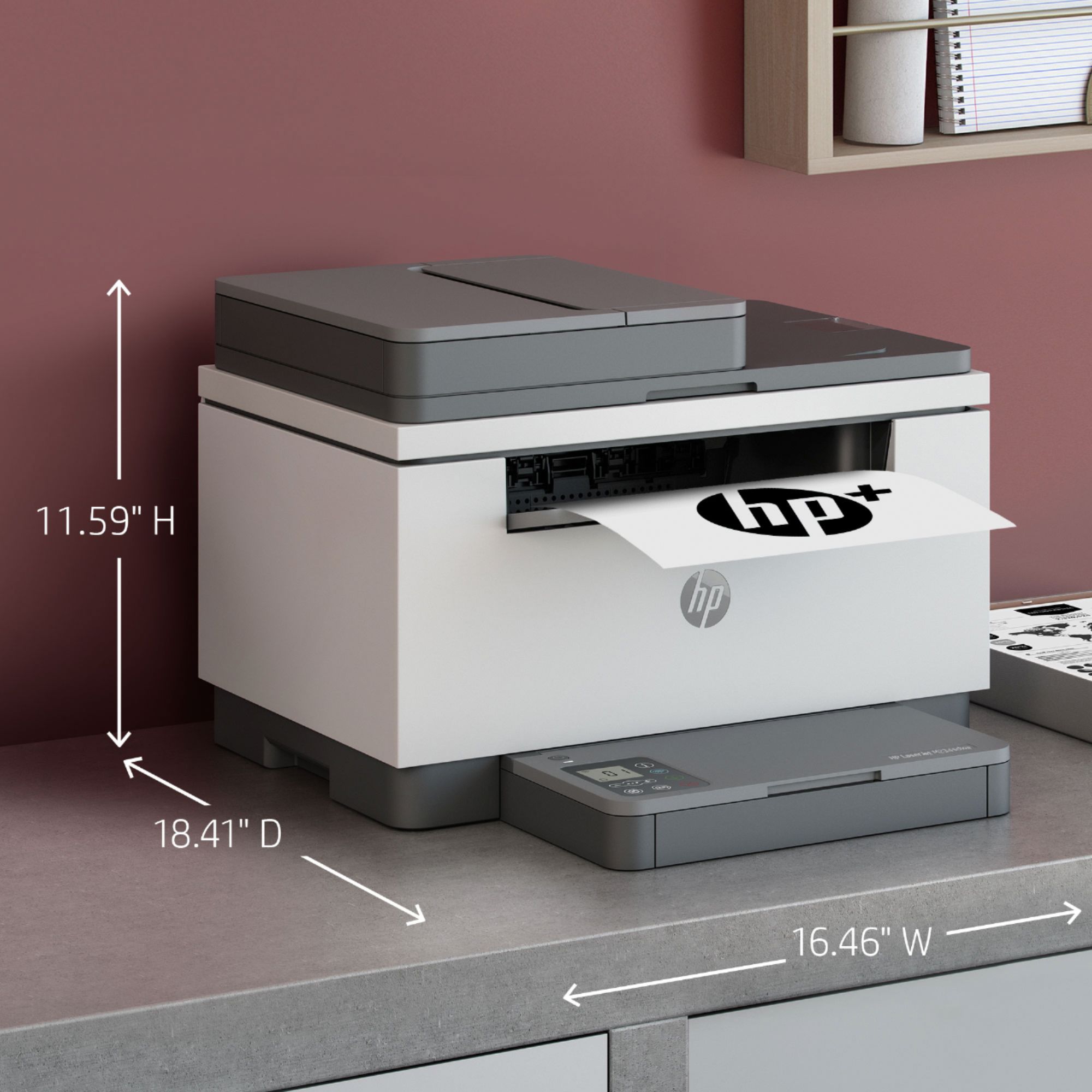
A:AnswerHello, you do not have to participate in the HP+ program if you desire not to. You also do not have to participate in the Instant Ink program if you choose not to. If you do decide to join the programs, either one, then the ink you choose to use must be an original HP toner. You can purchase the toner from an authorized HP distributor such as Best Buy. Thank you for being an HP customer!
A:AnswerYes, you must set the machine up from the internet. HP, like other big companies and the government, want control. Once set up, you do NOT need to use the scan and print from the computer. Just use the copy function.
A:AnswerIt sends the pdf document to your Scans folder on your computer. You can attach the pdf to an email by clicking on the image desired from your Scans folder.
A:AnswerThank you for the question. HP has not yet released a step-up to the LaserJet M234sdwe (HP+ printer). The next series of all-in-one monochrome laser printers would be The LaserJet Pro M227 and M428. Note that these are not Instant-Ink capable printers.