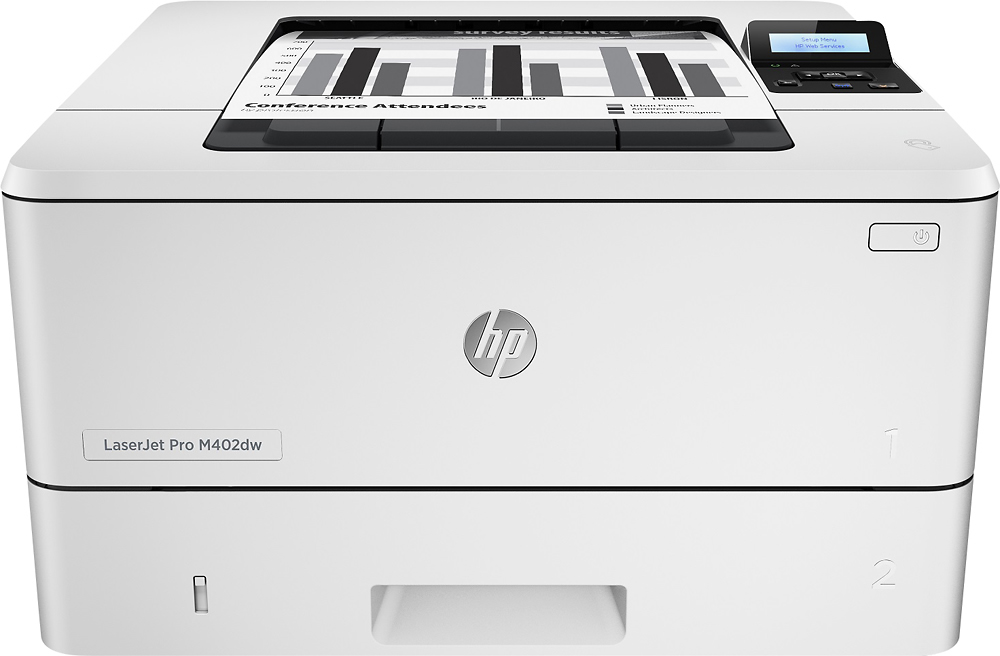
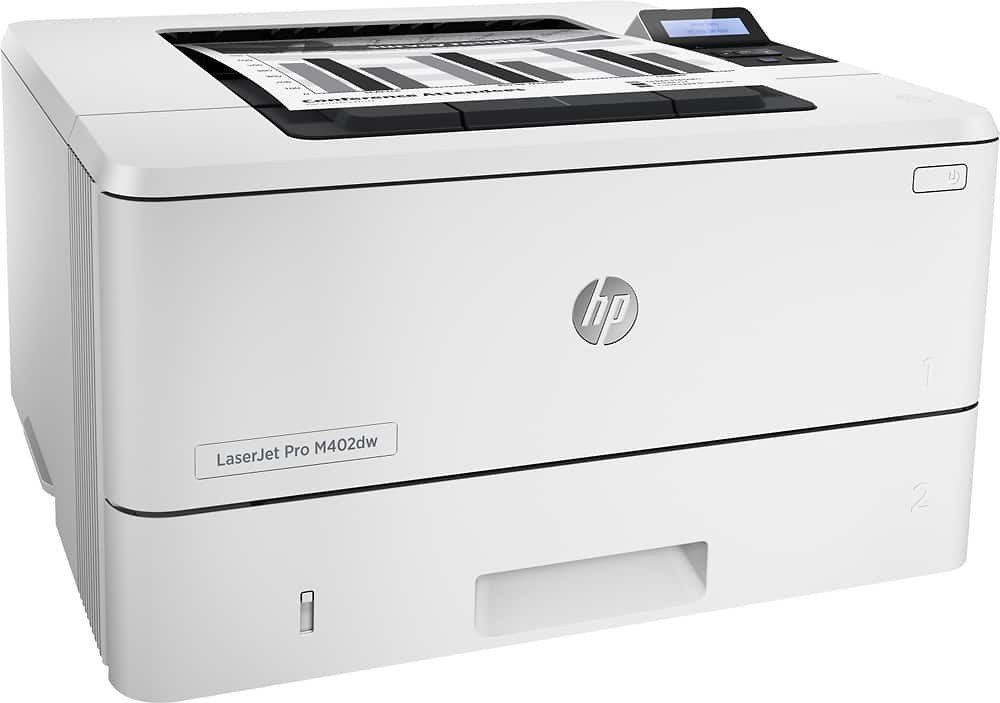
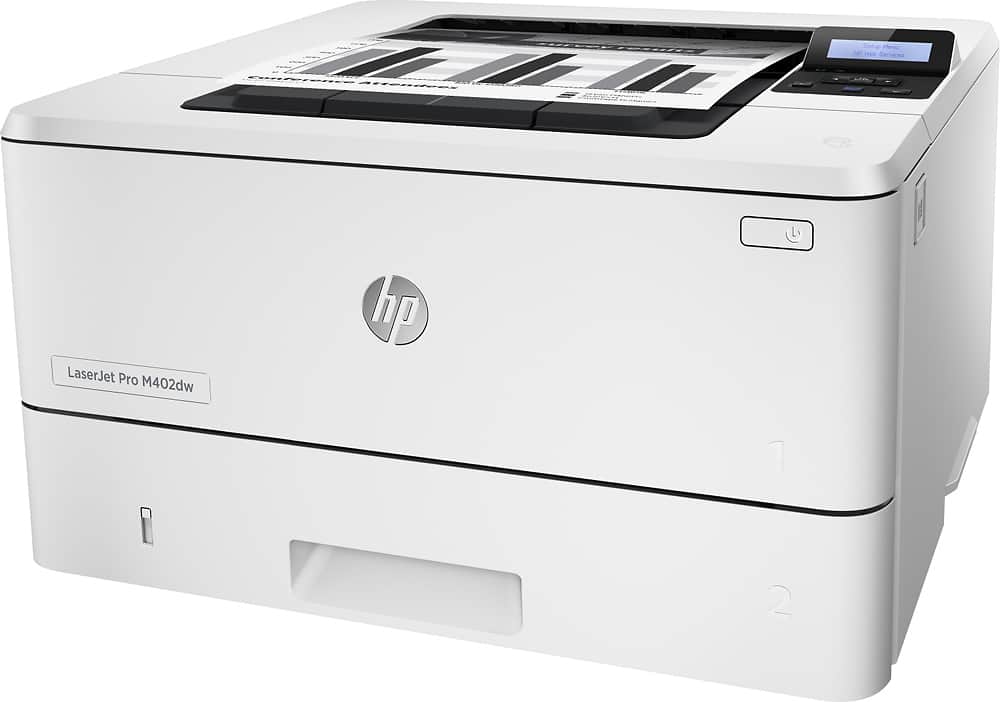
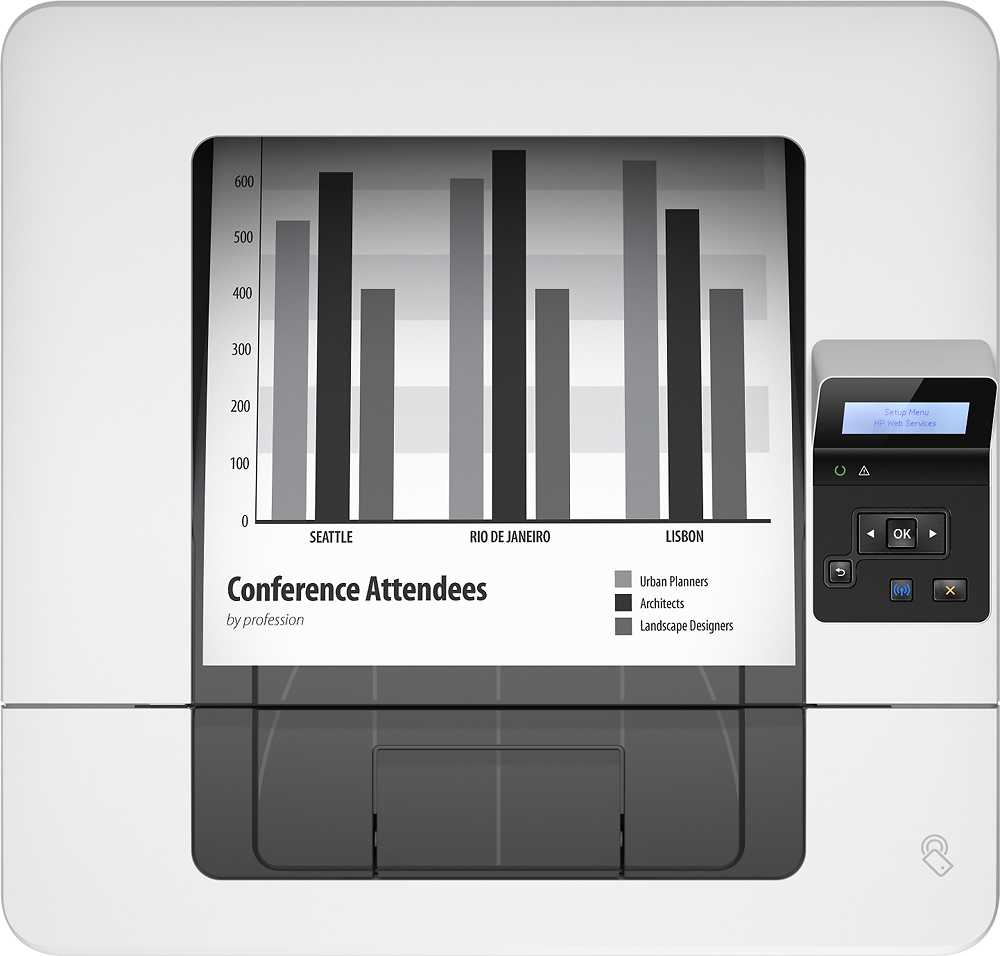
A:AnswerThey are the same basic printer, but you can tell the difference by the letters at the end:
d stands for duplex printing, so it can print 2 sided
n stands for network printing, so it can be networked via ethernet
w stands for wireless, so it can be networks via wifi (these printers usually also have an ethernet port for hardwired networking, but not always, you'd have to read the description
f stands for fax on multifunction printers (not applicable here)
This applies to all HP printers.
A:AnswerThe printer has only one tray. I have not tried to load two sizes at once. Not sure if that answers your question, but I can tell u that it is a great printer so far. Faster than my old hp and very easy to set up.
A:AnswerGood question. This printer is a genuine HP printer sold by Best Buy, not by a second source. This is a newer printer so there may be a color change in the printers.
The printer comes with a 1 year limited manufacturer's warranty.
I hope this helps!
A:AnswerThe HP M402dw (product # C5F95A) supports
1)10/100/1000 Ethernet LAN connection with IPv4 and IPv6
or
2) Hi-Speed USB 2.0
or
3) Print server for wireless network connectivity
and
4) HP near field communication (NFC) and Wi-Fi Direct for printing from mobile devices
The printer can be either 1 or 2 or 3 & 4 but only one the three choices at a time.
A:AnswerYes. The following is taken from the HP LaserJet Pro M402, M403
User Guide:
Use only Tray 1 to print on envelopes.
Tray 1 holds up to 10 envelopes.
To print envelopes using the manual feed option, follow these steps to select the correct settings in the print
driver, and then load the envelopes into the tray after sending the print job to the printer
A:AnswerDear SoutherCross;
Yes, all HP Printers come with toner cartridges. They will last about 1/2 the life of a purchased toner cartridge. So, don't expect to get lots of prints out the one inside. After that, you can buy ones and get 1,200 to 1,500 copies per cartridge.
Best of luck.
A:AnswerDear Anonymous;
I know that sometimes printers can mess up checks. Your best bet is to take the check and put it into the tray. Feeding it through the feeder can ruin the print. I've always had success putting it into the tray instead.
Hope that helps.
A:AnswerDear Tam;
Yes, the iPhone 7 should be able to print to this printer. I don't see an issue. Apple products are very friendly with HP Printers. Once the HP printer is set up wirelessly, you should be able to select it (no additional software is required). In case you want to know, HP has an HP Printer App. That would also do the job.
Best of luck.