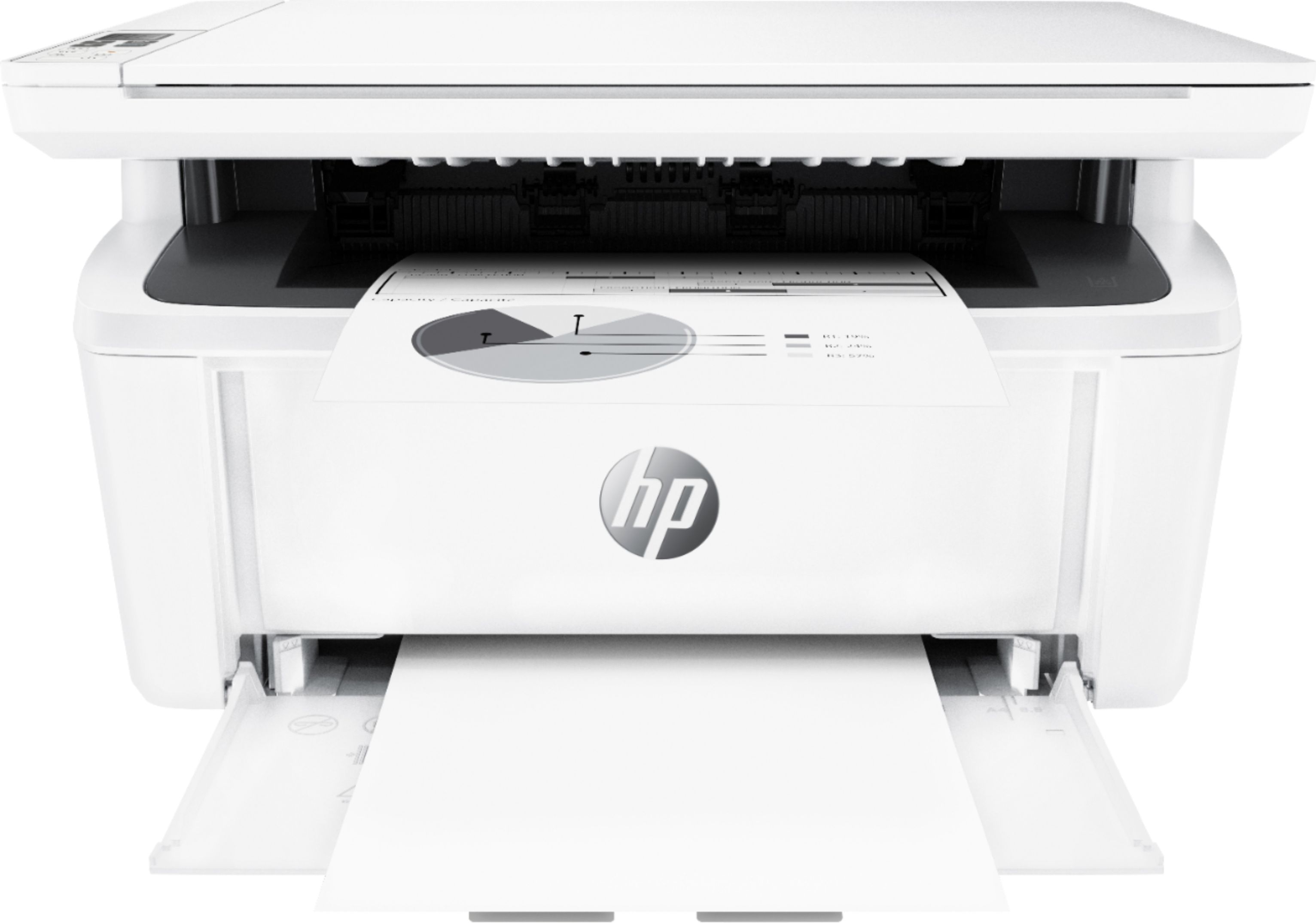
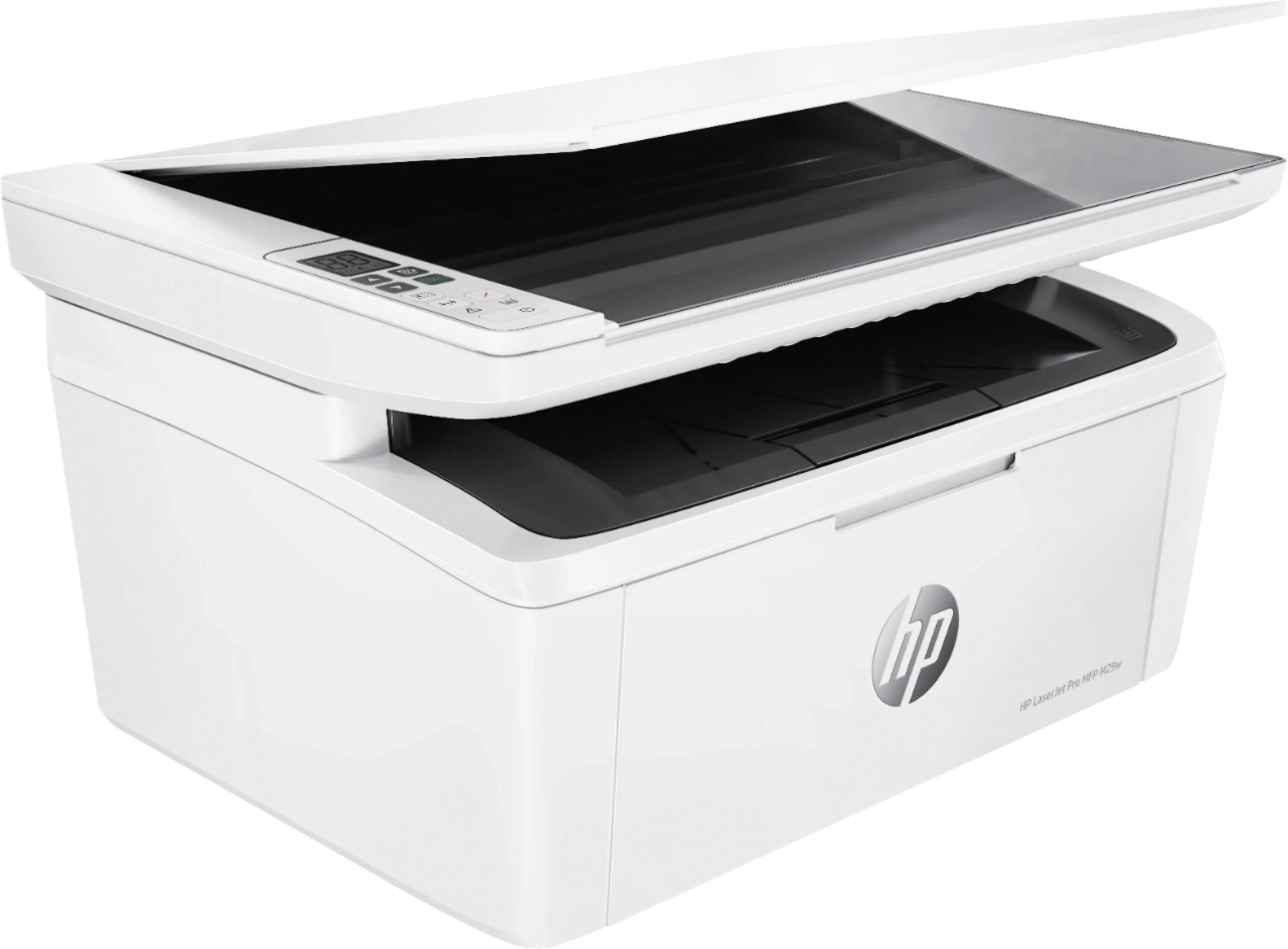
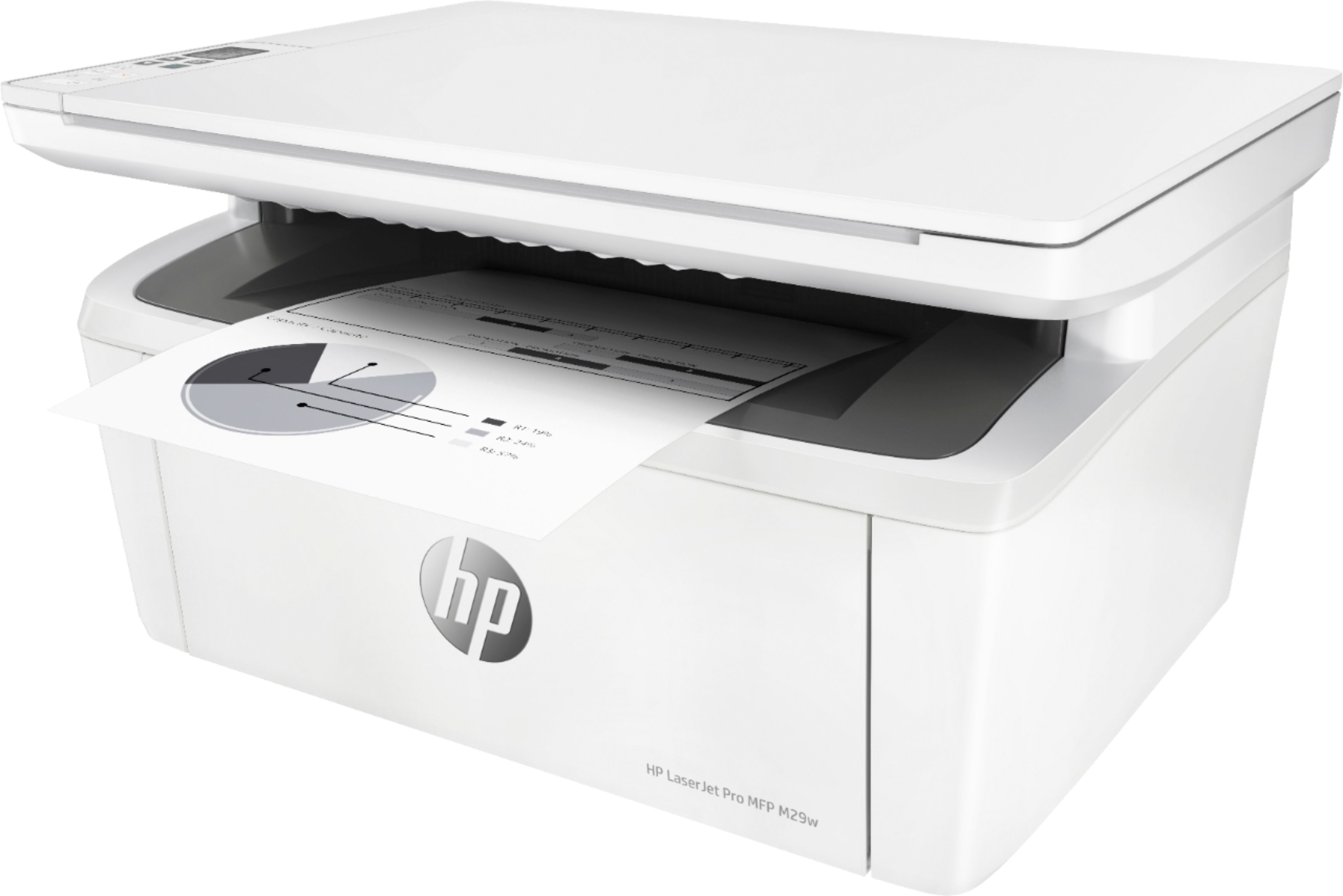
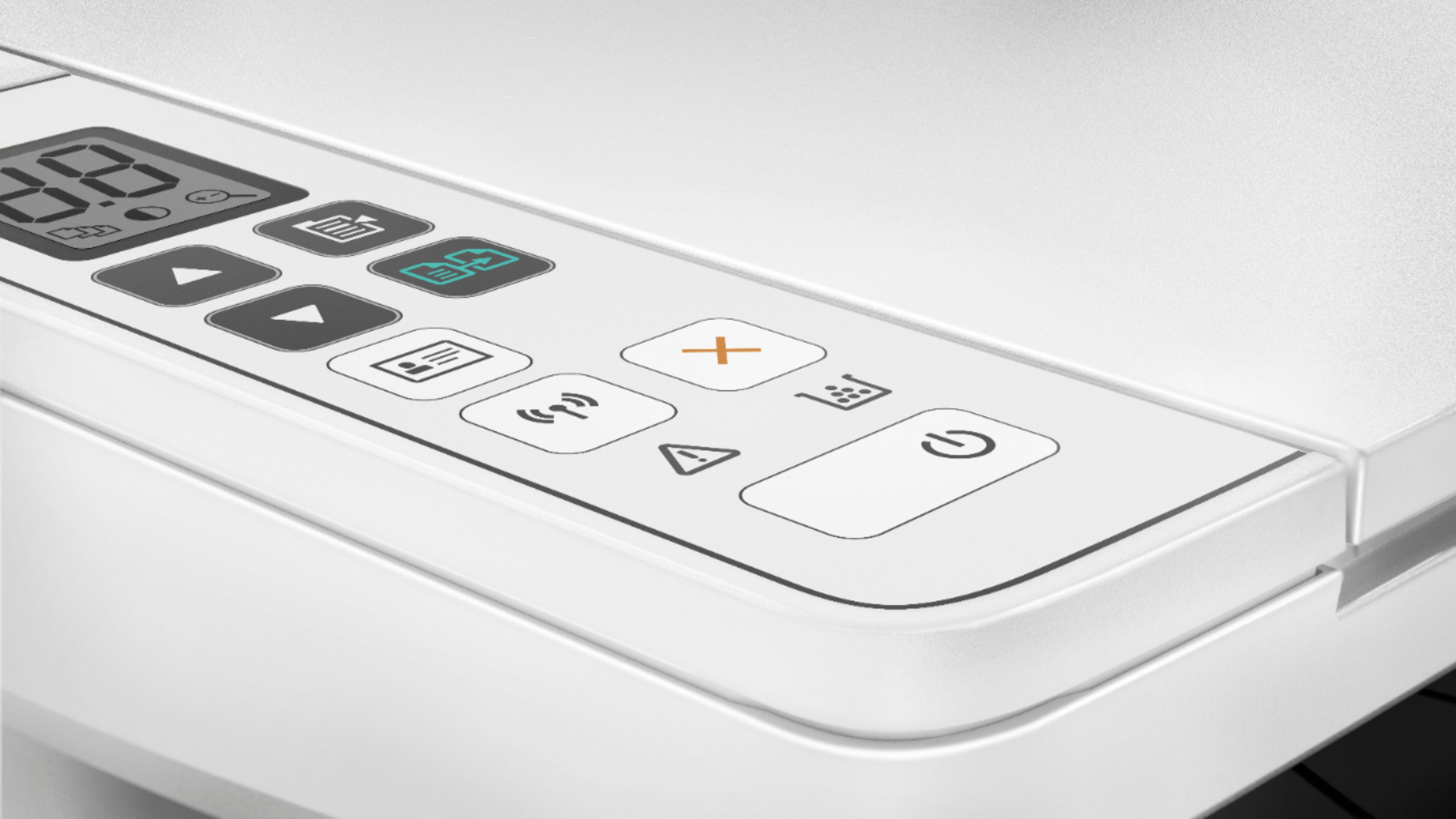
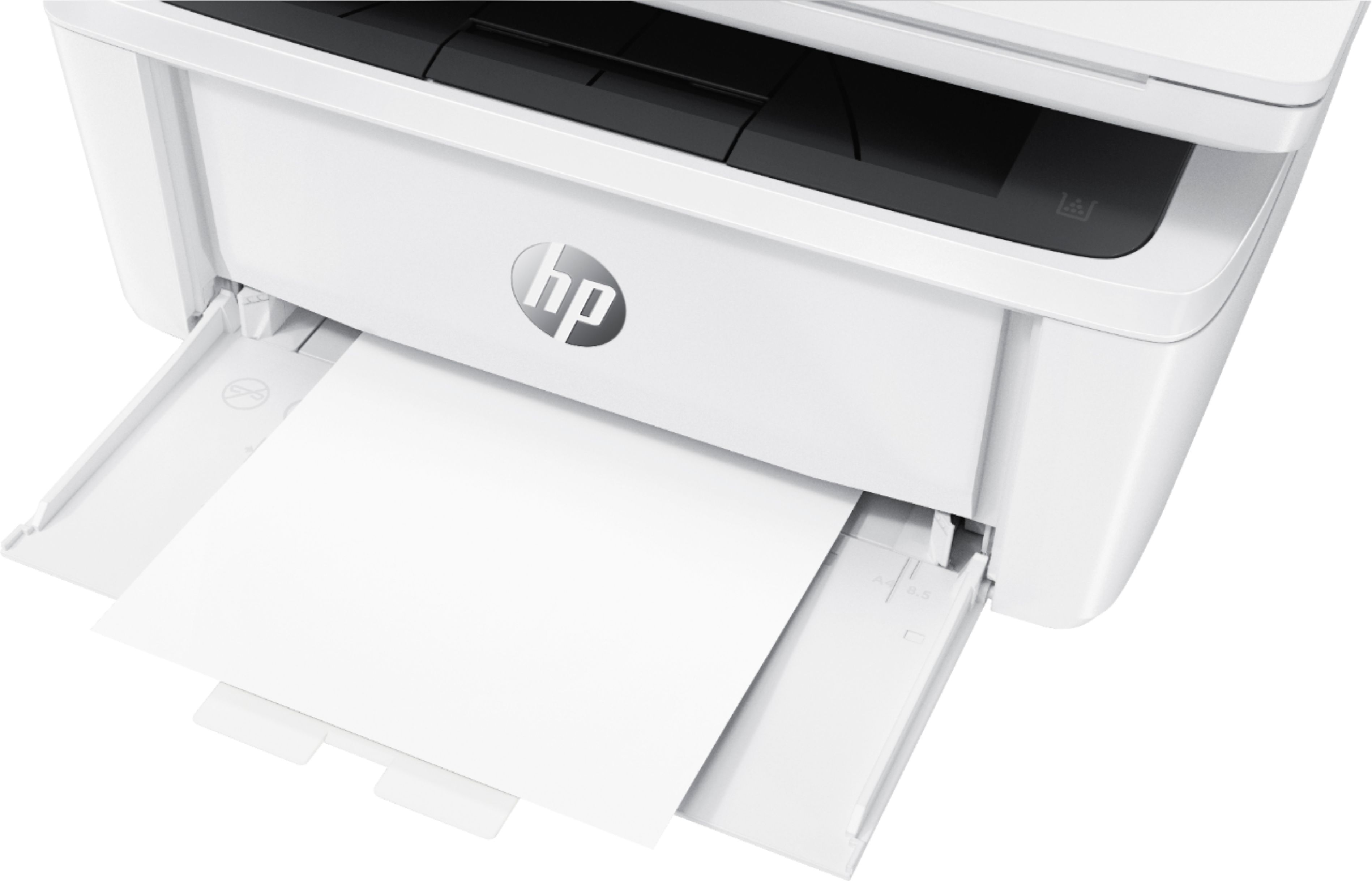
A:AnswerTo load paper, load paper with the top forward and the side to be printed on facing up. To prevent jams and skewing, always adjust the side media guide. It needs to be slid open to accept the correct size paper. Here is the user guide that will help you see page 12.
http://h10032.www1.hp.com/ctg/Manual/c05847830