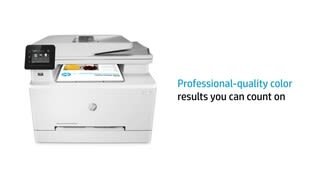
A:AnswerYes, it is.
I am completely in the Apple Ecosystem, with a few PC's on the home network as well. The Printer is centrally located in my house, and it is connected wirelessly to the network. I installed HP Smart software to setup the drivers on each Mac, iPhone, iPad and PC in the network, even though I don't think is needed.
Apple mobile devices use AirPrint, and MacOS can find the Bonjour printer on the network from 'Printers & Scanners' on the System Preferences panel. Pro Tip: the HP Smart software makes setup a cinch.
All my devices are running the latest Apple iOS (14.4.2) and MacOS(11.2.3) versions as of this writing.
Awesome printer, but if you do a lot of printing, it goes through toner very quickly (800-1000 pgs. per toner - standard). XL toners double that amount.
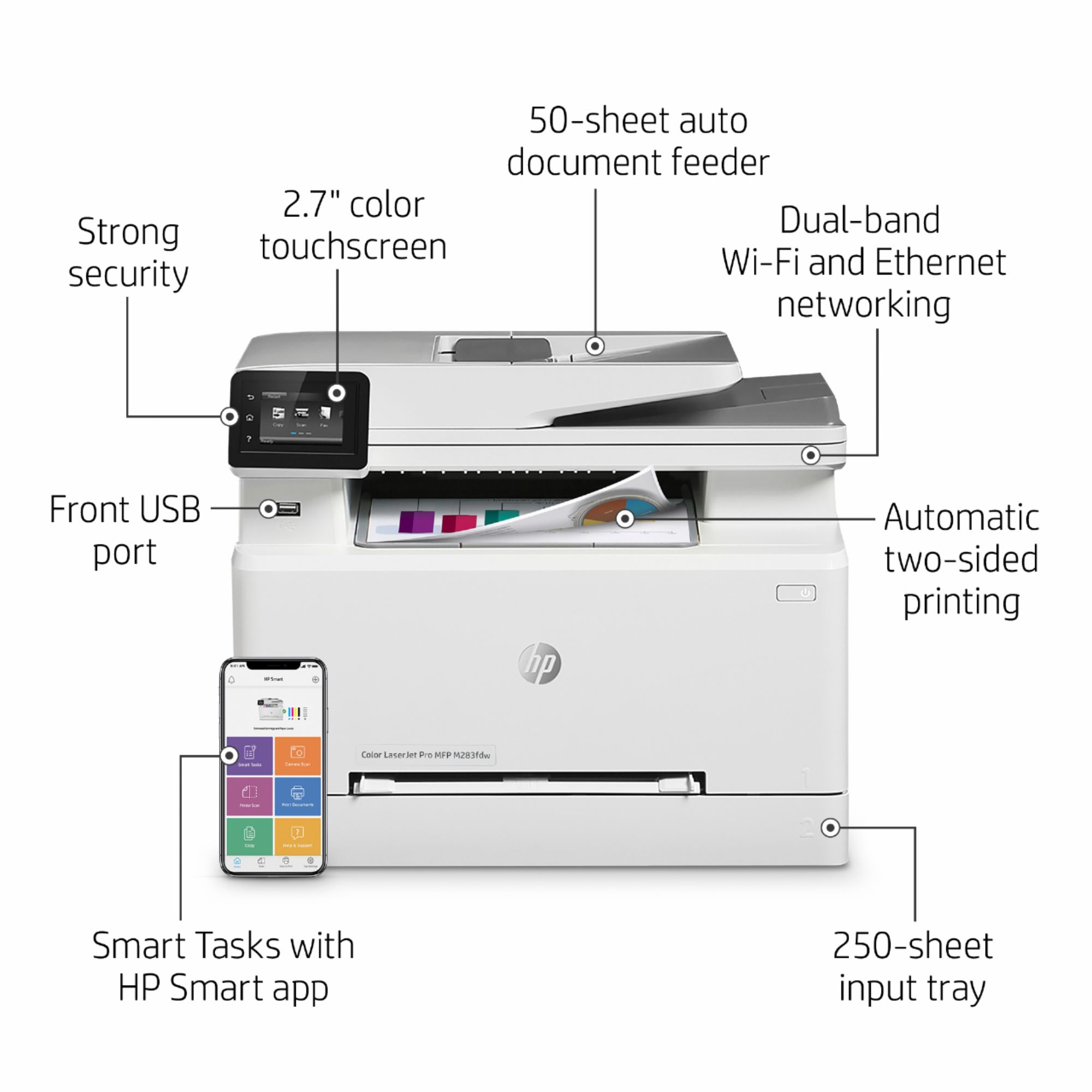
A:AnswerNo. This product prints double sided on its own and works nicely. Simply choose the double sided print option within print settings and away you go.
A:AnswerHello, Chet. The HP Color LaserJet Pro MFP M283fdw printer can only handle the following media weights: 16 to 43 lb (Uncoated/Matte, recommended), however up to 47 lb Postcards and 53 lb HP Matte is allowed in the driver; 16 to 43 lb (Coated/Glossy, recommended), however up to 47 lb Postcards and 59 lb HP Glossy is allowed in the driver.
A:AnswerI just posted a poor review of the printer that's related this very question you've asked. HP just recently (in the last few months) provided printer software updates to all printers, under a "security update" banner. Unfortunately, I had non-HP branded ink (A-MAZING ink from Amazon, for $50!) and after the update, my printer completely locked up with an "ink supply error" message. I received a wonderful message form the ink supplier on Amazon offering a workaround, but it seems HP has thought of everything and has made it VERY VERY difficult to install any previous software version. My printer is still locked up, a month later. They actually took the previous software version off of their website, so people can't revert back. I WOULD NOT BUY an HP printer if I had it to do over again. HP made such a sneaky move, and will not get better. Their branded ink for these printers runs $400-$500 for a full supply... and they obviously don't care about the consumer.
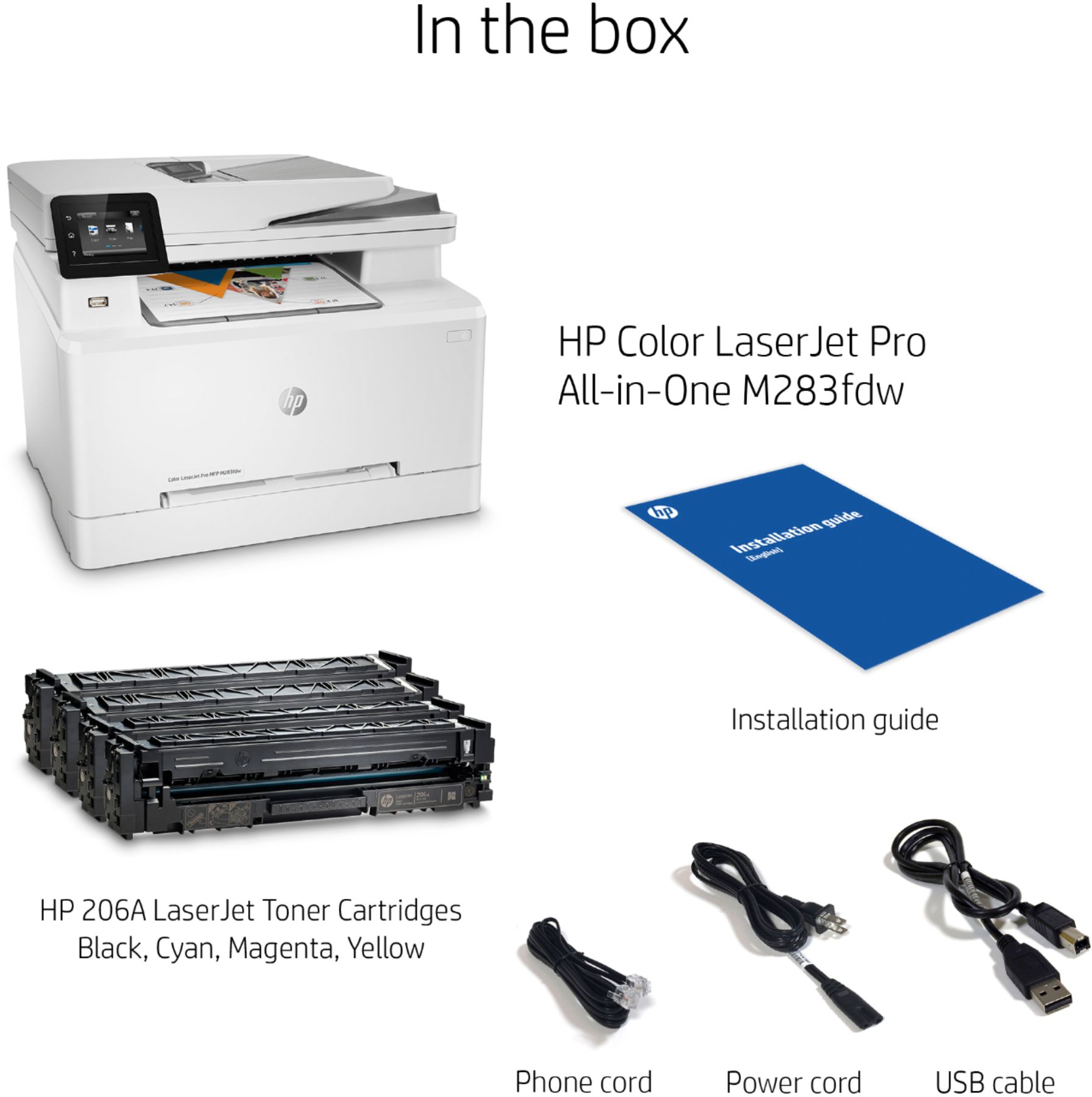
A:AnswerHello. Thanks for your question. We recommend searching for HP 206A toner series on Best Buy's website for the most current prices. There are four colors: black, cyan, magenta, and yellow. You also have the option for high yield toners that will last longer than the regular toners. That is the HP 206X high yield toners.
A:AnswerHi, Deric. We recommend trying to unplug the printer from the wall for 30 seconds. Then, plug it back in and power on the printer. If you need further troubleshooting, visit https://support.hp.com
A:AnswerYes and No. It can be coaxed to print with a lot of tweaking (mainly power cycling the printer, maybe reboot computer) but it has never been smooth for me.