A:AnswerIf you bought a new printer, there may be a glitch in the drivers you were told to install by the instructions that came with it. I would uninstall the printer and drivers, then re-install using drivers from the HP website. If unsure how to do this, call HP at the customer service number on the website, get a live body, and they can do it for you. My printer wouldn’t print color and there’s was no “color” button on the printer menu. They fixed this for me, in about 10 minutes, no charge.
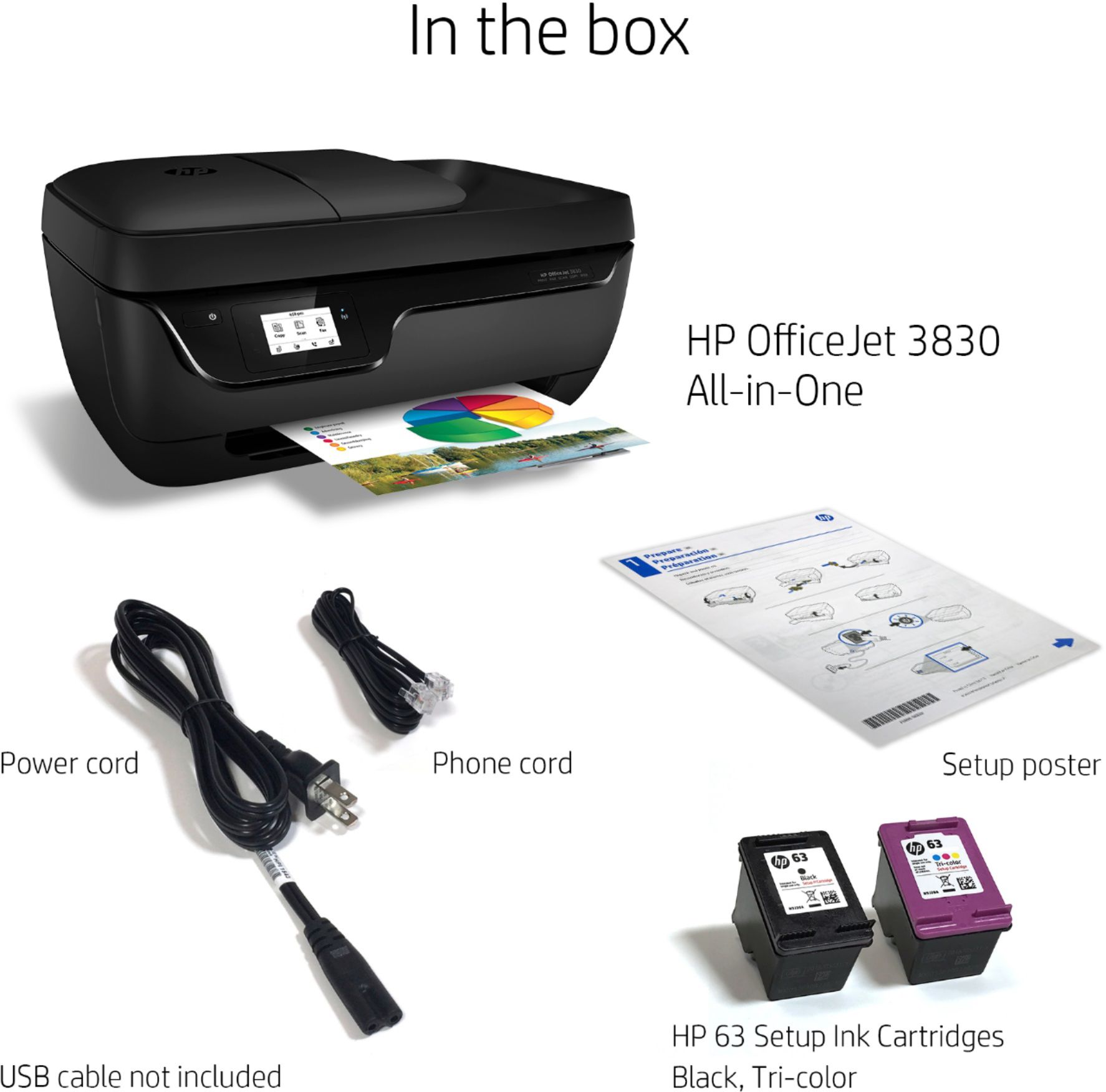
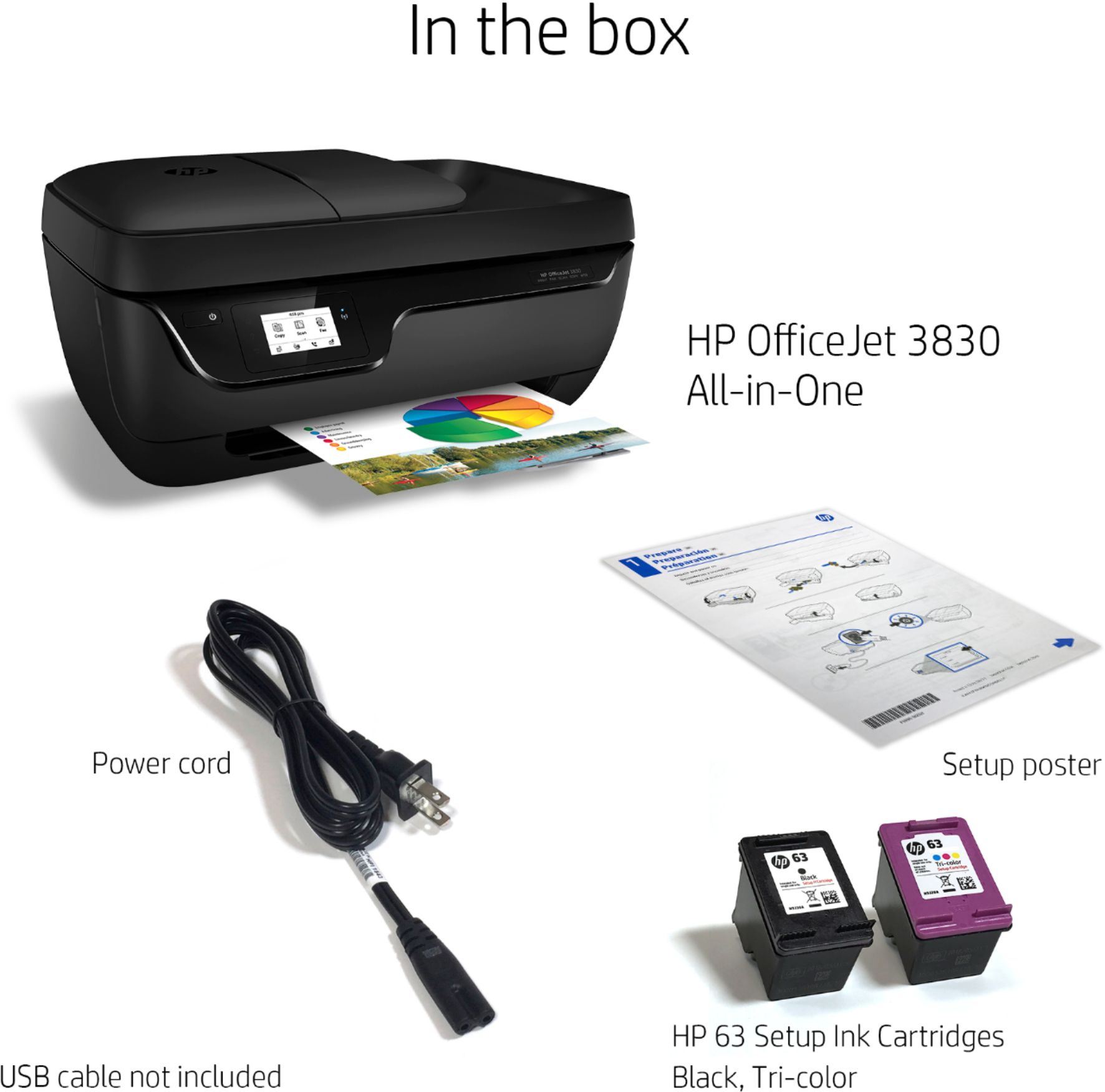
A:AnswerNo cables come with this printer and if you have wifi all you have to do is plug it in to the outlet. Double check for a disc to download the information in order to get full use of the printer. If you don't get a disc like I did, I just called the geek squard and they fixed the problem.
A:AnswerDefinitely not. If you use their Instant Ink, it gives you 15 pages a month for free and then adds 10 pages for $1.00 after that. Buying the ink outright is very expensive.
A:AnswerYes this printer is compatible with Mac. Here are the minimum OS Specs:
Mac OS X minimum system requirements
OS X v10.11 El Capitan
OS X v10.10 Yosemite
OS X v10.9 Mavericks
OS X v10.8 Mountain Lion
A:AnswerThe setup sheet is here: http://h10032.www1.hp.com/ctg/Manual/c04725257 If you want the complete user's guide, you can download it from http://h10032.www1.hp.com/ctg/Manual/c04724956