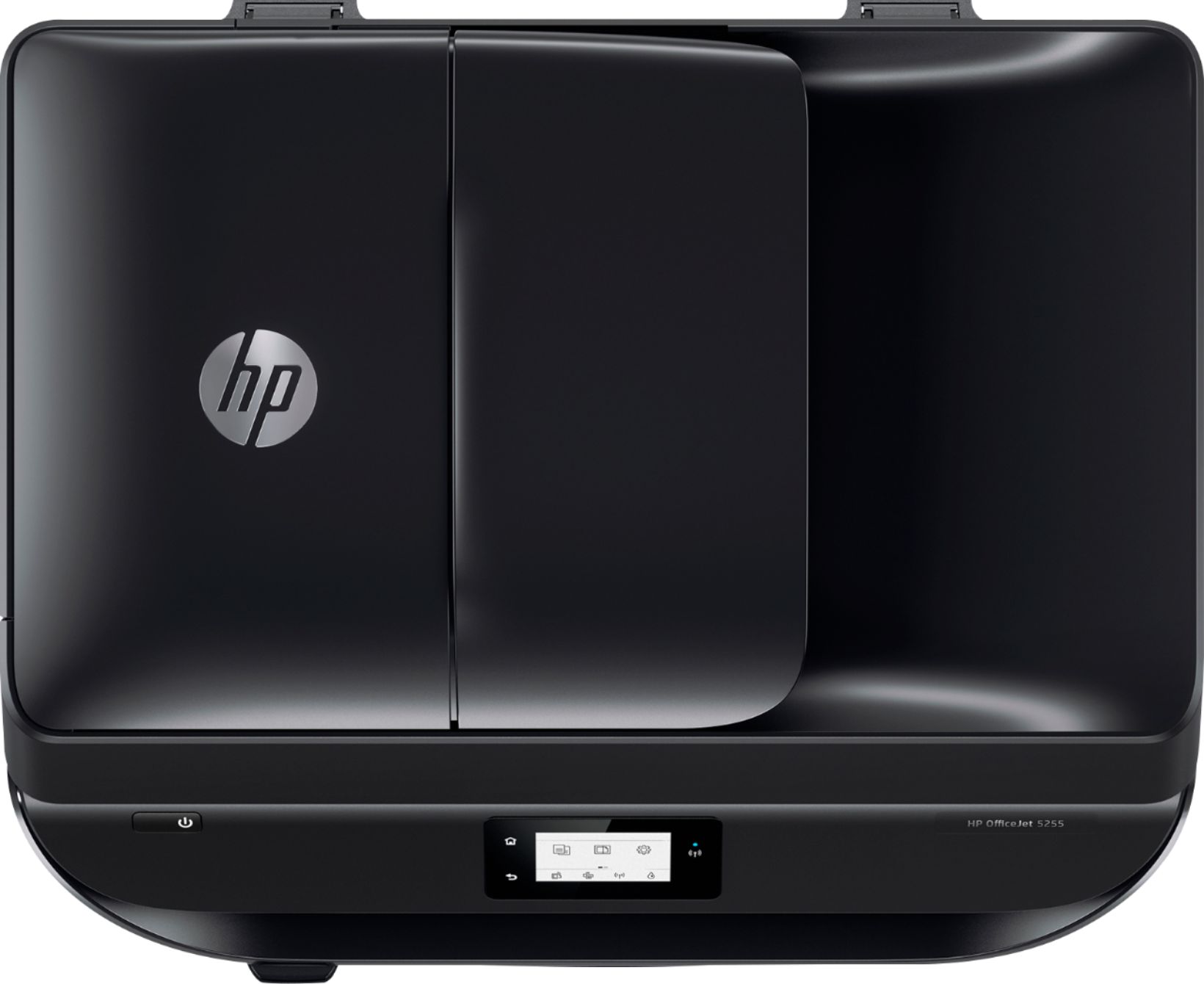
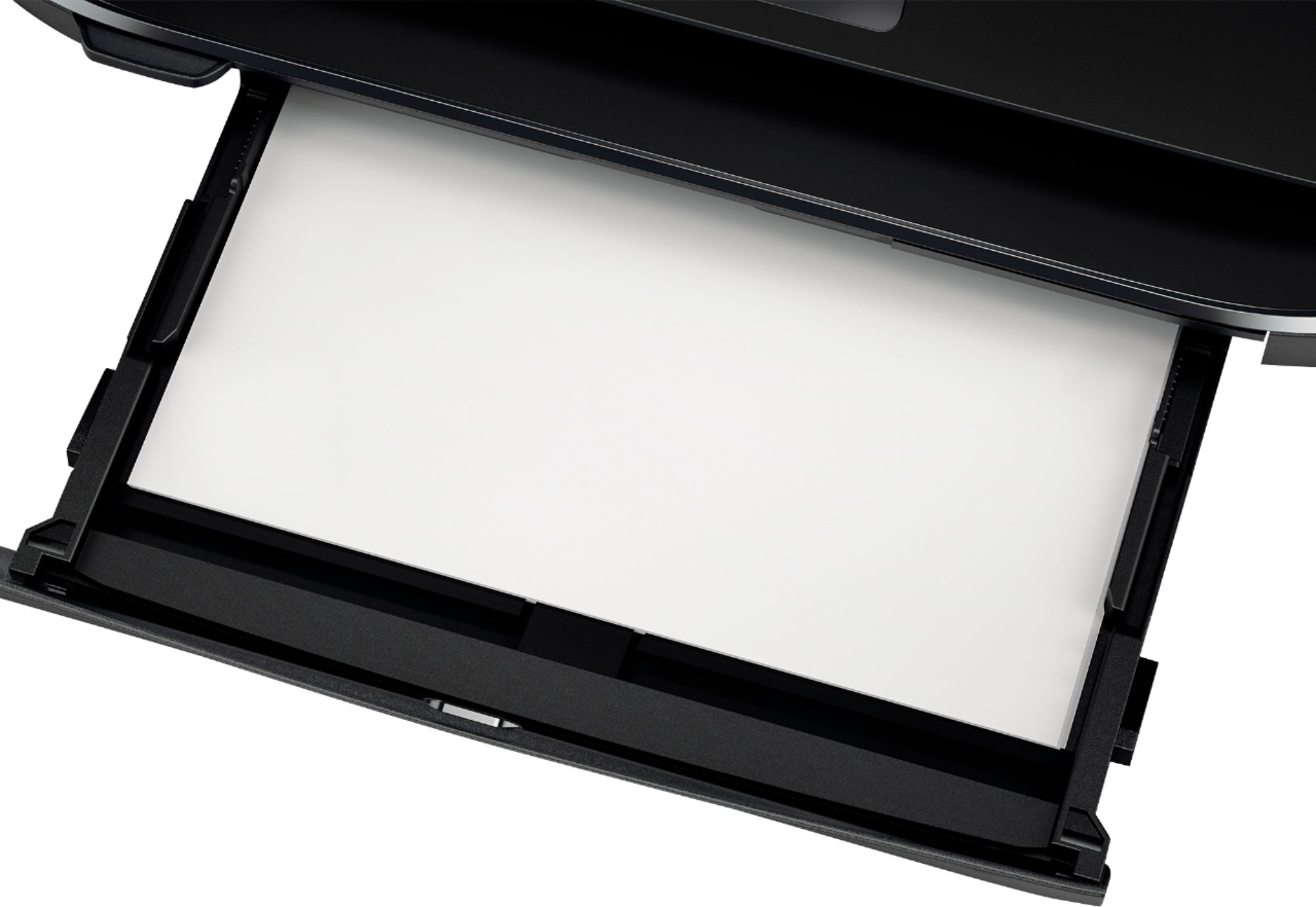
Questions & Answers
- Model:
- M2U75A#B1H
- |
- SKU:
- 6191400
Highly rated by customers for: Ease of use, Print Quality, Price
Page Showing 561-566 of 566 questions
Q: QuestionWill this printer handle thicker cardstock, fabric paper, watercolor paper, etc? Is this printer compatible with Windows 10, if so, do you have to download drivers or is it ready out of the box?
Asked by AnaDMill.
- A:Answer Yes, the printer is compatible with Windows 10, and yes, it can handle heavier weight papers and other inkjet-designed paper medias.
Answered by HP Team

Q: Questionwill the HP 6255 ENVY Photo printer work without using wireless hookup? Will it work just using USB cable to connect to laptop?
Asked by rita.
- A:Answer Yes
Answered by WVIRISHMAN
Q: QuestionDoes this printer have the ability to connect to a computer by printer cable? (do not have wireless capability)
Asked by James.
- A:Answer Yes, you can connect with a USB cable!
Answered by HP Team

Q: QuestionCan you scan multiple docs at the same time?
Asked by Printer.
- A:Answer Yes, you can scan multiple documents at the same time through the ADF.
Answered by HP Team

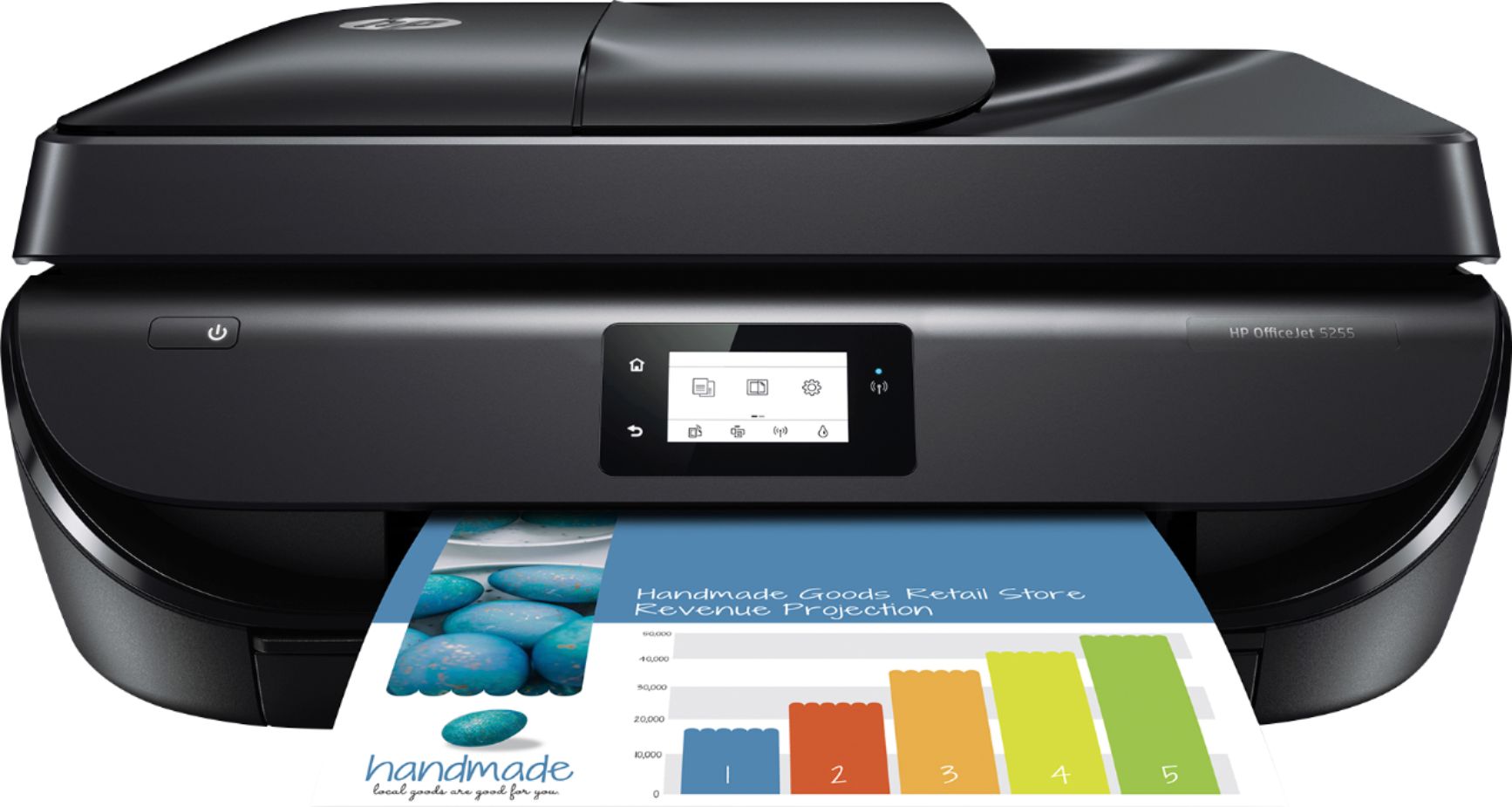
Q: QuestionThis printer doesn't have auto two sided printing, but will it print two sided?
Asked by Mike.
- A:Answer Yes, you can print double sided. Here is how you would print double sided on the Officejet 5255 from Windows: From your software, select Print. 3. Make sure your printer is selected. 4. Click the button that opens the Properties dialog box. Depending on your software application, this button might be called Properties, Options, Printer Setup, Printer Properties, Printer, or Preferences. 5. On the Printing Shortcuts or Printing Shortcut tab, select a shortcut which supports the Print On Both Sides setting. Select an option from the Print On Both Sides drop-down list. 6. Click OK to close the Properties dialog box. 7. Click Print or OK to begin printing. On Mac: You would go to File, then Print. In the Print dialog, choose layout from the popup menu. Choose two sided printing then Print.
Answered by HP Team

Q: QuestionI have a HP 5255 PRINTER AND CAN NOT LOCATE THE USB PORT. WHERE IS IT?
Asked by DAN.
- A:Answer The USB port for the printer cable is on the back near where the power cord goes.
Answered by HP Team

Most-viewed items
- $249.99$249.99The price was $379.99
- $329.99$329.99The price was $469.99
- $99.99$99.99The price was $129.99
- $159.99$159.99The price was $309.99
- $149.99$149.99The price was $179.99
- $199.99$199.99The price was $299.99
- $1,399.99$1,399.99The price was $2,699.99