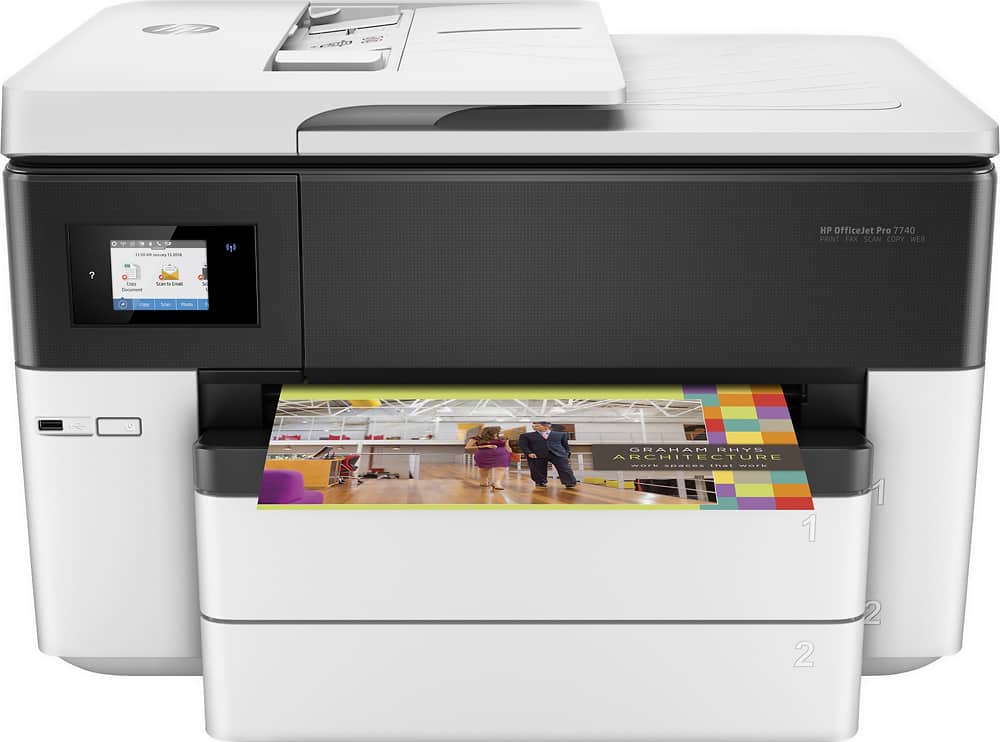
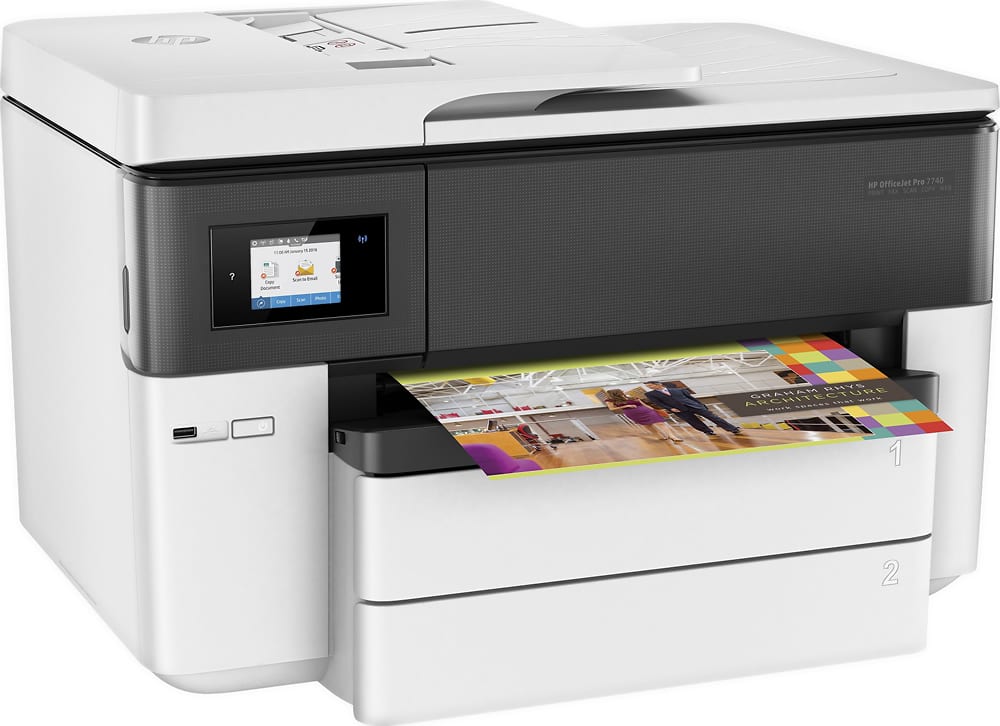
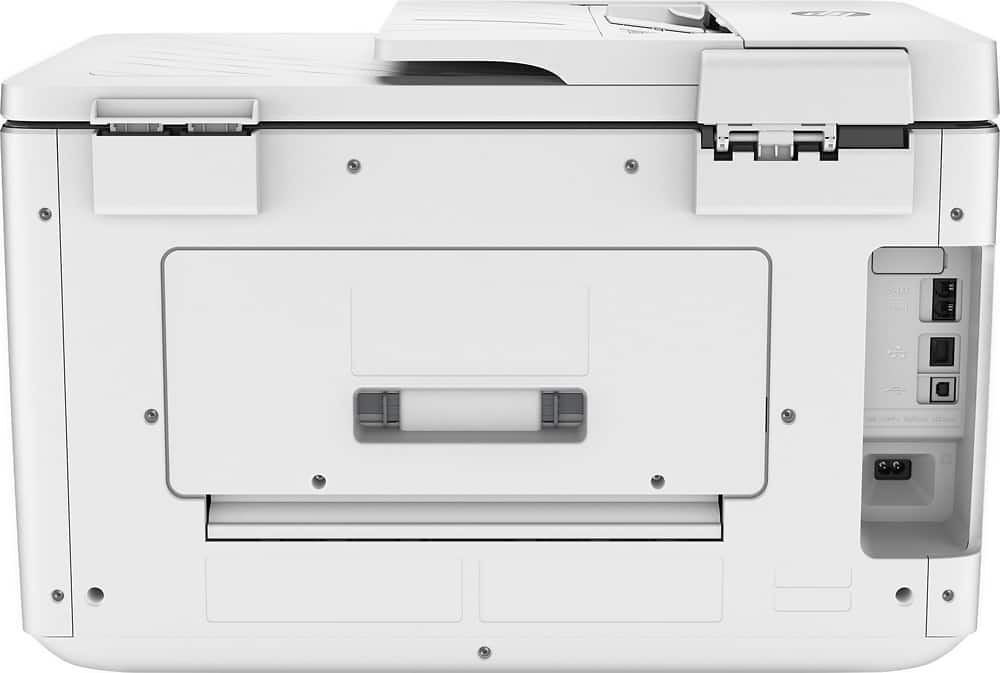
A:AnswerI had put my printer on a swivel base on the floor. You will need to access the back to get out any jammed paper as indicated by the onscreen video when it jams. It had made the process so much easier to just swivel the printer around to open up the flap in the back and take out the part you need to remove to look for any other paper bits.
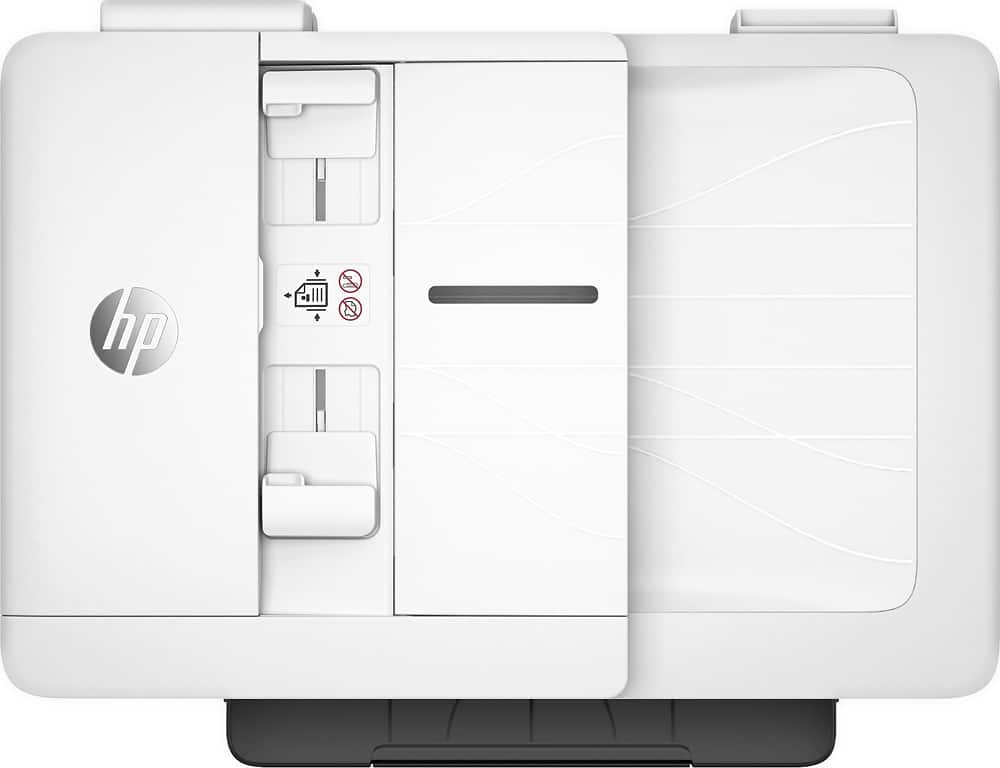
A:AnswerThe auto document feeder can only scan up to 8.5 x 11 double sided. It can scan 8.5 x 14 single sided. The auto document feeder holds up to 35 sheets at a time.
If you want to to scan 11 x 17 documents, then you need to use the scanbed on this printer.
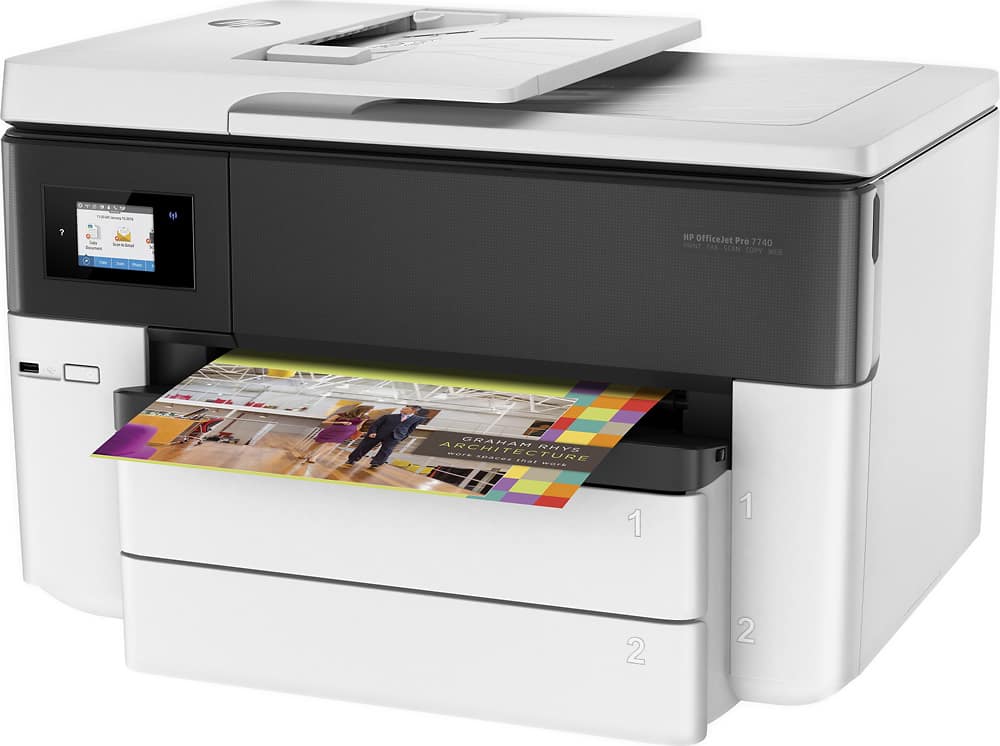
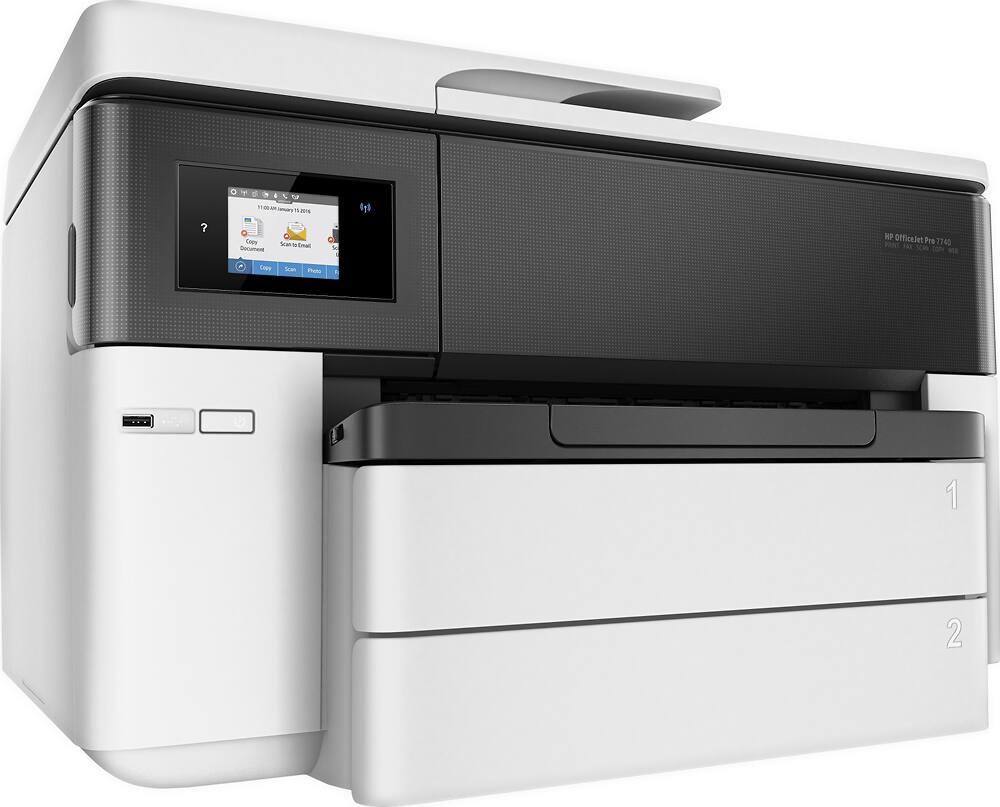
A:AnswerYes, you should be able to use the second tray for labels- I use it for 11x17, but it is adjustable. It was slightly challenging to figure out how to switch trays and to remember to switch back- had a lot of wrong paper-size printing at first.
A:AnswerThe printer in not bluetooth capable, but is network and wireless capable. The printer can be used by a desktop, laptop,, tablet, or a cell phone. Just download the HP Smart app to your device.
A:AnswerYou will always need the inks for printing. I recommend checking out the HP OfficeJet 5255 for a model which will allow you to print with a single cartridge but it will not print in 11x17.