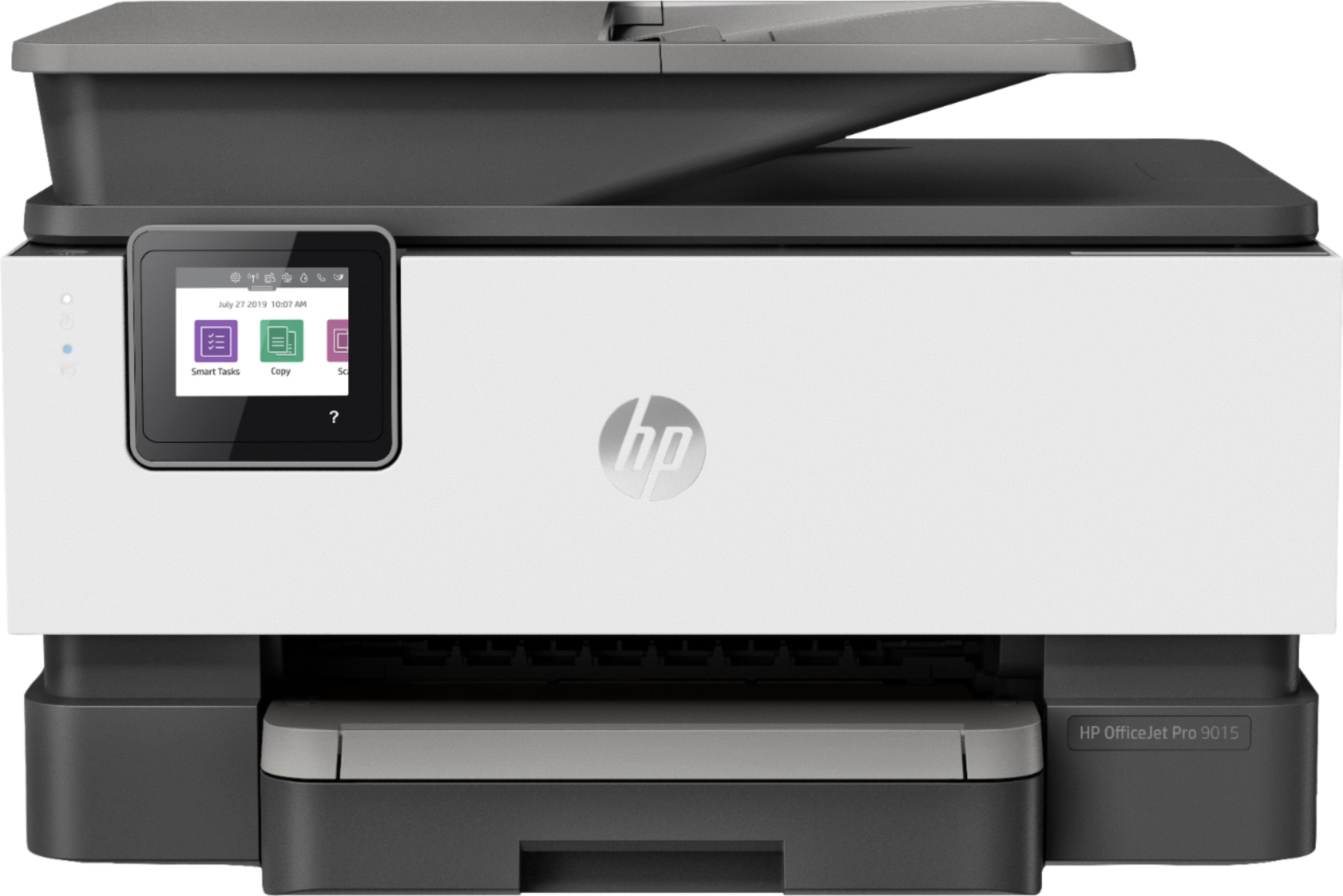
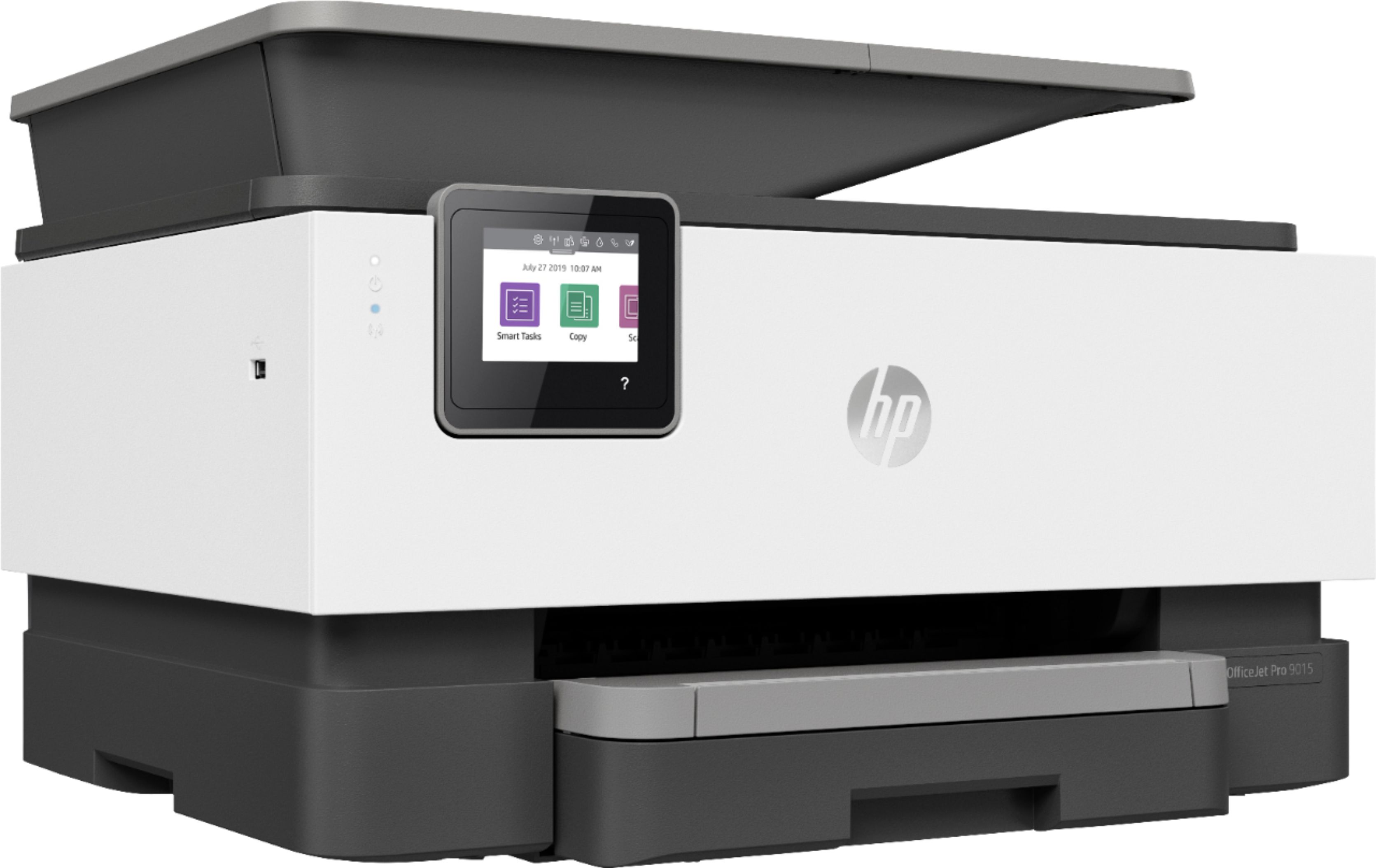
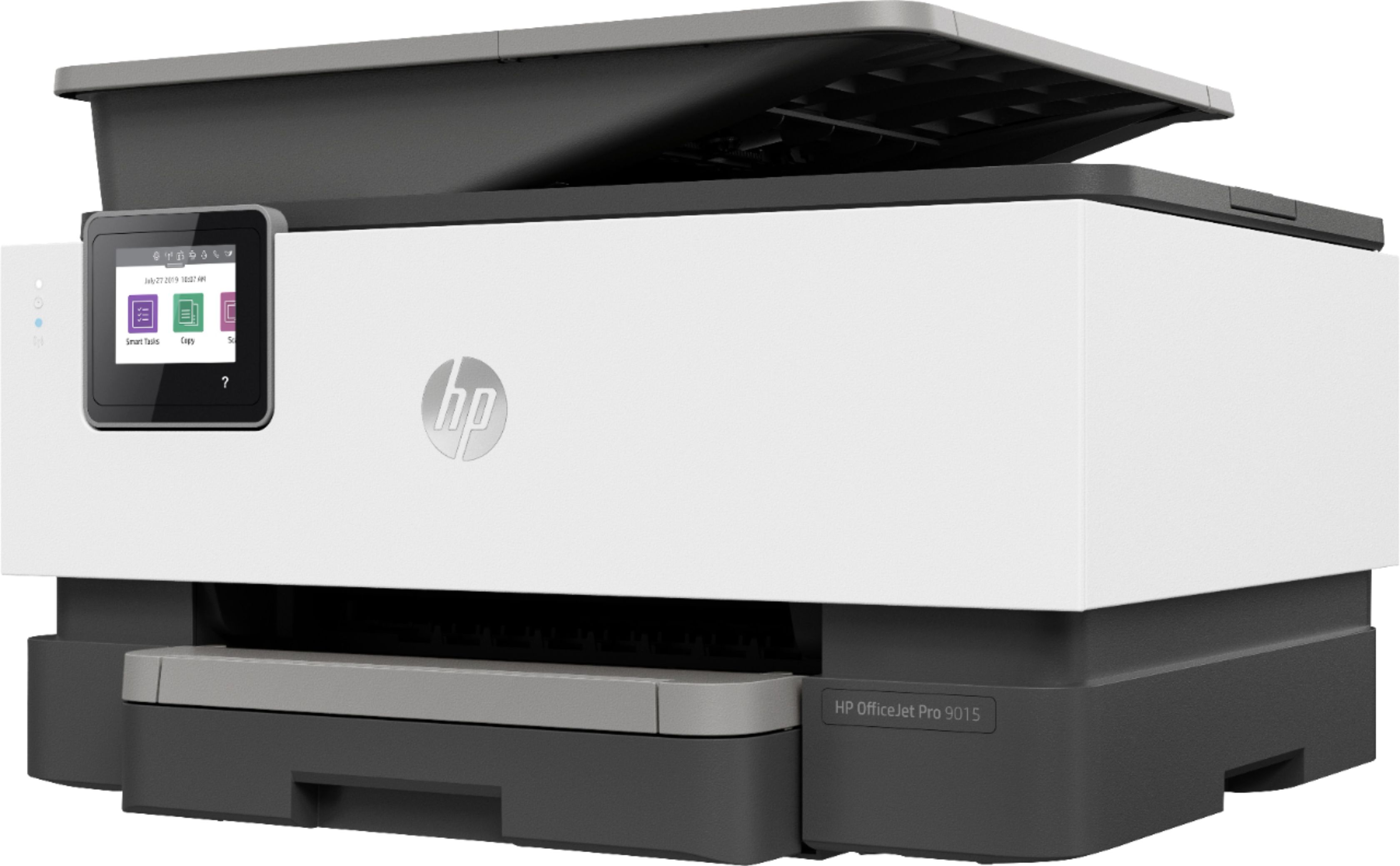
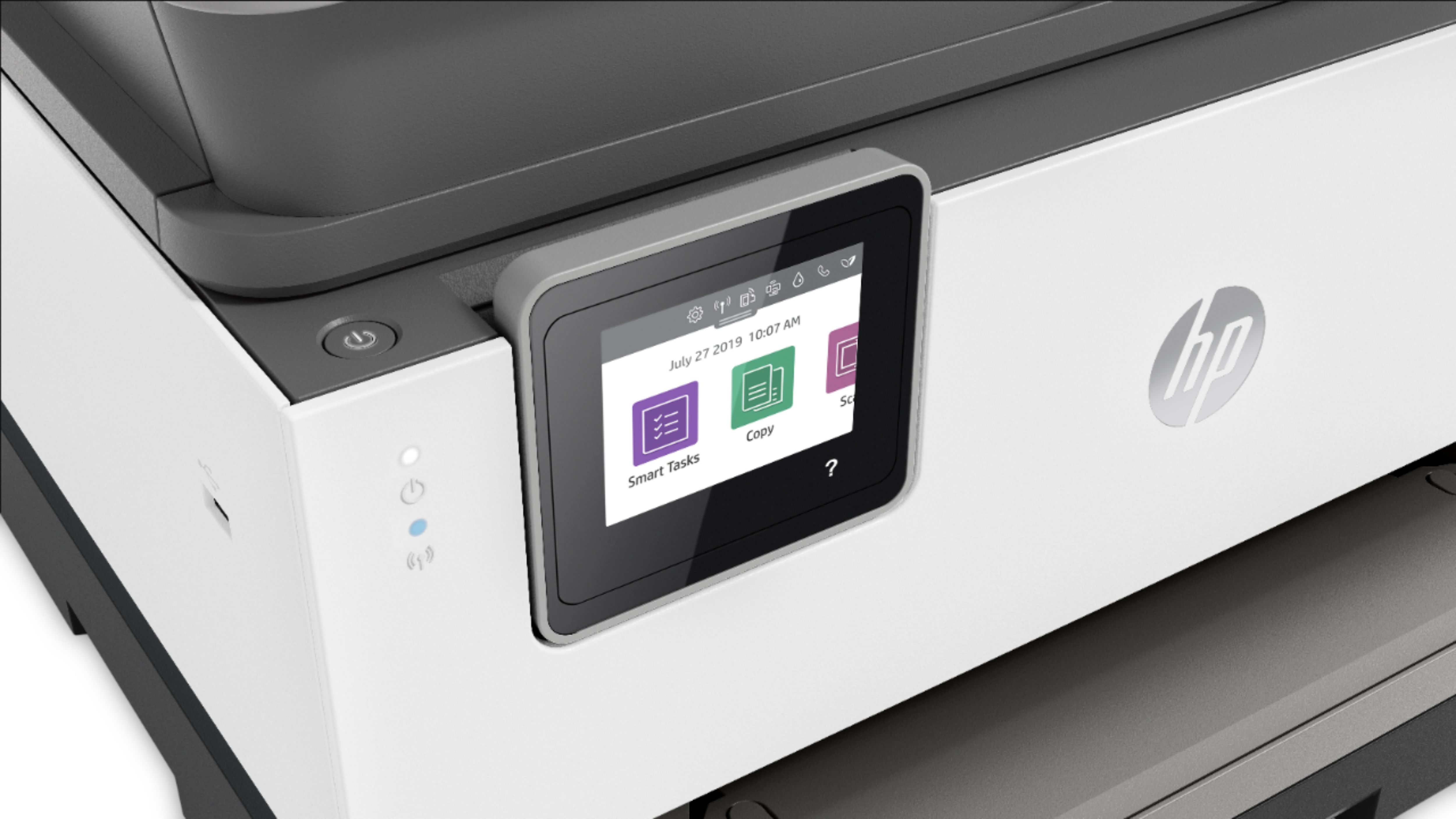
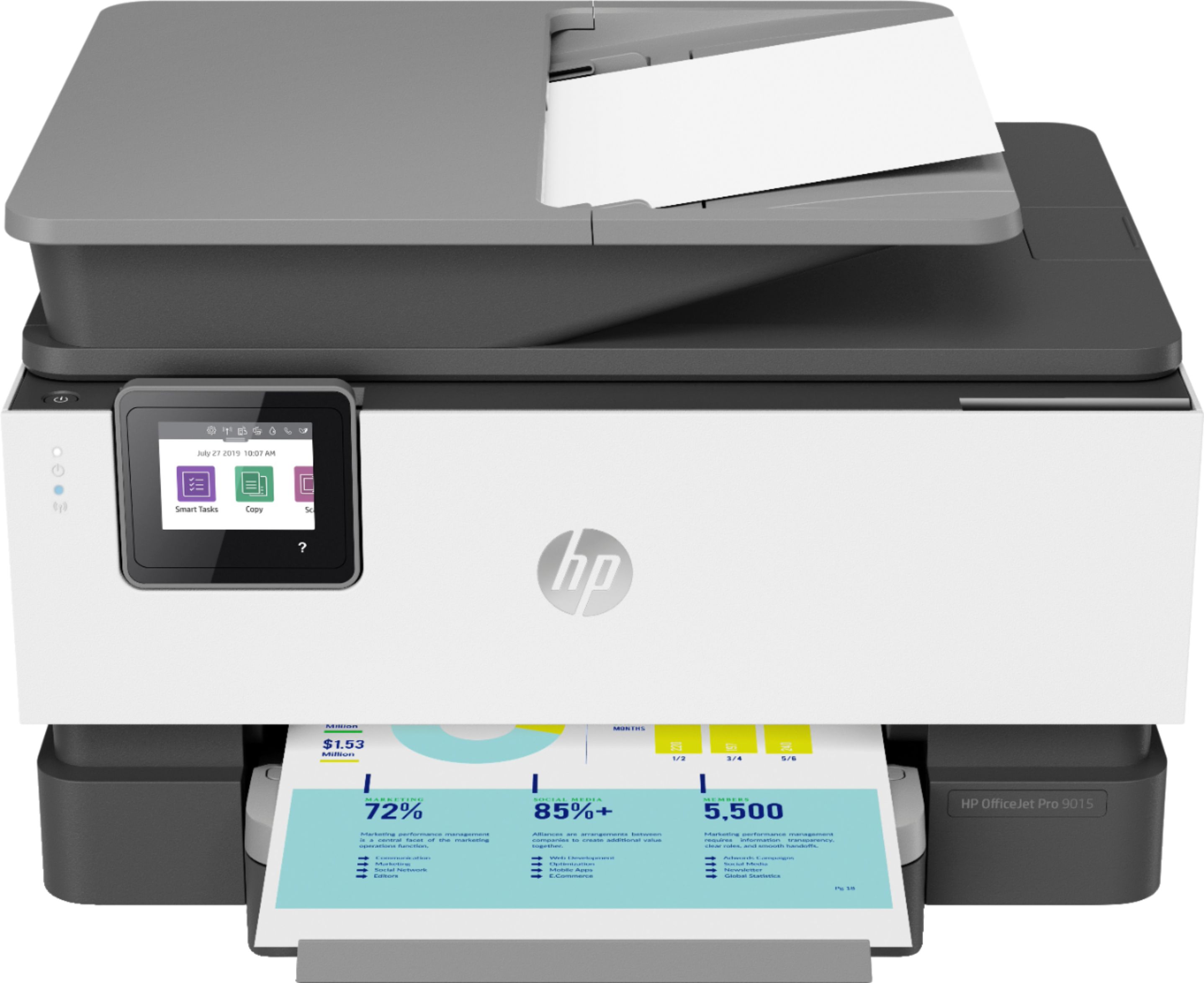
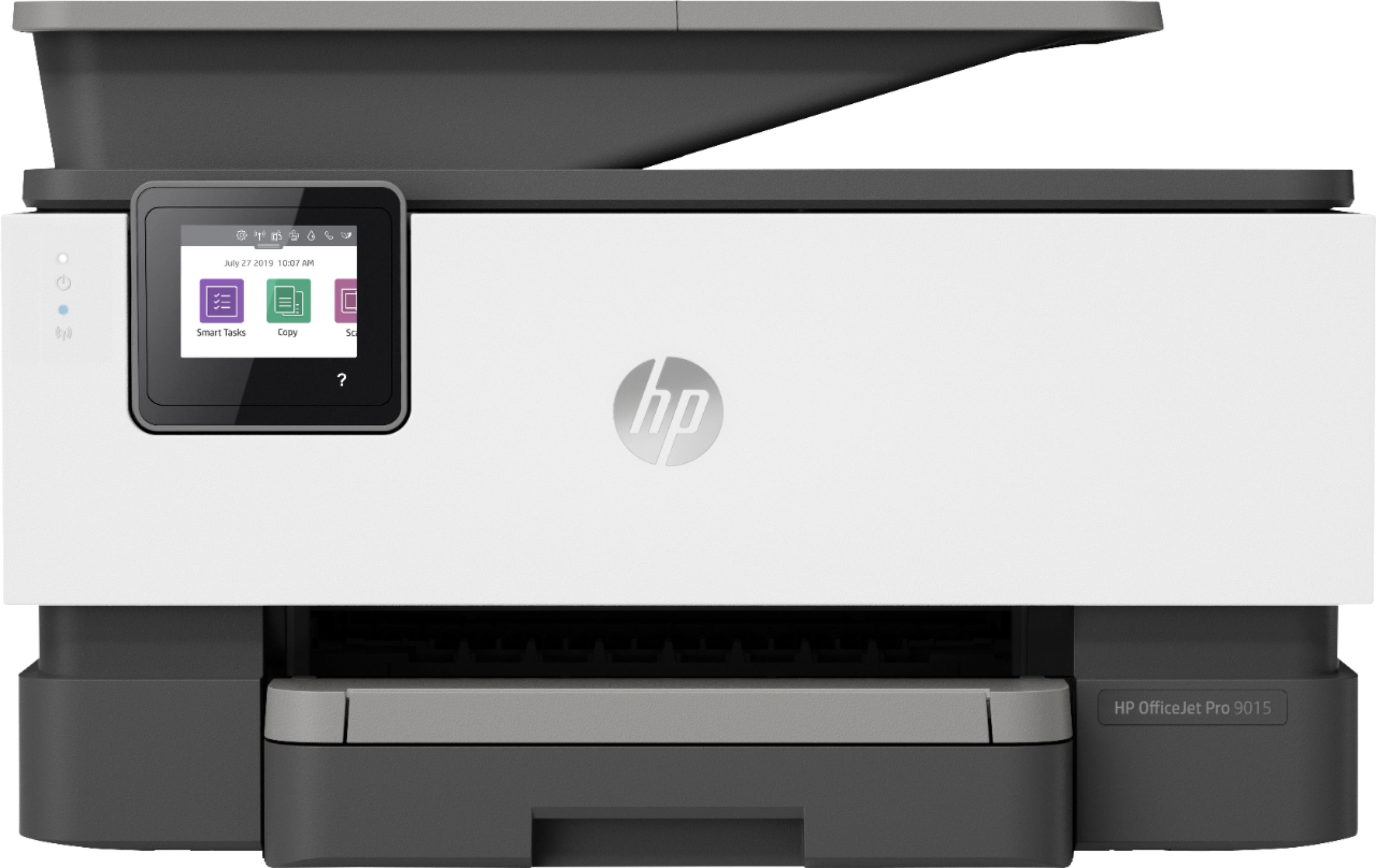
A:AnswerHi Debrann, thank you for the question. In general, the OfficeJet Pro 9015e will support media between the range of 3 x 5" and 8.5 x 14", and #10, Monarch and 5.5 bar envelopes. The supported weight for envelopes is 24 lb max. The printer also supports card stock up to 110 lb. These are the specifications to which the printer was designed. Routinely exceeding these recommendations may not provide the results you seek, and may burden the rollers. Occasional printing with custom media should not cause a problem. Please see "Paper Handling" on the HP Product Specification here: https://support.hp.com/us-en/product/hp-officejet-pro-9010e-all-in-one-printer-series/38023430/document/c06953406#AbT9
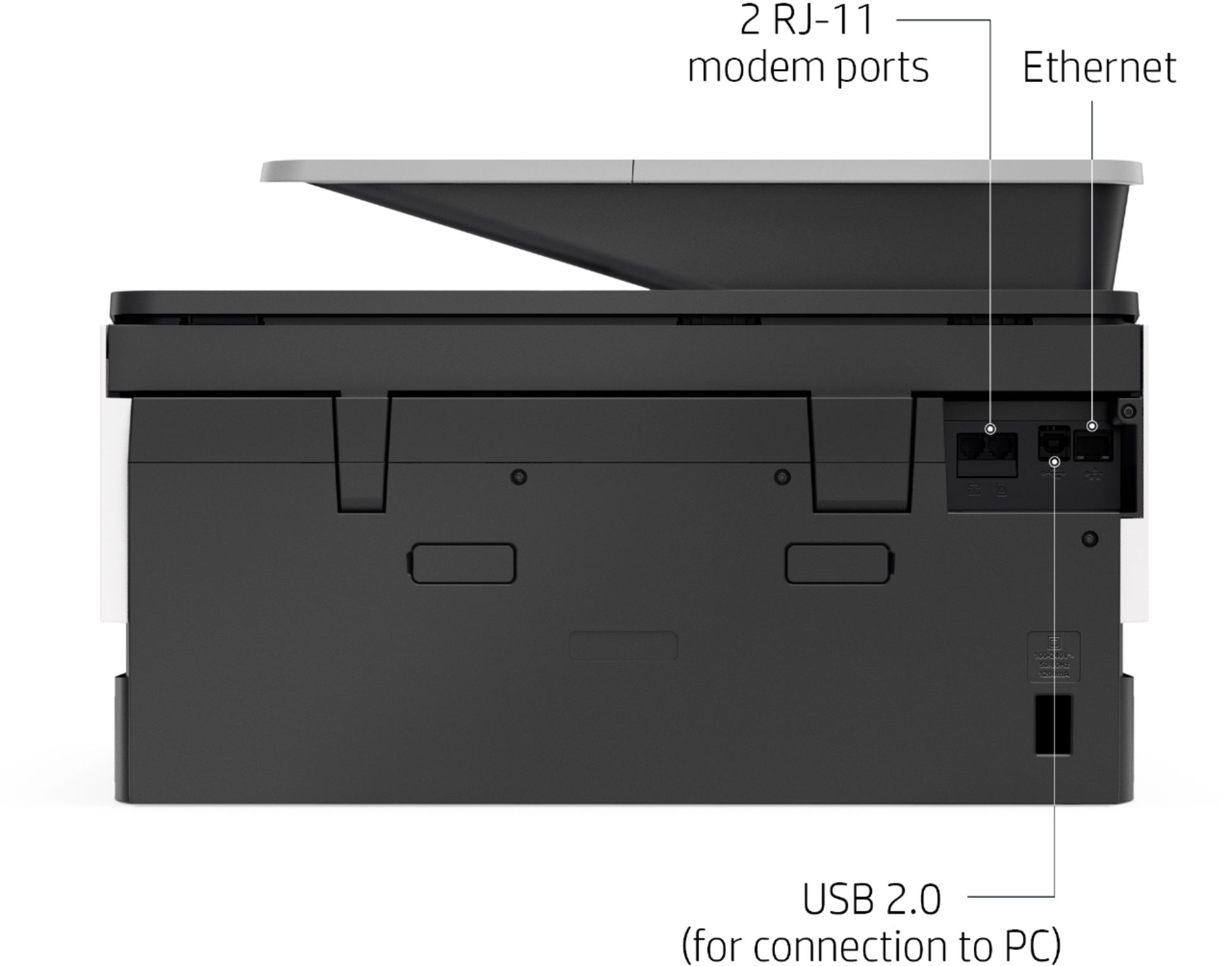
A:AnswerThank you for the question. Yes, you can connect the OfficeJet Pro 9015 directly to the computer while leaving it idle on your WiFi network. Although the printer can be setup in both a wired and wireless network, only one of the connection methods can be used at a time. When the wireless setting is enabled, the wired (Ethernet) setting is disabled.
A:AnswerThank you for the question. Yes, the OfficeJet Pro 9015e can be used cabeled to the computer and to your wireless network simultaneously. Yes, it will print from iPad and iPhone using the HP Smart app for IOS, Apple AirPrint or Wifi-Direct.
A:AnswerHello, the OfficeJet Pro 9015e does have the ability to forward faxes to email. Here are the instructions for you to follow: Follow these steps to set up the outgoing email profile from the printer software:
1. Open the HP printer software.
2. Click Print, Scan & Fax , and then click Scan .
3. Click Scan to E-mail Wizard.
4. Click New, and then follow the onscreen instructions.
You can also refer page no.16 in the HP user guide for this printer for more assistance. Thank your for being an HP customer!
A:AnswerThe OfficeJet Pro 9015 is compatible with the following network operating systems:
Windows 10, 8.1, 8, 7: 32-bit or 64-bit, 2 GB available hard disk space, Internet
connection, L426Internet Explorer. OS X v10.11 El Capitan; macOS Sierra v10.12 (previously OS X); macOS High Sierra v10.13; 1.5 GB available space; Internet access Linux (For more information, see http://hplipopensource.com/hplipweb/index.html)
A:AnswerIf you've tried all the obvious fixes (There are likely You tube walk throughs available) and determine it's not a software problem and/or total tech support comes to the same conclusion, that only leaves a hard ware problem which likely is not cost effective to fix. I just went through this with an HP 6970 less than 3 yrs old and had to trash it. The solution is taking the extended warranty on the one you have or, get the 4 yr. warranty on a new one.
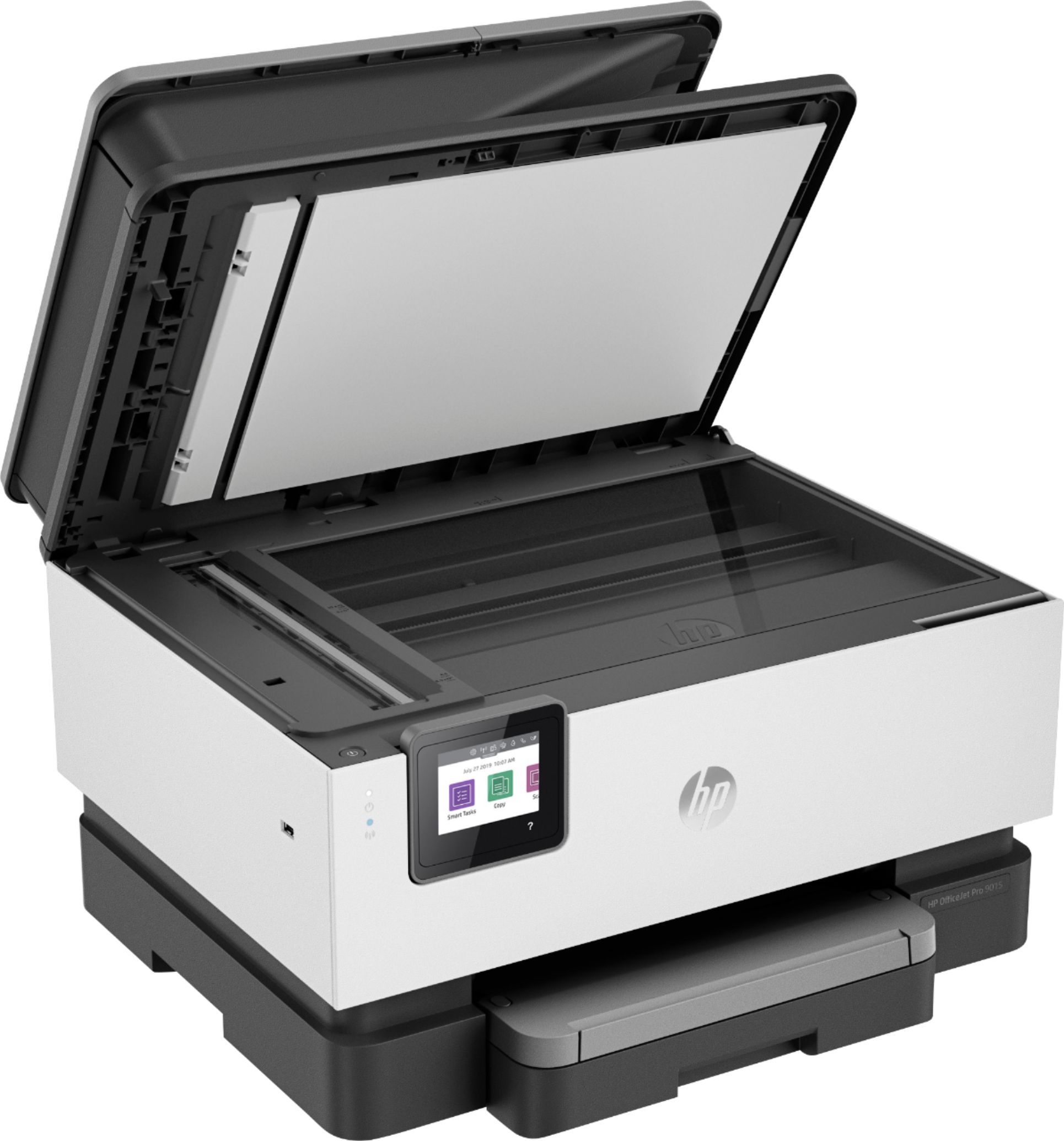
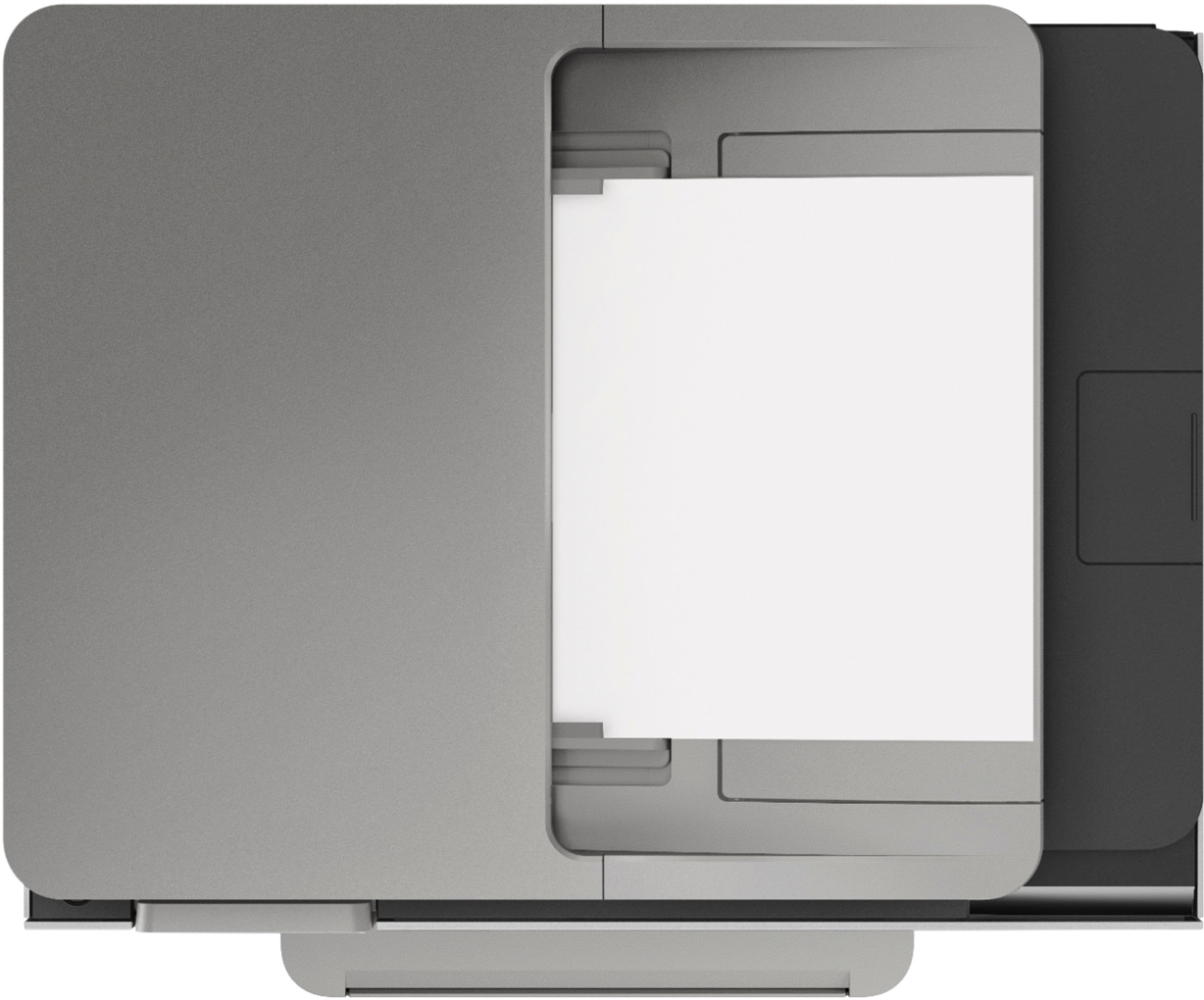
A:AnswerThank you for the question. The OfficeJet Pro will scan a page up to 8.5" x 14" from the automatic document feeder, and up to 8.5" x 11.7" from the glass. You can also reduce or enlarge a document from 25% to 400%.