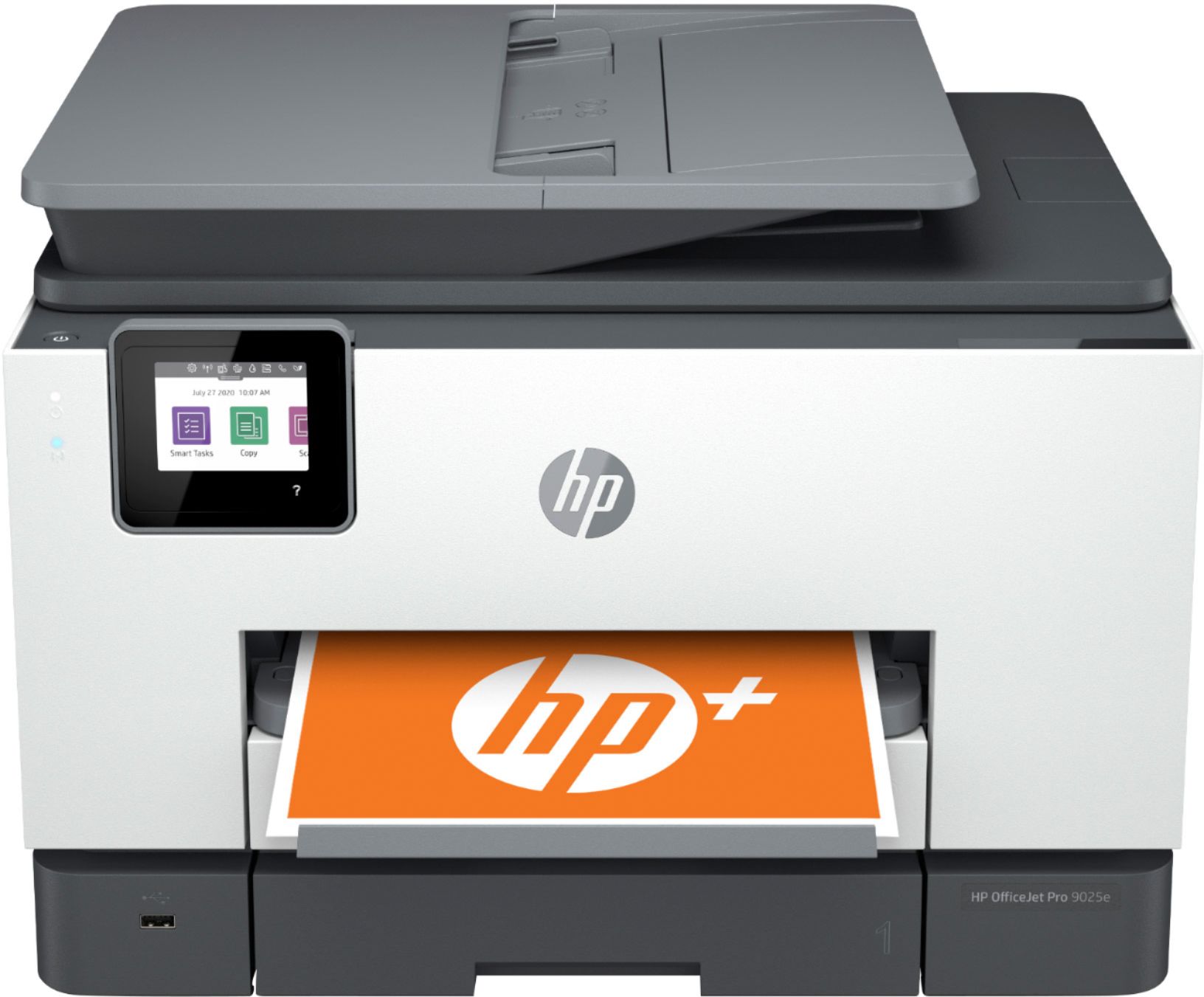
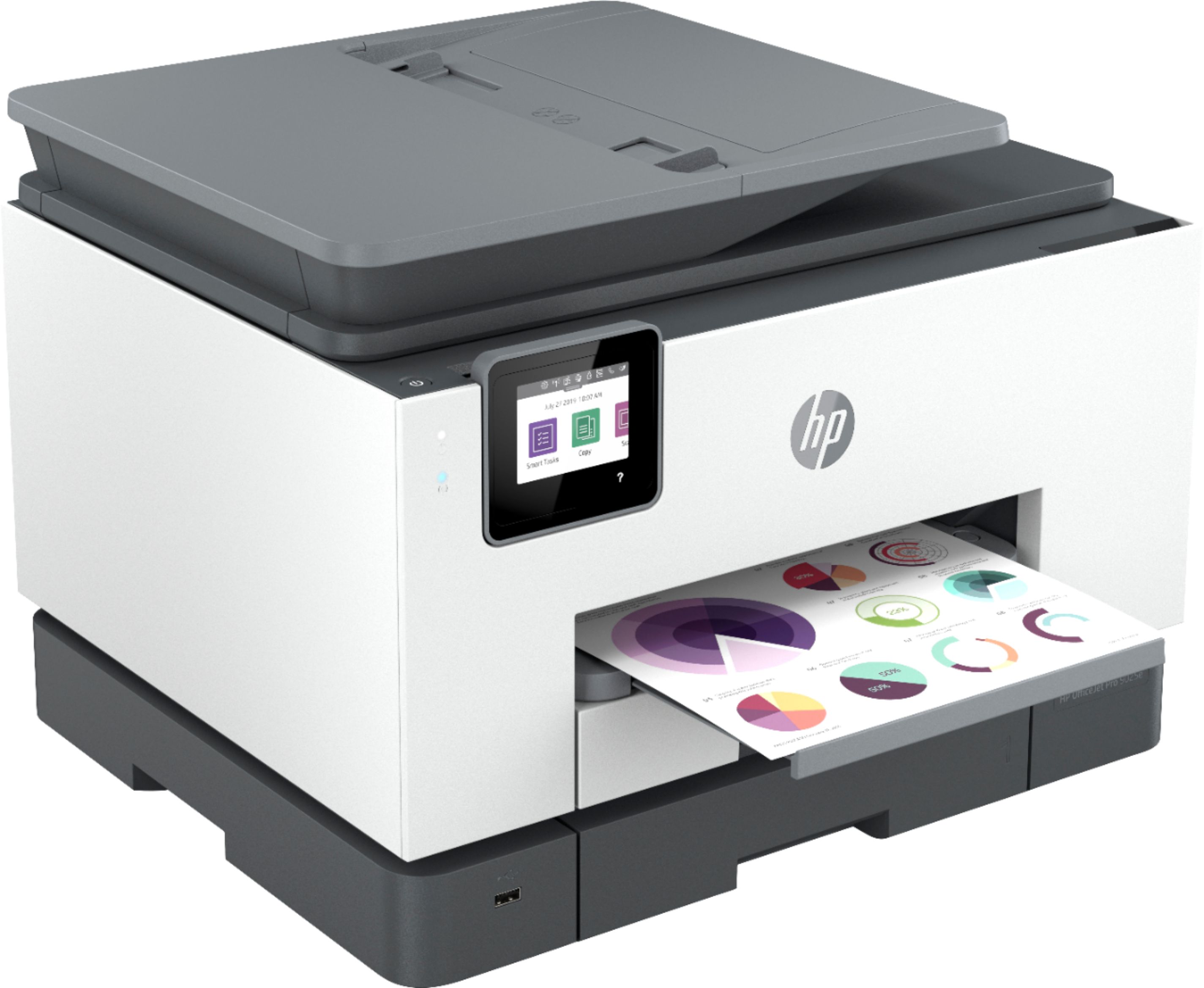
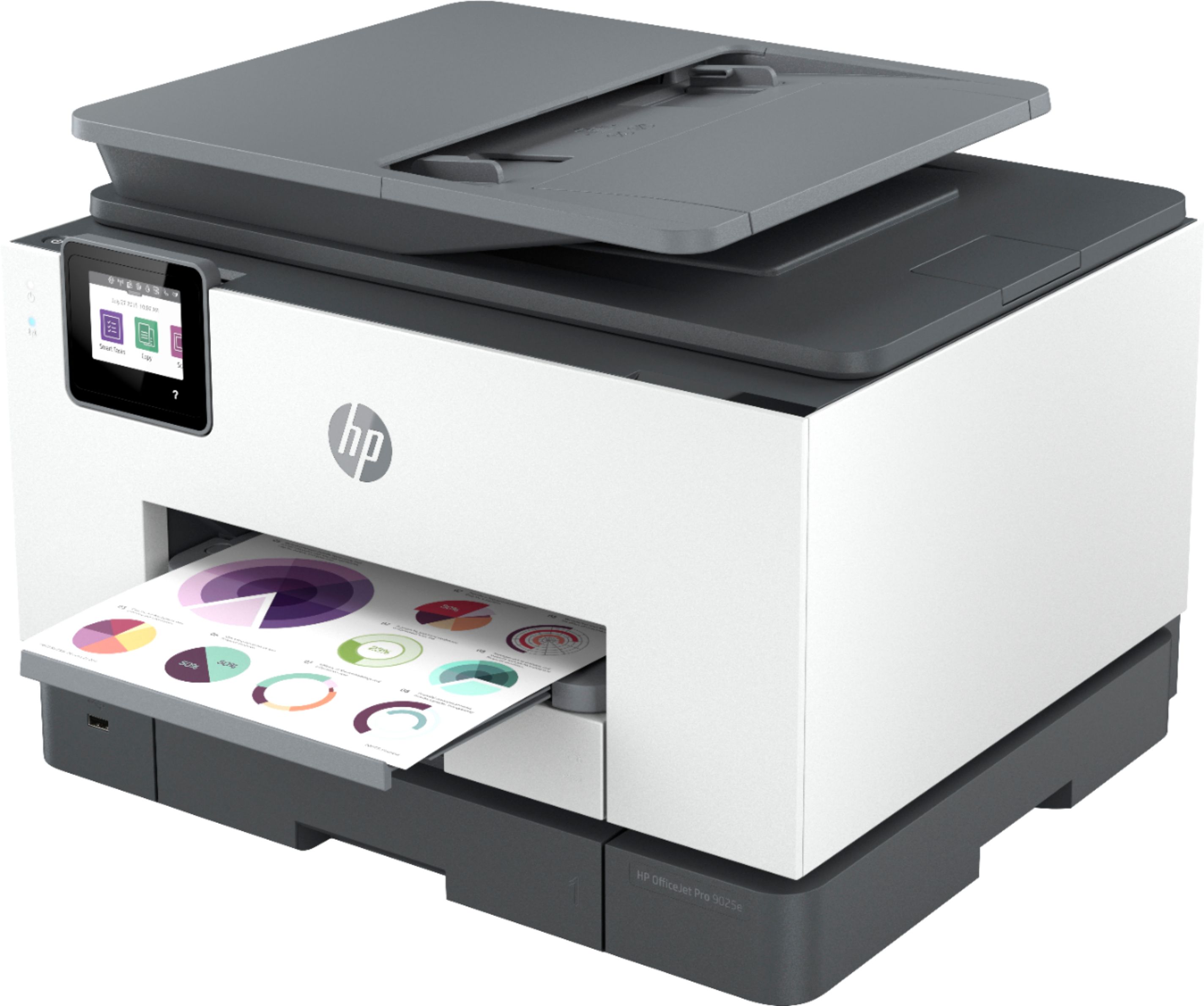
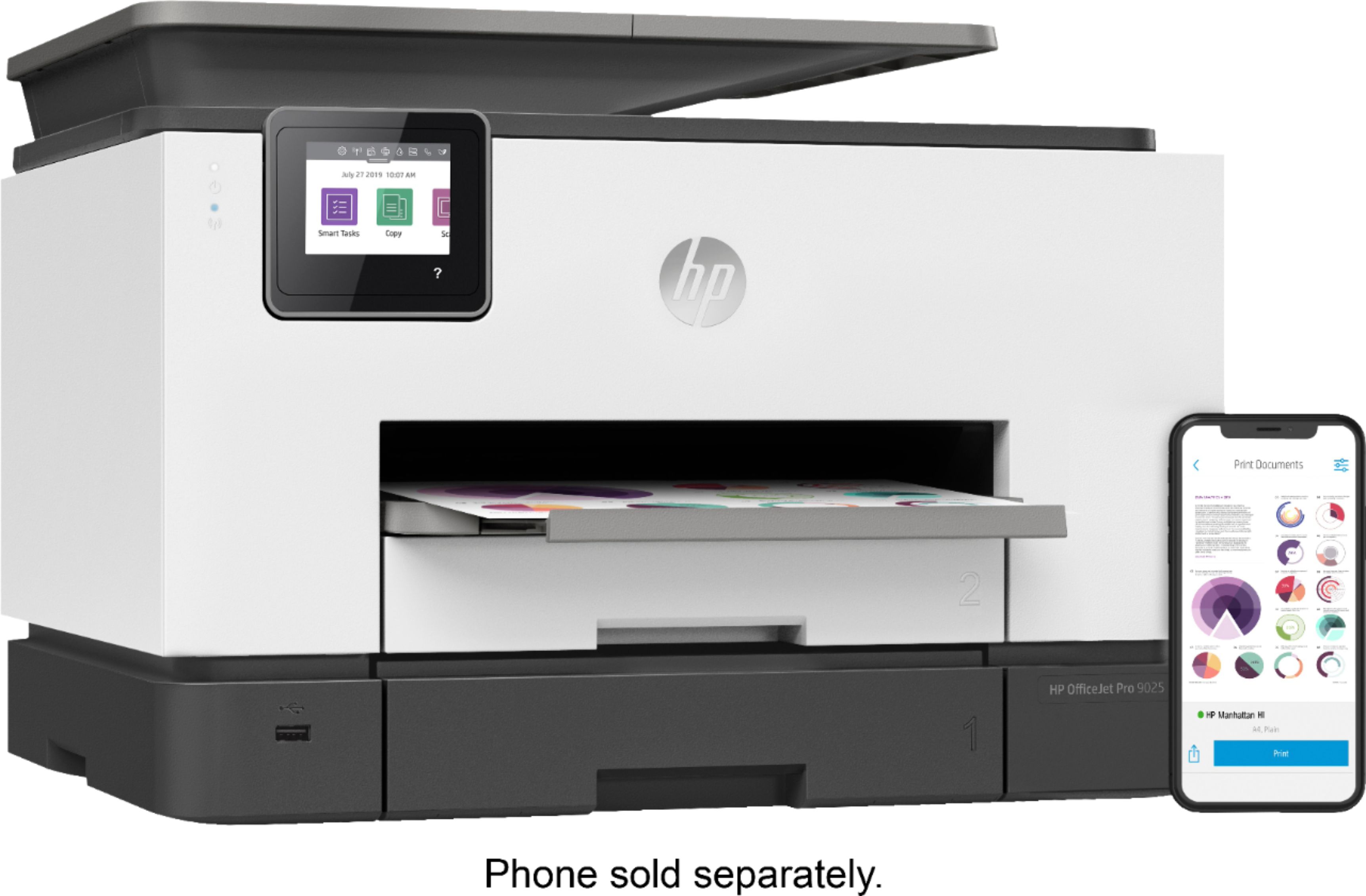
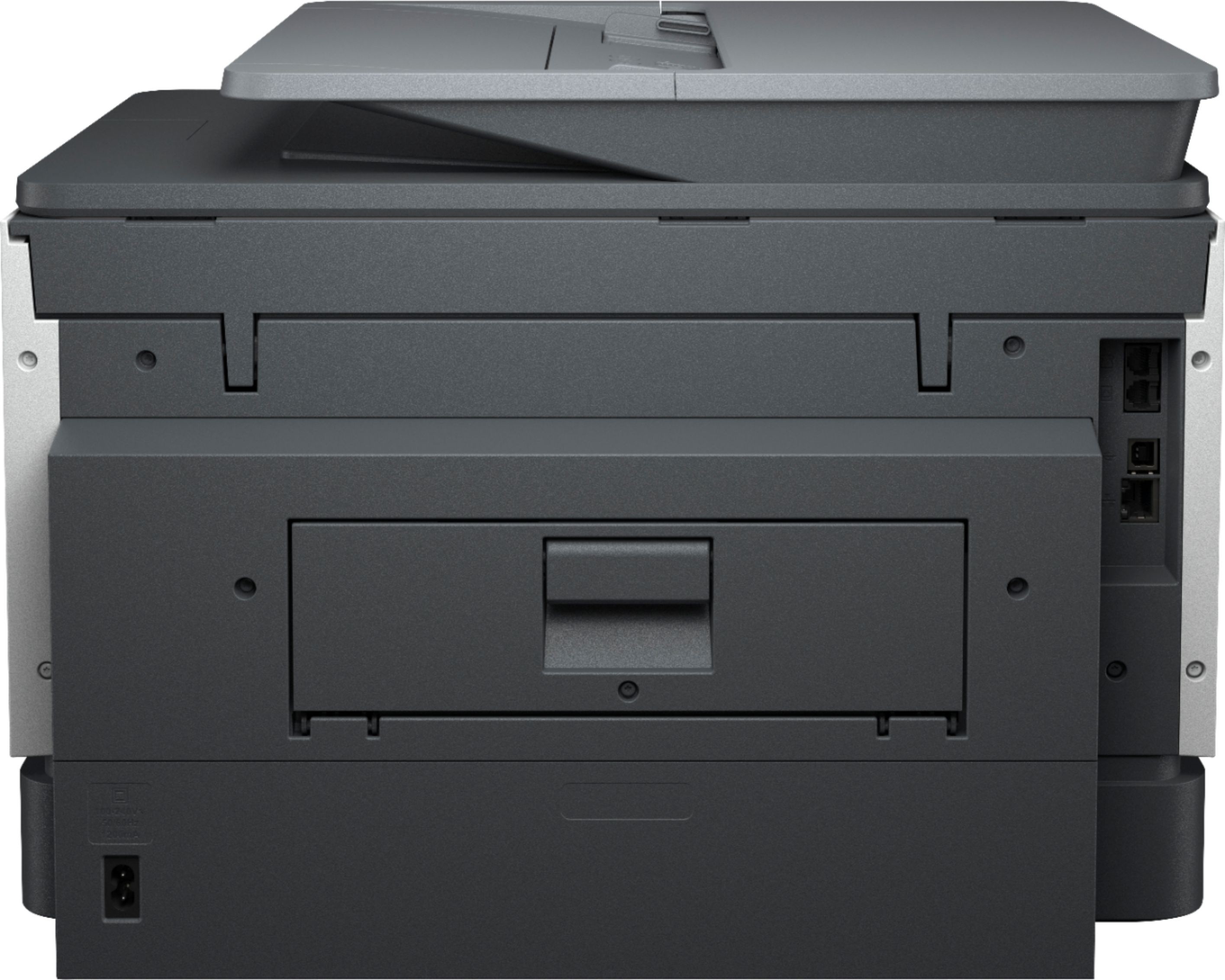
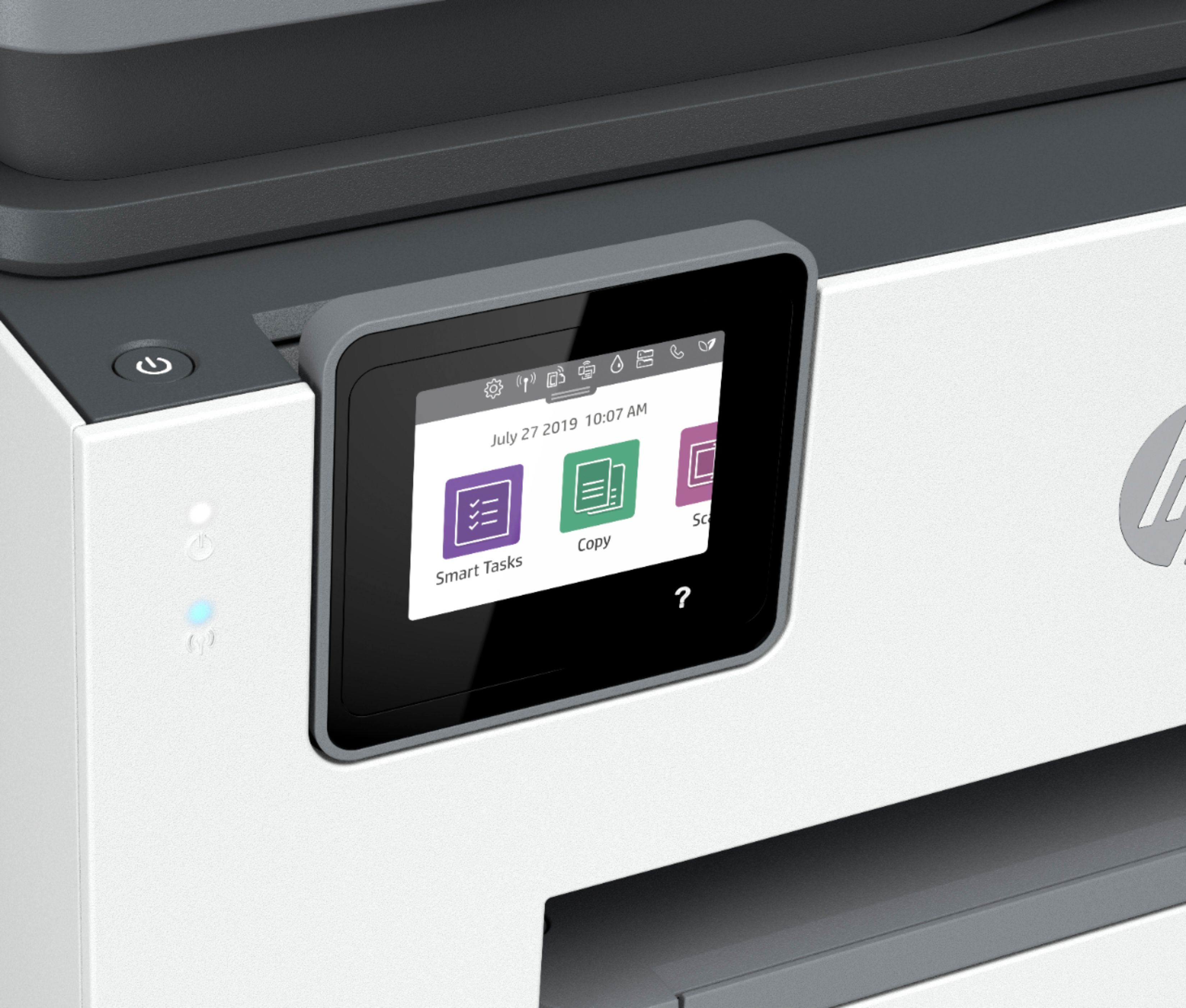
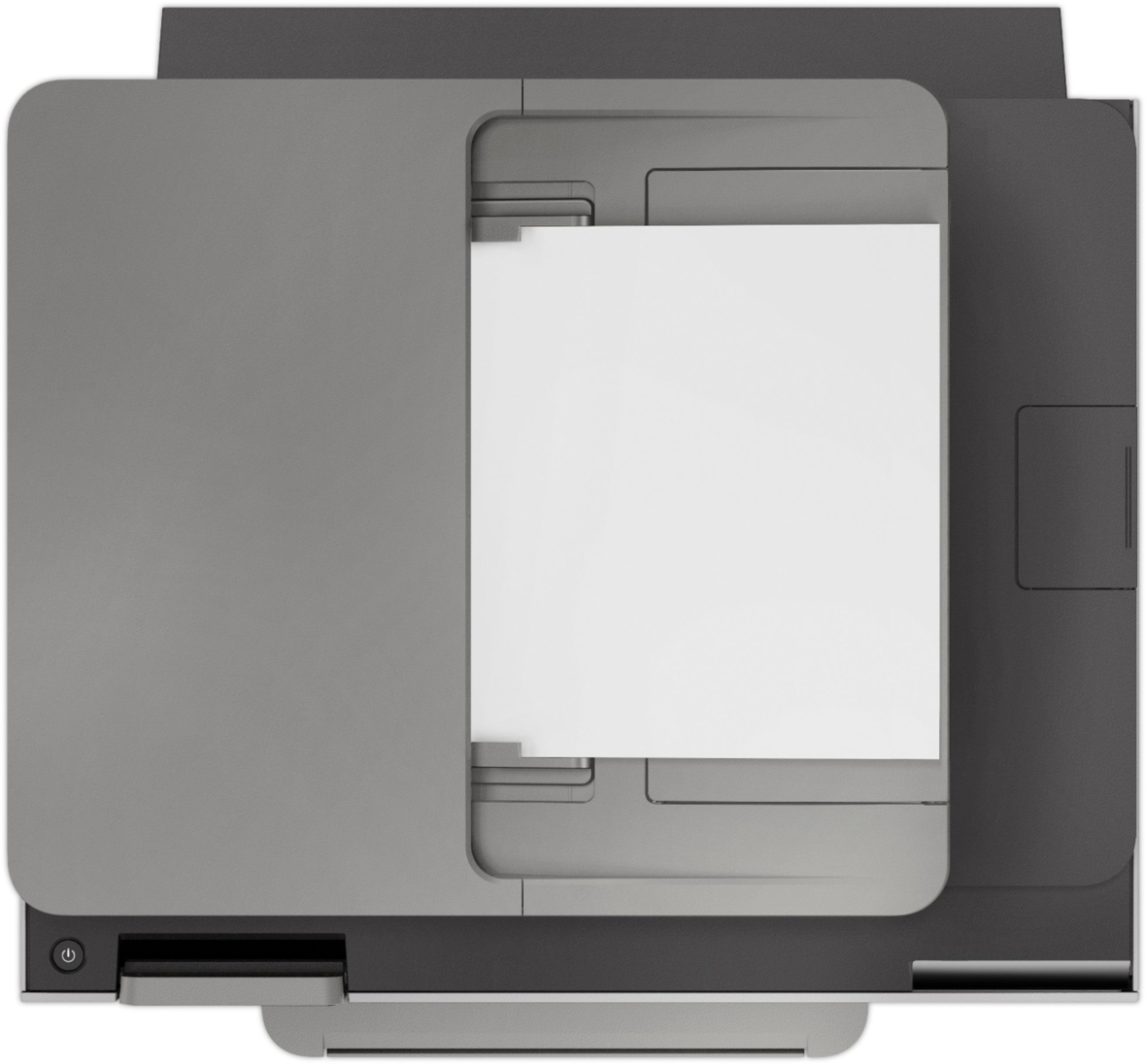
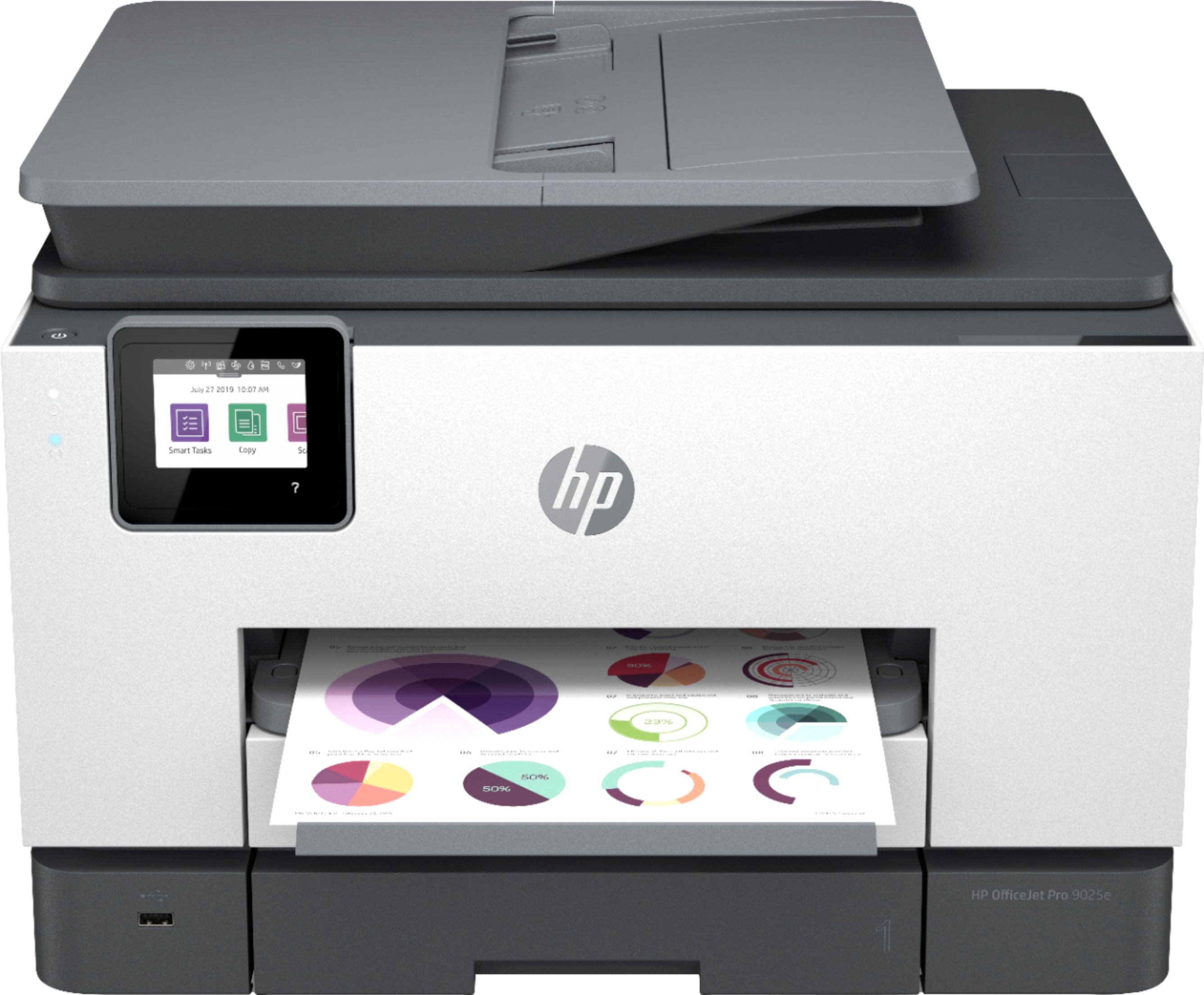
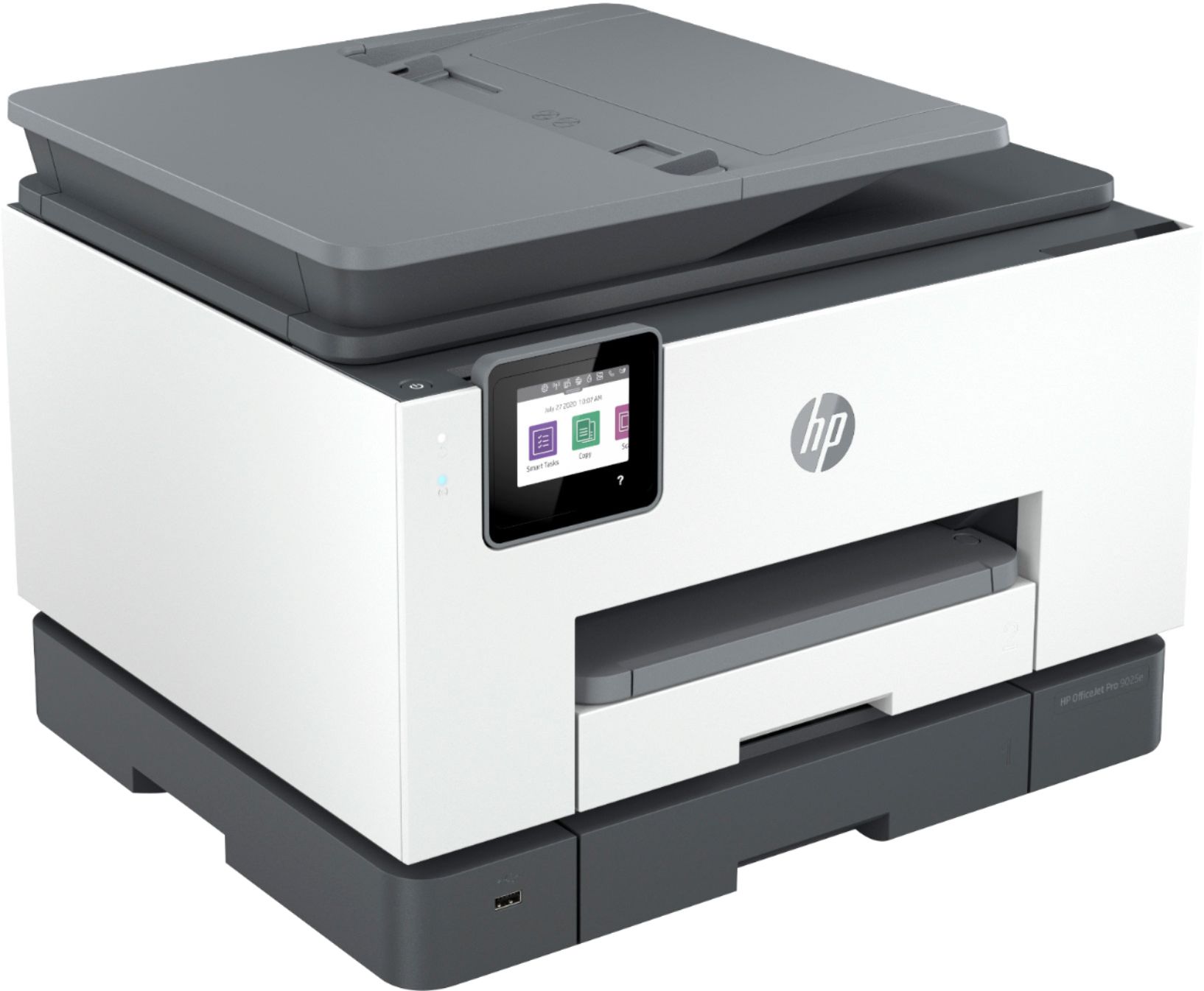
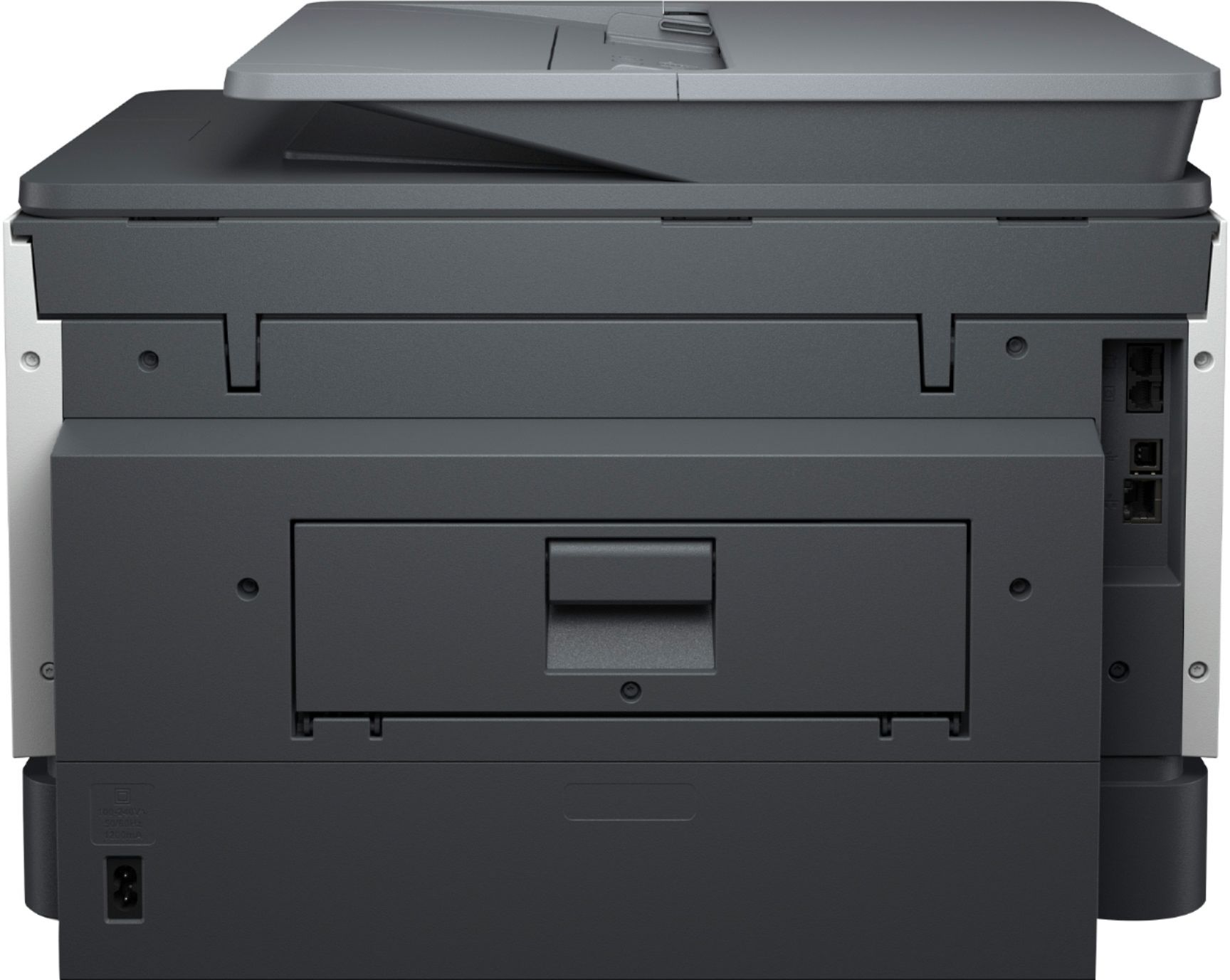
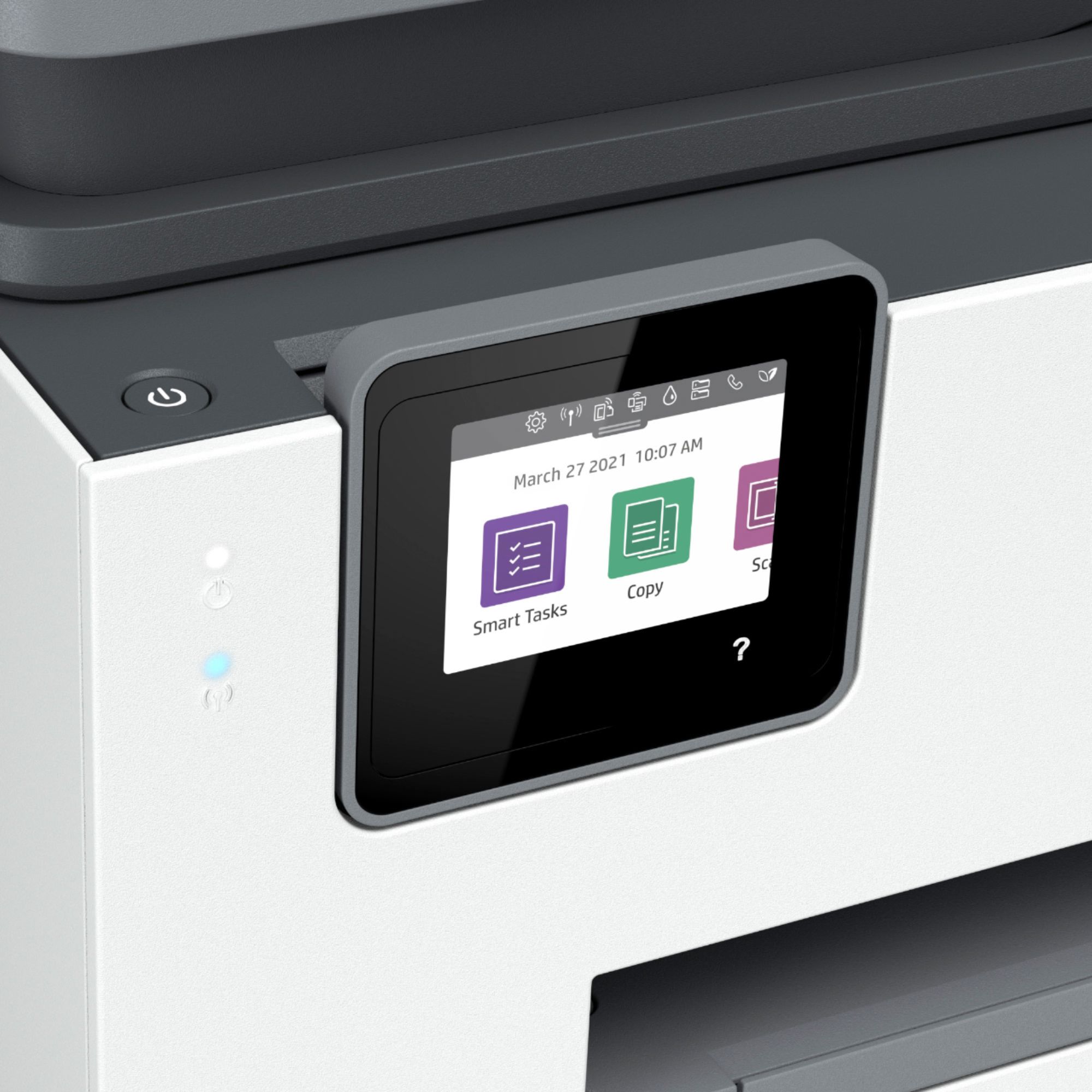
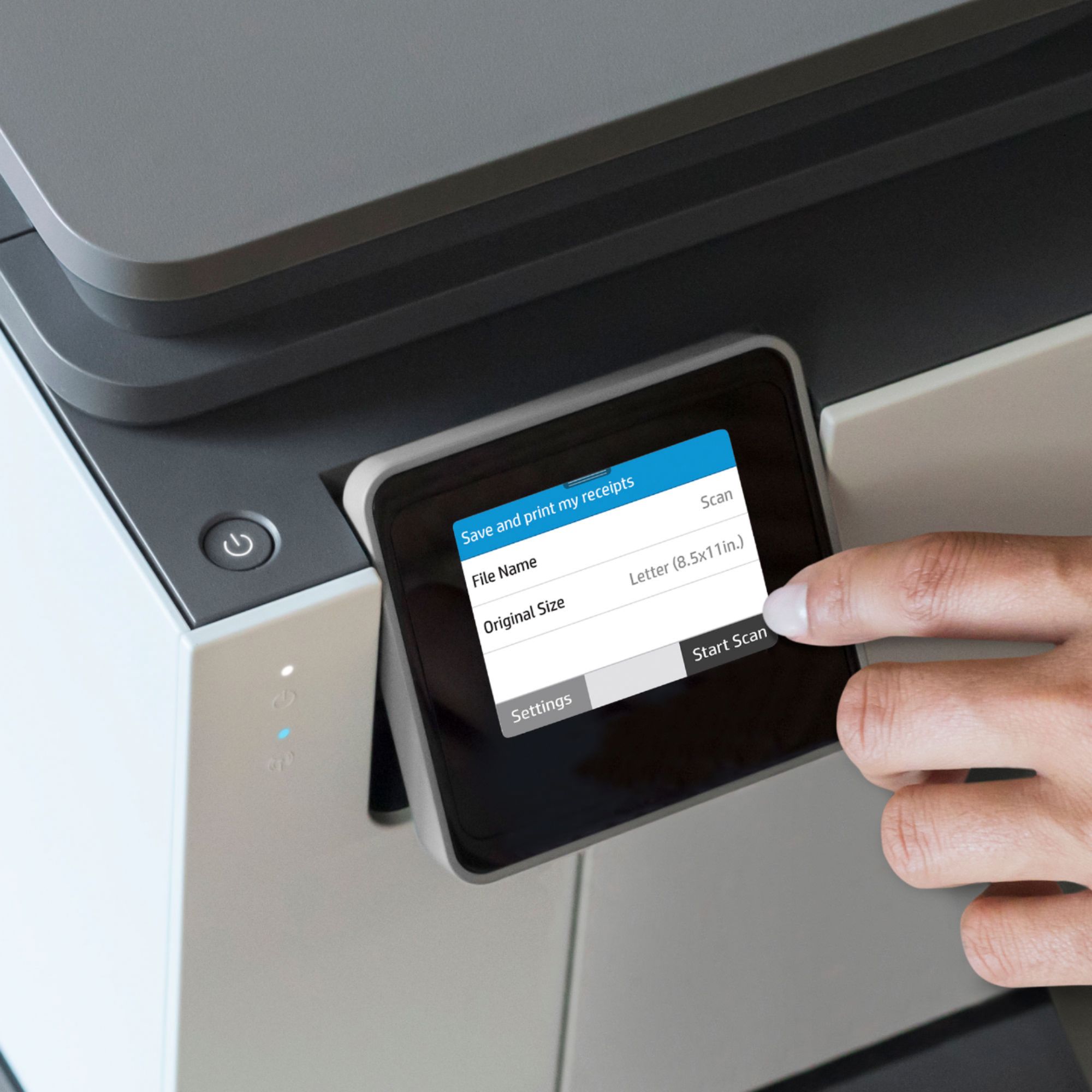
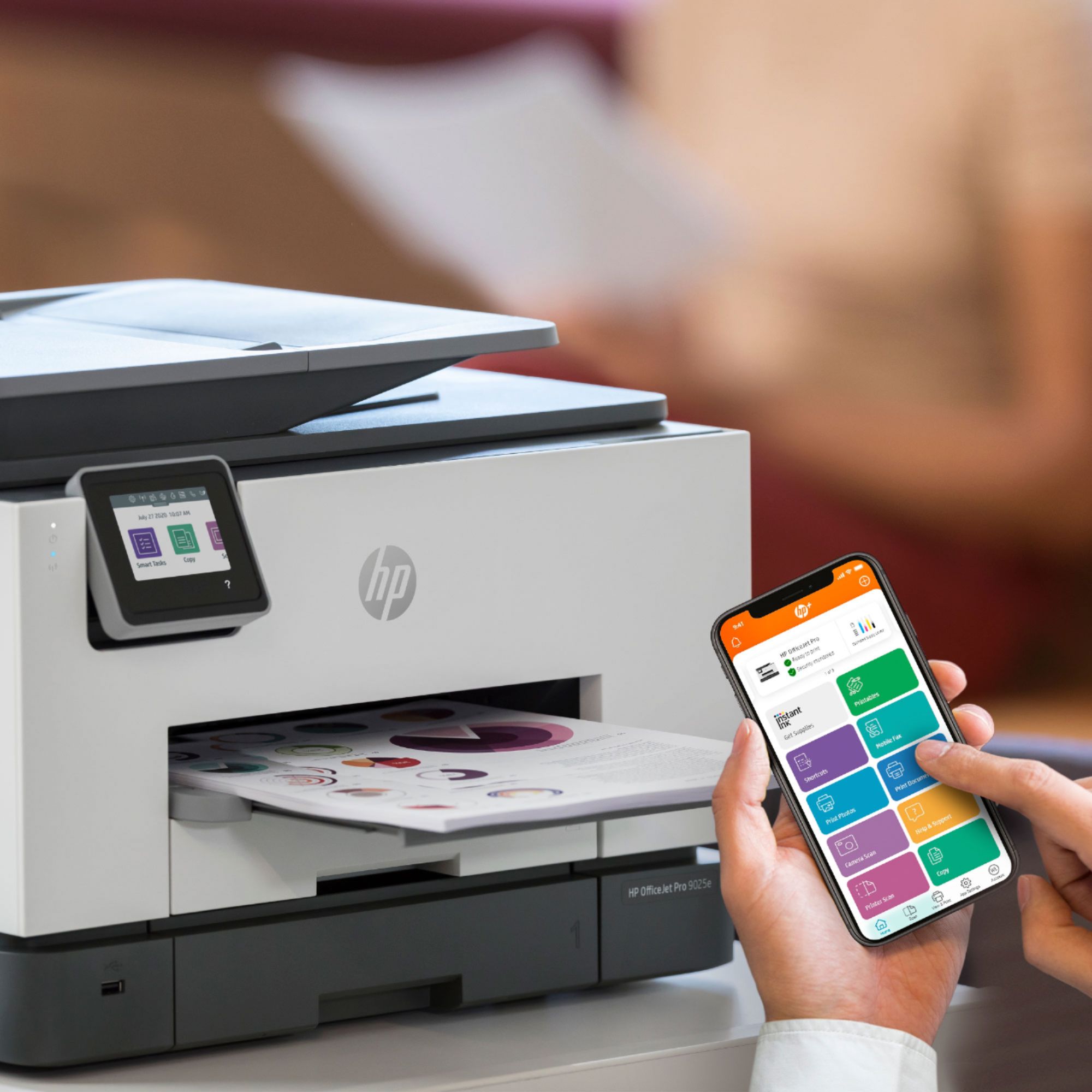
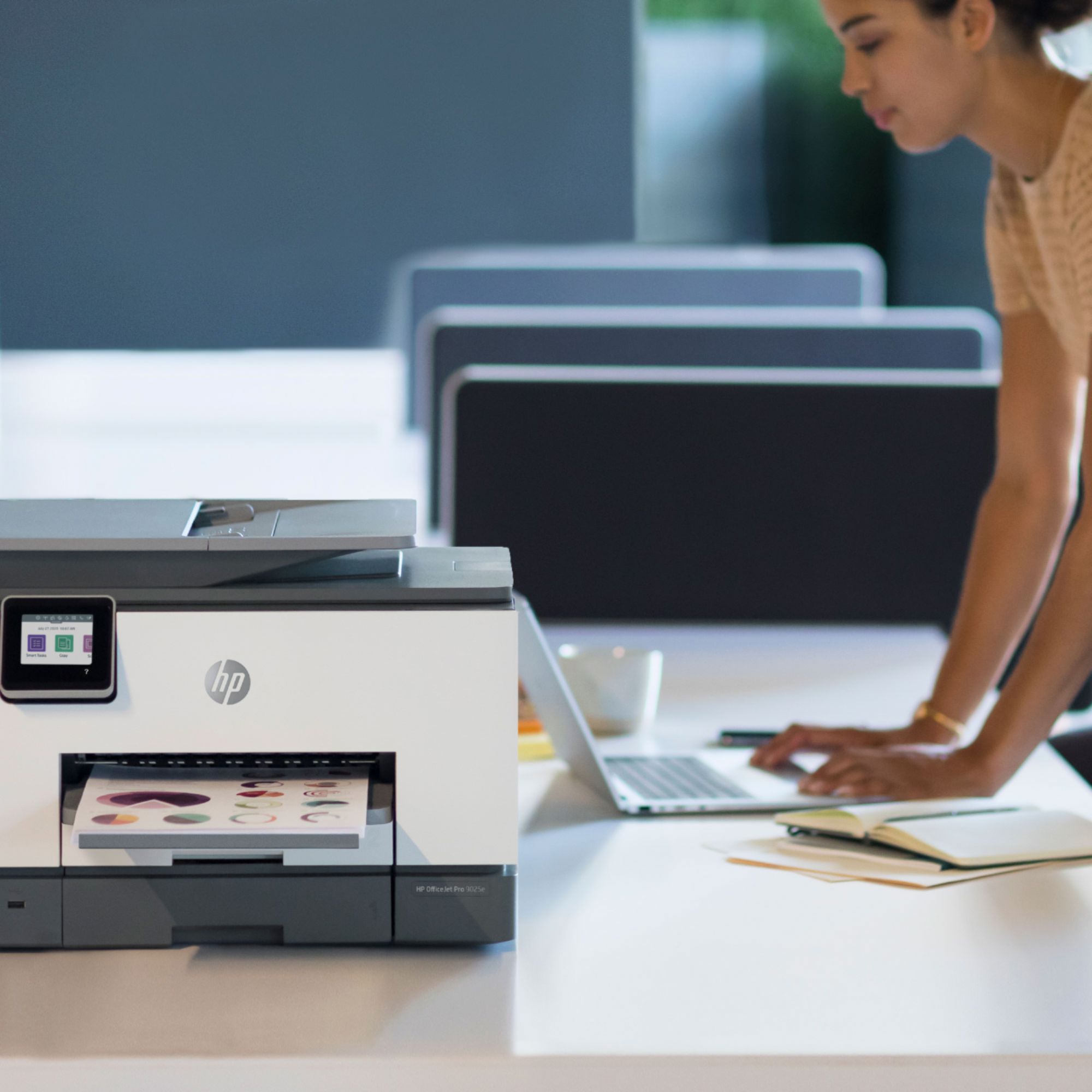
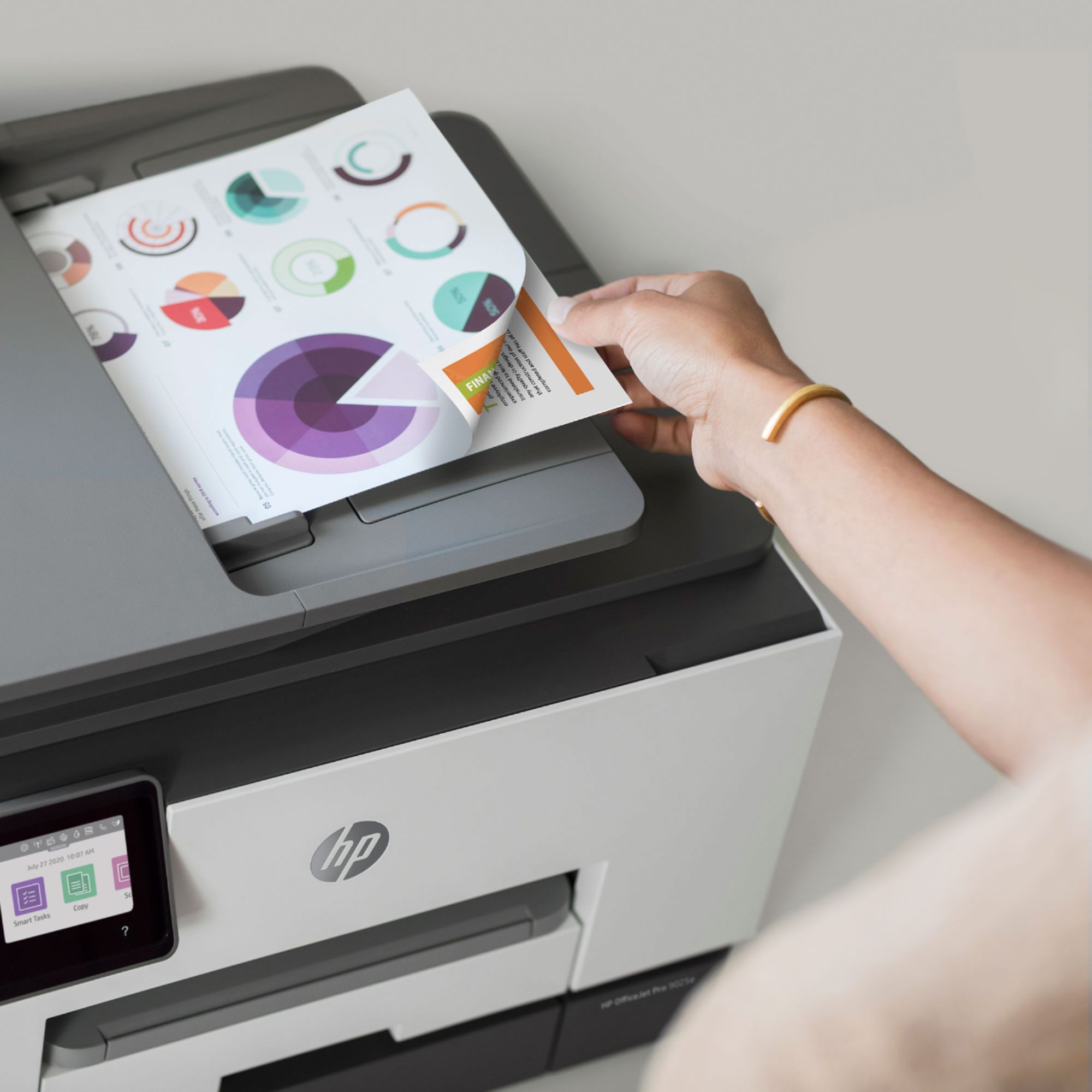
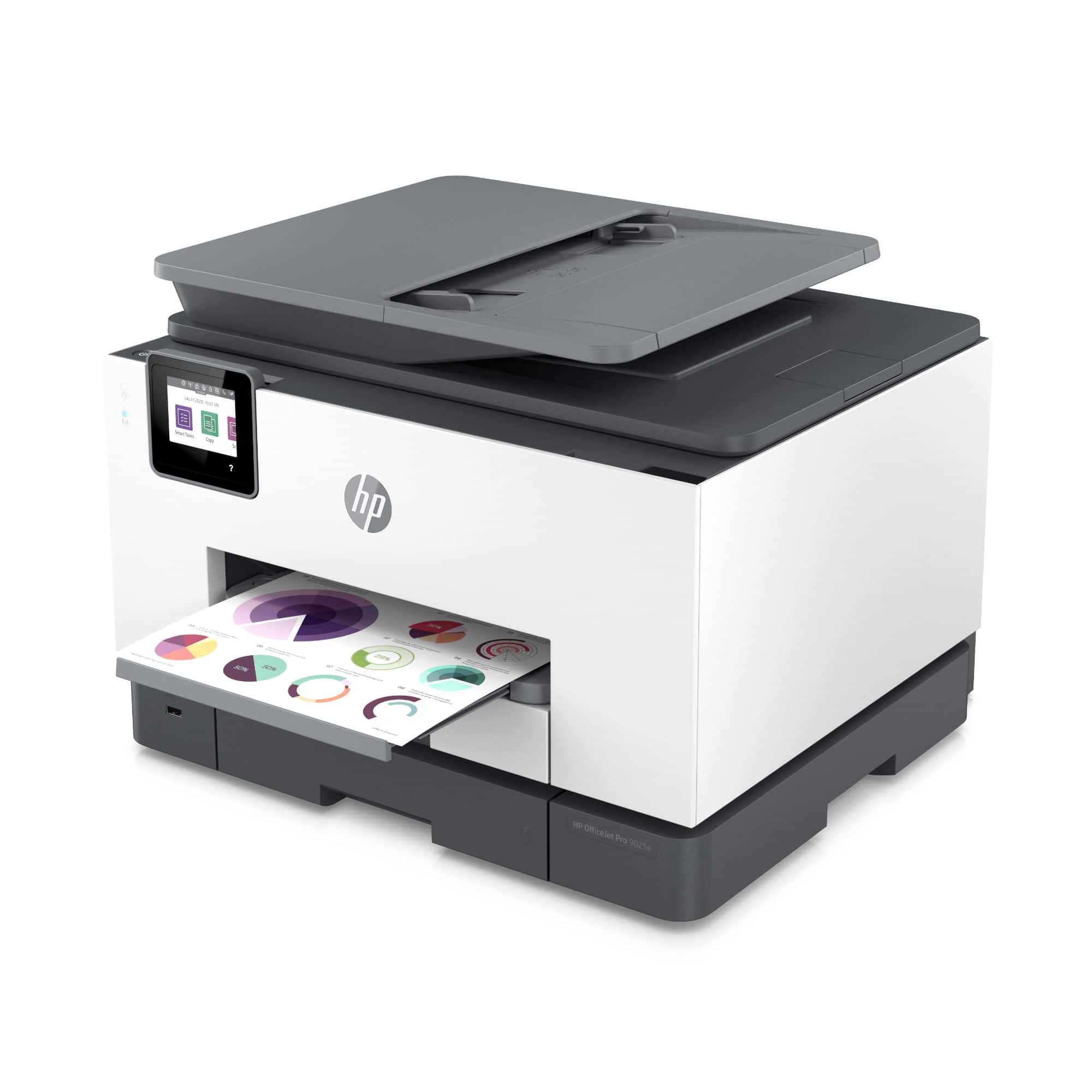
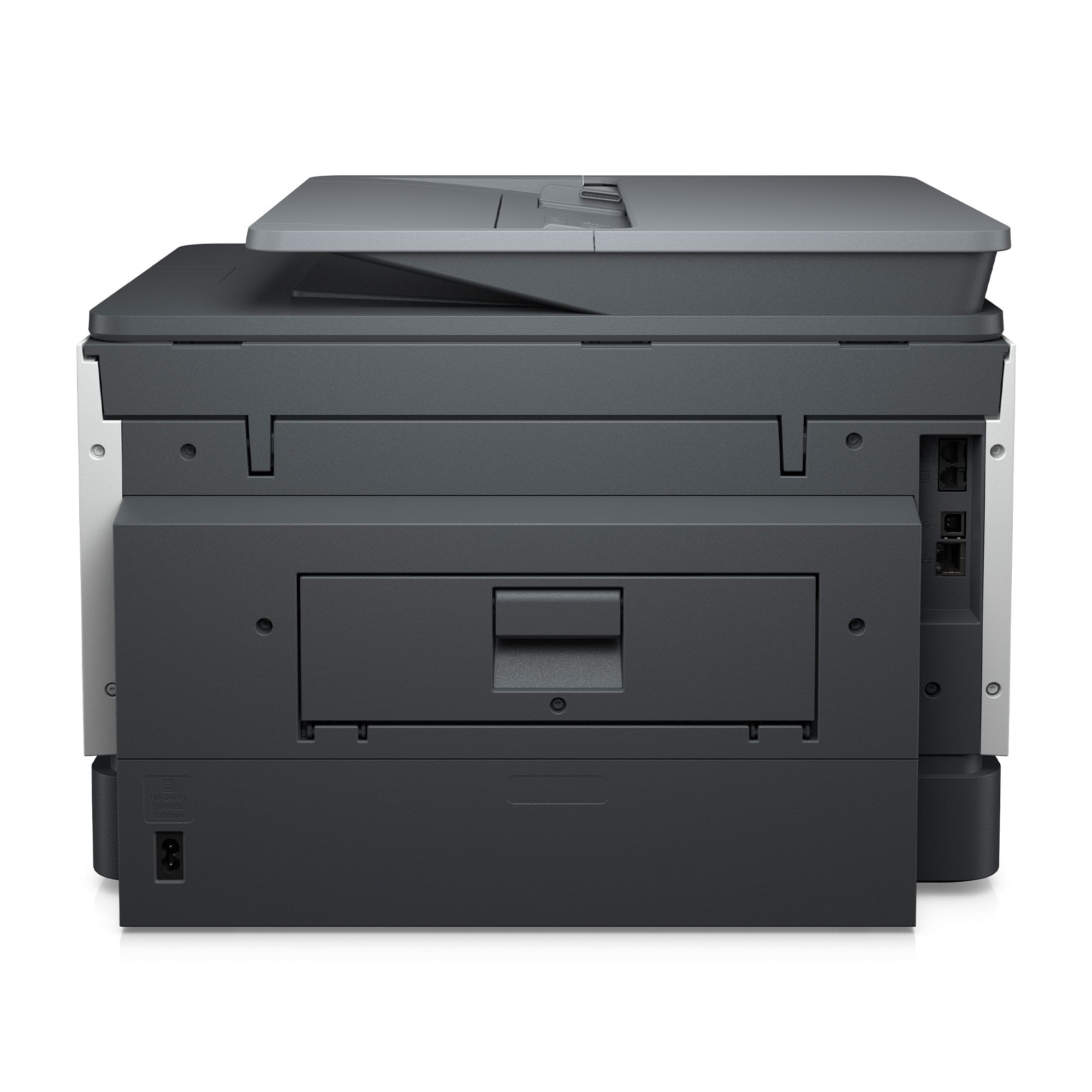
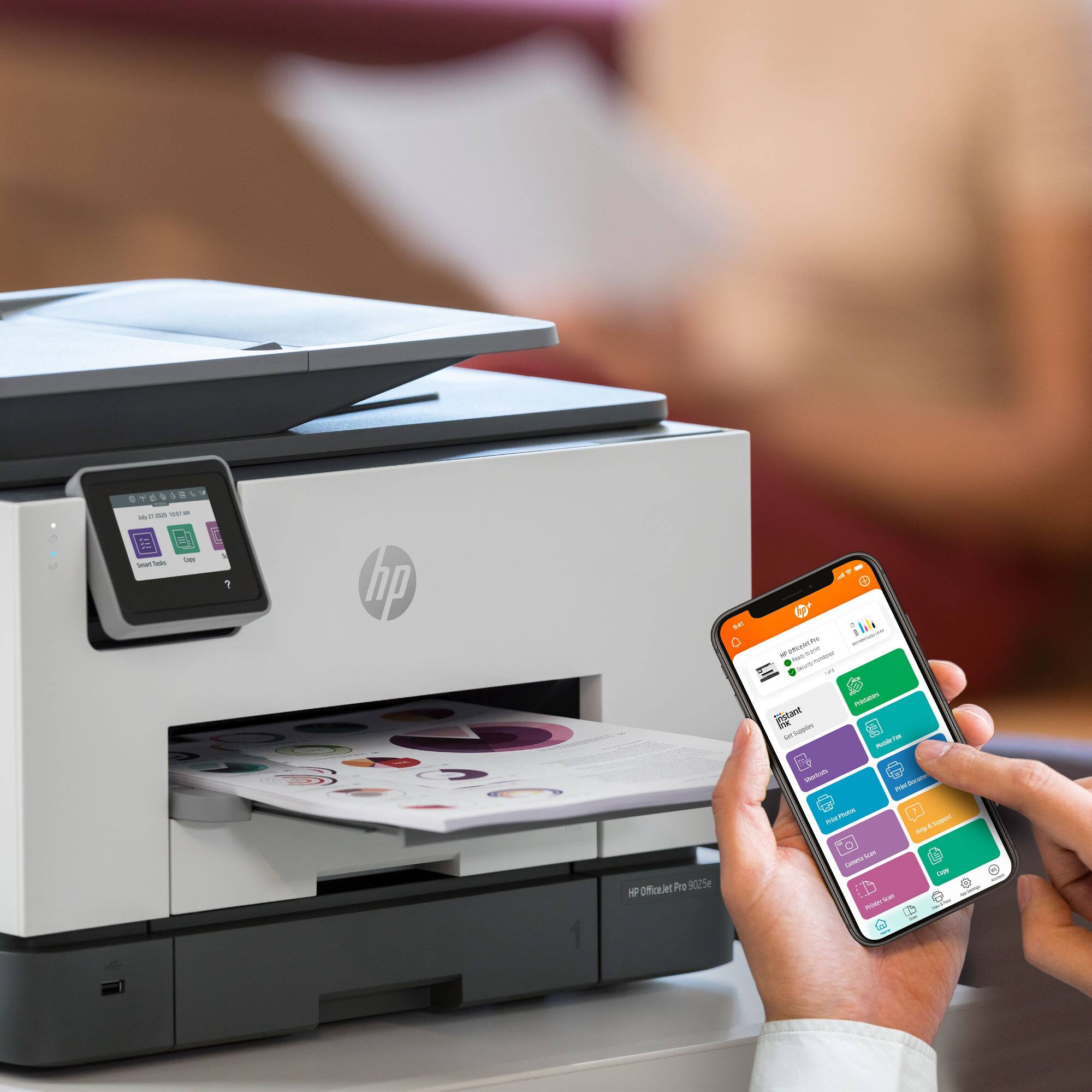
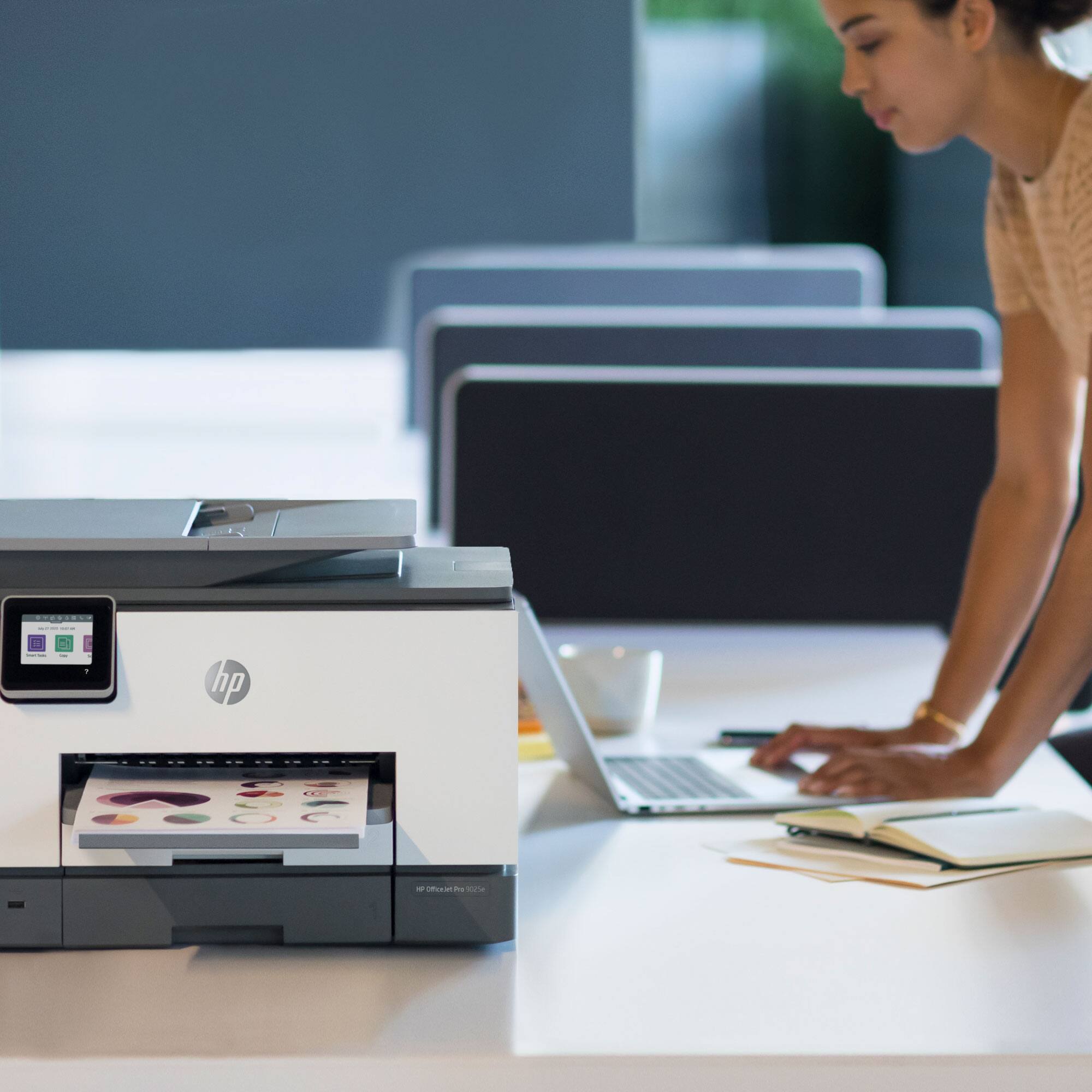
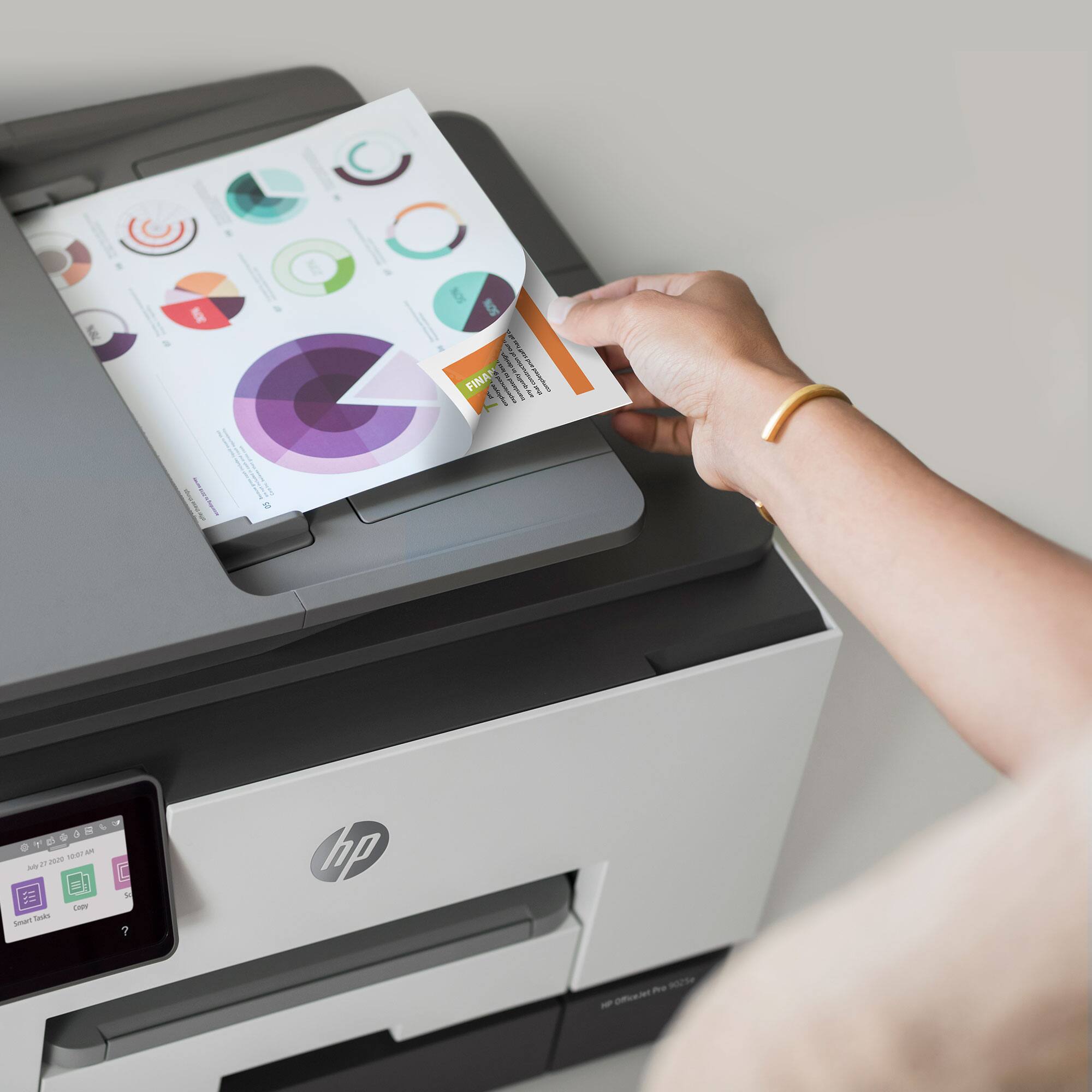
A:AnswerThe HP OfficeJet Pro 9025 All-in-One Printer has a letter sized flatbed scanning glass. You can scan up to legal size using the ADF (Auto Document Feeder).
A:AnswerTo answer the question: No. You can’t scan American legal (14”) on the glass.
Obviously almost every printer does it through the feeder, but that’s not what you asked.
A:AnswerI have not had this issue. Both trays can be sized for 8.5×11 or 8.5×14. There is an extender (for lack of a better word) attached to the copier that can be used to help hold the documents from spilling out of the feeder and copied sections. I guess it might depend on how many documents you are printing, scanning or coping at one time. This feeder is smaller than some of the other hp printers, if that's the issue you might think about upgrading it to a larger printer with a bigger feeder or limit the stack being copied or printed at one time. Overall, its a good printer. I have mine in my home office and a larger hp printer at my office. I am a huge hp fan as they work well with various devices ie Apple or Android phones. Windows or Mac devices. I have found that hp can handle most print jobs I need.