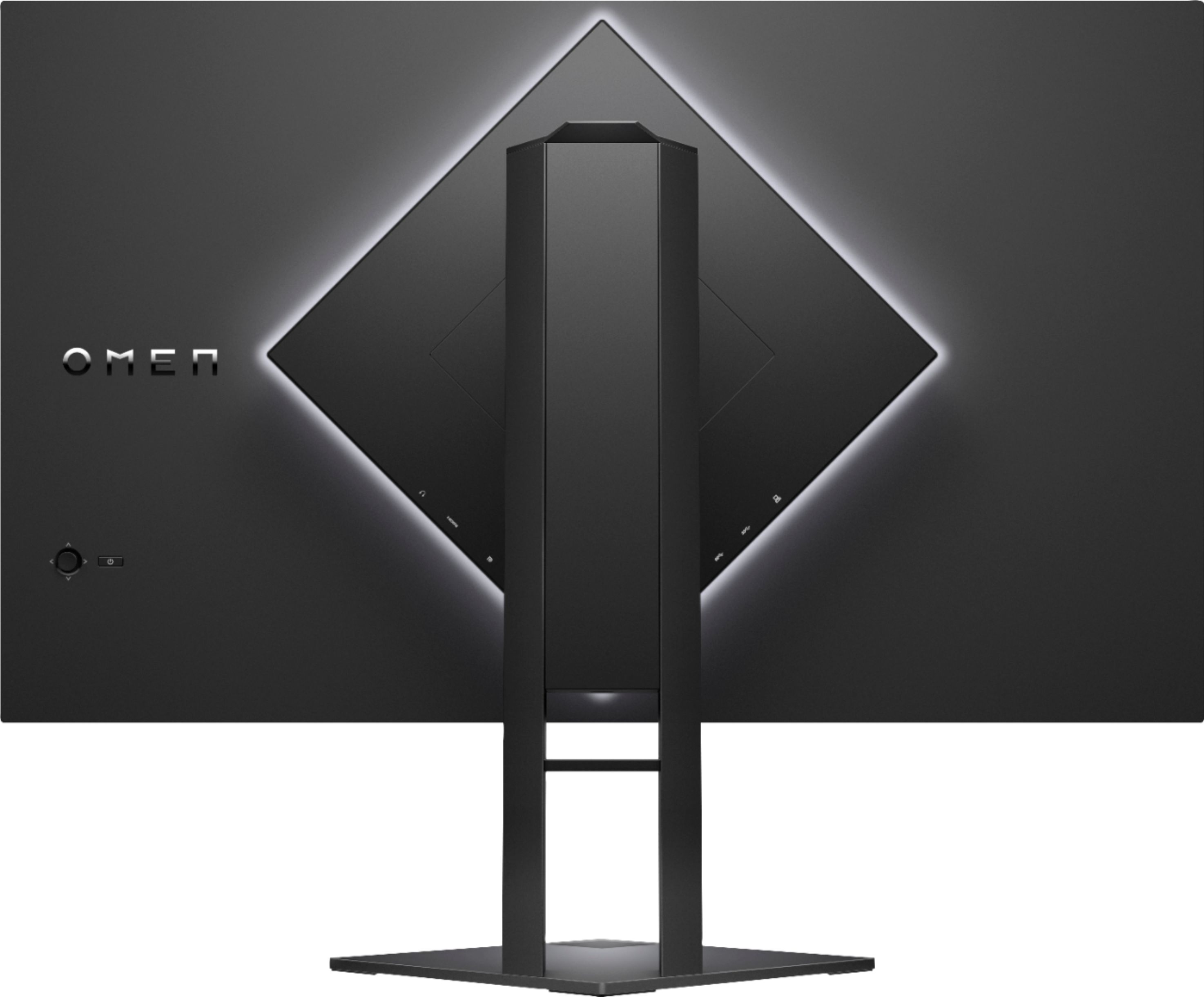
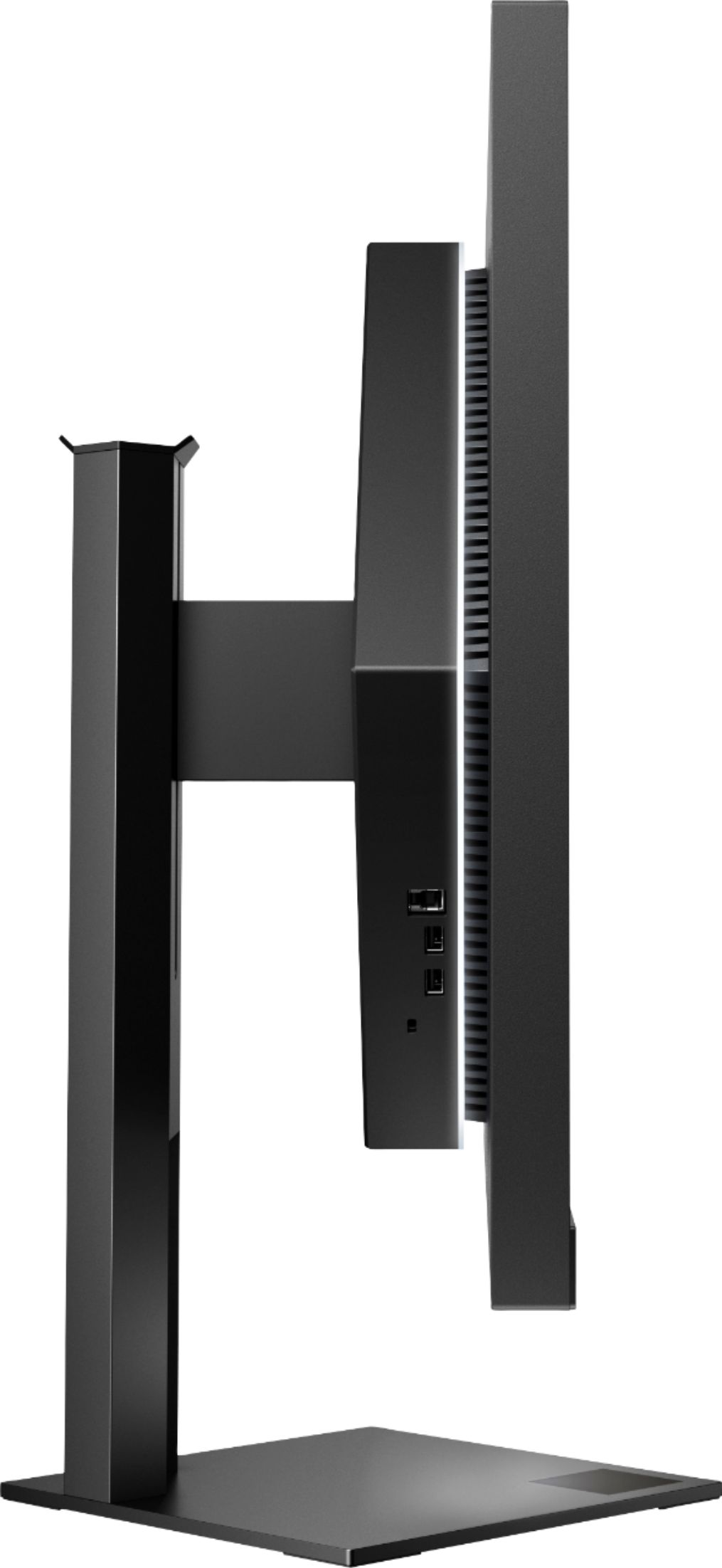
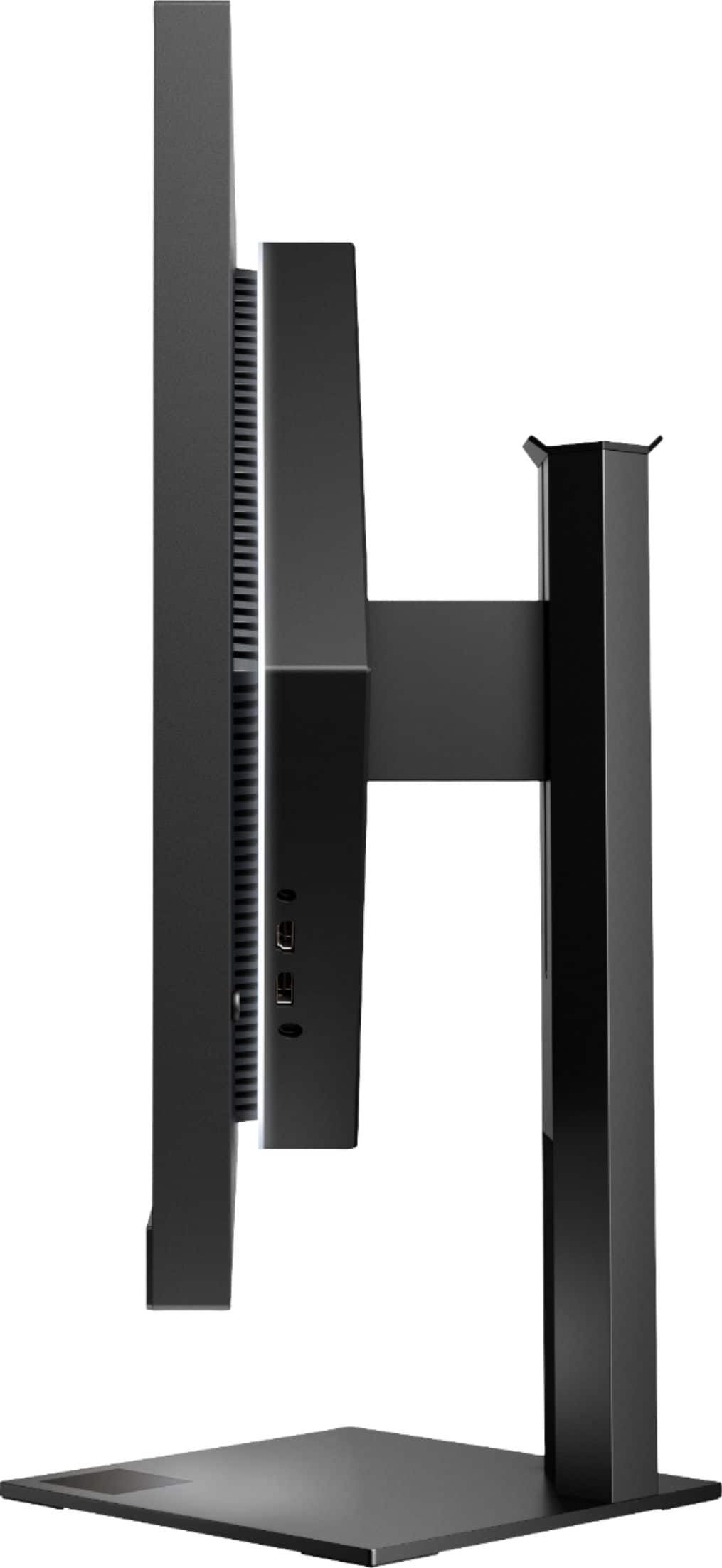
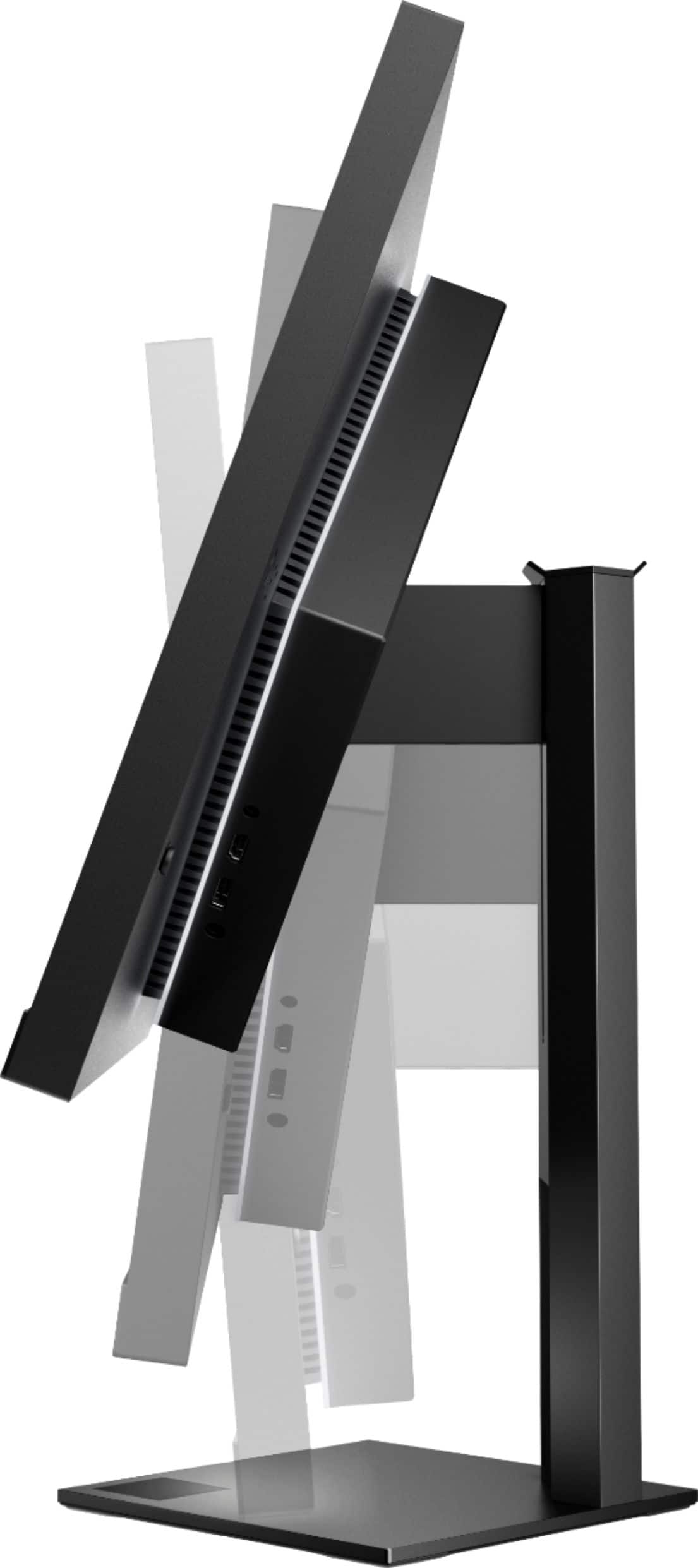
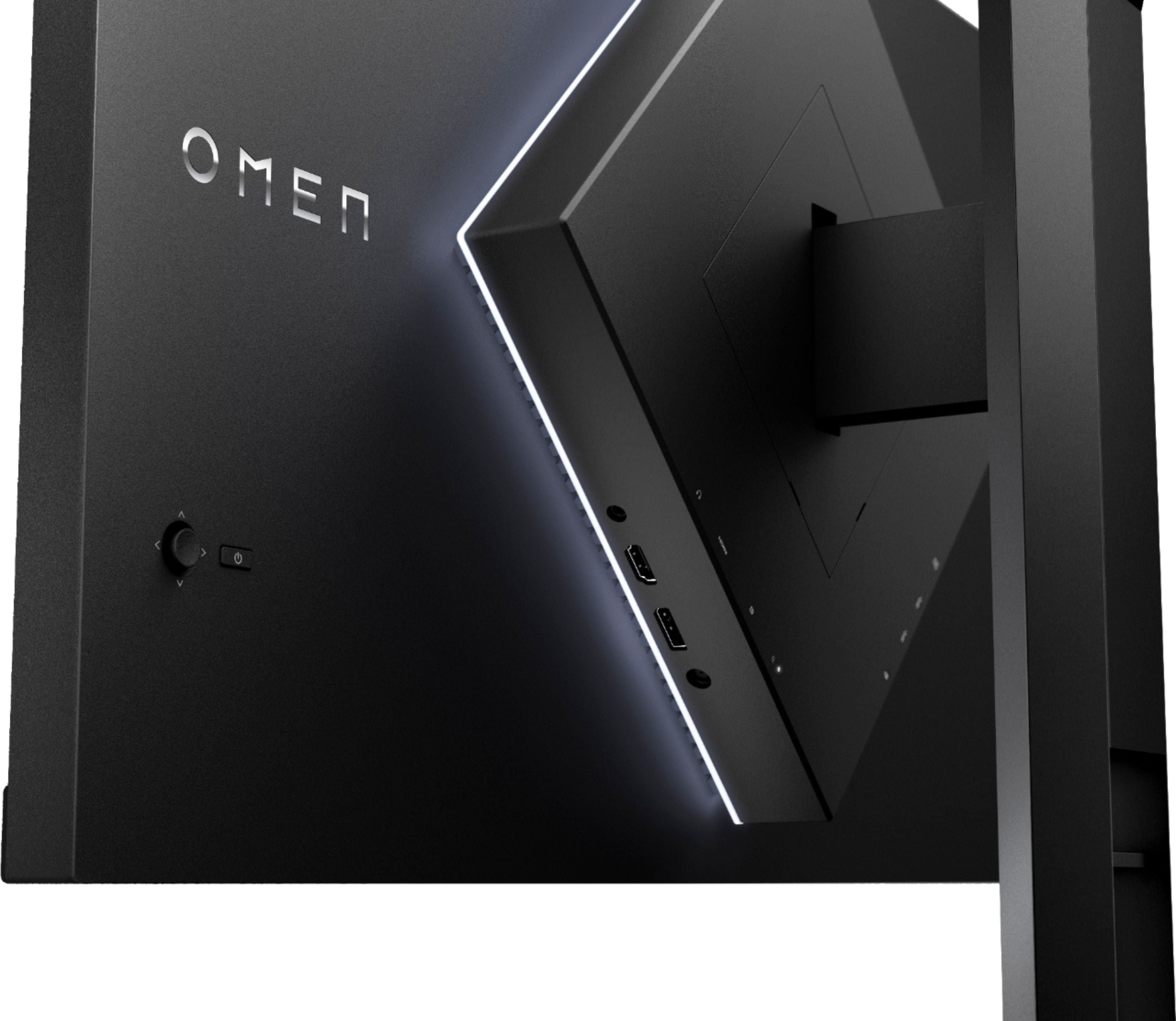
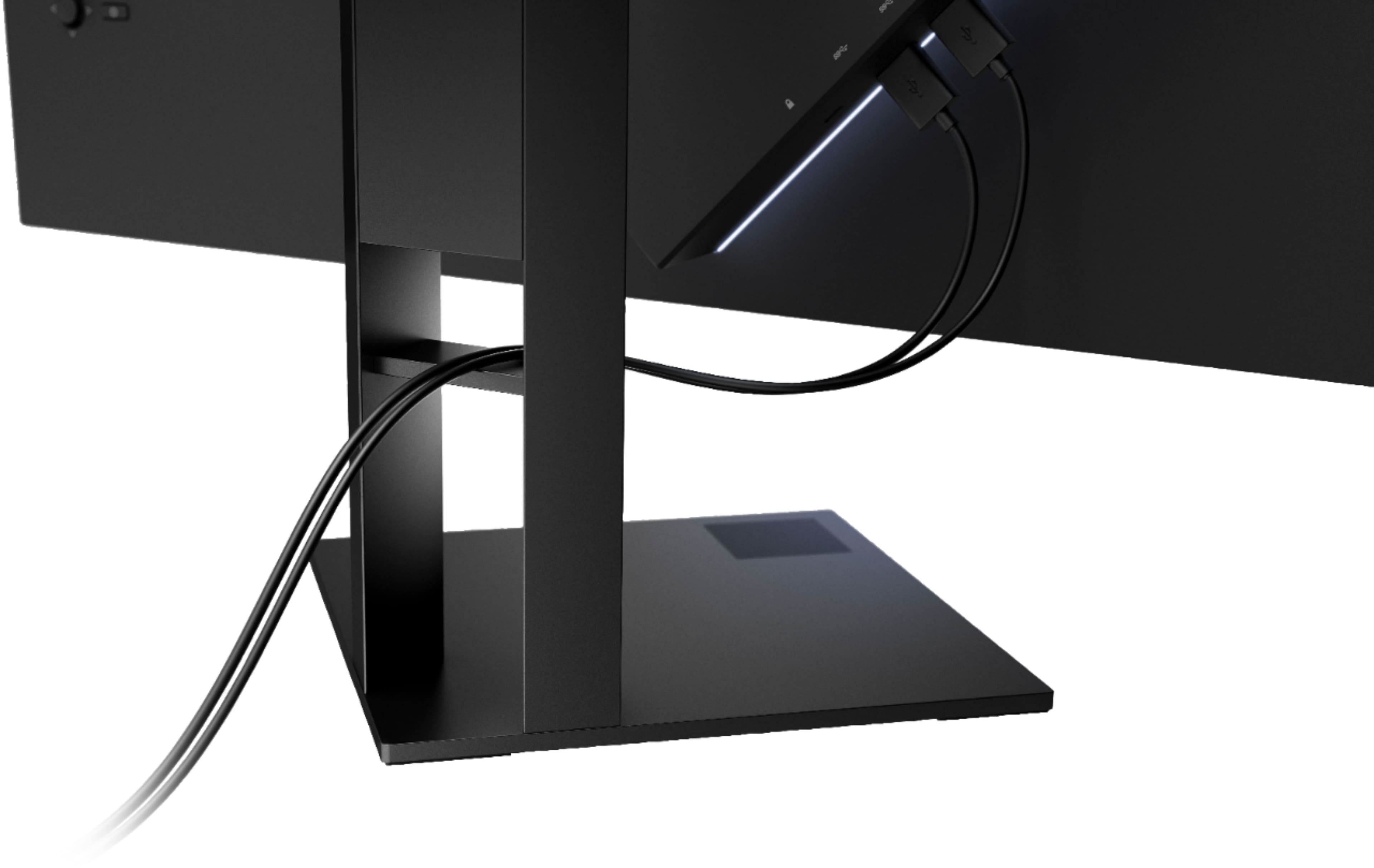
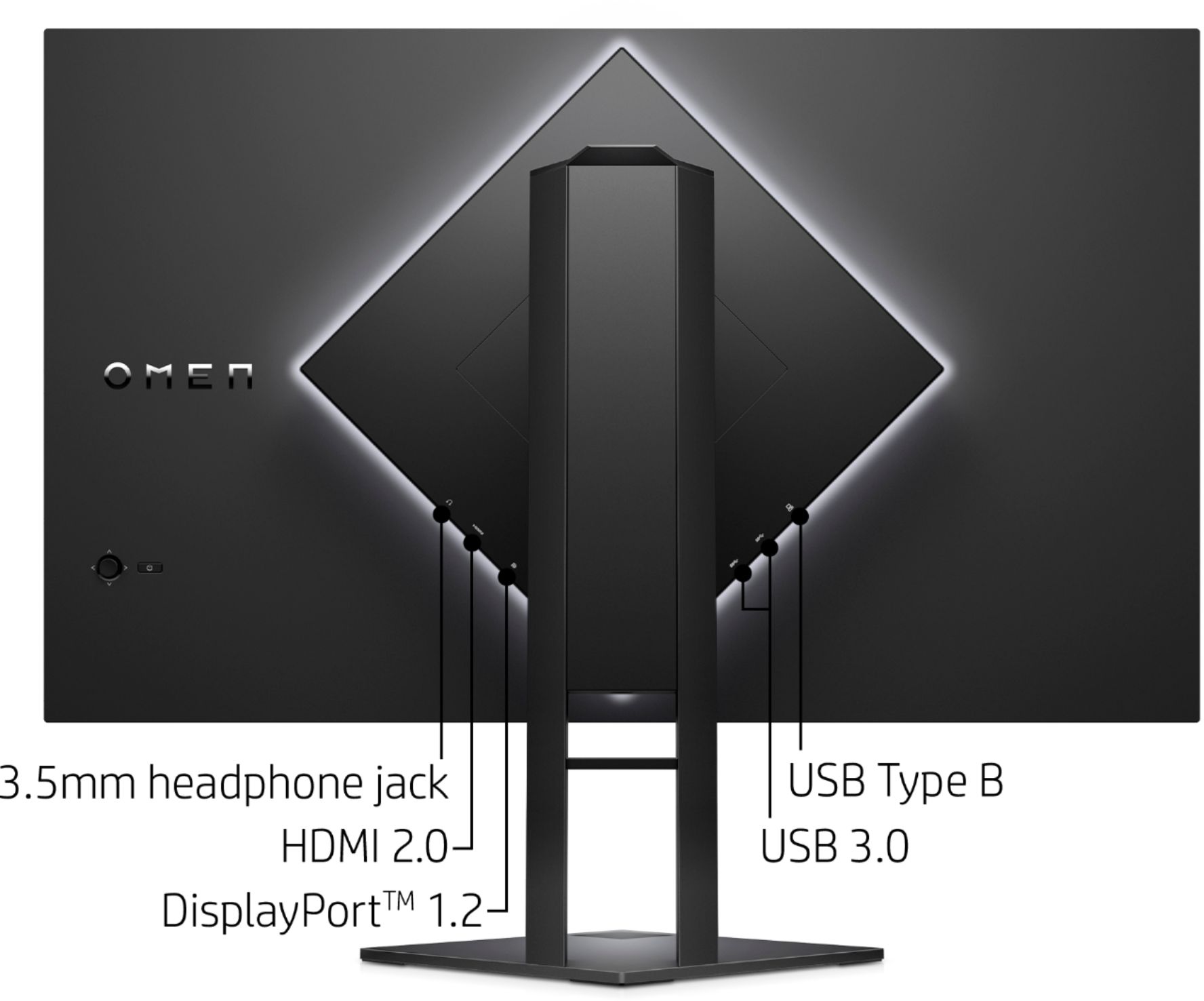
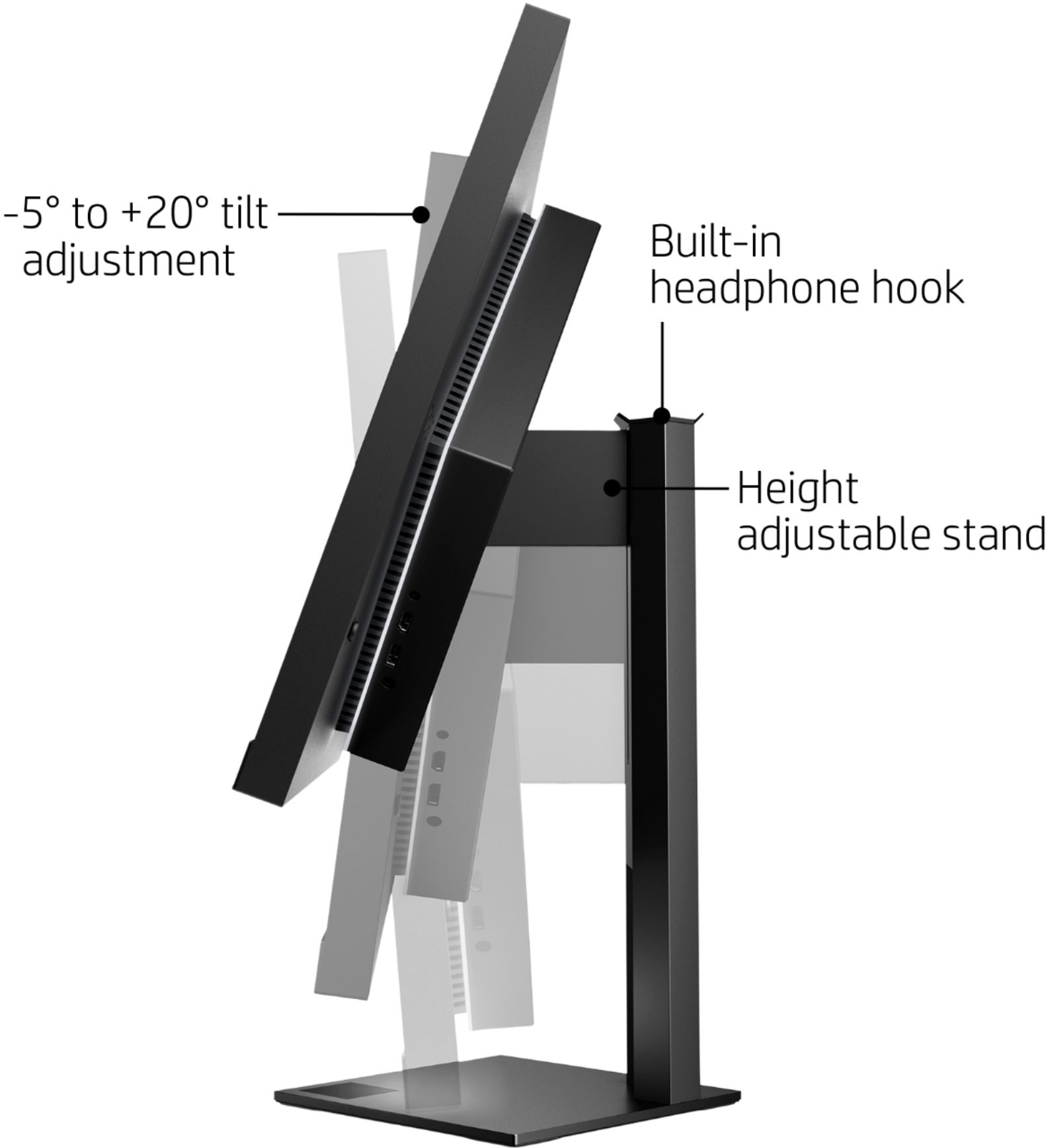
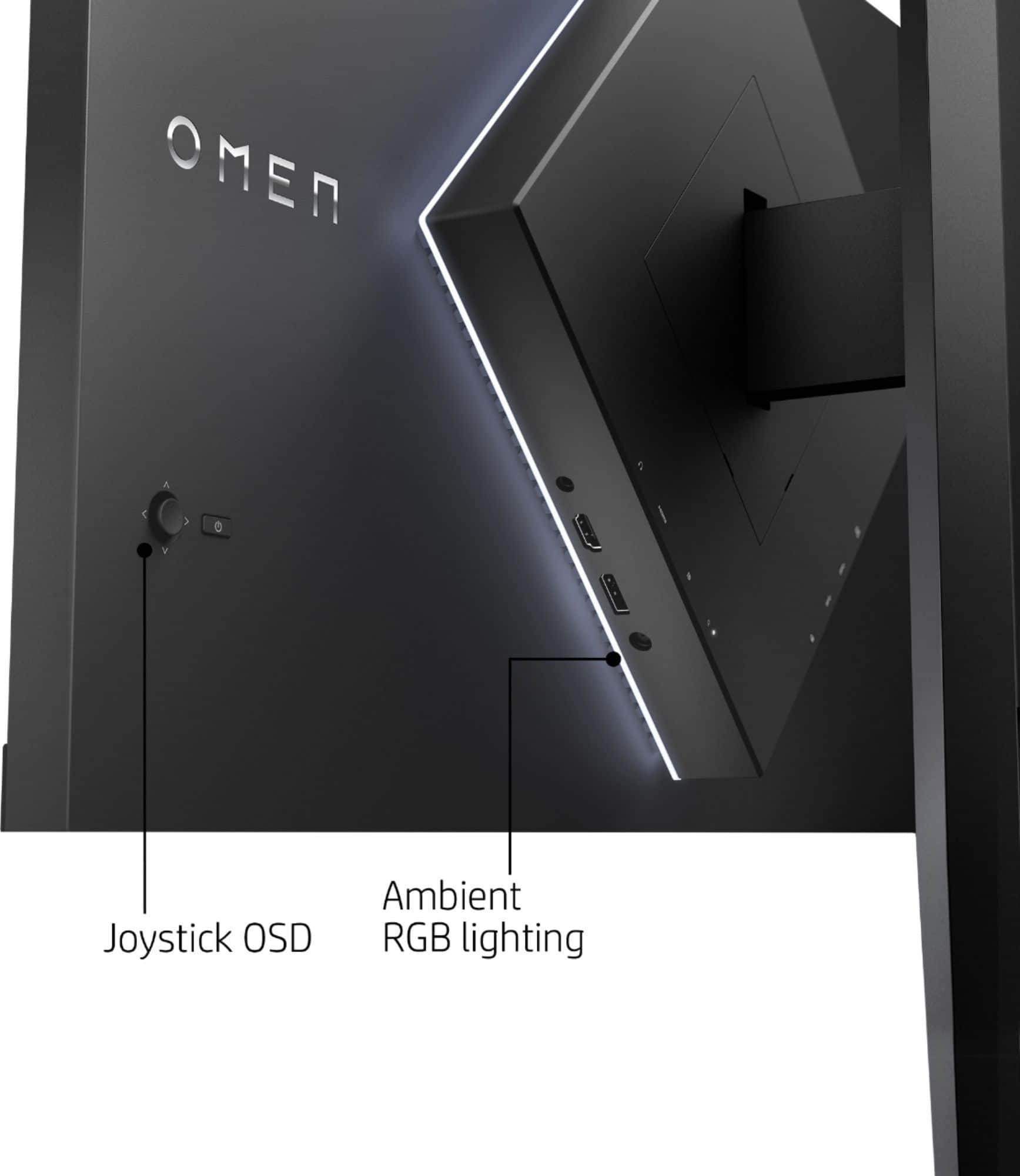
A:AnswerIt has the standard vesa pattern screws, but the mounting screws are in a diamond pattern on the back as opposed to the normal square. Meaning your mounting plate needs to rotate 45* to accommodate. I have mine on a monitor arm and it's great.
A:AnswerIt is a very sharp monitor. Will outperform any regular tv panel. Somewhat expensive unless you take equipment seriously, somewhat too small if sitting way back on a couch.
A:AnswerYeah, you can change the ambient and bottom light to any color. You can also change the brightness and lighting pattern from the on-screen menu. (I have mine hooked up to an Xbox)
A:AnswerI don't have a series X but it does run at 120hz on my Xbox One X via HDMI cable. It is not 4k, it is 1440p. I am very happy with it so far (had it about a week).
A:AnswerWindows 10 default installed the Omen control software through windows update when the USB hub was plugged in and it was resetting it on my wife's monitor. You can change the settings in the software instead of the monitor OSD or uninstall the software to fix it. Kinda odd that they don't sync from monitor to software, but at least it was easy to fix.
A:AnswerI have an Alienware with 3080 and I use this monitor with no issues. Keep in ming that refresh rate goes up to 165hz, which for me is excellent given the quality of the resolution (2k/1440p). Aesthetically this monitor is very pleasing, feels robust and very good quality.
A:AnswerHe will be able to hear every sound that the game makes as long as he is using the headset, as the audio is coming from the Xbox. However, if you wanted to watch YouTube, you would also have to use the headphones to hear. Best option is get cheap speakers in addition to monitor if you plan to ever use it without headset