A:AnswerYes it does work with a switch! Both my sister and I have a switch and will use it for the switch or Xbox 1. Just be aware there is an echo whenever you use these headphones.
A:AnswerI plug mine into my Xbox controller and the surround sound comes through naturally. I don't feel like you really need an amplifier, but I am sure the HyperX designed one would work the best.
A:AnswerI dont play rainbow but sound quality wont differ dramatically through different games. You dont have to specify the game, but from my experience it has great directional sound.
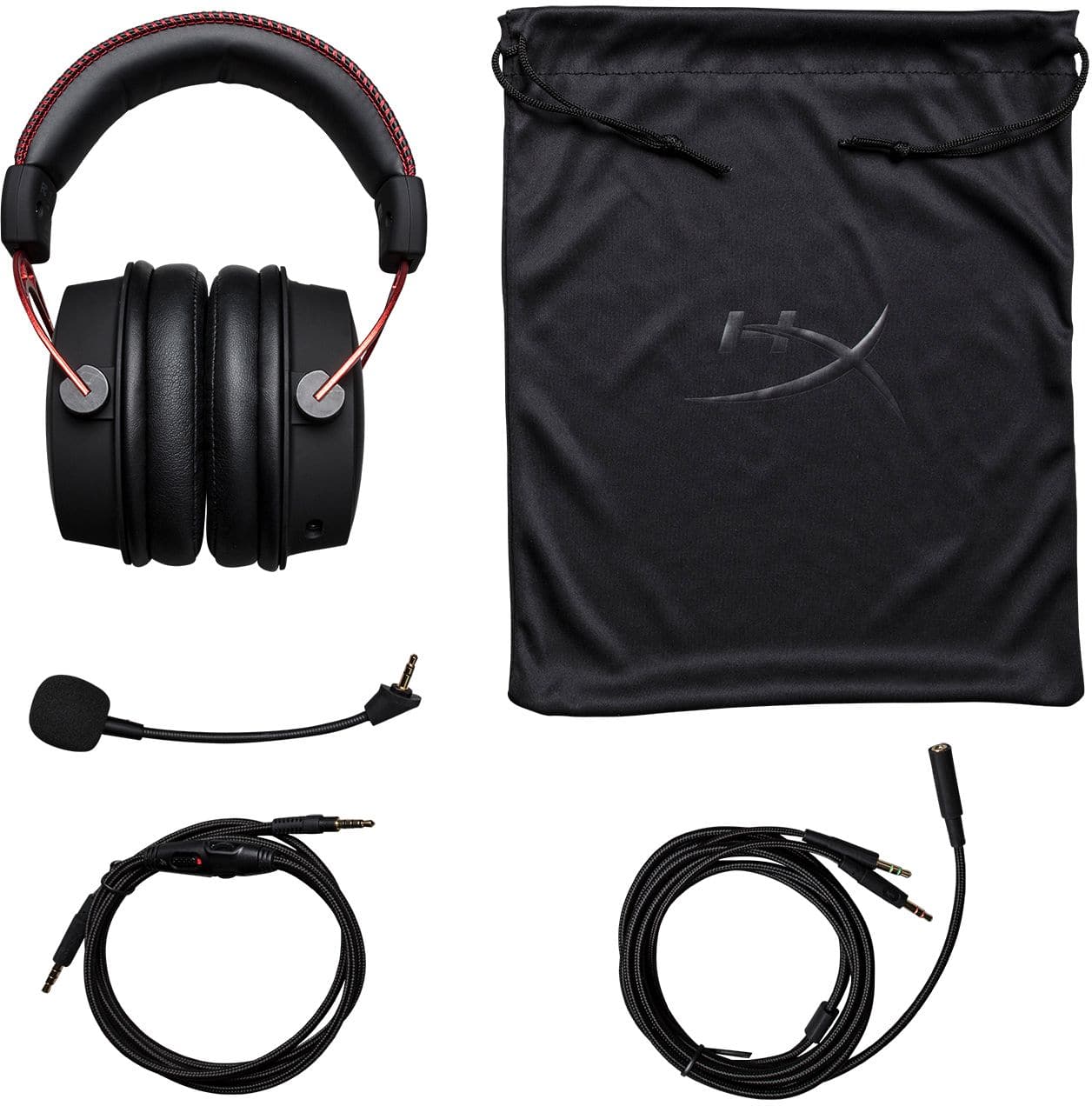
A:AnswerYes game chat and game volume increase and decrease volume together with volume wheel on the headset wire. However you can adjust how much game chat and how much game volume you want in the settings. But that means going into the Xbox settings menu. The volume wheel on the headset adjust both volumes together.
A:AnswerIf using Windows 10, search "Sound" in the start menu. That will take you to the Sound Settings, from there, check that "Input" says "Microphone (High Definition Audio Device)". If it doesn't, your PC isn't using your Microphone. Also, since the mic detaches, make sure you've plugged in into the headset very securely. If that doesn't help, you'll have to contact the manufacturer or Best Buy.
A:AnswerI Used them with my Iphone Xs, I would play PUBG with friends, and the sound sounded phenomenal. Fortnite for mobile has many glitches, I wouldn't recommend playing on mobile.