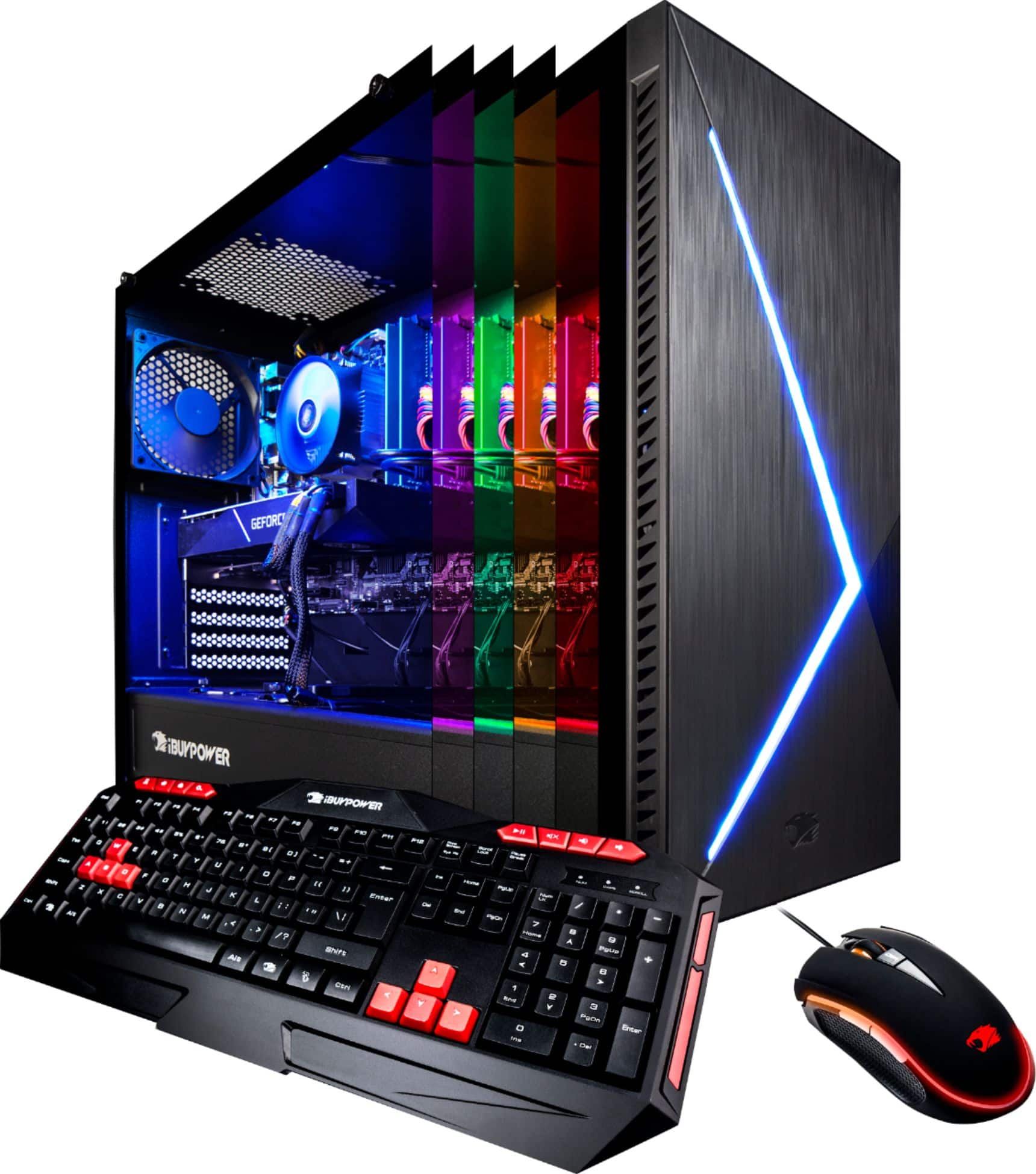
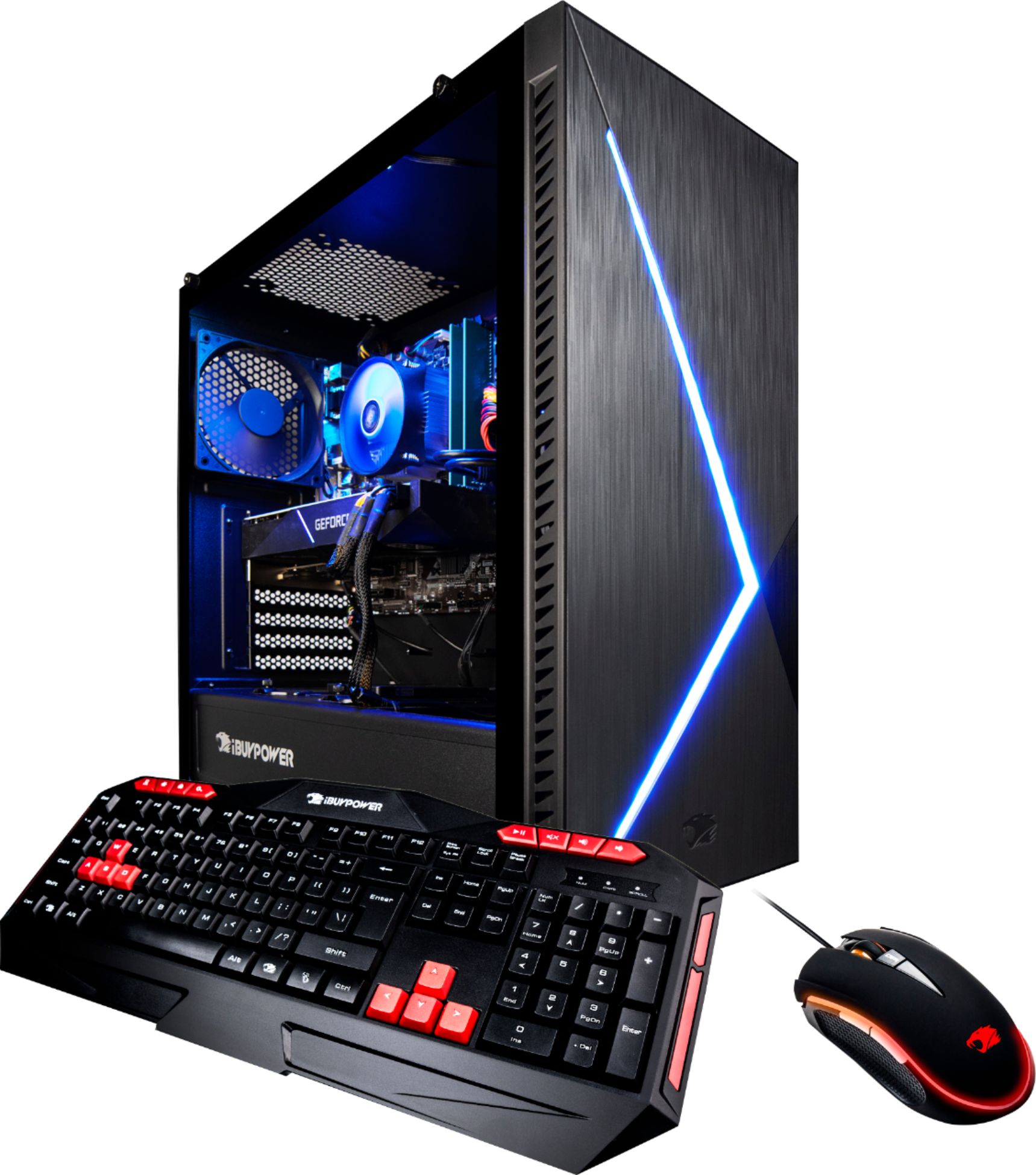
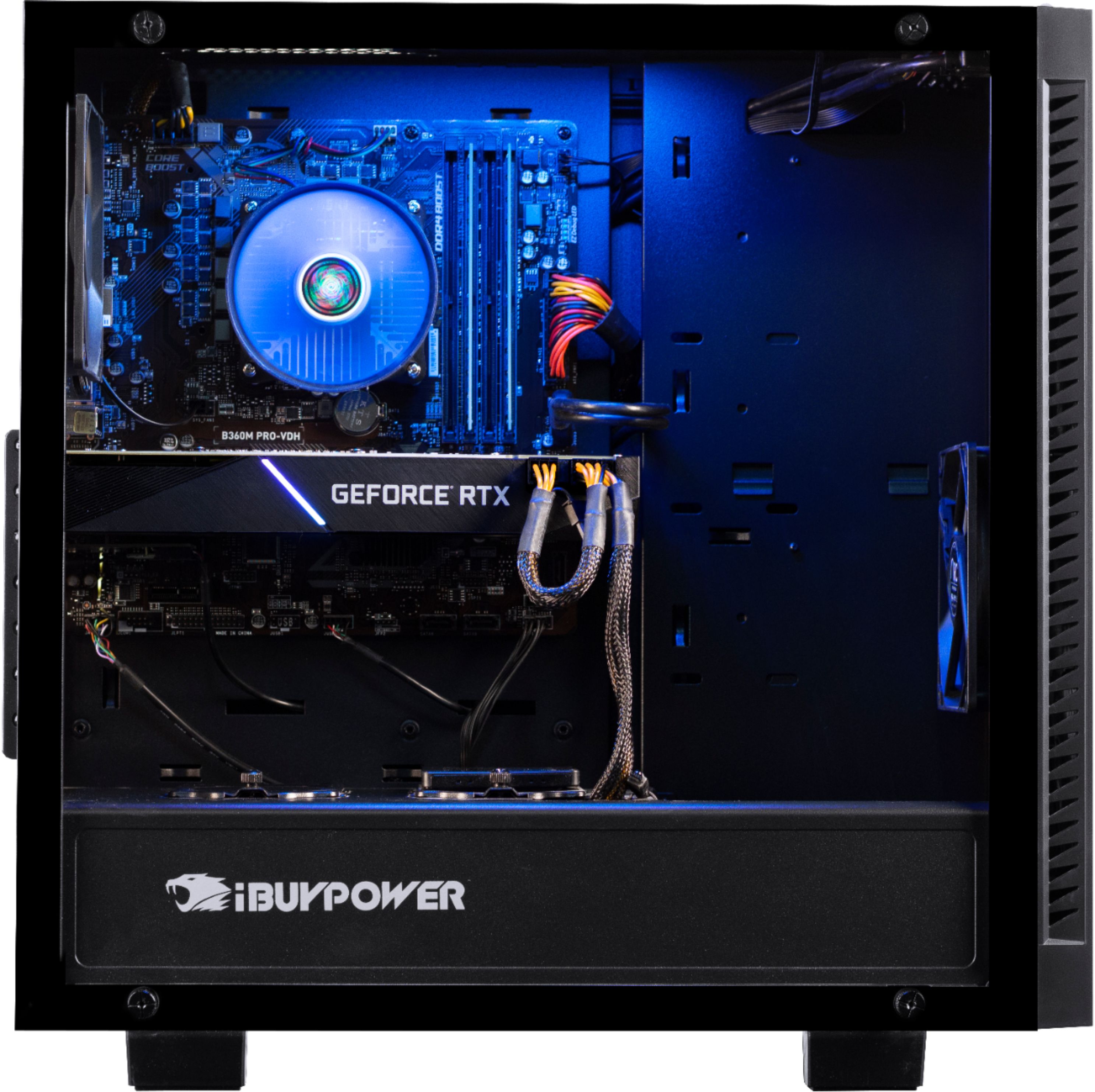
A:AnswerThe fan used on the cooler is the standard edition Intel approved one. If you want to upgrade it you can, just like any other cooler replacement. You take the old one off, clean the thermal compound off the processor, add new compound per the recommendations that came with it (check Youtube), attach the new cooler with the hardware that it came with.
But the first question is why do you want to do this? The existing cooler is fine. You could add another case fan if you wanted, a lot cheaper and easier.
A:AnswerThese screw onto the card that sticks out of the back of the computer (it is a wireless device that plugs into the motherboard inside) to allow you to connect to your wireless network more easily. These are the wireless network antennas and they just screw in and rotate to the optimum position to receive a signal.
A:AnswerFWIW, I also needed a BR/DVD burner and bought an external USB 3.0 16x drive for $120. It works great. Sure, it would be more convenient and less clutter to have it internal, but if you need it, it's not really a problem.
A:AnswerEach of their units are custom built. I suggest contact their tech support by phone. They were very helpful with an issue I had, located in Southern California so no language issue for USA customers.
A:AnswerThe only thing you need to do is connect the two antenna's to the back (looks like two cable rca inputs at the top) and you should then see your home wifi when you connect in windows. Other than that it's all plug and play so you don't need to do anything special. Reach out if you need more detail.
A:AnswerThese desktops are put together in an assembly line. There is no quality control done on the product before they are shipped out and they are often put together using different and diverse components. No two are the same.
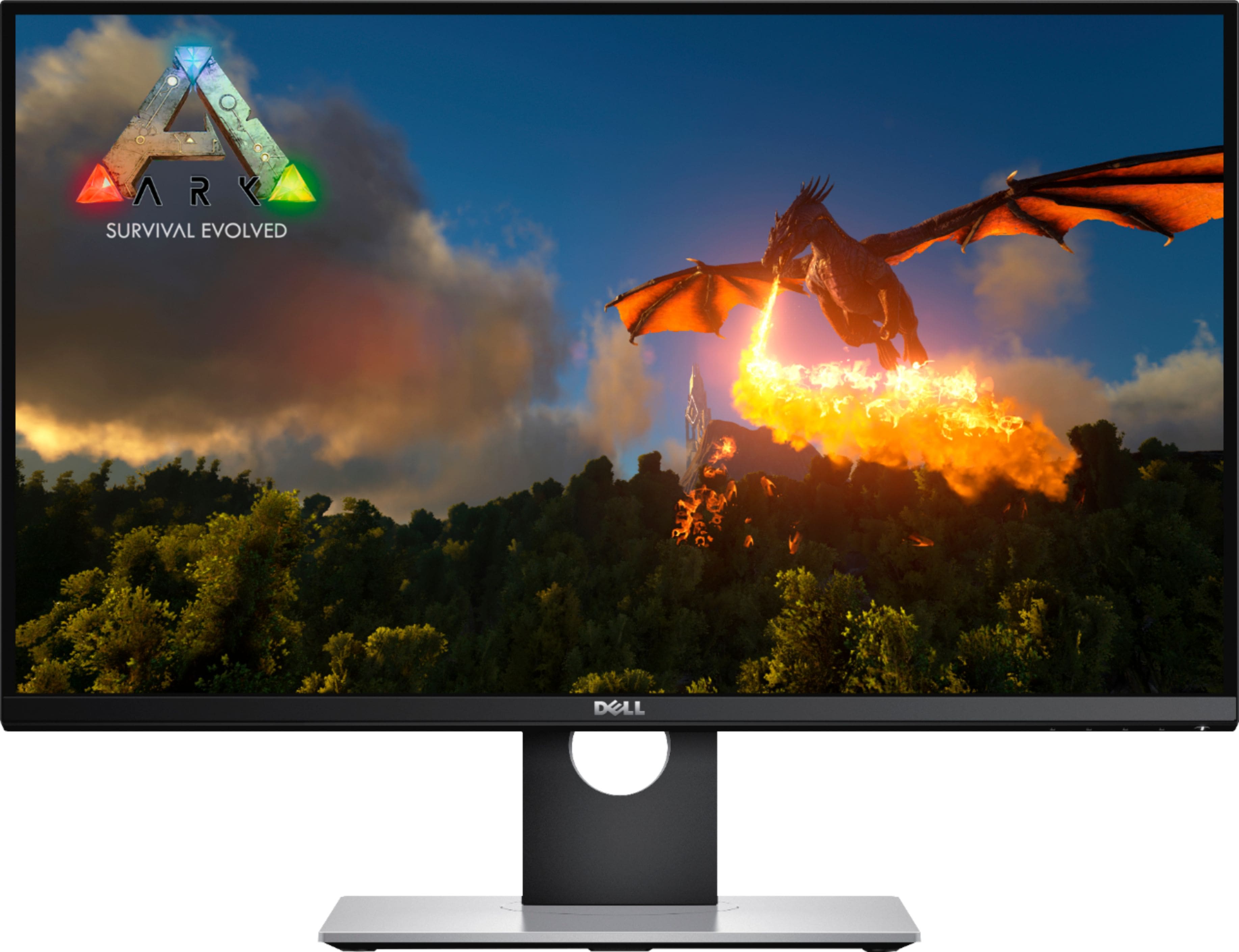
A:AnswerEasily. The videocard is pretty impressive, and I am pushing a 49" ultra wide gaming monitor with it, so it should handle both of those with no problem.
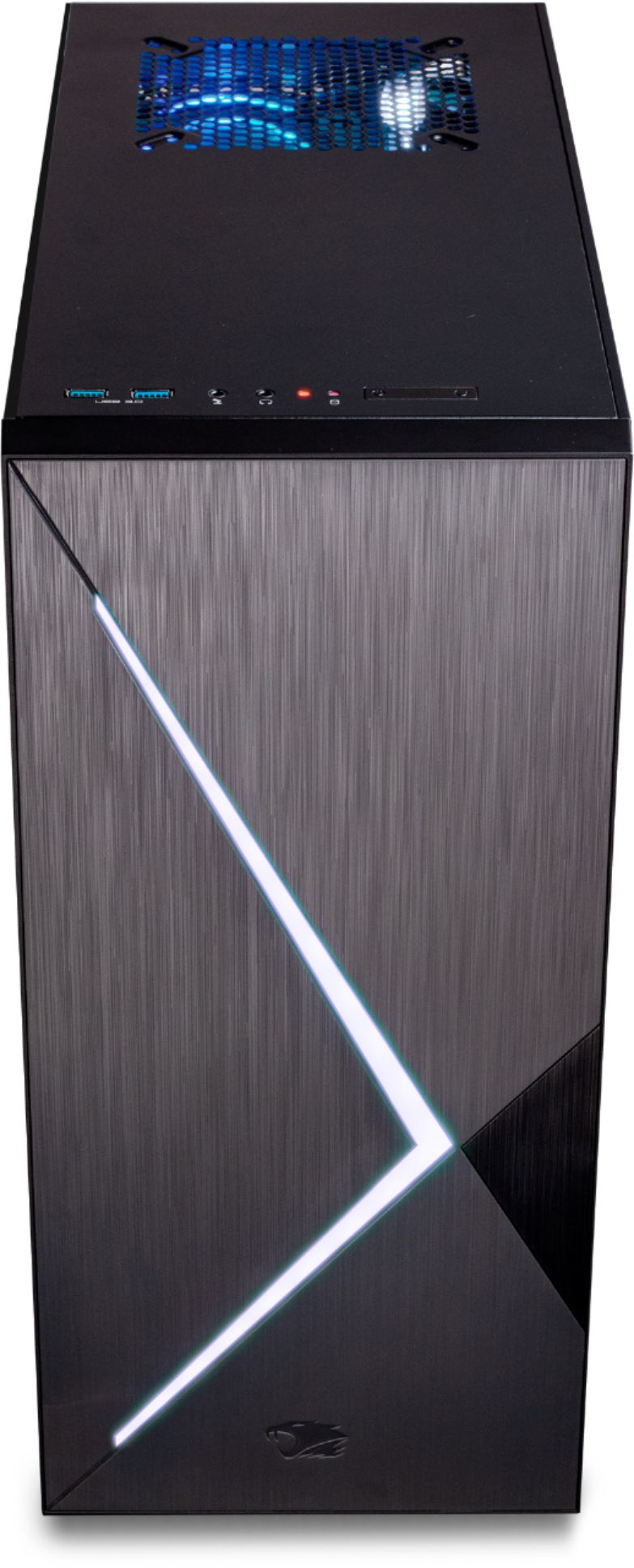
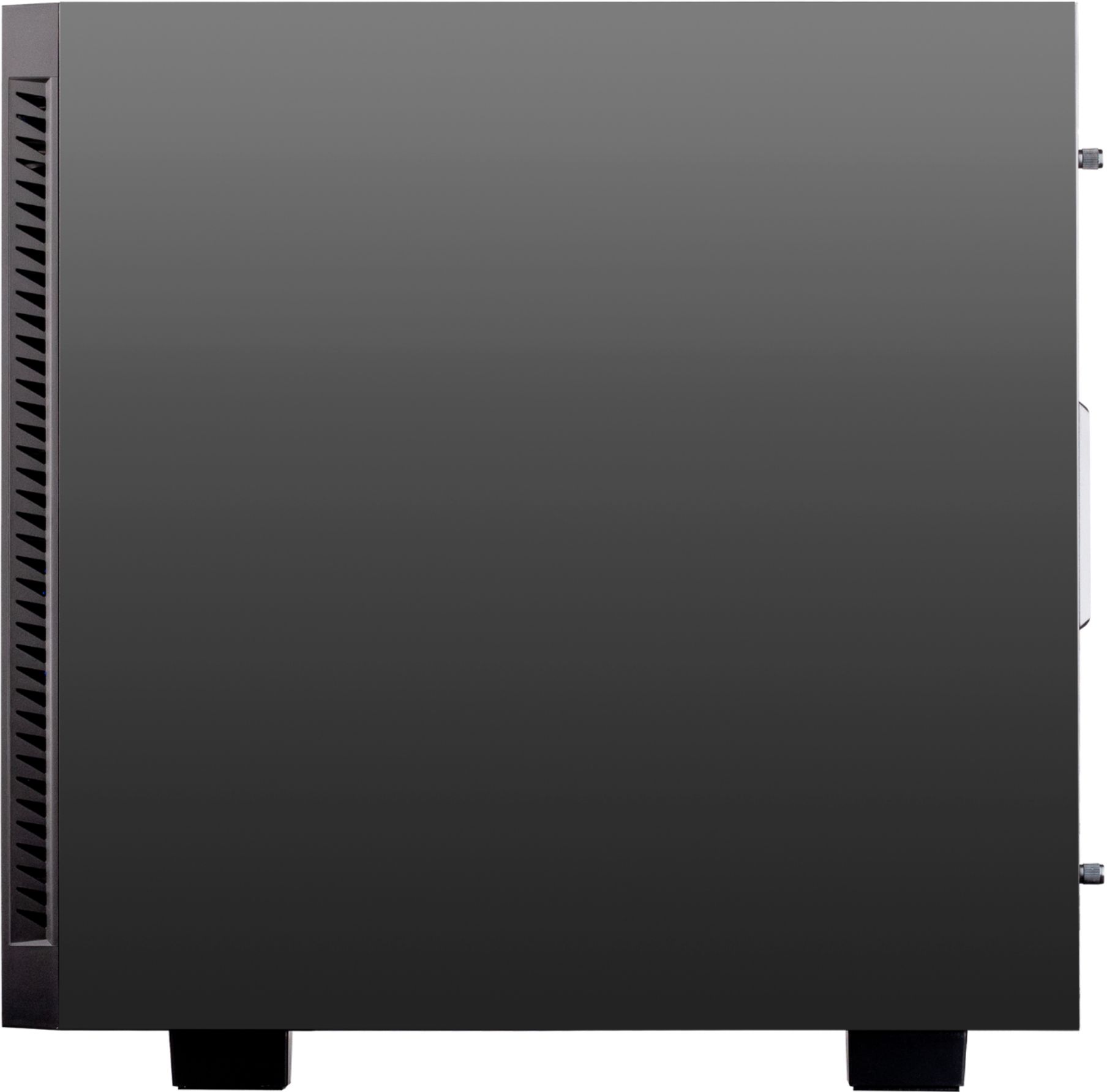
A:AnswerI can't tell you if there should be ports in the area you are talking about. However, I can tell you on the inside of the PC I just purchased there are no additional USB slots or anything that are there but not accessible. Everything shown is what comes with the PC I guess. I don't think there should be anything else there.
A:AnswerThe problem is most likely because your fan speed is to low which causes you certain parts of your pc to heat up. Try downloading MSI AFTERBURNER and upping the fan speed to 85-95. That should improve performance.