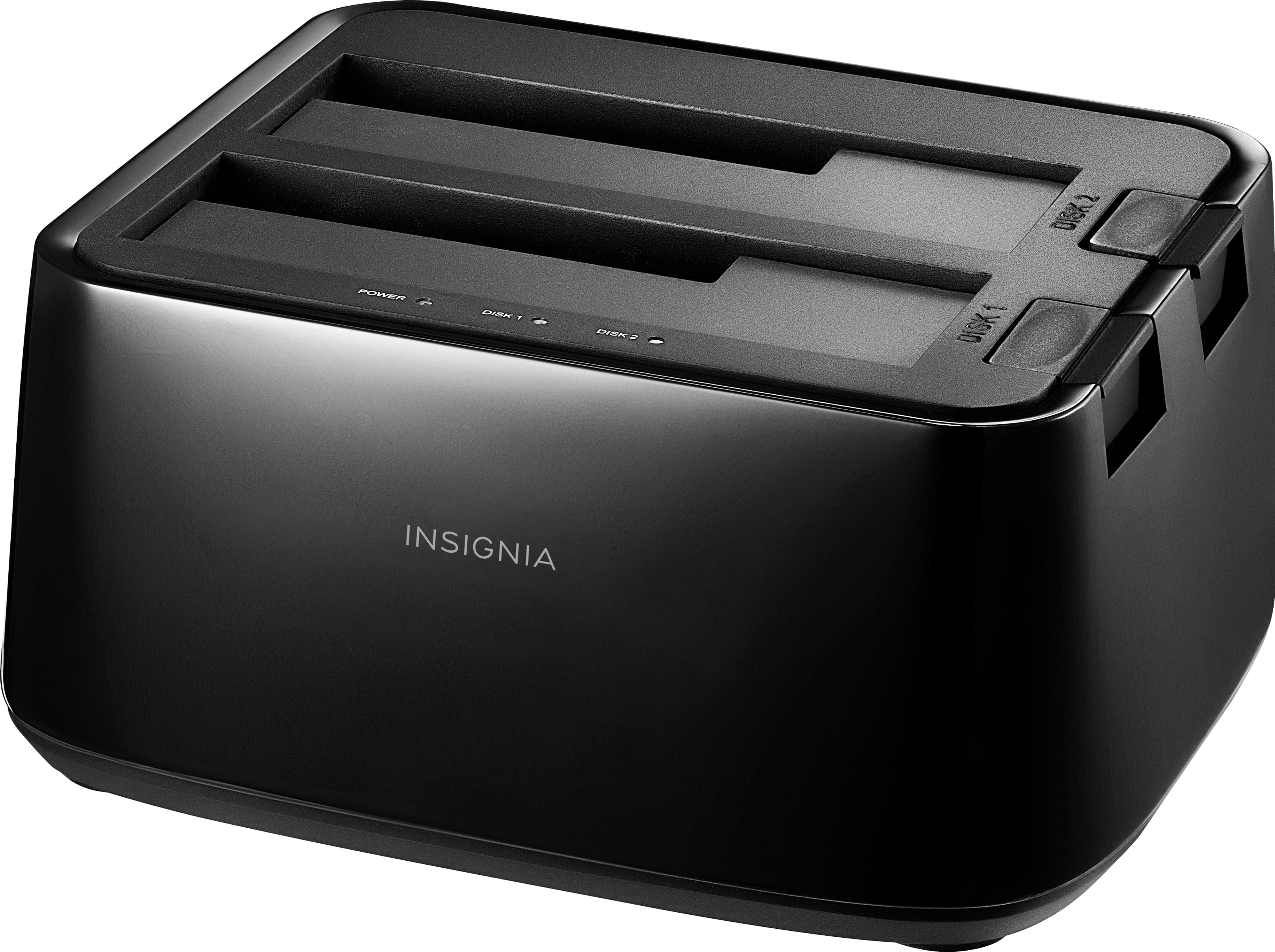
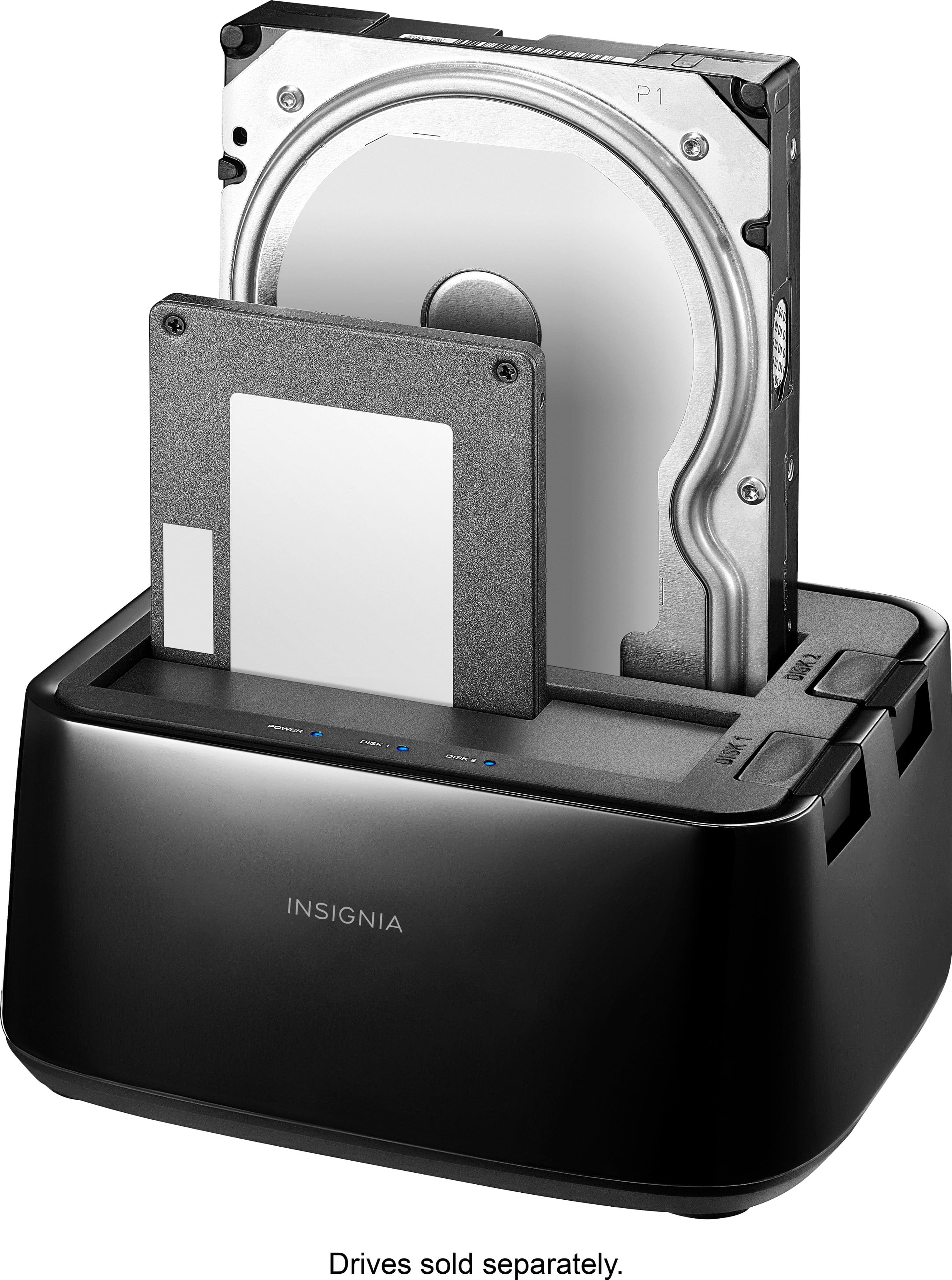
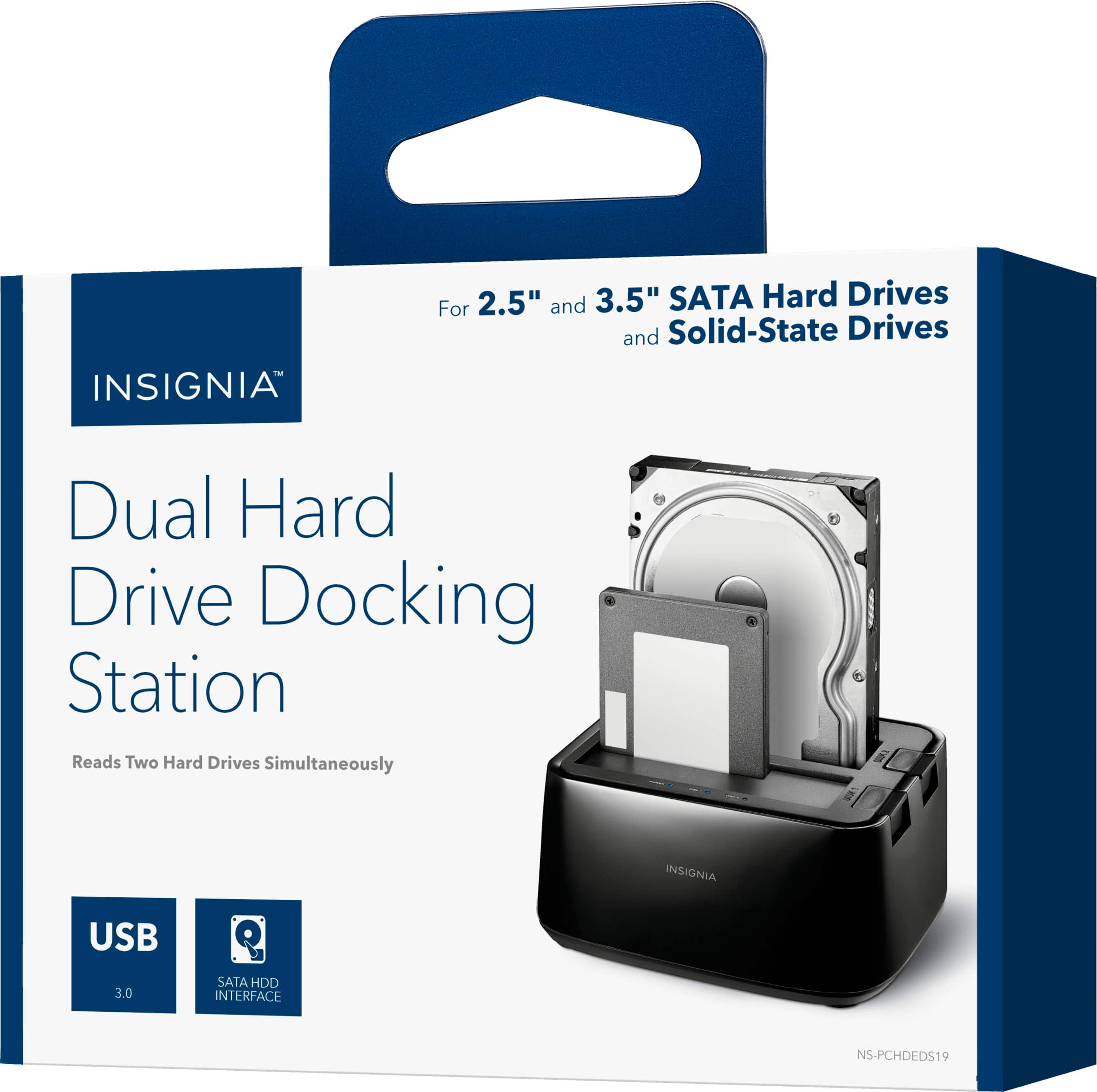
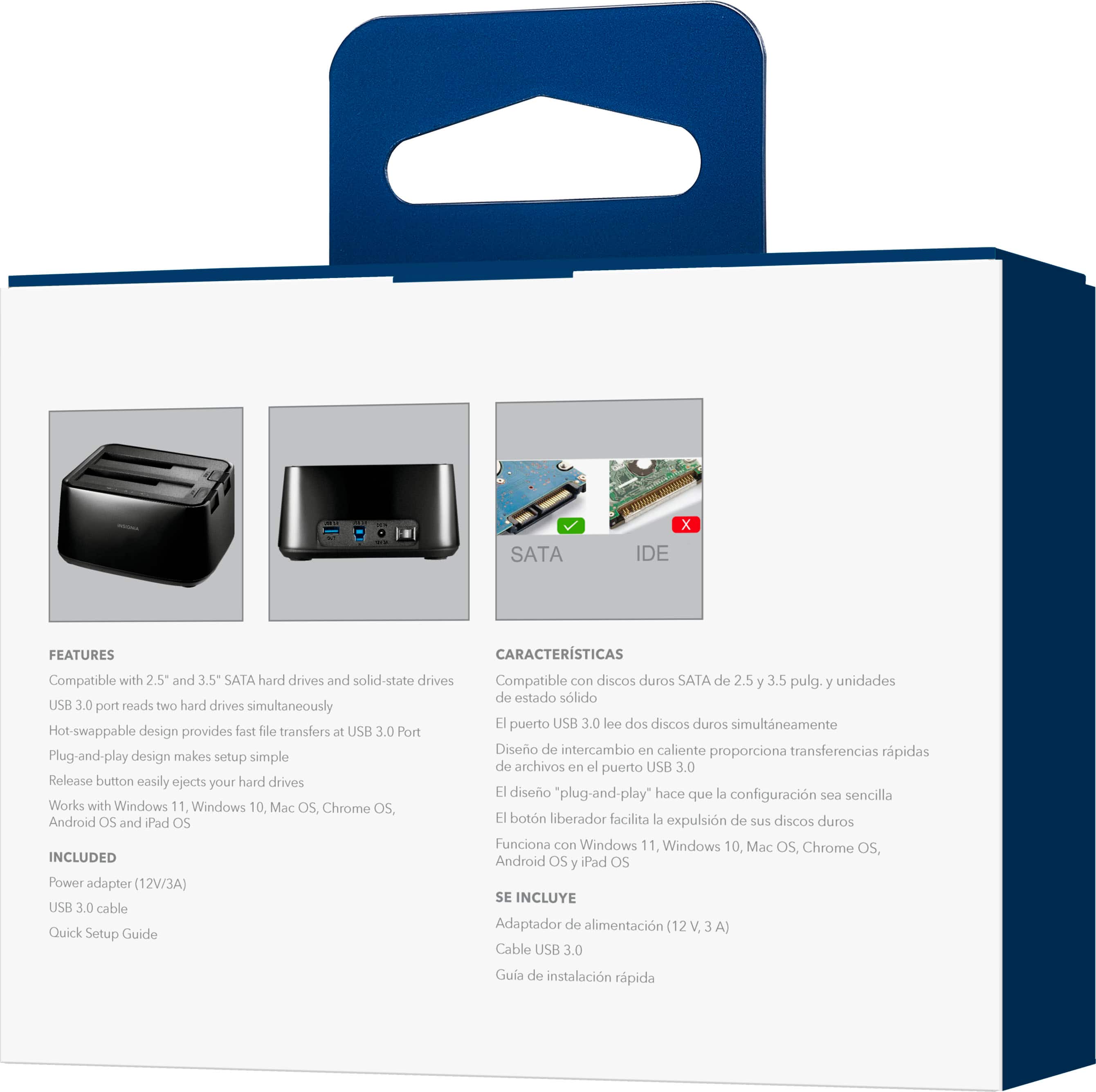
A:AnswerThse docking station slots have SATA connectors. You can plug in either HDD's or SSD's with SATA connectors. I don't know about other vendors, but I took a Western Digital, "My Book" and removed the internal SATA drive from the housing. Works in this dock like any other SATA drive.
A:AnswerWorks fine with ps4 I got this for loading software on game consoles have had no issues with reloading drives. Just make sure formatted properly and put in proper file. Works perfectly when backing up games on multiple drives.
A:AnswerIt will allow your system to save and play games from it I would suggest solid state drives only due to speed issues and load times. As well as xbox not being able to use a drive of that size currently and it would be a waste.
A:AnswerThis 2-bay docking station is basically just like buying an enclosed extra storage drive that is one enclosure that plugs into your computer. The only difference and a GOOD one is it is VERY easy to swap drives both in and out without a screwdriver needed to open and close the AIO design, if it is even possible to open some of them.
A:AnswerIf you have nothing valuable on that hard drive i would recommenced reformatting it completely and trying it again. If the problem persist try connecting it directly inside in a 2nd drive bay in the PC itself to see if it gives you the same problem.
A:AnswerI am not sure, I don't think it will work though. Just as an example, a external USB drive whether it is a portable or desktop model they are listed as a single drive, with that being said this device would require the usb dock driver to be installed, I have no way of testing this theory though since I have no access to a Airport Extreme.
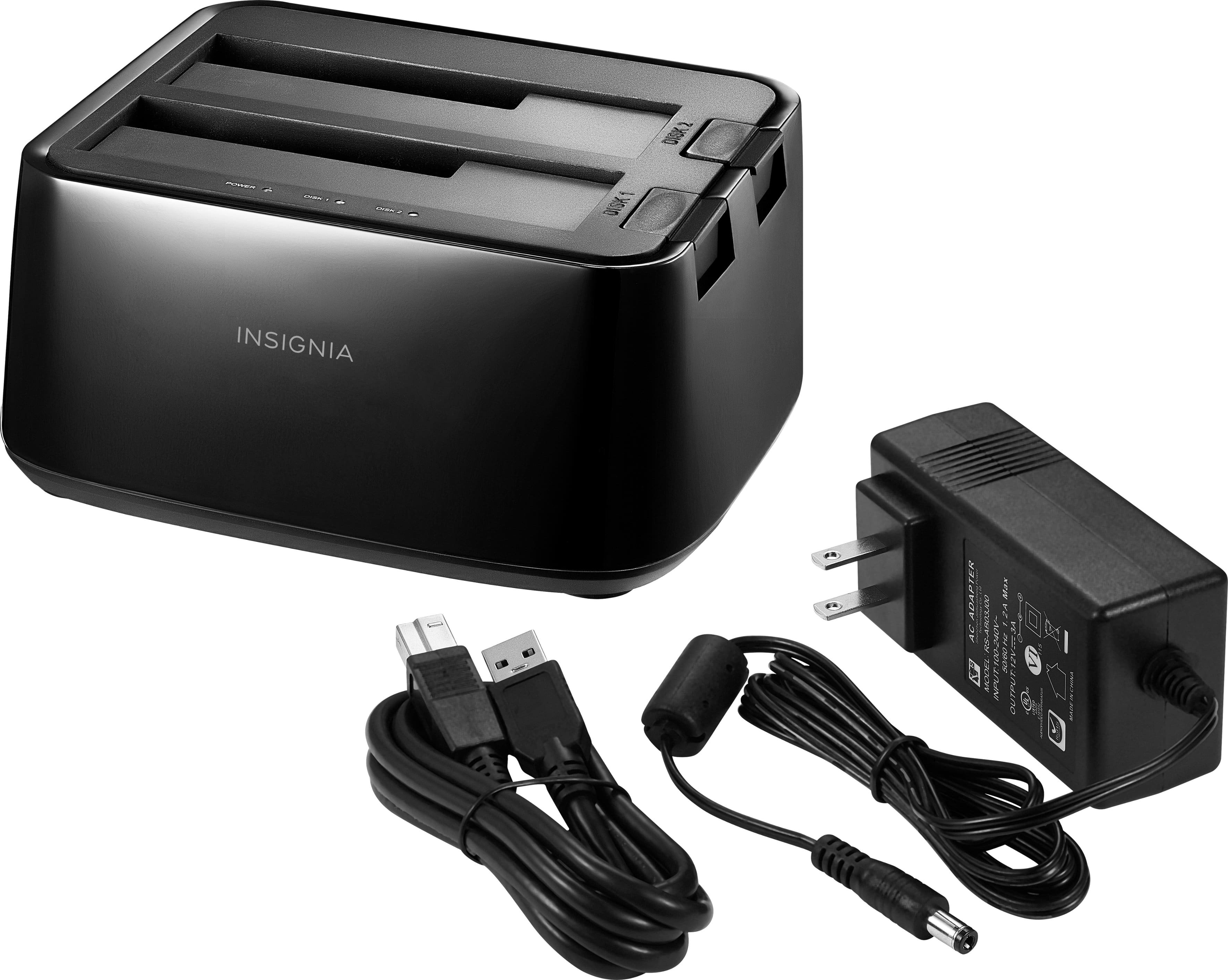
A:AnswerHere is the info from mine:
AC Adapter
Model: RS-AB03j00
input 100-240V
50/60 Hz 1.2 A Max
Output: 12v 3A
Either go to the internet or try the company's site itself. They must sell replacements.