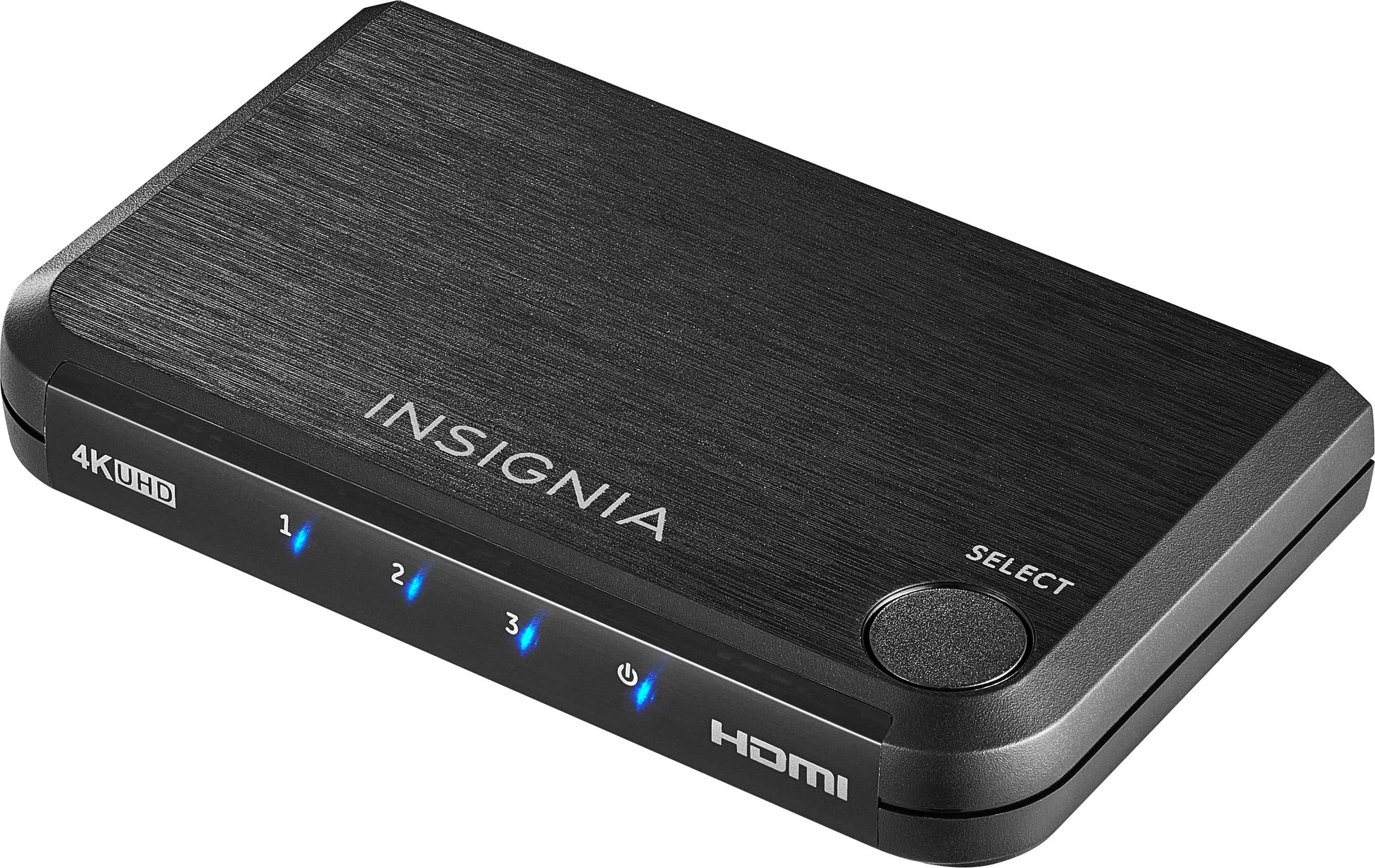
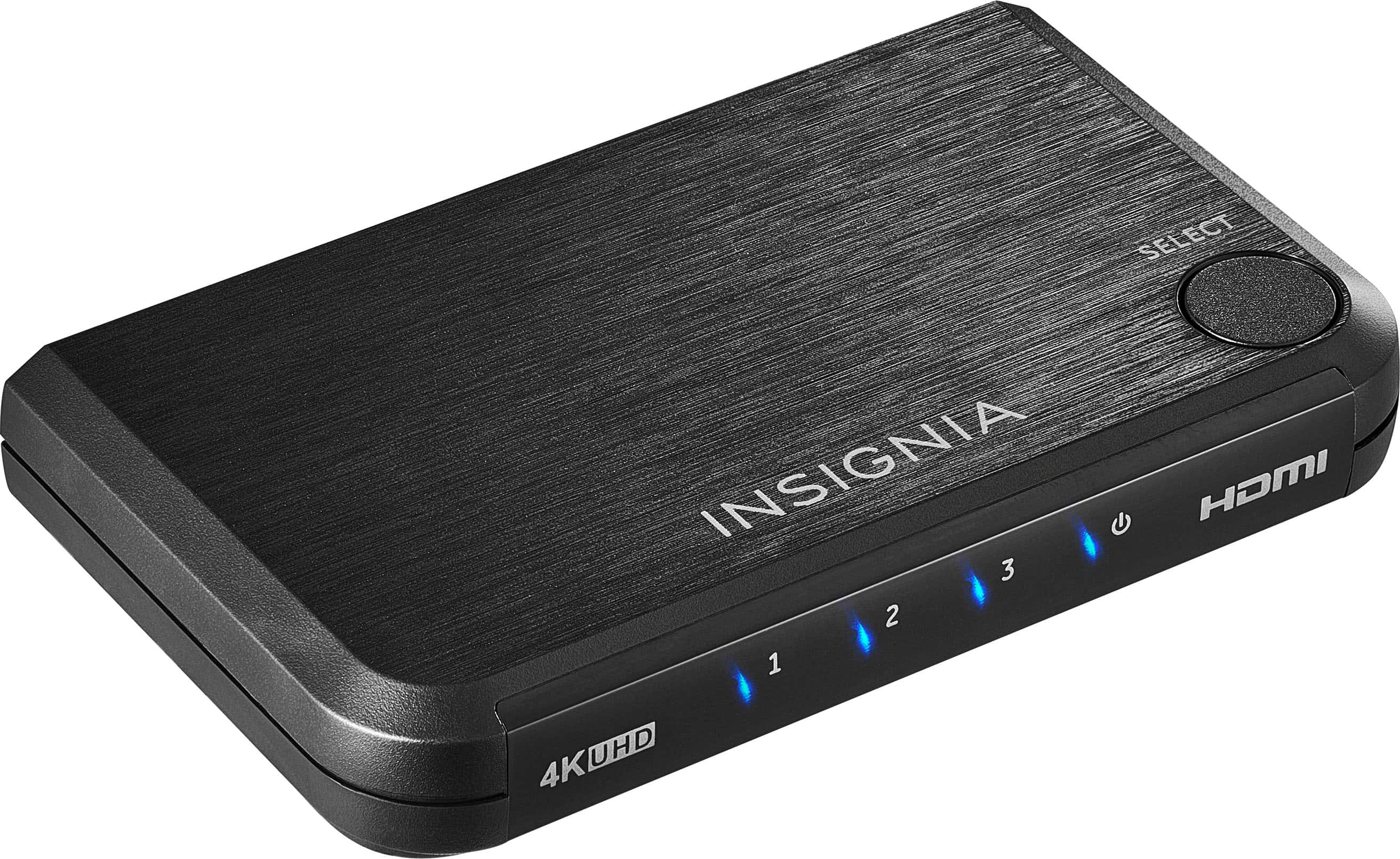
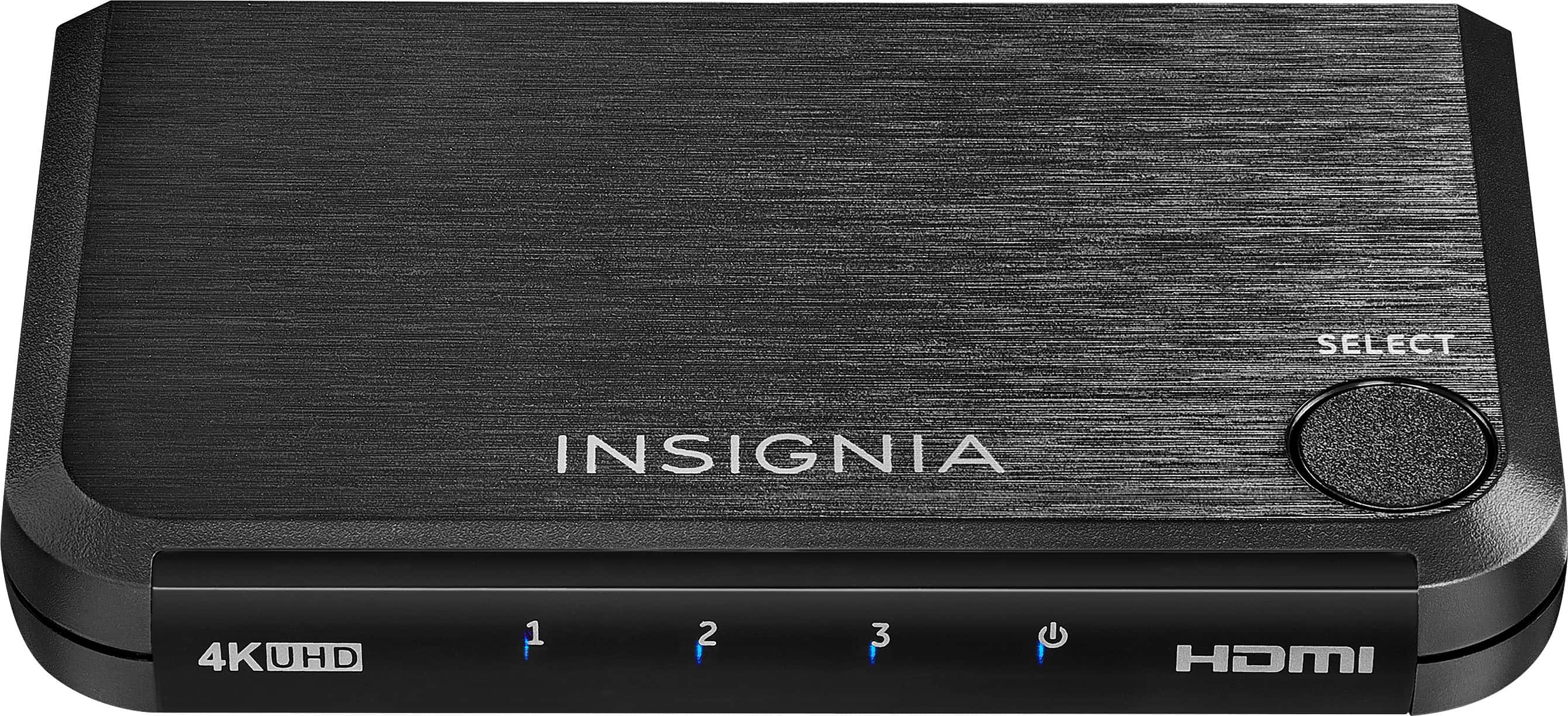
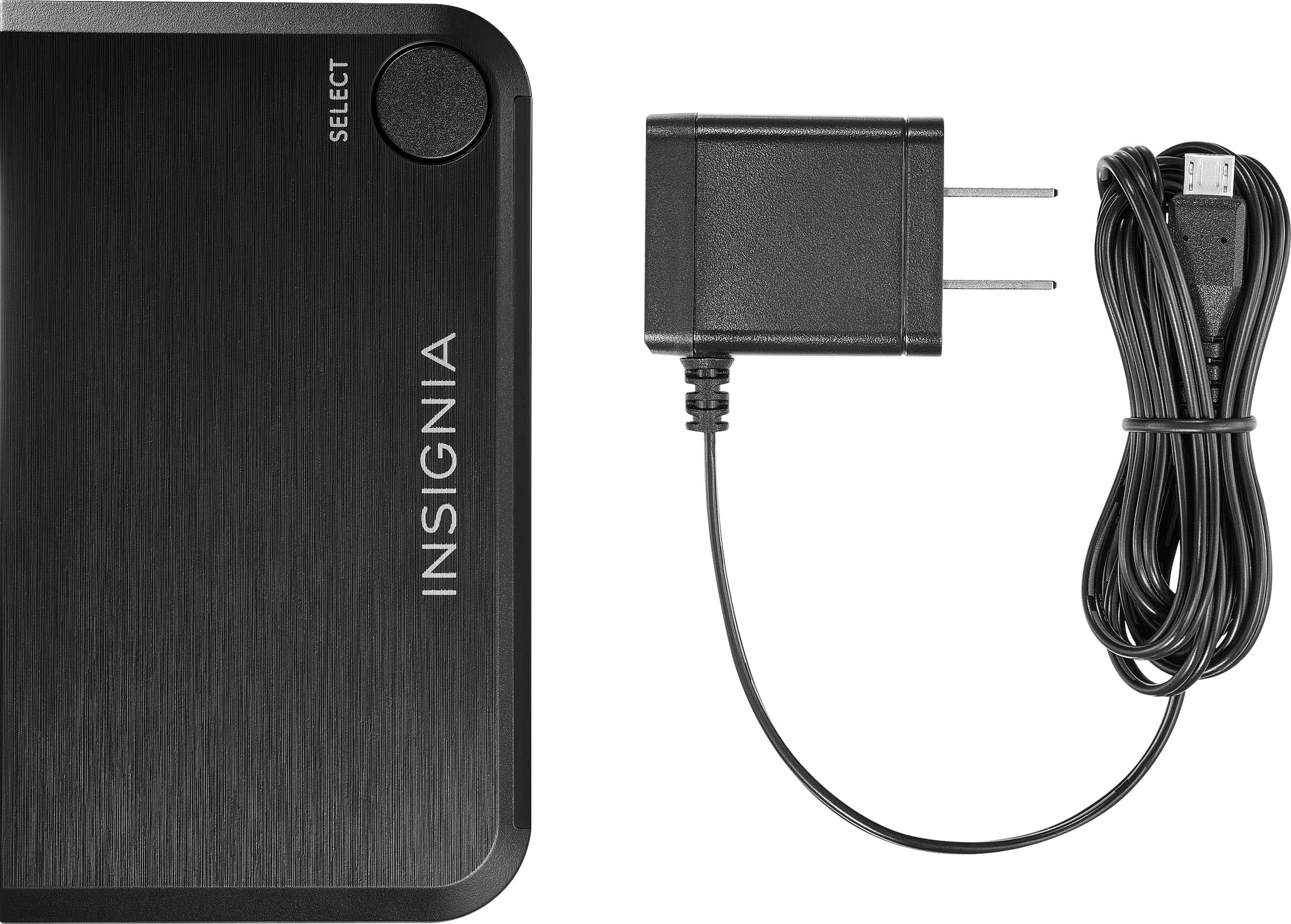
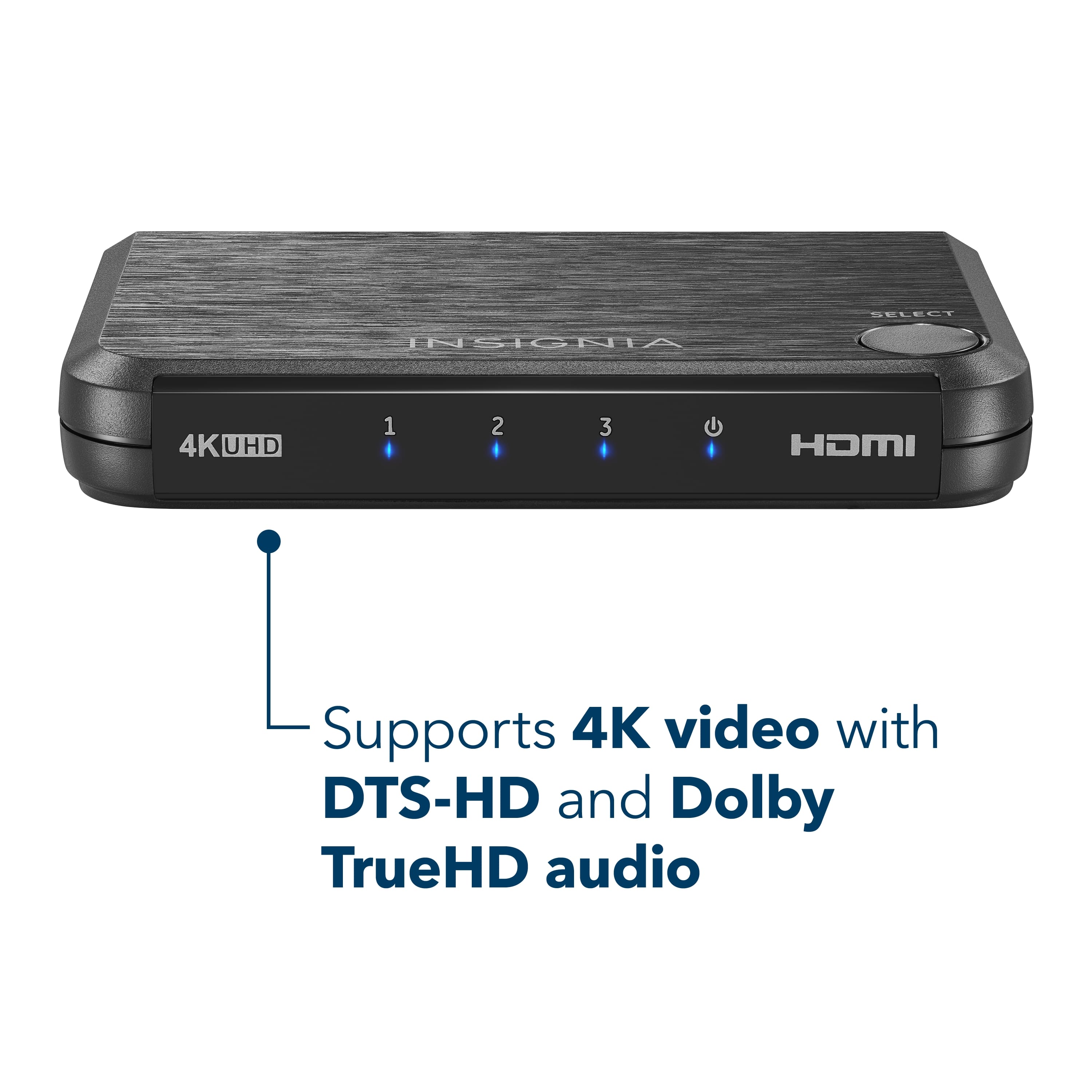
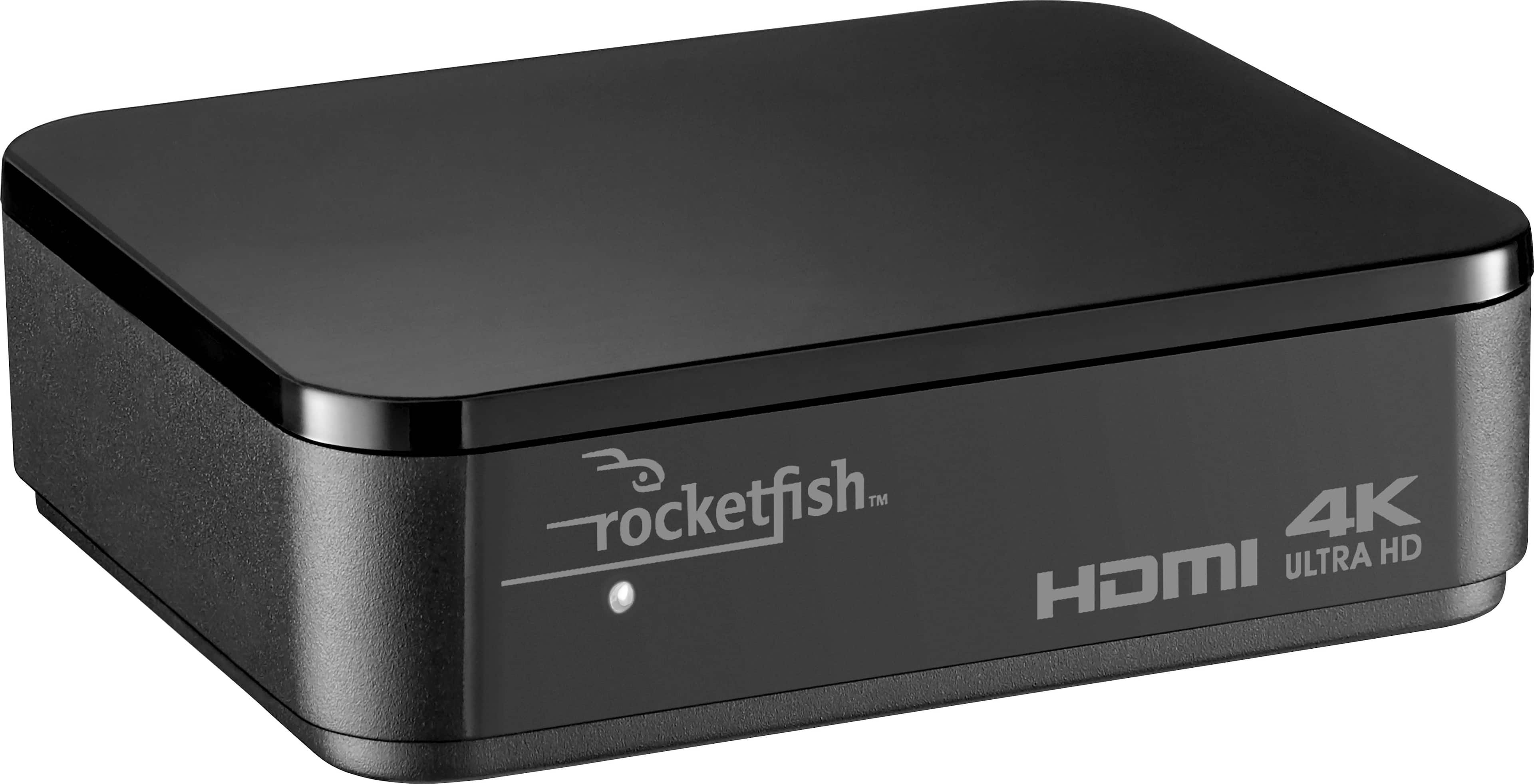
A:AnswerI was unable to get two audio device to work from one TV with this switch. Manually swapping cables the LG TV was able to feed my Yamaha sound bar or my Yamaha Pre/Pro. With the switch in line the TV could turn the Pre/Pro on and off but it couldn't decode the bit stream. The sound bar wouldn't work at all with it. For switching sources it's probably fine but it may not be reliably compatible for ARC.
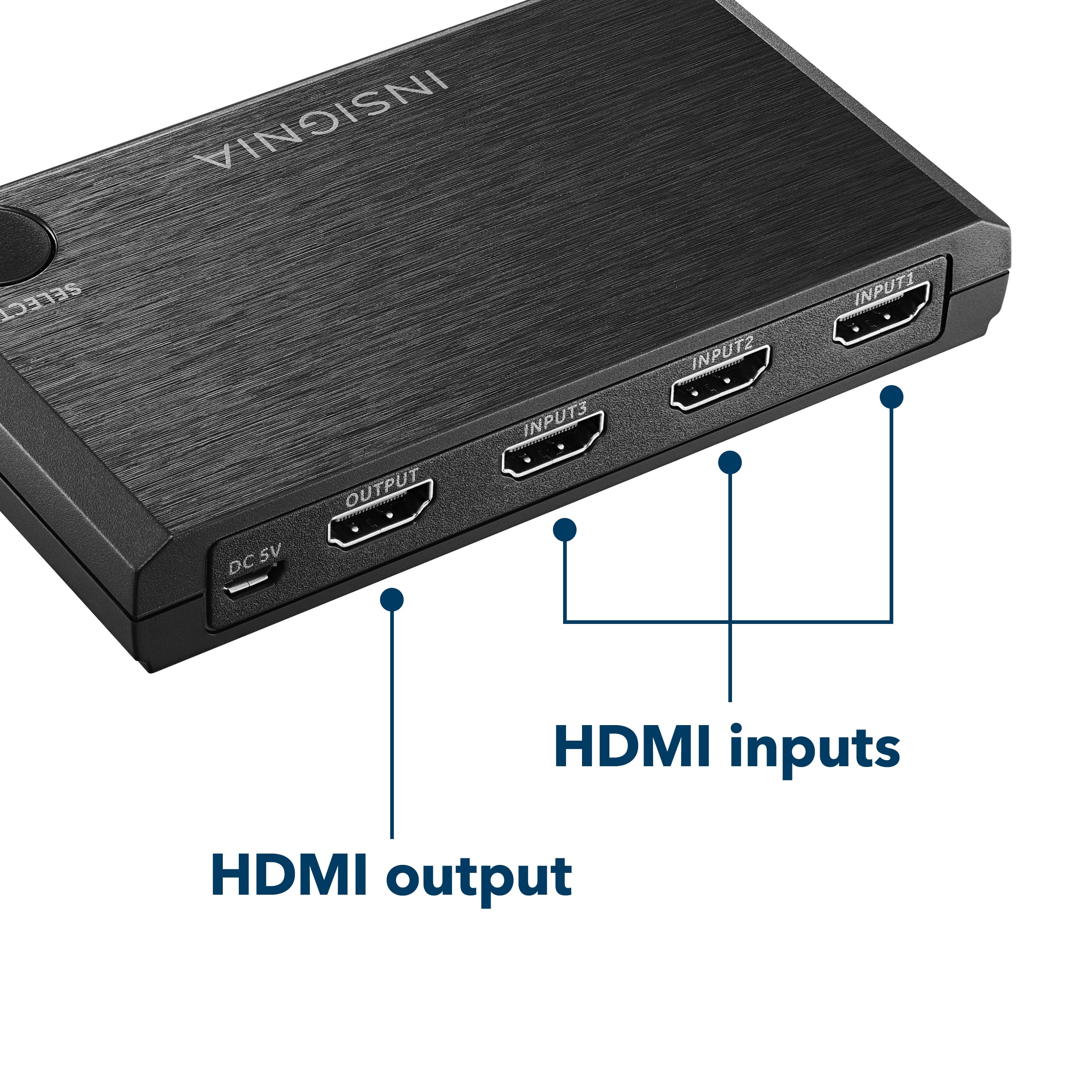
A:AnswerI also want to know this. I bought the switcher and have a camera feed & laptop feed in inputs 1 & 2, and the output running to a different laptop that is running OBS. But so far, OBS hasn't been able to identify the switcher as an input source.
A:AnswerHello, Kimber,
Yes, this product is compatible with a 720p resolution.
Eduardo L - Insignia Support
https://www.insigniaproducts.com/contact-us
A:AnswerI could not get it to work. I tried it with an LG TV, Yamaha sound bar and Yamaha pre/pro. The sound bar did not respond to the TV at all while the pre/pro would respond to commands it couldn't see the bit stream from the TV. Swapping cables they both worked fine.
A:AnswerThis is not a CAPTURE CARD. Try Elgato Camlink. If you don't mind low resolution you can connect your Canon Rebel as a Webcam using a USB cable and Canon's Webcam free software (Beta). Although I don't know if this beta software is available for MAC. Also, download only the Webcam software. If you download and install any additional software for your camera from Canon your computer will not recognize your camera as a Webcam. Good luck!
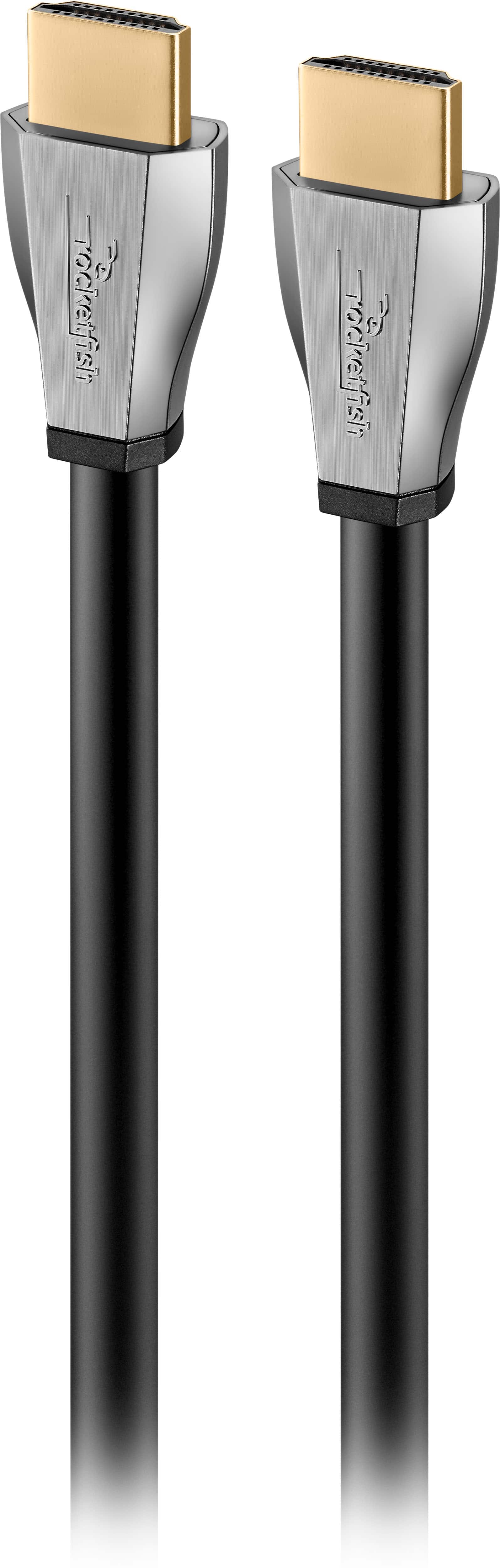
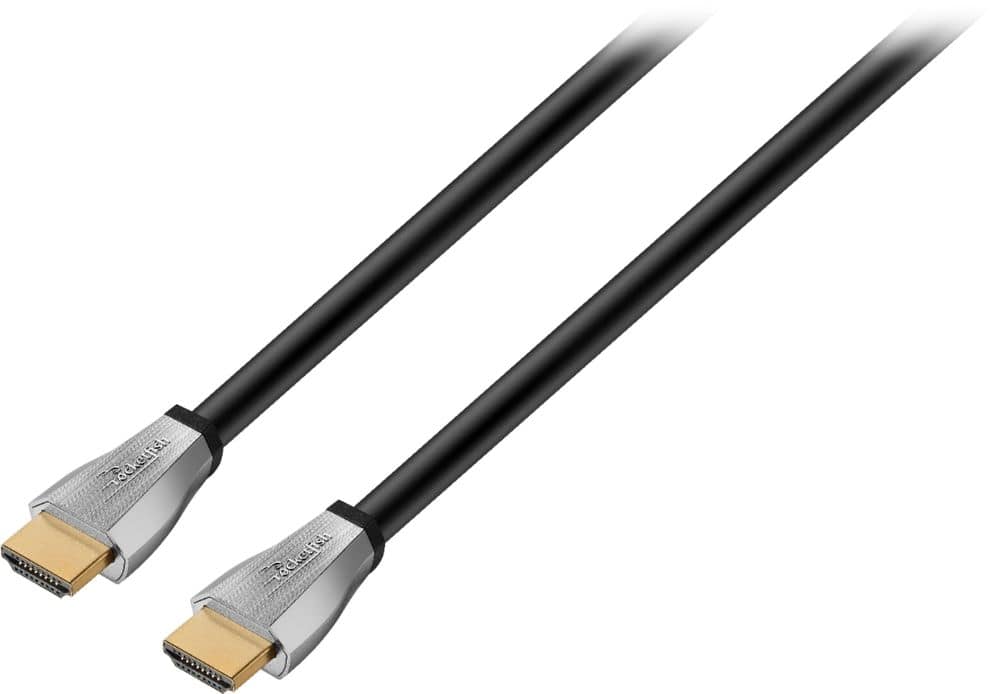
A:AnswerSo this product is a "Switch" device. You will need a "Splitter device". Utilizing the 1.5' Rocketfish 4k HDMI cables is best to connect both monitors to the Splitter and one longer 4k HDMI cable to your laptop.