A:AnswerHey Danny,
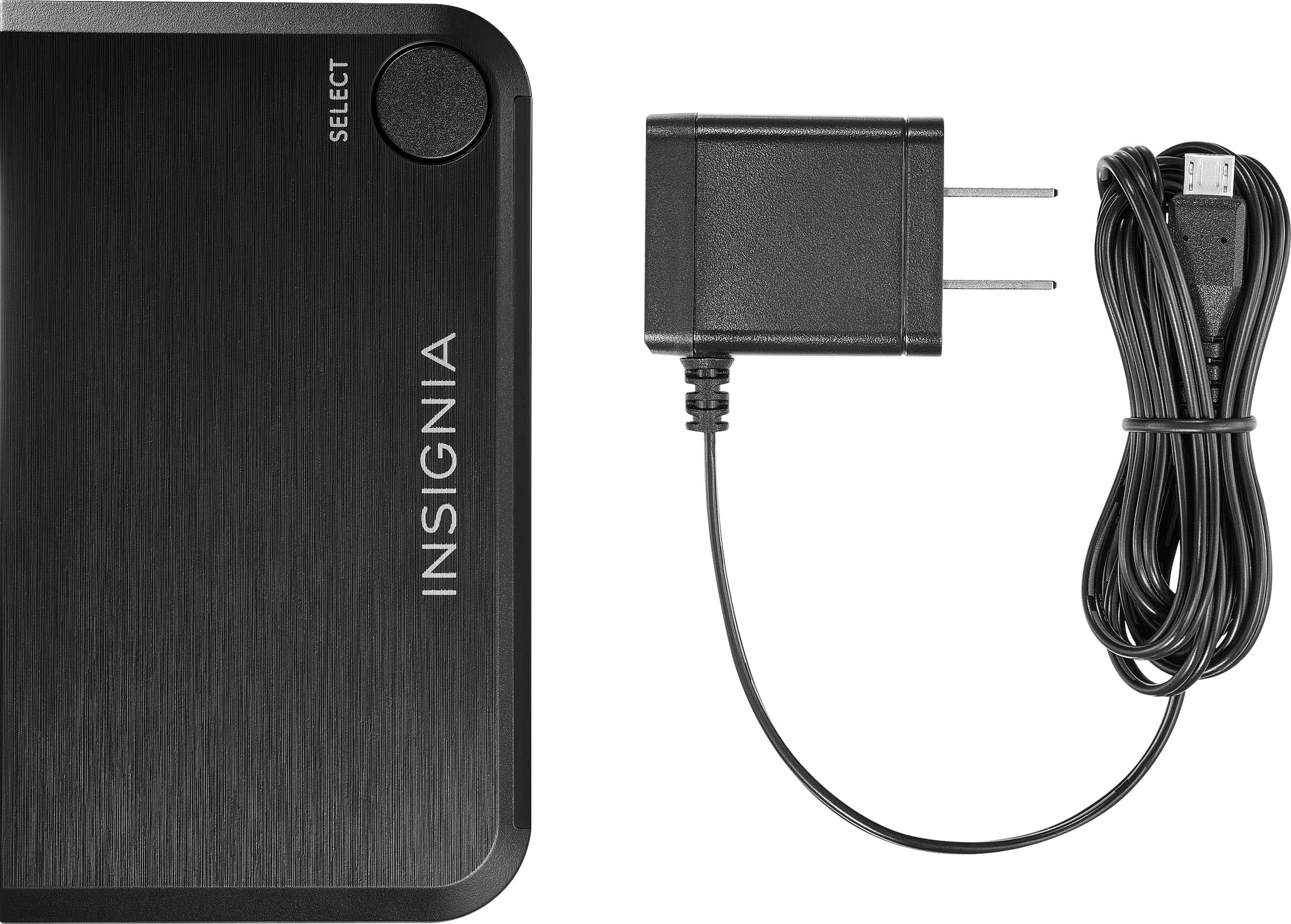
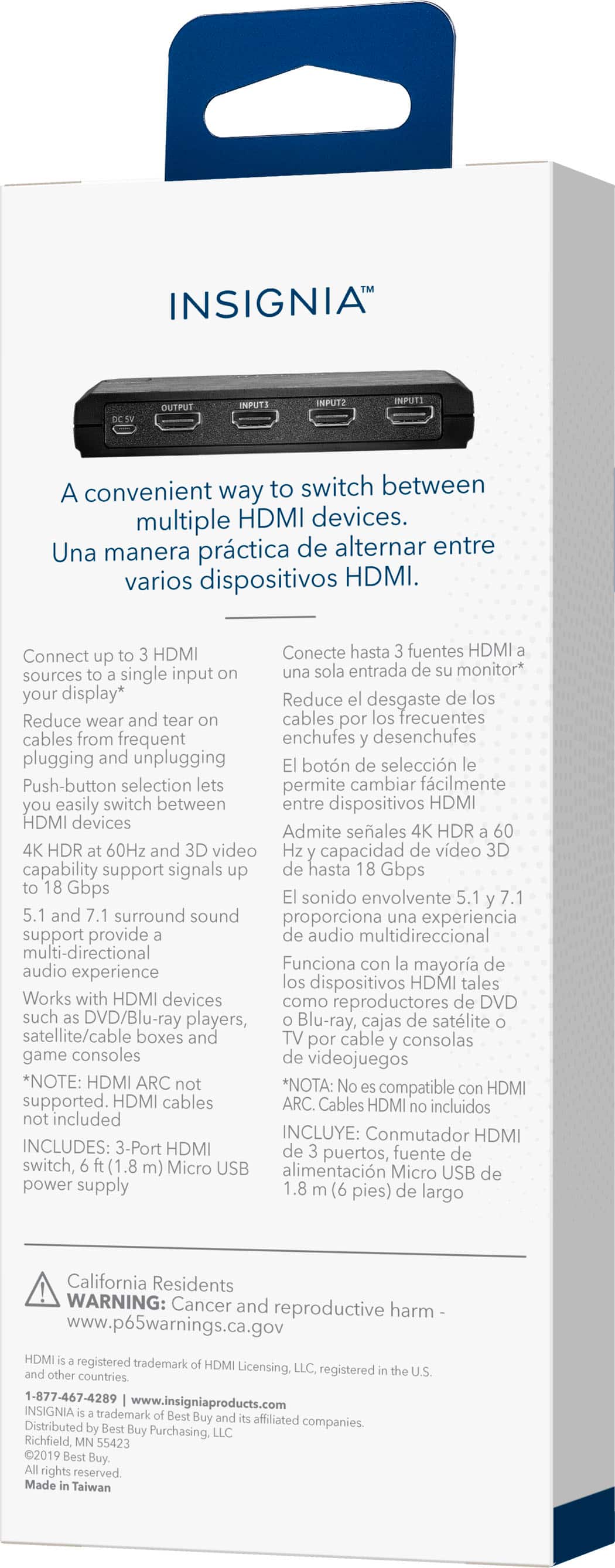
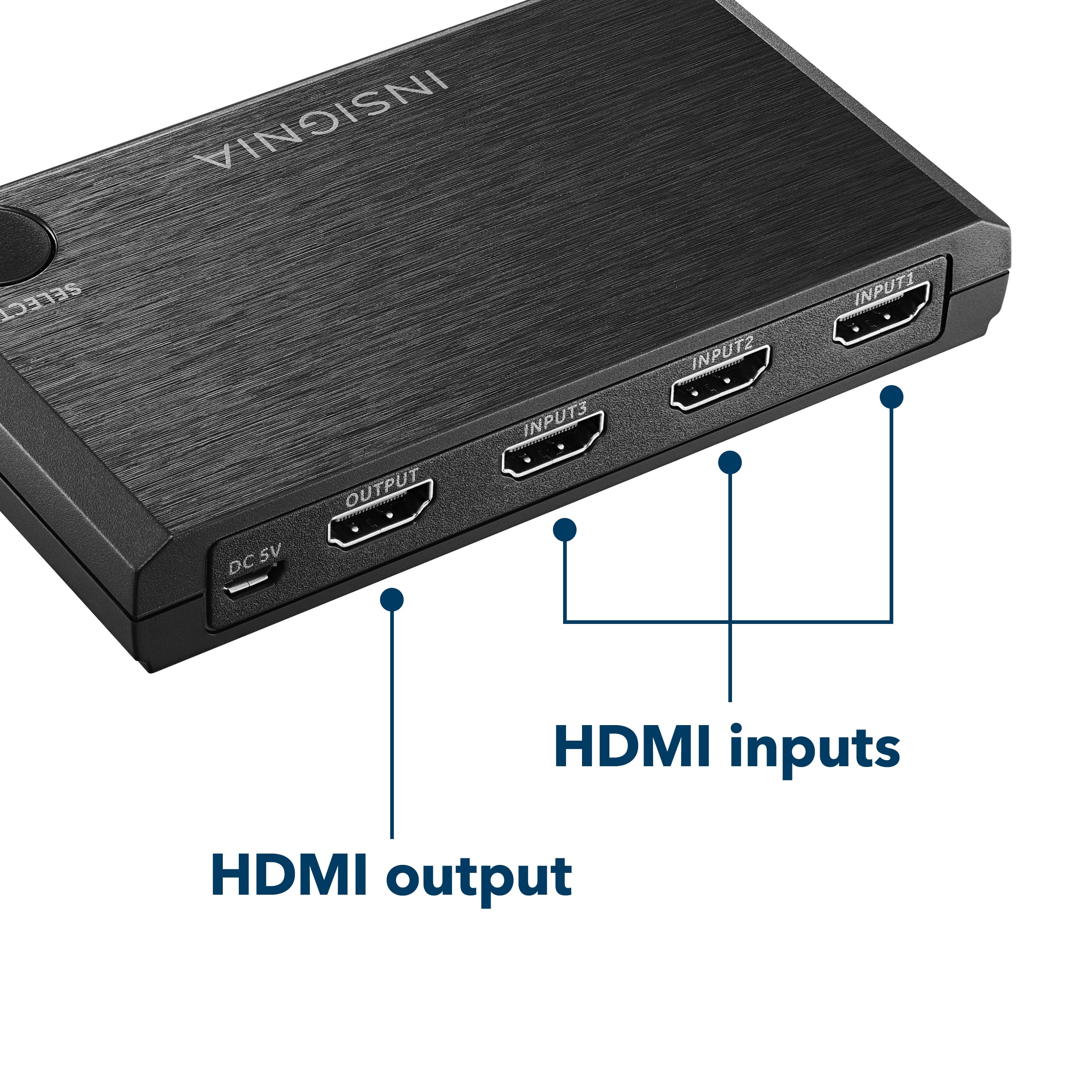
I'm admittedly not knowledgeable about the safety of voltages through usb vs the included power adapter but... the type of cable it has is compatible with my old cell phone (micro usb) but haven't tried powering it that way.
Attached pictures of the power plug and the port/cable.
Hope it helps!
A:AnswerFrom the setup guide: For maximum compatibility this device will not relay CEC commands between devices. Power, input switching, and other controls must be done on individual devices
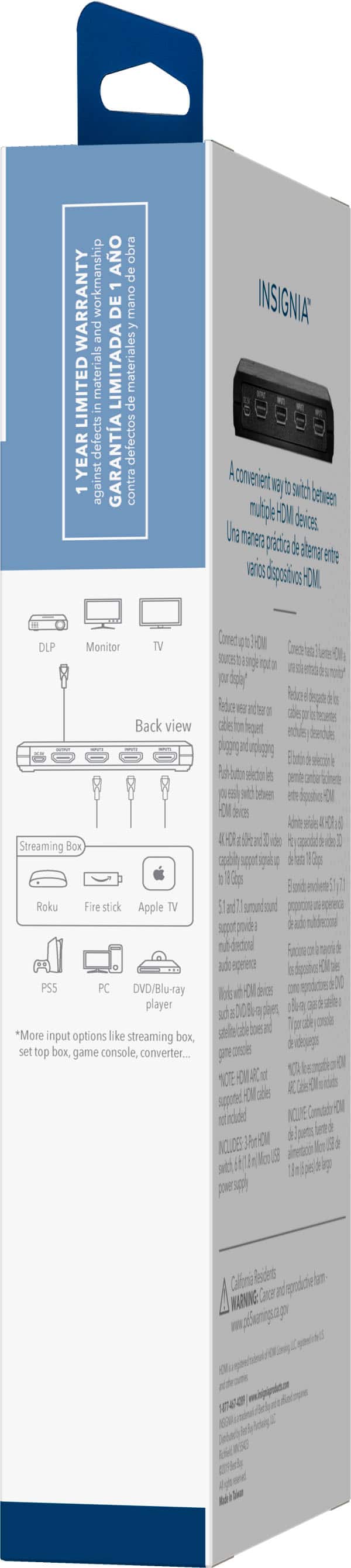
A:AnswerSo, let me see if I have your routing correct. Roku and Switch into this device. Output of this device into your extractor. HDMI from the extractor to your computer monitor. Optical from the extractor to your stereo.
That’ll work great, and it’ll leave a port on the HDMI switch open if someday you want to add a Blu-Ray player or another HDMI-enabled console.
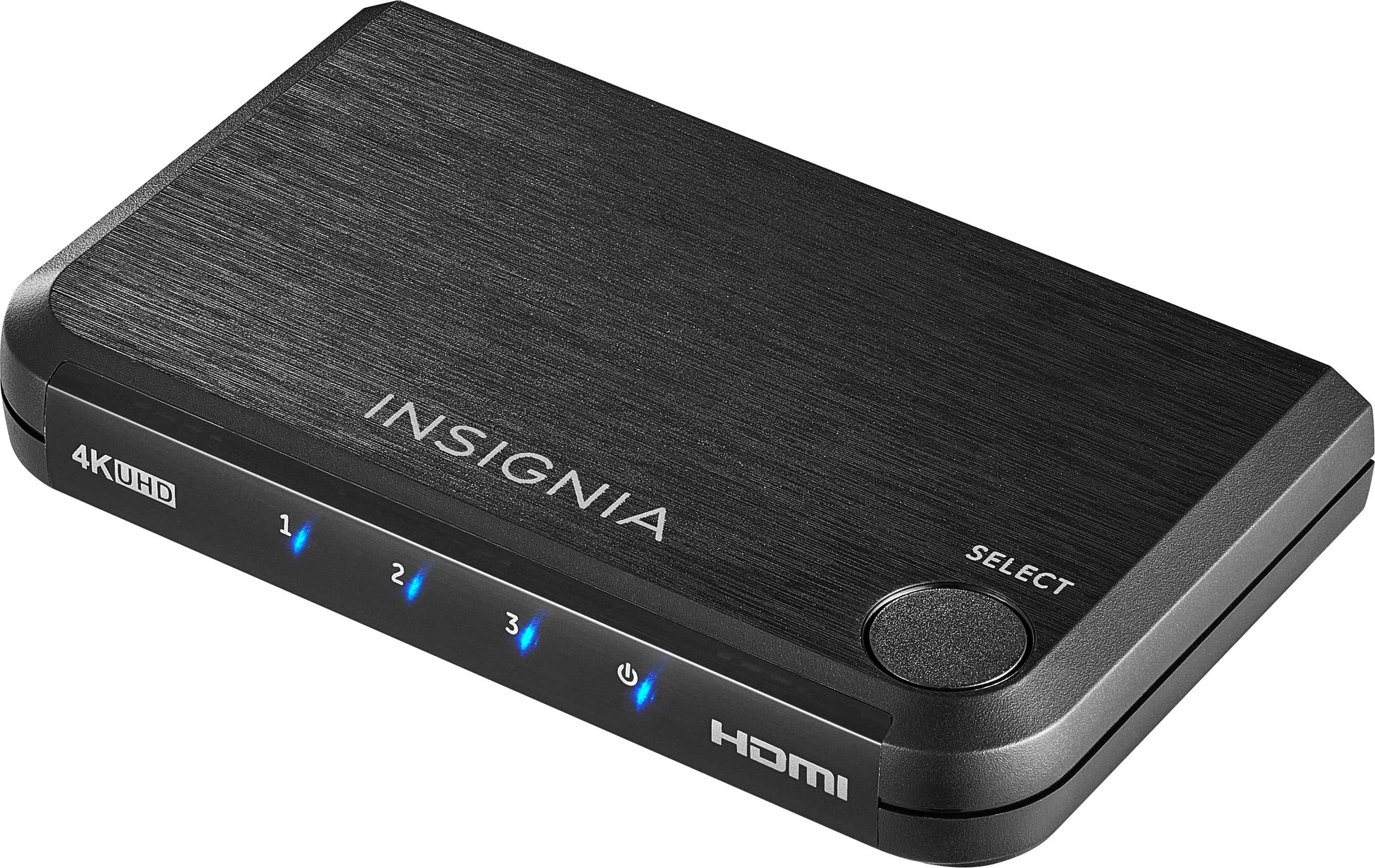
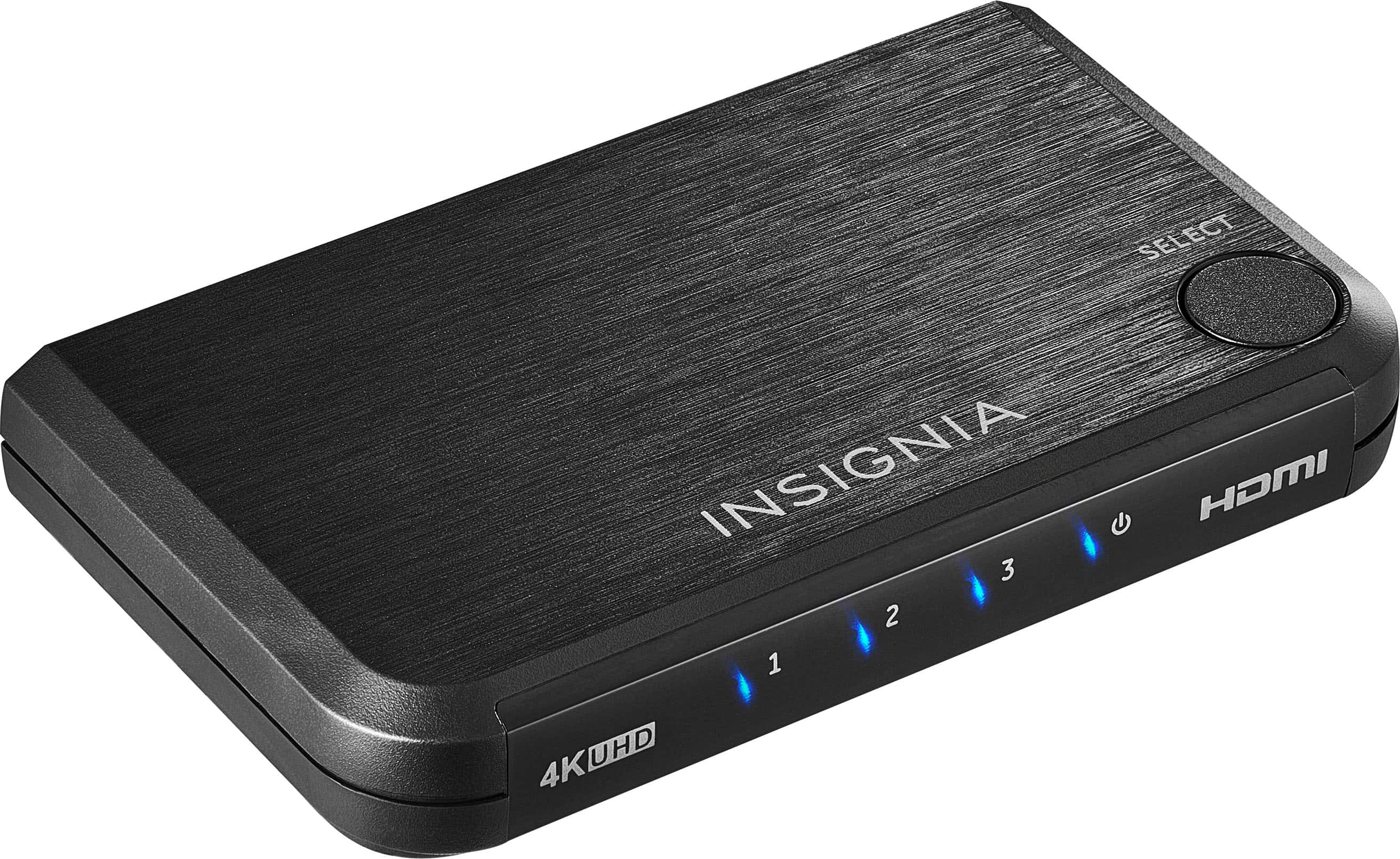
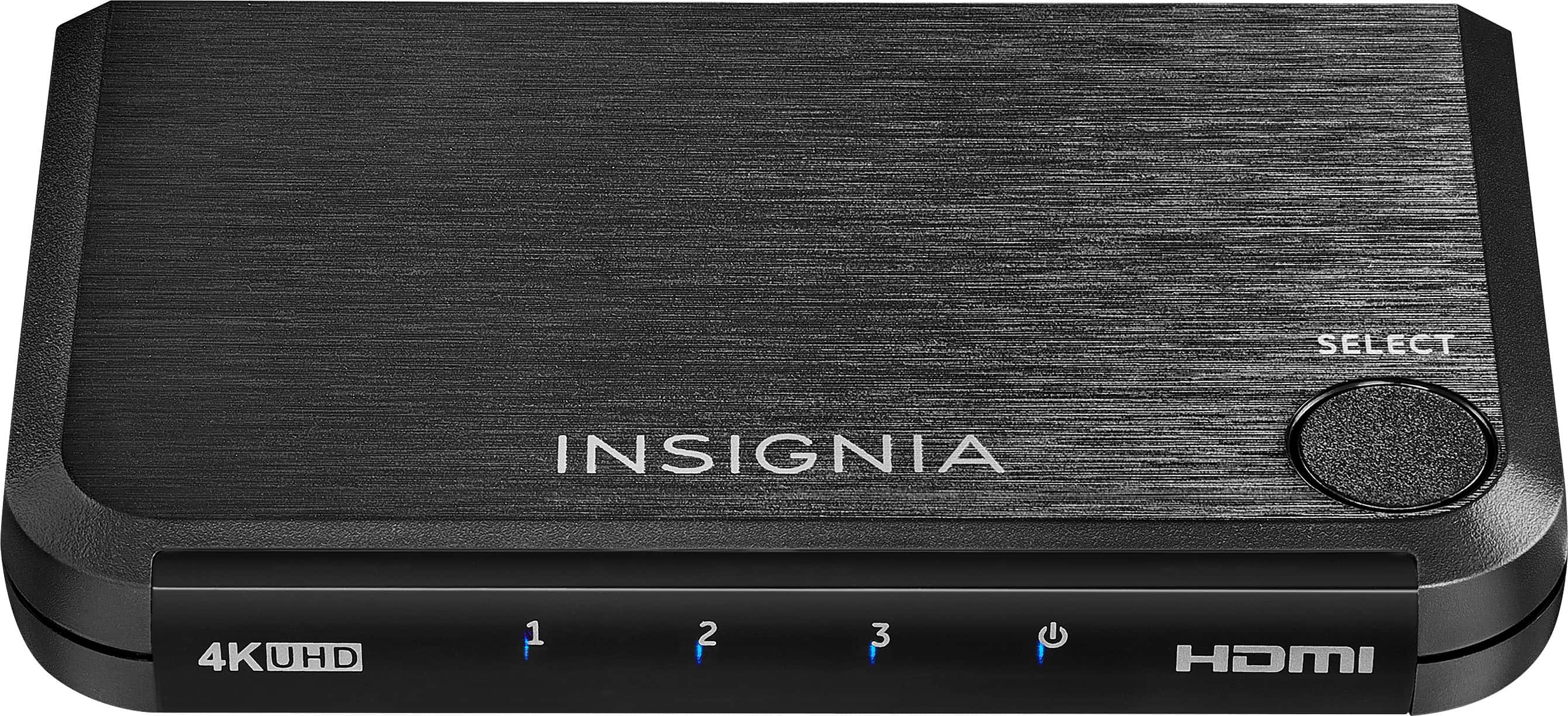
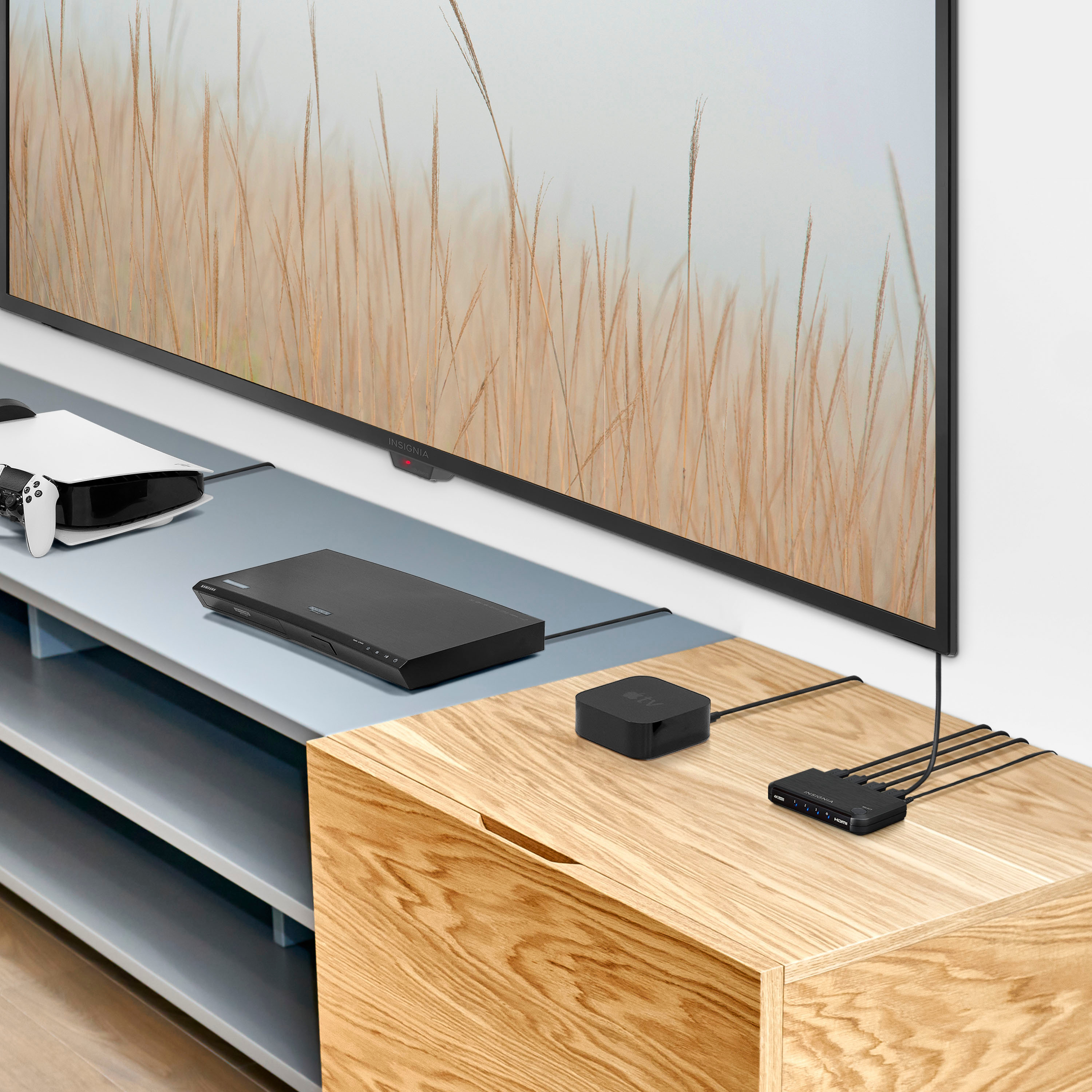
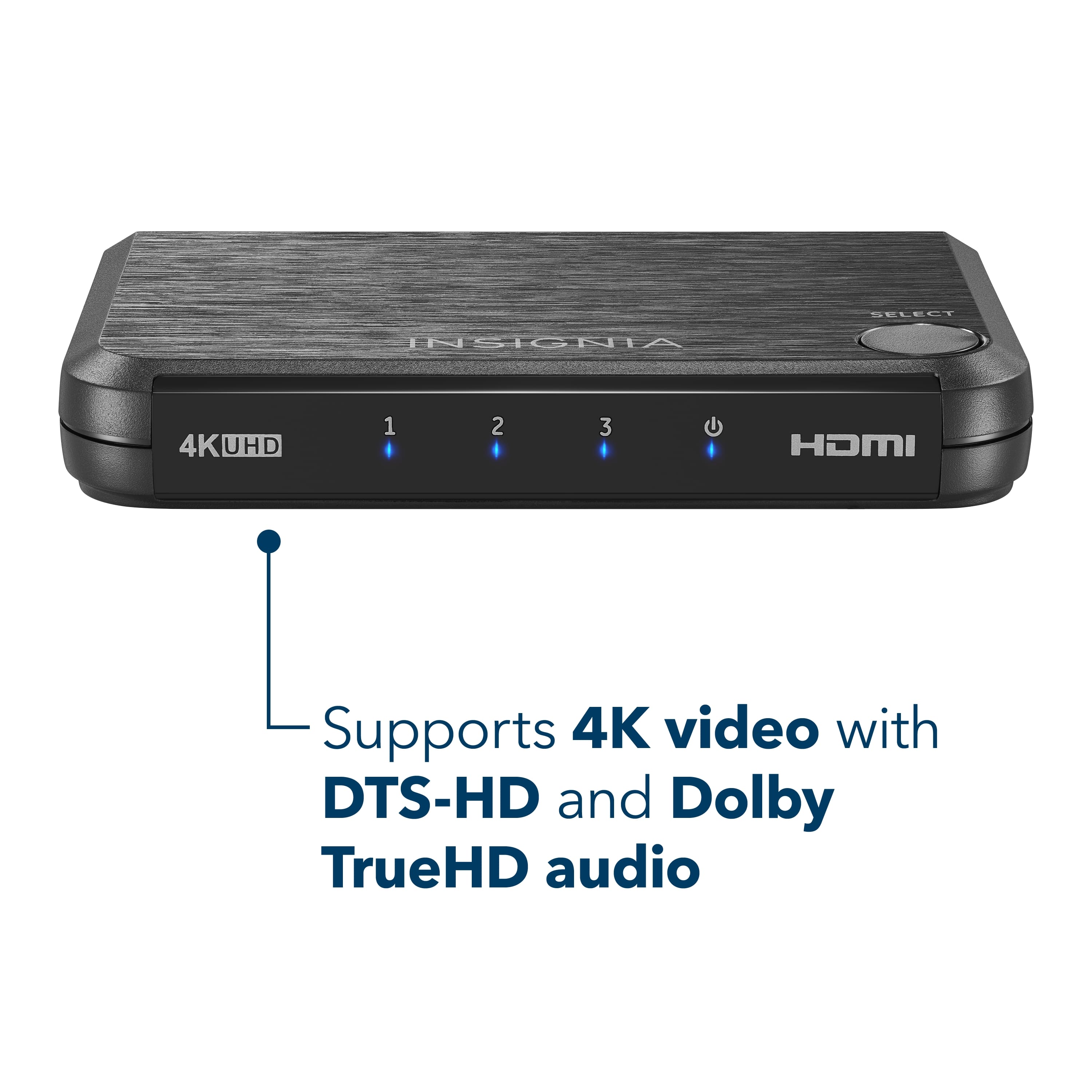
A:AnswerThis device is compatible with most HDMI source components, including Blu-ray Disc players, DVD players, digital cable and satellite boxes, gaming consoles, and digital media players.
A:AnswerAs the previous comment stated, use a high quality shorter cable if possible. This solved my issue. I was using a 6' foot cable (Insignia) and in reality only needed a 1 foot cable to go from this Switch to my USB-C hub.
This is the cable that solve my issue: https://www.amazon.com/gp/product/B00DI88XEG/ref=ppx_yo_dt_b_search_asin_title?ie=UTF8&th=1