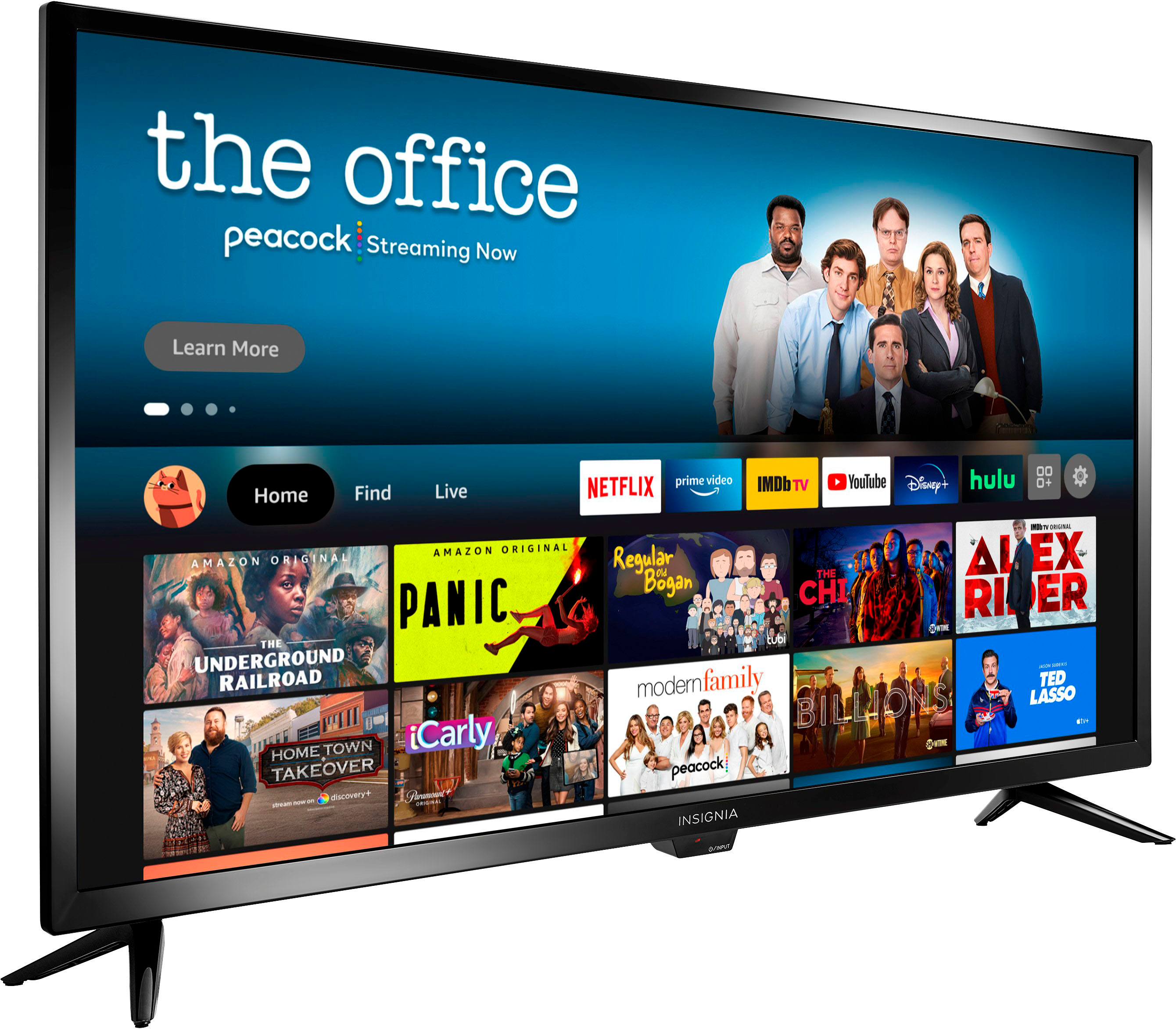
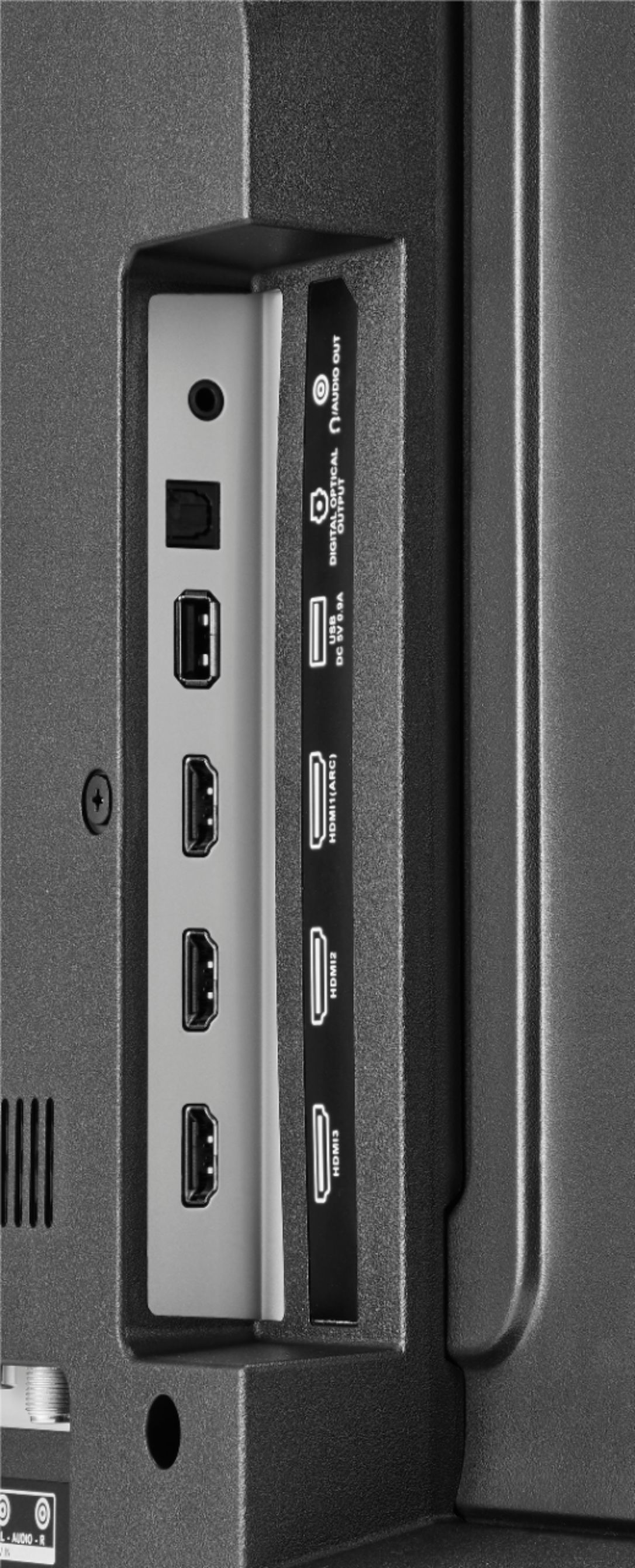
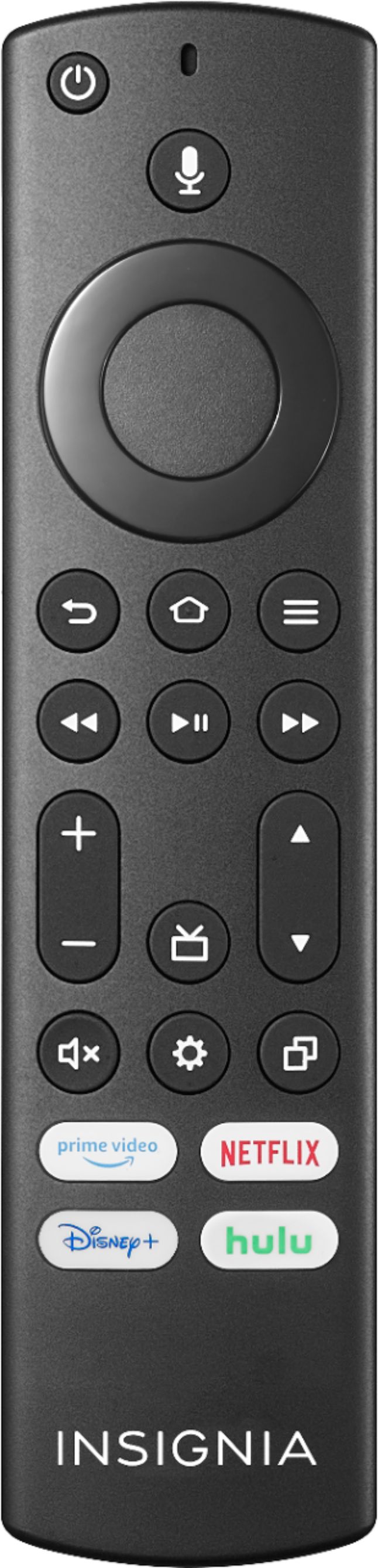
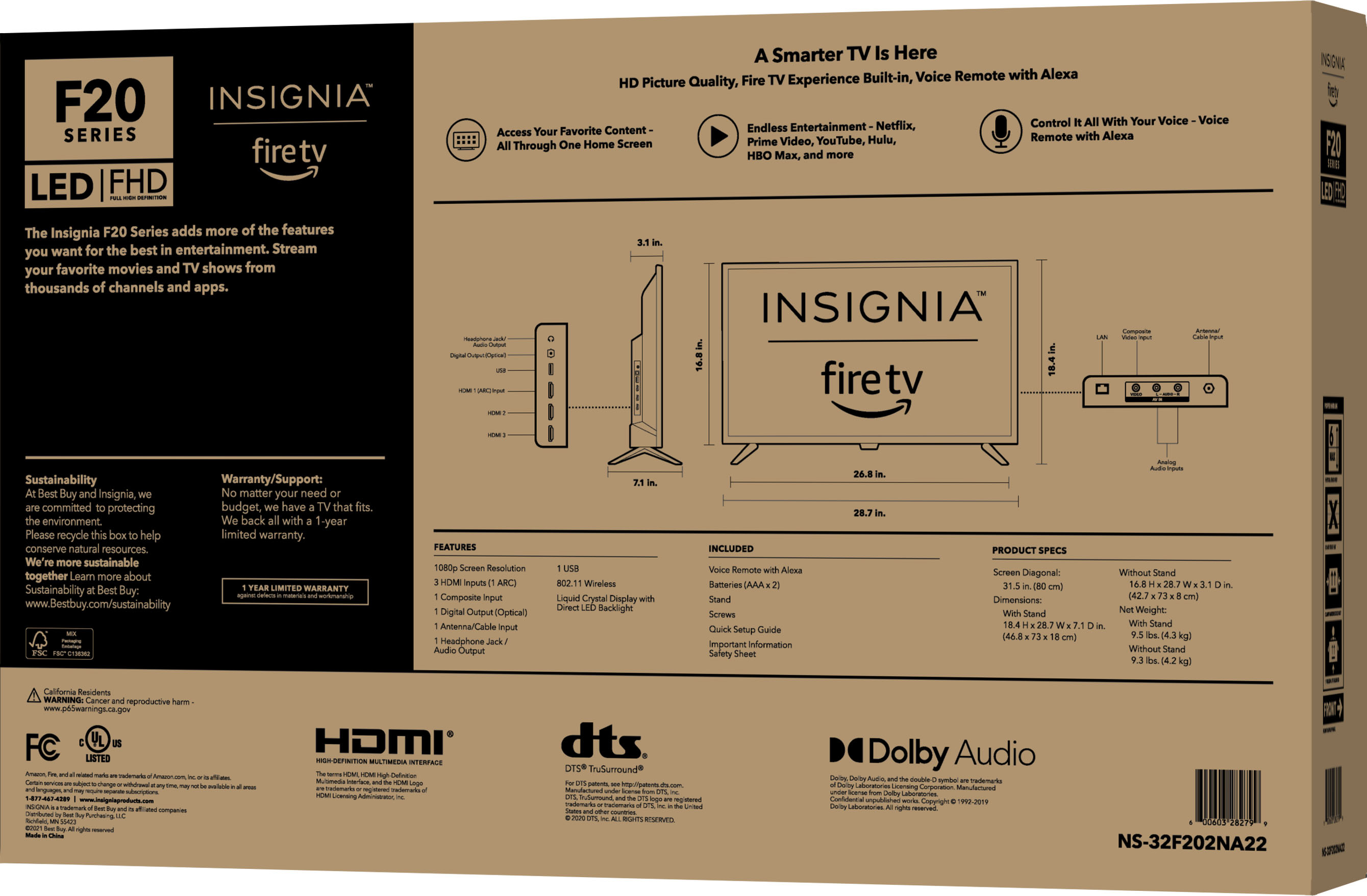
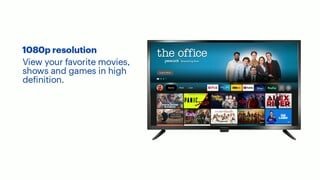
A:AnswerYou can hook up a Comcast Xfinity Cable Box into one of the HDMI inputs on the TV. Use the included remote to control the TV and use the Xfinity remote to control the Cable Box.
For product support please visit https://www.insigniaproducts.com/email-us
A:AnswerYouTube has several great instructional videos that answer your question. I believe if you are an Amazon Prime customer you can get Amazon Prime for free.
A:AnswerRemote includes some basic apps and a home button to get you to other apps. Very convenient to have everything so simplified. Also the tv is voice-activated.
A:AnswerHi Violet,
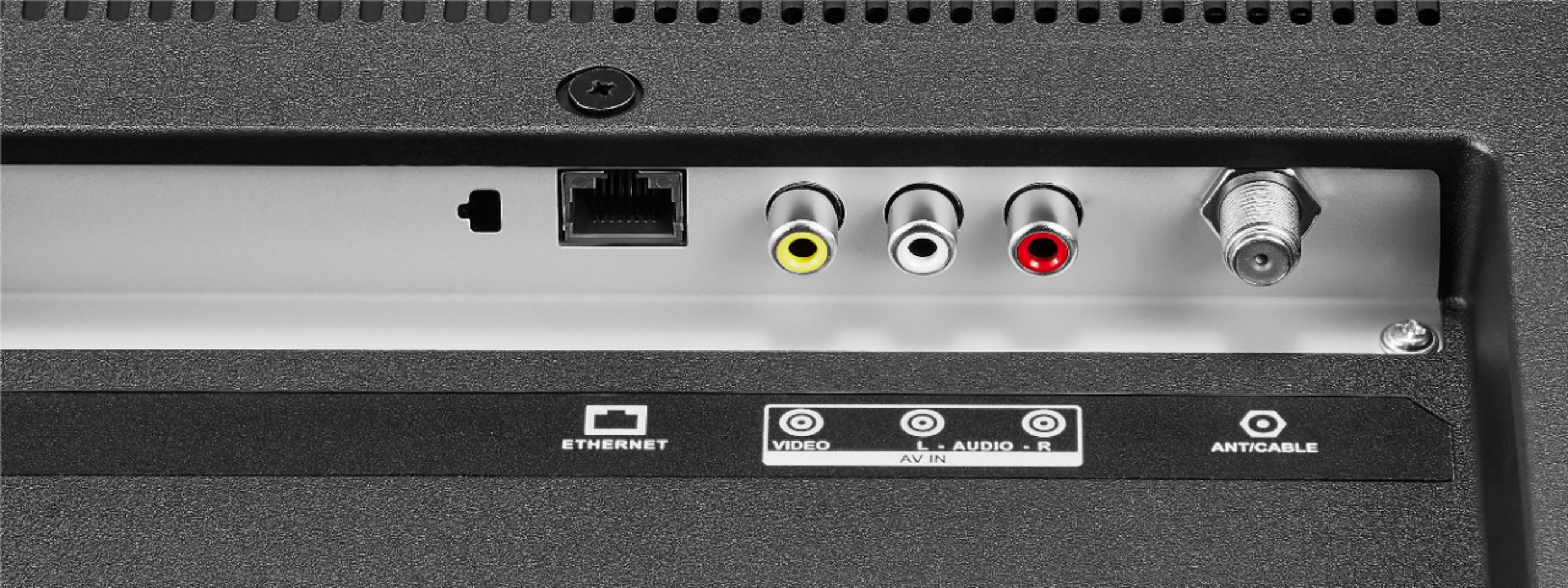
Yes, this TV has a tuner built-in and you can use either Antenna or Internet for this TV.
Insignia Support
Alvin
www.insigniaproducts.com
A:AnswerFirst off, thanks to ParentShopper for the response. I do have a question to your response though.
For now, you can go to the Internet on the TV and search Apple TV. Then go on the actually website to access it. Hope this helps.
How exactly do you go to the internet on the TV? I couldn't see a way of doing this, but may have overlooked something?
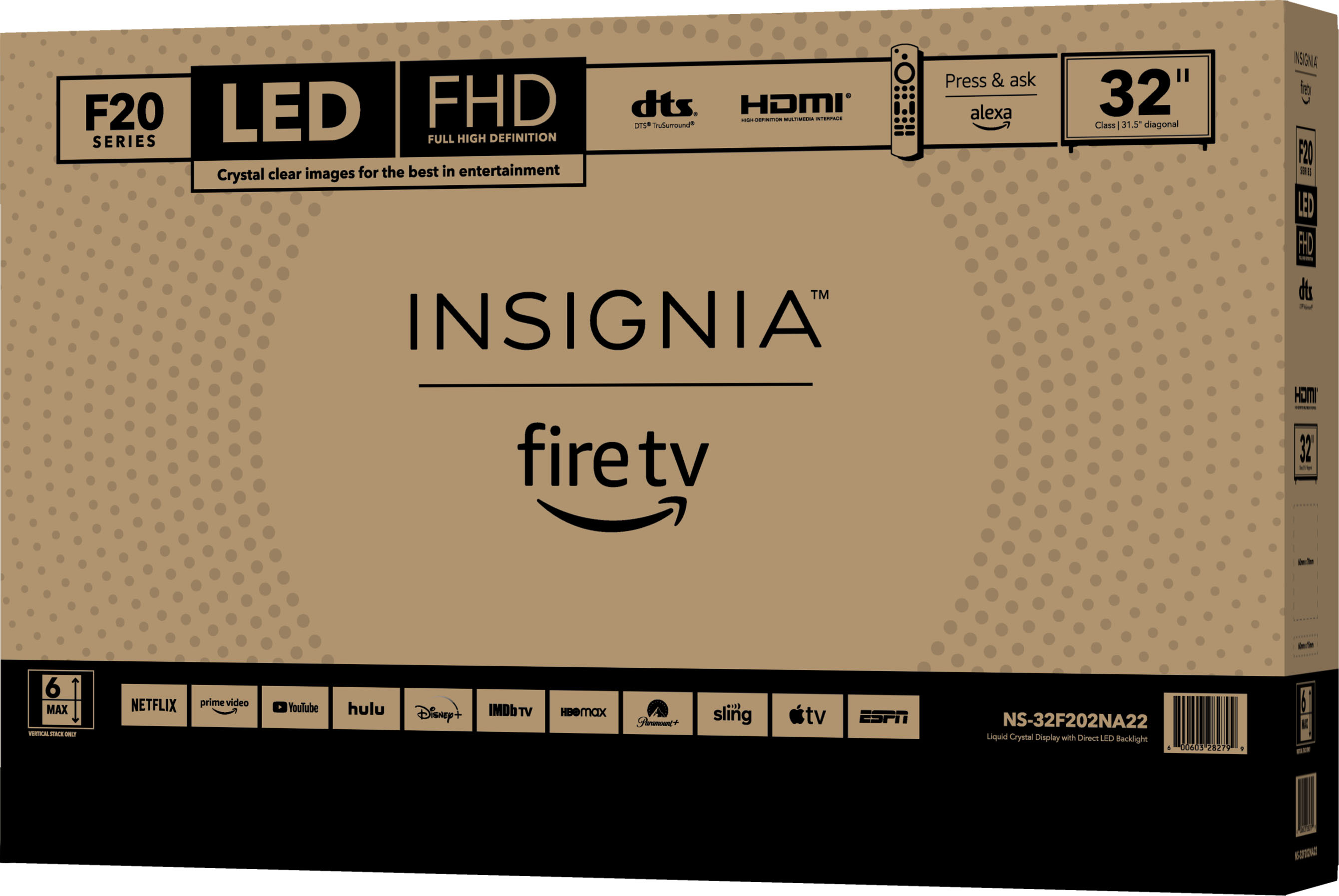
One thing to add though...after posting this I found this link on Apple that shows that it is compatible (https://www.apple.com/apple-tv-app/devices/). Shows that in fact the F20 model is compatible with Apple TV. If this is truly the case, you would think that Insignia (Best Buy) and Apple would get their stories straight. I specifically bought this TV to replace a TCL that wasn't compatible with Apple TV. Now I have a second TV that I need to return or keep without the ability to use the Apple TV App. I wish someone from Best Buy would answer this question.