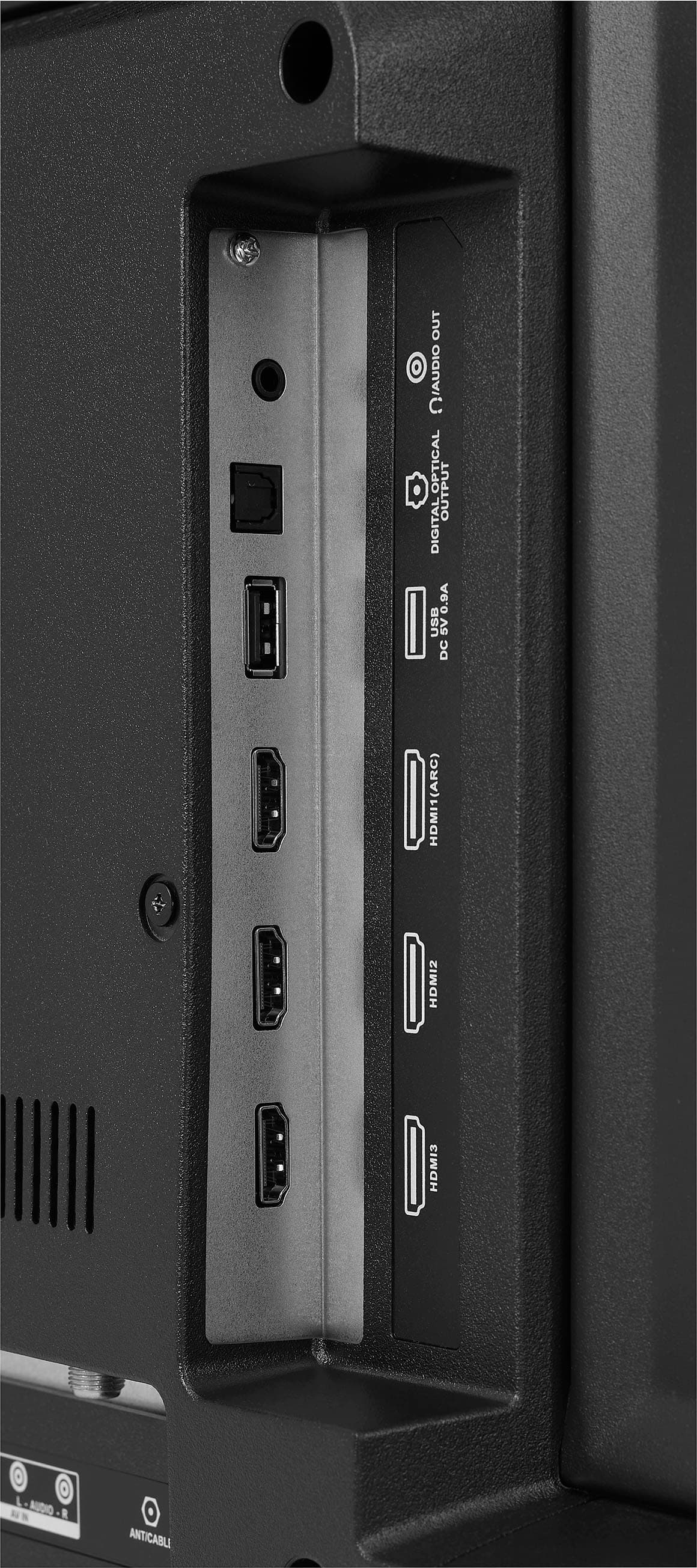
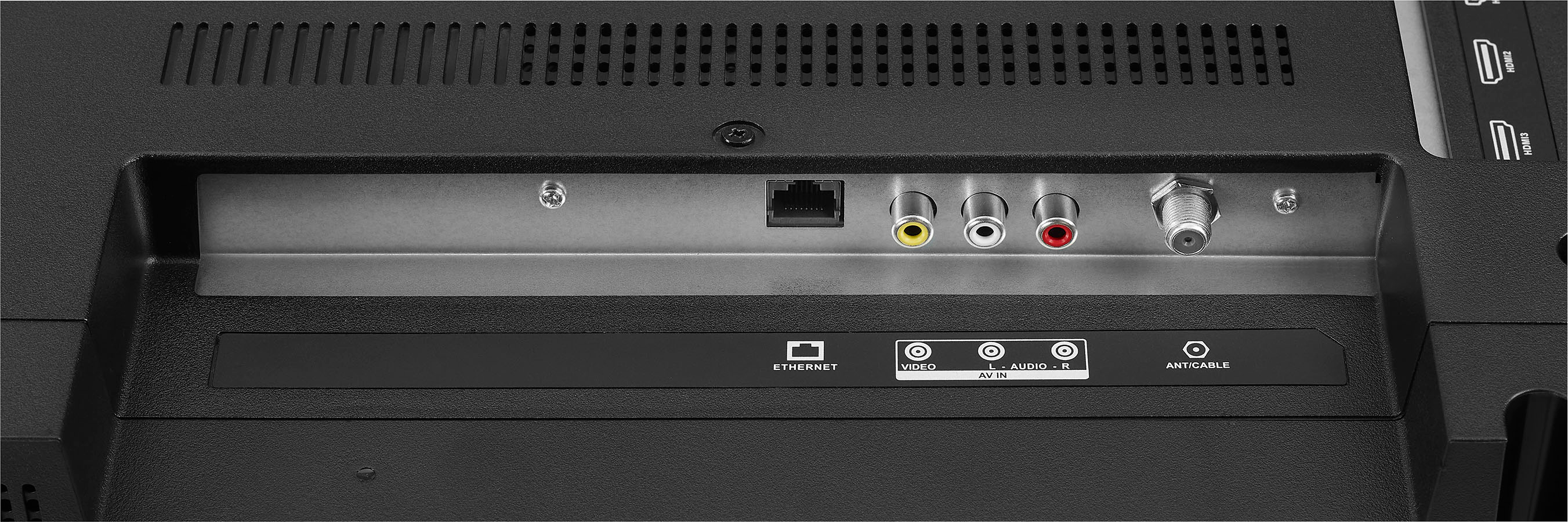
A:AnswerMake sure the wifi is turned on, in the settings, depending on your service provider and router you may have to use the wps button to reset the router so it adds the tv wireless. Another option is connect using hdmi or a ethernet cable
A:AnswerHi Brian,
Please visit the link below to check the manual for this TV.
Insignia Support
https://www.bestbuy.com/site/brands/best-buy-brands/pcmcat1596746025285.c?id=pcmcat1596746025285
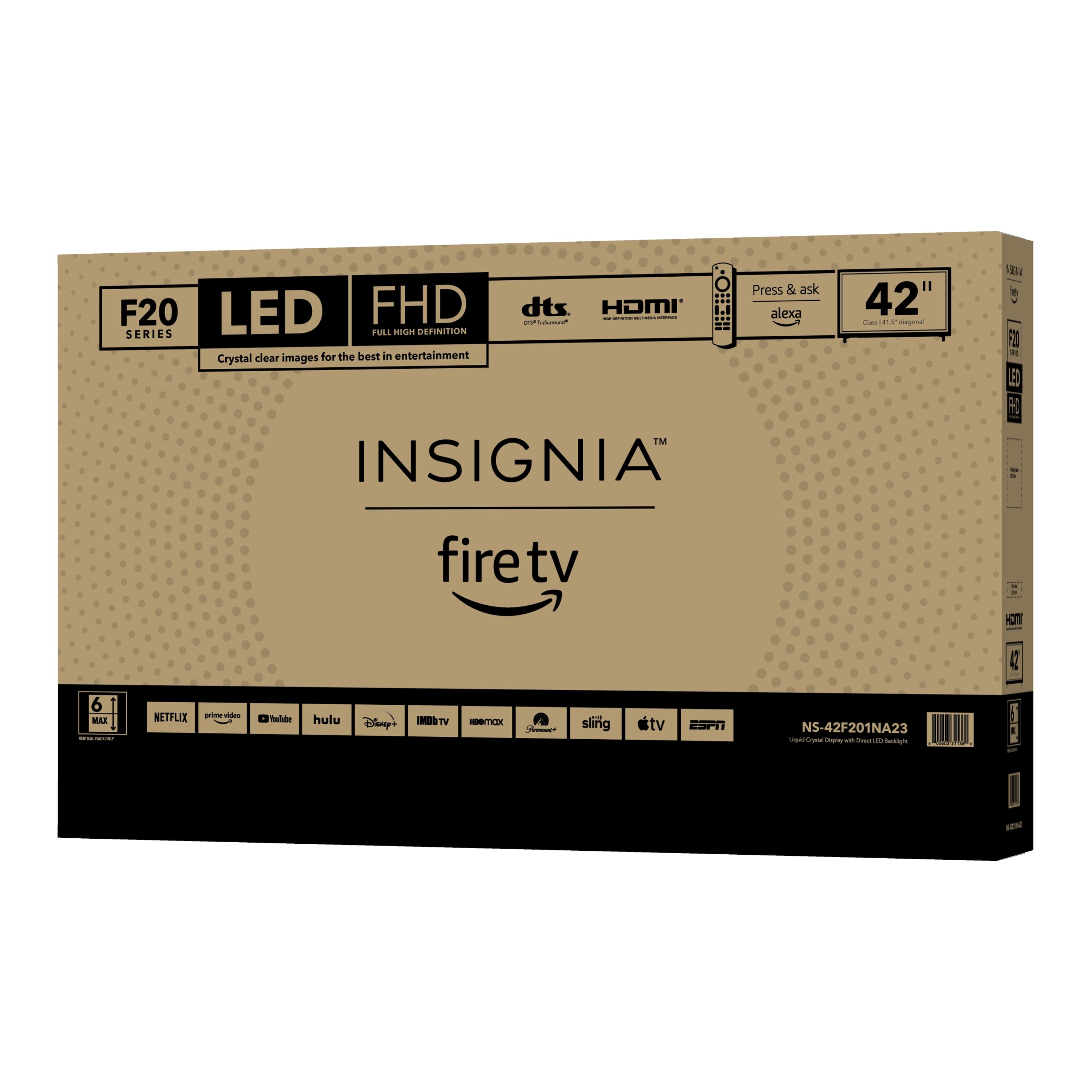
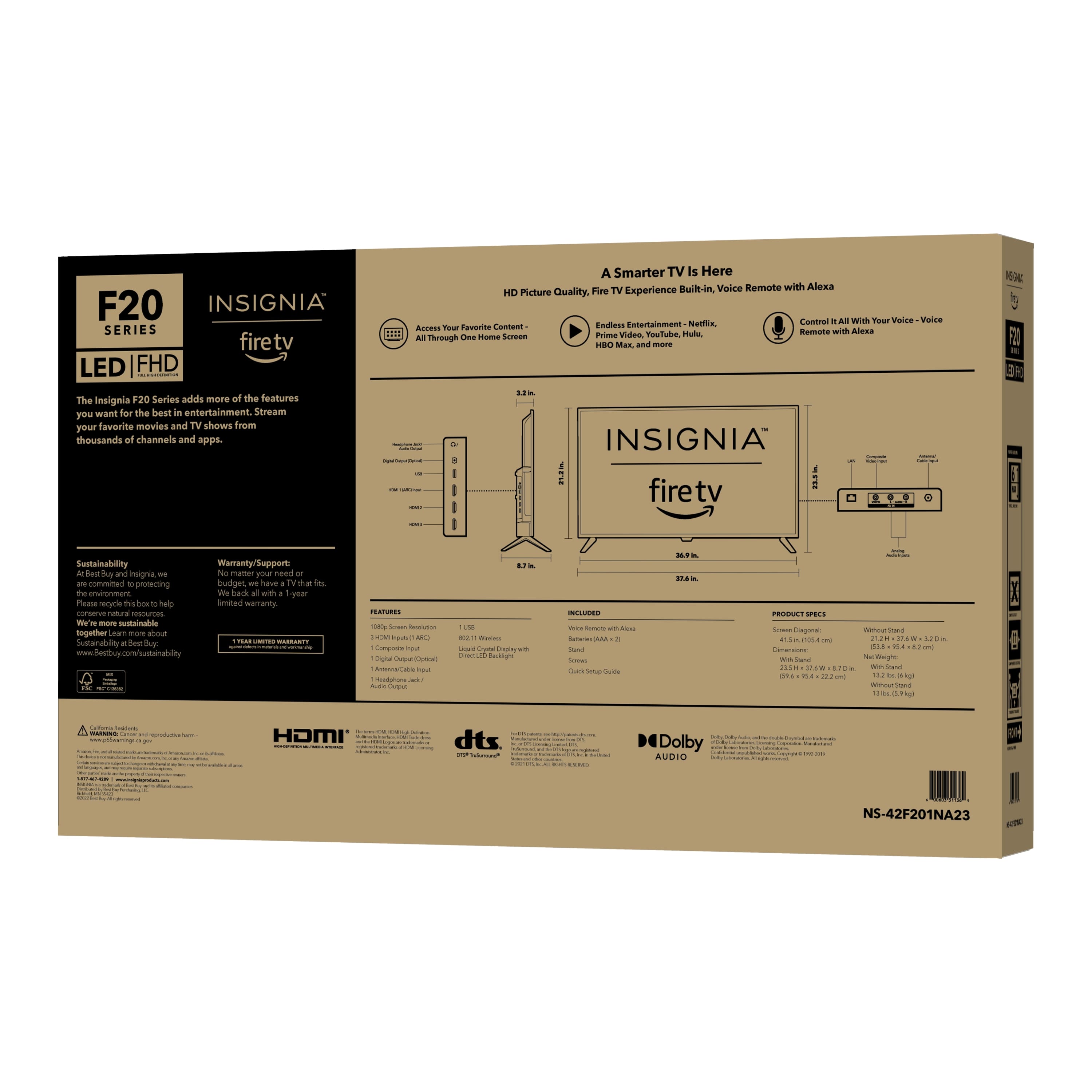
A:AnswerBox dimensions: Height 25.5 inches, Width 42 inches, Depth 5.3 inches. For the total weight of the product with the box, you may get in touch with Best Buy at 1-888-237-8289 for more details.
Dina || Insignia Support || https://www.bestbuy.com/site/brands/best-buy-brands/pcmcat1596746025285.c?id=pcmcat1596746025285
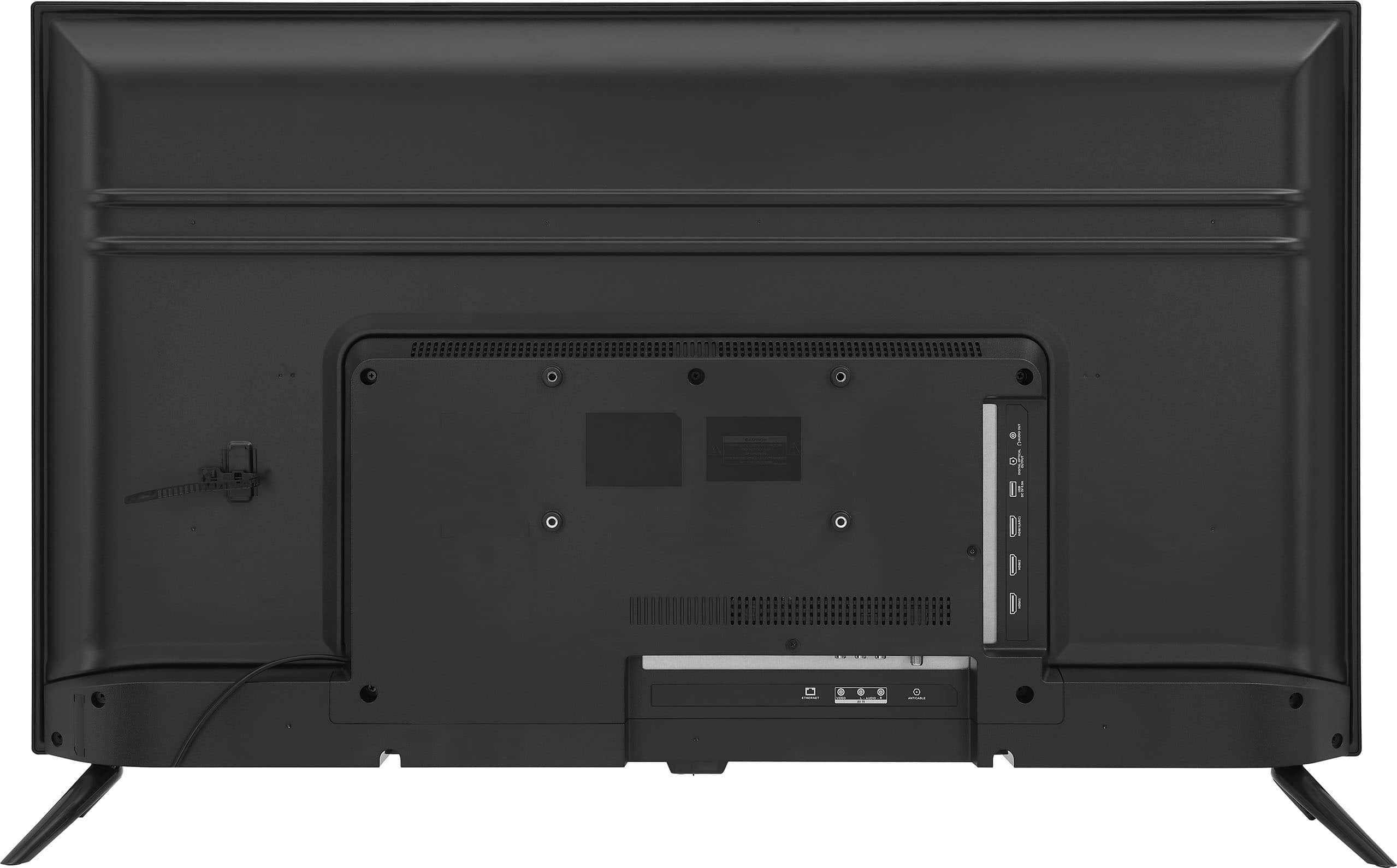
A:AnswerI recently bought the 50" Insignia Fire TV, and the bottom two screw holes ate indeed at different depth. Top screws 35mm, bottom 12mm. Both M6 screws for top and bottom. Not very intuitive.