A:AnswerAmended answer: Go to the Home screen with all the content offerings, etc. From the top listed menu selections, scroll to the right and select Settings, then select Display & Sounds. From the menu options listed in a window on the right,scroll down to "Set power on to last input."
See screen caps attached.
Do not press and hold the Home Icon at the top of the Remote. This selection will take you to small, right side menu which does not have this option. (Should be included in next update!)
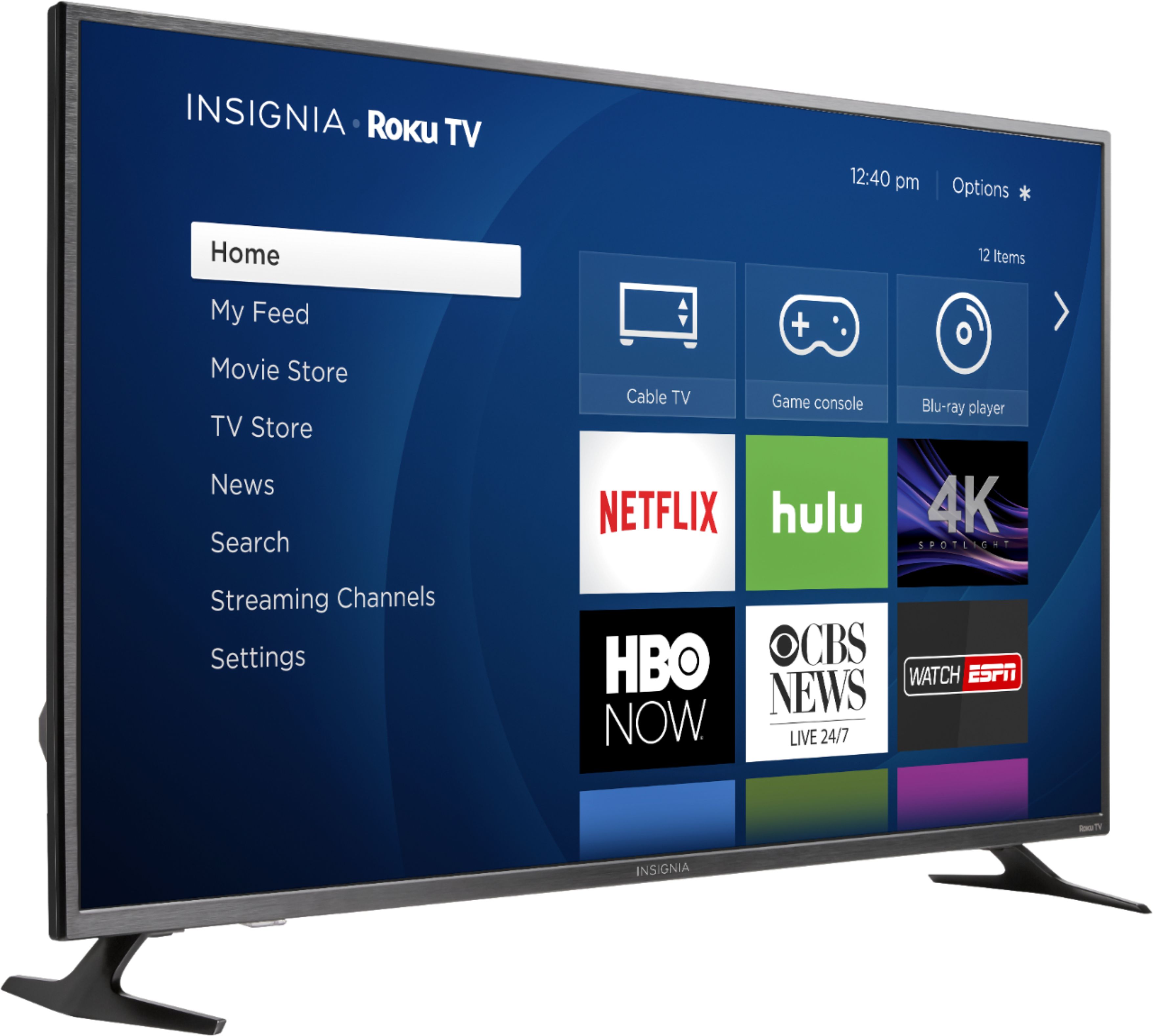
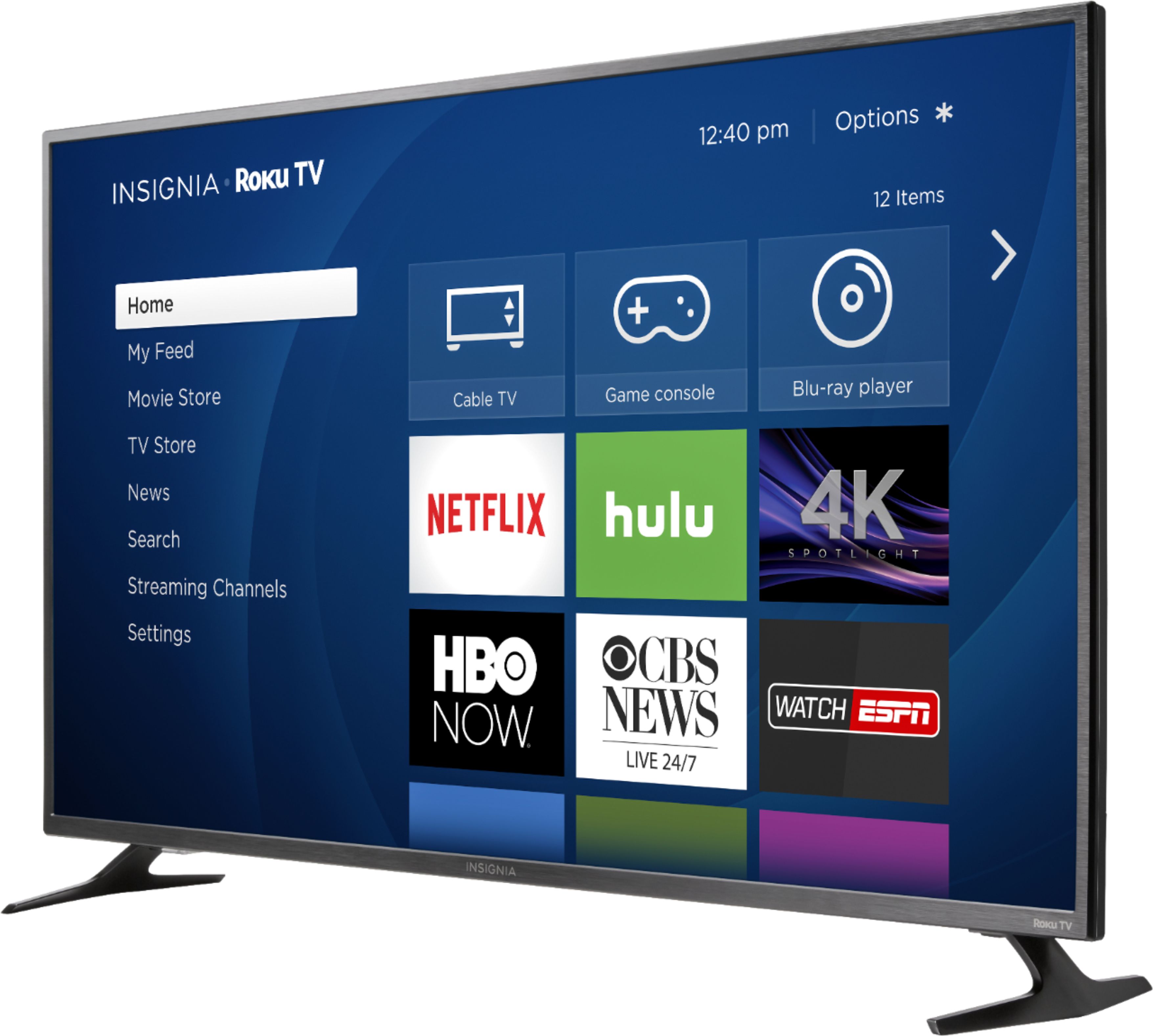
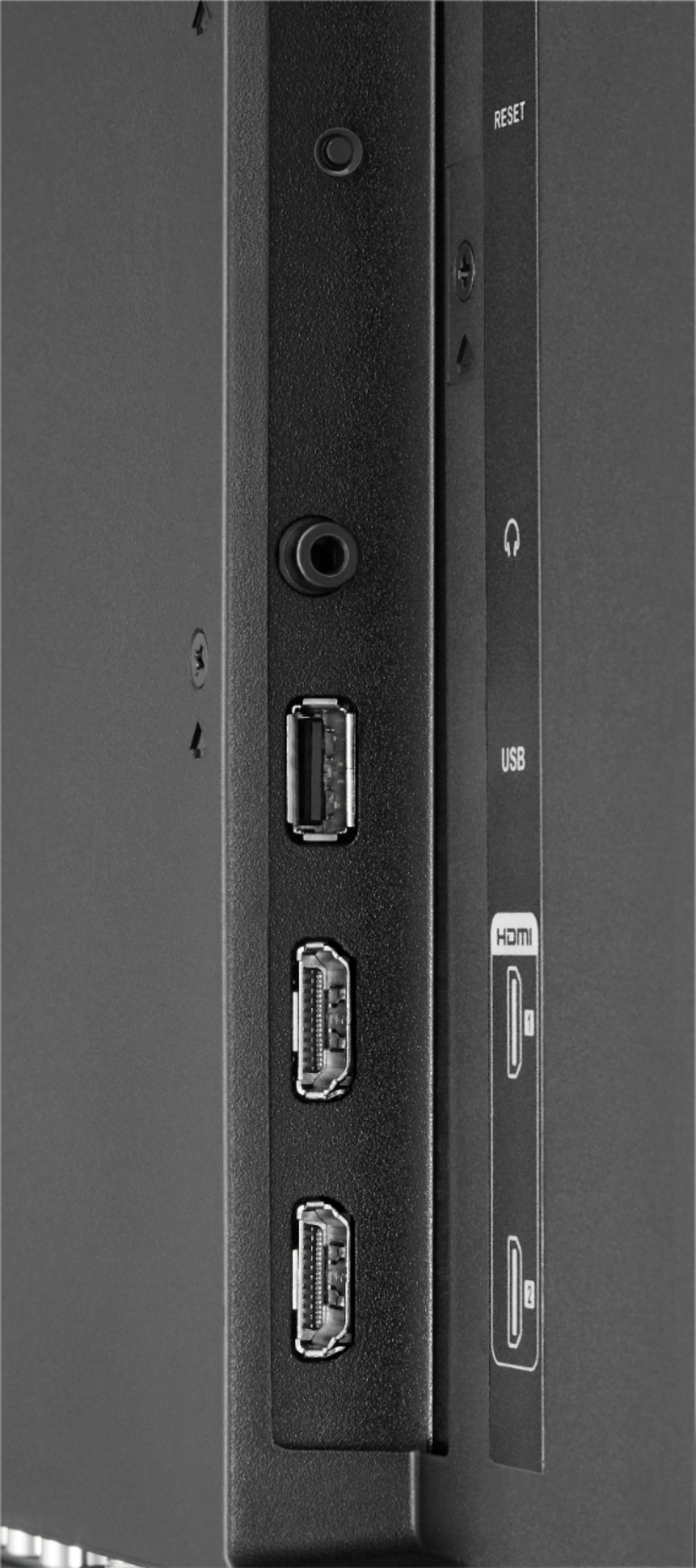
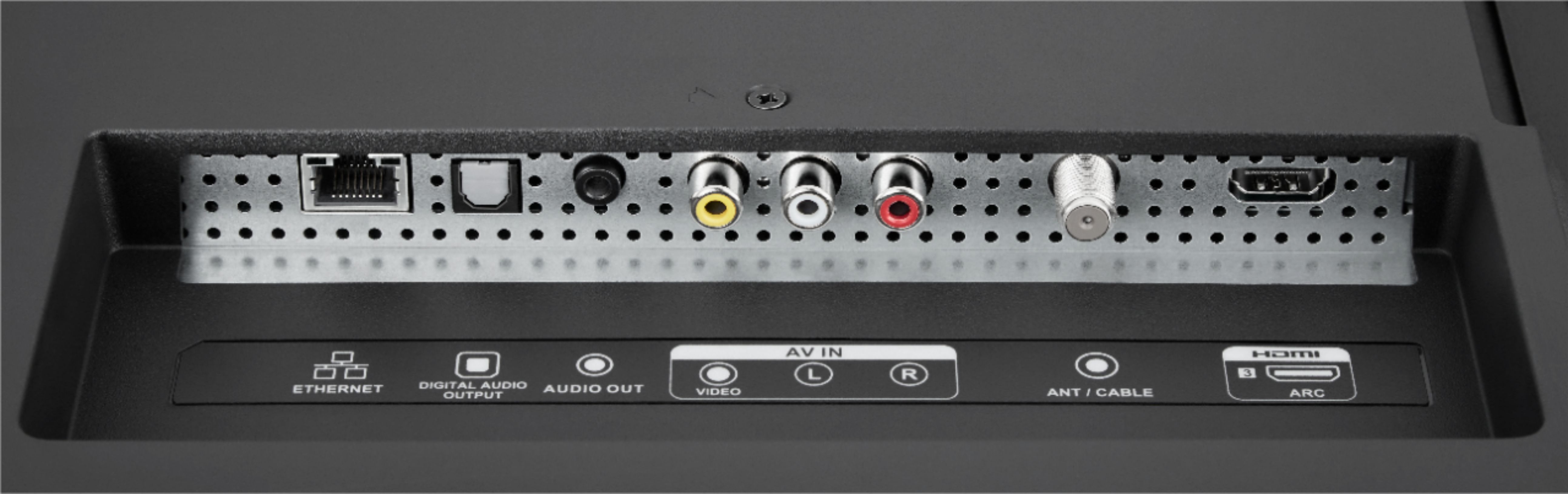
A:AnswerYes and Yes. As long as the Apple TV has HDMI connectivity you can use it. This TV has 3 HDMI inputs (2 on side and 1 on back). Although it has Roku integrated, which does a lot of similar stuff to Apple TV, but it really comes down to preference. It also accepts a coaxial cable input for over the air broadcast from an antenna. It has an interesting feature where if you install a 16GB USB drive it will allow you to pause live television. Nice bonus feature.
A:AnswerThere’s no tubes in these things. If the red LED light is on that means the TV is off. Once you turn the TV on the red led shuts off. It sounds like maybe the remote isn’t working. Have you tried the power button on the back of the TV? It’s a square button in the bottom right corner (if you are facing the back of the TV)
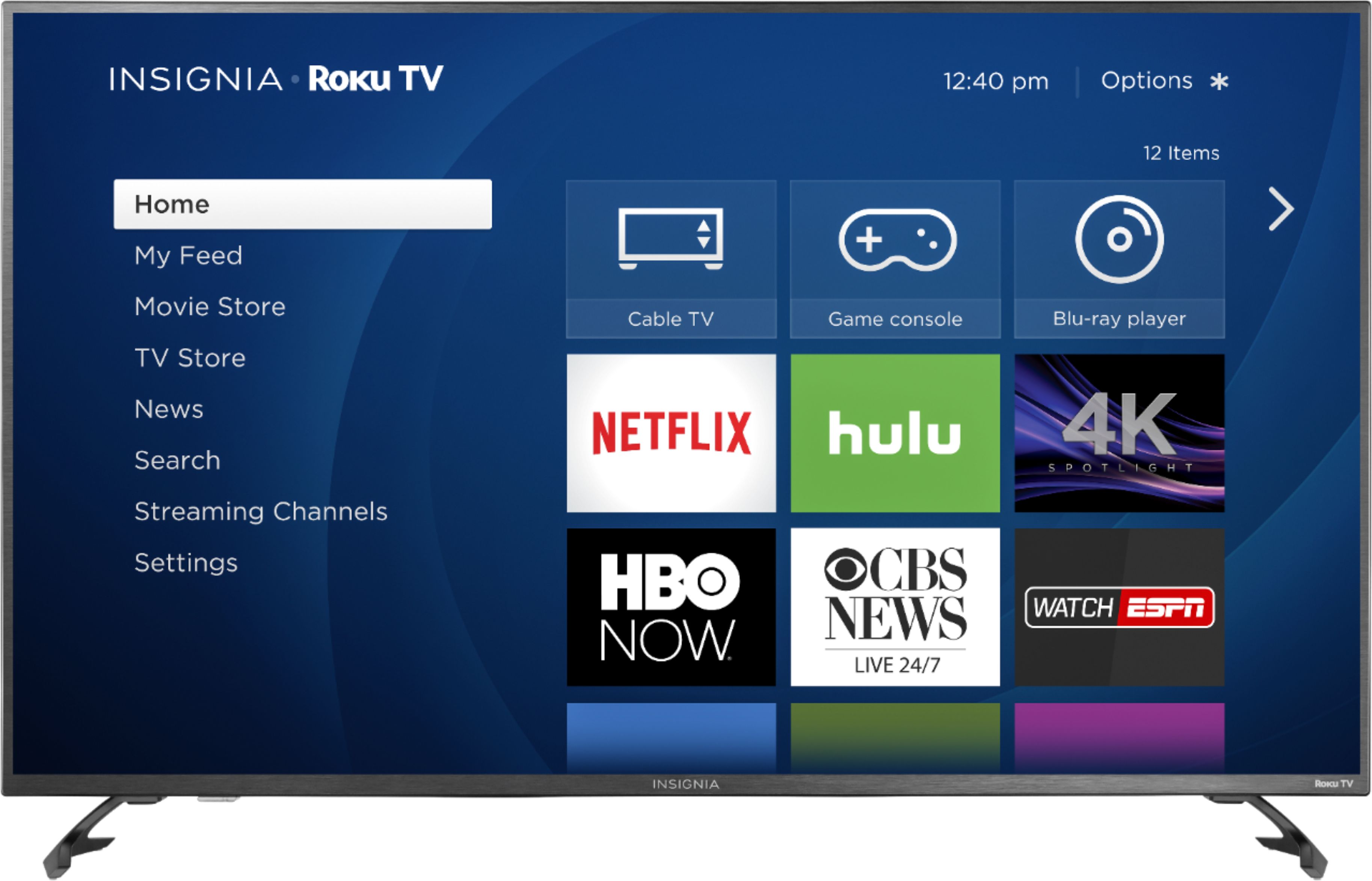
A:AnswerAbsolutely! Thats what is was made for. It has built in Roku and finding tons of web content is really simple. It very easy to connect the set to your home's wi-fi system. There is enough free or extremely cheap web based content that you could easily cancel your cable. It's a little hard to organize all the channels as you get a few here and a few there and if you want to watch sports you might have use one of the pay channels to get nfl redzone or something similar.
A:AnswerIt has hdr took me forever to figure it out all you have to do is go to ur tv settings go to input setting then click whatever HDMI ur using then click HDMI mode and then click HDMI 2.0 and then go back to ur PS4 screen and it will be enabled
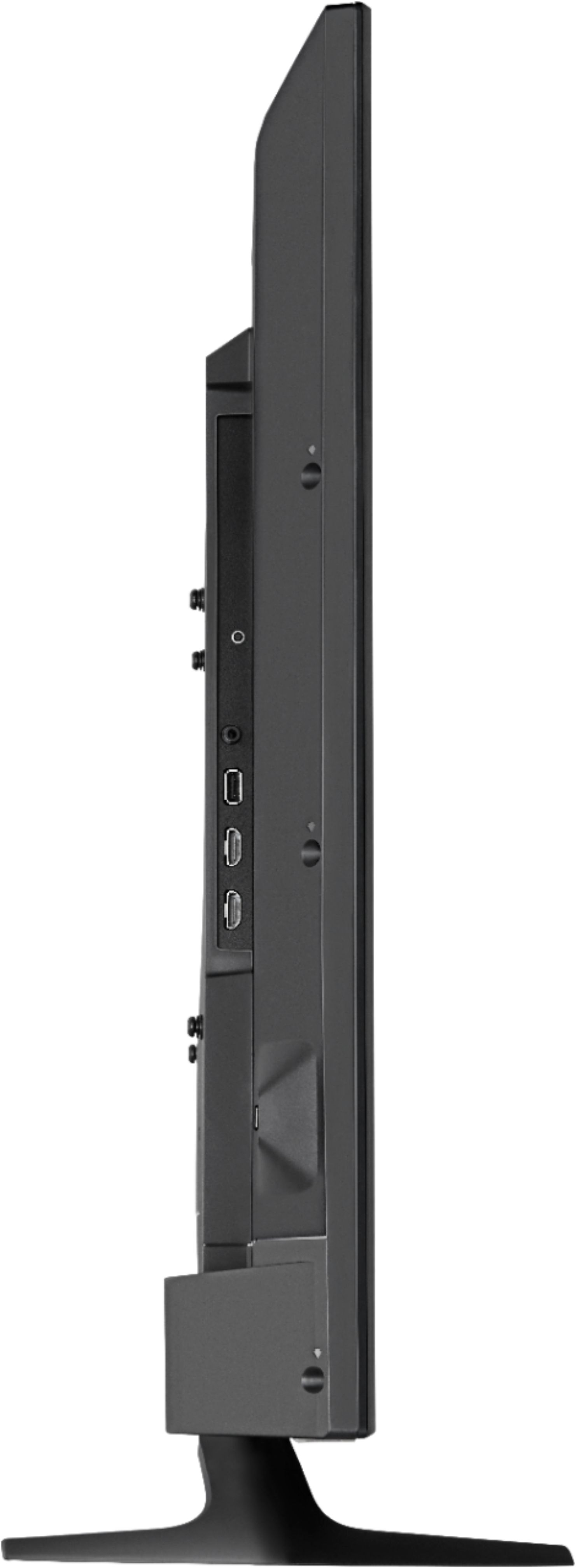
A:AnswerThe TV stand/legs stick out in front and behind the TV. Front to back measures about 8.5" so I would say at least 10" to make sure they don't accidentally slip forward or backward. Lengthwise? I would say at least 41" since the outer edge of the TV legs land almost at the end of the TV length. But I'd probably feel safer with at least 45".
A:AnswerWith the Roku Mobile app, you can send the TV into "private mode" which will route the audio through your phone (or whatever Bluetooth headset is connected to your phone.)
A:AnswerHello there,
Thank you very much for your interest in our LED Roku TV. Regarding your question about the Bluetooth capability on this model I want to let you know that this TV does not include Bluetooth.
However, you can use the Roku Mobile app to easily cast from your phone. You can find more information about this feature here:
https://support.roku.com/article/208754928-how-to-use-screen-mirroring-with-your-mobile-device
We hope you enjoy this and other Insignia Products.
Arely R. - Insignia Support.
A:AnswerI didn't think this tv has hdr but it does I have a regular PS4 slim and it would always say my tv doesn't support it then I went into settings on the tv went to input setting and then click whatever HDMI ur using and then click HDMI mode and click HDMI 2.0 and then hdr will be enable on the ps4/PS4 pro let me know if any of you guys figured it out it works was so surprised it worked