A:AnswerThat stinks I didn't run into any problem , I am pretty sure you have to have internet to have Amazon Firestick I very well could be wrong! But I believe you should call best buy as it sounds like tv is messed up? I get geek squad on everything no matter how small item so I can be less stressex!
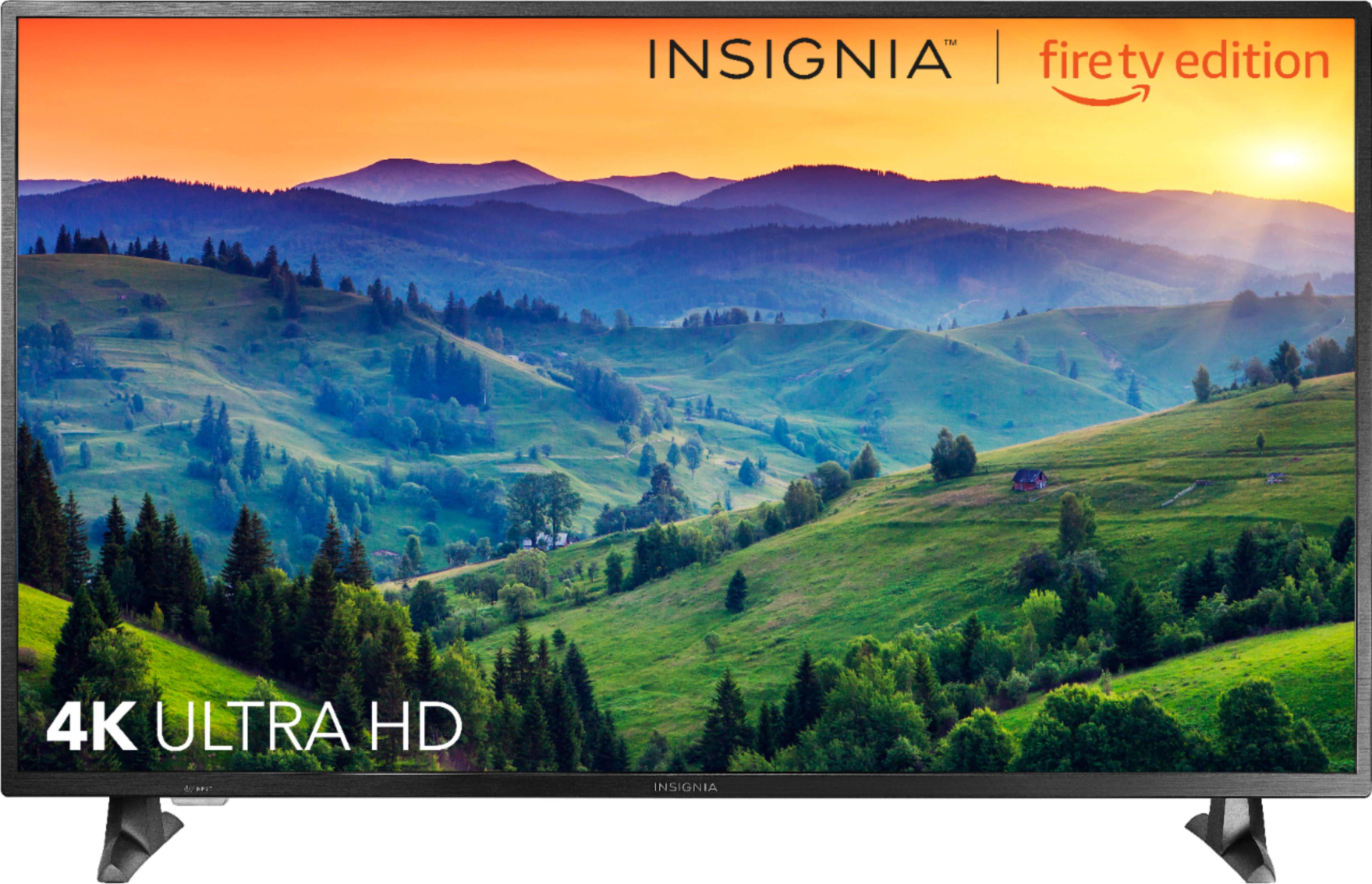
A:AnswerYes, this TV has 4K resolutions and the HDMI supports 4K. The problem might be in the HDMI cable that you are using. Make sure the HDMI cable supports 4K.
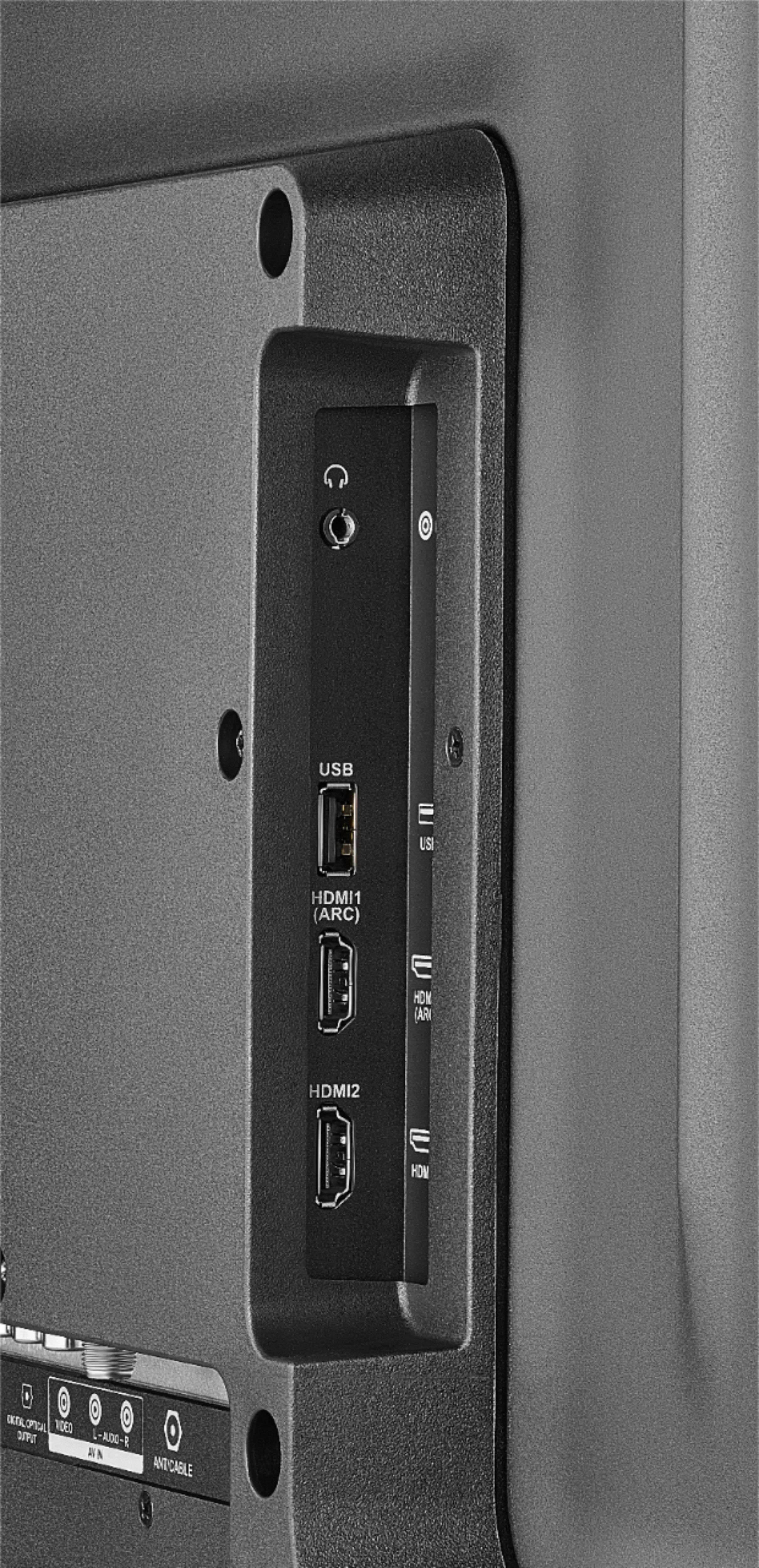
A:AnswerIt has one output for head phones. I don’t have a sound bar, but I assume it uses this head phone output. If so, then the answer woud be no you cannot use both at the same time.
A:AnswerI don't think so. The light is to indicate that there is power going to the TV. If you find it distracting I suggest try using a magic marker or a piece of black electrical tape.
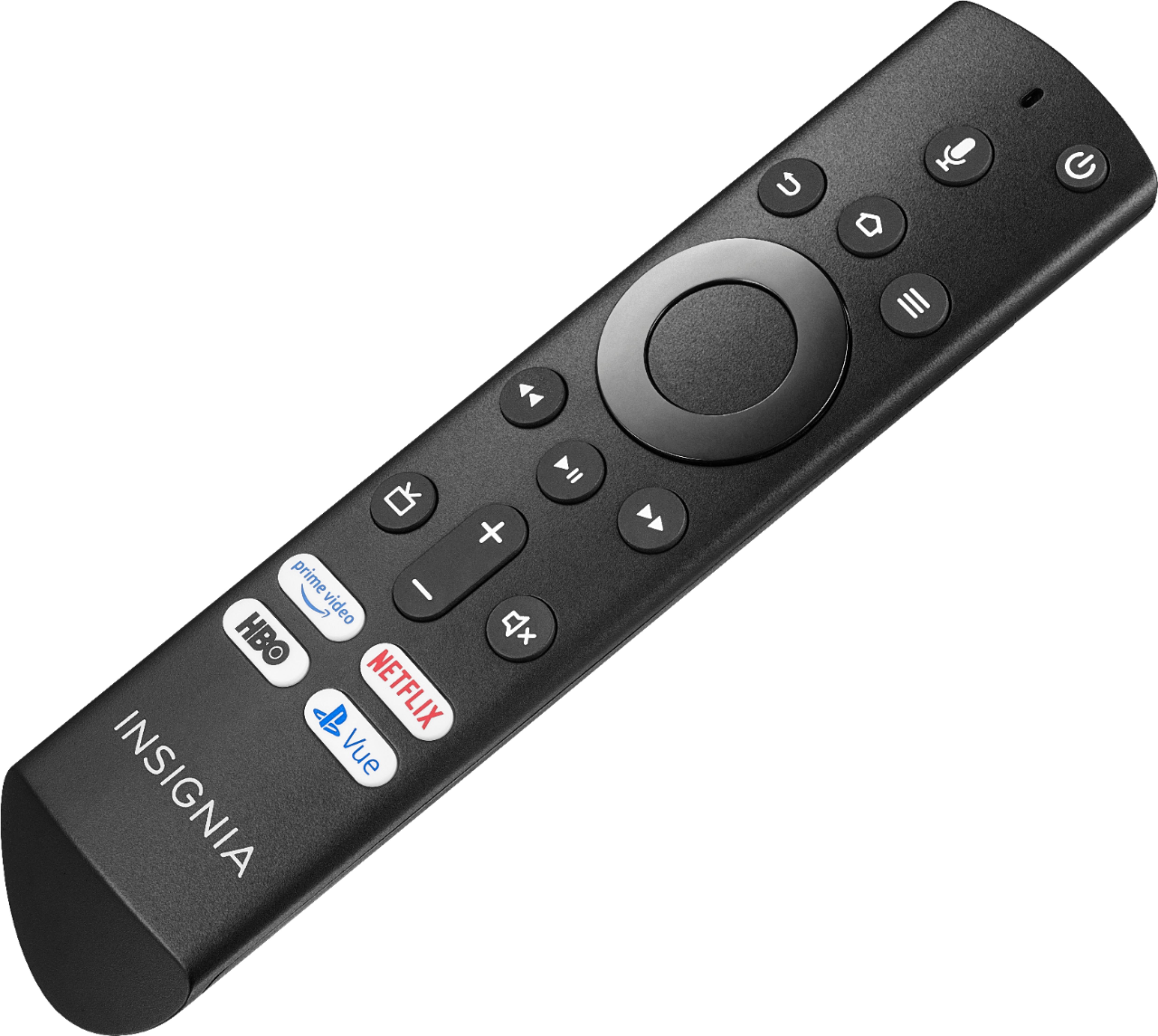
A:AnswerThis TV should automatically be paired to your new Voice Remote
with Alexa. If there are issues, you are prompted to pair your remote
by pressing down on your remote. If you continue to have issues,
try re-inserting your batteries or replacing them and repeat this step again.
A:AnswerI've got Direct TV Hooked Up and you just push info then audio/video and you change there! Option 2 on Firestick ask Alexa to go to settings and it will go there ! Hope 1 of 2 options help you !
A:AnswerYes, I use that feature to connect my AirPods it gets the job done. It is not that perfect but it works! Just go to settings, controllers and BT devices and you could connect your BT device!