A:AnswerIt has about 4GB free for apps.
No you cannot expand the storage of this TV.
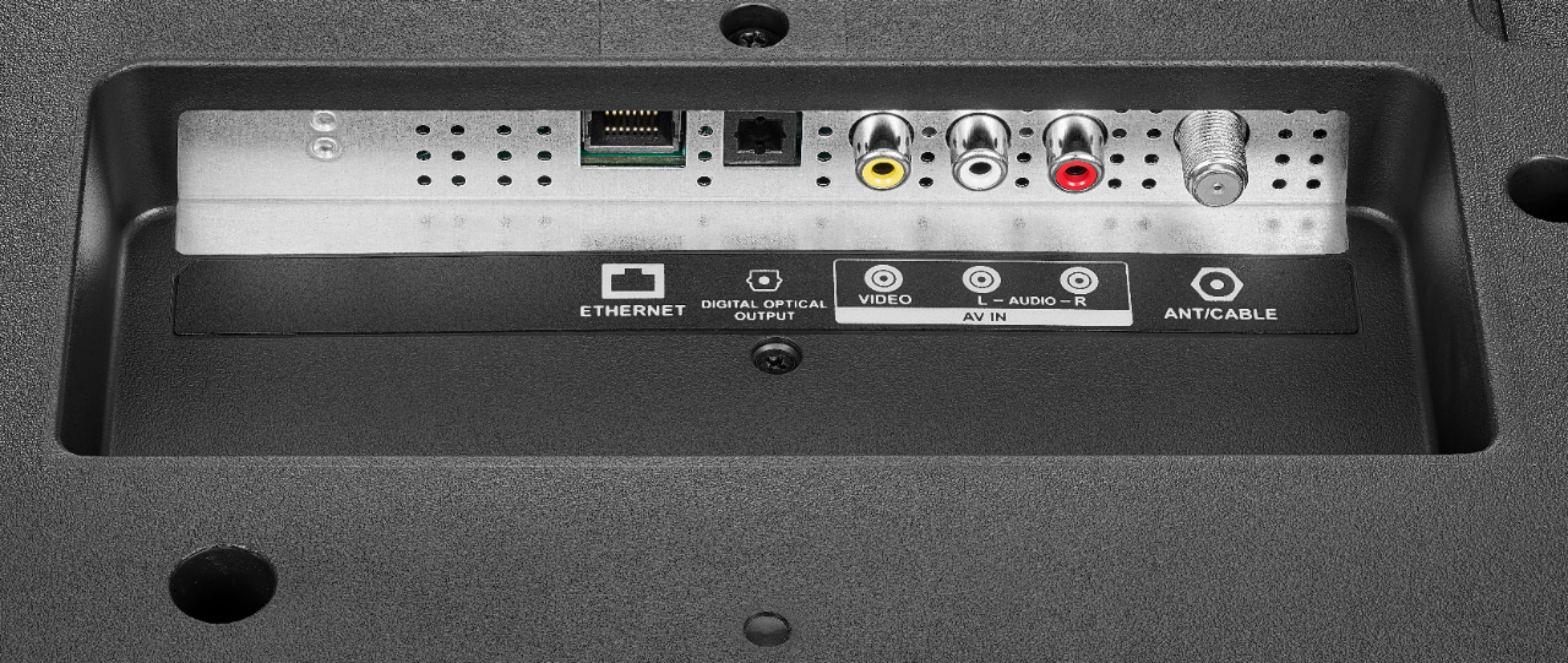
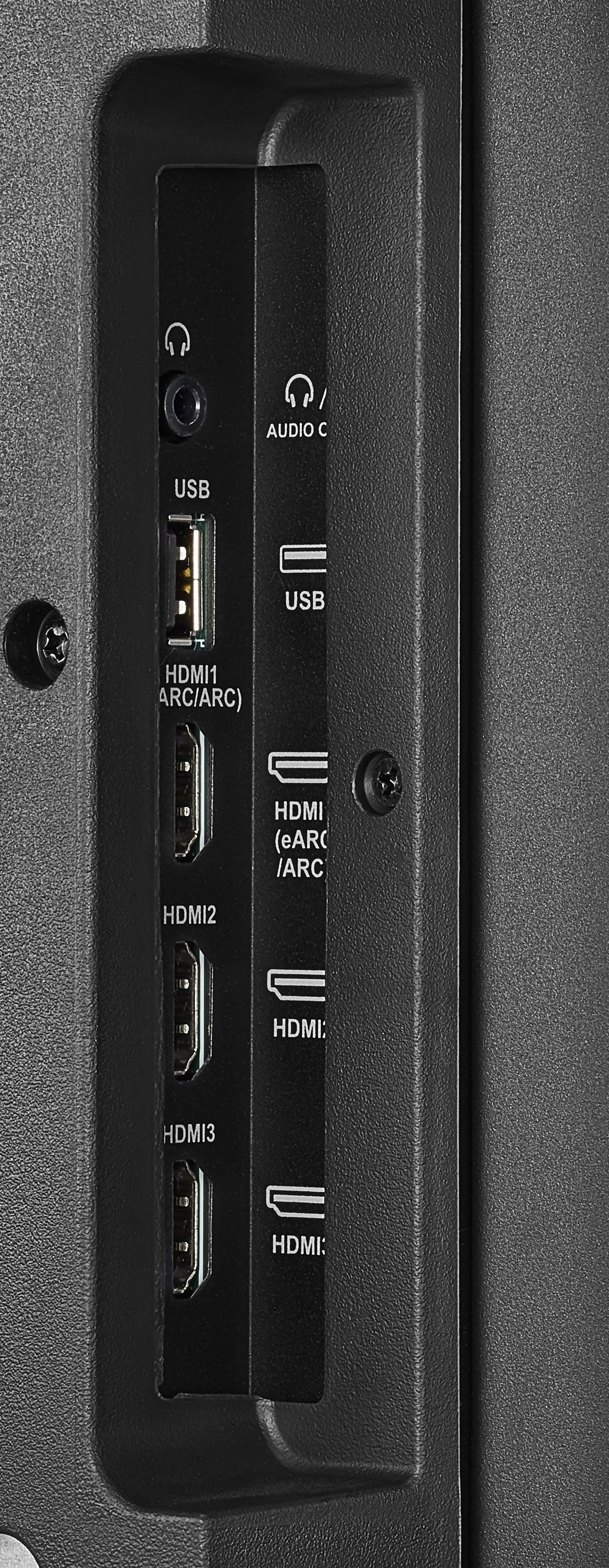
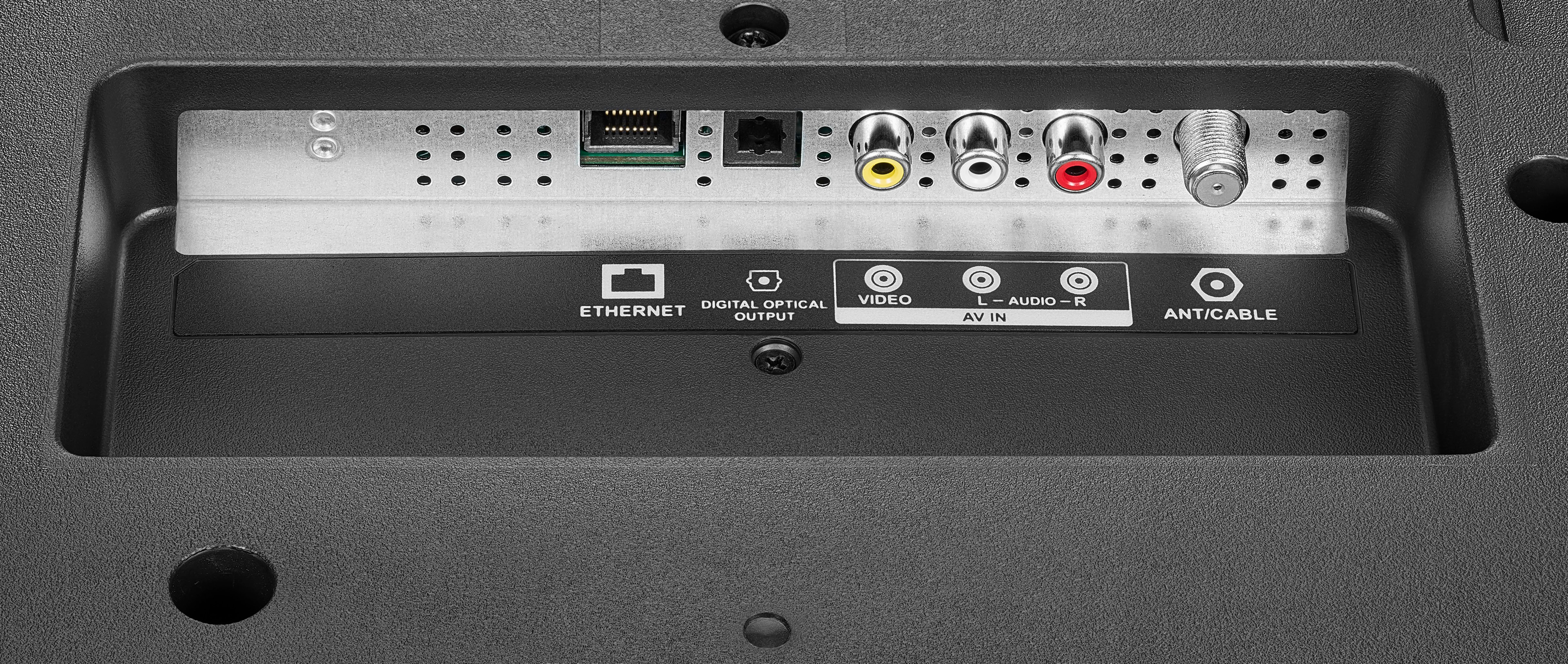
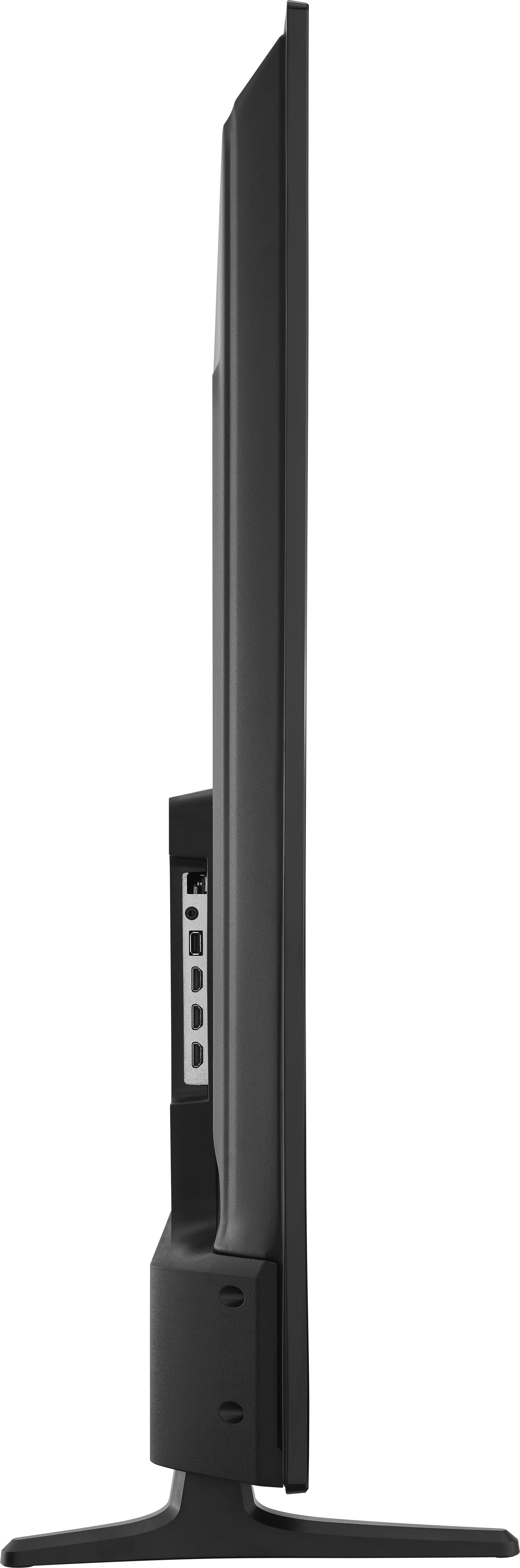
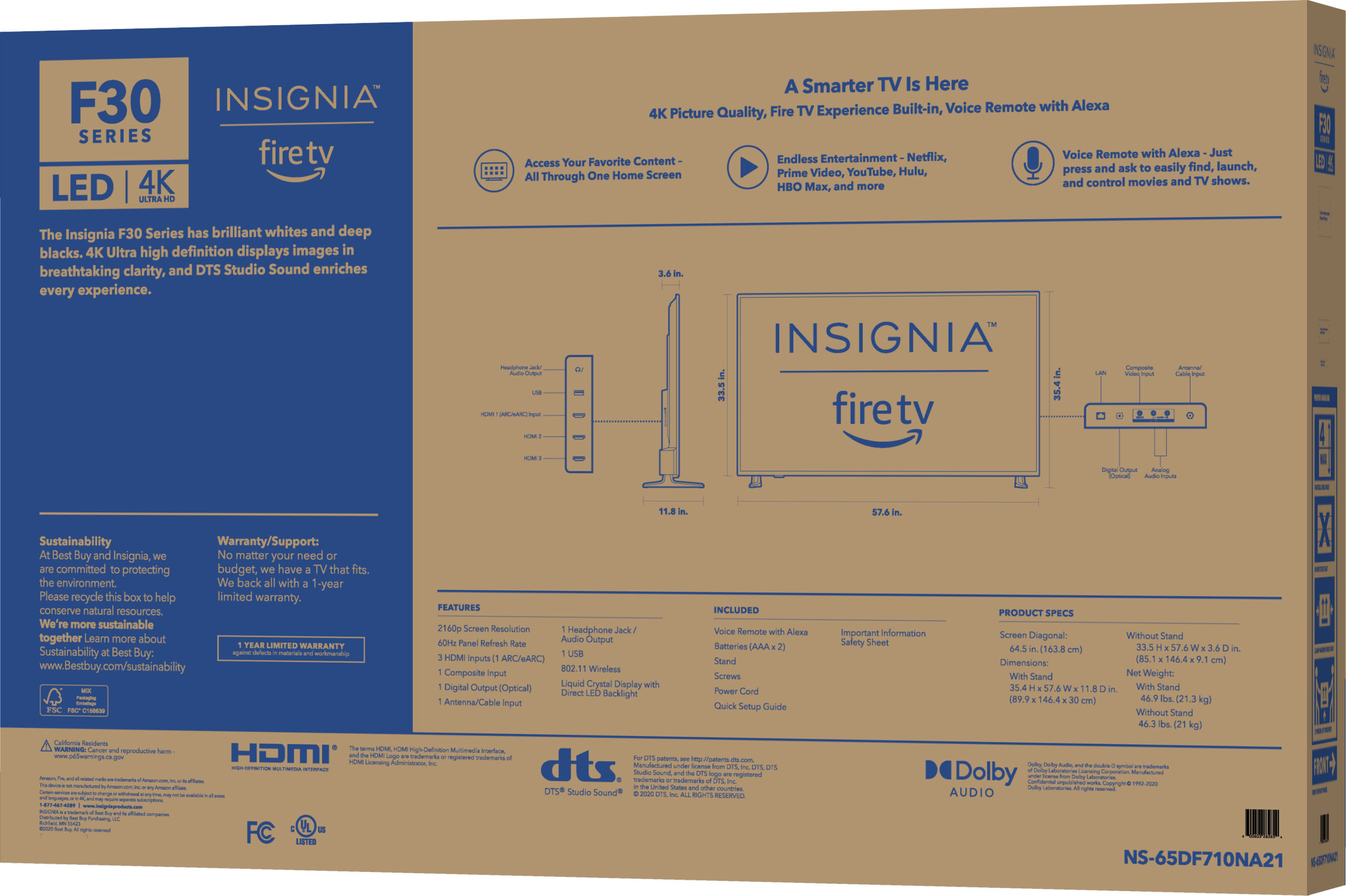
You can connect other streaming devices to the HDMI inputs on the TV.
A:AnswerYes, you can download the Crunchyroll app. If an app is not available for download you can connect another streaming device, that has the app you want, to the HDMI input on the TV.
A:AnswerHi there, we would love to check this situation further with you! Please feel free to contact us at the link below to get assistance with your unit.
Rudson S.| Insignia Support. https://www.insigniaproducts.com/contact-us
A:AnswerTo be 100% honest if you plan on being out of the room for only 1015 minutes leave it on if you know you’re going to be out of the room for an hour or longer will say 45 minutes at least turn it off at the most if you’re gonna be coming in and out of the room every 30 minutes I say leave it on 35 is pushing it 40 definitely turn it off and 45% turn it off for sure
A:AnswerSo-so... I guess you pay what you get... TV is good enough for regular TV resolution; however if you're streaming something with solid blacks you will see blocks of pixels... I guess if you don't mind.. TV is good for the price.
A:AnswerTry the Power On feature, when enabled, your TV turns on displaying the last used input: go Home > Settings > Display & Sounds > Power On and select Last Input.