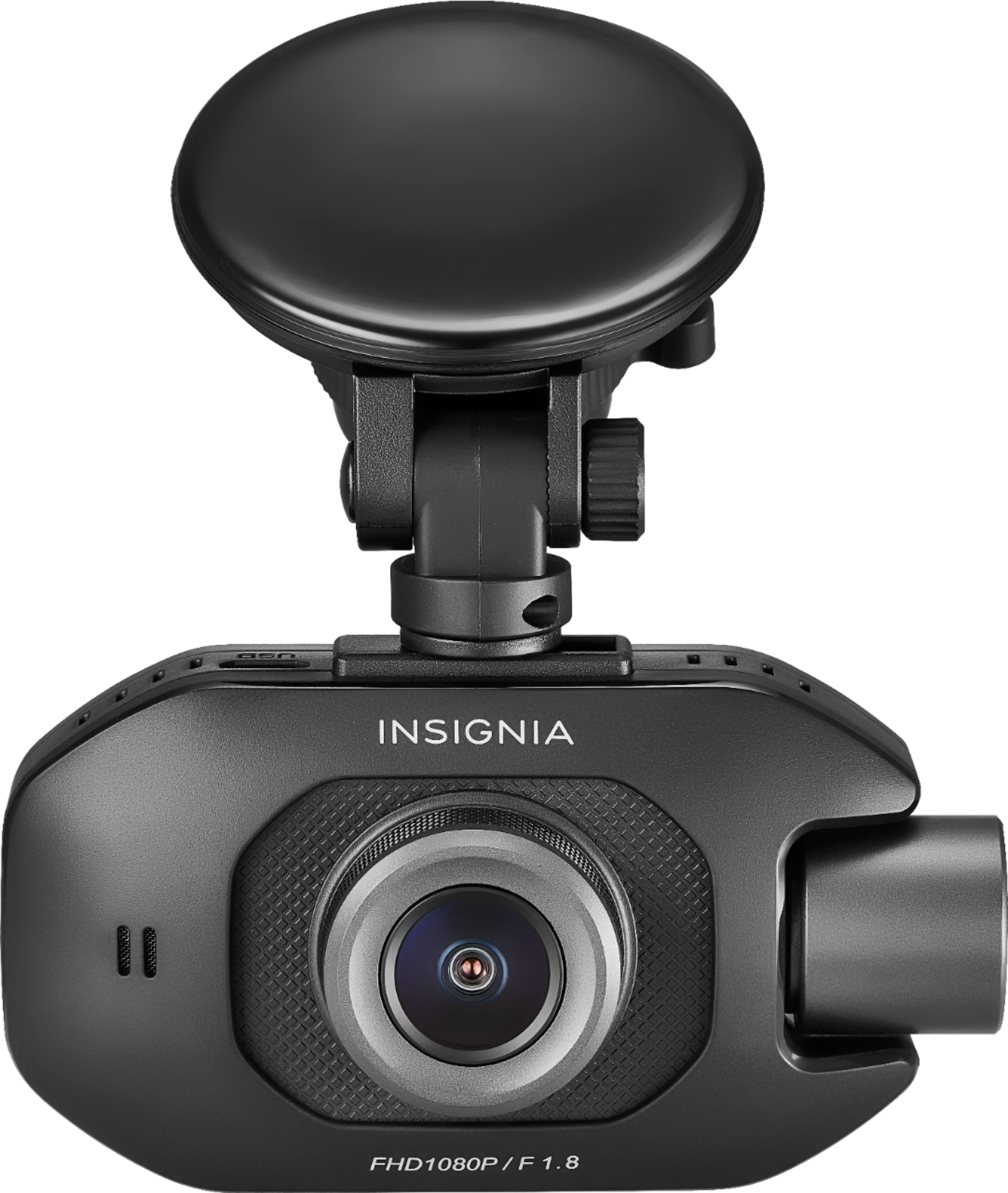
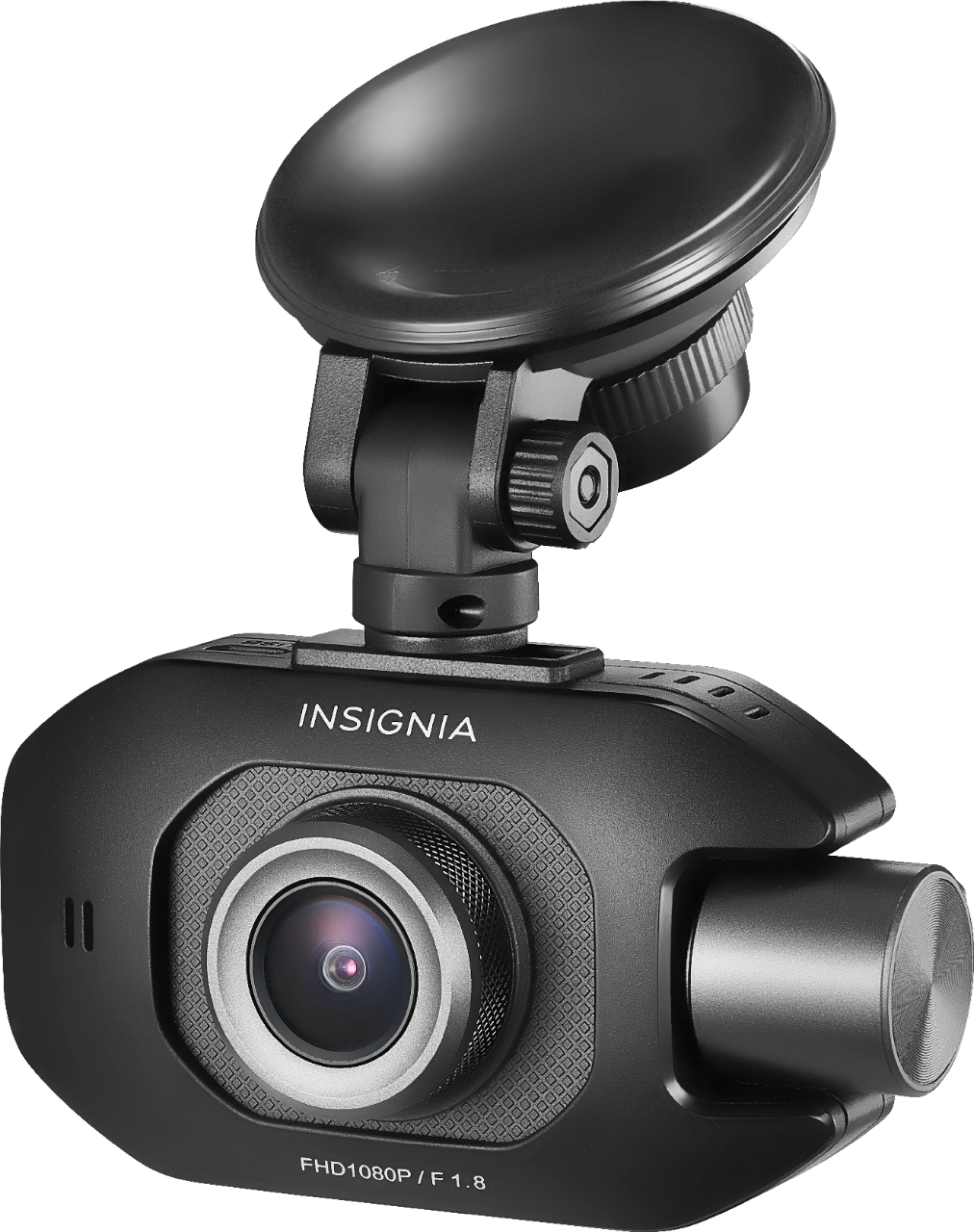
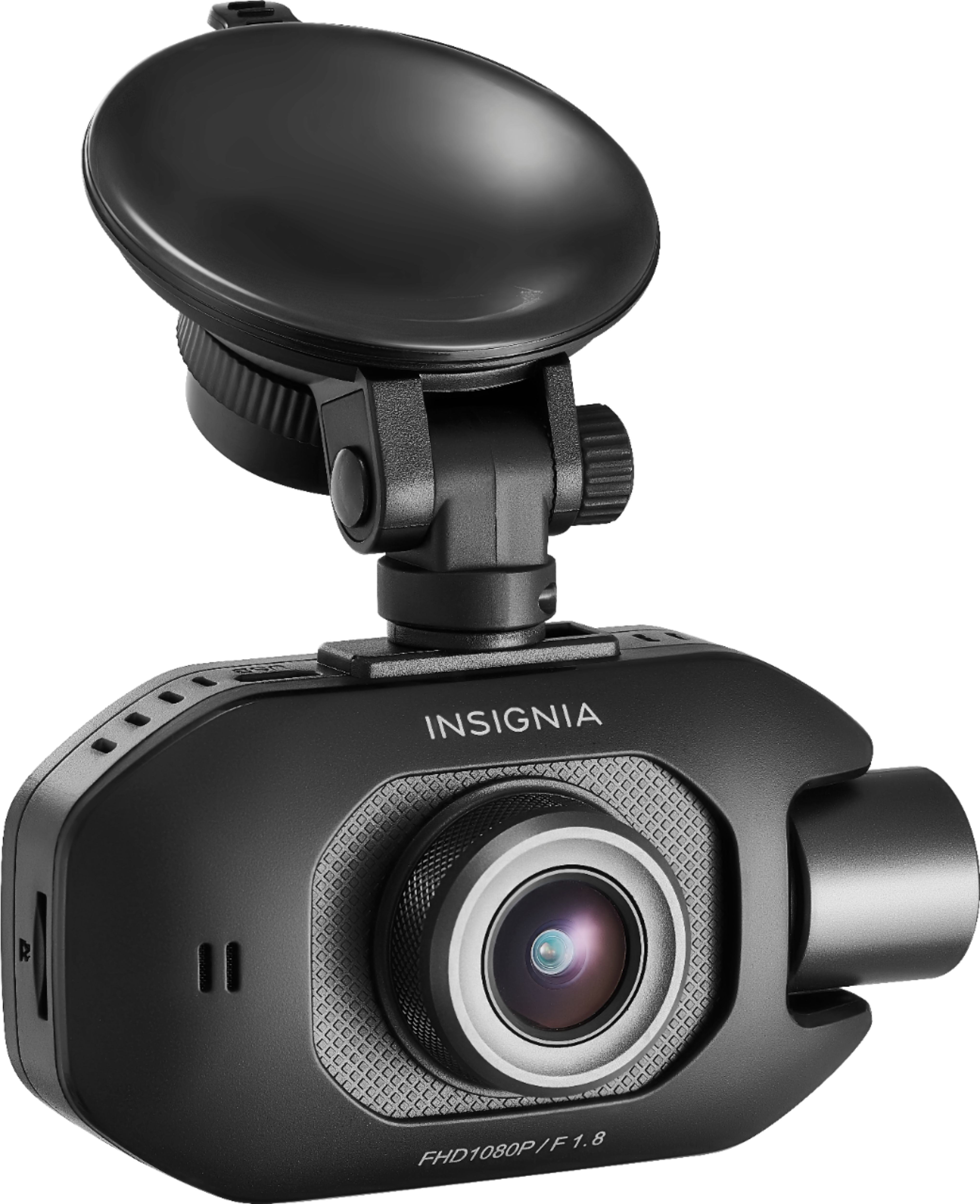
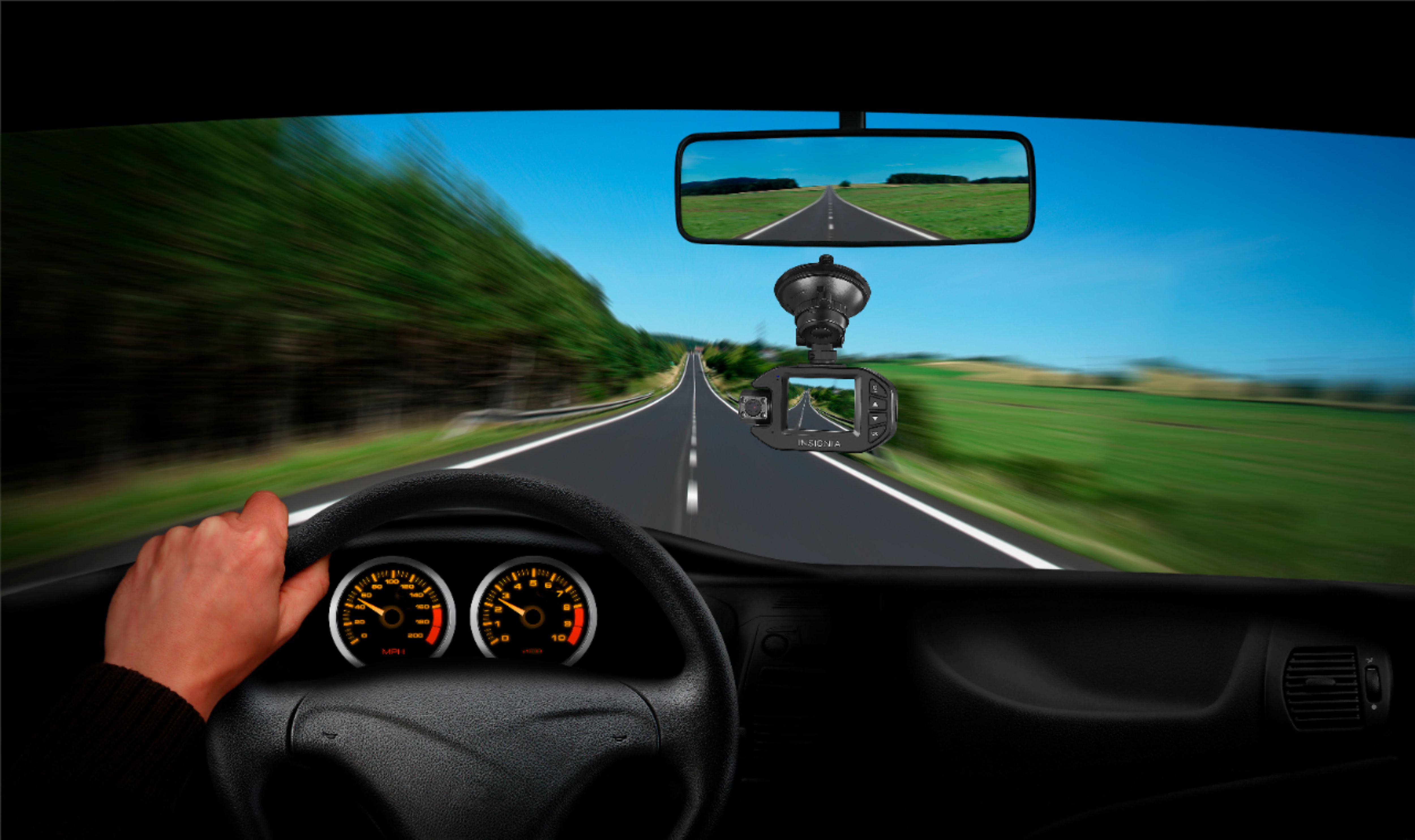
A:AnswerHi RP! Thanks for raising this concern to us about your Insignia™ - Front and Rear-Facing Camera Dash Cam. Unfortunately, this device can only remember time for seven days and you may need to reset it in order to get accurate time. To reset the time in your dash cam, press the power/set button when it's not recording to open the menu, then select the time setup option. I hope this answers your question. Thanks for your support and I hope you have a nice day! - James | Insignia Support | https://www.bestbuy.com/site/insignia-front-and-rear-facing-camera-dash-cam-black/6348901.p?skuId=6348901
A:AnswerSupport Lea; that answer was totally irrelevant to my question! What does your answer have to do with a power source?? C’mon man; pay attention!
A:AnswerYou can access the videos and play them from the camera itself. You don't have to move the micro card to a computer unless you want to for a larger screen, you'll see the video better on a larger screen for sure.
A:AnswerIs not what I thought. Isn’t too practical for me. The look and feel is worse than others with half of the price. I’m still haven’t able to check any videos because I need to get a card reader.to see them on my computer since the device doesn’t provide an option for that.
A:AnswerNot sure what format. Just let the camera format the card as opposed to you formatting it outside of the camera. Be sure to use a higher quality, name brand card. I currently use a SanDisk Xtreme class 10 without problems.
A:AnswerYou can change it in the menu. You could have it set for if there was an accident it will record the accident. I have mine sent for 15 seconds and when the card is filled up it rewrites the recording. You have to have a card in it to record longer. Camera by itself does not have enough storage to record .