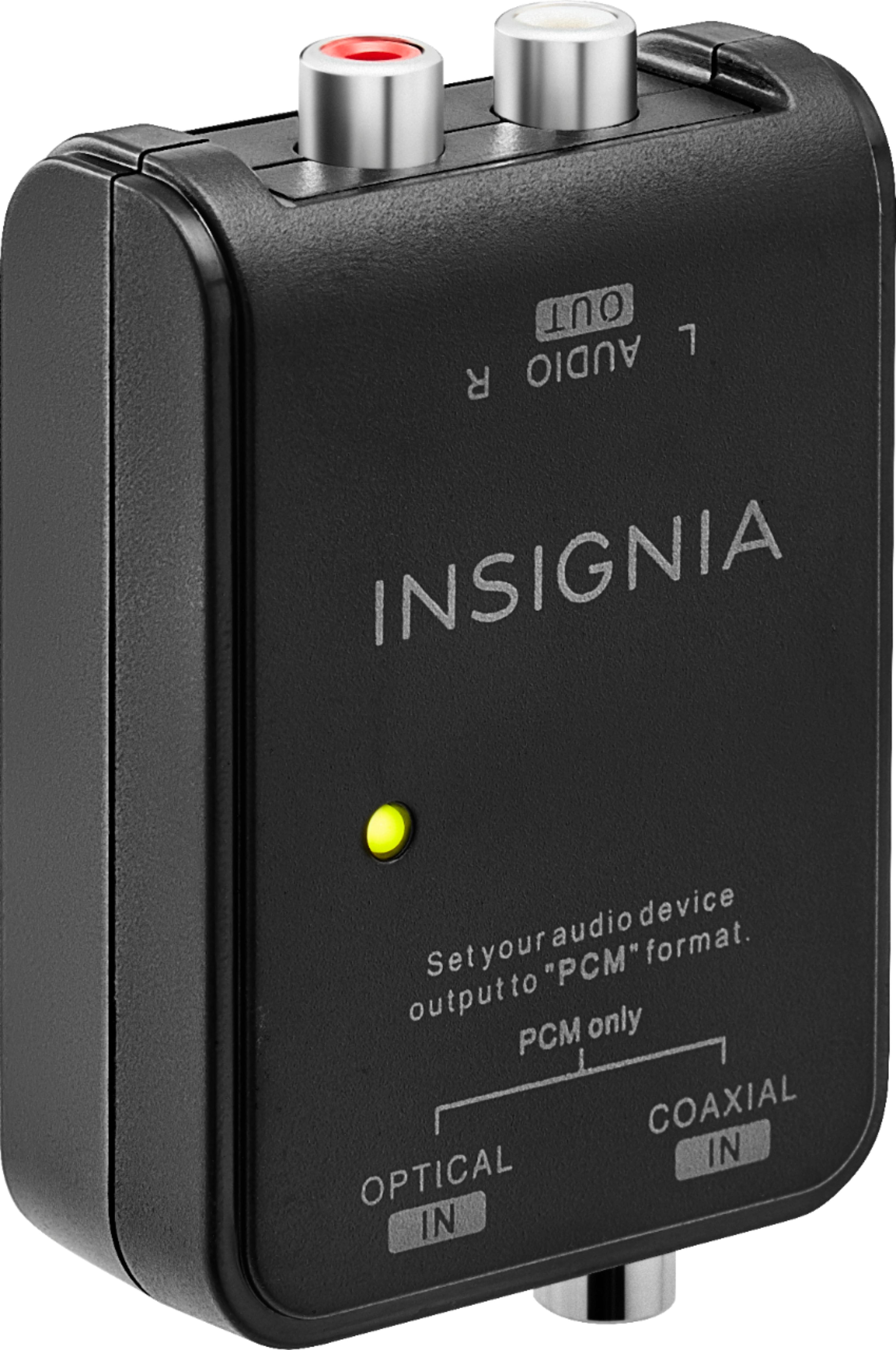
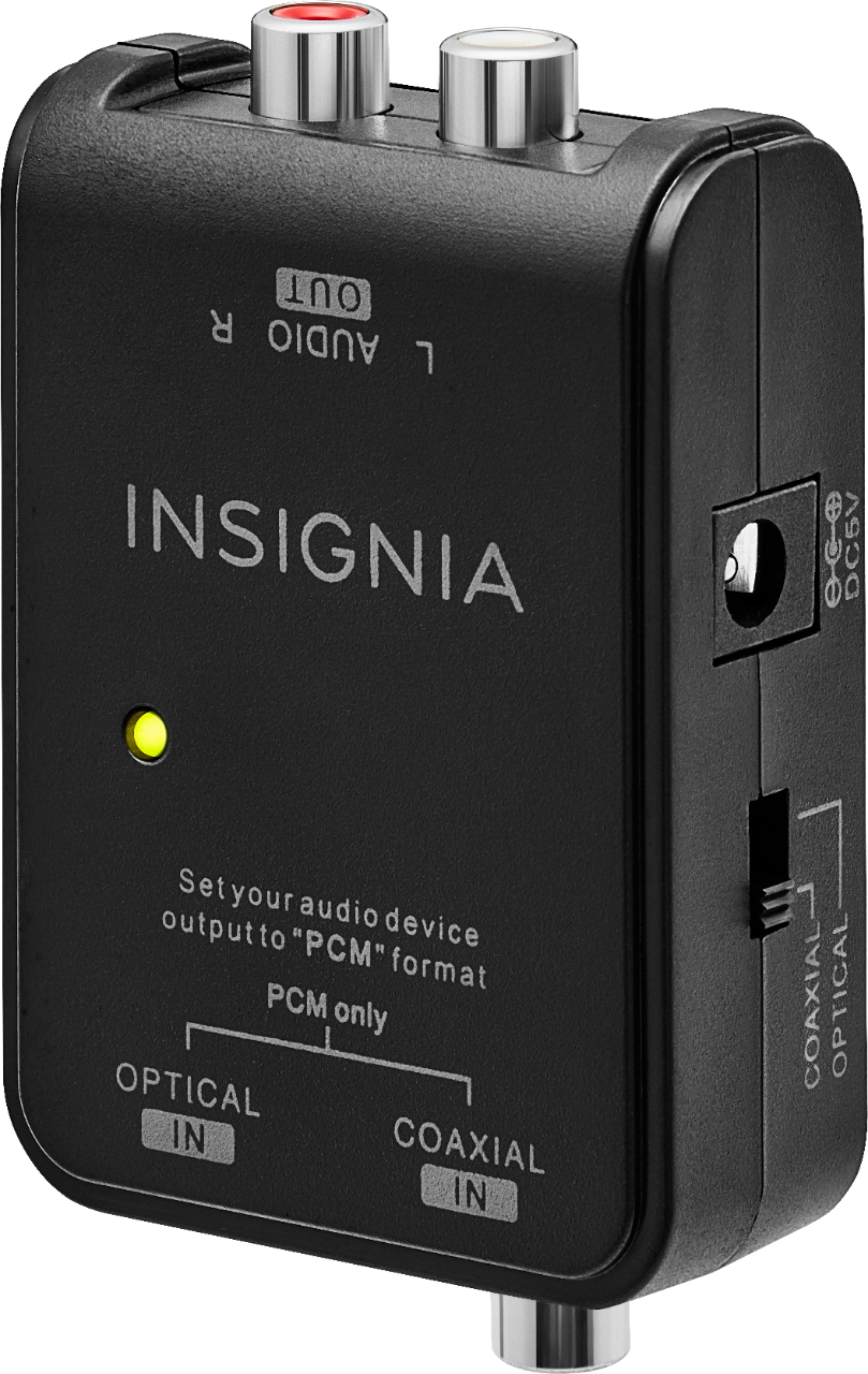
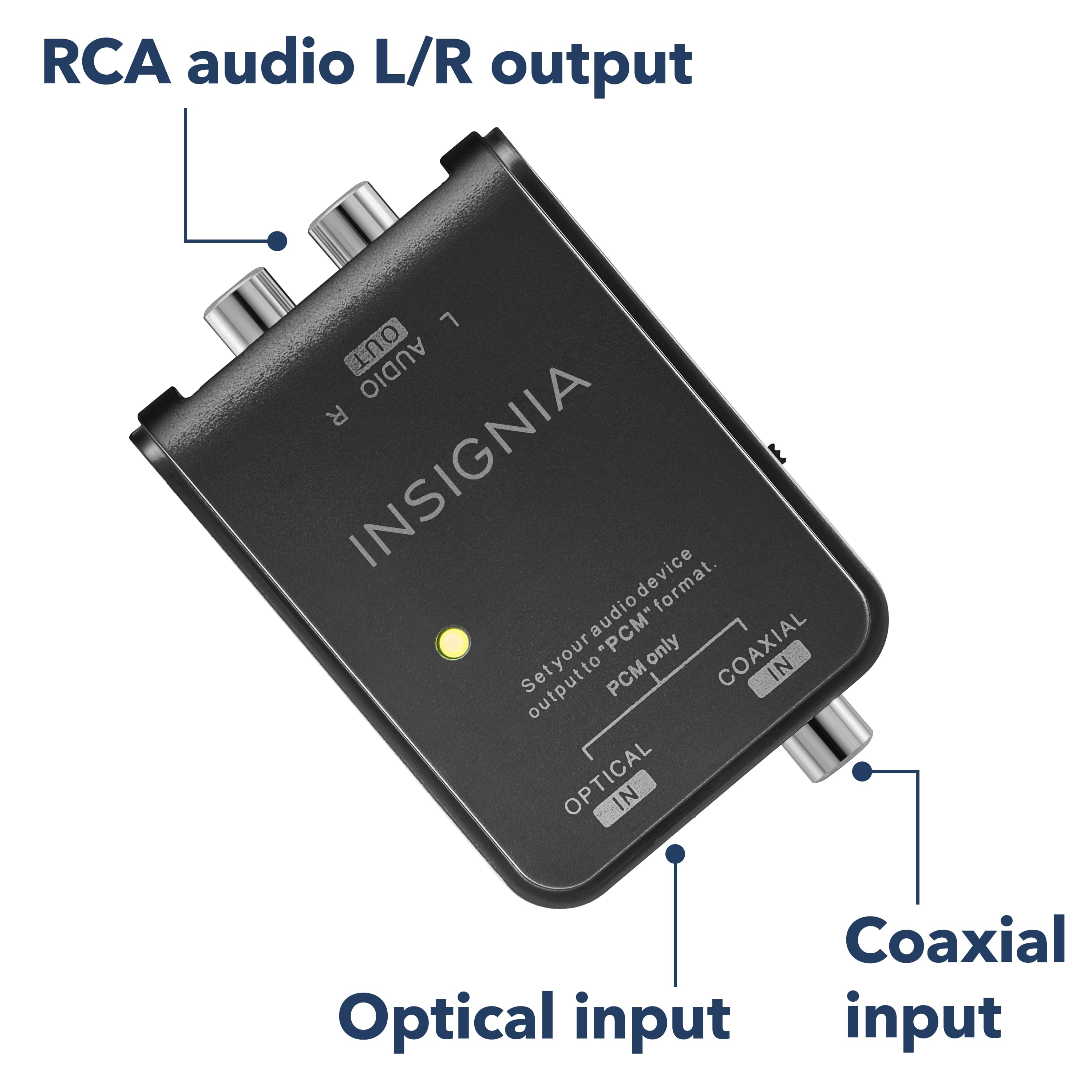
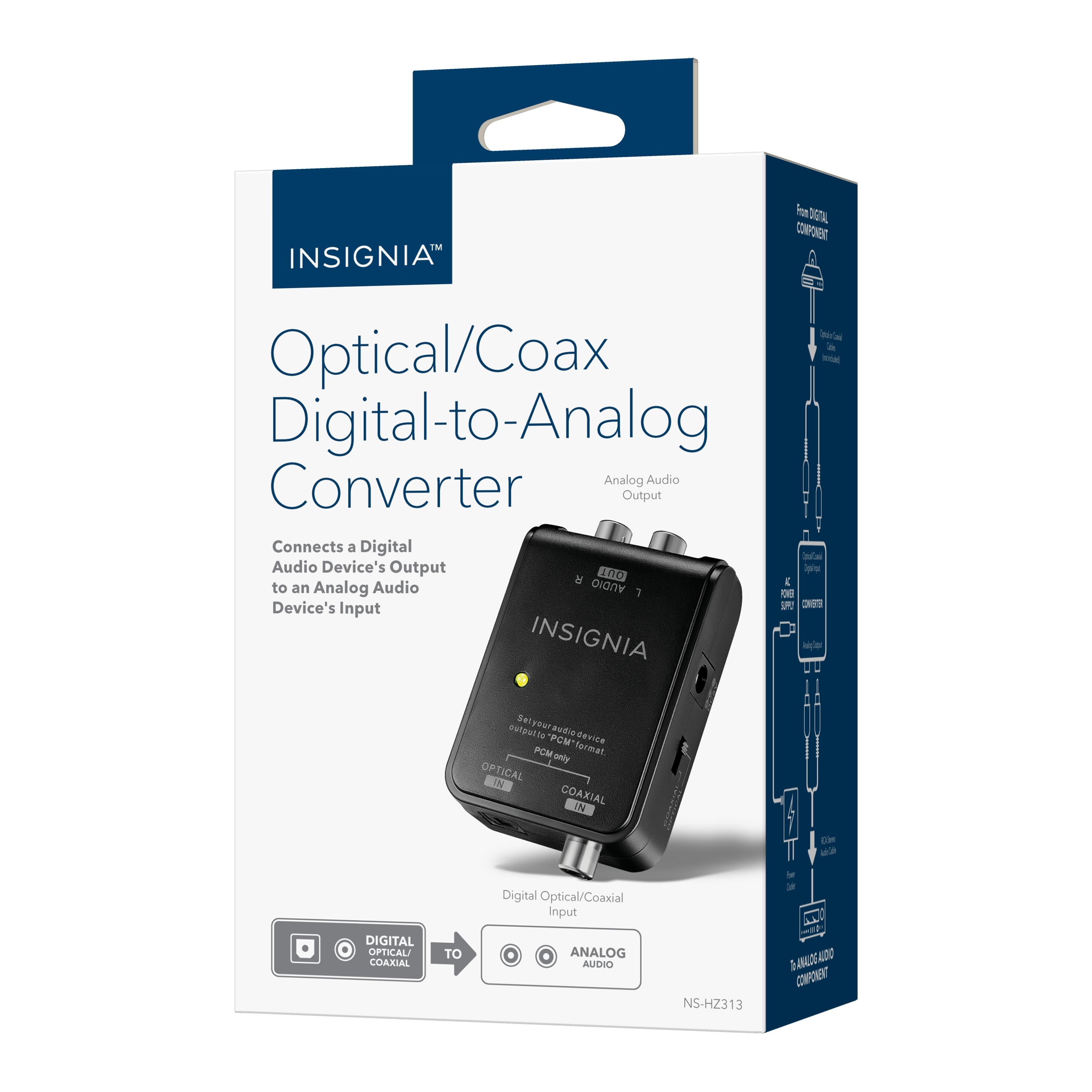
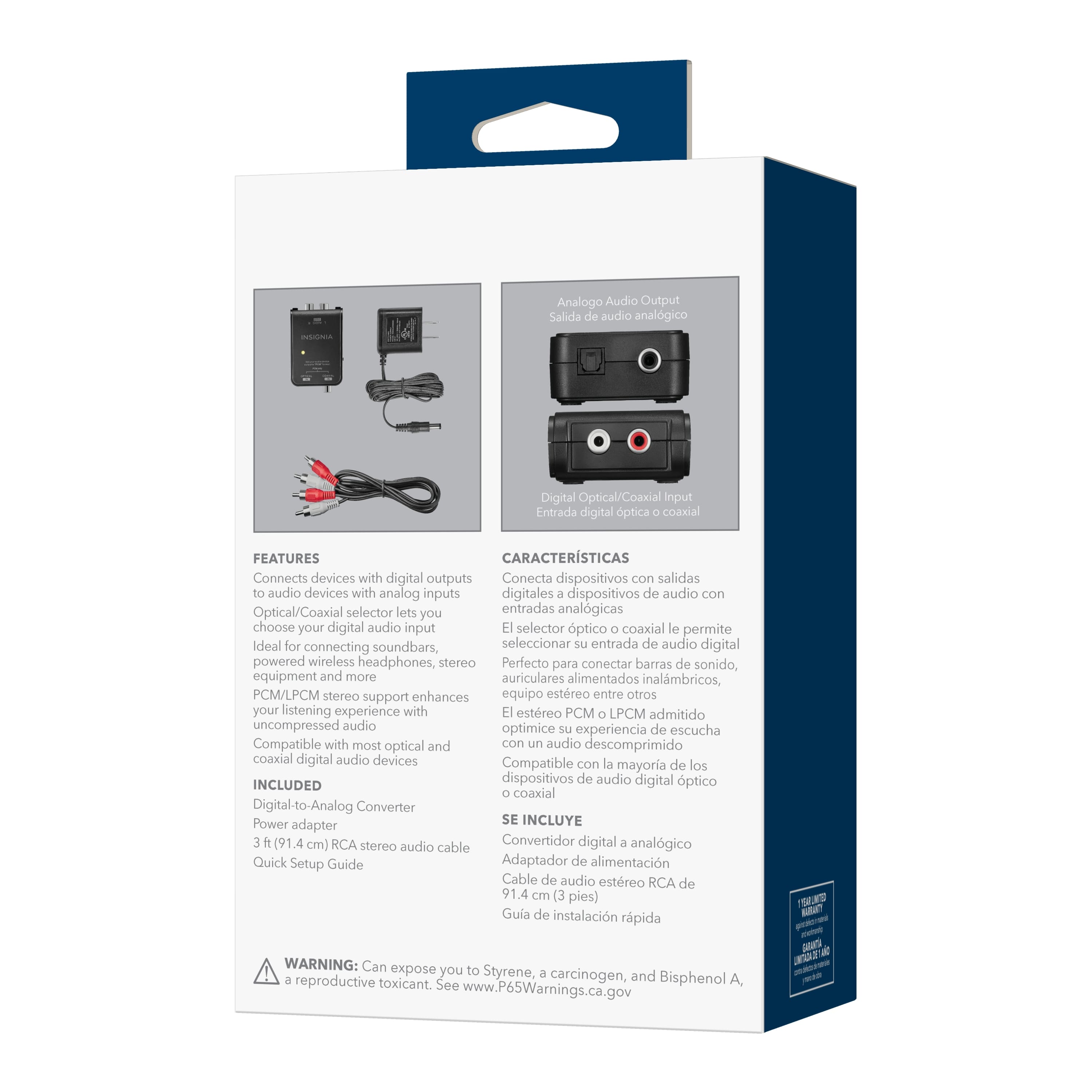
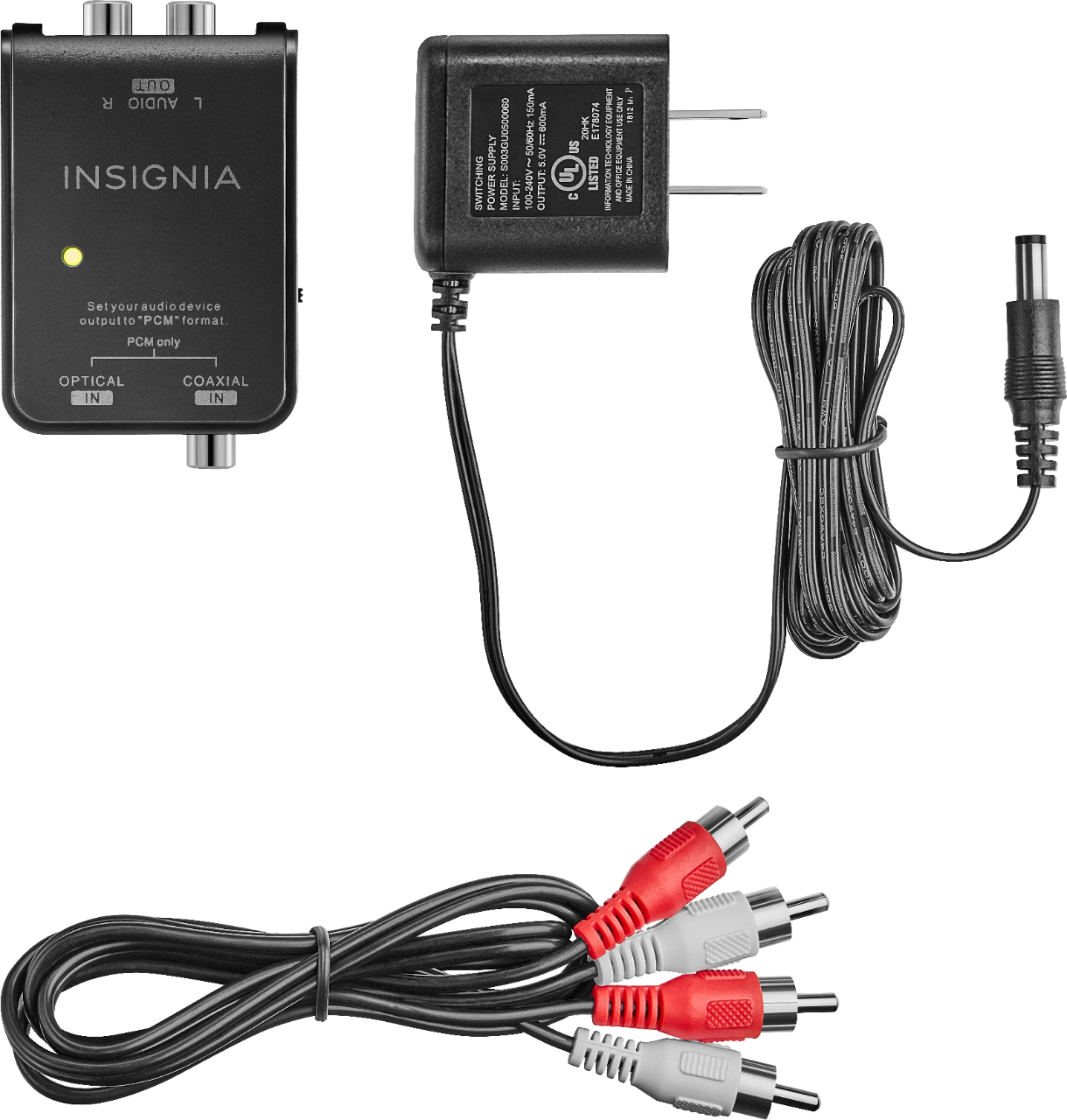
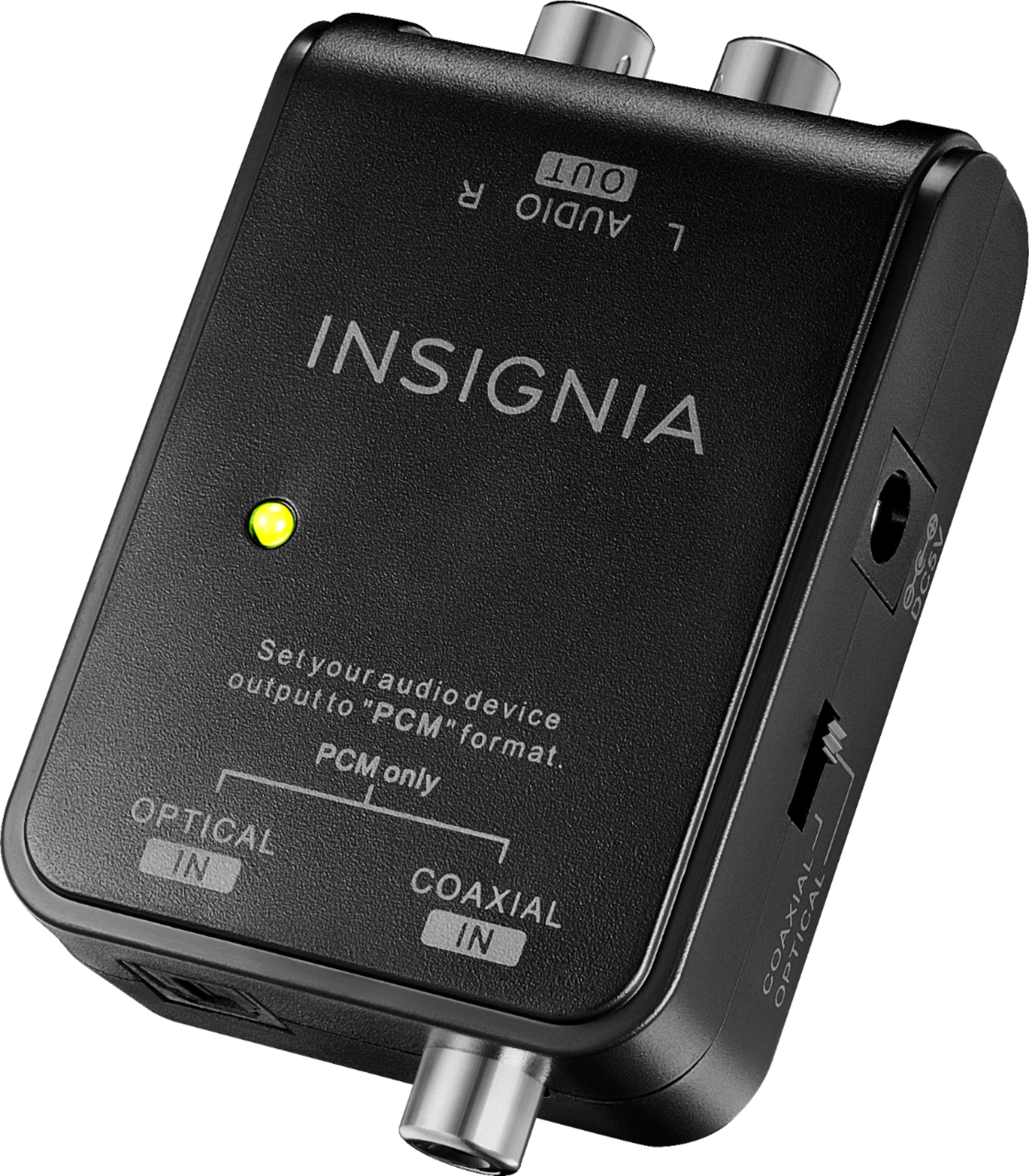
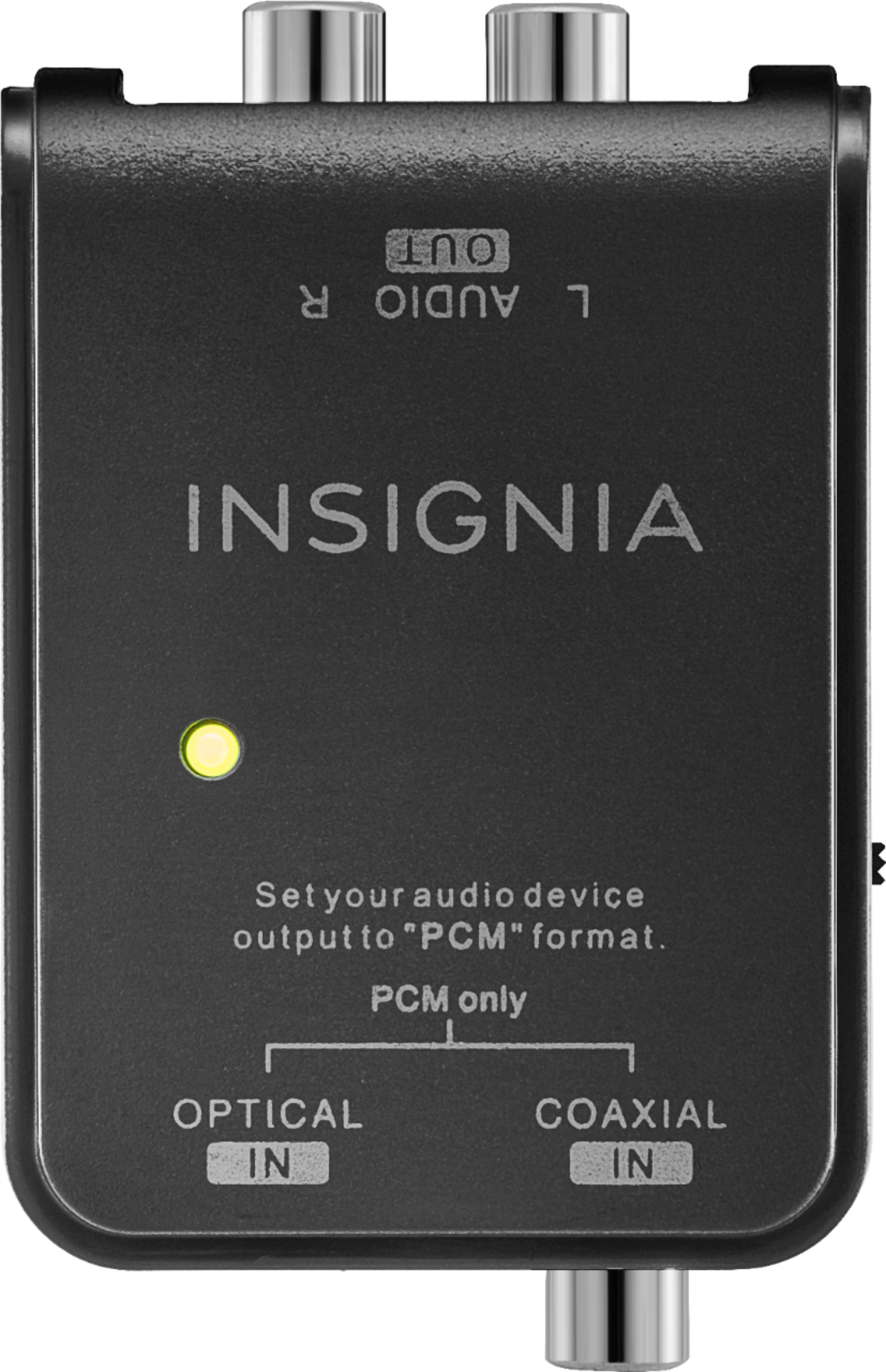
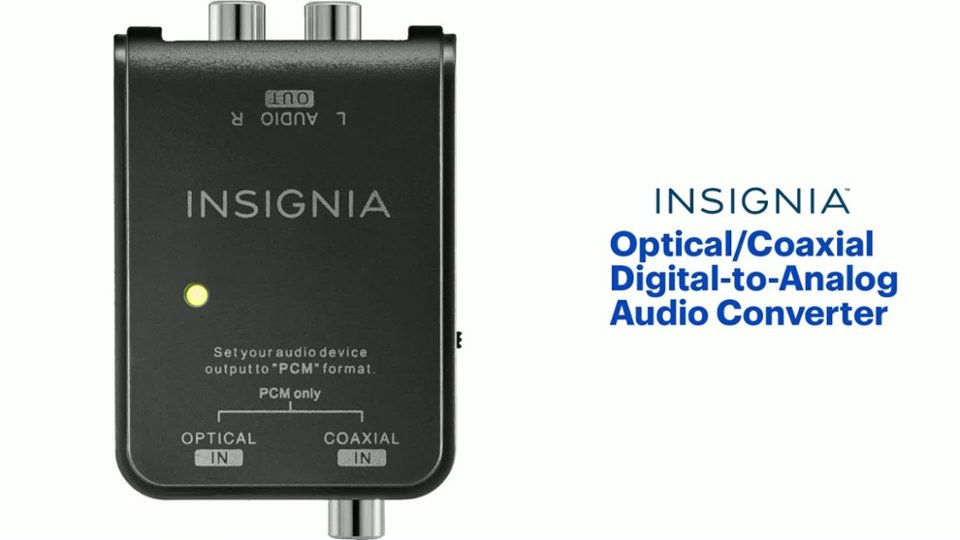
A:AnswerThank you for your inquiry! The Insignia™ Optical/Coaxial Digital-to-Analog Audio Converter (model NS-HZ313) is designed to convert digital audio signals to analog audio signals, which can be useful for connecting older audio equipment to newer TVs. However, it does not have Bluetooth capabilities or direct support for pairing hearing aids.
To connect hearing aids to your Roku TV, you would typically need Bluetooth-enabled hearing aids and a compatible Bluetooth transmitter or use the Roku app on your smartphone to stream audio directly to your hearing aids.
A:AnswerTry the Insignia - RCA to HDMI Converter - Model: NS-HZ330
The standard RCA AV inputs let you connect an analog camcorder, video game console or other analog device, and its selectable HDMI output supports HD and Full HD displays.
A:AnswerHello, Bergy,
This product works just to convert audio signal from digital to analog so it will not work for you according to the description provided. In this case, the product that might work for you is the model NS-DXA3, which is a converter box that allows you to use a antenna to view digital content on an analog television, if that is the case. I would like to advise to follow the link below so one of our agents can gladly assist you to check what is the product that will work for you.
Eduardo L - Insignia Support
https://www.insigniaproducts.com/contact-us
A:AnswerIf your surround sound receiver has digital audio inputs, you do not need this device.
If your receiver only has analog inputs (RCA jacks) then yes it will take the TV digital signal from an optical output on the TV, convert it to analog (RCA). You plug the RCA into an audio channel on the amplifier (typically Video 1 or Video 2 audio input channel).
The receiver should then do the work of splitting the signal back to 5.1 or at least a version of it.
I have an older Yamaha amplifier that was pre-digital and only has RCA.
I get good surround sound in 5.1 from RCA input.
A:AnswerHi.
The output sound will always be Stereo. Two channels, Left and Right, that are color coded as Red and White.
Charles V. - Insignia Support
https://www.insigniaproducts.com/contact-us
A:AnswerYour turntable requires a phono preamp before connecting to an analog to digital converter. This is not an analog to digital converter, it is a digital to analog converter. Again, you need two pieces, a phono preamp and an analog to digital converter. If you do connect this to your Sonos soundbar, you will have to unplug the TV.
A:AnswerNo. This is a DIGITAL to ANALOG converter. It will ONLY convert the digital input (optical) to analog (RCA pin plug)......it's a one way street!
A:AnswerYes this converter solved my problem and works just fine. The one thing you will need to do is change change the Output audio format to "PCM" on your TV's settings. If it is left on "DOLBY" the sound may not come out of sounds like white noise. Other than that it is simple to install and works great.
A:AnswerThis should work. Double check your Blue Ray player settings to make sure it can output PCM audio format. The audio quality will be fantastic. I am not sure on the audio system you are using but you will not be able to get a TRUE 5 speaker surround, because you are converting your 5.1 digital signal to a 2 channel analog.
A:Answerthere are products availible to "strip" the audio from HDMI and will give you two channel RCA for your reciever. some form of a HDMI audio de-coupler of sorts
A:AnswerThis adapter will allow you to adapt a digital signal, from an optical cable or digital coaxial cable, into an analog signal on red/white connections. This will not split a signal at all. If your headphones need analog connections, and your TV can only output with optical, then this will allow you to connect the two of them, but you will no longer be able to connect your sound bar.
A:AnswerHello Tommy, thank you for your question. Yes, you can use your TV remote to control the volume, but only if your TV supports controlling external audio devices through its optical output. Many TVs send a fixed‑level audio signal through optical, which means the volume must be adjusted on the speaker or sound system instead. If your TV supports variable optical output or audio control via HDMI‑CEC, then your TV remote will adjust the volume. Sudeep | Insignia
A:AnswerHi Insignia Customer! Thank you for your question. Yes, this Insignia Optical/Coaxial Digital to Analog Audio Converter will work for your setup. You can use the optical output from your Xfinity X1 cable box and connect it to the converter, then use the RCA outputs to connect to your Bose Lifestyle system. We appreciate you reaching out.
Poojitha | Insignia