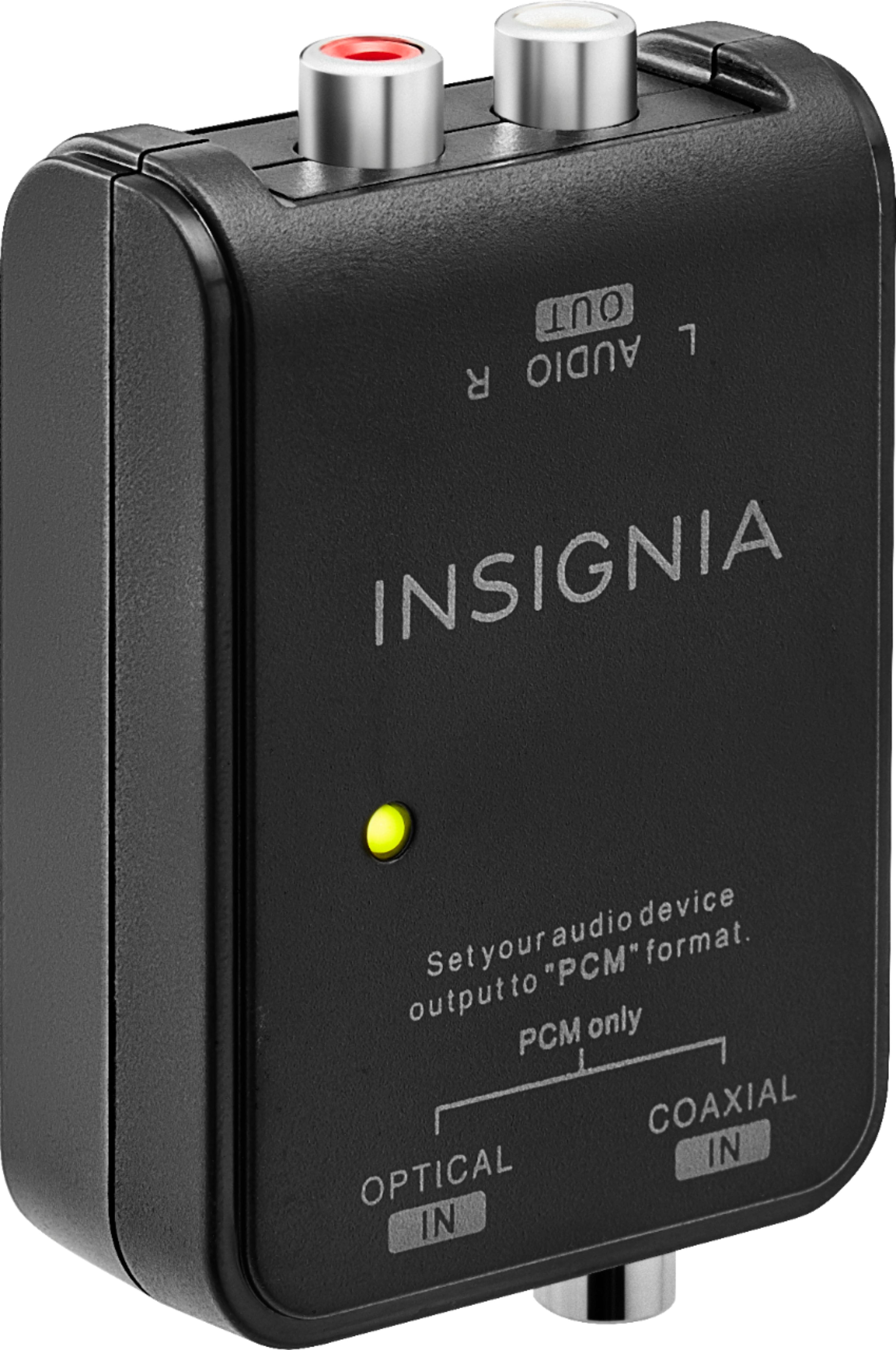
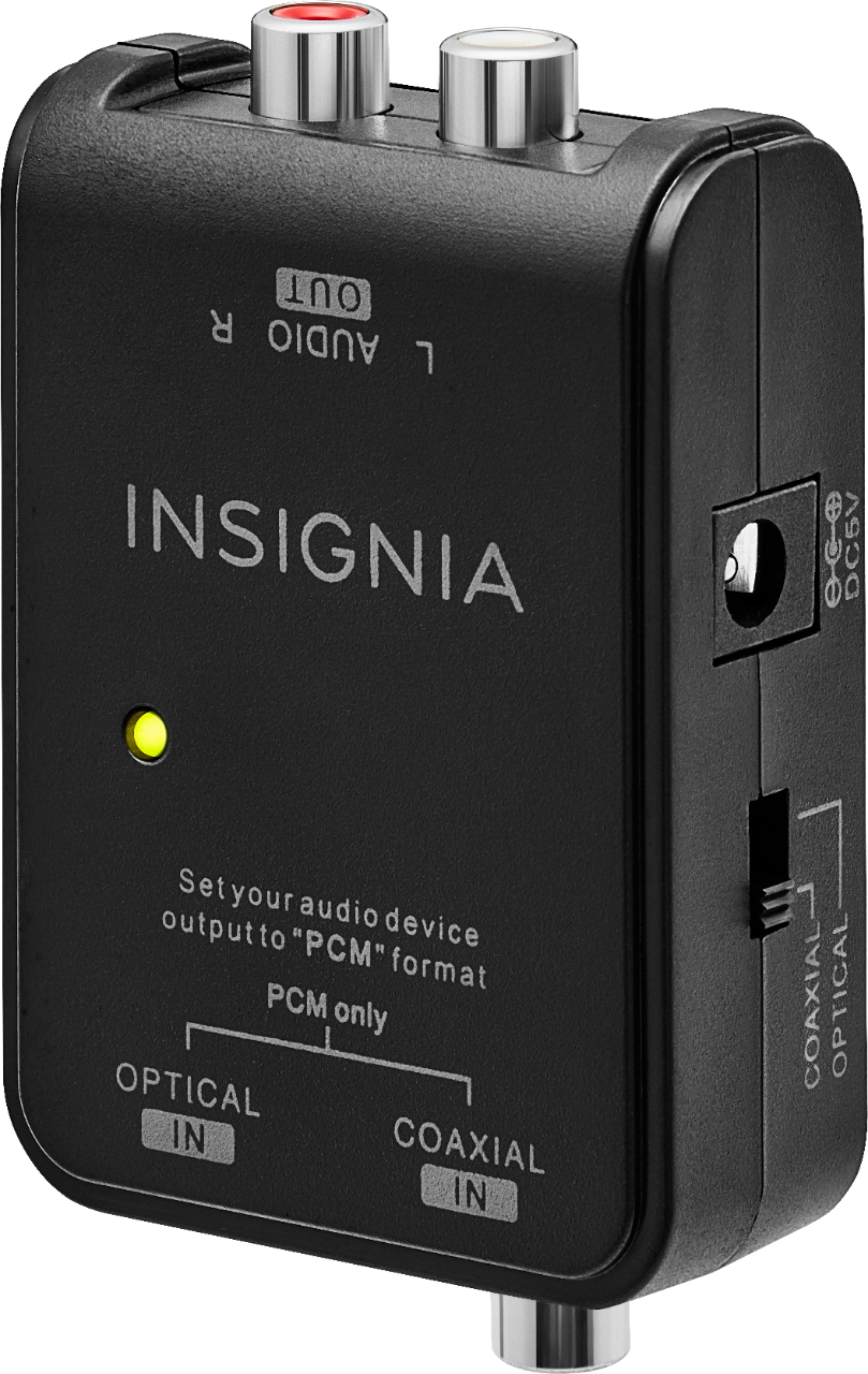
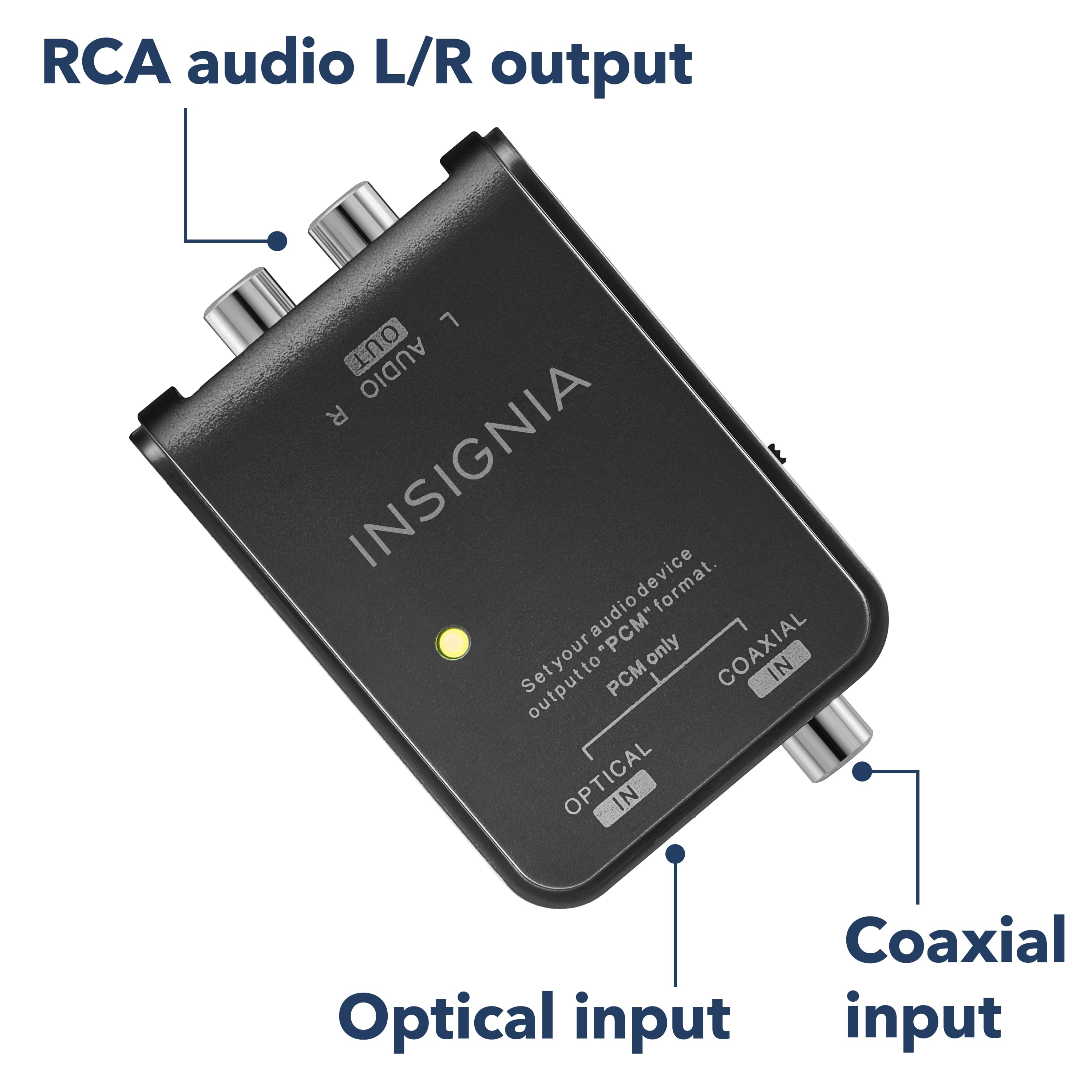
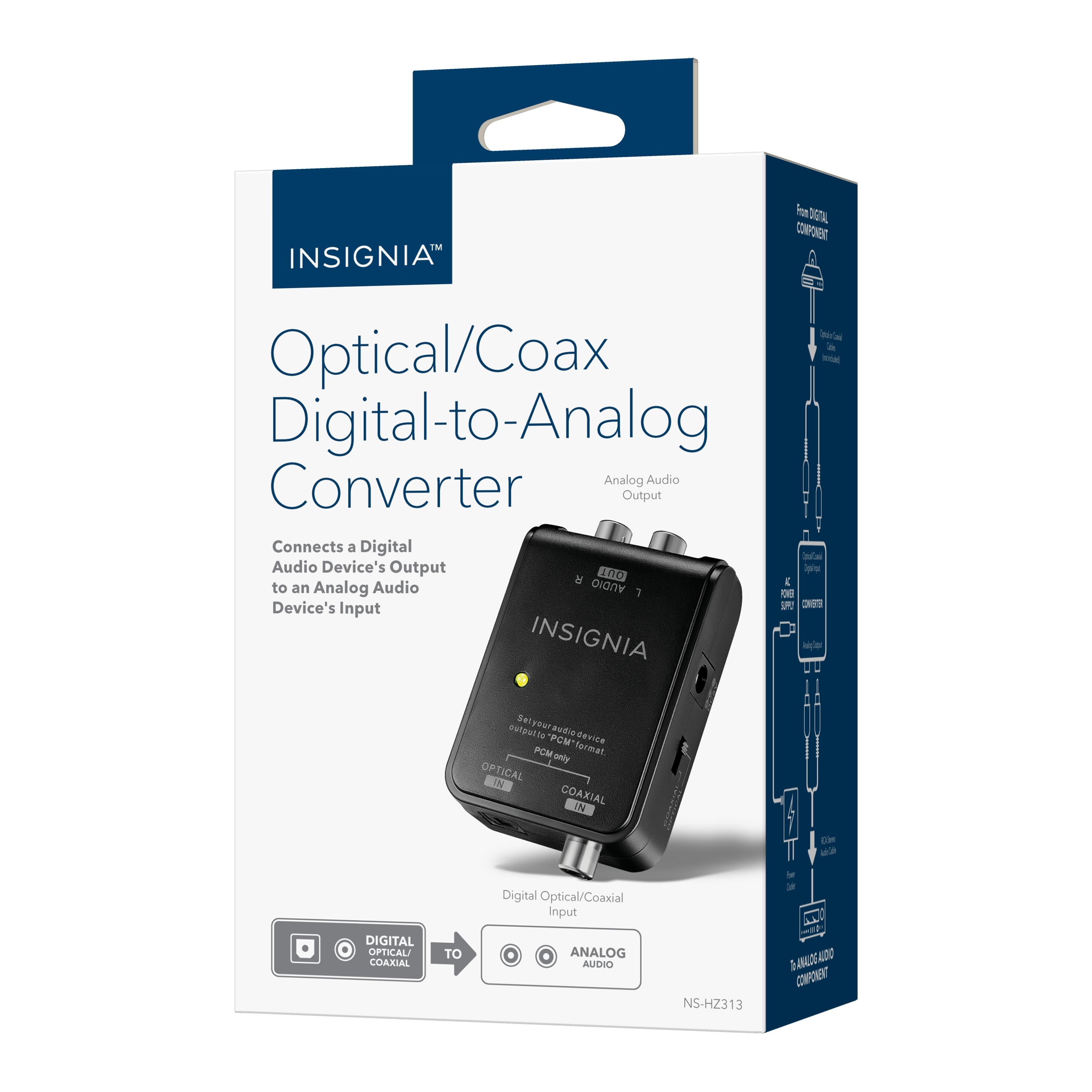
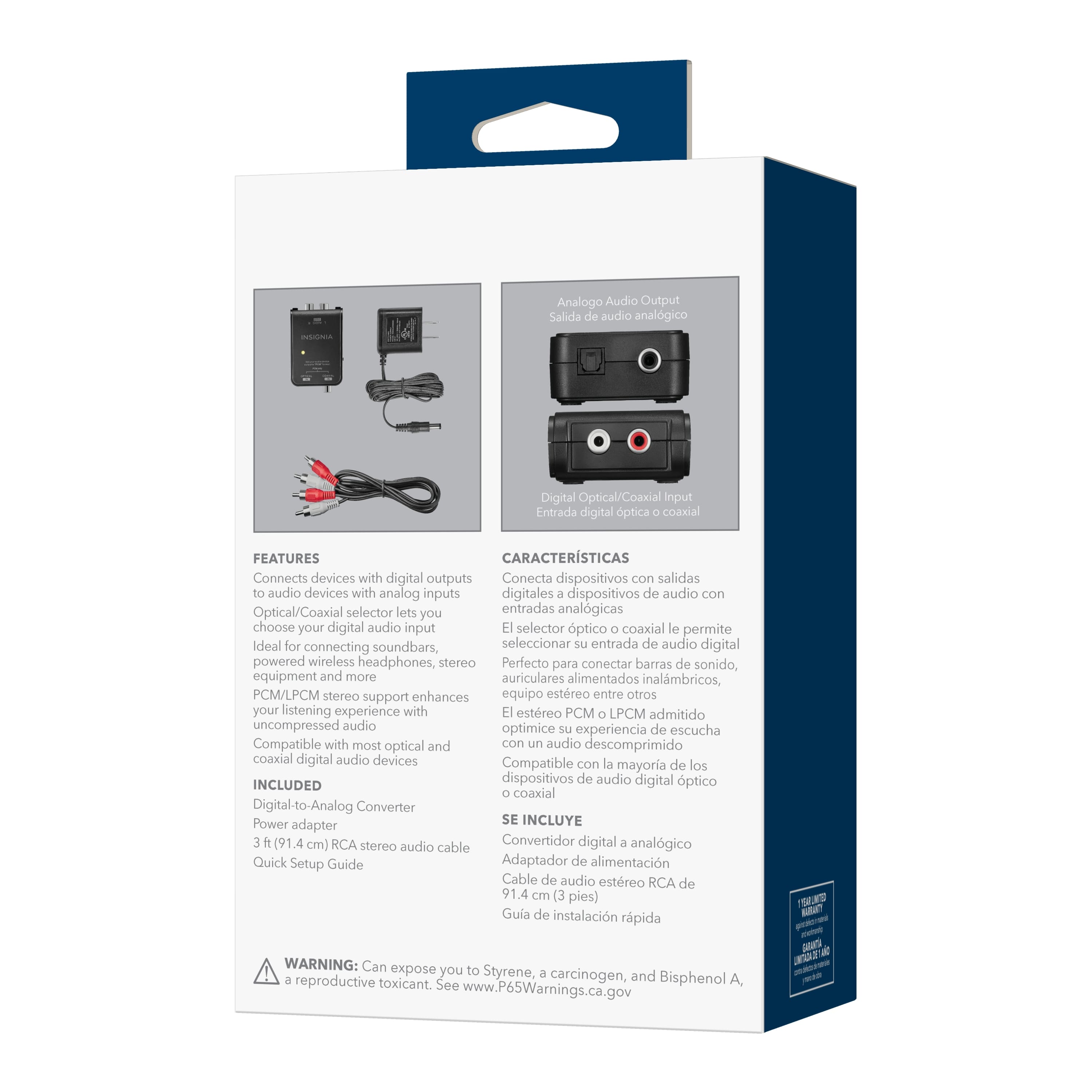
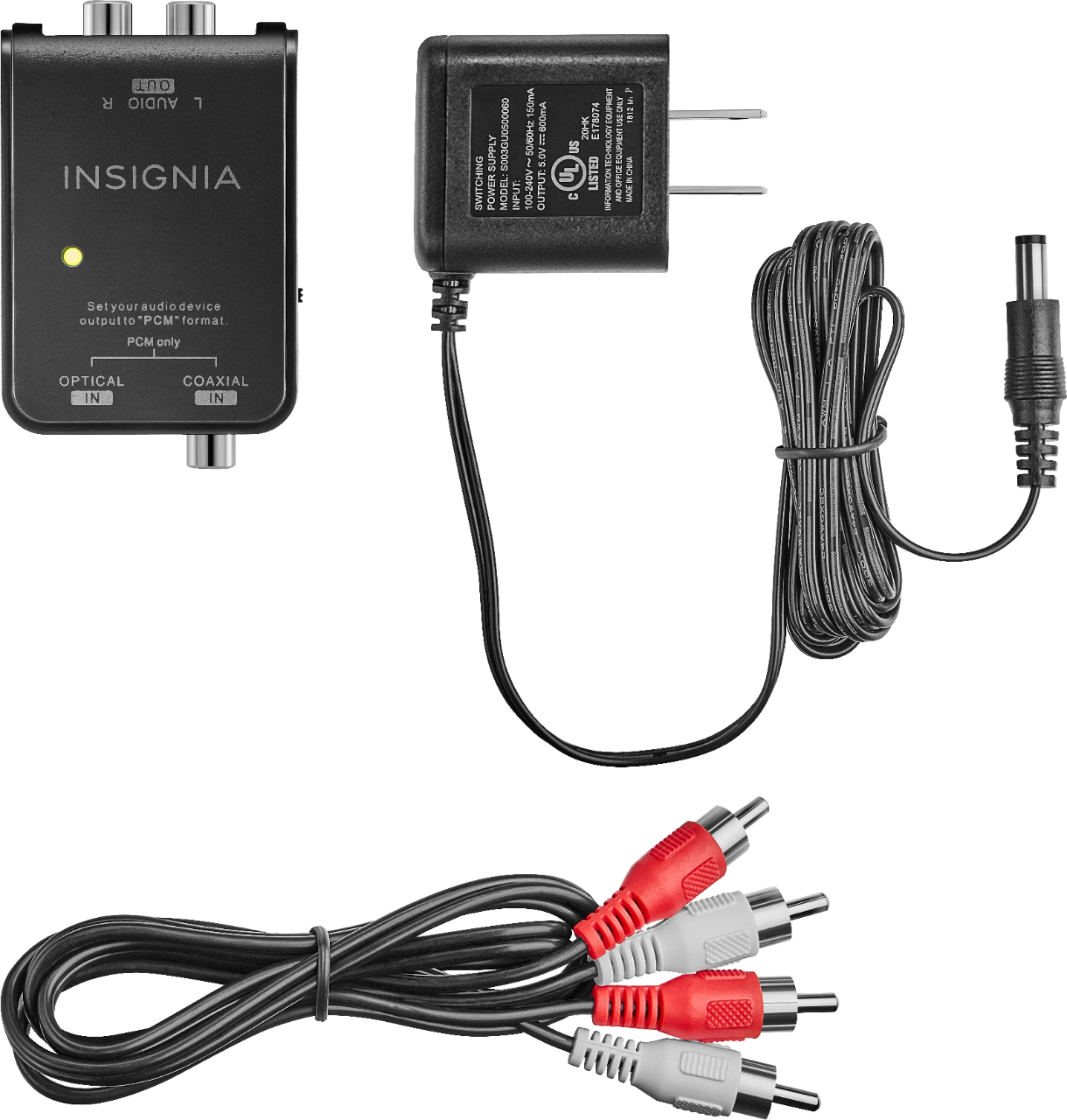
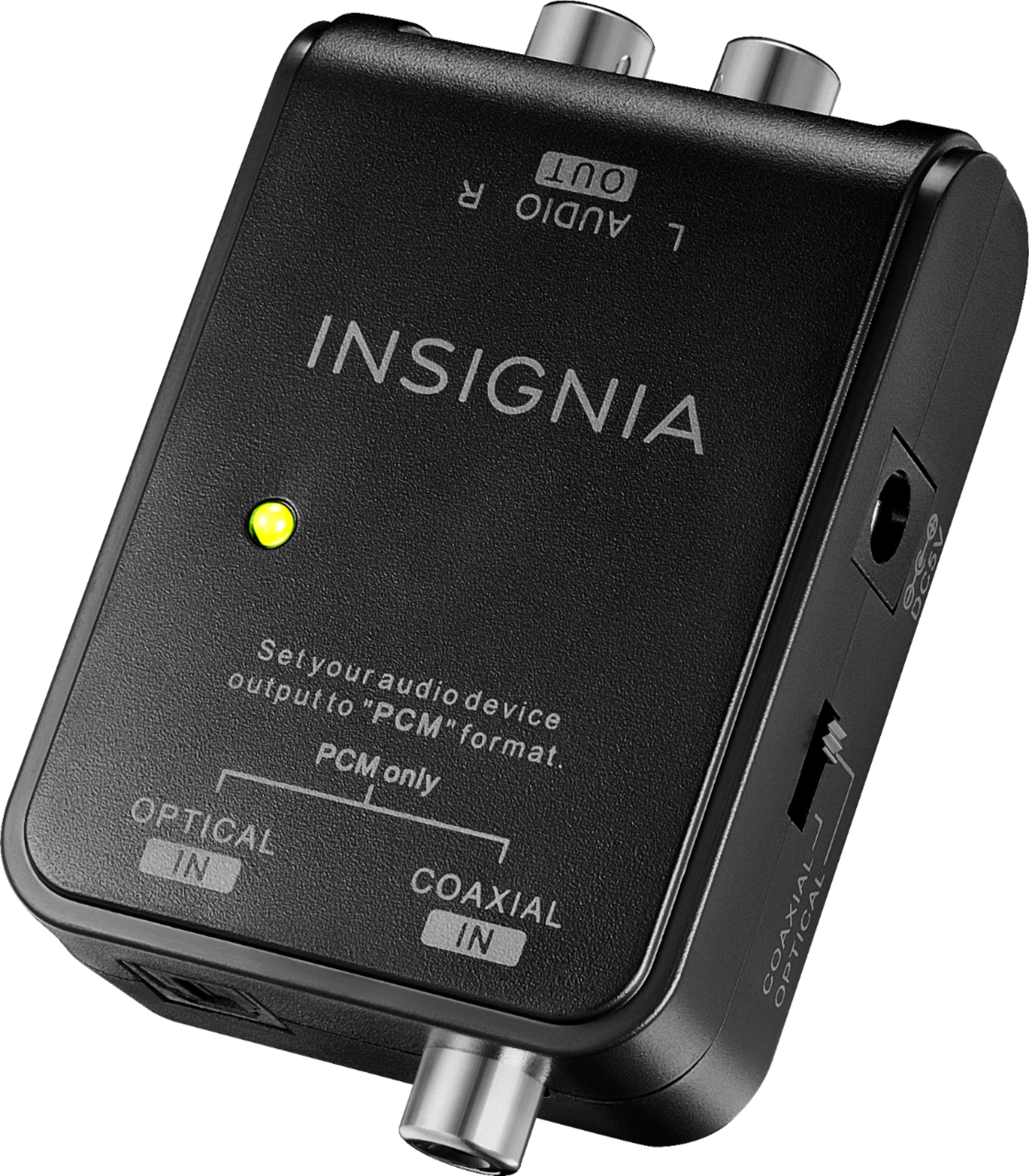
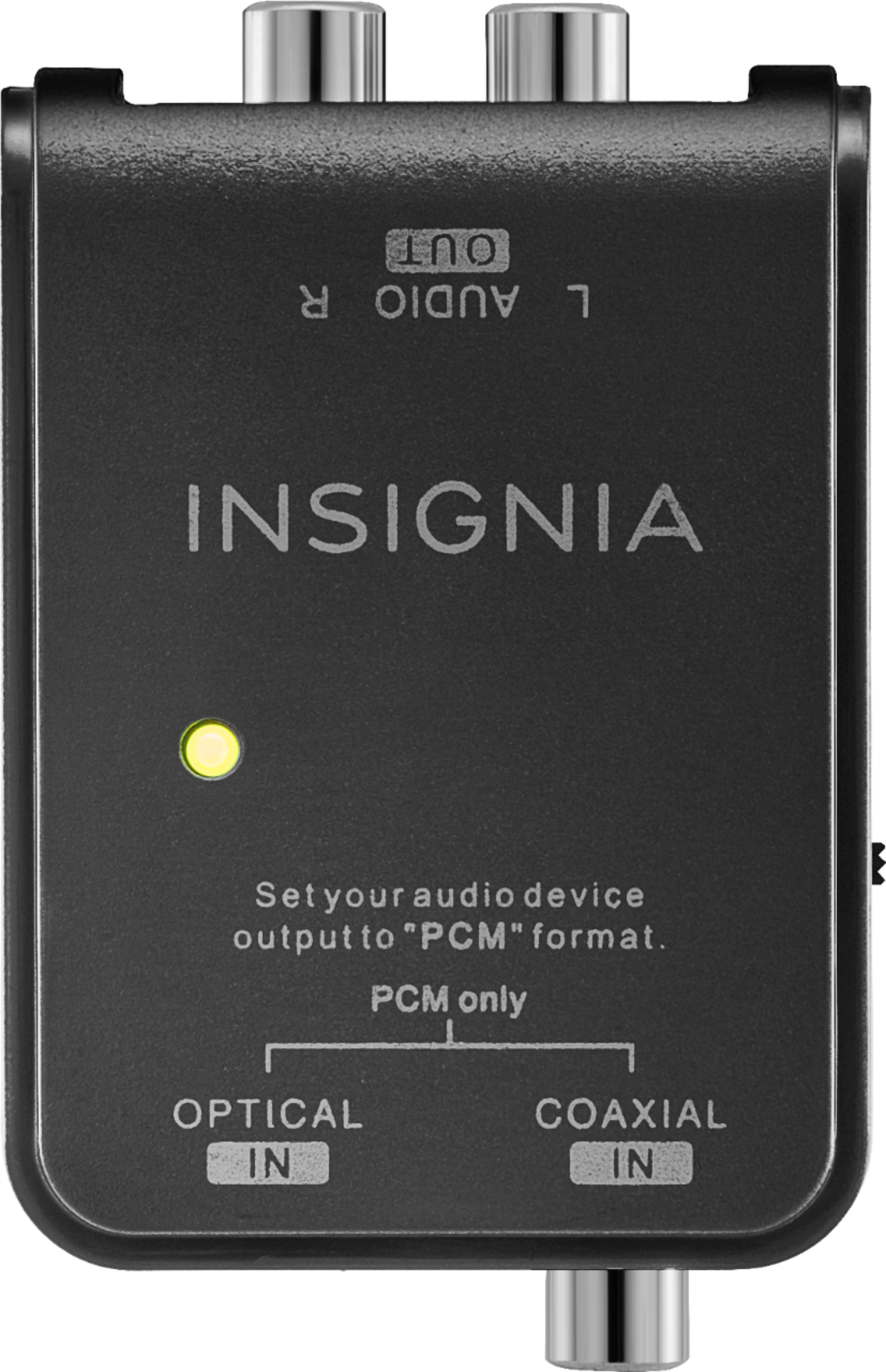
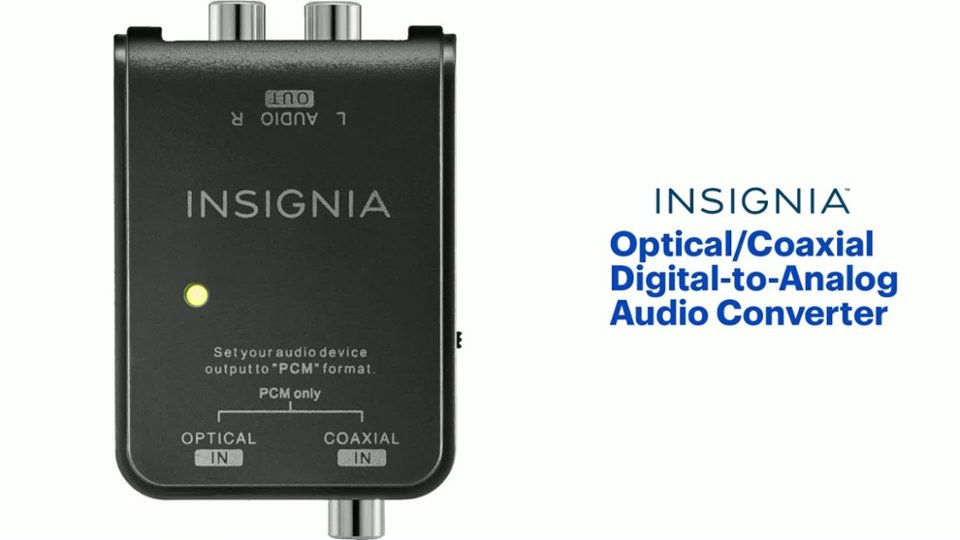
A:AnswerThank you for your inquiry! You can find digital optical cables that fit the Insignia™ Optical/Coaxial Digital-to-Analog Audio Converter at Best Buy. One option is the Insignia™ 12' Digital Optical Audio Cable, which features precision-polished terminals for stable signal transmission. Another option is the Insignia™ 6' Toslink Optical Audio Cable, suitable for minimalist installations and providing consistent audio quality. Both options should work well with your unit. Keith | Insignia Support https://www.bestbuy.com/site/insignia-optical-coaxial-digital-to-analog-audio-converter-black/4226000.p?skuId=4226000
A:AnswerThe issue you're experiencing with your Insignia Digital to Analog Audio Converter Model NS-HZ313-C might be due to a few potential causes:
1. Power Supply Issues: The power adapter might not be providing a consistent power supply, causing the converter to reset. Ensure the power adapter is securely connected and try using a different power outlet.
2. Firmware or Hardware Glitch: There could be a glitch in the converter's firmware or hardware. Unplugging and re-plugging the power source might temporarily reset the device, but it doesn't solve the underlying issue.
3. Connection Problems: Check all the connections between your TV, the converter, and your headphones to ensure they are secure and properly connected.
Here are a few troubleshooting steps you can try:
1. Check Power Adapter: Make sure the power adapter is working correctly. If possible, try using a different compatible power adapter.
2. Secure Connections: Ensure all cables are securely connected and not damaged.
3. Reset the Converter: Unplug the converter from the power source, wait for about 30 seconds, and then plug it back in.
If these steps don't resolve the issue, it might be best to contact Insignia Customer Support for further assistance. They can provide more specific troubleshooting steps or arrange for a repair or replacement if necessary. You can reach them at (877) 467-4289.
If you have any other questions or need further help, feel free to ask!
A:AnswerThe Insignia™ Optical/Coaxial Digital-to-Analog Audio Converter is designed to convert digital audio signals to analog, not the other way around. This means it won't convert RCA (analog) to optical (digital) for your Bose Soundbar Series II.
For your setup, you would need an analog-to-digital converter that can take the RCA output from your Westinghouse TV and convert it to an optical signal compatible with your Bose Soundbar.
Feel free to reach out if you have any further questions. -Ed | Insignia Support | https://www.bestbuy.com/site/brands/best-buy-brands/pcmcat1596746025285.c?id=pcmcat1596746025285
A:AnswerYes, you can use a fiber optic to Ethernet converter to connect your fiber optic modem to your Ethernet WiFi router. These converters, also known as media converters, transform the fiber optic signal into an Ethernet signal that your router can use.
To set it up:
1. Connect the Fiber Optic Cable: Plug the fiber optic cable from your modem into the fiber port on the media converter.
2. Connect the Ethernet Cable: Use an Ethernet cable to connect the RJ45 port on the media converter to your WiFi router.
3. Power Up: Ensure the media converter is powered on and properly configured.
This setup will allow your Ethernet WiFi router to receive the internet signal from your fiber optic modem.
If you need further assistance or have any other questions, feel free to ask!
A:AnswerThank you for your Interest! Yes, the Insignia™ Optical/Coaxial Digital-to-Analog Audio Converter should work with Xfinity cable. You can use it to convert the digital audio signal from your Xfinity cable box (via optical or coaxial connection) into an analog audio signal. This will allow you to connect your cable box to devices such as older TVs, stereo systems, or speakers that only support analog audio input. By doing so, you can potentially eliminate the need for renting a cable box from Xfinity and save money in the process. However, please ensure compatibility with your specific setup and devices before making a purchase. https://www.bestbuy.com/site/insignia-optical-coaxial-digital-to-analog-audio-converter-black/4226000.p?skuId=4226000
A:AnswerIf your speakers are powered speakers with have a built in amp then yes. Or..if not, get and AM,P and plug the RCA connectors into the line in of the AMP. Then the amp would push the drivers, or cones, to make the speaker work.
A:AnswerNo, this does not work with TVs without HDMI port.
Dina || Insignia Support || https://www.bestbuy.com/site/brands/best-buy-brands/pcmcat1596746025285.c?id=pcmcat1596746025285
A:AnswerHi Jos,
If your receiver only has analog inputs (RCA jacks) then yes it will take the TV digital signal from an optical output on the TV, convert it to analog (RCA). If you have any questions or concerns, please use the link below to reach us and also you can contact this phone number 877-467-4289 for further assistance.
Insignia Products
Nikki
https://www.bestbuy.com/site/brands/best-buy-brands/pcmcat1596746025285.c?id=pcmcat1596746025285
A:AnswerYes, it will work. Connect audio devices that have digital audio outputs to devices that have analog audio inputs.
Rudson S.| Insignia Support. https://www.insigniaproducts.com/contact-us
A:AnswerHello Roxie,
The converter will not work on your headphone since the digital input source connection needs to be set up to PCM.For Samsung tv the input source is only Dolby Digital.
Insignia Support
Molina