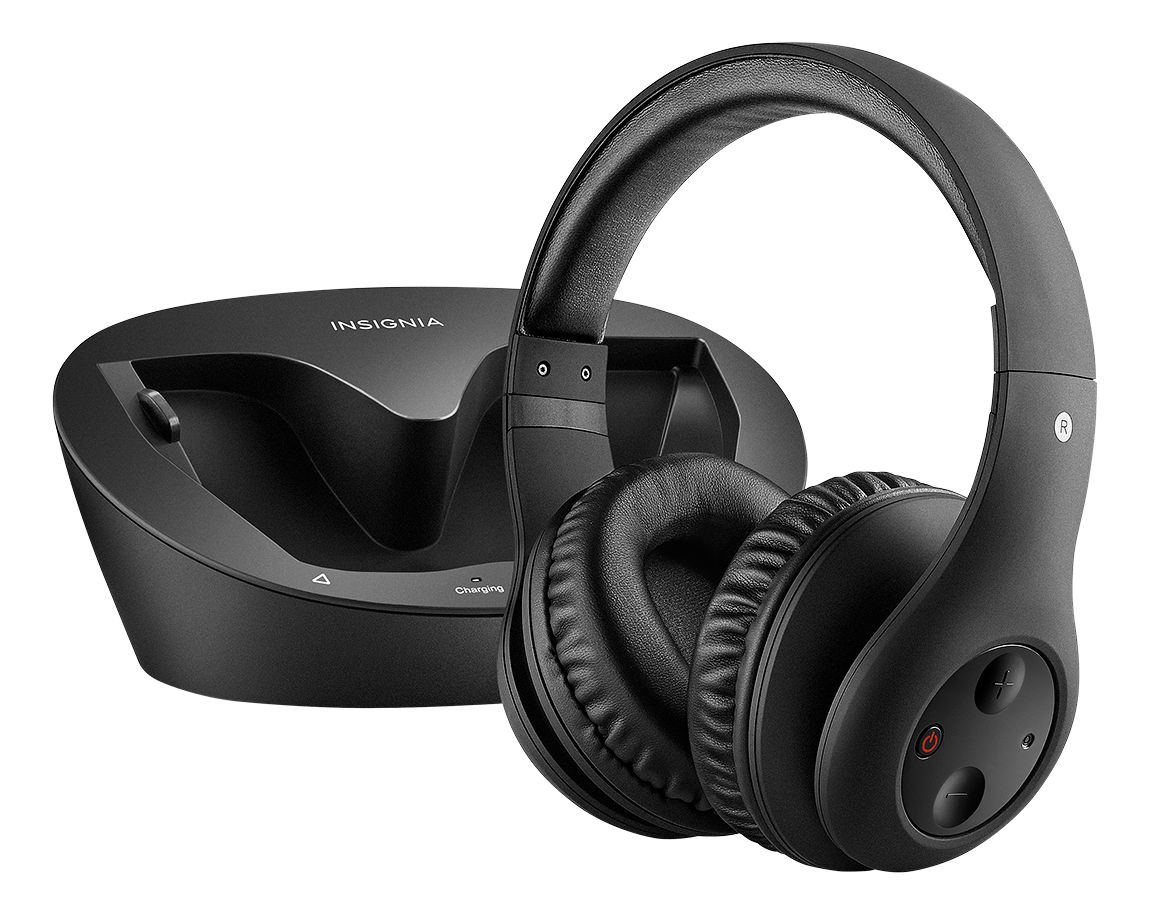
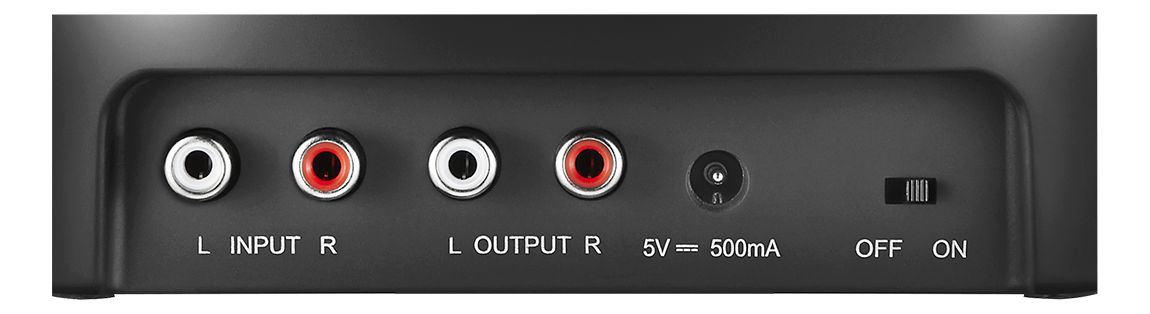
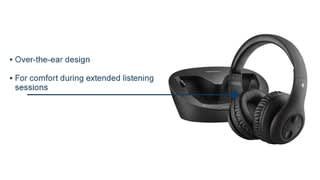
A:AnswerIn order for the base to get audio from the TV directly, you must connect to red and white jacks specifically labeled audio out. If they are not specifically labeled that, try using the headphone adapter, or try plugging the red and white RCA cords directly into your source device.
A:AnswerTo pair the headphone please follow the steps mentioned below:
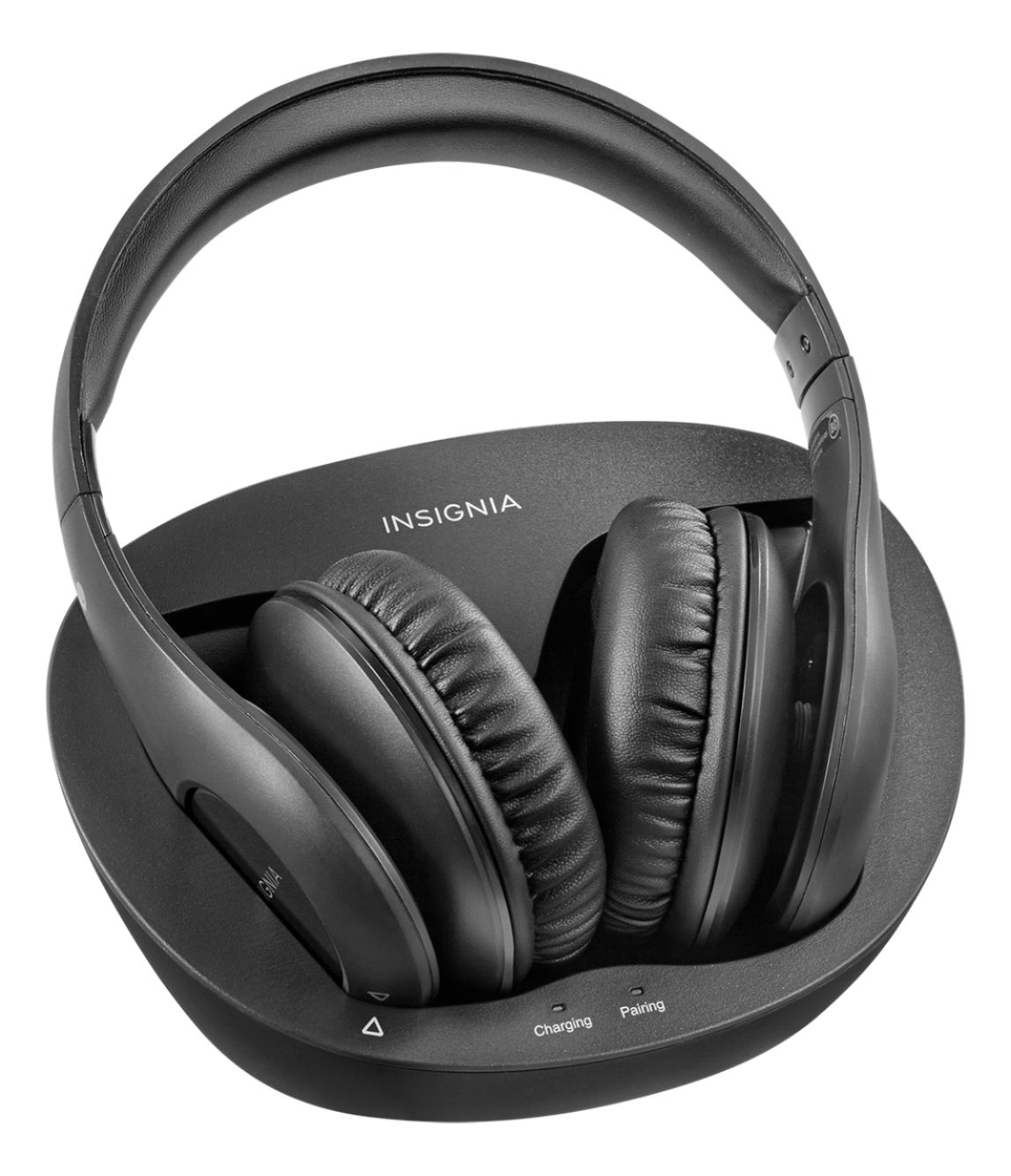
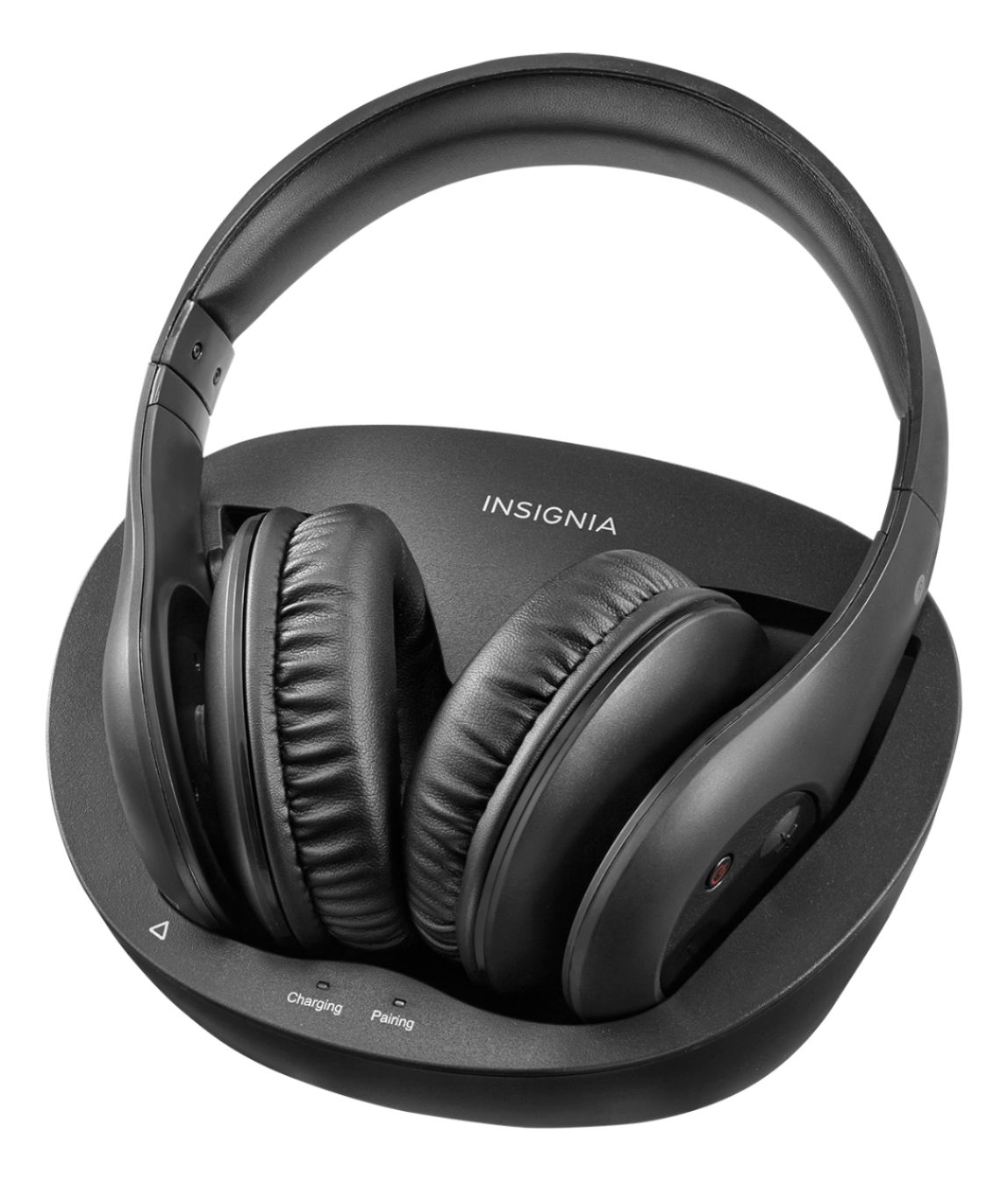
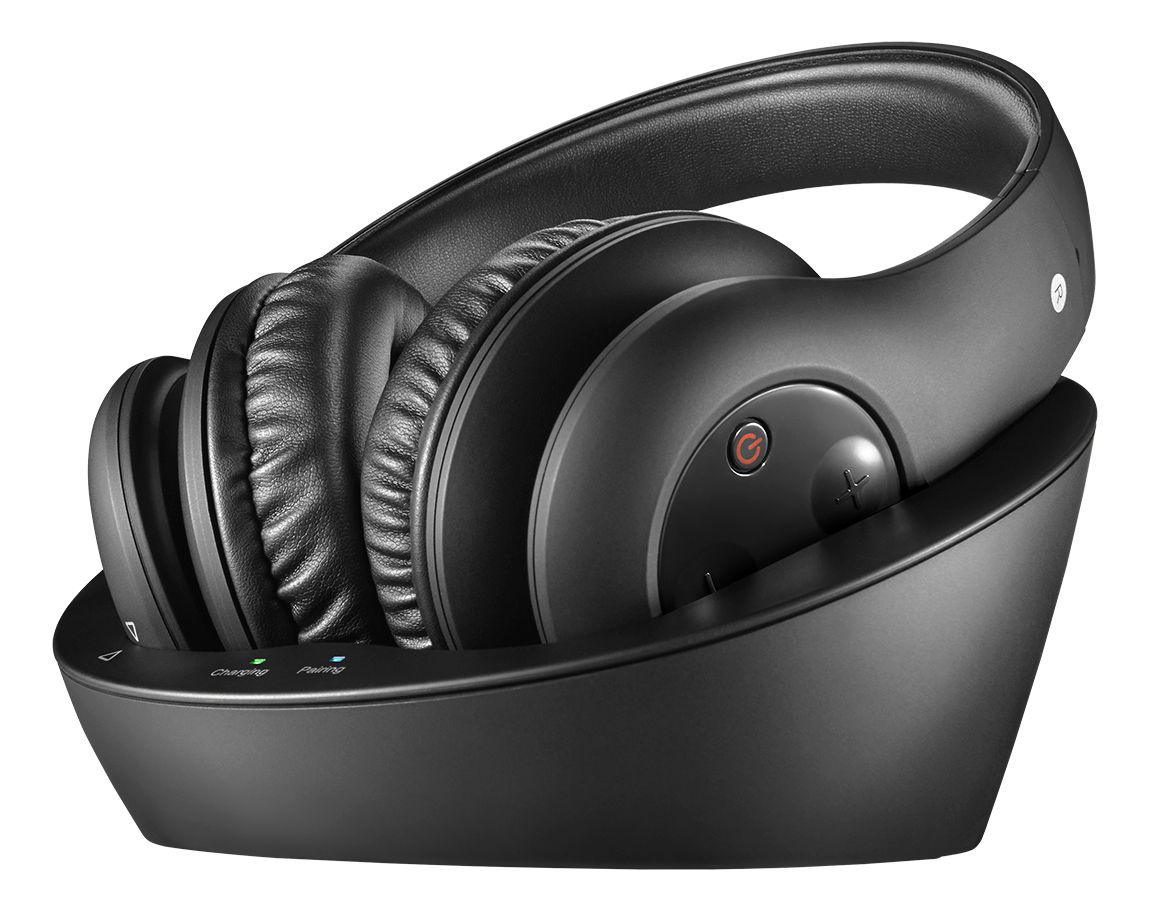
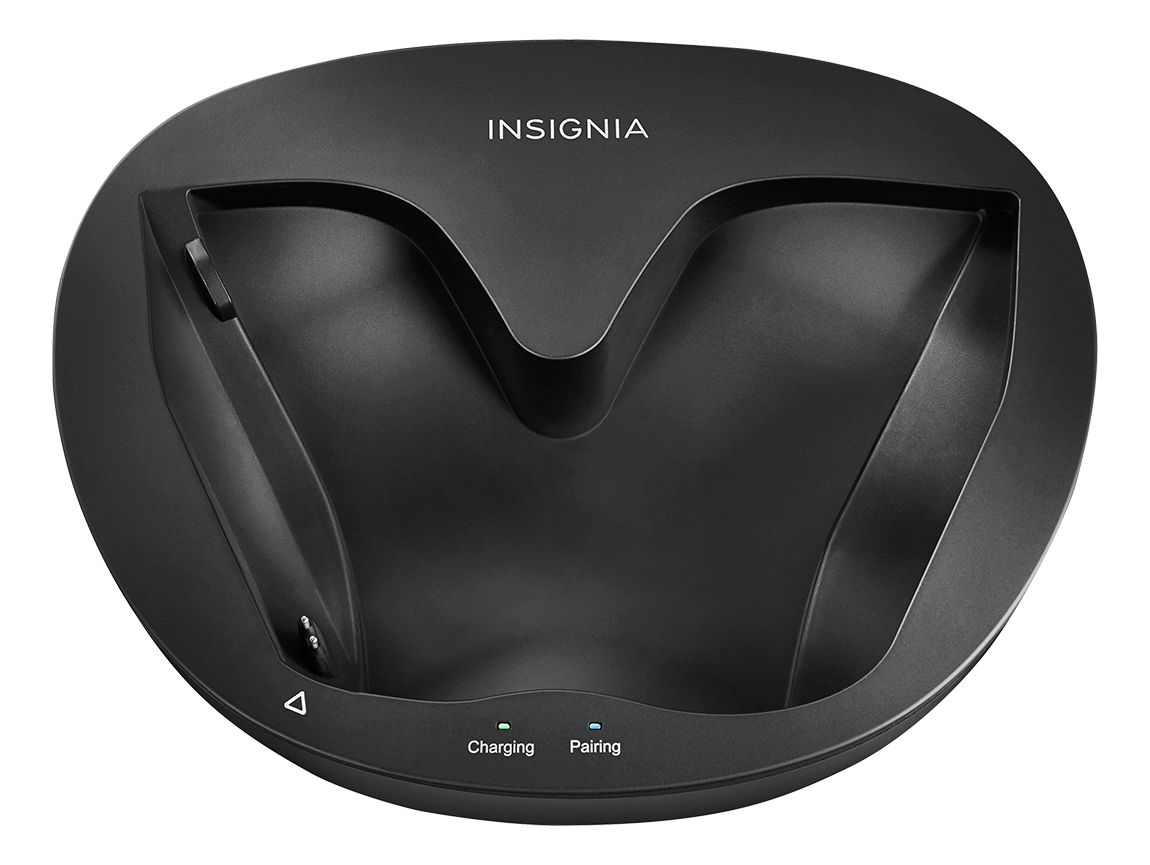
1. Slide the OFF/ON button on the docking station to ON. The Pairing indicator on docking station blinks (blue).
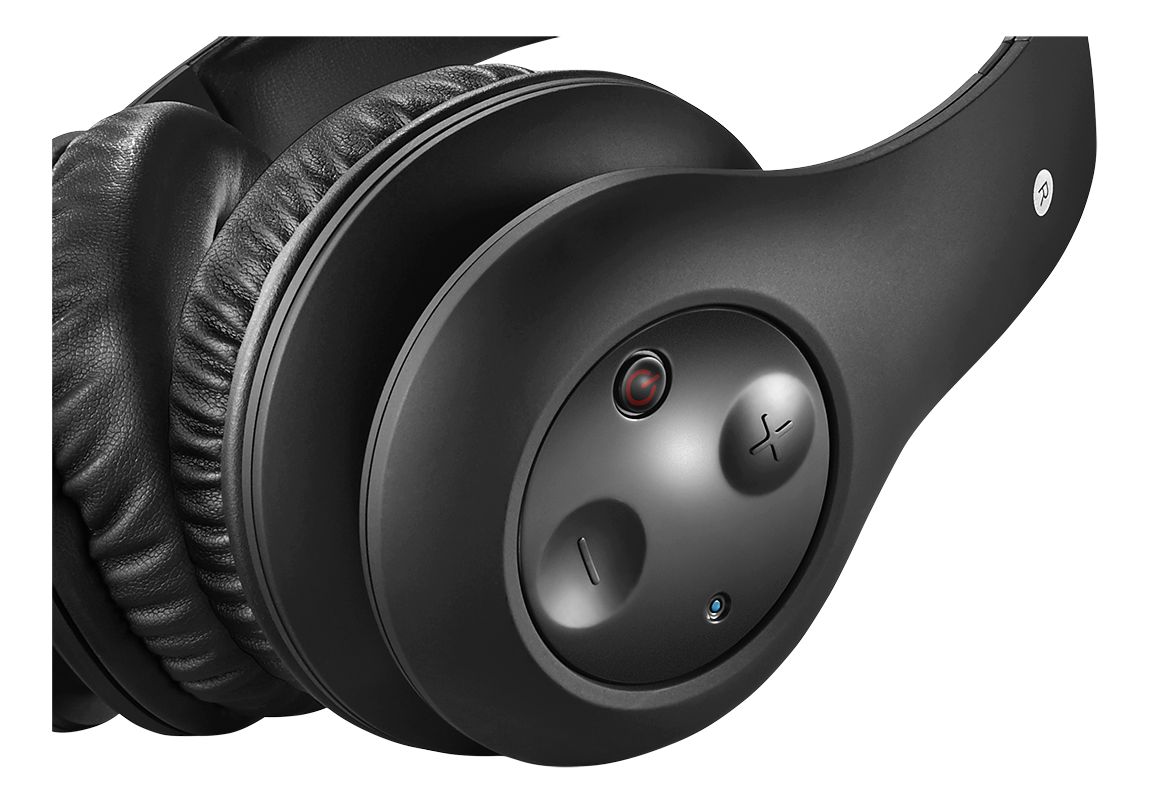
2. Press the button on the right earpiece to turn on the headphones. The Power/Pairing indicator on headphone blinks
(blue).
3. When the Power/Pairing indicator on headphones and Pairing indicator on docking station both light steadily blue, an active link is established between headphone and docking station. The system is now on and ready to be used.
A:AnswerThe tv volume for non headphone users acts just like you would expect. The headphones have a separate jack that plugs into the tv and transmits a separate sound signal to the headphones. The volume in the headphones can be controlled independently of the tv sound
A:AnswerHi bobcasey, please contact us at 877-467-4289 and we will provide you with further assistance about this situations. Omar S. - Insignia Support.
A:AnswerStatic means your sync with the base station is going in and out. Only way to fix that is to shorten the distance between the headphones and the base station, mine seems to start dropping out at around 11 Foot.