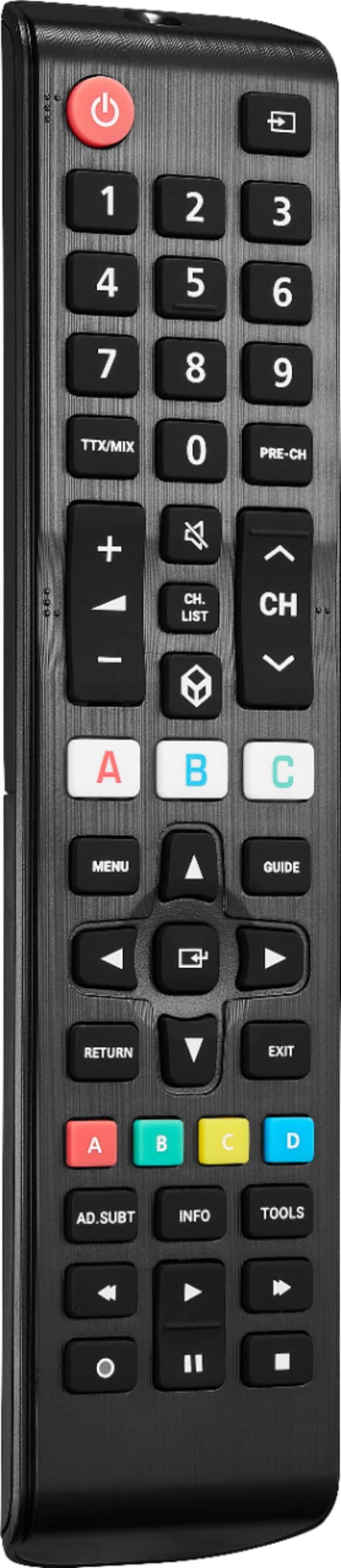
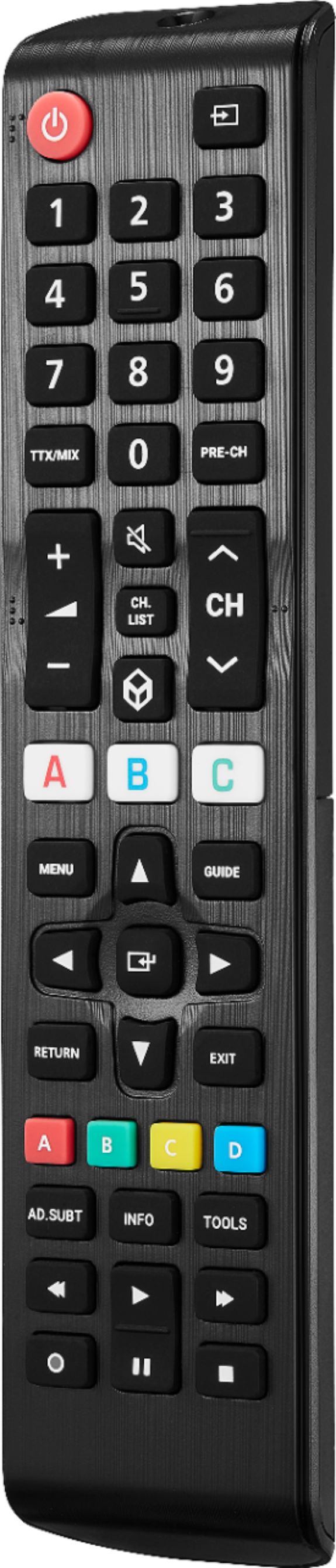
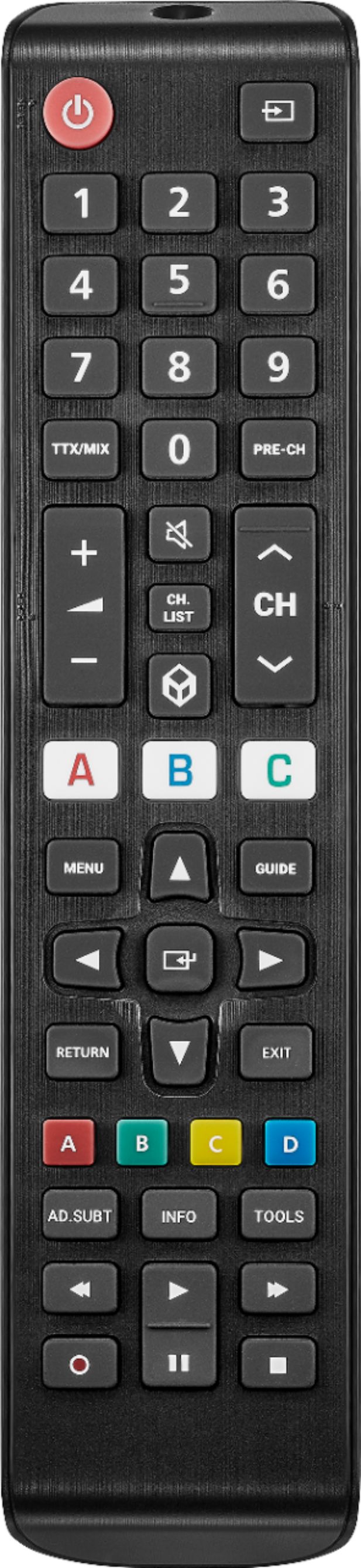
A:AnswerI just tried the remote features you're asking about with YTTV, NetFlix, and YouTube, and it works with all of 'em as you would expect. But be aware that it's IR vs RF - i.e., it has to be unobstructed and pointed at the TV.
BTW, some people I've talked to turn their noses up at YouTube TV (YTTV), and I don't know why. It's a virtual DVR - recording all segments of all TV and cable programming you select and control, with few exceptions you can usually go to a Website for. We've completely dumped cable and watch everything via either WiFi or our cellphone network wherever we are.
A:AnswerI think it works with any Samsung television I believe and you don’t need to program it either, if it don’t work just take it back. Don’t hurt to try…
A:AnswerI bought 2020 q70 floor model. And the Greek squad gave me this remote. It worked fine. No set up. Just instant link.
Not sure a older tv will respond the same way, But you can always return.
A:AnswerI did everything Insignia said to do and it still does NOT work. Bought a similar one off of Amazon for a LOT less money and it is working great.
A:AnswerHi Lyn,
2. How do I connect the remote to my tv?
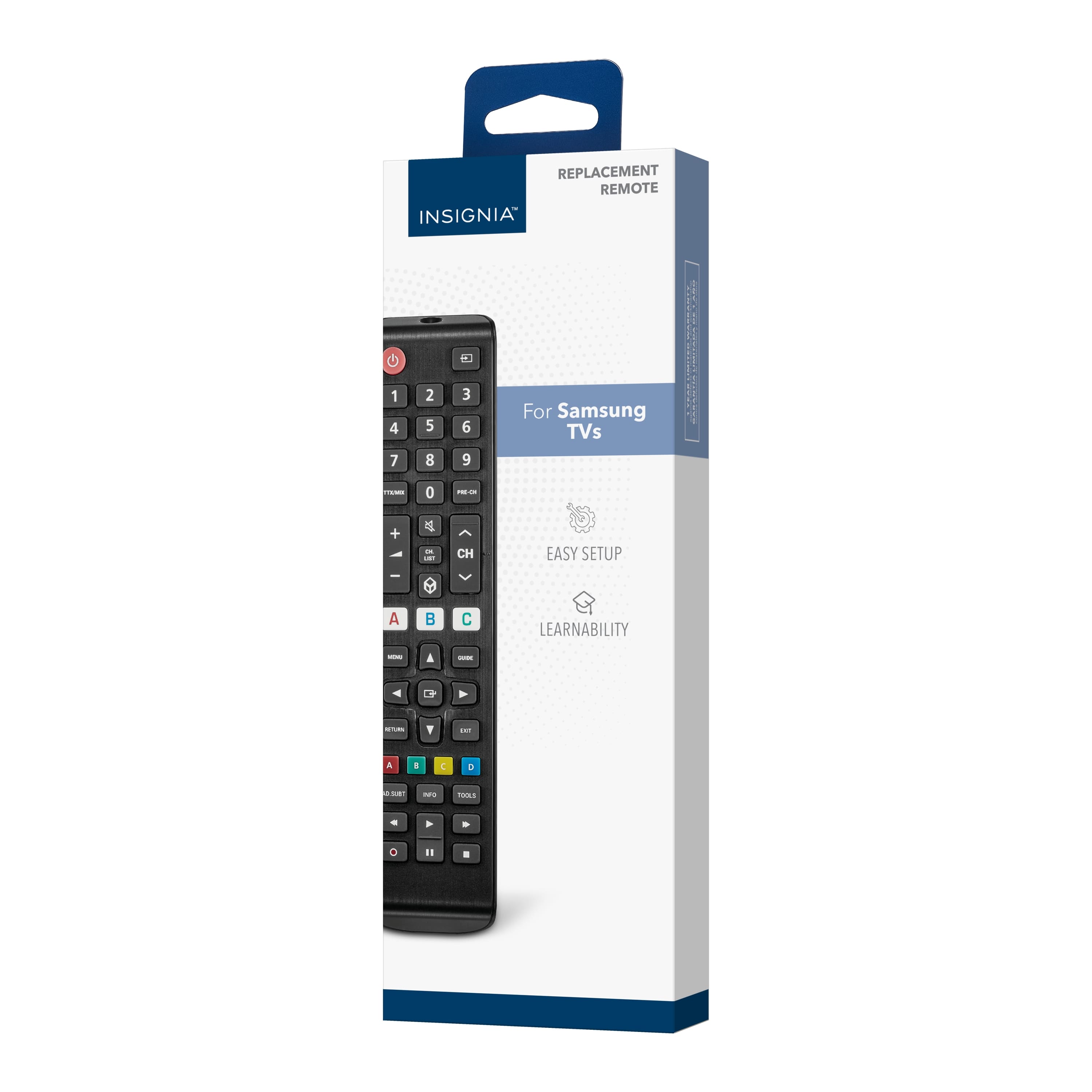
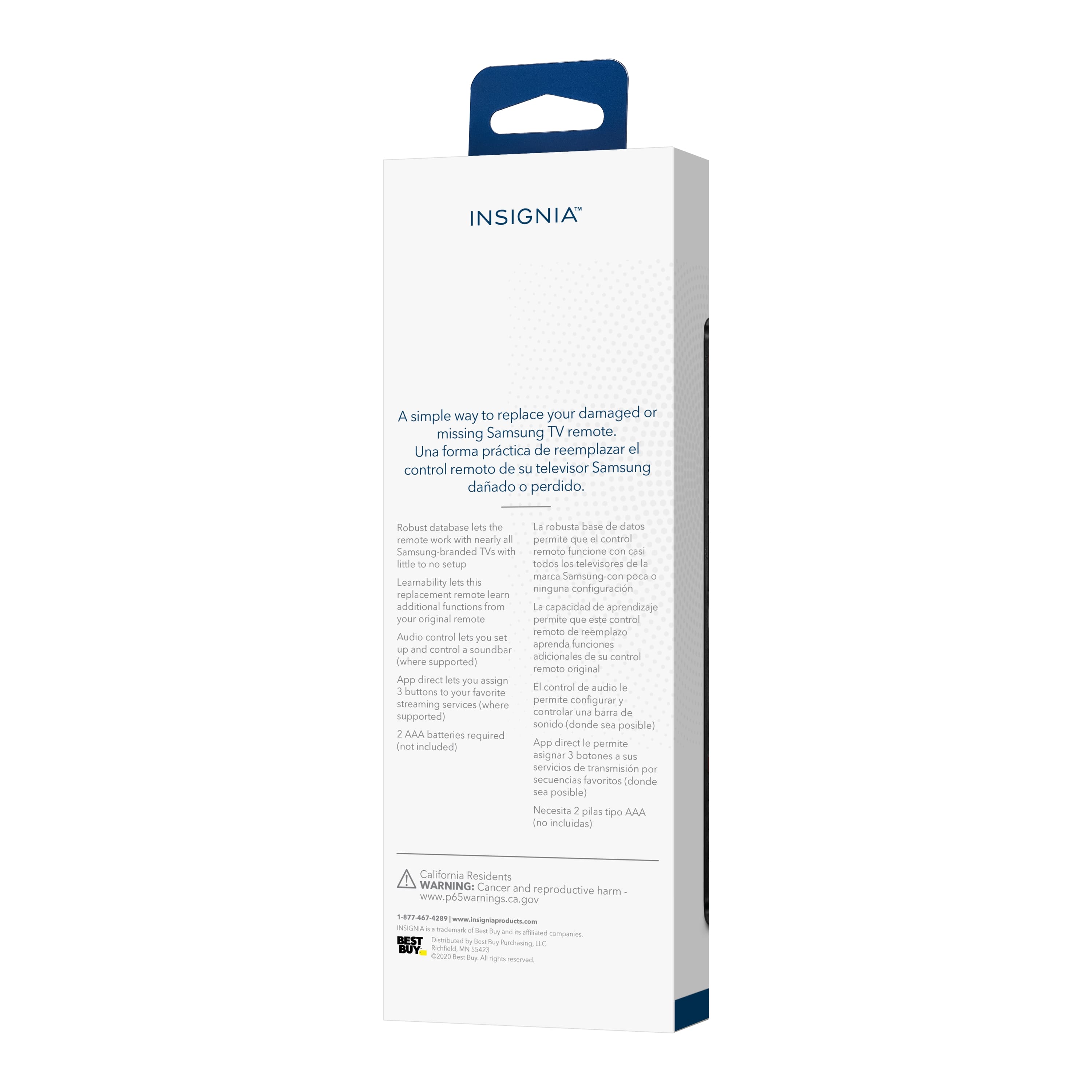
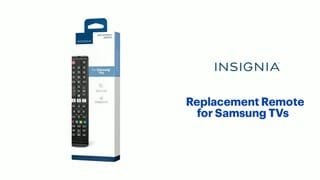
Insignia™ - Replacement Remote for Samsung TVs - Black
Kindly fallow the instruction below:
1. Make sure that your TV is on and not in standby mode.
2. On your new remote, hold down red A and blue D until the power button LED blinks twice.
3. Point your new remote towards the TV, then press and hold the power button.
4. As soon as your TV turns off,immediately release the power button. The LED blinks twice.
Note: You have three seconds to release the power button before your remote sends a different code to your TV.
5. Use the power button to turn on your TV, then test the other buttons.
6 If one or more buttons don’t work as you expect, repeat steps 1 through 5 using the MENU or INFO
button instead of the power button.
Insignia Products
Marites
www.bestbuy.com/site/brands/best-buy-brands/pcmcat1596746025285.c?id=pcmcat1596746025285