A:AnswerDo you have them plugged into the digital audio output port? I had a heck of a time finding ANY 'output' port on my TV. Once found, the sound was great. Good luck!
A:AnswerI also bought an optical cable when I bought my headset and the sales person told me I should find a place for the other end of the cable on the back of my TV.....(I took my TV instruction manual to Best Buy with me). The sales person showed me from the diagram in the instruction book where the optical cable would go.....AND he was right....
A:AnswerYes, but you can also remove your hearing aids and turn the volume up as loud as you like. Problem is that when you take off the headphones you have to remember to put your aids back in. Good Luck!
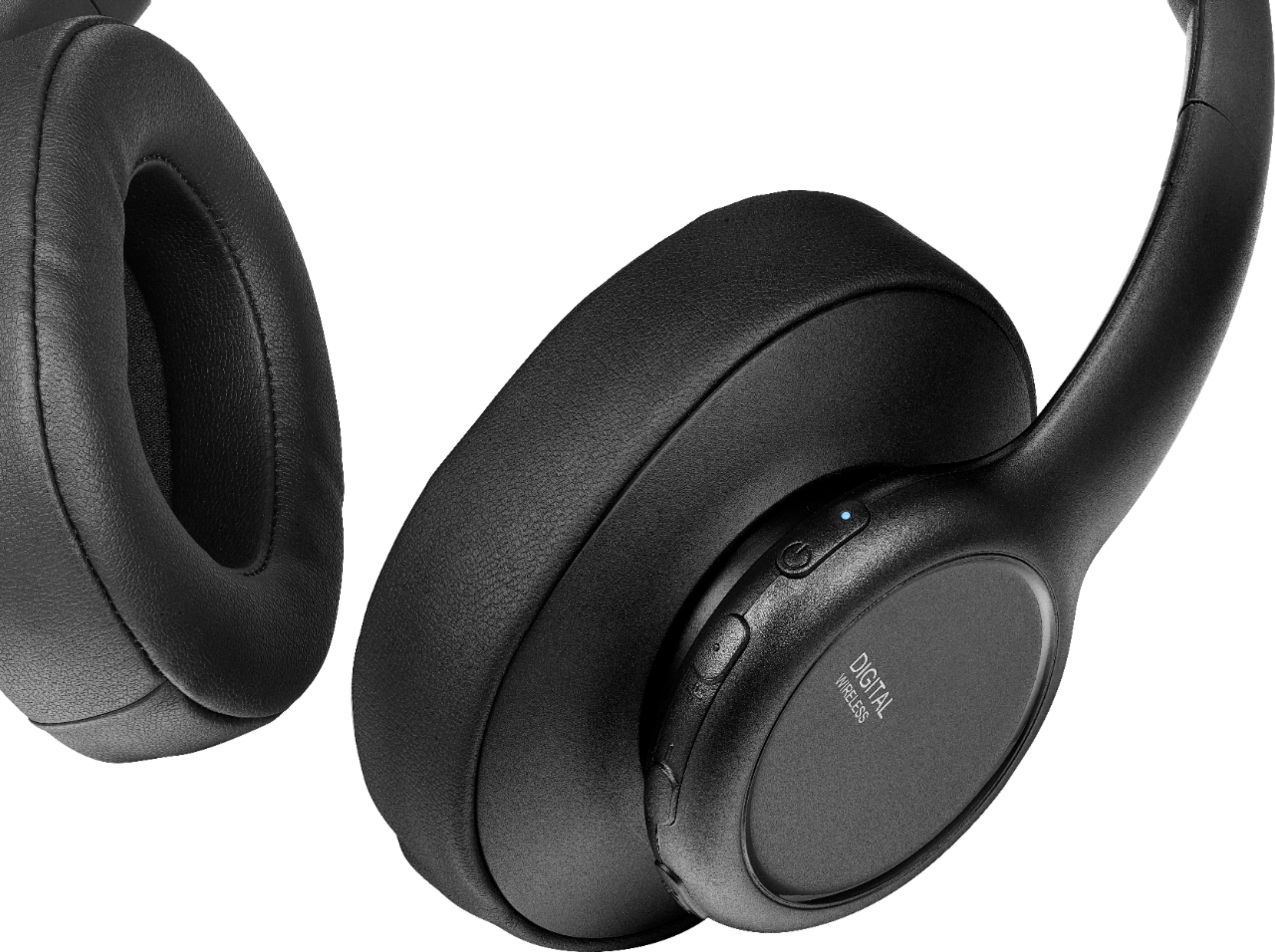
A:AnswerHi Barry, thank you for bringing this issue to our attention. We apologize for any inconvenience this may have caused. The ear pads for the Insignia RF Wireless Over-the-Ear Headphones can be replaced. We recommend contacting our customer support team for assistance with finding replacement ear pads. You can reach them at 877-467-4289. Thank you for your feedback and we hope to resolve this issue for you promptly. Gly | Insignia Support | https://www.bestbuy.com/site/insignia-rf-wireless-over-the-ear-headphones-black/6281625.p?skuId=6281625
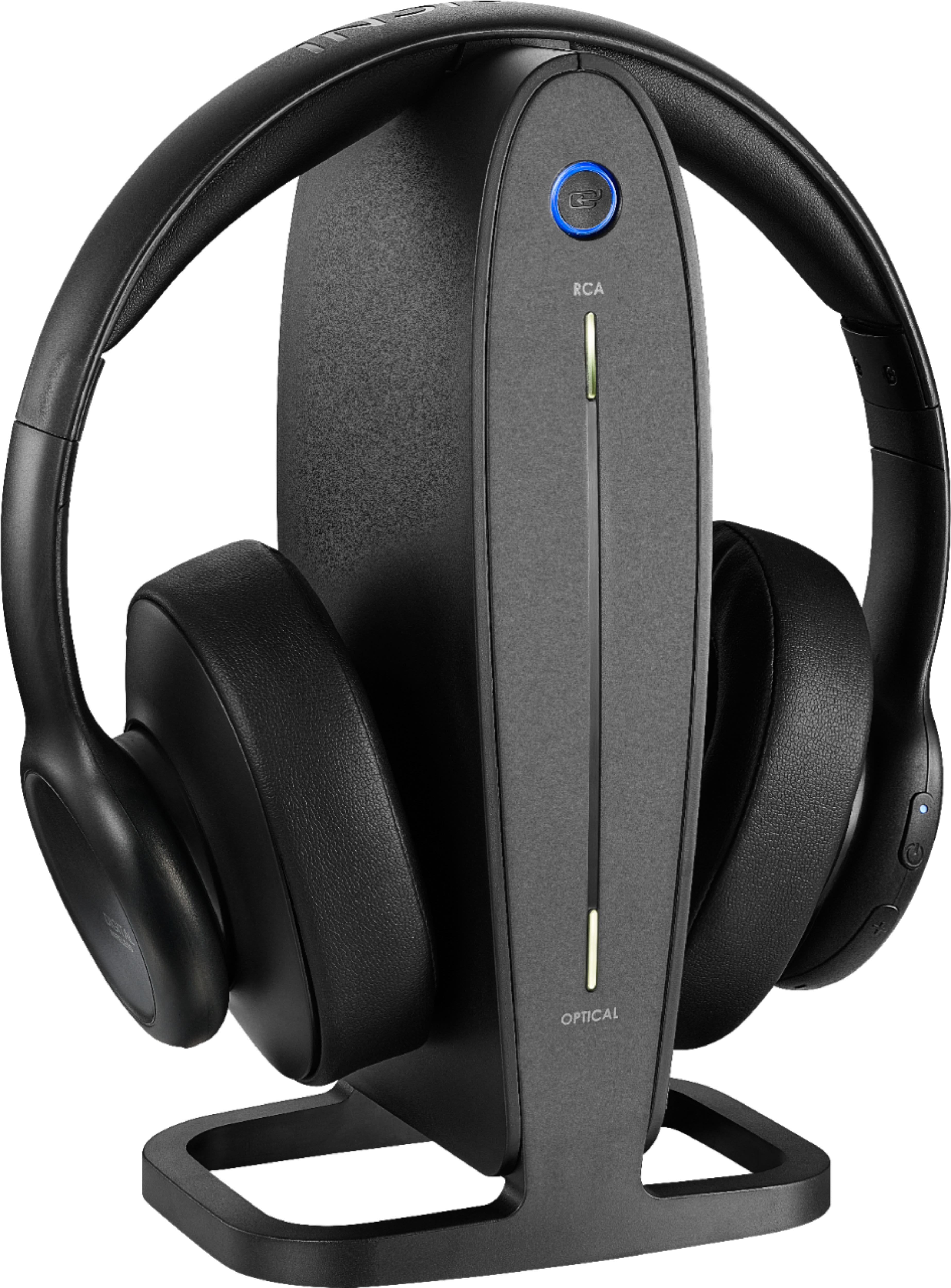
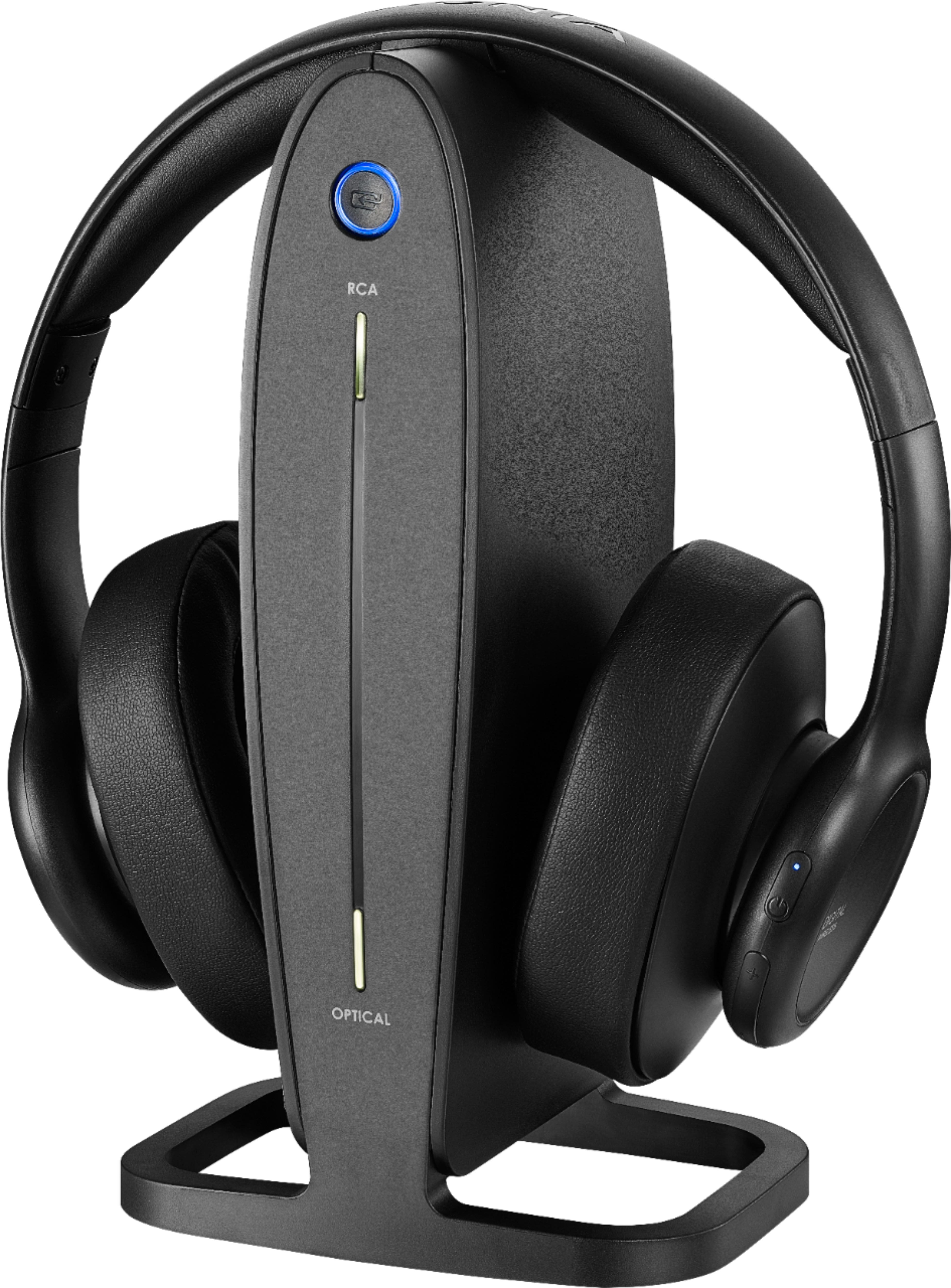
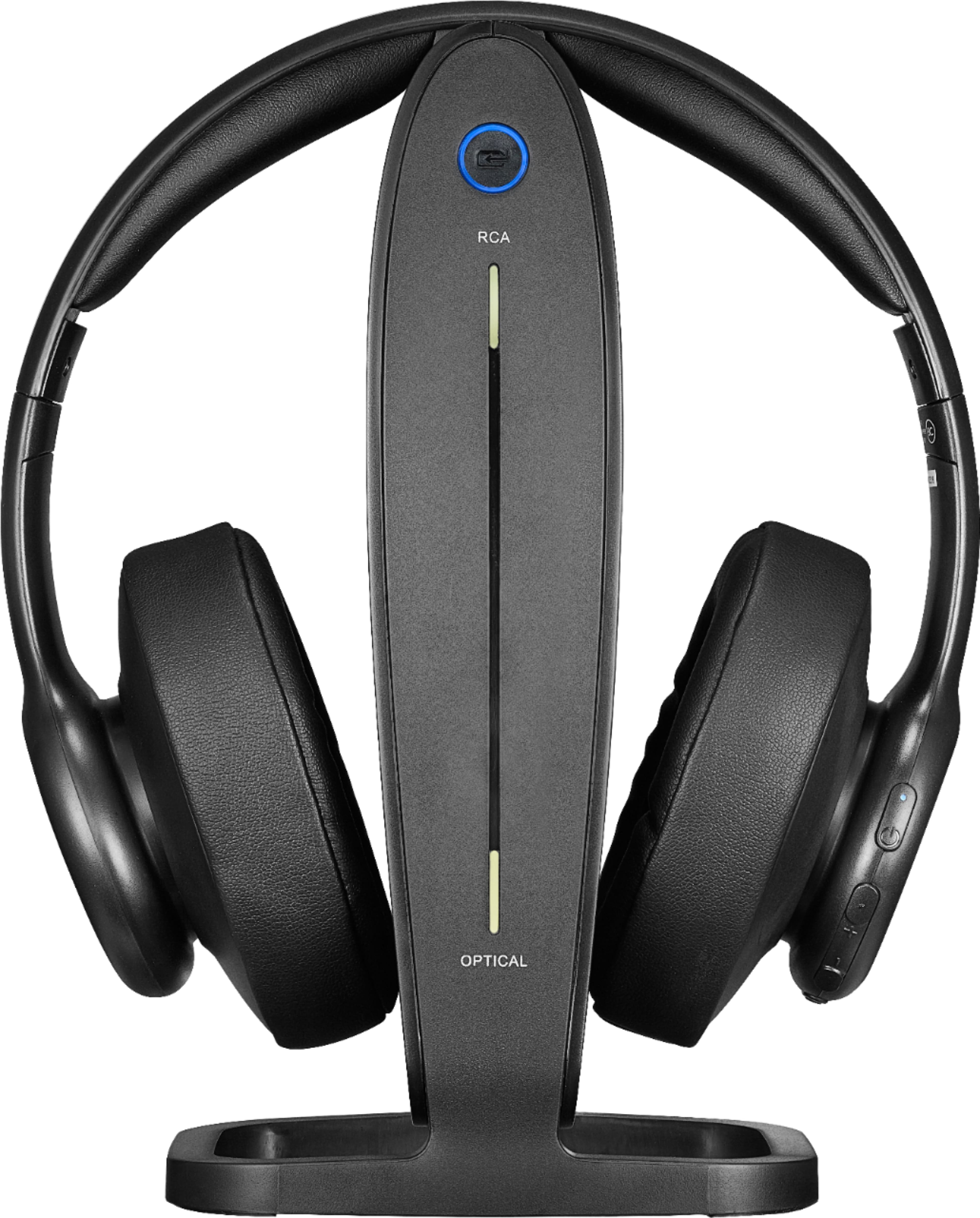
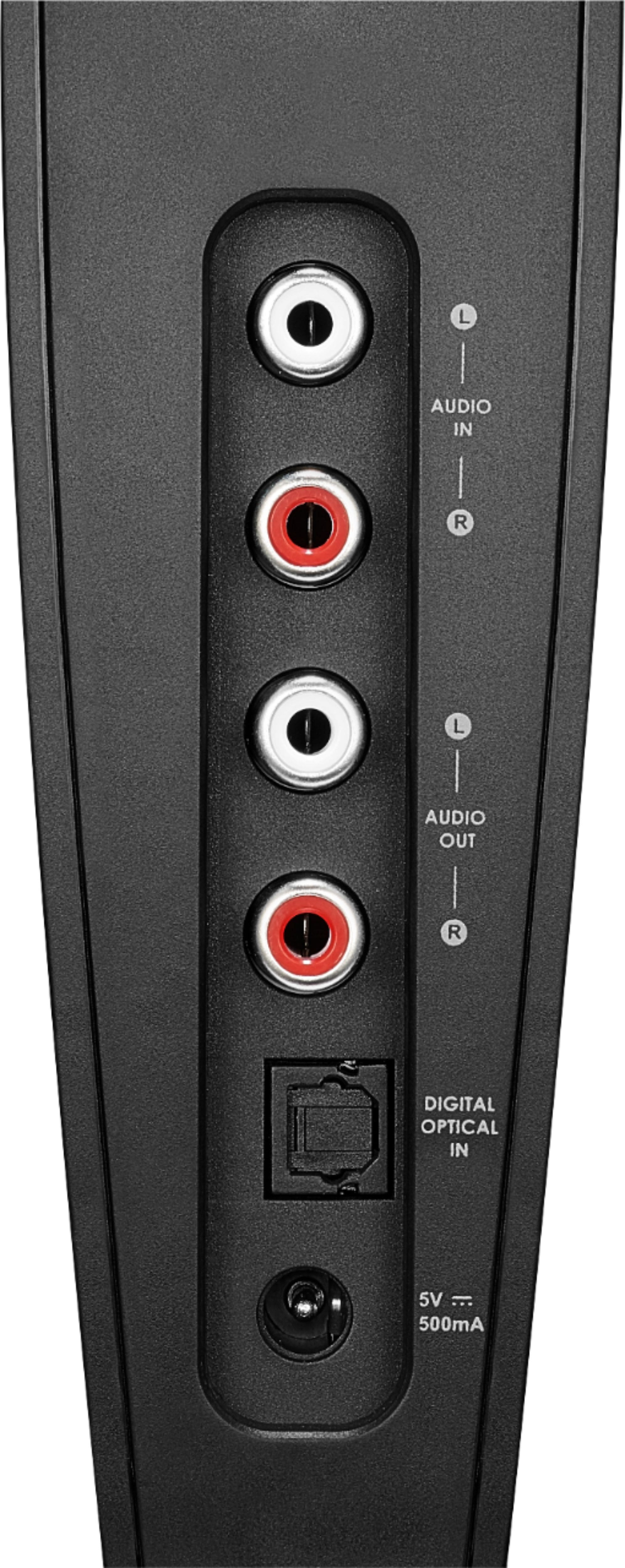
A:AnswerYou hook the base unit up to the audio source by either the red and white RCA output jacks, a standard headphone jack, or a digital audio cable. The headphones are designed to be hooked up to a TV, not the cable box. I'm not saying it isn't possible, but it would be much more difficult to set the base up like that, and might actually interfere with the sound going from the cable box to the TV.
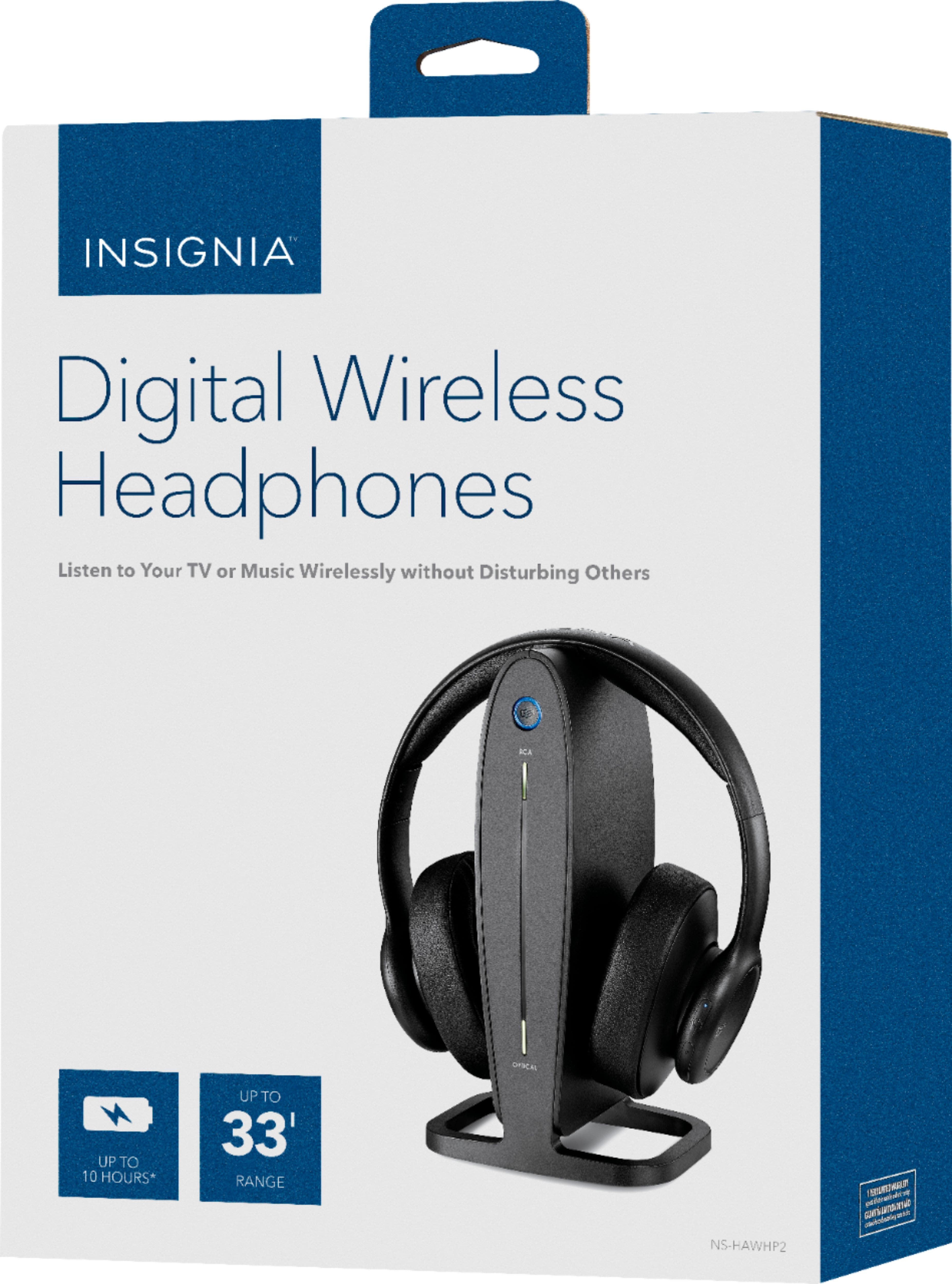
A:AnswerThis is a design deficiency in what are otherwise acceptable, lightweight headphones with good sound quality. The problem arises because it is necessary for the contact pins on the top of the base to mate securely with the corresponding pin contacts located in the center of the headphone headband. First - don't turn the headphones off! Leave them on. The blue light should be on and steady. Place the headphones carefully on the base stand, preferably with the headphone blue light facing the same direction as the blue light on the base. The blue lights may flicker for a short period if the headphones have to rock back and forth to settle, but the red light will come on in a few seconds. Autoqueen, you have my sympathies, as this design flaw drove me nuts until I figured out what the manufacturer expected we users to know. It's not like their documentation covers this issue. Otherwise, IMHO, you more or less get what you pay for in a set of headphones in this price range. I have a much better set for serious listening, of course - something like this is OK for TV, streaming, digital radio, etc., but not for listening to Mahler, Puccini or Brahms.
A:AnswerDoes your TV have a headphone jack? If it doesn't have the red and white RCA out jacks or a headphone jack, you would probably have to manually switch the cable between the base unit and your sound bar.
A:AnswerDoes your TV have either the red and white RCA output jacks, or a headphone jack? You would need to plug the TV into the base unit using something other than the digital audio cable.
A:AnswerThese are not Bluetooth headphones. Hook up the docking station to the TV using the RCA/3.5mm or Digital Optical Audio cable. This unit features strong 2.40 GHz digital wireless signal. The delay is around 20ms.
A:AnswerI purchased mine just earlier than you last year and have seen no decrease in battery. I use mine daily for 10-12 hours straight with no issues. Sorry!
A:AnswerI had that experience but I fix it by turning off both TV and the headphone jack and waited for a couple of minutes before turning them on. And it works..