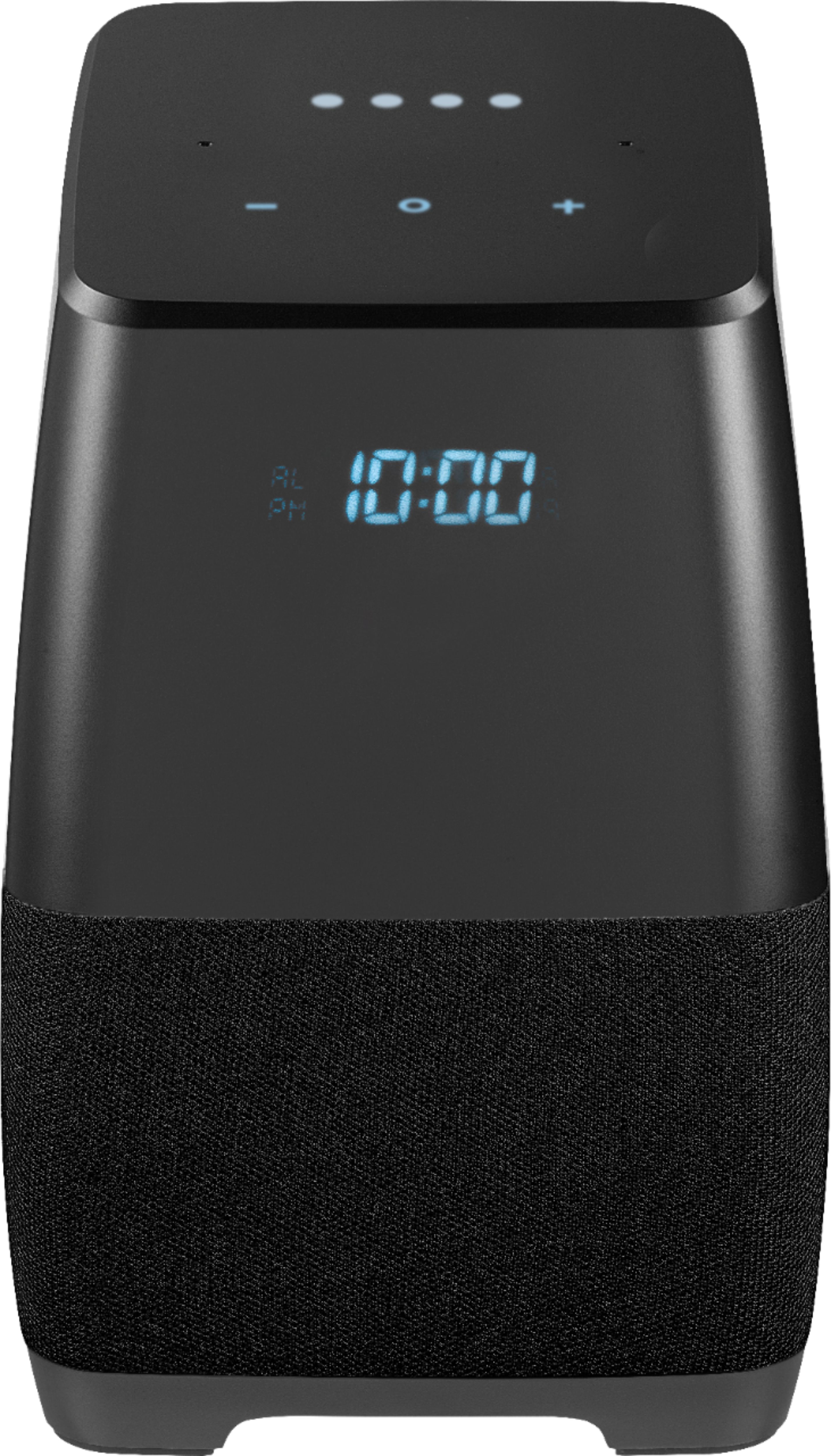
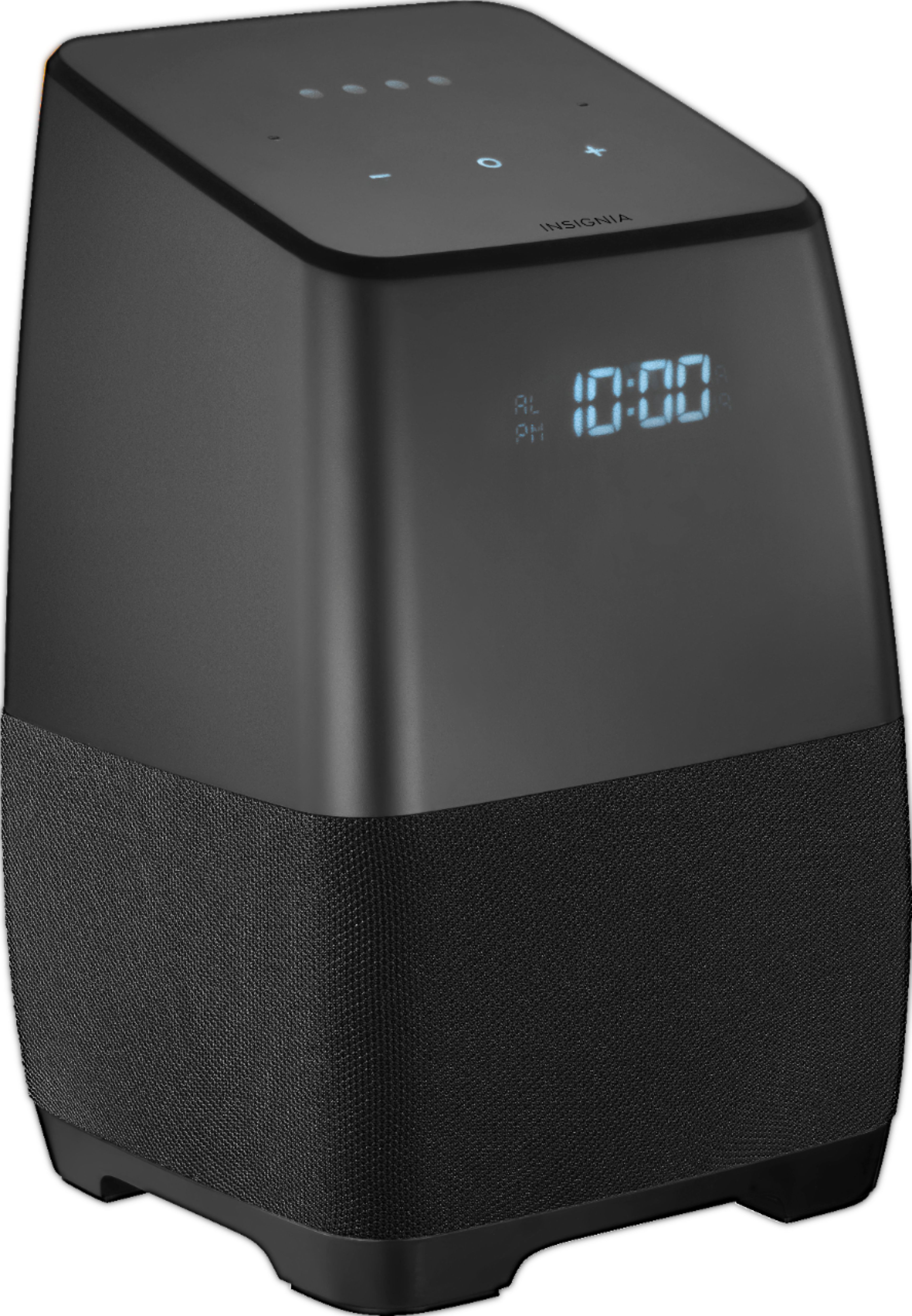
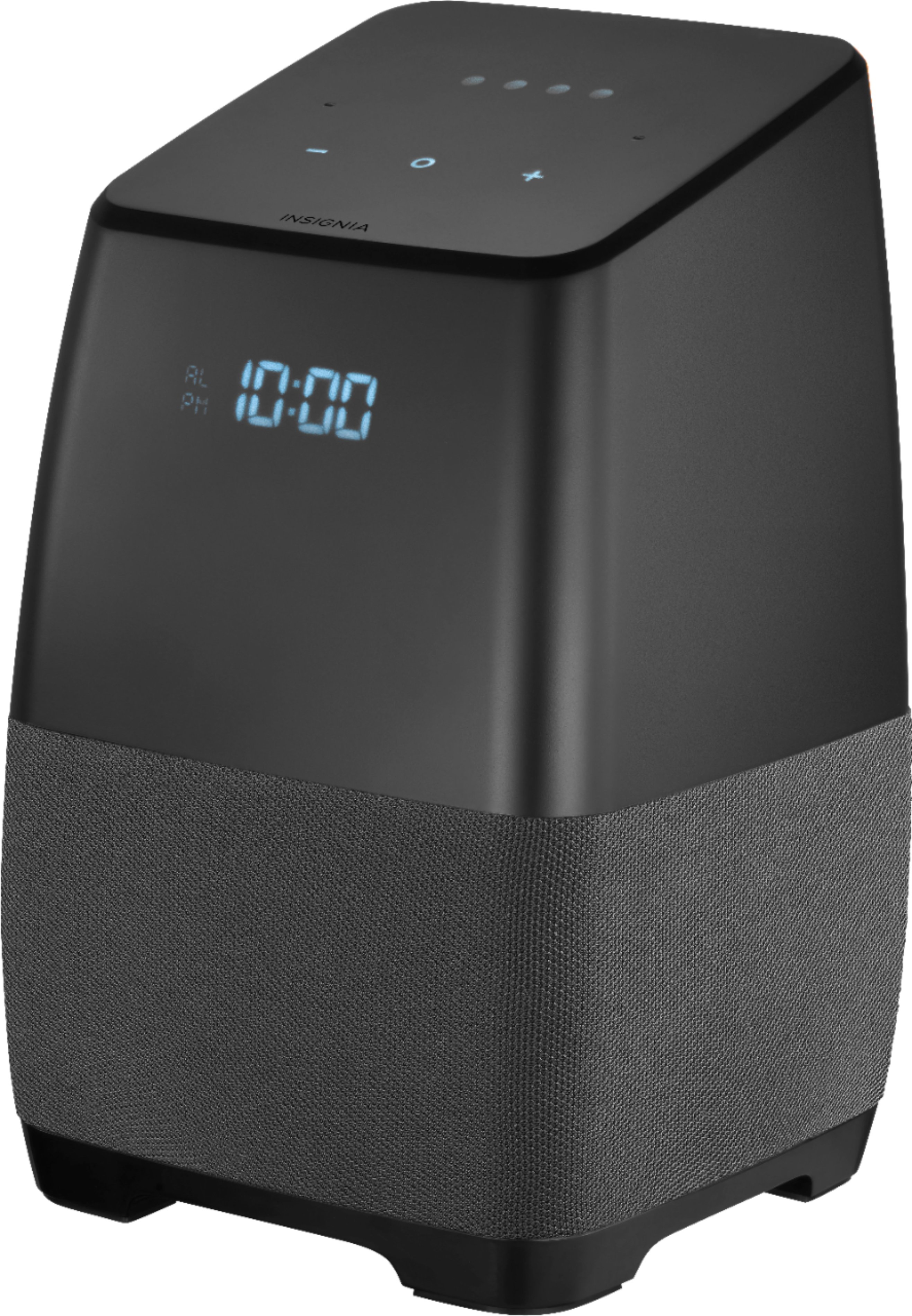
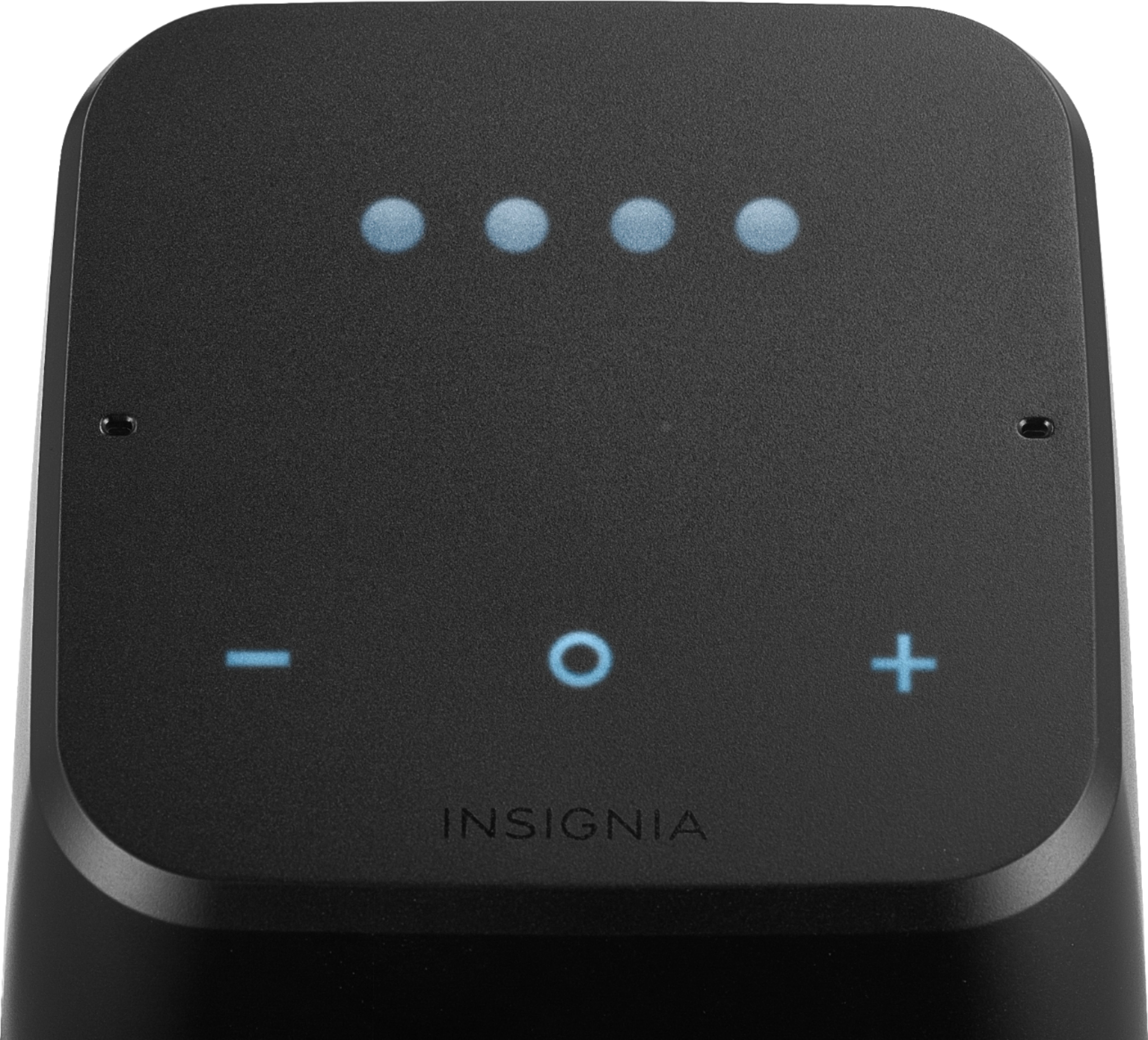
A:AnswerAs with any replacement accessory, the best source is the original manufacturer of the product. You can reach Insignia at 1-877-467-4289. If you have a Google Home, the adapters are essentially the same, and I'm certain they are interchangeable without any likely mishap. It's also possible that you might be able to find replacements in electronic shops such as Best Buy or Radio Shack (if that still exists.)
A:AnswerI'm not sure but I've noticed that when the device I have paired with is connected it will display the device name. Haven't payed enough attention to determine how or where the name is established. Try cutting the connection and then see if it is still displaying those symbols.
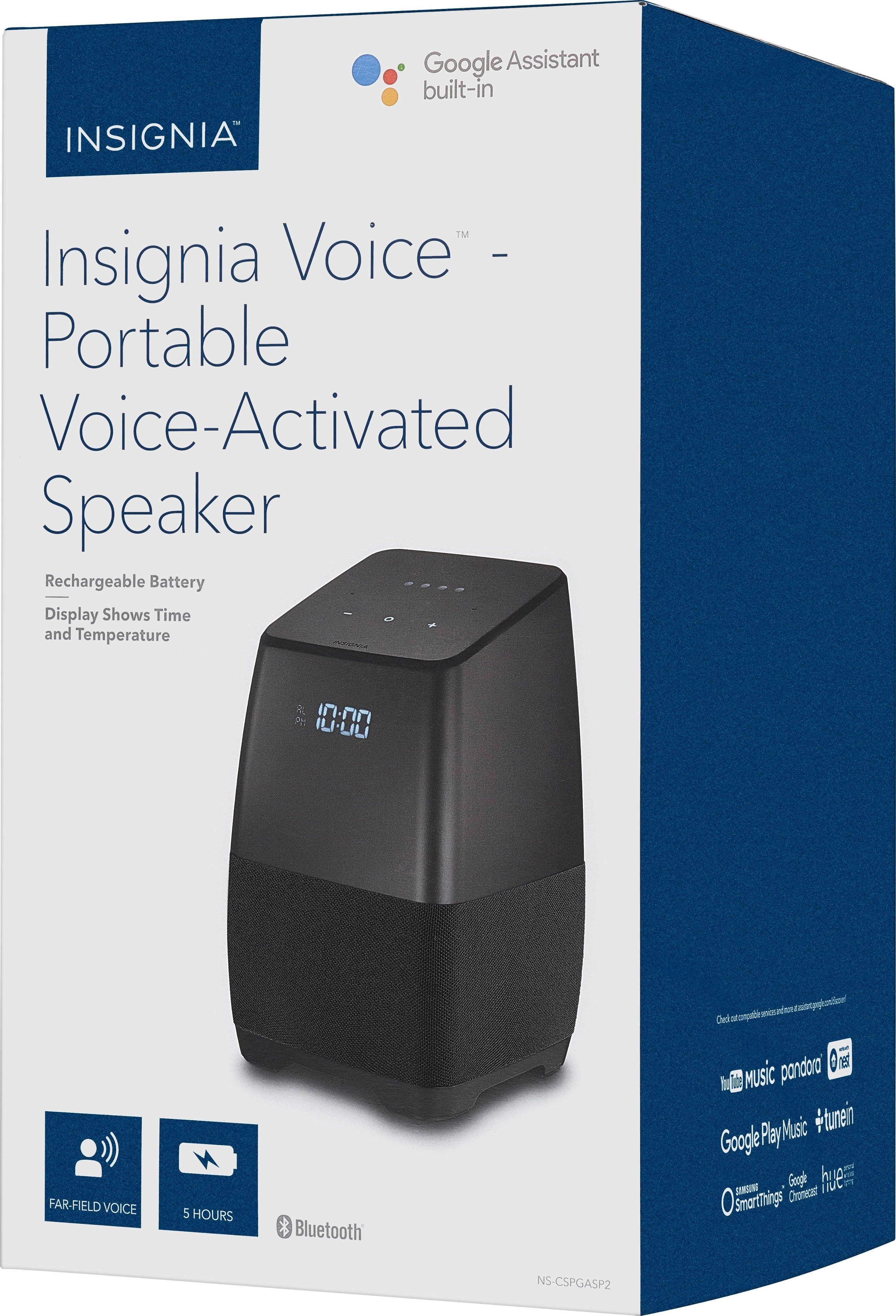
A:AnswerThe speaker does NOT have an internal battery...it must be plugged in to work. The usb on the back allows you to charge another device from the speaker.
A:AnswerUnplug it for about 1 min. Or find the reset button underneath. If that doesn't work refresh your router or modem while the speaker is unplugged. Then plug the speaker back in but make sure the router or modem is fully reset. That should do the trick.
A:AnswerIt works with the Logitech Harmony Hub the same way a Google Home, Google Home Mini or Google Home Max would - that is to say, there are a variety of built-in commands once the Hub is paired with Assistant, as well as the possibility to create more complex, custom commands via Assistant"s Routines and apps like IFTTT;.
I currently use the speaker in conjunction with the Harmony Hub for Voice Control actions such as 'Turn on the TV and AV Receiver, set the Input to the HTPC, and dim the lights', 'Turn on the Xbox, set the input to the Xbox, and set volume to 50%', etc. Essentially, it allows you to control the Hub by voice, as well as to integrate commands to multiple Google Assistant-compatible IoT devices (like Philips Hue lights, etc) in a single command.