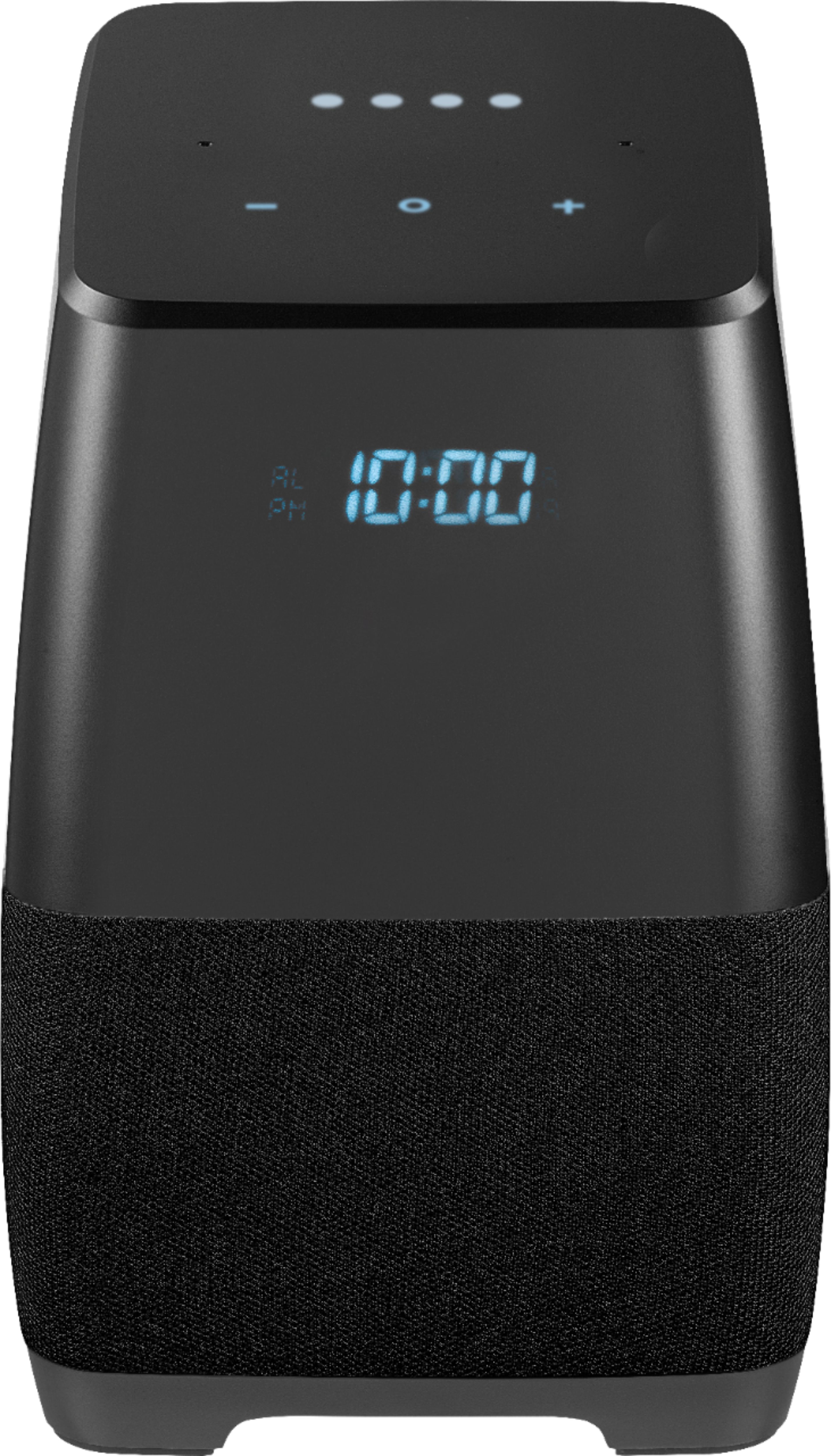
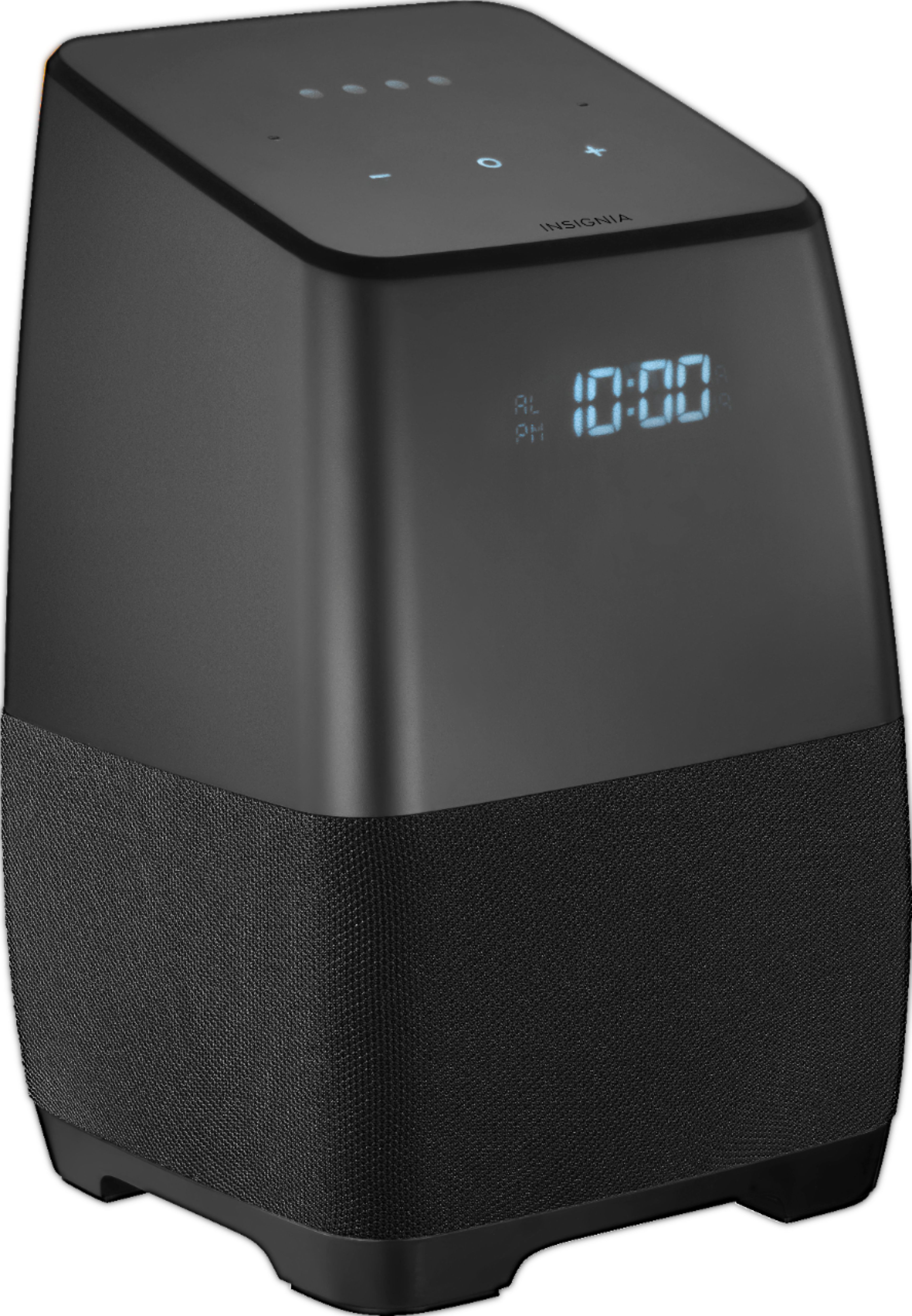
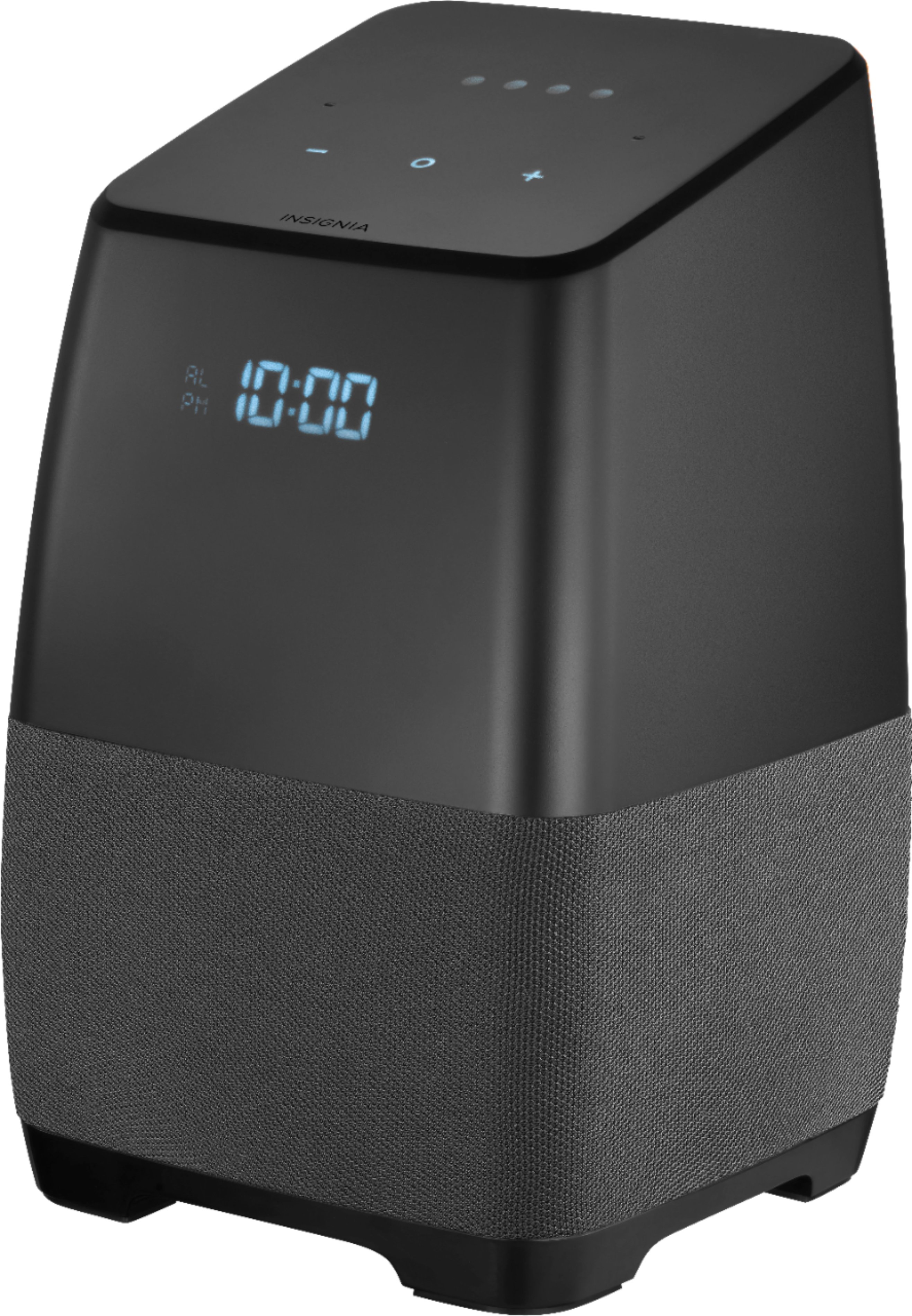
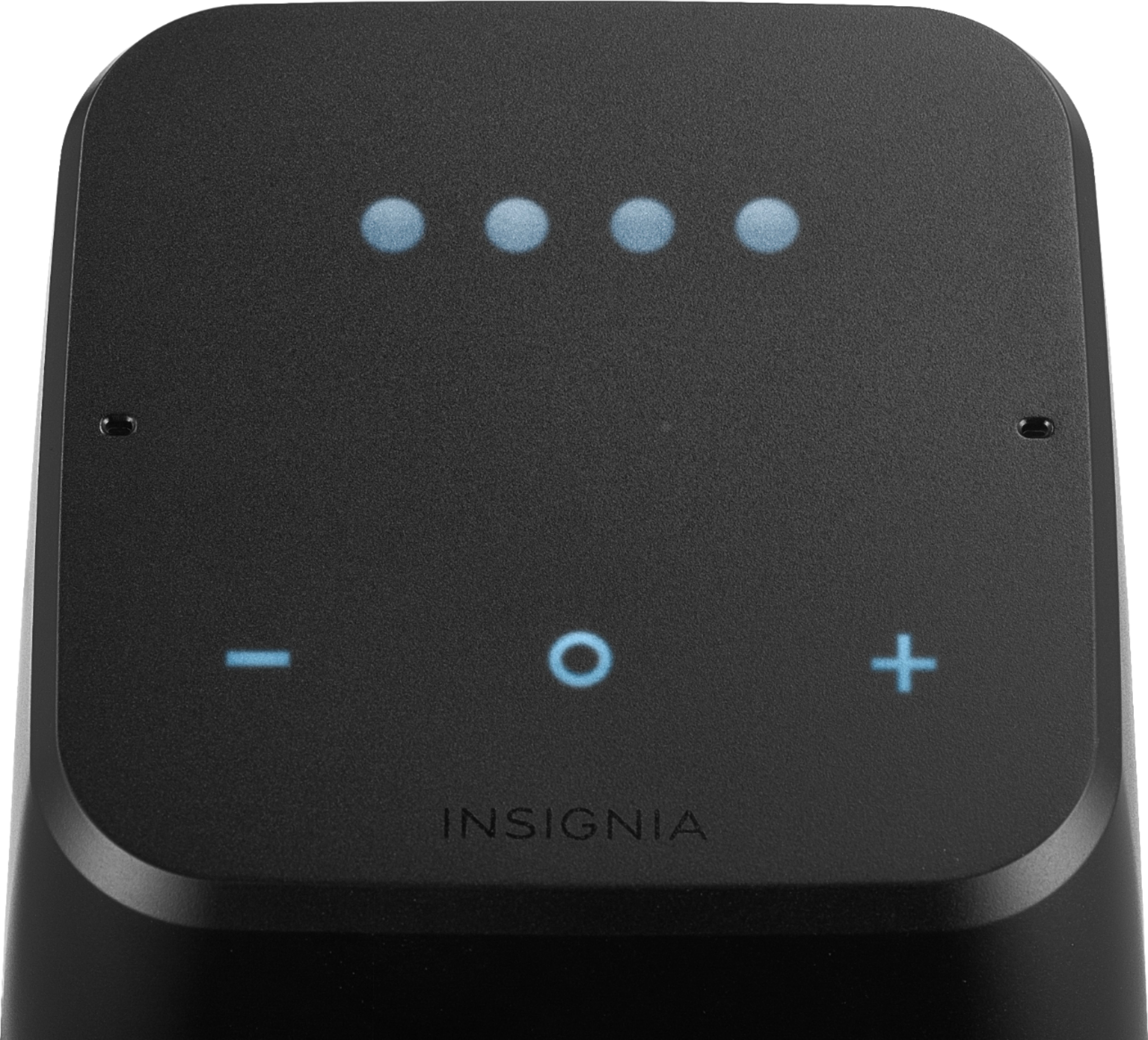
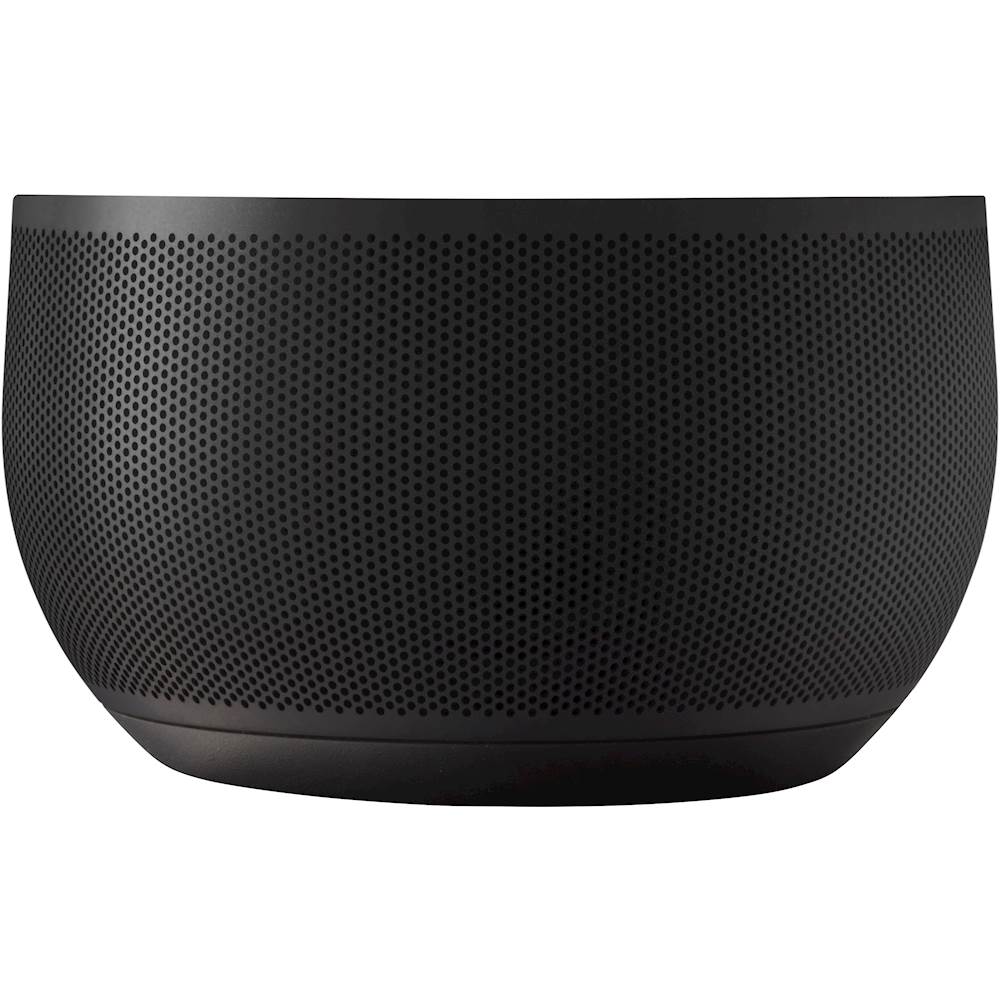
A:AnswerThe best way to change the volume on this device is use the Google Home app on your IPhone that you connected your Google Assistant speaker to your home network. You can also adjust the volume on the machine at the top. I own five of the same devices and I use both an IPhone and Samsung phones to always adjust my volume. I hope this helps.
A:AnswerMine had a firmware update recently that now allows me to make voice calls. It wasn't supported when I bought the speaker in September 2018. Try powering the speaker off and on and see if it forces a firmware update.
A:AnswerPlaying both speakers requires you to get the home app and create a home group in the app. Then through the app you cast to the "group". That's the only way I have gotten it to work
A:AnswerI have Google Play Music...so when I ask it to play a song or genre of music, it uses that by default. However, it will search a couple more music sites (free) if you don't have that. The music selection is more limited at times though. My wife and I really enjoy this little device....it gets used a lot and sounds pretty good.
A:AnswerNo you cannot. With The Google Home and the Amazon Echo Show you can make phone calls. Actually excellent quality phone calls and conference calls. Sounds a lot better than the $10,000.00 phone conferencing hardware we had in the USN (I retired 2 years ago). I really like the Echo Show. Sounds good. Accesses Amazon Prime, Music, Audible and connects to Amazon Fire TV Boxes. You can buy stuff on Amazon with it. Great for listening to books. I have the Insignia next to my bed. Half the price of a Regular Google Home, has a nice digital clock, sounds good, looks better than the Google Home. But you can make phone calls with the Google Home and the Amazon Echo Show. The Insignia is half the price of the Google Home and Google is a better search engine than Alexa. But I really like my Insignia Smart Speakers. I have a Bedroom Group with two of them so it sounds like stereo and they sound great.
A:AnswerGiven that this particular unit is made and licensed as a “white label” product specifically for Best Buy, they will manage the warranty directly. If you’re still within your one year warranty, I would recommend taking it into the store you purchased it. They will examine it, test it and send it off or likely replace it given the cost to ship back and forth versus net cost of the unit. Good luck
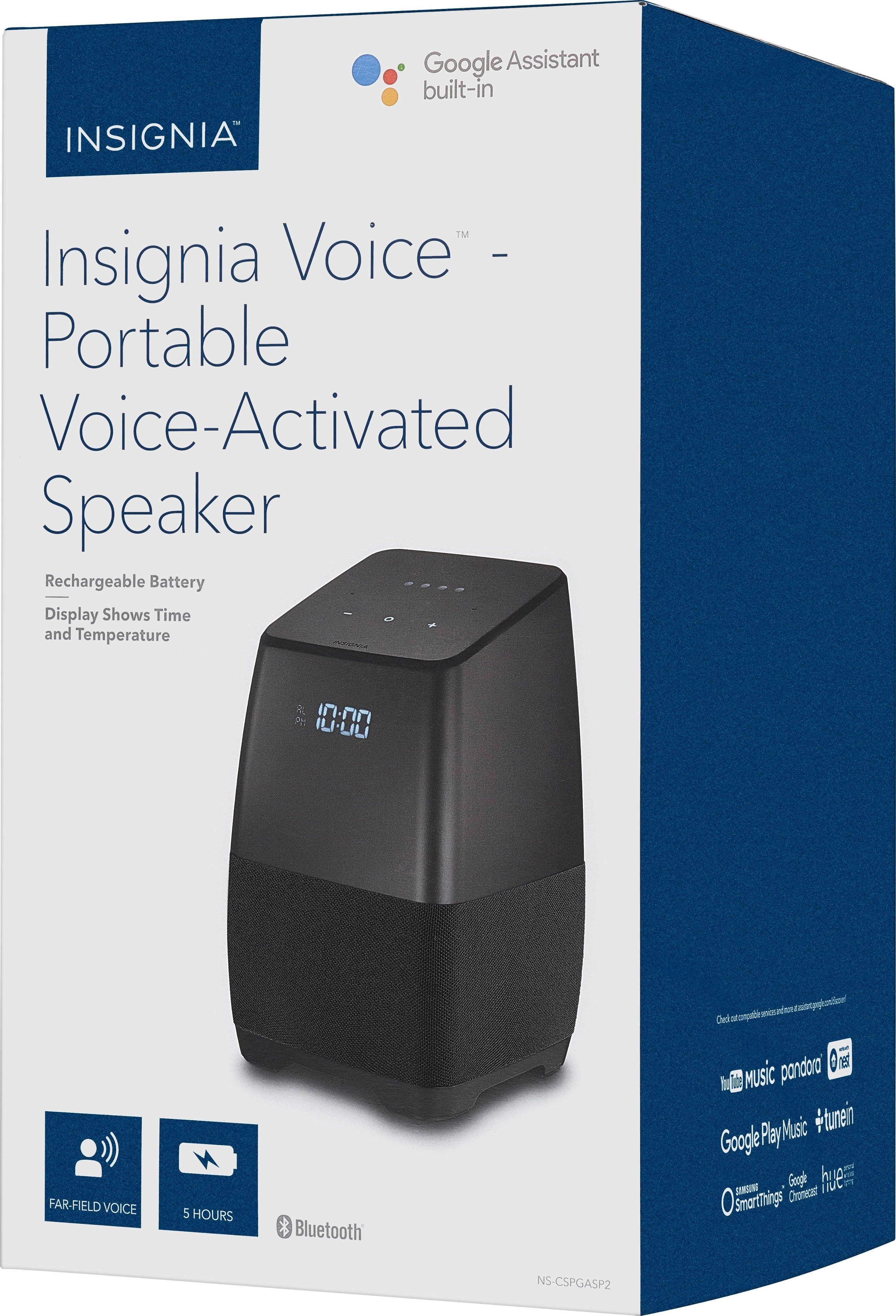
A:AnswerYou can use the speaker strictly as a bluetooth only connection for listening to music, etc. However, to use the Google Assistant, it must be connected to wi-fi.
A:AnswerTo show battery level on the screen, pushing all three buttons simultaneously works for me.
To show temperature on the screen, ask google to display the temperature. It will stay on screen for a little while and then goes bye bye.
A:AnswerIt's true that there are equalizer settings in the Google Home app but they are for the Google Home device, not the Insignia device. I have both and the menus are slightly different. I contacted Google Support through chat and they told me, "Well, you're right that you can control or adjust the treble and bass for your Google Home device but for the insignia speaker we don't have the option to adjust the treble and bass."
A:AnswerCommon issues...make sure wifi is set to 2.4 GHz...not 5 if not using dual band router, wifi is discoverable, and wifi range is adequate.
Seth Kolodny
A:AnswerHello,
Thank you very much for purchasing our Voice Smart Bluetooth speaker. To answer your inquiries about the features of this speaker, this model comes with a Bluetooth 4.2 built in.
Arely R. - Insignia Support
A:AnswerHello,
Thank you for purchasing our Insignia Voice Smart Bluetooth Speaker. Let me tell you a little bit more about this feature.
Insignia voice supports this feature if notified by Google. However, BlueTooth mode does not support this feature (this is controlled by Google).
If you are using Spotify (example) Spotify must support feature in there PLUG in.
Voice Command —> Google —> NS-CSPGASP2 —> Spotify PLUGin (feature to rewind or fast forward)
These features are also limited to premium accounts. I hope this provides clarification to your inquiries.
Arely R. - Insignia Support.
A:AnswerFrom what I understand, the Google Home App is available for iPhone. To verify go you the App store for iPhone and if you can download the Google Home App, your good to go.
A:AnswerYes indeed it does. I have been very satisfied with this device and it interfaces with additional Google devices. I would recommend this to anyone considering the Google device and the sound is great as well