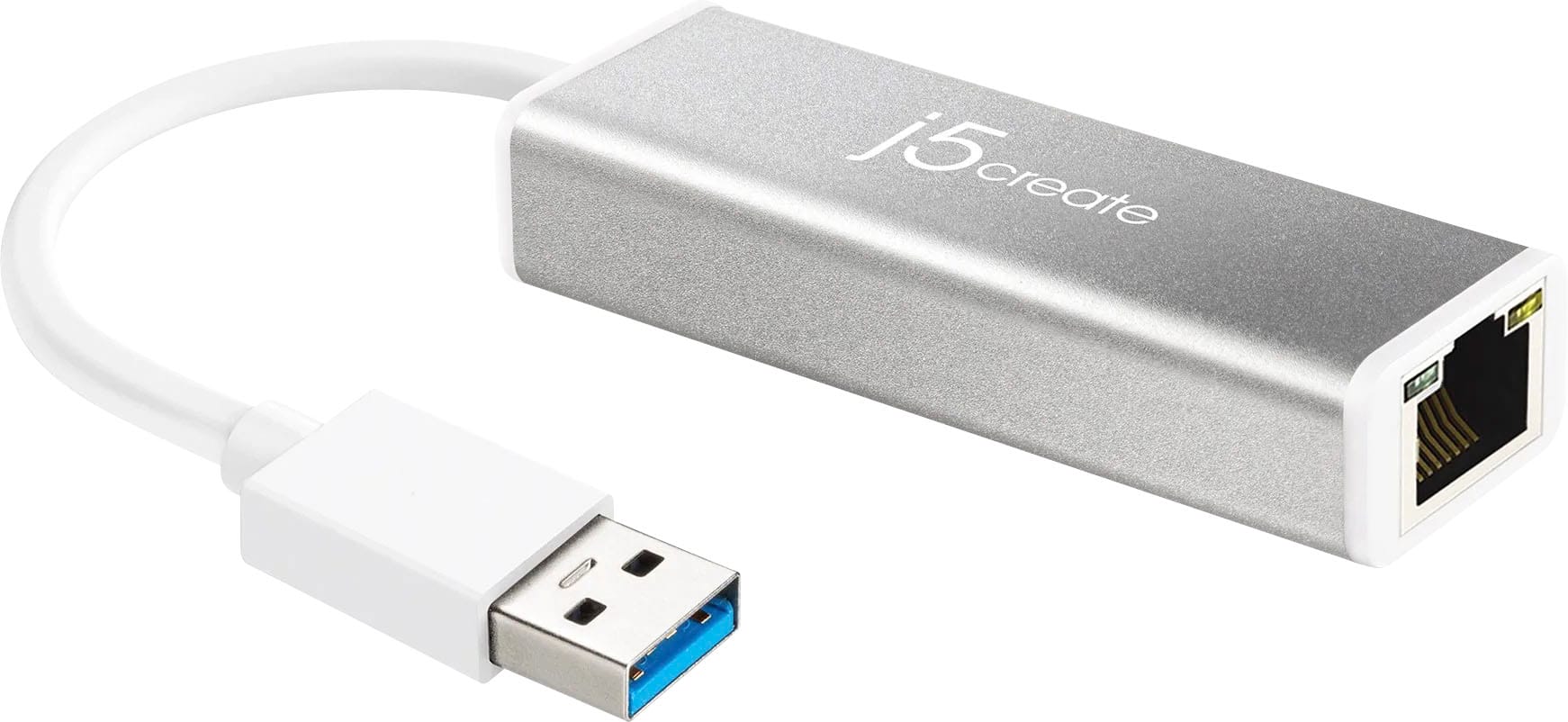
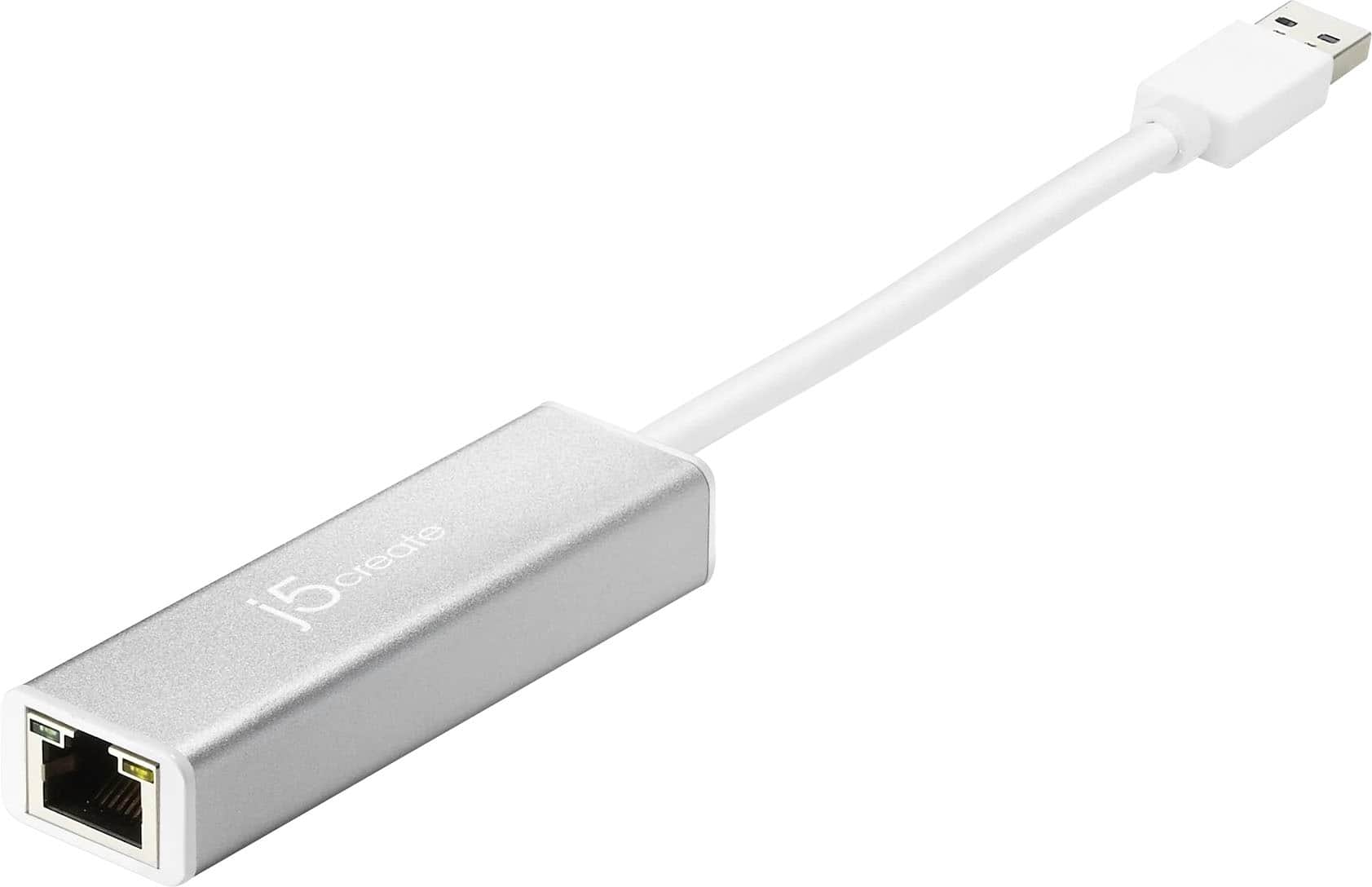
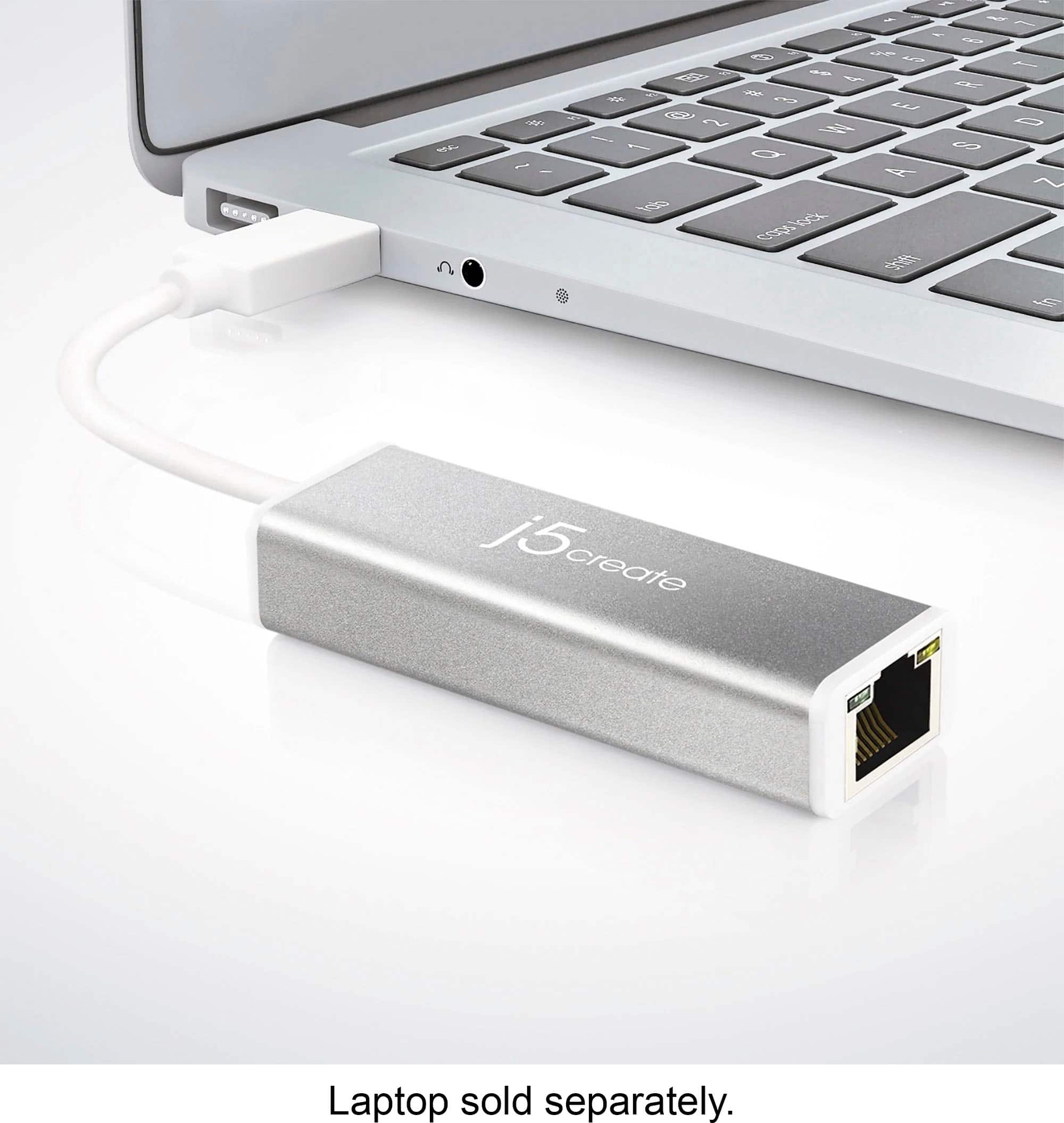
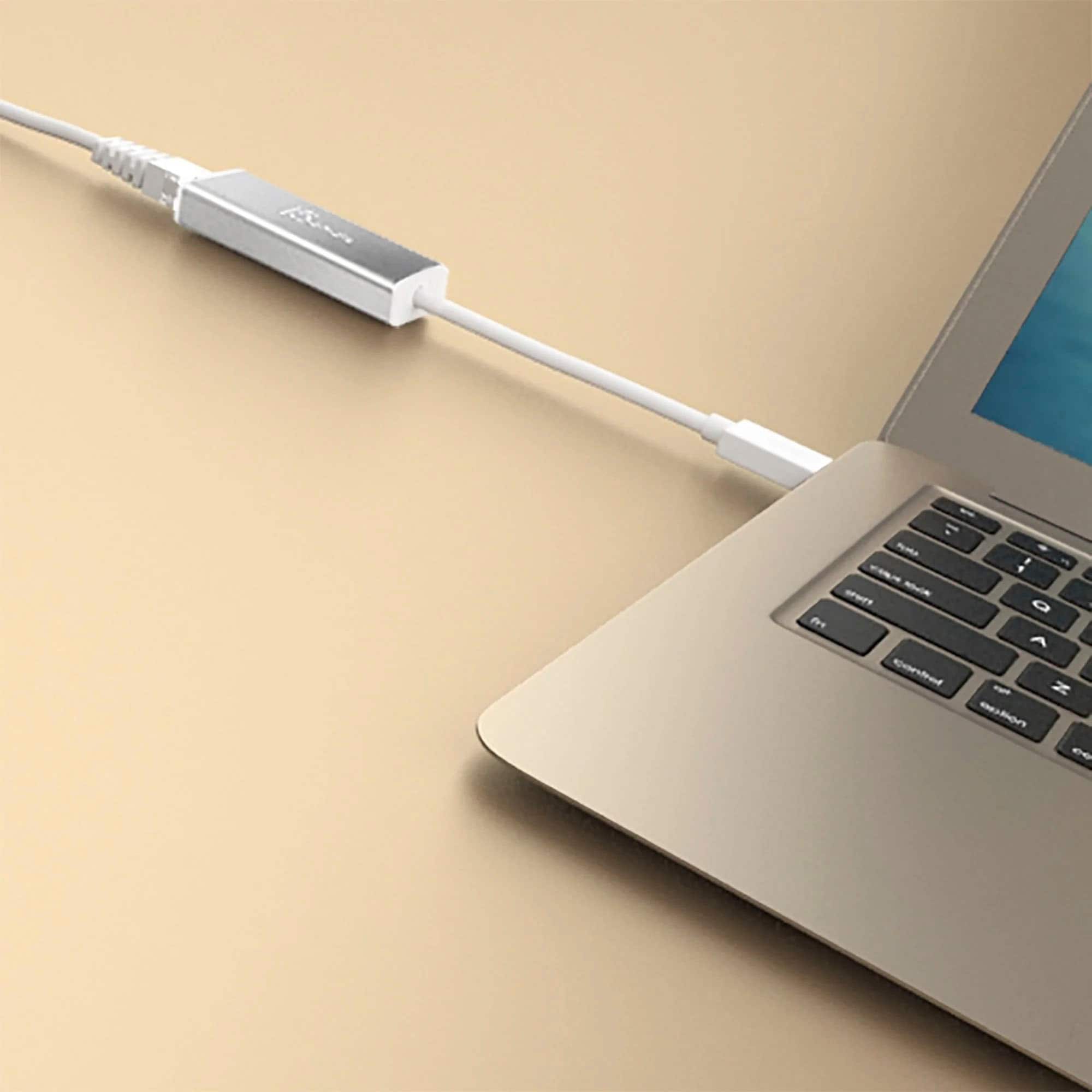
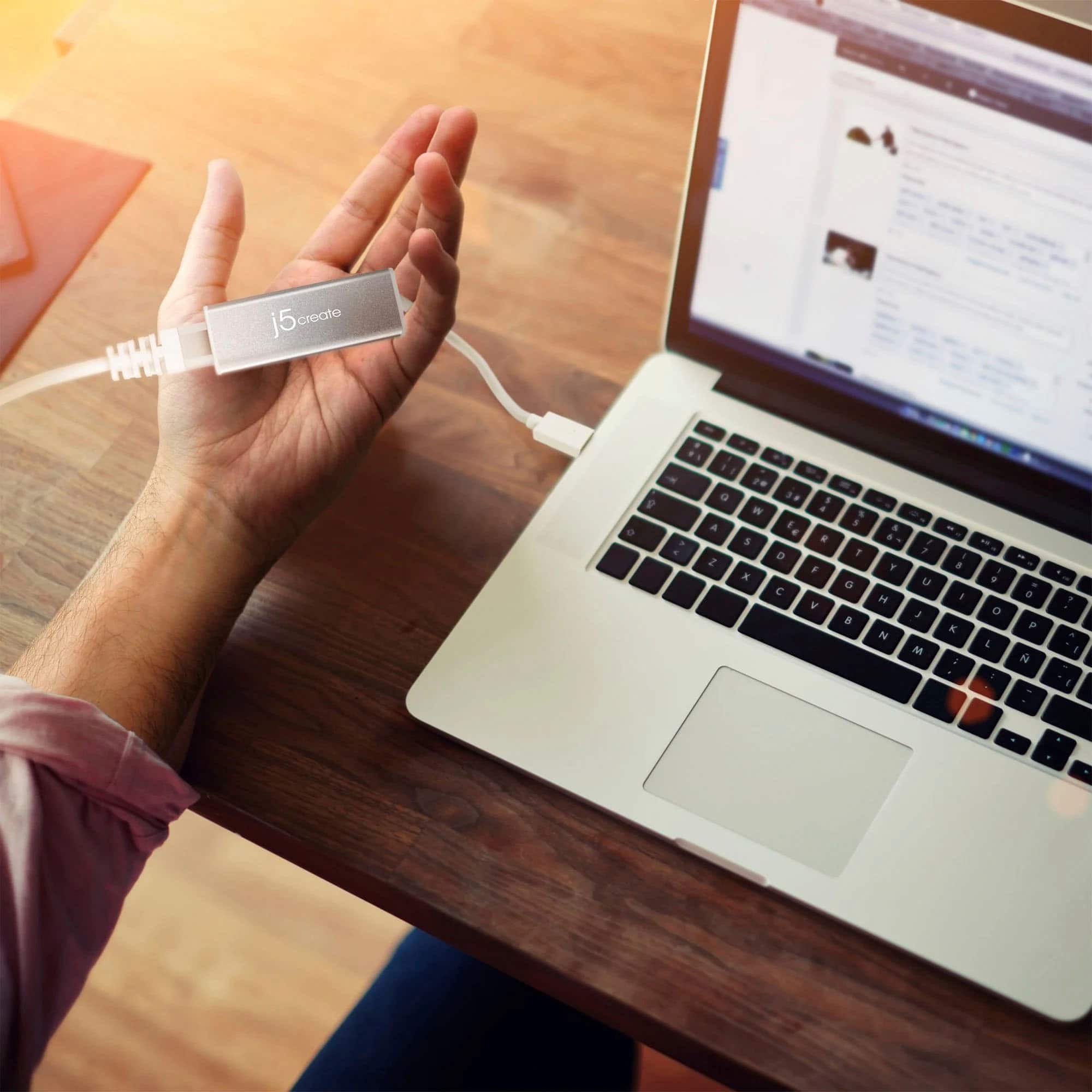
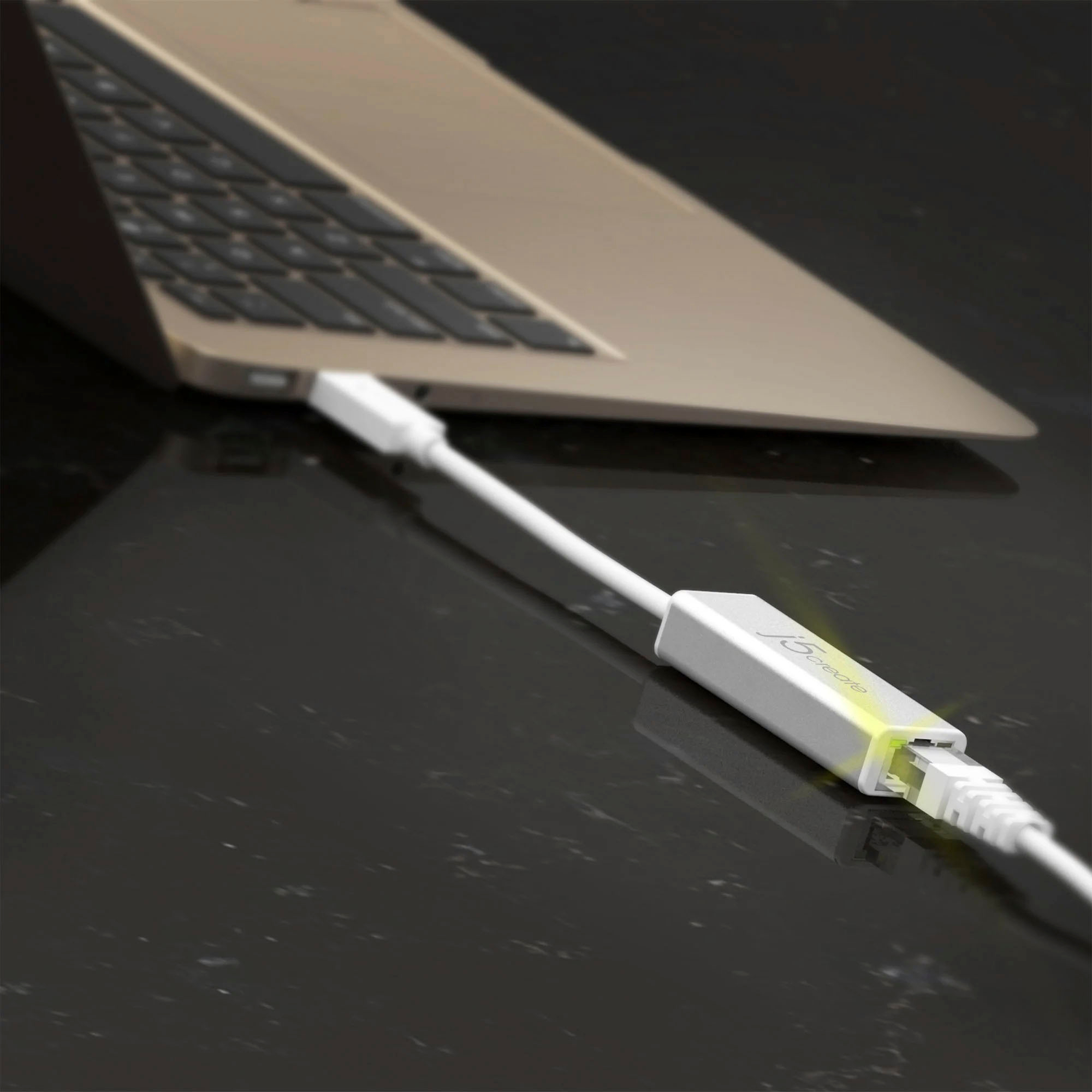
A:AnswerThe JUE130 connects to the computer via USB 3.0, if you only have USB 2.0 ports on your computer, then the JUE130 will max out at about 480 Mbps - unfortunately, you will not be able achieve up to 1 gigabyte speeds due to the speed difference in ports. If you have a USB port labeled "SS" for SuperSpeed - that will provide up to 5Gbps data transfer speeds which will result in up to 1 gigabyte speeds.
A:AnswerI own this Ethernet adapter to provide a wired Ethernet capability to my new laptop, it connects solely to an available USB port ... if your mouse leaves no available USB port, you've got a problem. Other than that, with no other details on your setup, I'd find it hard to believe that these two devices could conflict with each other - on the other hand, if you have run out of ports, add a USB hub!
A:AnswerThe USB 3.0 Gigabit Ethernet Adapter lets your computer connect to a wired Ethernet network via USB, but it does not directly interface with printer network cards like the HP Jetdirect.
A:AnswerUnfortunately the USB 3.0 Gigabit Ethernet Adapter was not designed with the Nintendo Wii in mind, so it is not guaranteed to work with Nintendo Wii console.
A:AnswerThe USB 3.0 Gigabit Ethernet Adapter is intended to connect to a computer with an available USB Type-A port (USB 3.0 is recommended) and connect the RJ45 female end to a modem or router. An installation of a driver is required as well. Drivers are available on j5create website under the "Support" tab.
A:AnswerYou can’t turn it off it’s a driver down loaded. You can however go into the computer connections and select the j5 and disable it when needed.